Carroll County Release of Mechanic Lien Form
Last validated September 8, 2026 by our Forms Development TeamFormatted for recording in Carroll County, for property anywhere in the county: rural and unincorporated areas as well as Bartlett, Center Conway, Center Ossipee, Center Sandwich, Center Tuftonboro, Chatham, Chocorua, Conway and 24 more.
- 3 documents included
- Immediate PDF download
- Formatting guarantee
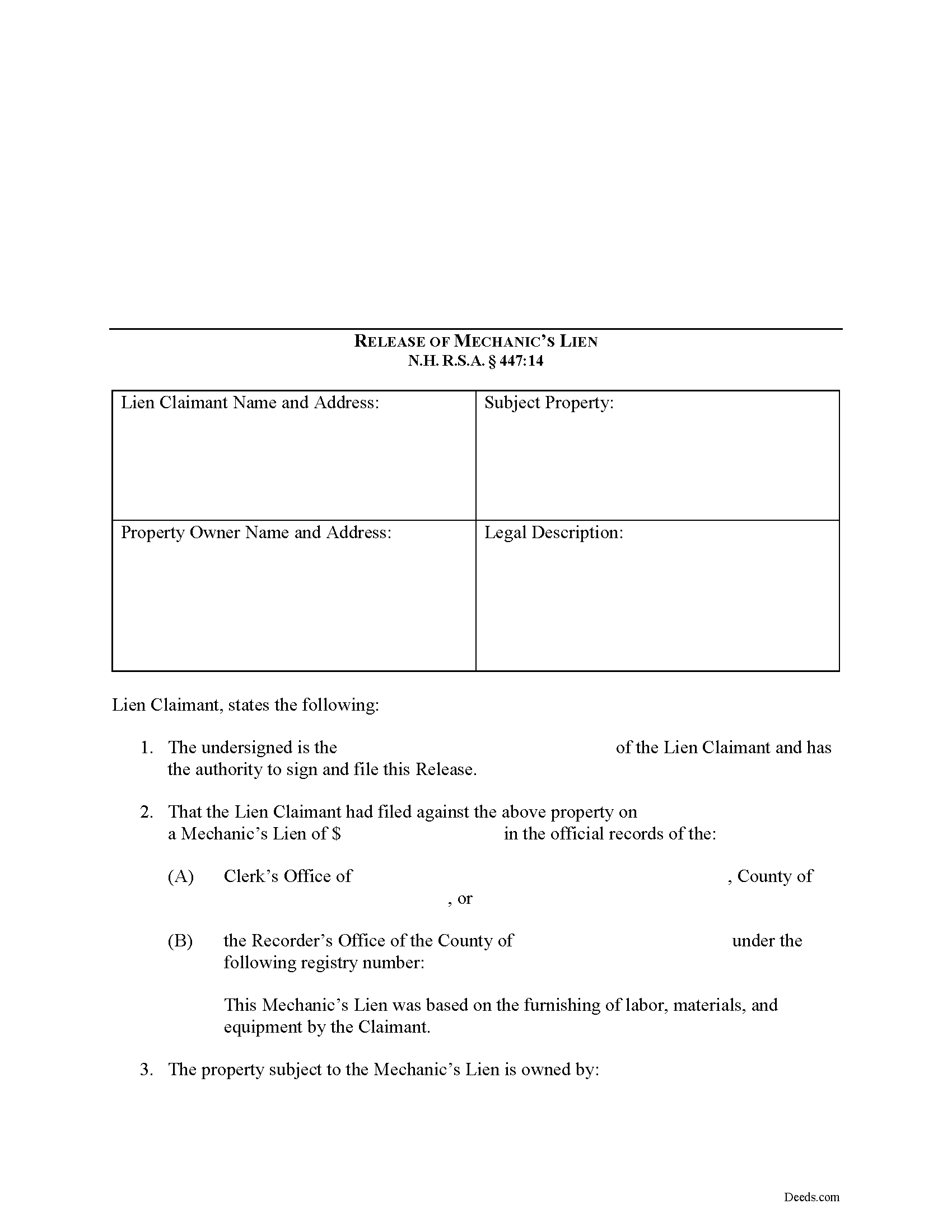
Carroll County Release of Mechanic Lien Form
Fill in the blank Release of Mechanic Lien form formatted to comply with all New Hampshire recording and content requirements.
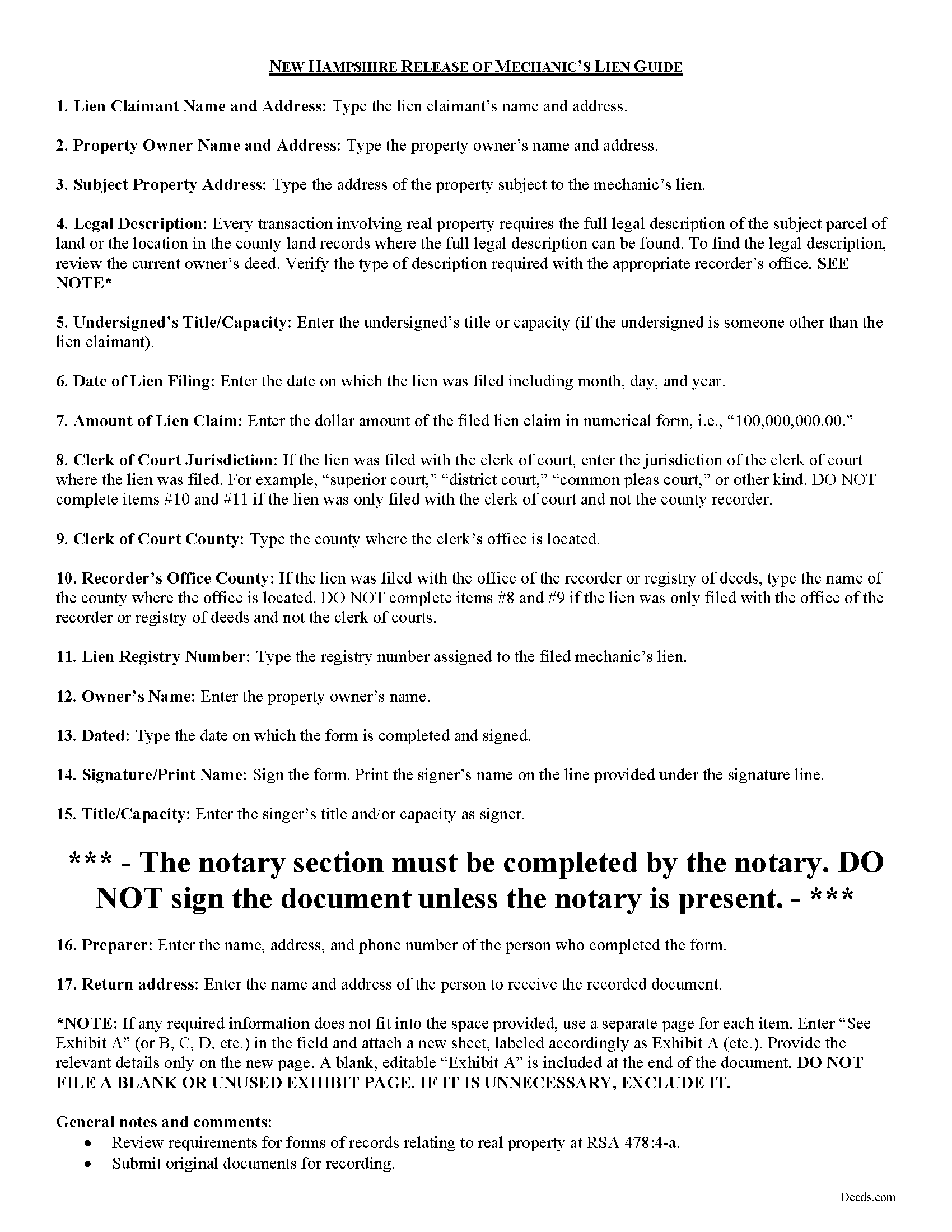
Carroll County Release of Mechanic Lien Guide
Line by line guide explaining every blank on the form.
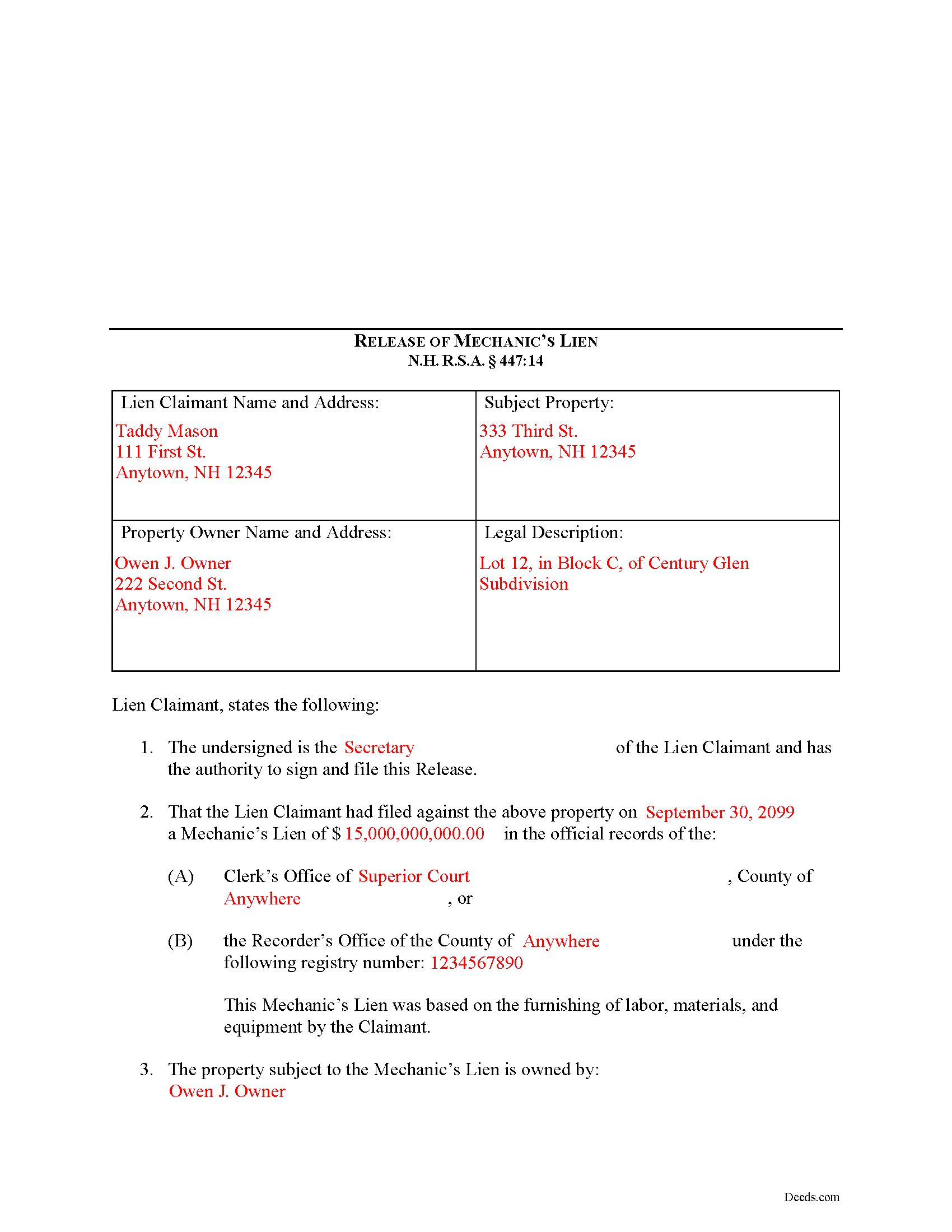
Carroll County Completed Example of the Release of Mechanic Lien Document
Example of a properly completed form for reference.
All 3 documents above included • One-time purchase • No recurring fees
Immediate Download • Secure Checkout
Additional New Hampshire and Carroll County documents included at no extra charge:
Where to Record Your Documents
Registry Of Deeds
Ossipee, New Hampshire 03864
Hours: 9:00am to 5:00pm M-F
Phone: (603) 539-4872
Recording Tips for Carroll County:
- Bring your driver's license or state-issued photo ID
- Ensure all signatures are in blue or black ink
- Ask about their eRecording option for future transactions
- Avoid the last business day of the month when possible
- Both spouses typically need to sign if property is jointly owned
Cities and Jurisdictions in Carroll County
Properties in any of these areas use Carroll County forms:
- Bartlett
- Center Conway
- Center Ossipee
- Center Sandwich
- Center Tuftonboro
- Chatham
- Chocorua
- Conway
- East Wakefield
- Eaton Center
- Effingham
- Freedom
- Glen
- Intervale
- Jackson
- Kearsarge
- Madison
- Melvin Village
- Mirror Lake
- Moultonborough
- North Conway
- North Sandwich
- Ossipee
- Sanbornville
- Silver Lake
- South Tamworth
- Tamworth
- Union
- West Ossipee
- Wolfeboro
- Wolfeboro Falls
- Wonalancet
Hours, fees, requirements, and more for Carroll County
How do I get my forms?
Forms are available for immediate download after payment. The Carroll County forms will be in your account ready to download to your computer. An account is created for you during checkout if you don't have one. Forms are NOT emailed.
Are these forms guaranteed to be recordable in Carroll County?
Yes. Our form blanks are guaranteed to meet or exceed the applicable formatting requirements used for recording in Carroll County, including margin requirements, font requirements, and other layout standards. This guarantee applies to formatting, not to the legal sufficiency of information entered by the user or the suitability of a form for a particular transaction.
Can I reuse these forms?
Yes. You can reuse the forms for your personal use. For example, if you have multiple properties in Carroll County you only need to order once.
What do I need to use these forms?
The forms are PDFs that you fill out on your computer. The free Adobe Acrobat Reader is recommended, and most PDF apps also work. You do NOT enter your property information online - you download the blank forms and complete them privately on your own computer.
Are there any recurring fees?
No. This is a one-time purchase. Nothing to cancel, no memberships, no recurring fees.
How much does it cost to record in Carroll County?
Recording fees in Carroll County vary. Contact the recorder's office at (603) 539-4872 for current fees.
Questions answered? Let's get started!
Releasing a Mechanic's Lien in New Hampshire
Mechanic's liens are governed by Chapter 447 of the New Hampshire Statutes.
Use a lien release form when a filed mechanic's lien is no longer needed because the underlying obligation has been paid off, the claim has been settled between the parties, or for any other valid reason.
The lien created by RSA 447:2-7, inclusive, shall continue for 120 days after the services are performed, or the materials, supplies or other things are furnished, unless payment is previously made, and shall take precedence of all prior claims except liens on account of taxes. NH RSA 447:9. Therefore, the release can be used to officially cancel a lien after the expiration of time. Any compelled release will not be recognized unless it was made in consideration of payment on the underlying claim.
In addition to meeting all local standards for recorded documents, the lien release identifies the parties, the location of the work, recording information for the filed lien, and relevant dates and amounts. Once completed and notarized, the claimant submits the release form to the same office where the lien is on file.
This article is offered for informational purposes only and is not legal advice. This information should not be relied upon as a substitute for speaking with an attorney. Please speak with an attorney familiar with lien laws with questions regarding lien releases, or for any other issues related to mechanic's liens in New Hampshire.
Important: Your property must be located in Carroll County to use these forms. Documents should be recorded at the county recording office listed above.
This Release of Mechanic Lien meets all recording requirements specific to Carroll County.
Our Promise
The documents you receive here are guaranteed to meet or exceed the applicable Carroll County recording format requirements. If there is a rejection caused by our formatting, we will correct the issue or refund your payment. This guarantee applies to document formatting only and does not extend to information entered by the user, the selection of the form, or the legal effect of the completed document.
Save Time and Money
Get your Carroll County Release of Mechanic Lien form done right the first time with Deeds.com Uniform Conveyancing Blanks. At Deeds.com, we understand that your time and money are valuable resources, and we don't want you to face a penalty fee or rejection imposed by a county recorder for submitting nonstandard documents. We constantly review and update our forms to meet rapidly changing state and county recording requirements for roughly 3,500 counties and local jurisdictions.
4.8 out of 5 - ( 4,865 Reviews )
Jeri M. 5 out of 5 stars
Very happy with the site and the deed document I received.
We appreciate your business and value your feedback. Thank you. Have a wonderful day!
Ron D. 3 out of 5 stars
The State form I chose was valid and accurate. However, I found the ability to enter information was inadequate and difficult. Converted the form to a Word document and was then able to enter the information I needed to.
Your feedback is valuable to us and helps us improve. Thank you for sharing your thoughts!
Kevin V. 5 out of 5 stars
This is an option for recording that worked flawlessly with my county government. Given Covid19 has closed county offices to the public as well as the personal kiosks options to record shrunk dramatically. I recommend Deeds.Com for your recording needs.
Thank you for your feedback. We really appreciate it. Have a great day!
lamar J. 5 out of 5 stars
Easy to understand and work with Very pleased with the information I Received
We appreciate your business and value your feedback. Thank you. Have a wonderful day!
Kimberly H. 5 out of 5 stars
Very convenient, easy to use, and fast! I highly recommend Deeds.com!
We appreciate your business and value your feedback. Thank you. Have a wonderful day!
Zachary F. 3 out of 5 stars
I am a lawyer and purchased a specialized type of deed for a special scenario. The product received was functional, but not great. Wording is slightly clunky and the form layout was not convenient for making a professional final product. The wording also didn't contemplate a remote-state probate, which is a common scenario. Something about the PDF prevented me from doing cut and paste, so I had to do OCR to get the relevant text for inserting in my existing draft deed. Finally, while the site claims it is customized for the exact state and county, it does not appear to be well-customized for that purpose and I had to use other language (not sourced from the deeds.com document) to meet local norms.
Thank you for your feedback. We really appreciate it. Have a great day!
Monica T. 5 out of 5 stars
Super easy to use. Very pleased. The turn around time was very fast. I have another one pending. Thank you!
We are grateful for your feedback and looking forward to serving you again. Thank you!
james b. 5 out of 5 stars
worked great
Thank you!
Bonnee G. 5 out of 5 stars
Arrived at your site from my county's government site. Saw that all the forms I think I need were included in one package deal, hopefully its the correct package. I Although I've not looked into other aspects of the site, retrieving the forms was pretty easy. Thank you
Thank you for your feedback. We really appreciate it. Have a great day!
Jimmy W. 5 out of 5 stars
The forms where easy to get to and I hope that they will be as easy to fill out.
Thank you!
Roger W. 5 out of 5 stars
worked very good or me
Thank you Roger, have a great day!
Heather M. 5 out of 5 stars
Great service, convenient, fast and easy to use. Thumbs Up!!!!w
We appreciate your business and value your feedback. Thank you. Have a wonderful day!
Toni M. 5 out of 5 stars
I liked having the forms. Some may need to know they can look at the legal Description from online county records, then type up in Word document line by line, the degree sign in Word program is achieved by using alt and 248 on number pad. Then on the form page one write SEE Exibit A and title your Word program description as Exibit A. Goes without saying the legal description should be looked over many times and it is easier to do so if you format your Word the same lineage as the legal description online which is usually not text which is why you have to retype it.
Thank you for your feedback. We really appreciate it. Have a great day!
Michael M. 5 out of 5 stars
Great service that satisfied all my needs. Great prices too.
We appreciate your business and value your feedback. Thank you. Have a wonderful day!
janelle s. 5 out of 5 stars
Uncertain about use as I am new to online forms. Through use I am sure it will feel more comfortable. I like the storage of filled in info forms because I might be using I will be using them or the info in the future.
Thank you for your feedback. We really appreciate it. Have a great day!