Salem County Assignment of Mortgage Form
Last validated October 19, 2026 by our Forms Development TeamFormatted for recording in Salem County, for property anywhere in the county: rural and unincorporated areas as well as Alloway, Deepwater, Elmer, Hancocks Bridge, Monroeville, Norma, Pedricktown, Penns Grove and 4 more.
- 6 documents included
- Immediate PDF download
- Formatting guarantee
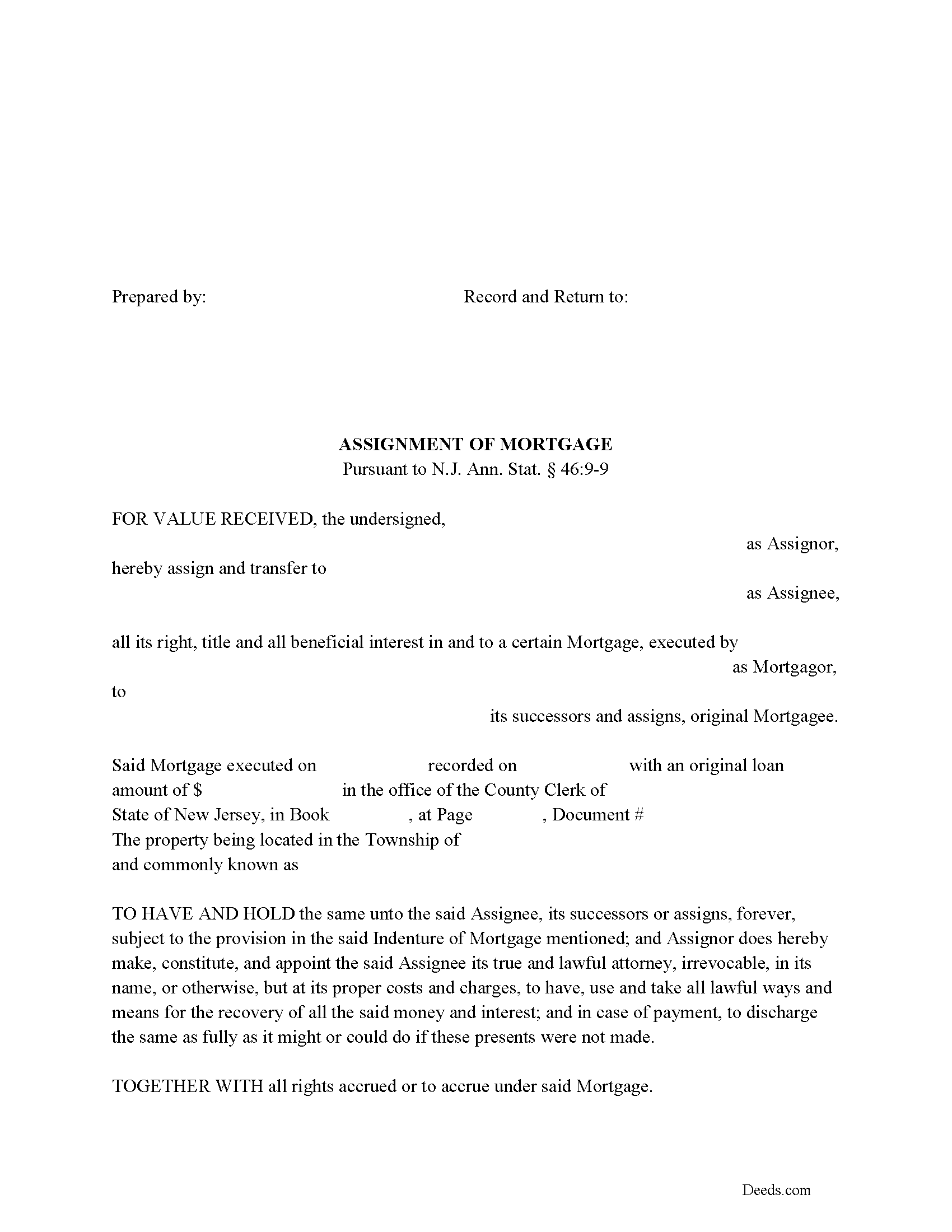
Salem County Assignment of Mortgage Form
Fill in the blank form formatted to comply with all recording and content requirements.
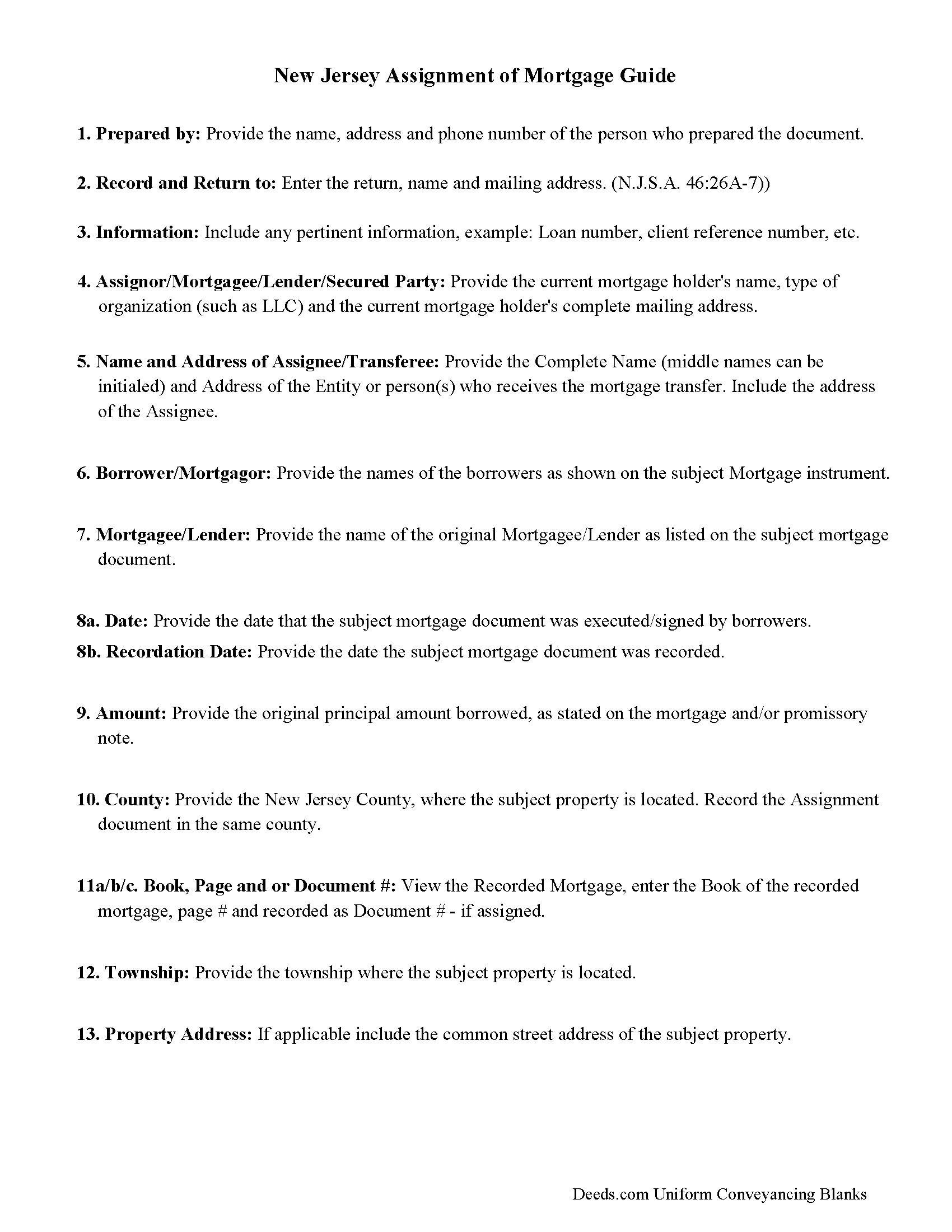
Salem County Assignment of Mortgage Guidelines
Line by line guide explaining every blank on the form.
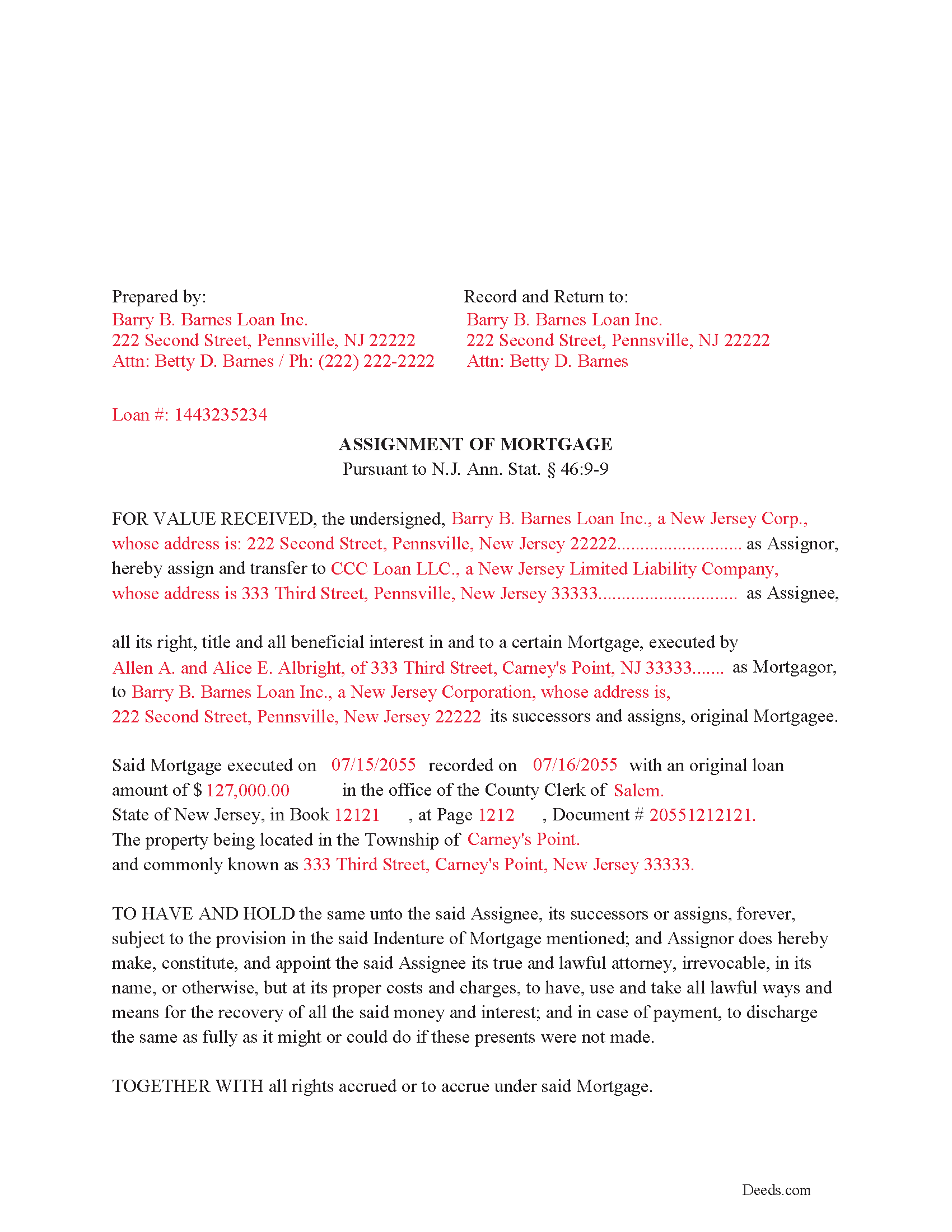
Salem County Completed Example of the Assignment of Mortgage Document
Example of a properly completed form for reference.
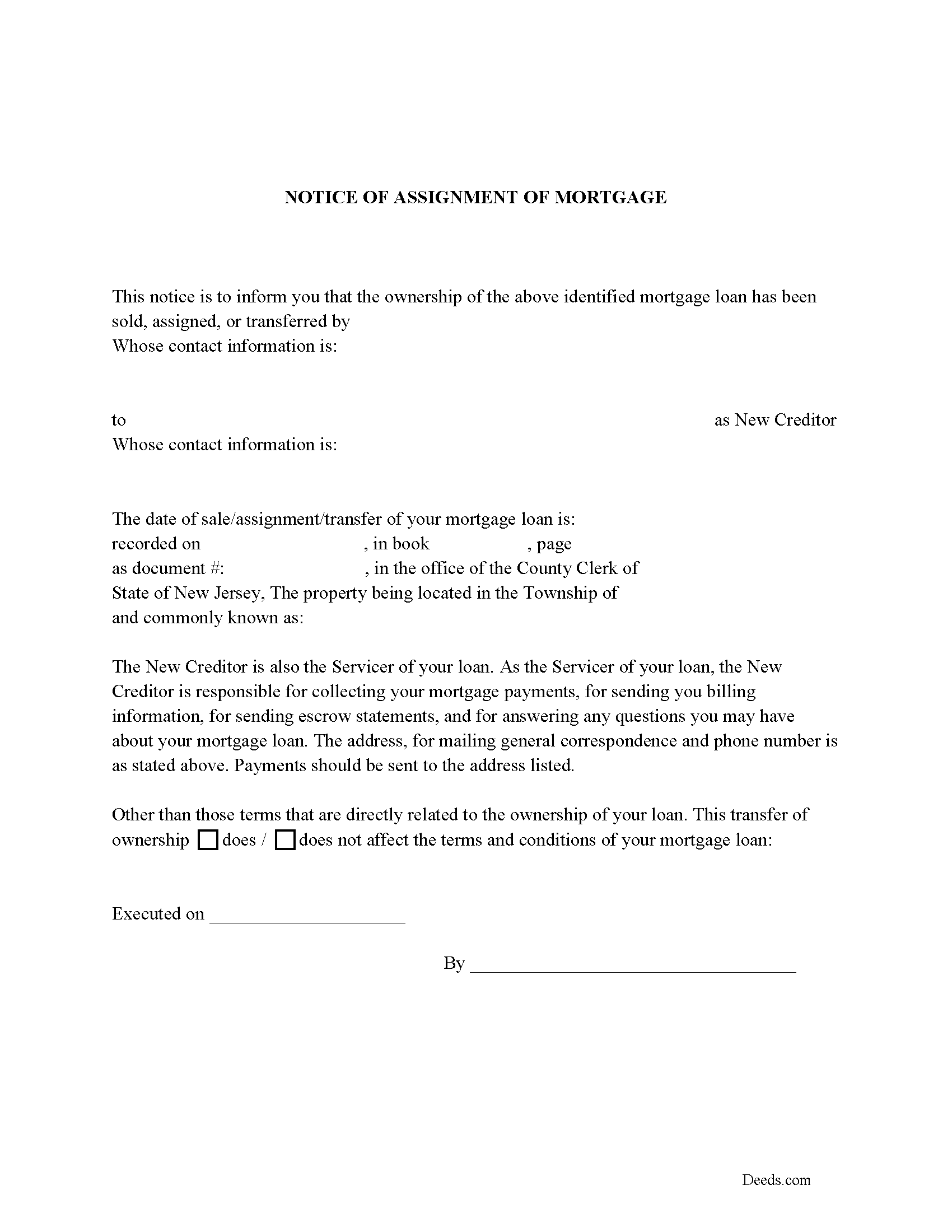
Salem County Notice of Assignment of Mortgage Form
Fill in the blank form formatted to comply with content requirements.
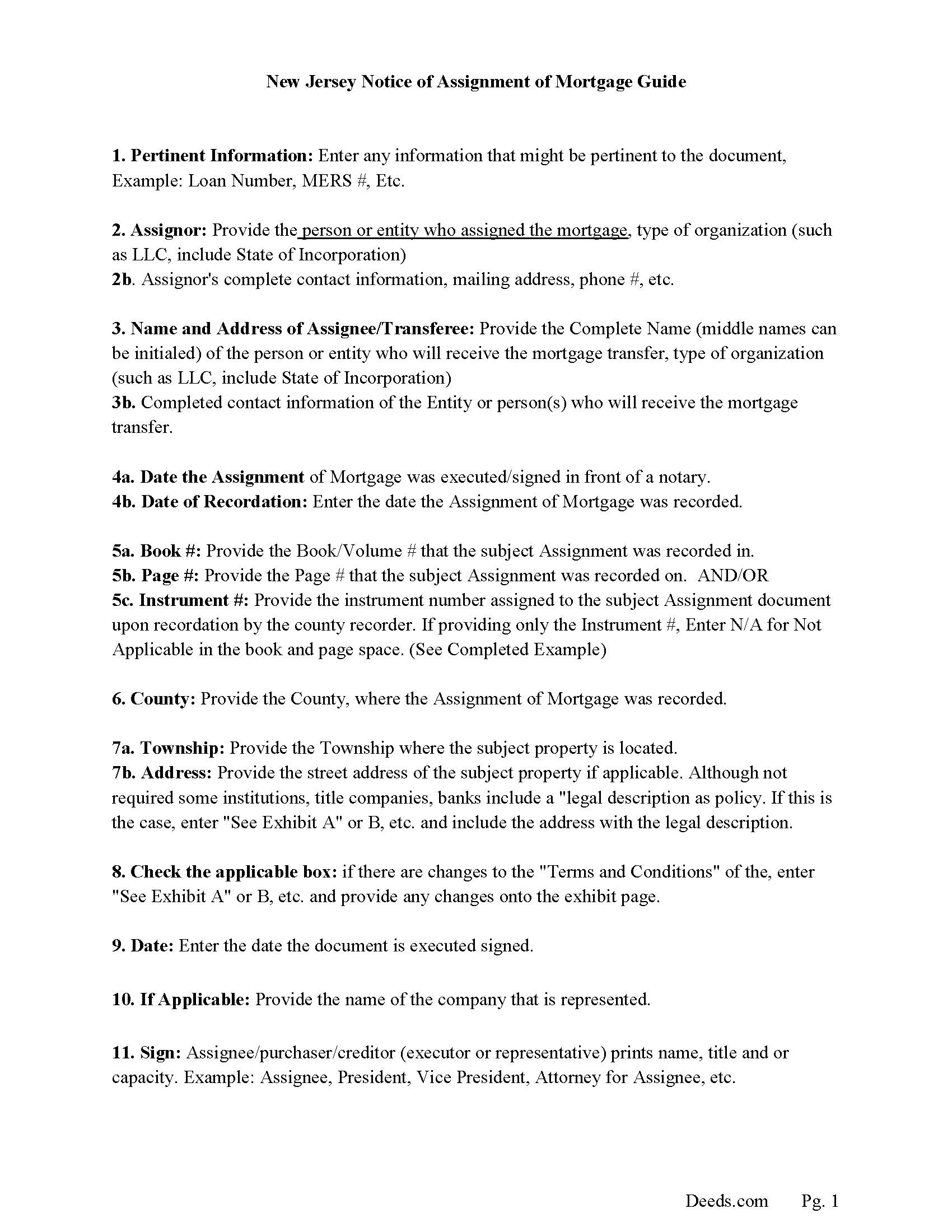
Salem County Notice of Assignment Guidelines
Line by line guide explaining every blank on the form.
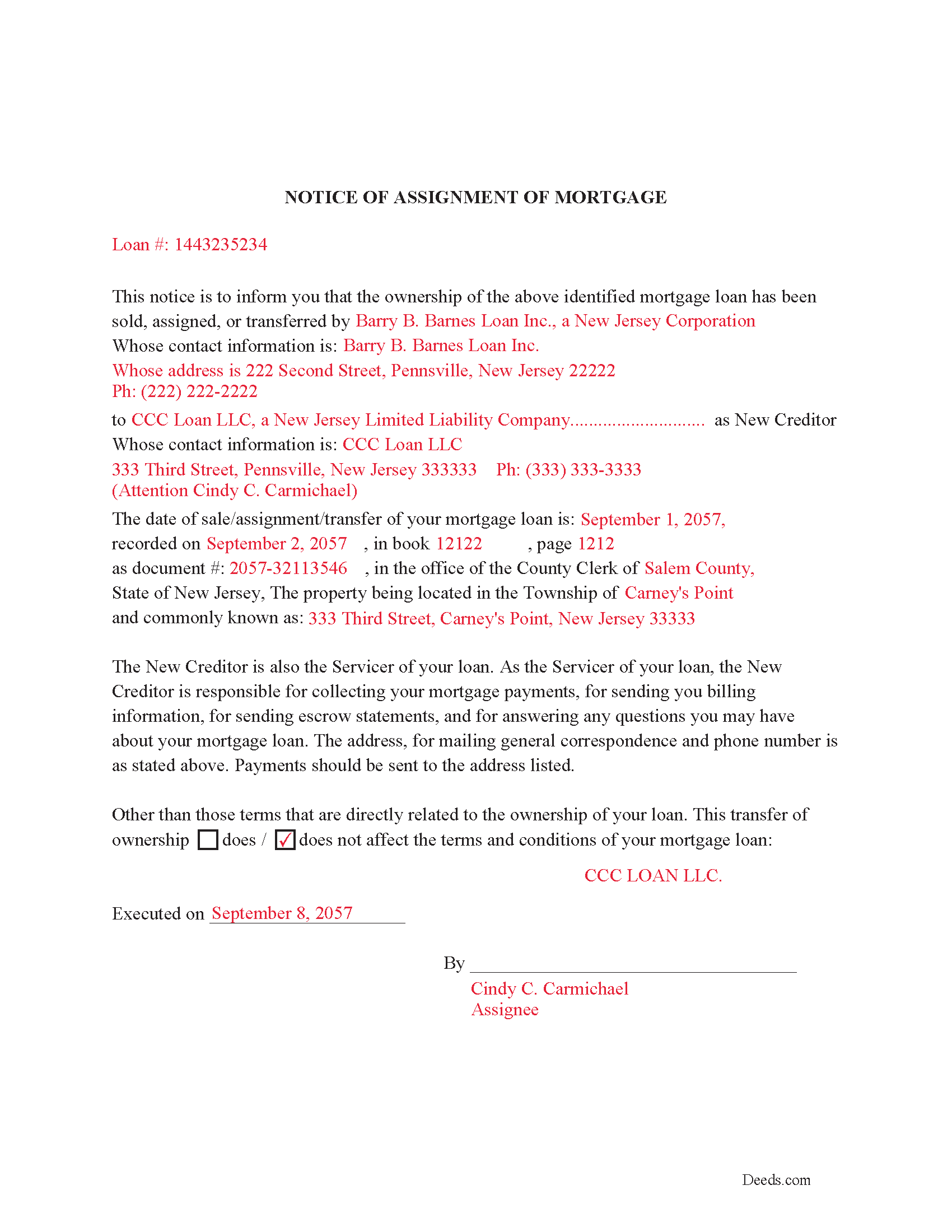
Salem County Completed Example of Notice of Assignment Document
Example of a properly completed form for reference.
All 6 documents above included • One-time purchase • No recurring fees
Immediate Download • Secure Checkout
Additional New Jersey and Salem County documents included at no extra charge:
Where to Record Your Documents
Salem County Clerk
Salem, New Jersey 08079
Hours: 8:30 to 4:30 M-F / Transactions until 4:00
Phone: (856) 935-7510 x8219
Recording Tips for Salem County:
- Bring your driver's license or state-issued photo ID
- Ensure all signatures are in blue or black ink
- Both spouses typically need to sign if property is jointly owned
- Bring extra funds - fees can vary by document type and page count
- Check margin requirements - usually 1-2 inches at top
Cities and Jurisdictions in Salem County
Properties in any of these areas use Salem County forms:
- Alloway
- Deepwater
- Elmer
- Hancocks Bridge
- Monroeville
- Norma
- Pedricktown
- Penns Grove
- Pennsville
- Quinton
- Salem
- Woodstown
Hours, fees, requirements, and more for Salem County
How do I get my forms?
Forms are available for immediate download after payment. The Salem County forms will be in your account ready to download to your computer. An account is created for you during checkout if you don't have one. Forms are NOT emailed.
Are these forms guaranteed to be recordable in Salem County?
Yes. Our form blanks are guaranteed to meet or exceed the applicable formatting requirements used for recording in Salem County, including margin requirements, font requirements, and other layout standards. This guarantee applies to formatting, not to the legal sufficiency of information entered by the user or the suitability of a form for a particular transaction.
Can I reuse these forms?
Yes. You can reuse the forms for your personal use. For example, if you have multiple properties in Salem County you only need to order once.
What do I need to use these forms?
The forms are PDFs that you fill out on your computer. The free Adobe Acrobat Reader is recommended, and most PDF apps also work. You do NOT enter your property information online - you download the blank forms and complete them privately on your own computer.
Are there any recurring fees?
No. This is a one-time purchase. Nothing to cancel, no memberships, no recurring fees.
How much does it cost to record in Salem County?
Recording fees in Salem County vary. Contact the recorder's office at (856) 935-7510 x8219 for current fees.
Questions answered? Let's get started!
Use this form to assign an existing mortgage to another entity per NJ Rev Stat 46:9-9 which states: 46:9-9. All mortgages on real estate in this State, and all covenants and stipulations therein contained, shall be assignable at law by writing, whether sealed or not, and any such assignment shall pass and convey the estate of the assignor in the mortgaged premises, and the assignee may sue thereon in his own name, but, in any such action by the assignee, there shall be allowed all just set-offs and other defenses against the assignor that would have been allowed in any action brought by the assignor and existing before notice of such assignment.
Current Borrowers must be notified of the assignment. Notification consists of contact information of the new creditor, recording dates, recording instrument numbers, changes in loan, etc. Included are "Notice of Assignment of Mortgage" forms.
The Truth and lending act requires that borrowers be notified when their Mortgage has been sold, transferred, or assigned to a new creditor. Generally, within 30 days to avoid up to $2,000.00 in statutory damages, plus reasonable attorney's fees. Systematic violations can reach up $500,000.00.
(New Jersey AOM Package includes form, guidelines, and completed example) For use in New Jersey only.
Important: Your property must be located in Salem County to use these forms. Documents should be recorded at the county recording office listed above.
This Assignment of Mortgage meets all recording requirements specific to Salem County.
Our Promise
The documents you receive here are guaranteed to meet or exceed the applicable Salem County recording format requirements. If there is a rejection caused by our formatting, we will correct the issue or refund your payment. This guarantee applies to document formatting only and does not extend to information entered by the user, the selection of the form, or the legal effect of the completed document.
Save Time and Money
Get your Salem County Assignment of Mortgage form done right the first time with Deeds.com Uniform Conveyancing Blanks. At Deeds.com, we understand that your time and money are valuable resources, and we don't want you to face a penalty fee or rejection imposed by a county recorder for submitting nonstandard documents. We constantly review and update our forms to meet rapidly changing state and county recording requirements for roughly 3,500 counties and local jurisdictions.
4.8 out of 5 - ( 4,837 Reviews )
Wilma D. 5 out of 5 stars
The certification of trust looks fine to me. I printed it and filled it out and had it notarized today. I have not sent it to the company that wants it yet so that will be the test. They are very picky. If they have any comment I will let you know.
Thank you for your feedback. We really appreciate it. Have a great day!
David B. 5 out of 5 stars
The requested forms were easy to access. Thank you.
Thank you!
Melody P. 5 out of 5 stars
Thanks again for such excellent service, and always a pleasure!
Thank you!
Roger S. 1 out of 5 stars
status was canceled. said i needed to record directly. would be 5 stars if it worked.
Sorry for the inconvenience Roger. Unfortunately, not all jurisdictions in the country have progressed to the point of being able to accept all document types for e-recording.
Juanita G. 5 out of 5 stars
Easy and efficient service. The communication is on point. Thank you!
Thank you for your positive words! We’re thrilled to hear about your experience.
Paul A. 4 out of 5 stars
Promissory note guidelines instruction No. 1 has misspelled Principle [sic]. Promissory note blank form number 1(c) the formatting of the P&I payment is not correct.
Thank you for pointing this out, Paul. We appreciate the careful feedback and will review the instruction typo and the formatting issue in section 1(c) so they can be corrected where needed.
Pamela D K. 5 out of 5 stars
very helpful. Was unable to find what I needed, but did everything they could to help. Will try them again in the future, if need be.
Thank you for your feedback. We really appreciate it. Have a great day!
Ron D. 3 out of 5 stars
The State form I chose was valid and accurate. However, I found the ability to enter information was inadequate and difficult. Converted the form to a Word document and was then able to enter the information I needed to.
Your feedback is valuable to us and helps us improve. Thank you for sharing your thoughts!
Richard E. 3 out of 5 stars
The QuitClaim deed does not provide enough space in the Grantor block at the top of the first page. In fact, all blocks should provide more space.
Thank you for your feedback. We really appreciate it. Have a great day!
Maxwell G. 5 out of 5 stars
I am so very happy with the service provided by Deeds.com. The process was simple and saved me a lot of time by not having to go to the courthouse, wait in line, and waste a big part of my day. In addition, the cost is a lot less than I expected. I highly recommend this service.
Your feedback is greatly appreciated. Thank you for taking the time to share your experience!
Joice W G. 4 out of 5 stars
Easy to use and able to individualize, which was important since I needed to print more than one doc. I just wish I had an option for a less expensive purchase - seemed like a lot for just a couple docs.
We appreciate your business and value your feedback. Thank you. Have a wonderful day!
Jennifer J. 5 out of 5 stars
I have to admit this process was a scary one but you have made it very clear and simple to follow along with. I felt their virtual hand holding, that is how user friendly it is. Thank you for being top notch.
Thank you!
STEPHEN C. 5 out of 5 stars
Excellent service. Easy to use. Thank you.
We appreciate your business and value your feedback. Thank you. Have a wonderful day!
Joey S. 5 out of 5 stars
This is the easiest process ever!
Thank you!
Valerie C. 5 out of 5 stars
Thanks
Thank you!