Chatham County Quitclaim Deed (Trustee Grantor) Form
Last validated October 5, 2026 by our Forms Development TeamFormatted for recording in Chatham County, for property anywhere in the county: rural and unincorporated areas as well as Bear Creek, Bennett, Bonlee, Bynum, Goldston, Gulf, Moncure, Pittsboro and 1 more.
- 3 documents included
- Immediate PDF download
- Formatting guarantee
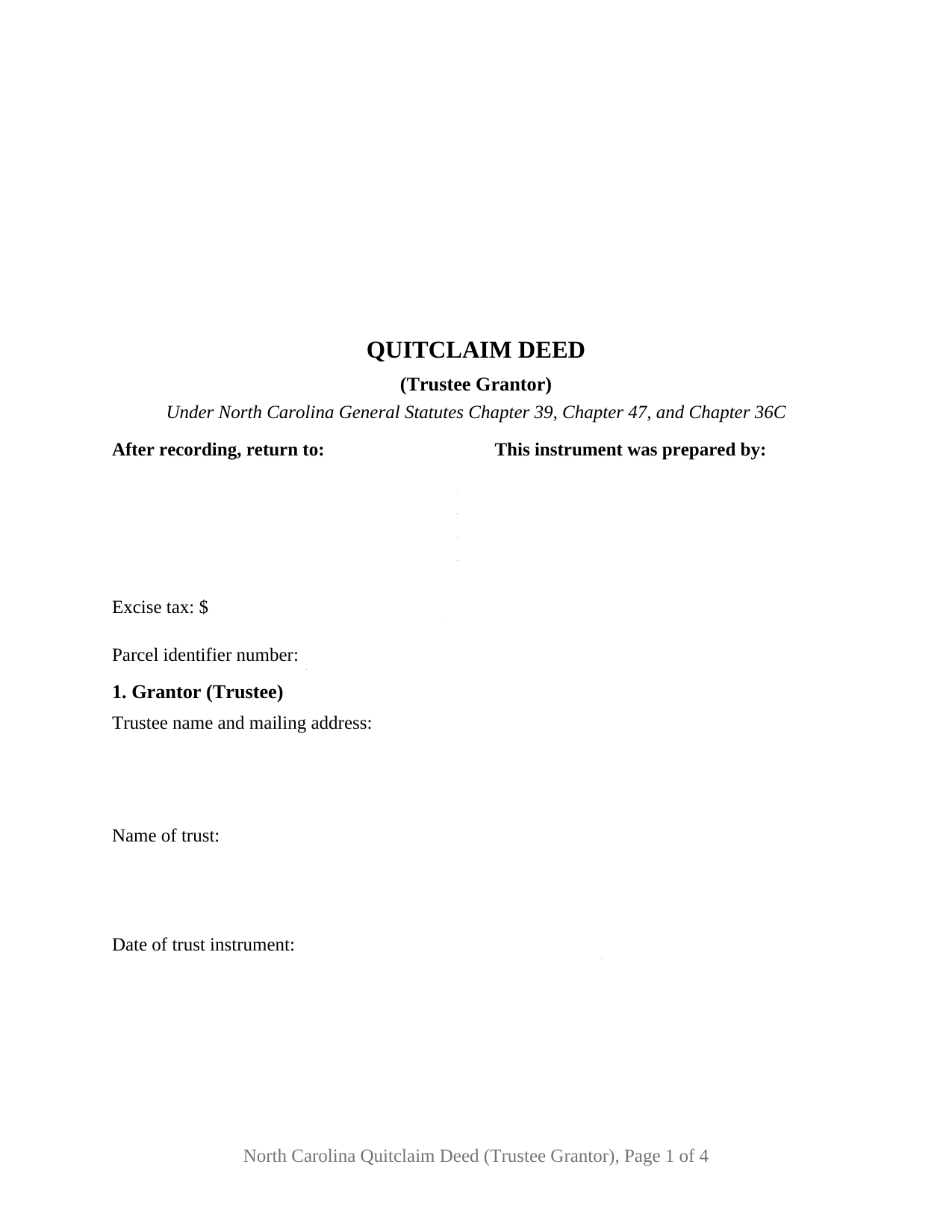
Chatham County Quitclaim Deed (Trustee Grantor) Form
Fill in the blank Quitclaim Deed (Trustee Grantor) form formatted to comply with all North Carolina recording and content requirements.
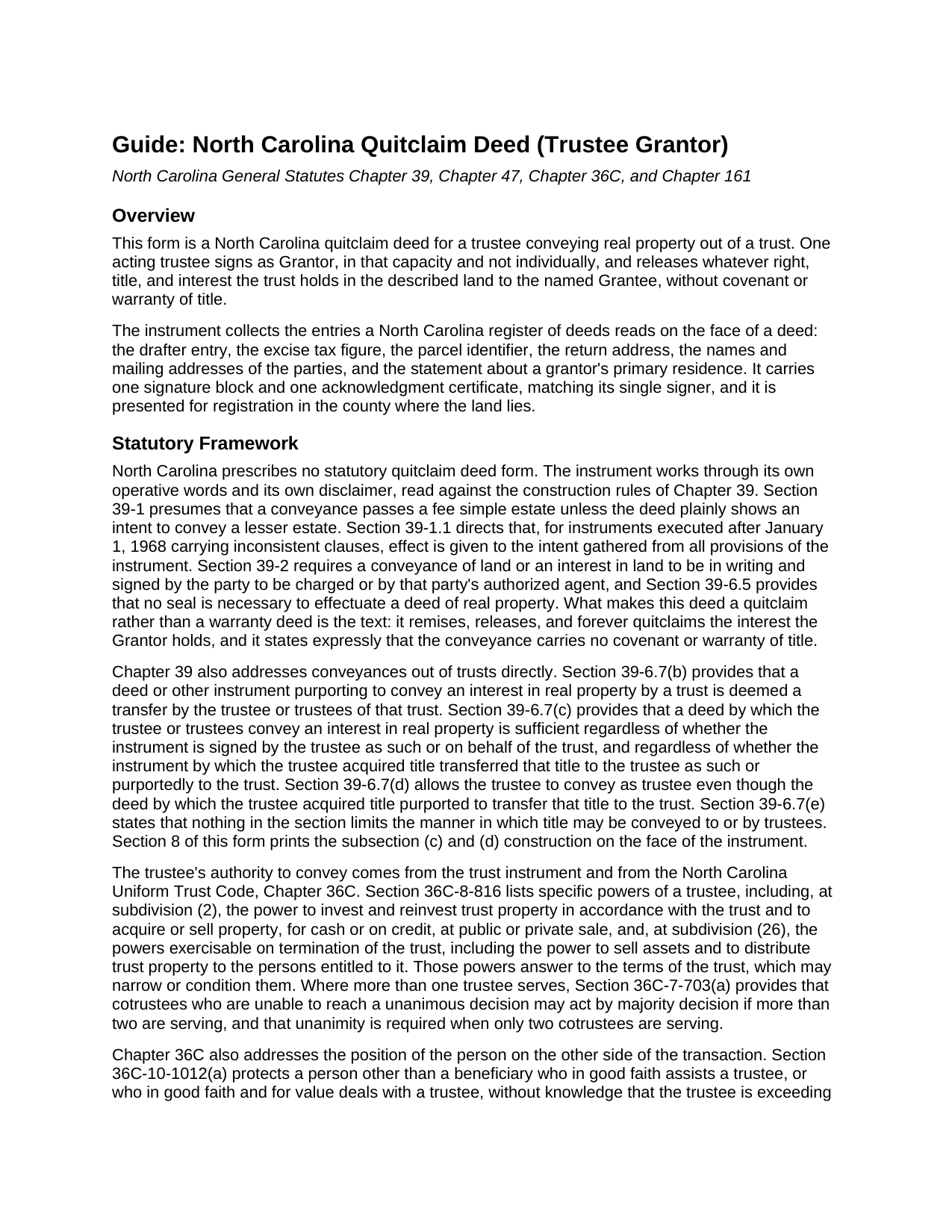
Chatham County Quitclaim Deed (Trustee Grantor) Guide
Line by line guide explaining every blank on the Quitclaim Deed (Trustee Grantor) form.
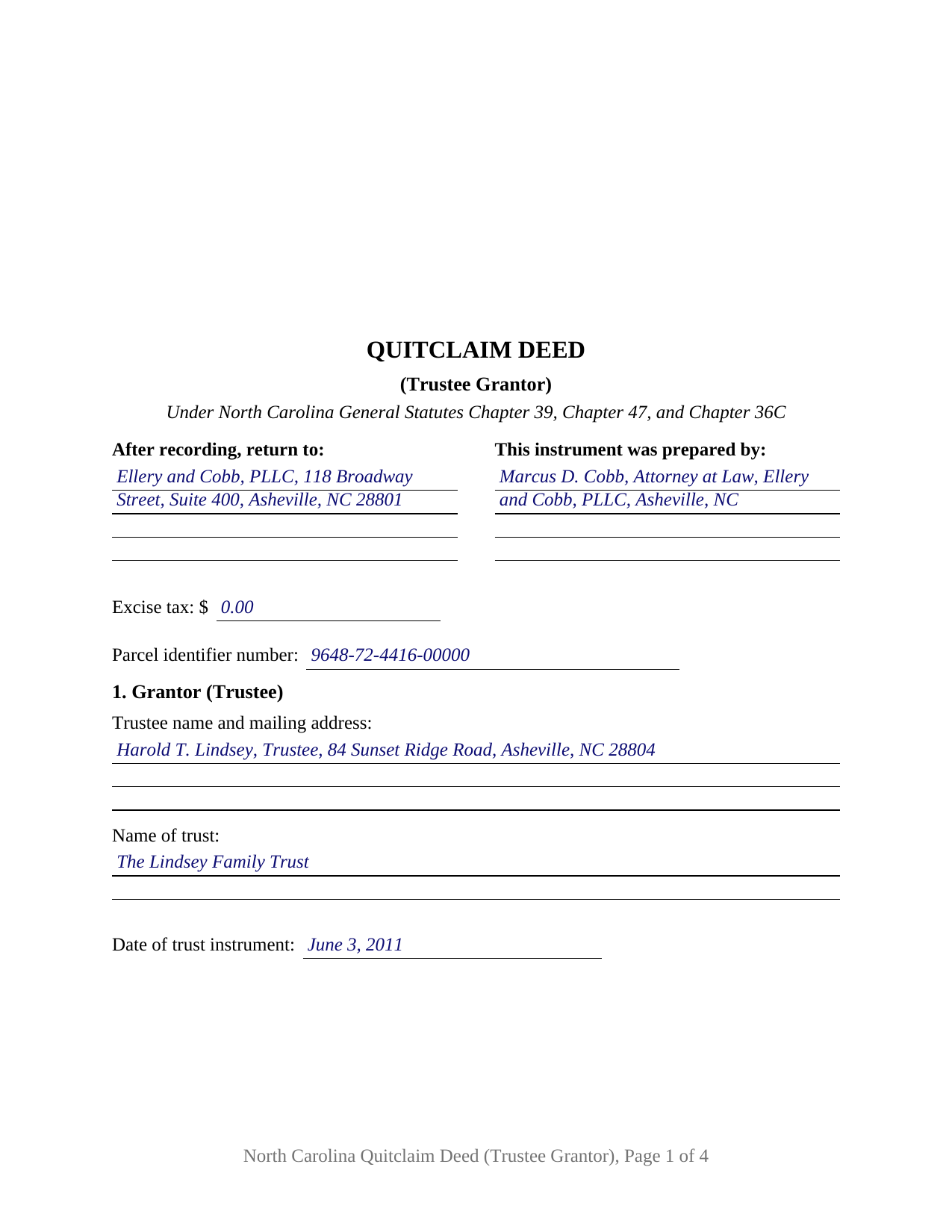
Chatham County Completed Example of the Quitclaim Deed (Trustee Grantor) Document
Example of a properly completed North Carolina Quitclaim Deed (Trustee Grantor) document for reference.
All 3 documents above included • One-time purchase • No recurring fees
Immediate Download • Secure Checkout
Additional North Carolina and Chatham County documents included at no extra charge:
Where to Record Your Documents
Chatham County Register of Deeds
Pittsboro, North Carolina 27312
Hours: 8:00 to 5:00 Monday through Friday / Recording until 4:30
Phone: (919) 542-8235
Recording Tips for Chatham County:
- Bring your driver's license or state-issued photo ID
- Ensure all signatures are in blue or black ink
- Make copies of your documents before recording - keep originals safe
- Recorded documents become public record - avoid including SSNs
- Recording fees may differ from what's posted online - verify current rates
Cities and Jurisdictions in Chatham County
Properties in any of these areas use Chatham County forms:
- Bear Creek
- Bennett
- Bonlee
- Bynum
- Goldston
- Gulf
- Moncure
- Pittsboro
- Siler City
Hours, fees, requirements, and more for Chatham County
How do I get my forms?
Forms are available for immediate download after payment. The Chatham County forms will be in your account ready to download to your computer. An account is created for you during checkout if you don't have one. Forms are NOT emailed.
Are these forms guaranteed to be recordable in Chatham County?
Yes. Our form blanks are guaranteed to meet or exceed the applicable formatting requirements used for recording in Chatham County, including margin requirements, font requirements, and other layout standards. This guarantee applies to formatting, not to the legal sufficiency of information entered by the user or the suitability of a form for a particular transaction.
Can I reuse these forms?
Yes. You can reuse the forms for your personal use. For example, if you have multiple properties in Chatham County you only need to order once.
What do I need to use these forms?
The forms are PDFs that you fill out on your computer. The free Adobe Acrobat Reader is recommended, and most PDF apps also work. You do NOT enter your property information online - you download the blank forms and complete them privately on your own computer.
Are there any recurring fees?
No. This is a one-time purchase. Nothing to cancel, no memberships, no recurring fees.
How much does it cost to record in Chatham County?
Recording fees in Chatham County vary. Contact the recorder's office at (919) 542-8235 for current fees.
Questions answered? Let's get started!
A trustee's signature line carries two things: a name and an office. This fillable North Carolina quitclaim deed is drawn for the moment land leaves a trust. One acting trustee signs as Grantor, in that fiduciary capacity and not individually, releasing whatever right, title, and interest the trust holds in the described parcel to the named Grantee, with no covenant of title attached.
Where a trustee's authority to convey comes from
A trustee conveying North Carolina land answers to two documents: the trust instrument and the Uniform Trust Code. G.S. 36C-8-816 lists the trustee's specific powers, among them the power at subdivision (2) to acquire or sell property, for cash or on credit, at public or private sale, and the powers at subdivision (26) that survive termination, including distributing trust property to the persons entitled to it. The other side of the table has its own protection: under G.S. 36C-10-1012(b) a person other than a beneficiary dealing in good faith and for value with a trustee need not inquire into the extent of the trustee's powers. A certification of trust under G.S. 36C-10-1013 is recorded separately where a lender or insurer wants that authority documented, and is not part of this package.
The statute that reads past imperfect wording
Trust deeds reach North Carolina registries worded loosely, and G.S. 39-6.7 absorbs the variation. Subsection (b) treats an instrument purporting to convey an interest by a trust as a transfer by the trustee or trustees of that trust. Subsection (c) makes the deed sufficient whether the trustee signed as such or on behalf of the trust, and whether the deed that brought title in ran to the trustee as such or to the trust by name; subsection (d) lets the trustee convey as trustee in that second situation. Both print in Section 8, so the question is answered on the page rather than argued later.
One trustee signs, and the certificate says so
The form recites one acting trustee, the name of the trust, and the date of the trust instrument, then a single signature block whose printed name line carries the office beside the name. One acknowledgment certificate follows, its by-line taking the signer's name with the fiduciary capacity: G.S. 47-38 states that its certificate form serves an individual acting as the trustee of a trust whether or not the certificate says so, and G.S. 47-37.1(b) permits the acknowledgment to identify the fiduciary capacity. Positions presenting this configuration in the records include a trustee distributing a parcel to a beneficiary as the trust winds up, a successor trustee clearing trust-held land out after the settlor has died, and a trustee releasing the trust's undivided share so that title gathers in one name. The form is not set up for two cotrustees signing together, the configuration G.S. 36C-7-703(a) reaches by calling for unanimity where two cotrustees serve, nor for the substitution and foreclosure instruments that belong to a deed of trust under Chapter 45.
A release, and an excise line that tracks the consideration
North Carolina prescribes no quitclaim form, so this instrument, searched as a quit claim deed and as a non-warranty deed, works through its own words: it remises, releases, and quitclaims the trust's interest, if any, with no warranty of title traveling with it. G.S. 39-1 carries the whole of what the trust holds unless the deed shows a smaller estate, liens and easements included. The excise figure on page one follows the recited consideration, one dollar per five hundred dollars or fraction under G.S. 105-228.30, collected and marked by the register under G.S. 105-228.32; G.S. 105-228.29 lists the classes outside the tax.
What page one gives the register
Page one keeps the three inch recording space of G.S. 161-14(b), states the instrument type beneath it, and gathers the drafter entry G.S. 47-17.1 makes a condition of acceptance, the parcel identifier for the county systems of G.S. 161-30, and the return block. The body carries the party addresses and the primary residence statement of G.S. 105-317.2. Registration in the county where the land lies is what makes the conveyance good against lien creditors and purchasers under G.S. 47-18.
The download holds this deed as a fillable PDF, a completed example worked through a Buncombe County distribution from a family trust to a beneficiary, and a plain language guide covering each numbered section, the trustee entries, the vesting menu, and the recording steps. The materials describe North Carolina law in general terms and are not legal advice.
Important: Your property must be located in Chatham County to use these forms. Documents should be recorded at the county recording office listed above.
This Quitclaim Deed (Trustee Grantor) meets all recording requirements specific to Chatham County.
Our Promise
The documents you receive here are guaranteed to meet or exceed the applicable Chatham County recording format requirements. If there is a rejection caused by our formatting, we will correct the issue or refund your payment. This guarantee applies to document formatting only and does not extend to information entered by the user, the selection of the form, or the legal effect of the completed document.
Save Time and Money
Get your Chatham County Quitclaim Deed (Trustee Grantor) form done right the first time with Deeds.com Uniform Conveyancing Blanks. At Deeds.com, we understand that your time and money are valuable resources, and we don't want you to face a penalty fee or rejection imposed by a county recorder for submitting nonstandard documents. We constantly review and update our forms to meet rapidly changing state and county recording requirements for roughly 3,500 counties and local jurisdictions.
4.8 out of 5 - ( 4,829 Reviews )
Jonelle R. 5 out of 5 stars
Paperwork very easy to retrieve. Hope going to get it recorded will be this easy.
We appreciate your business and value your feedback. Thank you. Have a wonderful day!
Brends I. 5 out of 5 stars
I had a problem because I was using a phone, so had to get my daughter to request again in her name so it went to her computer..but eventually got it printed
Thank you for your kind words and for choosing us.
Matthew D. 5 out of 5 stars
Fantastic forms easy process couldn't be happier! Thanks
Thank you Matthew!
Marilyn S. 5 out of 5 stars
I was fine. But I don't like surveys.
Thank you!
Laura B. 5 out of 5 stars
Downloaded and completed these quit claim forms in less than one cup of coffee, quick easy and stress free.
We appreciate your business and value your feedback. Thank you. Have a wonderful day!
Janice S. 5 out of 5 stars
Well, you couldn't find the deeds, but you didn't charge me for it so great! Thanks Jan
Thank you for your feedback. Sorry we were not able to assist you better with your deed search. Have a wonderful day!
Tracey M. 5 out of 5 stars
Using Deeds.com was unbelievably quick and easy to file a deed restriction with our local county office. From uploading the initial file to deeds.com, to having a fully recorded document was right on one hour - and all from the comfort of my home. I found your service was easy to use and your staff were very quick in responding to my filing. I will definitely use and recommend deeds.com in the future.
Thank you for your feedback. We really appreciate it. Have a great day!
Susan S. 4 out of 5 stars
Great forms, easy to understand and use (the guide helped a lot). Recorded with no issues. Will be back when needed.
We appreciate your business and value your feedback. Thank you. Have a wonderful day!
Robert S. 5 out of 5 stars
Very timely service and retrieved information I was looking for
We appreciate your business and value your feedback. Thank you. Have a wonderful day!
cynthia k. 5 out of 5 stars
Very easy thank you
Thank you!
chris a. 5 out of 5 stars
It was easy to complete the deed but on the third page I only need one signature in stead of 3 I need to delete 2 or put n//a in those blocks I will continue to use your services and have recommended it to others
Thank you for your feedback. We really appreciate it. Have a great day!
Ricky N. 5 out of 5 stars
Great service and instructions are excellent.
Thank you for your feedback. We really appreciate it. Have a great day!
Luz G. 5 out of 5 stars
very user friendly
Thank you for taking a moment to share your thoughts.
Margaret C. 4 out of 5 stars
I recieved my document in a reasonable amount of time. I thought being a member i would be able to look up more than 1 document but it keeps asking me for more money. I requested help, asking if I need to pay for each document but have not yet been answered. I appreciate the fact I got 1 document I needed quickly.
Thank you!
John V. 5 out of 5 stars
getting the proper forms was easy--filling them out, not so much
Thank you!