Wayne County Fiduciary Deed (Trustee Grantee) Form
Last validated October 24, 2026 by our Forms Development TeamFormatted for recording in Wayne County, for property anywhere in the county: rural and unincorporated areas as well as Apple Creek, Burbank, Creston, Dalton, Doylestown, Fredericksburg, Kidron, Marshallville and 8 more.
- 3 documents included
- Immediate PDF download
- Formatting guarantee
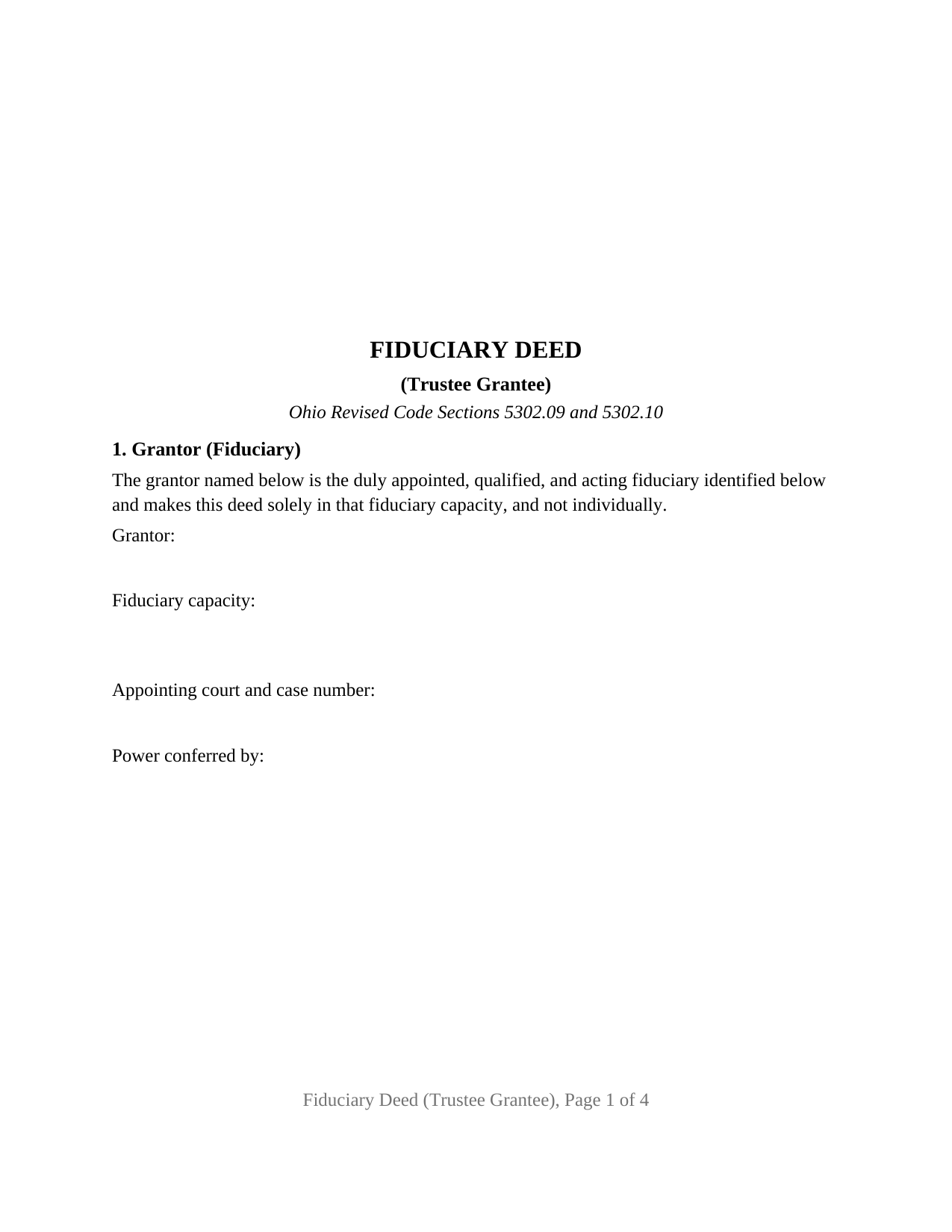
Wayne County Fiduciary Deed (Trustee Grantee) Form
Fill in the blank Fiduciary Deed (Trustee Grantee) form formatted to comply with all Ohio recording and content requirements.
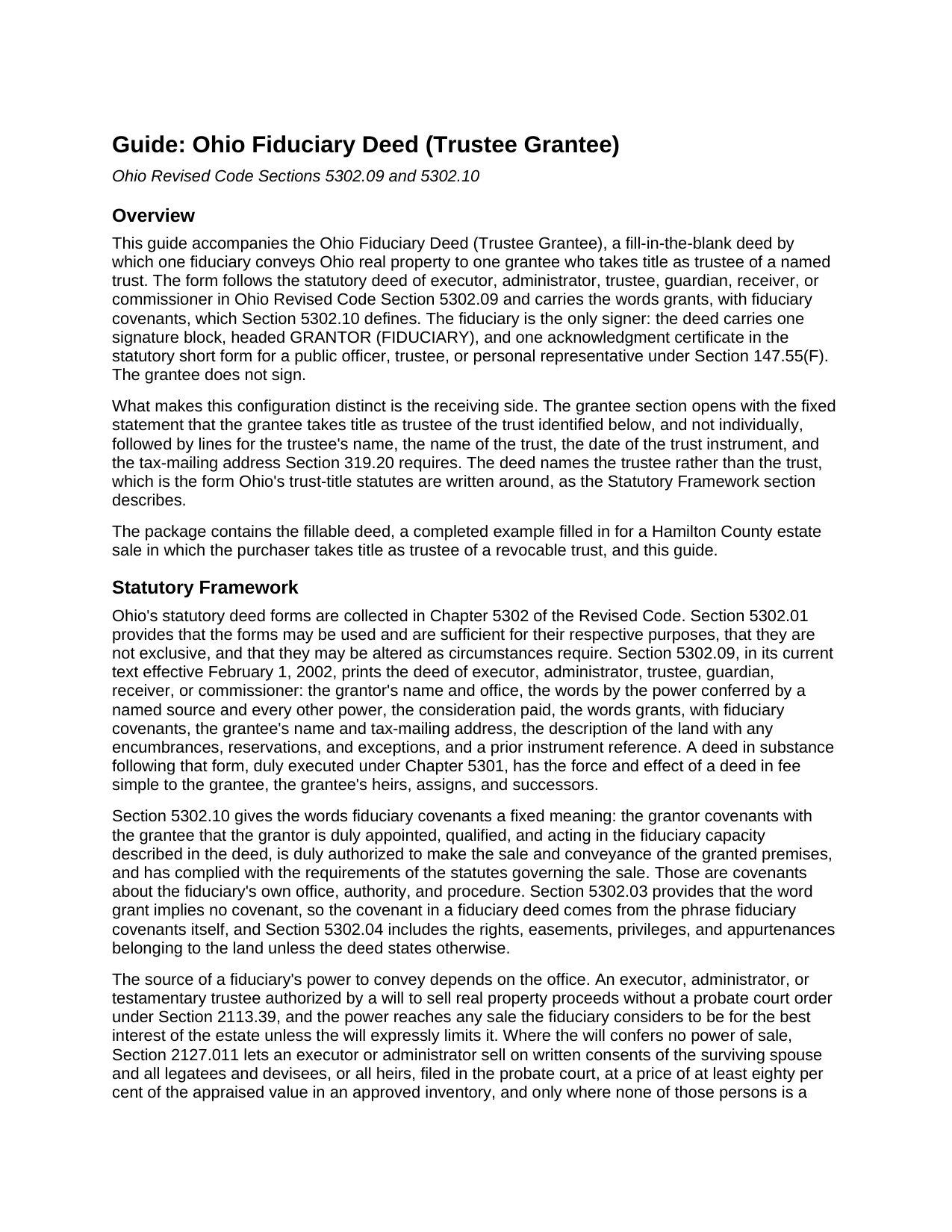
Wayne County Fiduciary Deed (Trustee Grantee) Guide
Line by line guide explaining every blank on the Fiduciary Deed (Trustee Grantee) form.
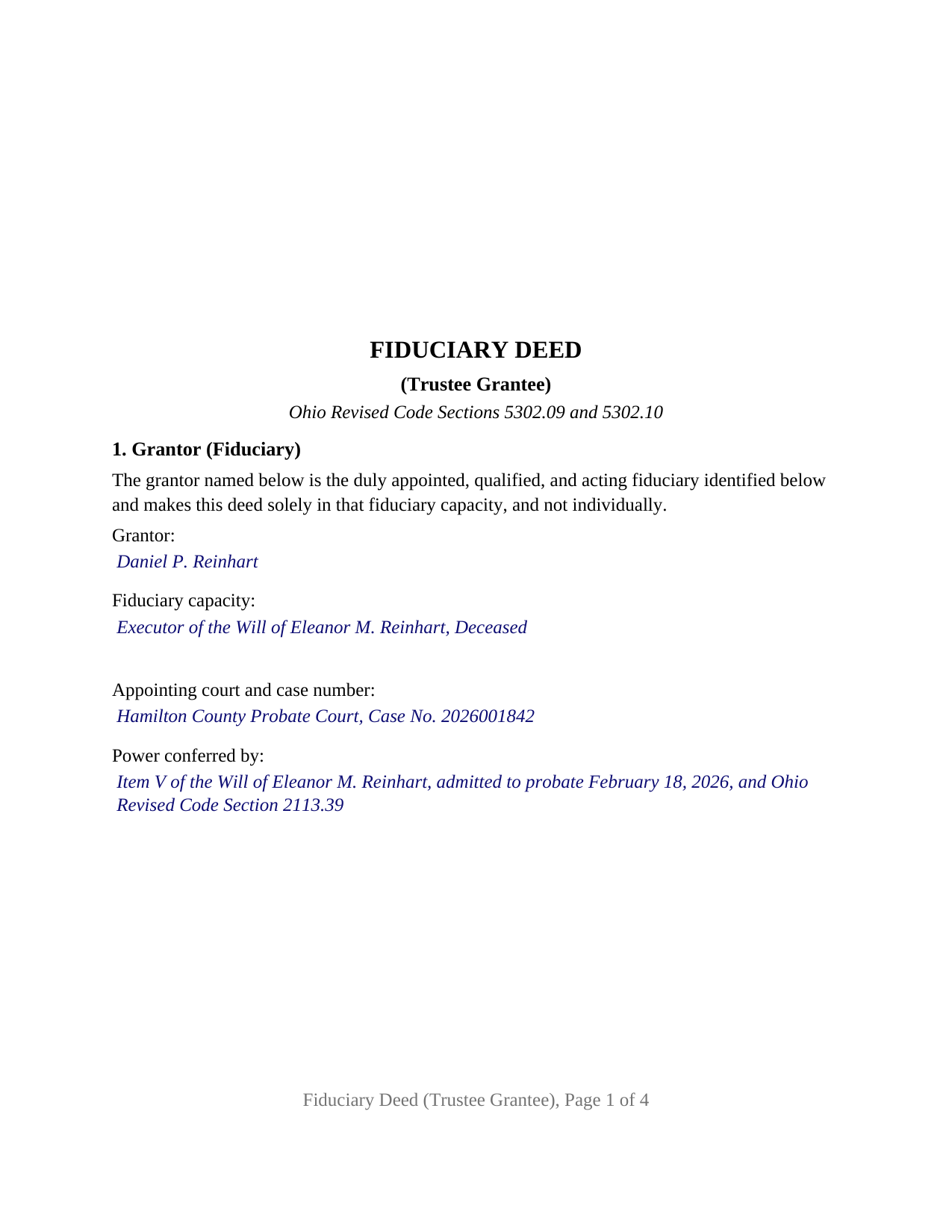
Wayne County Completed Example of the Fiduciary Deed (Trustee Grantee) Document
Example of a properly completed Ohio Fiduciary Deed (Trustee Grantee) document for reference.
All 3 documents above included • One-time purchase • No recurring fees
Immediate Download • Secure Checkout
Additional Ohio and Wayne County documents included at no extra charge:
Where to Record Your Documents
Wayne County Recorder
Wooster, Ohio 44691
Hours: 8:00 to 4:30 M-F
Phone: 330-287-5460
Recording Tips for Wayne County:
- Bring your driver's license or state-issued photo ID
- Ensure all signatures are in blue or black ink
- Leave recording info boxes blank - the office fills these
- Make copies of your documents before recording - keep originals safe
- Recorded documents become public record - avoid including SSNs
Cities and Jurisdictions in Wayne County
Properties in any of these areas use Wayne County forms:
- Apple Creek
- Burbank
- Creston
- Dalton
- Doylestown
- Fredericksburg
- Kidron
- Marshallville
- Mount Eaton
- Orrville
- Rittman
- Shreve
- Smithville
- Sterling
- West Salem
- Wooster
Hours, fees, requirements, and more for Wayne County
How do I get my forms?
Forms are available for immediate download after payment. The Wayne County forms will be in your account ready to download to your computer. An account is created for you during checkout if you don't have one. Forms are NOT emailed.
Are these forms guaranteed to be recordable in Wayne County?
Yes. Our form blanks are guaranteed to meet or exceed the applicable formatting requirements used for recording in Wayne County, including margin requirements, font requirements, and other layout standards. This guarantee applies to formatting, not to the legal sufficiency of information entered by the user or the suitability of a form for a particular transaction.
Can I reuse these forms?
Yes. You can reuse the forms for your personal use. For example, if you have multiple properties in Wayne County you only need to order once.
What do I need to use these forms?
The forms are PDFs that you fill out on your computer. The free Adobe Acrobat Reader is recommended, and most PDF apps also work. You do NOT enter your property information online - you download the blank forms and complete them privately on your own computer.
Are there any recurring fees?
No. This is a one-time purchase. Nothing to cancel, no memberships, no recurring fees.
How much does it cost to record in Wayne County?
Recording fees in Wayne County vary. Contact the recorder's office at 330-287-5460 for current fees.
Questions answered? Let's get started!
An Ohio fiduciary deed to a trustee grantee moves real property that a fiduciary is selling or distributing into a trust the way Ohio's trust-title statutes are written around: by naming the trustee, not the trust, as the grantee. This form prepares that deed under Ohio Revised Code Sections 5302.09 and 5302.10 for one fiduciary grantor and one grantee who takes title as trustee of a named trust, and not individually.
A grantee who holds for someone else
The receiving side of this deed is its defining feature. The grantee section opens with the fixed statement that the grantee takes title as trustee of the trust identified below, and not individually, then collects the trustee's name, the name of the trust, the date of the trust instrument, and the tax-mailing address Section 319.20 puts on every deed the county auditor transfers. The trust date is how Section 5301.255 identifies a trust in a memorandum of trust, which, as amended effective June 16, 2026, a trustee may record when acquiring property and must have of record before later conveying any interest in it. Section 5301.071(E) explains the naming convention: a recorded deed to a trust rather than its trustee counts as a deed to the trustee only if a memorandum describing the property is recorded in the same county.
Covenants about the fiduciary, not the chain of title
The deed grants with fiduciary covenants, a phrase Section 5302.10 defines as a covenant that the grantor holds the office the deed describes by due appointment and qualification, has authority to make the sale and conveyance, and has followed the statutes that govern the sale. Section 5302.03 provides that the word grant alone implies no covenant, so that phrase, printed as fixed text in the conveyance paragraph, is the trustee's covenant, and it reaches the grantor's office and authority rather than liens, easements, or earlier links in the title. The trustee's own power to buy comes from the trust instrument and from Section 5808.16(B) of the Ohio Trust Code.
What this configuration recites
Section 1 recites that the grantor is the duly appointed, qualified, and acting fiduciary identified below and makes the deed solely in that capacity, with lines for the name, office, appointing court, and source of the power to convey. Section 2 fixes the trustee grantee. The deed carries one signature block, headed GRANTOR (FIDUCIARY), and one acknowledgment certificate in the Section 147.55(F) short form for a public officer, trustee, or personal representative; the grantee signs nothing, and no marital status or dower release appears, because the Section 5302.09 form prints neither. An estate purchaser who takes title in the purchaser's revocable living trust, a successor trustee conveying trust real estate to the trustee of a second trust, and a guardian conveying a ward's parcel under court order to a trustee purchaser present the trustee-grantee pattern this deed recites. The form recites exactly one trustee as grantee; co-trustees, a grantee taking individually or as a couple, a company grantee, and a corporate fiduciary signing through an officer present patterns the form is not set up as.
Fee statement first, then the stamps, then the record
Because the grantee is a trustee, the conveyance fee statement the county auditor requires under Section 319.202 gets a closer look. Section 319.54(G)(3) charges ten cents per hundred dollars of value, paid by the grantor, plus a county transfer tax of up to thirty cents under Chapter 322, and a fiduciary's sale for a price pays on that price. The same section exempts a transfer to a trustee when the grantor of the trust has reserved an unlimited power to revoke it, a transfer to a trustee acting for a decedent's minor children, and a transfer for no money or other tangible consideration that is not a gift; the DTE 100EX reports the one the facts support. The auditor's transferred stamp is the condition Section 317.22 places on recording, and the form is built to the Section 317.114 format with the Section 317.111 preparer's name.
The package includes the fillable fiduciary deed, a completed example filled in for a Hamilton County estate sale to the trustee of a revocable trust, and the guide that explains each numbered section, the acknowledgment, and the county auditor and recorder steps. The description and the guide describe the form and the Ohio statutes that govern it in general terms only; they are not legal advice.
Important: Your property must be located in Wayne County to use these forms. Documents should be recorded at the county recording office listed above.
This Fiduciary Deed (Trustee Grantee) meets all recording requirements specific to Wayne County.
Our Promise
The documents you receive here are guaranteed to meet or exceed the applicable Wayne County recording format requirements. If there is a rejection caused by our formatting, we will correct the issue or refund your payment. This guarantee applies to document formatting only and does not extend to information entered by the user, the selection of the form, or the legal effect of the completed document.
Save Time and Money
Get your Wayne County Fiduciary Deed (Trustee Grantee) form done right the first time with Deeds.com Uniform Conveyancing Blanks. At Deeds.com, we understand that your time and money are valuable resources, and we don't want you to face a penalty fee or rejection imposed by a county recorder for submitting nonstandard documents. We constantly review and update our forms to meet rapidly changing state and county recording requirements for roughly 3,500 counties and local jurisdictions.
4.8 out of 5 - ( 4,831 Reviews )
Christi W. 5 out of 5 stars
Very simple and made recording a breeze. Worth the fee!
We appreciate your business and value your feedback. Thank you. Have a wonderful day!
Joni S. 5 out of 5 stars
Excellent service, no hassle, easy to use, affordable, best service -- hands down. I thought it would be difficult for me to record a deed in Florida while residing in California but you made it so easy. I will tell everyone about your service. Thank you.
Your feedback is greatly appreciated. Thank you for taking the time to share your experience!
Paul S. 5 out of 5 stars
Very satisfactory
Thank you!
Vernon H. 5 out of 5 stars
Great process and very easy to complete
Thank you!
JEFFREY C. 5 out of 5 stars
This is pretty amazing...! Very simple and immediate. I would definitely recommend deed.com
Thank you!
Tammy C. 5 out of 5 stars
Was very easy to use and i would recommend it
Thank you!
Nicole D. 5 out of 5 stars
Very pleased with Deed.com. Quick response with instructions. Great service and will use again.
Thank you for your feedback. We really appreciate it. Have a great day!
Angela S. 5 out of 5 stars
Very easy process and efficient. Made my job easier.
Thank you for your feedback. We really appreciate it. Have a great day!
Eva L. 5 out of 5 stars
So far so good! I haven't had an opportunity to populate the forms but they seem to be very easy to do. The sample deed serves very well. Ordering the forms were very easy, I was impressed with the ease of doing so.
Thank you!
DAVID G. 5 out of 5 stars
Extremely helpful -- logically presented -- great documentation...
We appreciate your business and value your feedback. Thank you. Have a wonderful day!
Randy R. 5 out of 5 stars
Thank you So far everything worked great. Got my downloads so I'm off and running. I hope the rest of the paperwork goes this easy.
Thank you Randy, we appreciate your feedback.
Cheryl D. 5 out of 5 stars
How easy was this. I was pleasantly surprised by the speed and price. Saved me several days of snail mail :) thanks deeds.com!
We appreciate your business and value your feedback. Thank you. Have a wonderful day!
Stephen D. 5 out of 5 stars
I recommend you add a box "Add another document or package." The way it is now confused me, so I uploaded the same document two more times, thinking the upload failed the first two times.
Thank you for your feedback Stephen.
Toni M. 5 out of 5 stars
I liked having the forms. Some may need to know they can look at the legal Description from online county records, then type up in Word document line by line, the degree sign in Word program is achieved by using alt and 248 on number pad. Then on the form page one write SEE Exibit A and title your Word program description as Exibit A. Goes without saying the legal description should be looked over many times and it is easier to do so if you format your Word the same lineage as the legal description online which is usually not text which is why you have to retype it.
Thank you for your feedback. We really appreciate it. Have a great day!
Cheryl C. 5 out of 5 stars
Very pleased. I spent a fair amount of time chasing a blank form only to be told it couldn't be given to me - I had to go through my attorney. Going thru the deeds.com was a breeze; the blank form looked exactly like one I had filed before :-)
We appreciate your business and value your feedback. Thank you. Have a wonderful day!