Pickaway County Limited Warranty Deed (Individual Grantor by Attorney-in-Fact) Form
Last validated October 21, 2026 by our Forms Development TeamFormatted for recording in Pickaway County, for property anywhere in the county: rural and unincorporated areas as well as Ashville, Circleville, Commercial Point, Derby, New Holland, Orient, Tarlton, Williamsport.
- 3 documents included
- Immediate PDF download
- Formatting guarantee
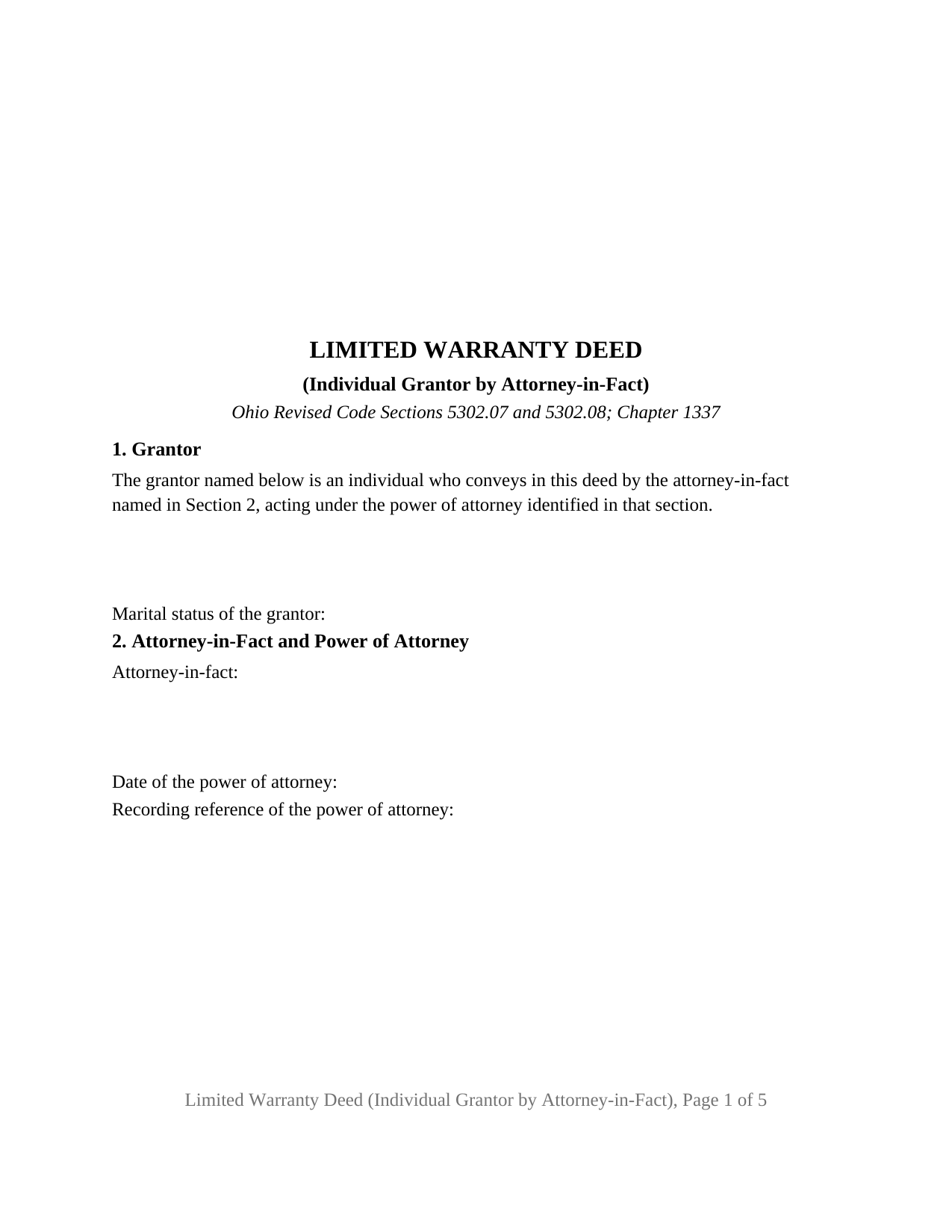
Pickaway County Limited Warranty Deed (Individual Grantor by Attorney-in-Fact) Form
Fill in the blank Limited Warranty Deed (Individual Grantor by Attorney-in-Fact) form formatted to comply with all Ohio recording and content requirements.
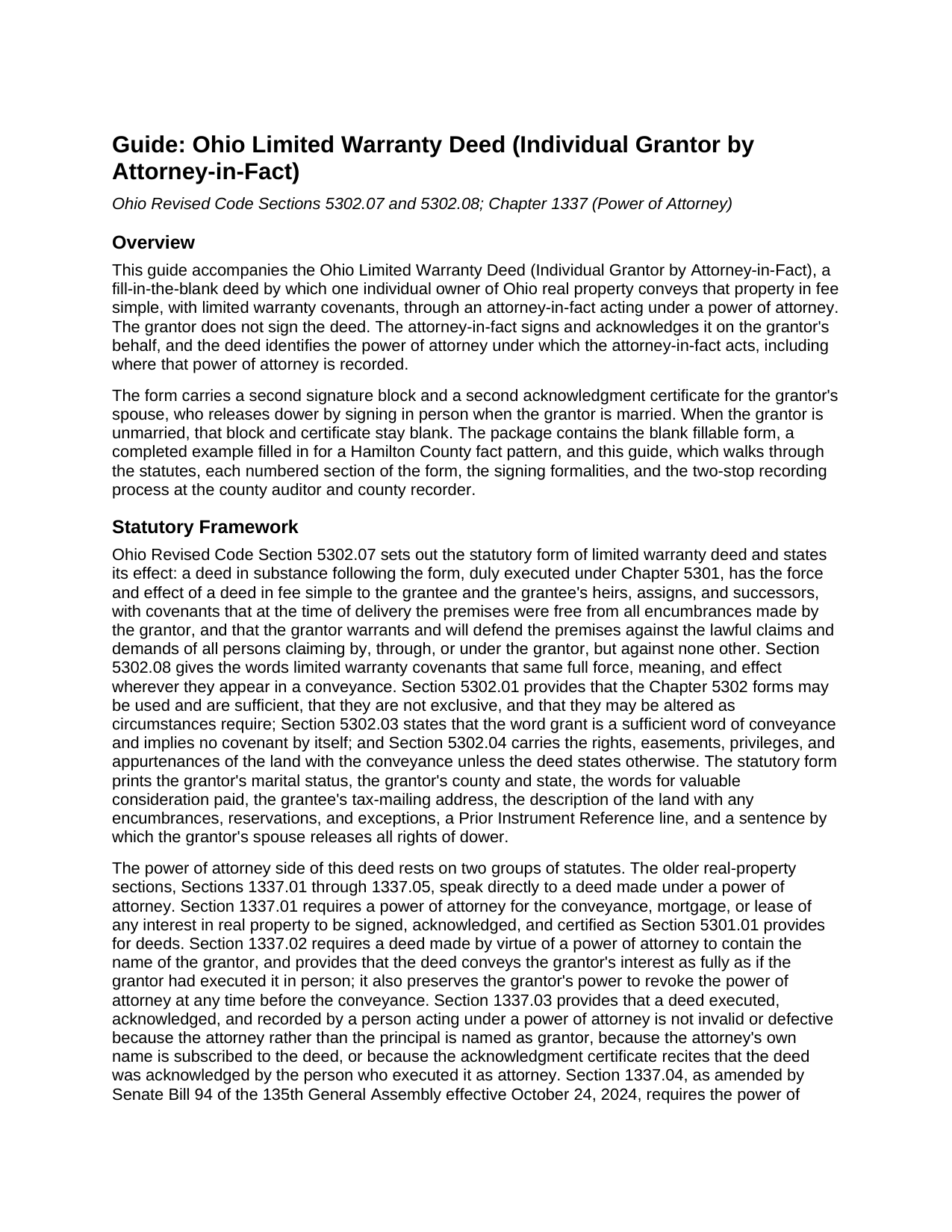
Pickaway County Limited Warranty Deed (Individual Grantor by Attorney-in-Fact) Guide
Line by line guide explaining every blank on the Limited Warranty Deed (Individual Grantor by Attorney-in-Fact) form.
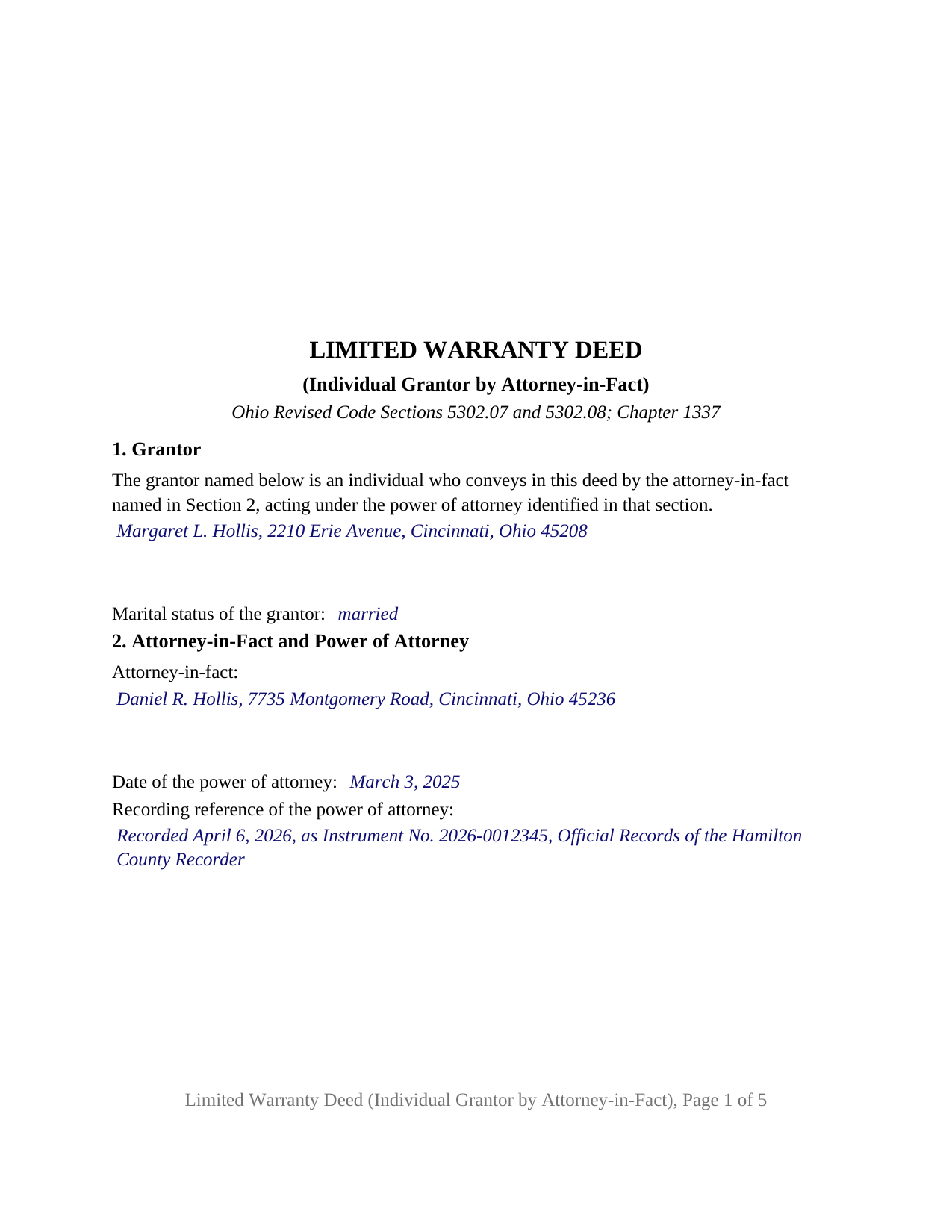
Pickaway County Completed Example of the Limited Warranty Deed (Individual Grantor by Attorney-in-Fact) Document
Example of a properly completed Ohio Limited Warranty Deed (Individual Grantor by Attorney-in-Fact) document for reference.
All 3 documents above included • One-time purchase • No recurring fees
Immediate Download • Secure Checkout
Additional Ohio and Pickaway County documents included at no extra charge:
Where to Record Your Documents
Pickaway County Recorder
Circleville, Ohio 43113
Hours: 8:00 a.m. - 4:00 p.m. Monday - Friday
Phone: (740) 474-5826
Recording Tips for Pickaway County:
- Bring your driver's license or state-issued photo ID
- Ensure all signatures are in blue or black ink
- Check margin requirements - usually 1-2 inches at top
- Leave recording info boxes blank - the office fills these
- Make copies of your documents before recording - keep originals safe
Cities and Jurisdictions in Pickaway County
Properties in any of these areas use Pickaway County forms:
- Ashville
- Circleville
- Commercial Point
- Derby
- New Holland
- Orient
- Tarlton
- Williamsport
Hours, fees, requirements, and more for Pickaway County
How do I get my forms?
Forms are available for immediate download after payment. The Pickaway County forms will be in your account ready to download to your computer. An account is created for you during checkout if you don't have one. Forms are NOT emailed.
Are these forms guaranteed to be recordable in Pickaway County?
Yes. Our form blanks are guaranteed to meet or exceed the applicable formatting requirements used for recording in Pickaway County, including margin requirements, font requirements, and other layout standards. This guarantee applies to formatting, not to the legal sufficiency of information entered by the user or the suitability of a form for a particular transaction.
Can I reuse these forms?
Yes. You can reuse the forms for your personal use. For example, if you have multiple properties in Pickaway County you only need to order once.
What do I need to use these forms?
The forms are PDFs that you fill out on your computer. The free Adobe Acrobat Reader is recommended, and most PDF apps also work. You do NOT enter your property information online - you download the blank forms and complete them privately on your own computer.
Are there any recurring fees?
No. This is a one-time purchase. Nothing to cancel, no memberships, no recurring fees.
How much does it cost to record in Pickaway County?
Recording fees in Pickaway County vary. Contact the recorder's office at (740) 474-5826 for current fees.
Questions answered? Let's get started!
An Ohio limited warranty deed signed by an attorney-in-fact puts the grantor's name on the deed and another person's hand on the signature line. This fillable form prepares that deed for one individual grantor whose agent, acting under a recorded power of attorney, conveys Ohio real property with limited warranty covenants under Ohio Revised Code Sections 5302.07 and 5302.08. The grantor is named in Section 1 and does not sign; the attorney-in-fact is named in Section 2, signs the deed, and acknowledges it in a certificate written for that act.
A deed the grantor never signs
Section 1337.02 requires a deed made by virtue of a power of attorney to contain the name of the grantor, and provides that it conveys the grantor's interest as fully as if the grantor had signed in person. The form's Section 1 identifies the grantor as an individual who conveys through the attorney-in-fact named in Section 2, and its operative paragraph has the grantor, acting by and through that attorney-in-fact, grant with limited warranty covenants in the words of the statutory form. The Section 5302.08 definition of those covenants prints beneath it, so the limit of the promise reads on the face of the deed.
The power of attorney goes on record first
Section 1337.04, rewritten by Senate Bill 94 effective October 24, 2024, sets two sequence rules: the power of attorney is executed and acknowledged by the principal before the deed is, and it is recorded with the county recorder of the county where the land lies before the deed is recorded, a power of attorney recorded the same day but after the deed counting as recorded first. Section 2 of the form therefore collects the date and recording reference of the power of attorney beside the attorney-in-fact's name, so the deed points to the instrument that authorizes it. Where a power of attorney was never recorded ahead of the deed, the amended statute supplies an affidavit path for placing it of record later.
A certificate written for an agent
Section 147.55(E) publishes the statutory short form of acknowledgment for an individual acting as principal by an attorney in fact, and the first certificate on this form prints it, with blanks for the attorney-in-fact and for the grantor as principal, so the notary records the capacity in which the signer appeared. Section 5301.071(D) stands behind it: a recorded conveyance is not defective because an attorney in fact signed or acknowledged individually instead of in a representative capacity.
Dower stays with the spouse in person
Under Section 2103.02 the spouse of an Ohio property owner holds a dower interest in real property the owner held during the marriage until that interest is released or barred. The form fixes no marital status; a line in Section 1 records it. A second signature block, SPOUSE OF GRANTOR (if applicable), with its own Section 147.55(A) certificate for an individual acting in the individual's own right, receives the spouse's signature in person, and the sentence in Section 7 releases dower to the grantee when the spouse signs. An unmarried grantor leaves that block blank; a spouse who is also the attorney-in-fact signs twice and acknowledges in each capacity.
What this configuration recites
The form recites one grantor, a natural person, conveying through one attorney-in-fact under one power of attorney, and carries two acknowledgment certificates. An owner in a care facility whose adult child holds a durable power of attorney and sells the family home, an owner abroad or on military deployment whose agent closes the sale, and a seller who cannot attend a closing present the pattern this deed recites. The form is not set up as a conveyance by two or more grantors, by a grantor signing personally, or by an entity, trustee, or court-appointed fiduciary.
Auditor first, then recorder
The deed carries the grantee's tax-mailing address and a prior instrument reference, the two items Section 319.20 puts in front of the county auditor's transfer, and Section 317.22 keeps the recorder from accepting it until the auditor's endorsement appears. The pages keep the Section 317.114 margins, so the deed records at the base fee.
The package includes the fillable deed form, a completed example filled in for a Hamilton County fact pattern, and a guide that walks through the power of attorney statutes, every section of the form, the dower release, and the recording sequence. This description and the guide describe the form and the governing Ohio statutes in general terms; they are not legal advice.
Important: Your property must be located in Pickaway County to use these forms. Documents should be recorded at the county recording office listed above.
This Limited Warranty Deed (Individual Grantor by Attorney-in-Fact) meets all recording requirements specific to Pickaway County.
Our Promise
The documents you receive here are guaranteed to meet or exceed the applicable Pickaway County recording format requirements. If there is a rejection caused by our formatting, we will correct the issue or refund your payment. This guarantee applies to document formatting only and does not extend to information entered by the user, the selection of the form, or the legal effect of the completed document.
Save Time and Money
Get your Pickaway County Limited Warranty Deed (Individual Grantor by Attorney-in-Fact) form done right the first time with Deeds.com Uniform Conveyancing Blanks. At Deeds.com, we understand that your time and money are valuable resources, and we don't want you to face a penalty fee or rejection imposed by a county recorder for submitting nonstandard documents. We constantly review and update our forms to meet rapidly changing state and county recording requirements for roughly 3,500 counties and local jurisdictions.
4.8 out of 5 - ( 4,829 Reviews )
Miguel R. 5 out of 5 stars
Easy to create an account! Awesome!
Thank you!
DONALD S. 5 out of 5 stars
Using the Administrators Deed, pay attention to "Exhibit A". The blank will allow you to type a full legal description BUT it will not save it. Use "Exhibit A" to type the legal description. The form was great and I filed it this morning with no problems.
Thank you for your feedback. We really appreciate it. Have a great day!
Katherine Y. 5 out of 5 stars
It was easy to use the form. The notary said it contained the most recent language which is also helpful.
Thanks Katherine!
Jacqueline B. 5 out of 5 stars
The service was very clear and direct. I was able to get everything I need right now. Your website is set up well. Thank you
Thank you for your feedback. We really appreciate it. Have a great day!
Jackie C. 5 out of 5 stars
It was easy to access the documents for a minimal fee.
Thank you for your feedback. We really appreciate it. Have a great day!
Edward E. 5 out of 5 stars
Easy to use.
Your feedback is valuable to us and helps us improve. Thank you for sharing your thoughts!
Janette C. 5 out of 5 stars
Love the service !!
Your appreciative words mean the world to us. Thank you.
Greg R. 5 out of 5 stars
I really had no problem navigating the forms. It was helpful!
Appreciate you taking the time to share that, Greg. Glad it was a smooth experience
Charles E. M. 5 out of 5 stars
5 stars...thanks for your fast and professional assistance. Charles
Thank you!
Earline S. 5 out of 5 stars
Total package. Very prompt with complete instructions & example to complete forms. If you don't want to hire a lawyer, this is pretty simple & will bypass probate.
Thank you, we really appreciate your feedback.
JOSE E. 5 out of 5 stars
Thanks
Thank you!
Cedric H. 5 out of 5 stars
The Guide and Example documents included were a great help completing the form on my own.
Thank you!
juanita S. 5 out of 5 stars
Easy to fill with explanations to accompany
Thank you Juanita, we really appreciate your feedback.
Sherilynne P. 3 out of 5 stars
I am delighted with the form. I just had to go through so much time and expense in order to use it. First, from your site I downloaded Adobe Acrobat. It totally compromised my computer. I had to get a computer expert to walk me through deleting adobe, and put a substitute on in order to use the form. That was an expense of $60.00. Then after that I still had a hard time getting the program to work, as the substitute program would not accept my e-mail address and I finally had to get someone on line to help me access that. I found it was a $$30.00 charge for the substitute. After fighting these lovely roadblocks, I was finally able to fill in the only form I needed and print it off. Took me two days to accomplish that. Why on earth do you offer adobe when it can compromise a computer so badly? Dealing with my husbands death and then having to deal with this, just one of many deterrents, well let's put it this way, it did not make my two days.
Thank you for your feedback. Sorry to hear of your experience. Our documents are Adobe PDFs because PDF is the standard for digital documents, most computers have Adobe Reader installed, and it (Adobe Reader) is free.
KELLY S. 5 out of 5 stars
Thank you for being here. very easy to understand and your site is great. I will always use you.
Thank you for your feedback. We really appreciate it. Have a great day!