Jefferson County Quitclaim Deed (LLC Grantor) Form
Last validated October 13, 2026 by our Forms Development TeamFormatted for recording in Jefferson County, for property anywhere in the county: rural and unincorporated areas as well as Adena, Amsterdam, Bergholz, Bloomingdale, Brilliant, Dillonvale, East Springfield, Empire and 14 more.
- 3 documents included
- Immediate PDF download
- Formatting guarantee
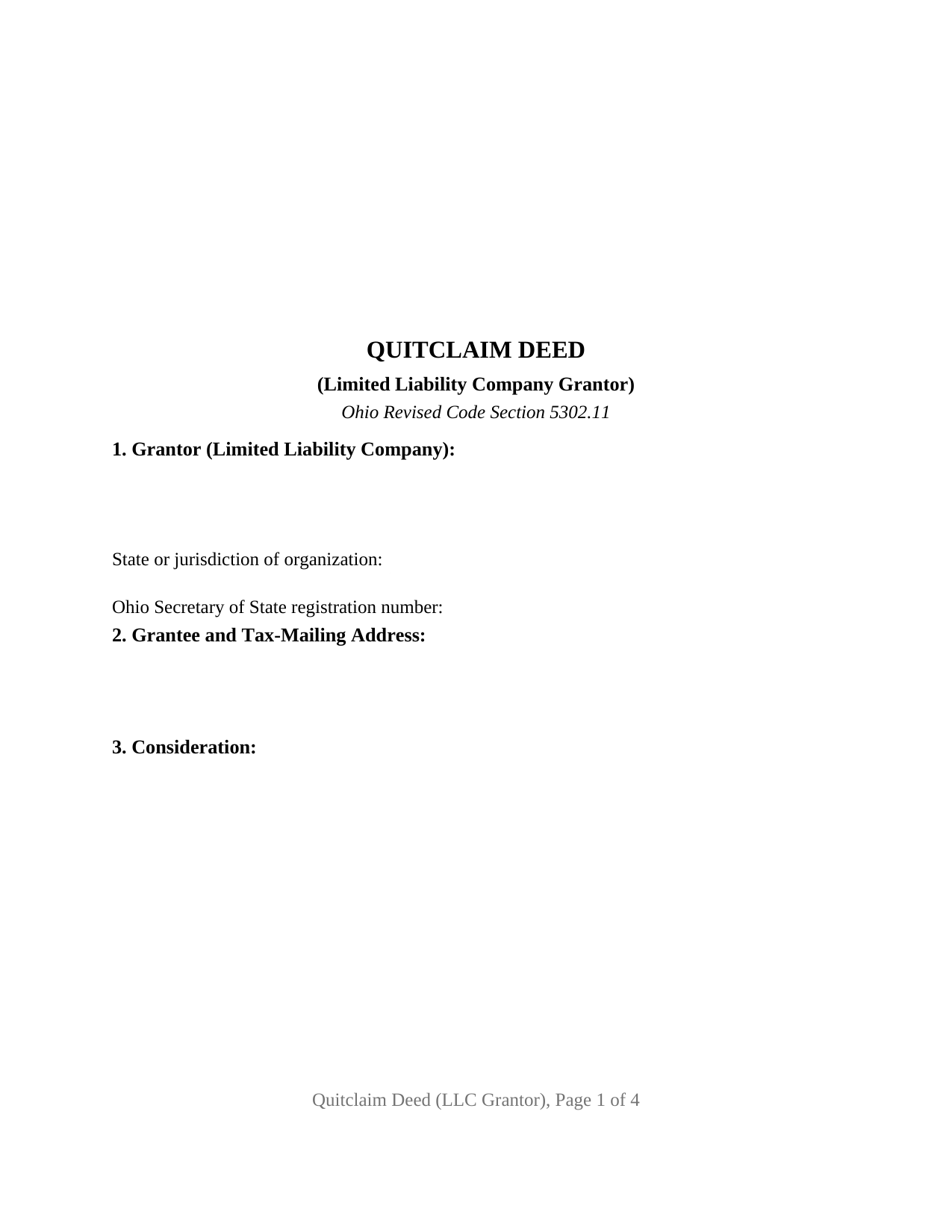
Jefferson County Quitclaim Deed (LLC Grantor) Form
Fill in the blank Quitclaim Deed (LLC Grantor) form formatted to comply with all Ohio recording and content requirements.
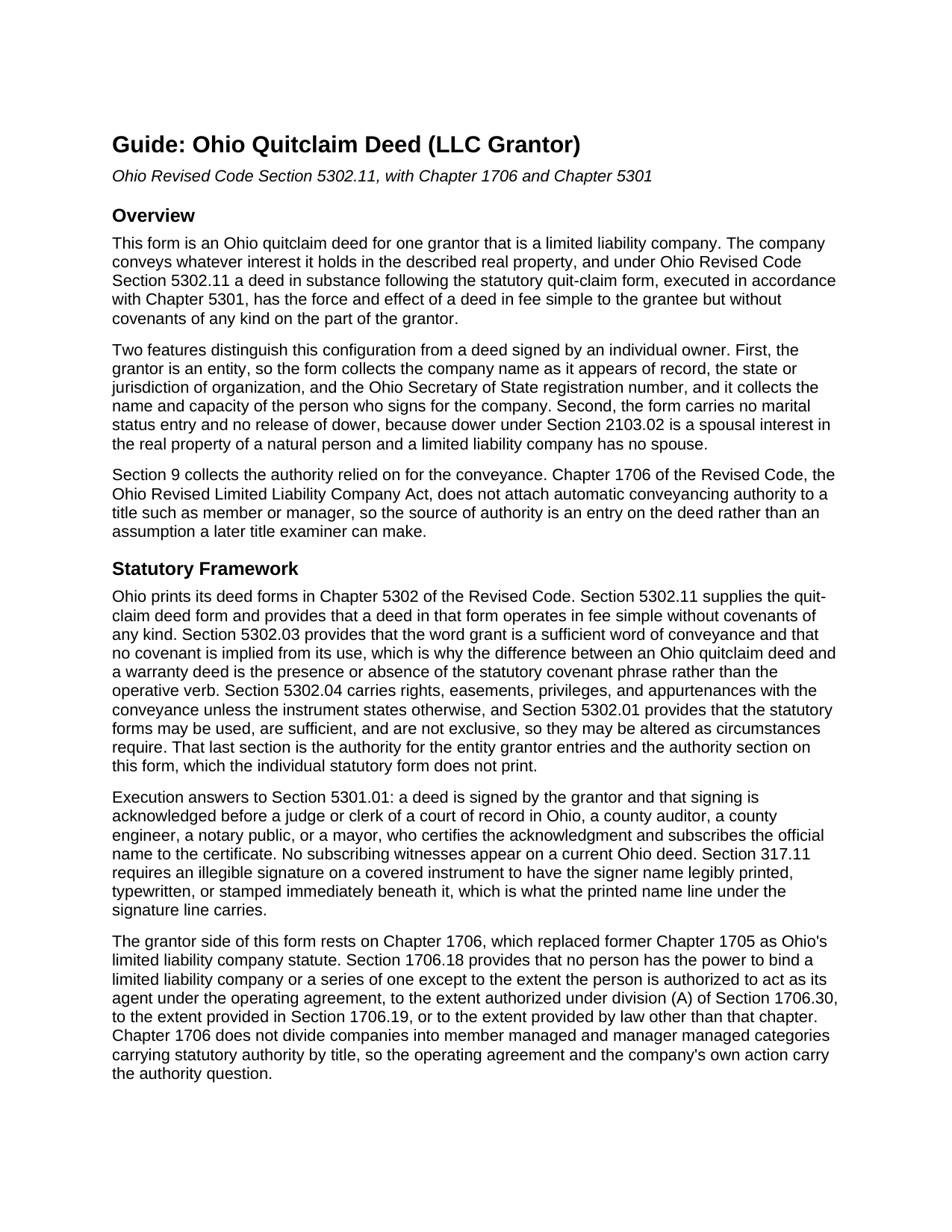
Jefferson County Quitclaim Deed (LLC Grantor) Guide
Line by line guide explaining every blank on the Quitclaim Deed (LLC Grantor) form.
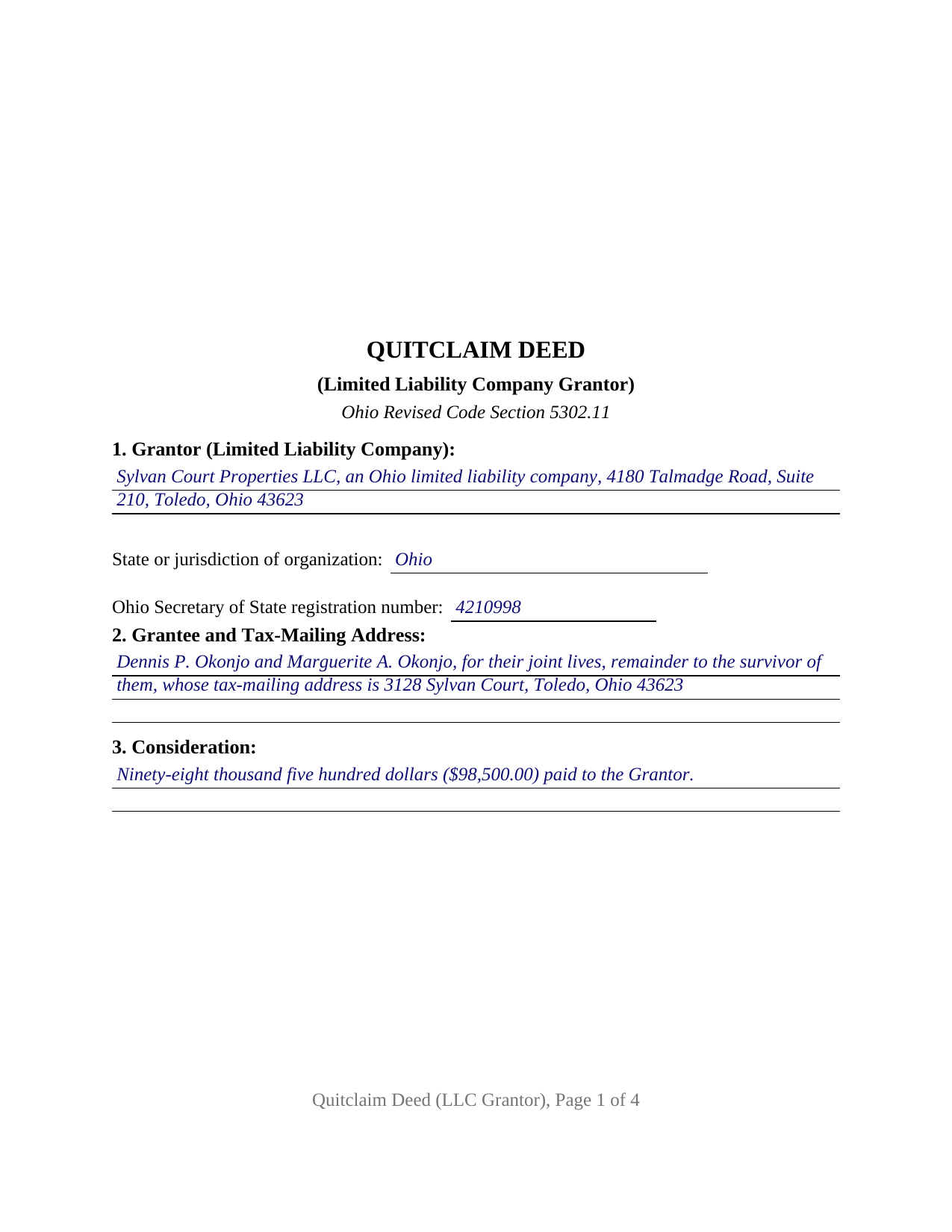
Jefferson County Completed Example of the Quitclaim Deed (LLC Grantor) Document
Example of a properly completed Ohio Quitclaim Deed (LLC Grantor) document for reference.
All 3 documents above included • One-time purchase • No recurring fees
Immediate Download • Secure Checkout
Additional Ohio and Jefferson County documents included at no extra charge:
Where to Record Your Documents
Jefferson County Recorder
Steubenville, Ohio 43952
Hours: 8:30am to 4:30pm Monday through Friday
Phone: 740-283-8566
Recording Tips for Jefferson County:
- Bring your driver's license or state-issued photo ID
- Ensure all signatures are in blue or black ink
- Request a receipt showing your recording numbers
- Ask about accepted payment methods when you call ahead
- Ask for certified copies if you need them for other transactions
Cities and Jurisdictions in Jefferson County
Properties in any of these areas use Jefferson County forms:
- Adena
- Amsterdam
- Bergholz
- Bloomingdale
- Brilliant
- Dillonvale
- East Springfield
- Empire
- Hammondsville
- Irondale
- Mingo Junction
- Mount Pleasant
- Piney Fork
- Rayland
- Richmond
- Smithfield
- Steubenville
- Stratton
- Tiltonsville
- Toronto
- Wolf Run
- Yorkville
Hours, fees, requirements, and more for Jefferson County
How do I get my forms?
Forms are available for immediate download after payment. The Jefferson County forms will be in your account ready to download to your computer. An account is created for you during checkout if you don't have one. Forms are NOT emailed.
Are these forms guaranteed to be recordable in Jefferson County?
Yes. Our form blanks are guaranteed to meet or exceed the applicable formatting requirements used for recording in Jefferson County, including margin requirements, font requirements, and other layout standards. This guarantee applies to formatting, not to the legal sufficiency of information entered by the user or the suitability of a form for a particular transaction.
Can I reuse these forms?
Yes. You can reuse the forms for your personal use. For example, if you have multiple properties in Jefferson County you only need to order once.
What do I need to use these forms?
The forms are PDFs that you fill out on your computer. The free Adobe Acrobat Reader is recommended, and most PDF apps also work. You do NOT enter your property information online - you download the blank forms and complete them privately on your own computer.
Are there any recurring fees?
No. This is a one-time purchase. Nothing to cancel, no memberships, no recurring fees.
How much does it cost to record in Jefferson County?
Recording fees in Jefferson County vary. Contact the recorder's office at 740-283-8566 for current fees.
Questions answered? Let's get started!
A deed from an Ohio company does not ask who the grantor is married to. It asks who may sign for the company. This form sets up that record: a single limited liability company as grantor, its name and organization details on the deed, the authority relied on in its own numbered section, and one signature made in a stated capacity. The conveyance itself follows the statutory quit-claim form of Ohio Revised Code Section 5302.11.
Who may sign for the company
Chapter 1706 of the Revised Code answers that, and the answer is not a job title. Section 1706.18 provides that no person has power to bind a limited liability company except as the operating agreement, division (A) of Section 1706.30, Section 1706.19, or law outside the chapter authorizes, and the chapter no longer sorts companies into member managed and manager managed categories whose titles carry authority by themselves. Section 1706.30 fills a silent operating agreement: a majority of the members decides an ordinary course matter, and all of them consent to an act outside that course. Section 1706.19 adds a statement of authority filed with the Secretary of State, conclusive in favor of a person who gives value in reliance on it. Section 9 of this form puts that source on the deed, where the Ohio Title Standards send an examiner when a manager rather than every member signs.
The dower line an entity deed does not draw
Ohio kept dower, and the statutory quit-claim form prints a release sentence for the grantor spouse to sign. None of it appears here. Section 2103.02 endows a spouse with a life estate in one third of the real property of which the consort was seized during the marriage, an interest running through a natural person, while Section 1706.04 makes the company a separate legal entity. So the form carries no marital status entry, no release of dower, and no second signature line.
What a quitclaim carries out of a company
The operative words stay statutory: for valuable consideration paid, the Grantor grants to the Grantee. A deed following Section 5302.11 takes effect in fee simple without covenants of any kind, and Section 5302.03 confirms that no covenant is implied from the word grant, so the grantee takes the company interest as the record leaves it, mortgage lien and easement included. A company selling one of its rental houses, a company winding up and passing a parcel to its members, and a single member company deeding a lot back to its member present the company grantor record this deed recites. Searches for a quit claim deed, the hyphenated quit-claim spelling the Revised Code prints, or an LLC property transfer arrive here. Conveyances by individuals, by corporations under Chapter 1701, and by trustees follow other patterns.
Company entries the transfer counter reads
Ohio deeds meet the county auditor before the county recorder, and a company transfer meets its own lines on the auditor's exemption list: a conveyance pursuant to a corporate reorganization or dissolution, one from a subsidiary corporation to its parent, and item (m), a transfer for no valuable and tangible consideration that is not a gift, which pairs with a separate affidavit of facts. Form DTE 100, or the DTE 100EX exemption statement, travels with the deed under Section 319.202, and Section 317.22 holds the instrument out of the record until the auditor stamp and endorsement appear. Section 317.111 asks for the preparer statement, which county standards ask to carry an individual name and title where a company name appears.
One signer, in a capacity
Section 5301.01 asks for the grantor signature and its acknowledgment before a notary public or another officer it names, and no subscribing witnesses. Section 11 takes the company name with the signer title, the signature block carries the printed name Section 317.11 wants beneath it, and one certificate follows with the content Section 147.542 lists. Sections 147.60 through 147.66 reach this deed through online notarization, and Section 10 recites that the signer acts for the company and not individually.
The download holds three files: the Ohio quitclaim deed for a limited liability company grantor as a fillable PDF, a completed example worked through a Lucas County sale by a property company, and a guide covering the numbered sections, the Chapter 1706 authority rules, the ownership forms an Ohio grantee may take, and the auditor and recorder steps. Everything here describes Ohio law and this form generally and is not legal advice.
Important: Your property must be located in Jefferson County to use these forms. Documents should be recorded at the county recording office listed above.
This Quitclaim Deed (LLC Grantor) meets all recording requirements specific to Jefferson County.
Our Promise
The documents you receive here are guaranteed to meet or exceed the applicable Jefferson County recording format requirements. If there is a rejection caused by our formatting, we will correct the issue or refund your payment. This guarantee applies to document formatting only and does not extend to information entered by the user, the selection of the form, or the legal effect of the completed document.
Save Time and Money
Get your Jefferson County Quitclaim Deed (LLC Grantor) form done right the first time with Deeds.com Uniform Conveyancing Blanks. At Deeds.com, we understand that your time and money are valuable resources, and we don't want you to face a penalty fee or rejection imposed by a county recorder for submitting nonstandard documents. We constantly review and update our forms to meet rapidly changing state and county recording requirements for roughly 3,500 counties and local jurisdictions.
4.8 out of 5 - ( 4,856 Reviews )
Lance G. 5 out of 5 stars
Fast and dependable service, which is so critical in the real estate business. Excellent experience.
We appreciate your business and value your feedback. Thank you. Have a wonderful day!
Susan M. 5 out of 5 stars
Purchased and received immediately w/instructions for completion.
We appreciate your business and value your feedback. Thank you. Have a wonderful day!
Joyce S. 5 out of 5 stars
The site was very easy to understand and to download the required documents I need to prepare a release. Response of the documents ready for my use was very efficient.
We appreciate your business and value your feedback. Thank you. Have a wonderful day!
Marilyn W. 5 out of 5 stars
The Mineral Deed transfer form was pretty good. Could have used more info in the guide about where to find legal property descriptions and source of title. Also more space on the pdf for entering return addresses - there was room for only one; I needed three. I will be sending the form to the County Courthouse soon. I hope it works.
Thank you for your feedback. We really appreciate it. Have a great day!
barbara s. 5 out of 5 stars
I was in a rush to record a quit claim deed, however due to covid 19 Miami dade county recorders office are not open to public. According to staff I would have to mail in the quit claim deed and wait approximately two weeks for the deed to get recorded. Thanks to Deeds.com I got my document recorded in less than one day. You guys are awesome, I will use this company anytime I need something like this again. Very reliable.
We appreciate your business and value your feedback. Thank you. Have a wonderful day!
Filomena G. 5 out of 5 stars
very helpful
Thank you!
RICKY N. 5 out of 5 stars
Fast Speedy great communication worry-free
Thank you!
Joan E S. 5 out of 5 stars
appreciate the ease of finding a group of forms without the need for a lawyer--the time and expense--for a basic transfer of joint tenancy following a death.
Thank you!
Tonni L. 5 out of 5 stars
Quick and easy with great instructions and accurate documents. I plan to make this site a part of our financial planning. Highly recommend. Saved big by this DIY process. TL
Thank you for your feedback. We really appreciate it. Have a great day!
steven l. 3 out of 5 stars
As a first time user and not having knowledge of how your site worked it was awkward to upload a file and not know what to do next. I found out there is nothing to do next but that after some time looking for a submit button or some kind of confirmation that I was doing the right thing. Ended up being very easy, just wasted time trying to figure out what to do when there was nothing left to do.
Thank you!
Sarah N. 1 out of 5 stars
This is not at all the form that I needed. I am trying to disclaim my interest in a property, but this form is much too rigid to work for my case. It would have been nice to know some of the more specific details before purchasing the document.
Thank you for your feedback. Sorry hear of your confusion. We have canceled your order and payment. We do hope that you are able to find something more suitable to your needs. Have a wonderful day.
Quanah N. 5 out of 5 stars
Instruction easy to follow
Thank you!
JOHN L. 5 out of 5 stars
Not just good, very good. Very intuitive and very responsive. It just works!
Thank you for your feedback. We really appreciate it. Have a great day!
Larry M. 5 out of 5 stars
Everything went well except that any information that I typed in on the computer download moves upward so that the letters or numbers are somewhat elevated above the line that should be even with the words on the form. I think it will be acceptable to the county recorder, but I don't especially like to submit things that appear uneven. I asked for help but just received a robotic reply that said to take steps that I already had done. So unless you know a way to correct this I likely won't use your forms again.
Thank you!
Dianna B. 5 out of 5 stars
Amazingly easy! I absolutely love it because it is so efficient and I only have to pay for when I use it. I use to have to drive to the recorders office or to a Kiosk station. The turn-around time was really quick as well.
Thank you!