Indiana County Notice to Contractor Form
Last validated October 30, 2026 by our Forms Development TeamFormatted for recording in Indiana County, for property anywhere in the county: rural and unincorporated areas as well as Alverda, Arcadia, Armagh, Aultman, Beyer, Black Lick, Blairsville, Brush Valley and 37 more.
- 3 documents included
- Immediate PDF download
- Formatting guarantee
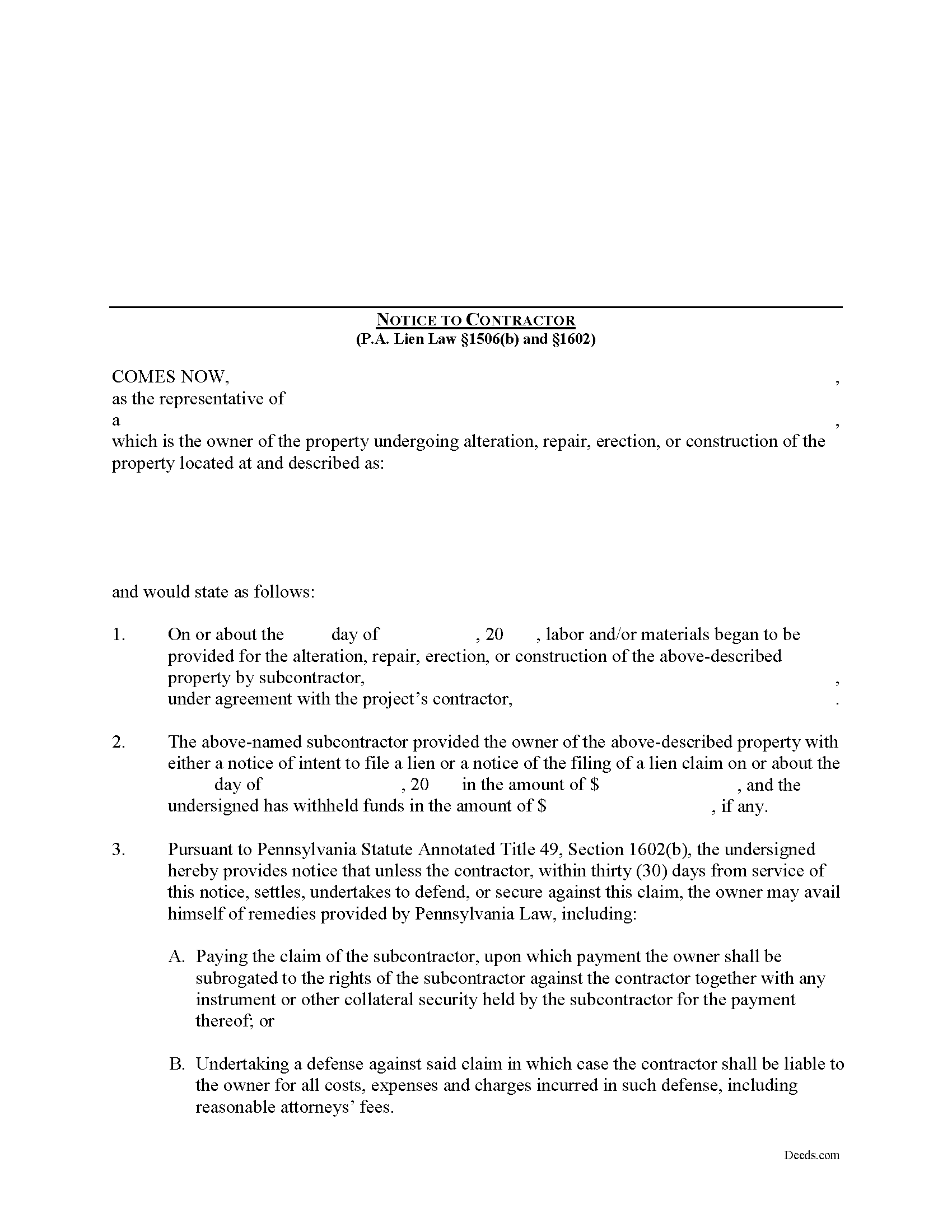
Indiana County Notice to Contractor Form
Fill in the blank Notice to Contractor form formatted to comply with all Pennsylvania recording and content requirements.
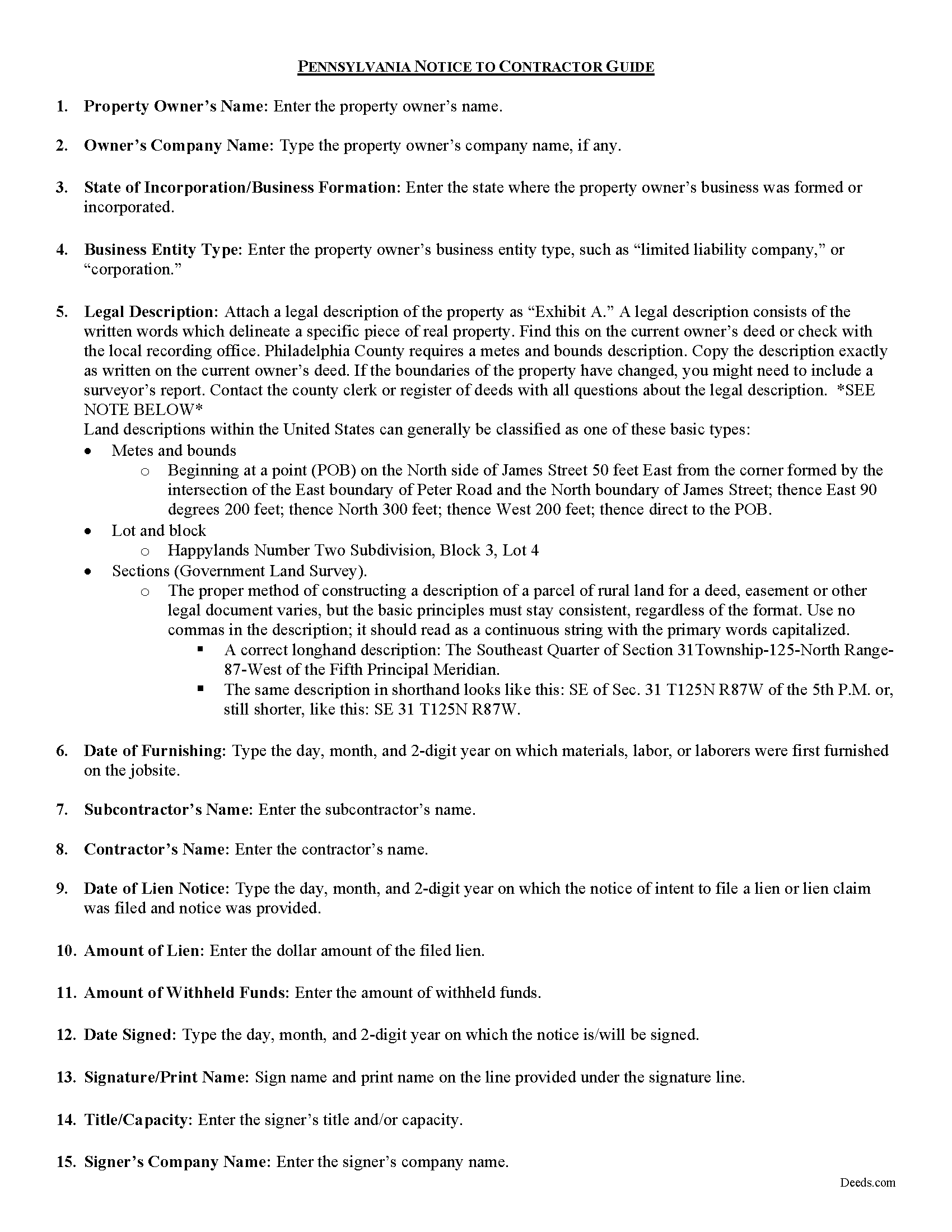
Indiana County Notice to Contractor Guide
Line by line guide explaining every blank on the form.
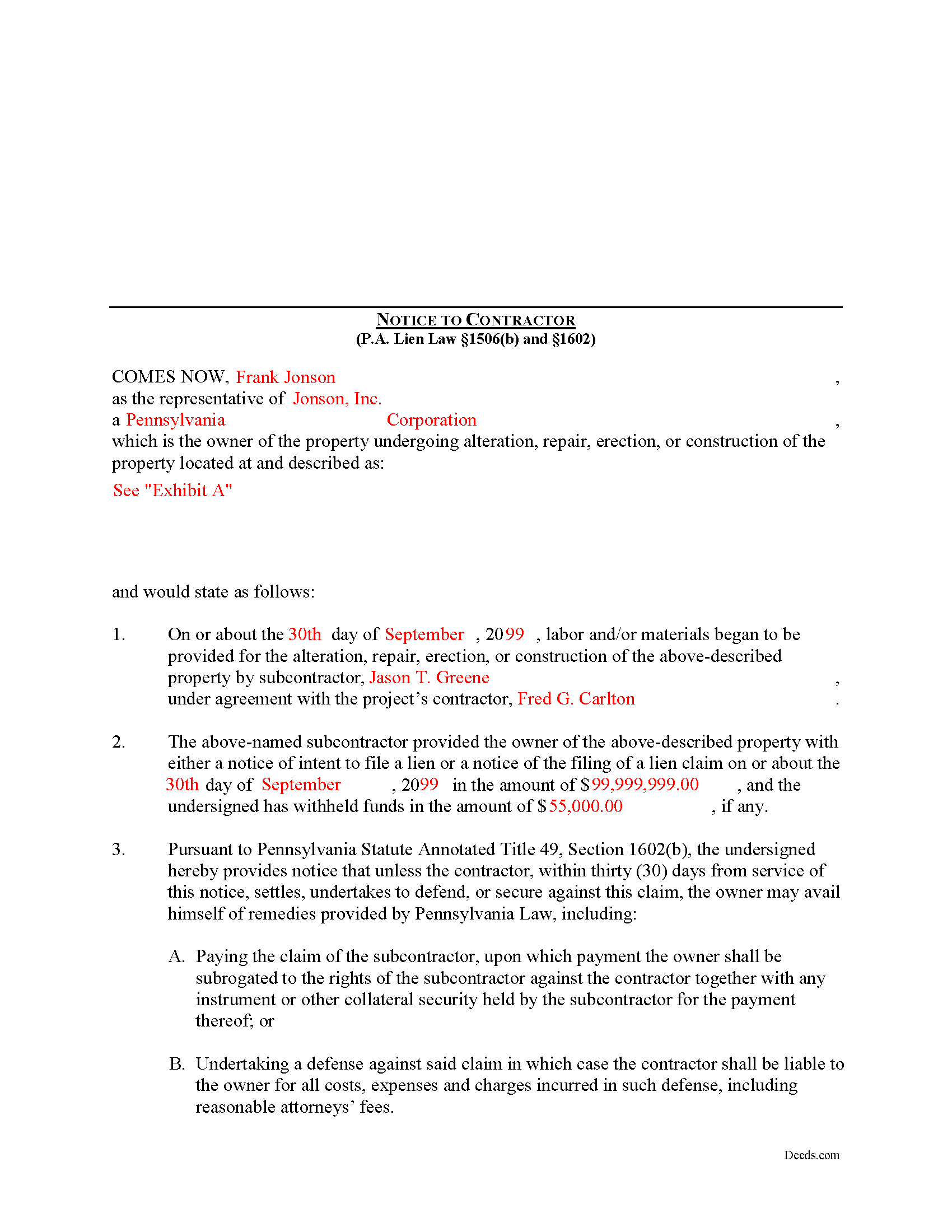
Indiana County Completed Example of the Notice to Contractor Document
Example of a properly completed form for reference.
All 3 documents above included • One-time purchase • No recurring fees
Immediate Download • Secure Checkout
Additional Pennsylvania and Indiana County documents included at no extra charge:
Where to Record Your Documents
Recorder of Deeds
Indiana, Pennsylvania 15701
Hours: 8:00 to 4:00 M-F
Phone: (724) 465-3860
Recording Tips for Indiana County:
- Bring your driver's license or state-issued photo ID
- Ensure all signatures are in blue or black ink
- White-out or correction fluid may cause rejection
- Ask about their eRecording option for future transactions
- Avoid the last business day of the month when possible
Cities and Jurisdictions in Indiana County
Properties in any of these areas use Indiana County forms:
- Alverda
- Arcadia
- Armagh
- Aultman
- Beyer
- Black Lick
- Blairsville
- Brush Valley
- Chambersville
- Cherry Tree
- Clarksburg
- Clune
- Clymer
- Commodore
- Coral
- Creekside
- Dilltown
- Dixonville
- Ernest
- Gipsy
- Glen Campbell
- Heilwood
- Hillsdale
- Home
- Homer City
- Indiana
- Josephine
- Kent
- Lucernemines
- Marchand
- Marion Center
- Mc Intyre
- Mentcle
- Northpoint
- Penn Run
- Plumville
- Robinson
- Rochester Mills
- Rossiter
- Saltsburg
- Shelocta
- Smicksburg
- Starford
- Strongstown
- West Lebanon
Hours, fees, requirements, and more for Indiana County
How do I get my forms?
Forms are available for immediate download after payment. The Indiana County forms will be in your account ready to download to your computer. An account is created for you during checkout if you don't have one. Forms are NOT emailed.
Are these forms guaranteed to be recordable in Indiana County?
Yes. Our form blanks are guaranteed to meet or exceed the applicable formatting requirements used for recording in Indiana County, including margin requirements, font requirements, and other layout standards. This guarantee applies to formatting, not to the legal sufficiency of information entered by the user or the suitability of a form for a particular transaction.
Can I reuse these forms?
Yes. You can reuse the forms for your personal use. For example, if you have multiple properties in Indiana County you only need to order once.
What do I need to use these forms?
The forms are PDFs that you fill out on your computer. The free Adobe Acrobat Reader is recommended, and most PDF apps also work. You do NOT enter your property information online - you download the blank forms and complete them privately on your own computer.
Are there any recurring fees?
No. This is a one-time purchase. Nothing to cancel, no memberships, no recurring fees.
How much does it cost to record in Indiana County?
Recording fees in Indiana County vary. Contact the recorder's office at (724) 465-3860 for current fees.
Questions answered? Let's get started!
In Pennsylvania, the Notice to Contractor is used by property owners to defend against lien claims. The notice is especially useful when dealing with lien claims filed by a subcontractor working under a general contractor, because the owner may have no knowledge of their agreements.
Where a lien claim is filed by a subcontractor, the owner may give a written notice thereof to the contractor in the manner, and upon the giving of such notice the owner may avail himself of the remedies provided under the law. 49 P.S. 1506(b).
When the notice is served on the contractor, the undersigned is providing notice that unless the contractor, within thirty (30) days from service of the notice, settles, undertakes to defend, or secures against this claim, the owner may avail himself of remedies provided by Pennsylvania Law, including: 1) Paying the claim of the subcontractor, upon which payment the owner shall be subrogated to the rights of the subcontractor against the contractor together with any instrument or other collateral security held by the subcontractor for the payment thereof; or 2) Undertaking a defense against said claim in which case the contractor shall be liable to the owner for all costs, expenses and charges incurred in such defense, including reasonable attorneys' fees. 49 P.S. 1602.
The notice shall state: (1) the name of the subcontractor, the amount of the claim and the amount withheld, if any, by the owner; that unless the contractor within thirty (30) days from service of the notice settles, undertakes to defend, or secures against the claim as provided by section 603, and (2) the owner may avail himself of the remedies provided by section 604.3. 49 P.S. 1602(b).
The owner or his agent may deliver the notice to the contractor personally, or to the contractor's manager, executive or principal officer or other agent, or if none of these persons can be found, by sending a copy of the notice by first class, registered or certified mail to the contractor at his last known office address. 49 P.S. 1602(c).
Mechanic's Liens are governed by Title 49 of the Pennsylvania Consolidated Statutes.
This article is provided for informational purposes only and does not constitute legal advice. Contact an attorney with questions about the Notice to Contractor, or for any other issues related to mechanic's liens in Pennsylvania.
Important: Your property must be located in Indiana County to use these forms. Documents should be recorded at the county recording office listed above.
This Notice to Contractor meets all recording requirements specific to Indiana County.
Our Promise
The documents you receive here are guaranteed to meet or exceed the applicable Indiana County recording format requirements. If there is a rejection caused by our formatting, we will correct the issue or refund your payment. This guarantee applies to document formatting only and does not extend to information entered by the user, the selection of the form, or the legal effect of the completed document.
Save Time and Money
Get your Indiana County Notice to Contractor form done right the first time with Deeds.com Uniform Conveyancing Blanks. At Deeds.com, we understand that your time and money are valuable resources, and we don't want you to face a penalty fee or rejection imposed by a county recorder for submitting nonstandard documents. We constantly review and update our forms to meet rapidly changing state and county recording requirements for roughly 3,500 counties and local jurisdictions.
4.8 out of 5 - ( 4,845 Reviews )
RICHARD MANUEL F. 5 out of 5 stars
I never could even think to solve an important issue involving even overseas individuals without even a lawyer within 24 h. This service works for real and I'll keep using it from now for any future needs, referring to and proposing it as a legitimate, trusted real Optimus service. I'm extremely satisfied and being a Public Official myself I got to say that these guys have really impressed me!
Thank you!
Bonnie B. 5 out of 5 stars
Very easy process for both quit claim and beneficiary deed forms and explanations.. also gives an example form filled out to ensure you have something to go by when filling out your own for accuracy.. the forms are for your specific county, city, and state so no problems when you go to record at deeds office!
Thank you, Bonnie! County-specific forms, clear instructions, and a filled-in example to guide you — that's exactly the experience we aim for. So glad both deeds went smoothly from form to recording. We appreciate the kind words!
Thomas D. 2 out of 5 stars
The documents themselves are fine and the information provided with them is helpful. I find the actual processing of the documents, however, to be difficult particularly once the document has been saved. First, I note that the box for the date only allows entry of the last 2 digits of the year. Unfortunately, my download only allows me to enter one of the 2 digits required. When I delete it repeatedly, it eventually allows both digits to be entered but puts them in extremely small text and in superscrypt. I have not found a solution to this problem and am not sure the deed can even be recorded with this problem. Another problem is that if you try to revise the document after you have saved it the curser goes to the end of the line after each key entry. This means that there basically is no way to efficiently save the document for reworking later since you will have to delete everything you have entered in the text box unless you only need to make a single keystroke change or are willing to replace the curser after each entry. Try that with a long property description! Please note that I am using a Mac to prepare my documents and perhaps this is part of an "incompatibility problem". However, I didn't see a disclaimer regarding Mac use and so would expect the documents to perform correctly. Overall, I give the program a "2 star" rating because I am experiencing significant difficulties in entering dates in the documents even before saving them and because saving your work for later revision appears to be basically unworkable.
Thank you for your feedback Thomas, we appreciate you being specific about the issues you encountered. Adobe and Mac have a fairly long history of issues working together.
RUSSELL E. 5 out of 5 stars
The process sure was easy and fast. Not sure why a rep would question why I am requesting an exhibit page on the Deed when that's a common practice here in AZ. They recorded it the way I sent it so all good.
Thank you!
curtice c. 5 out of 5 stars
I bought the Transfer on Death Deed documents. Great product and the accompanying example and guides were great.
Thank you for your feedback. We really appreciate it. Have a great day!
Robert C. 5 out of 5 stars
I hope I have the right form. My deed should be for a mfg home.
Thank you for your feedback. We really appreciate it. Have a great day!
Brenda B. 2 out of 5 stars
Disappointed. Did not get the information requested.
Sorry we were unable to pull the documents you requested. We do hope that you found what you were looking for elsewhere. Have a wonderful day.
John B. 5 out of 5 stars
Fantastic service, easy to use, and supported the entire way through every process. Excellent service!
We are motivated by your feedback to continue delivering excellence. Thank you!
Richard W. 5 out of 5 stars
Very happy I tried your service/product. The quit deed forms were excepted by the register of deeds with no issue. Thank You
We appreciate your business and value your feedback. Thank you. Have a wonderful day!
Denise S. 5 out of 5 stars
Took all the guesswork out of what we were trying to accomplish, and gave us peace of mind that we would have the correct documents.
We appreciate your business and value your feedback. Thank you. Have a wonderful day!
lamar J. 5 out of 5 stars
Easy to understand and work with Very pleased with the information I Received
We appreciate your business and value your feedback. Thank you. Have a wonderful day!
Mary S. 5 out of 5 stars
Wonderful!! So easy to locate the file you need and printing is a snap!! Thank you so much for this service! I will definitely be sharing your site!!
We appreciate your business and value your feedback. Thank you. Have a wonderful day!
MARISSA G. 5 out of 5 stars
I recomemed this webside
Thank you for your feedback. We really appreciate it. Have a great day!
Paul M. 5 out of 5 stars
Great site! Got what I needed and I'm not the brightest bulb in the box when it comes to this interwebz stuff.
Thank you!
LINDA S. 5 out of 5 stars
This was SO much easier than having to go down to the county recorder's office. I would definitely use this company again!
Thank you for your feedback. We really appreciate it. Have a great day!