Indiana County Notice of Furnishing Form
Last validated November 5, 2026 by our Forms Development TeamFormatted for recording in Indiana County, for property anywhere in the county: rural and unincorporated areas as well as Alverda, Arcadia, Armagh, Aultman, Beyer, Black Lick, Blairsville, Brush Valley and 37 more.
- 3 documents included
- Immediate PDF download
- Formatting guarantee
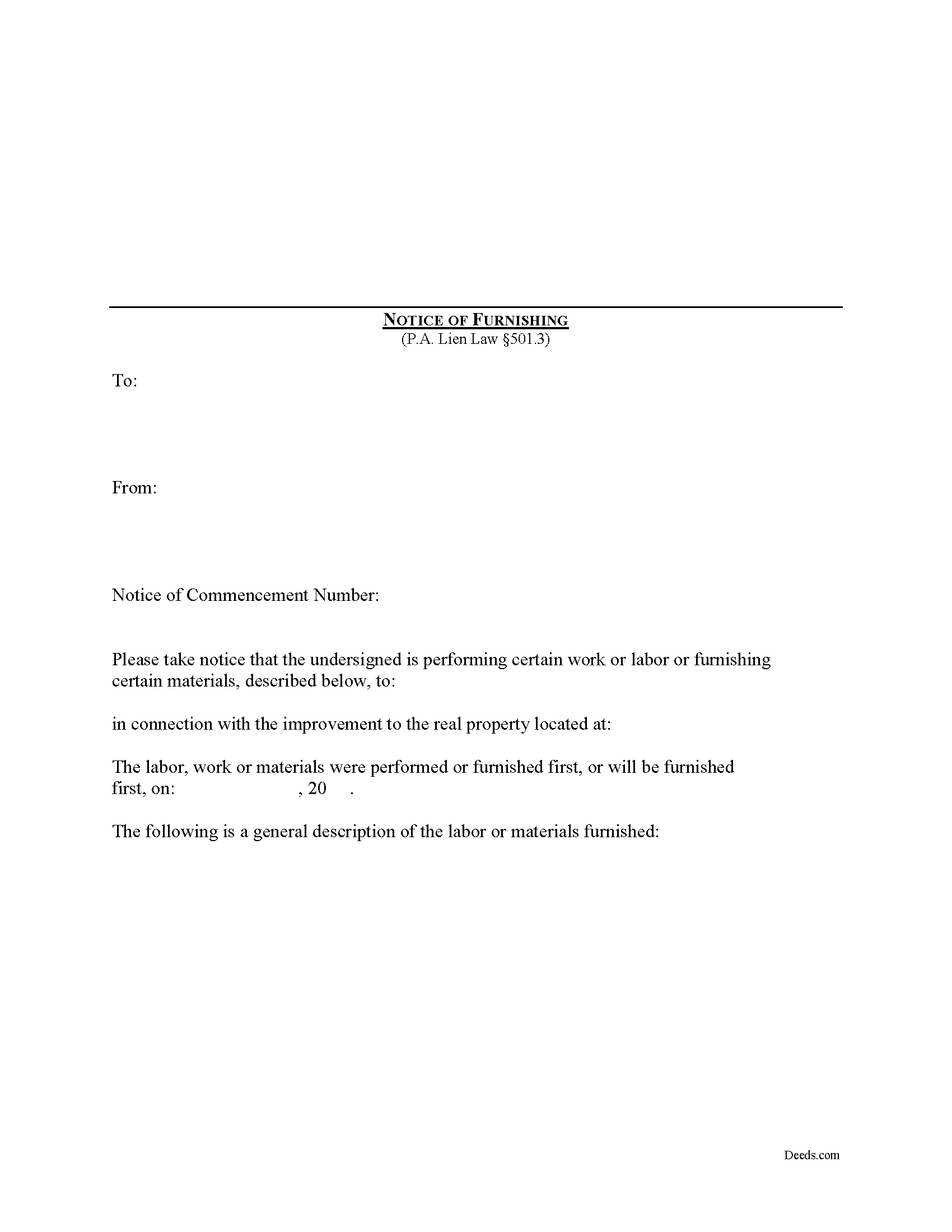
Indiana County Notice of Furnishing Form
Fill in the blank Notice of Furnishing form formatted to comply with all Pennsylvania recording and content requirements.
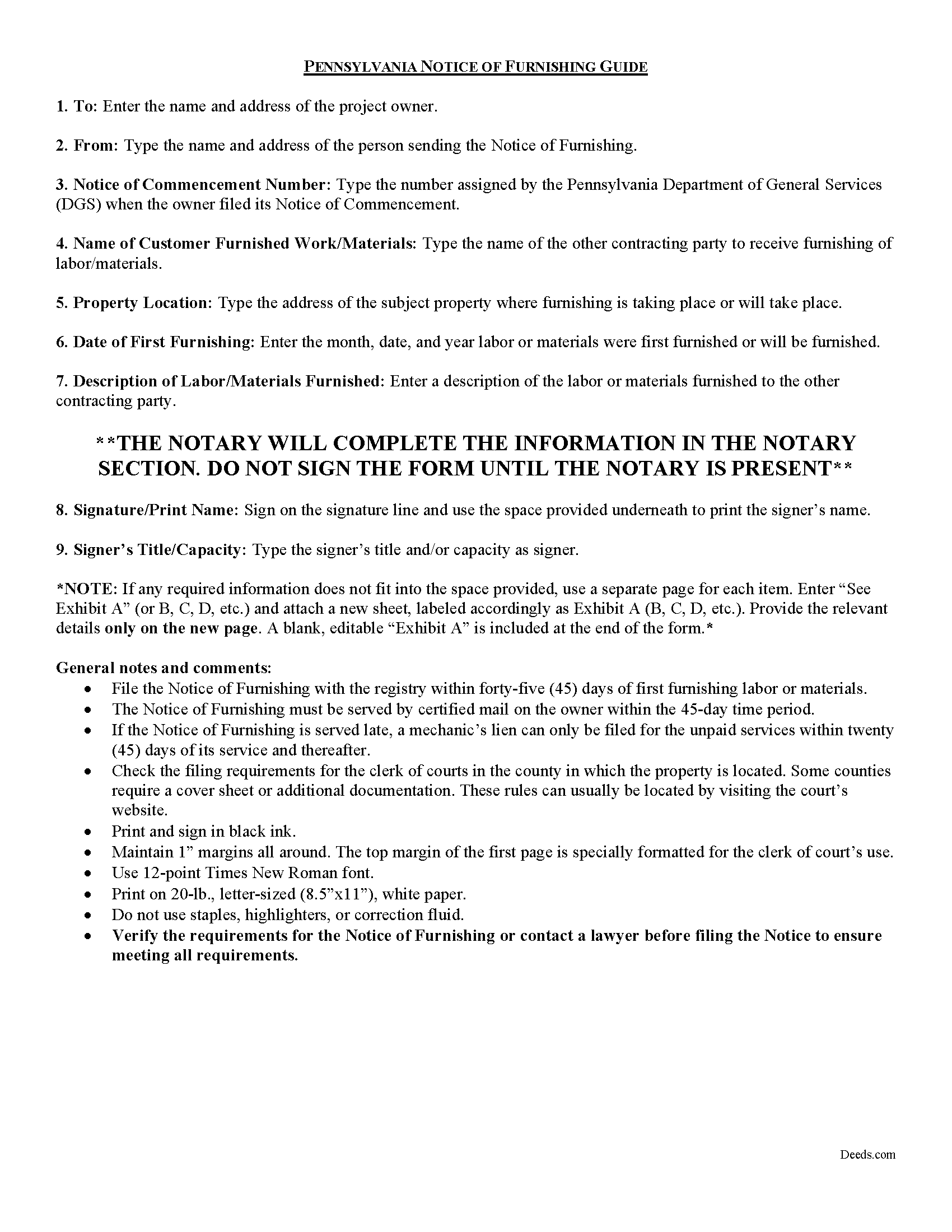
Indiana County Notice of Furnishing Guide
Line by line guide explaining every blank on the form.
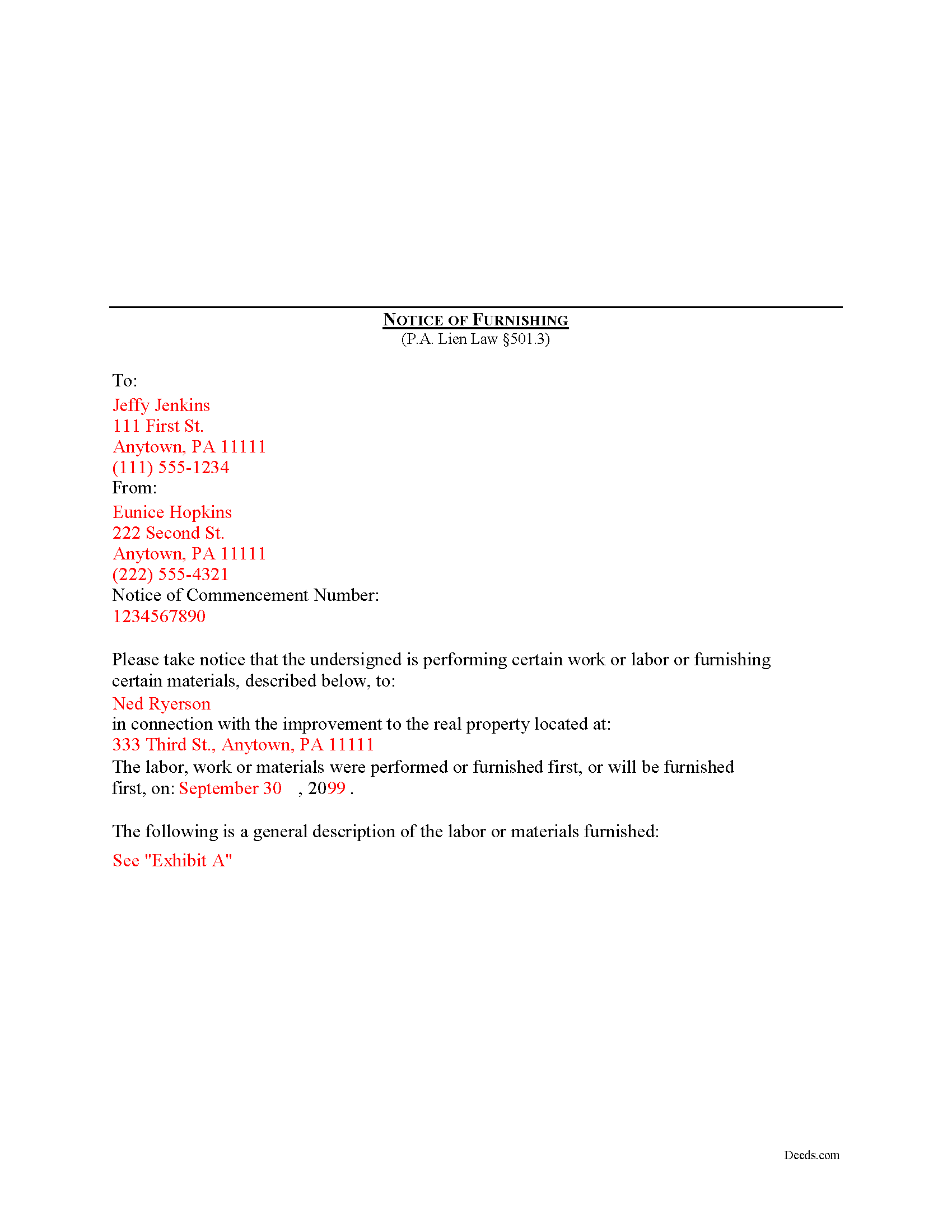
Indiana County Completed Example of the Notice of Furnishing Document
Example of a properly completed form for reference.
All 3 documents above included • One-time purchase • No recurring fees
Immediate Download • Secure Checkout
Additional Pennsylvania and Indiana County documents included at no extra charge:
Where to Record Your Documents
Recorder of Deeds
Indiana, Pennsylvania 15701
Hours: 8:00 to 4:00 M-F
Phone: (724) 465-3860
Recording Tips for Indiana County:
- Bring your driver's license or state-issued photo ID
- Ensure all signatures are in blue or black ink
- Verify all names are spelled correctly before recording
- White-out or correction fluid may cause rejection
- Ask about their eRecording option for future transactions
Cities and Jurisdictions in Indiana County
Properties in any of these areas use Indiana County forms:
- Alverda
- Arcadia
- Armagh
- Aultman
- Beyer
- Black Lick
- Blairsville
- Brush Valley
- Chambersville
- Cherry Tree
- Clarksburg
- Clune
- Clymer
- Commodore
- Coral
- Creekside
- Dilltown
- Dixonville
- Ernest
- Gipsy
- Glen Campbell
- Heilwood
- Hillsdale
- Home
- Homer City
- Indiana
- Josephine
- Kent
- Lucernemines
- Marchand
- Marion Center
- Mc Intyre
- Mentcle
- Northpoint
- Penn Run
- Plumville
- Robinson
- Rochester Mills
- Rossiter
- Saltsburg
- Shelocta
- Smicksburg
- Starford
- Strongstown
- West Lebanon
Hours, fees, requirements, and more for Indiana County
How do I get my forms?
Forms are available for immediate download after payment. The Indiana County forms will be in your account ready to download to your computer. An account is created for you during checkout if you don't have one. Forms are NOT emailed.
Are these forms guaranteed to be recordable in Indiana County?
Yes. Our form blanks are guaranteed to meet or exceed the applicable formatting requirements used for recording in Indiana County, including margin requirements, font requirements, and other layout standards. This guarantee applies to formatting, not to the legal sufficiency of information entered by the user or the suitability of a form for a particular transaction.
Can I reuse these forms?
Yes. You can reuse the forms for your personal use. For example, if you have multiple properties in Indiana County you only need to order once.
What do I need to use these forms?
The forms are PDFs that you fill out on your computer. The free Adobe Acrobat Reader is recommended, and most PDF apps also work. You do NOT enter your property information online - you download the blank forms and complete them privately on your own computer.
Are there any recurring fees?
No. This is a one-time purchase. Nothing to cancel, no memberships, no recurring fees.
How much does it cost to record in Indiana County?
Recording fees in Indiana County vary. Contact the recorder's office at (724) 465-3860 for current fees.
Questions answered? Let's get started!
What is a Notice of Furnishing in Pennsylvania?
Mechanic's Liens are governed by Title 49 of the Pennsylvania Consolidated Statutes.
The Notice of Furnishing is a document providing notice to the owner that the start of labor or delivery of materials has commenced. The notice must be filed with the registry within forty-five (45) days of first furnishing labor or materials on a construction project. The Notice must also be served by certified mail on the owner within that time. If the Notice is served too late, you may still file a mechanic's lien but that lien will only include the unpaid services within 45 days of service and thereafter. 501.3.
The notice must contain the following: (1) a general description of the labor or materials furnished; (2) the full name and address of the person supplying the services or items; (3) the full name and address of the person that contracted for the services or items; and (4) a description sufficient to identify the searchable project, based on the description in the Notice of Commencement. 501.3(b)(3). In addition, the document must meet all state and local standards for recorded documents.
This article on the Pennsylvania Notice of Furnishing is provided for informational purposes only and is not legal advice. If you have any questions about mechanic's liens or filing the Notice of Furnishing, contact a Pennsylvania attorney familiar with mechanic's lien law.
Important: Your property must be located in Indiana County to use these forms. Documents should be recorded at the county recording office listed above.
This Notice of Furnishing meets all recording requirements specific to Indiana County.
Our Promise
The documents you receive here are guaranteed to meet or exceed the applicable Indiana County recording format requirements. If there is a rejection caused by our formatting, we will correct the issue or refund your payment. This guarantee applies to document formatting only and does not extend to information entered by the user, the selection of the form, or the legal effect of the completed document.
Save Time and Money
Get your Indiana County Notice of Furnishing form done right the first time with Deeds.com Uniform Conveyancing Blanks. At Deeds.com, we understand that your time and money are valuable resources, and we don't want you to face a penalty fee or rejection imposed by a county recorder for submitting nonstandard documents. We constantly review and update our forms to meet rapidly changing state and county recording requirements for roughly 3,500 counties and local jurisdictions.
4.8 out of 5 - ( 4,845 Reviews )
Cheryl C. 4 out of 5 stars
my only problem is the cost of the form I downloaded. A bit cheaper would be nice
Thank you for your feedback. We really appreciate it. Have a great day!
Brian J. 5 out of 5 stars
make filing doc so simple and fast saves time and money
We appreciate your business and value your feedback. Thank you. Have a wonderful day!
Kendall B. 5 out of 5 stars
Good
Thank you!
Michael K. 5 out of 5 stars
I haven't used them yet. So far so good.
Thank you!
Toni M. 5 out of 5 stars
I liked having the forms. Some may need to know they can look at the legal Description from online county records, then type up in Word document line by line, the degree sign in Word program is achieved by using alt and 248 on number pad. Then on the form page one write SEE Exibit A and title your Word program description as Exibit A. Goes without saying the legal description should be looked over many times and it is easier to do so if you format your Word the same lineage as the legal description online which is usually not text which is why you have to retype it.
Thank you for your feedback. We really appreciate it. Have a great day!
Jo Ellen H. 5 out of 5 stars
So very easy to fill out, very satisfied.
Thank you, Jo Ellen! We’re glad the form was easy to complete and that you’re satisfied. We appreciate your business.
Teresa H. 5 out of 5 stars
cost effective and quick!
Thank you!
Jonnie G. 5 out of 5 stars
I very much dreaded this whole endeavor but very pleasantly surprised. So far, so good. I feel much more confidant that the crucial form, when presented, will play well with the county.......
We appreciate your business and value your feedback. Thank you. Have a wonderful day!
Alfred M. 5 out of 5 stars
It was a simple process and easily understood the process was seamless and I would highly recommend this to anyone looking to do this.
Thank you for your feedback. We really appreciate it. Have a great day!
Kay Y. 5 out of 5 stars
Fast and easy service.
Your words of encouragement and feedback are greatly appreciated. They motivate us to maintain high standards in our service.
Rip V. 1 out of 5 stars
Found the forms I needed but had to type these out my self in Word since these forms do not allow any information to be saved. I understand you want this to be proprietary information but you failed to deliver a usable product. I printed this template and built my own in microsoft word. Good examples and instructions with poor execution. I lost hours of typing and nearly lost real estate deals due to these documents not being in a format ready to use. Will be using another service next time or buying these as guides alone.
Thank you for taking the time to leave your feedback. Sorry to hear of the struggle you had using our forms. We will look into the issues you reported to see what we can do to provide a better product. For your trouble we have provided a full refund of your order.
Leon S. 5 out of 5 stars
I am happy that I found Deeds.com. It provided me with all the information I needed to prepare a quit claim deed, and at a reasonable cost.
We appreciate your business and value your feedback. Thank you. Have a wonderful day!
Lynn S. 5 out of 5 stars
Awesome service! I was a first time user recording a document online. I received alerts and updates throughout the process to completion of recording. I highly recommend deeds.com. They made this process stress free. Thank you
Thank you Lynn, we appreciate the kind words. Have an amazing day!
calvin b. 5 out of 5 stars
They offer a great service. Also they have been responsive and professional.
Thank you for your feedback. We really appreciate it. Have a great day!
Philip F. 5 out of 5 stars
Quick, user-friendly, and complete! Thank you
We are grateful for your feedback and looking forward to serving you again. Thank you!