Charleston County Contract for Deed Form
Last validated September 9, 2026 by our Forms Development TeamFormatted for recording in Charleston County, for property anywhere in the county: rural and unincorporated areas as well as Adams Run, Awendaw, Charleston, Charleston Afb, Folly Beach, Hollywood, Isle Of Palms, Johns Island and 6 more.
- 6 documents included
- Immediate PDF download
- Formatting guarantee
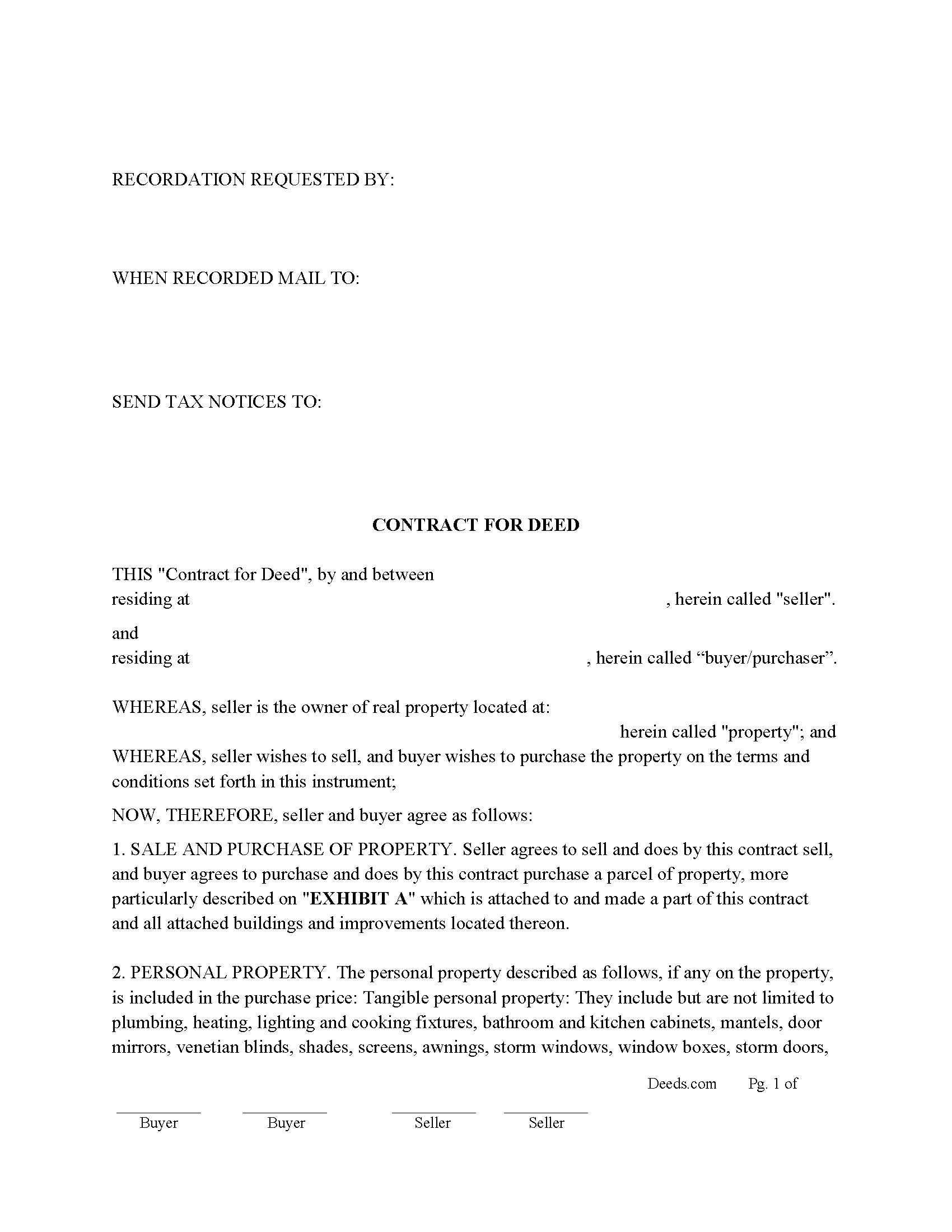
Charleston County Contract for Deed Form
Fill in the blank Contract for Deed form formatted to comply with all South Carolina recording and content requirements.
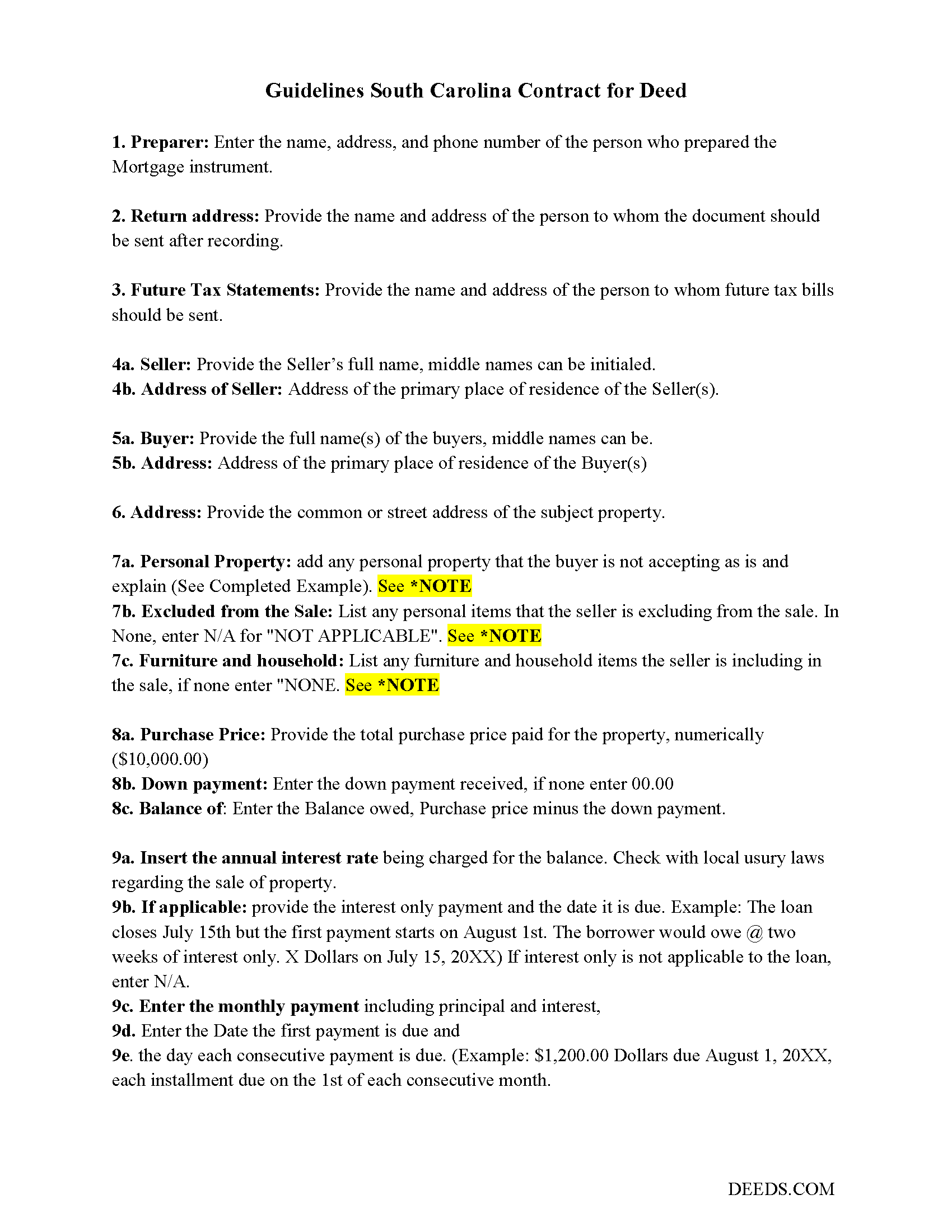
Charleston County Contract for Deed Guide
Line by line guide explaining every blank on the Contract for Deed form.
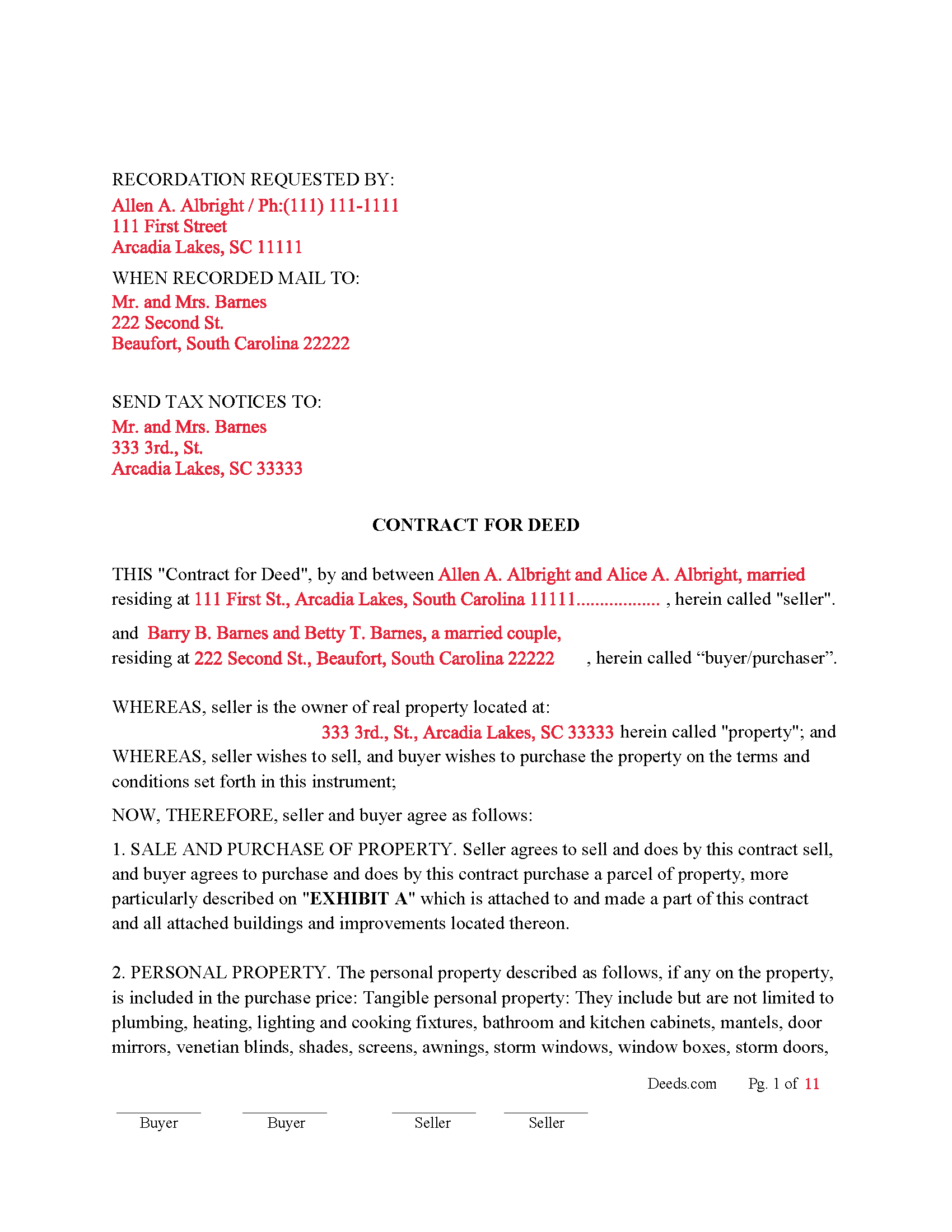
Charleston County Completed Example of the Contract for Deed Document
Example of a properly completed South Carolina Contract for Deed document for reference.
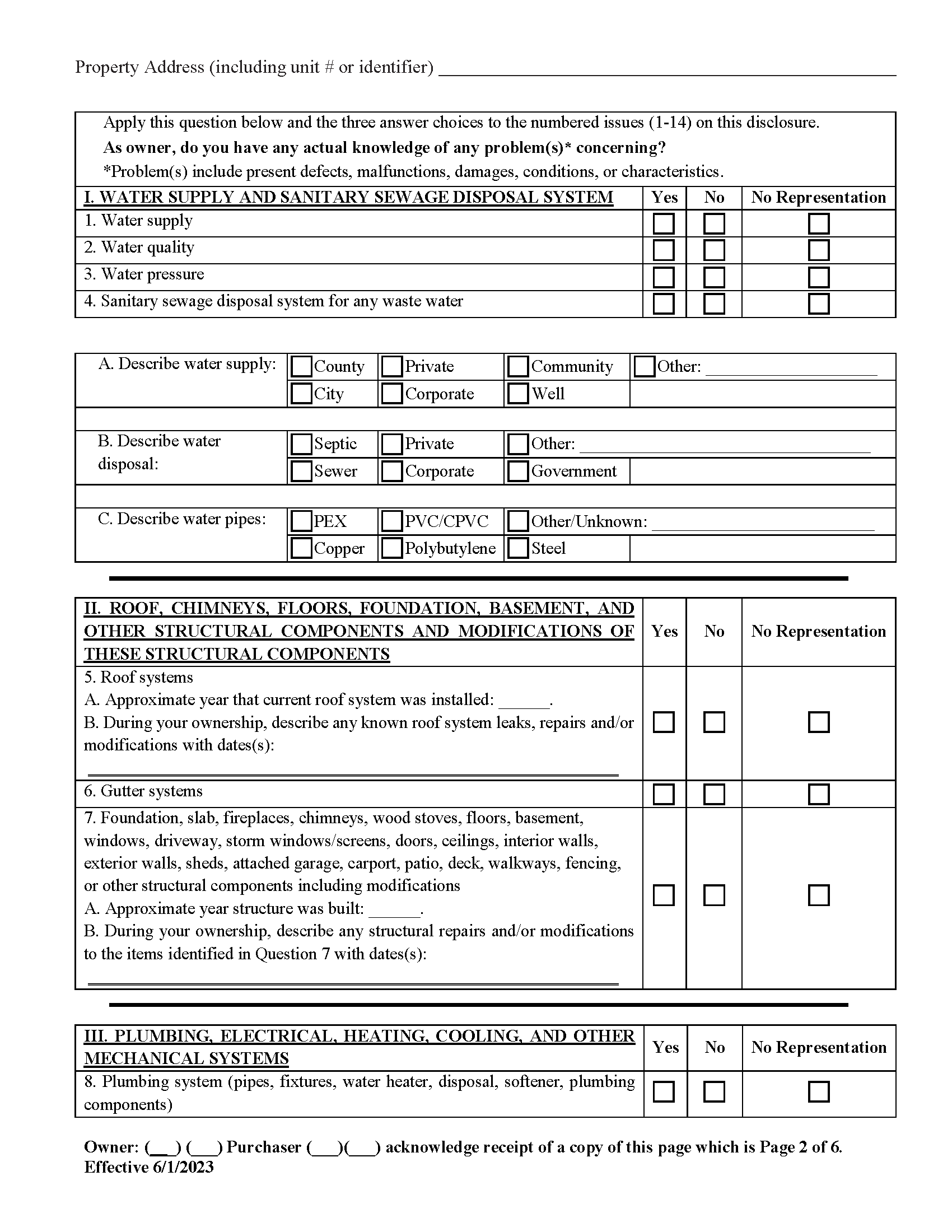
Charleston County Property Disclosure Form
Required for residential sales.
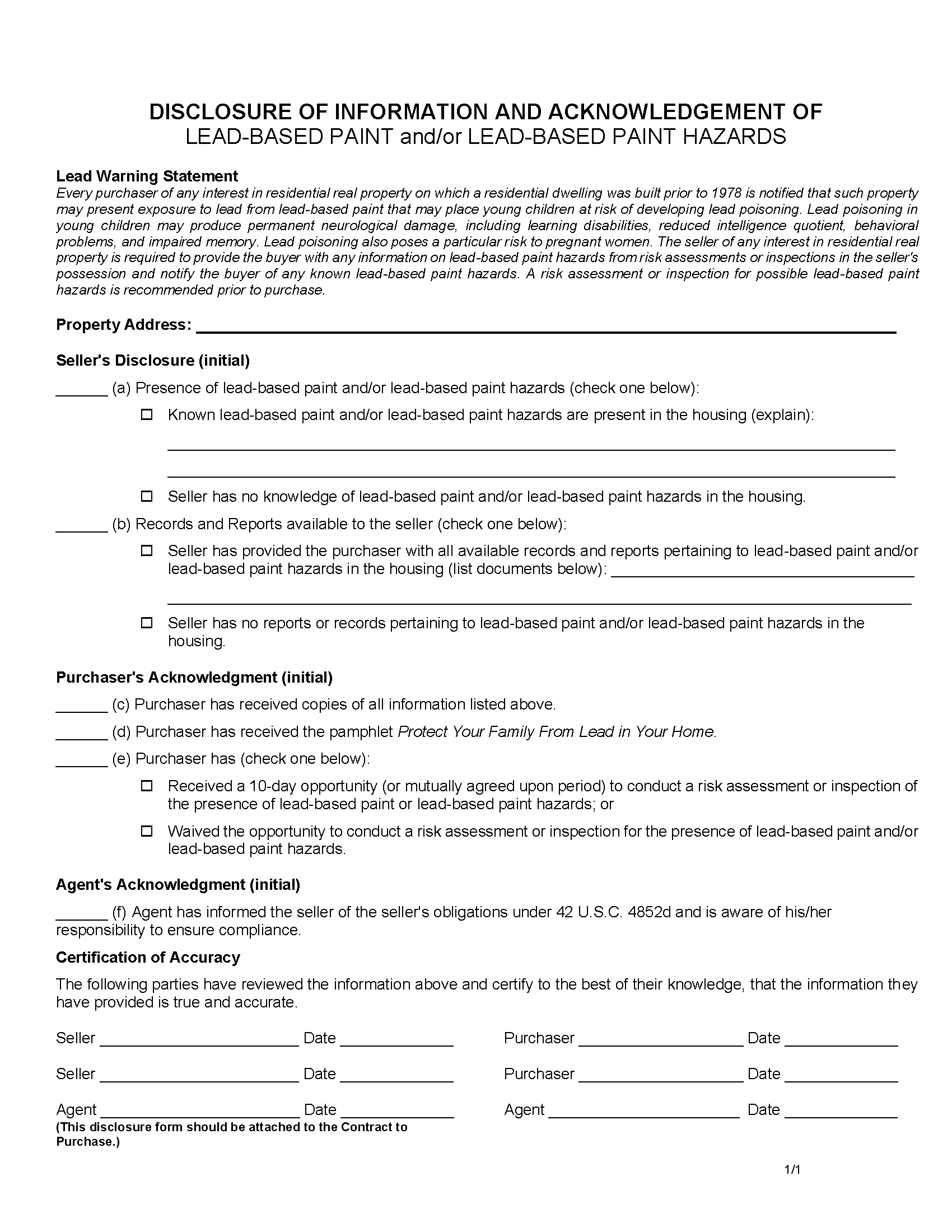
Charleston County Lead Based Paint Disclosure Form
Required for residential property built before 1978.
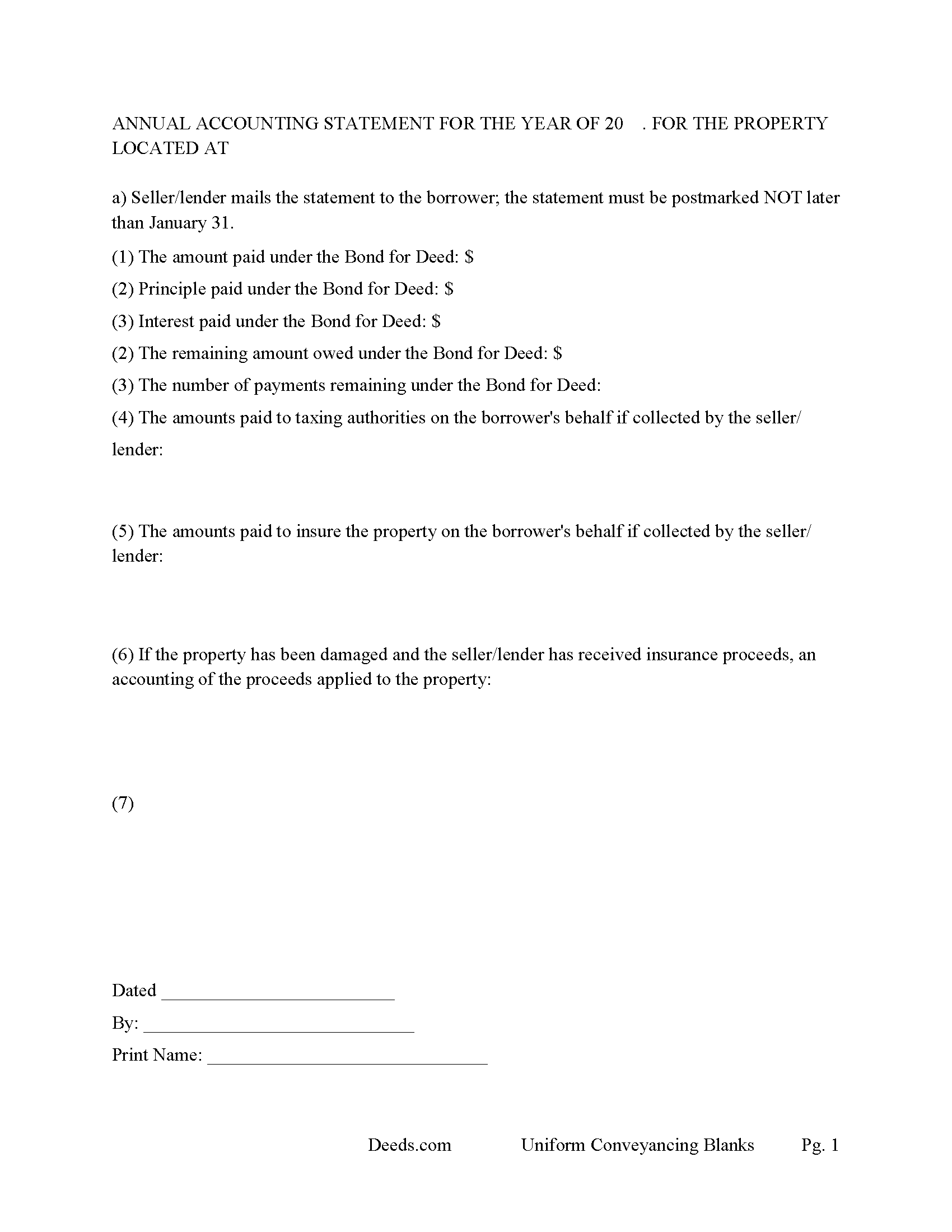
Charleston County Annual Accounting Statement Form
Send to Buyer for fiscal year reporting.
All 6 documents above included • One-time purchase • No recurring fees
Immediate Download • Secure Checkout
Additional South Carolina and Charleston County documents included at no extra charge:
Where to Record Your Documents
Charleston County Register
Charleston, South Carolina 29401 / 29402
Hours: 8:30am to 5:00pm Monday through Friday / Recording until 4:30pm
Phone: (843) 958-4800
Recording Tips for Charleston County:
- Bring your driver's license or state-issued photo ID
- Ensure all signatures are in blue or black ink
- Make copies of your documents before recording - keep originals safe
- Recorded documents become public record - avoid including SSNs
- Recording fees may differ from what's posted online - verify current rates
Cities and Jurisdictions in Charleston County
Properties in any of these areas use Charleston County forms:
- Adams Run
- Awendaw
- Charleston
- Charleston Afb
- Folly Beach
- Hollywood
- Isle Of Palms
- Johns Island
- Mc Clellanville
- Mount Pleasant
- North Charleston
- Ravenel
- Sullivans Island
- Wadmalaw Island
Hours, fees, requirements, and more for Charleston County
How do I get my forms?
Forms are available for immediate download after payment. The Charleston County forms will be in your account ready to download to your computer. An account is created for you during checkout if you don't have one. Forms are NOT emailed.
Are these forms guaranteed to be recordable in Charleston County?
Yes. Our form blanks are guaranteed to meet or exceed the applicable formatting requirements used for recording in Charleston County, including margin requirements, font requirements, and other layout standards. This guarantee applies to formatting, not to the legal sufficiency of information entered by the user or the suitability of a form for a particular transaction.
Can I reuse these forms?
Yes. You can reuse the forms for your personal use. For example, if you have multiple properties in Charleston County you only need to order once.
What do I need to use these forms?
The forms are PDFs that you fill out on your computer. The free Adobe Acrobat Reader is recommended, and most PDF apps also work. You do NOT enter your property information online - you download the blank forms and complete them privately on your own computer.
Are there any recurring fees?
No. This is a one-time purchase. Nothing to cancel, no memberships, no recurring fees.
How much does it cost to record in Charleston County?
Recording fees in Charleston County vary. Contact the recorder's office at (843) 958-4800 for current fees.
Questions answered? Let's get started!
In South Carolina, "Contract for Deed" transactions, also known as land contracts or installment sale agreements, are governed by general property and conveyance laws. Although there is no specific statute exclusively for Contracts for Deed, several sections of Title 27 of the South Carolina Code of Laws are particularly relevant. These laws guide the recording, execution, and enforcement of such contracts, ensuring legal protection for both buyers and sellers.
Key Sections of Title 27 Relevant to Contracts for Deed:
Section 27-3-10: Execution and Acknowledgment of Deeds: This section mandates that deeds and other conveyance documents be executed and acknowledged by the grantor, witnessed by two individuals, and acknowledged before a notary public.
Section 27-7-10: Recording of Conveyances of Real Property This section specifies that deeds, mortgages, and other conveyances of real property must be recorded in the office of the register of deeds in the county where the property is located. Recording provides public notice of the buyer's interest and protects against subsequent claims.
Section 27-39-220: Residential Landlord and Tenant Act – Applicability While primarily focused on landlord-tenant relationships, some provisions may apply to Contracts for Deed, especially those involving residential properties.
Section 27-35-20: Forcible Entry and Detainer This section outlines the procedures for recovering possession of property if a buyer defaults under a Contract for Deed. The seller may need to follow these procedures to regain possession.
Section 27-50-10 et seq.: Residential Property Condition Disclosure Act Although primarily addressing the disclosure of property conditions in traditional sales, this act's principles may be applied to ensure that sellers in a Contract for Deed disclose known property defects to the buyer.
Practical Steps for Compliance: Includes essential terms such as parties' names, property description, purchase price, payment schedule, interest rate, default provisions, and remedies.
Execution and Witnessing: Both parties must sign the contract. The signatures must be witnessed by two individuals who then sign the document as witnesses.
Notarization: Have the contract notarized by a licensed notary public to verify the identities of the signatories and the voluntary nature of their signatures.
Recording the Contract: Submit the notarized and witnessed contract to the county register of deeds office where the property is located for recording.
Pay the required recording fees. Recording the contract provides public notice and helps protect the buyer's equitable interest in the property.
Disclosures: Ensure that the seller discloses any known property defects, following principles similar to those in the Residential Property Condition Disclosure Act.
Default and Remedies: Contract outlines the process for addressing defaults, including notice requirements and grace periods. Specifies remedies available to the seller, such as acceleration of payments, termination of the contract, repossession of the property, and legal actions such as ejectment or foreclosure.
Navigating Contracts for Deed in South Carolina requires careful attention to the relevant laws and proper execution of the agreement. By following these guidelines, both buyers and sellers can ensure their interests are protected and comply with state regulations.
Uses: Residential property, rental 1-4 units, condominiums and planned unit developments.
Important: Your property must be located in Charleston County to use these forms. Documents should be recorded at the county recording office listed above.
This Contract for Deed meets all recording requirements specific to Charleston County.
Our Promise
The documents you receive here are guaranteed to meet or exceed the applicable Charleston County recording format requirements. If there is a rejection caused by our formatting, we will correct the issue or refund your payment. This guarantee applies to document formatting only and does not extend to information entered by the user, the selection of the form, or the legal effect of the completed document.
Save Time and Money
Get your Charleston County Contract for Deed form done right the first time with Deeds.com Uniform Conveyancing Blanks. At Deeds.com, we understand that your time and money are valuable resources, and we don't want you to face a penalty fee or rejection imposed by a county recorder for submitting nonstandard documents. We constantly review and update our forms to meet rapidly changing state and county recording requirements for roughly 3,500 counties and local jurisdictions.
4.8 out of 5 - ( 4,828 Reviews )
Margaret J. 5 out of 5 stars
Forms were clear and understandable
Thank you!
Veronica F. 5 out of 5 stars
Fabulous service team. VERY responsive with any issue I encountered. Preparing forms out of state to record in another is never easy but this team assists expeditiously.
Your feedback is greatly appreciated. Thank you for taking the time to share your experience!
Julie G. 5 out of 5 stars
Great online tool to get your deeds recorded without having to go downtown! Will be using deeds.com for all our future recordings!
Thank you!
Sherry G. 5 out of 5 stars
This site was perfect in a time when travel is almost impossible. They asked a few questions to make sure everything would work out and once submitted took less than 24 hours. Less than 48 hours total time. Absolutely would use them again to submit documents even once can travel again!
Thank you for your feedback. We really appreciate it. Have a great day!
Barbara Y. 5 out of 5 stars
I found your instructions and sample for completing a quit-claim deed in Arizona to be simple and easy to follow with one exception. The website to use in order to determine the code for the reason for exemption of fees was incorrect, as a result of which I had to contact the County Recorder to obtain that information.
Thank you for your feedback. We really appreciate it. Have a great day!
jennifer e. 5 out of 5 stars
EXCELLENT, PROMPT SERVICE. I will definitely use again .HIGHLY RECOMMEND.
Thank you for your feedback. We really appreciate it. Have a great day!
Terrill M. 5 out of 5 stars
Great forms and information
We appreciate your business and value your feedback. Thank you. Have a wonderful day!
EARL R. 5 out of 5 stars
easy to use once i found out i could fill it out right on the deeds website instead of downloading it to word duh.
Thank you for your feedback Earl. We'll work on ways to make it more clear that the forms are fill in the blank right in the PDF. Have an amazing day!
Glenn W. 5 out of 5 stars
Efficient, helpful & easy! I highly recommend Deeds.com to anyone. Such a joy to use especially after trying to navigate the Cooks County Clerks office.
Thank you for your kind words and for choosing us.
Diana L. 5 out of 5 stars
Easy to use but need to go through the courthouse to do what I need to do.
Thank you!
Lindsay B. 4 out of 5 stars
The form was easy to fill out. The only problem I had was on the Notary page I live in a different state than the property and I couldn't change the name of the state or county where the notary had to sign.
Thanks Lindsay, we appreciate your feedback.
JJ G. 5 out of 5 stars
Was very easy and helpful. No going down to the courthouse
Thank you!
Debora E. 5 out of 5 stars
I was amazed! This company is so incredibly fast! They promised 10 minutes, it was actually less and I had the exact info I was needing! Definitely worth the cost!
We appreciate your business and value your feedback. Thank you. Have a wonderful day!
Rhonda L. 5 out of 5 stars
This was one of the most simple but efficient process. Walked me thru every step. Total process was less than 2 weeks.
Thank you!
Michael M. 5 out of 5 stars
Amazing time saver, fantastic resource if you have an idea of what you are looking for and you can read. No one is going to hold your hand so be prepared to do the research yourself... it is DIY after all.
Thanks for the kind words Michael. Have a wonderful day.