Charleston County Correction Deed Form
Last validated August 31, 2026 by our Forms Development TeamFormatted for recording in Charleston County, for property anywhere in the county: rural and unincorporated areas as well as Adams Run, Awendaw, Charleston, Charleston Afb, Folly Beach, Hollywood, Isle Of Palms, Johns Island and 6 more.
- 3 documents included
- Immediate PDF download
- Formatting guarantee
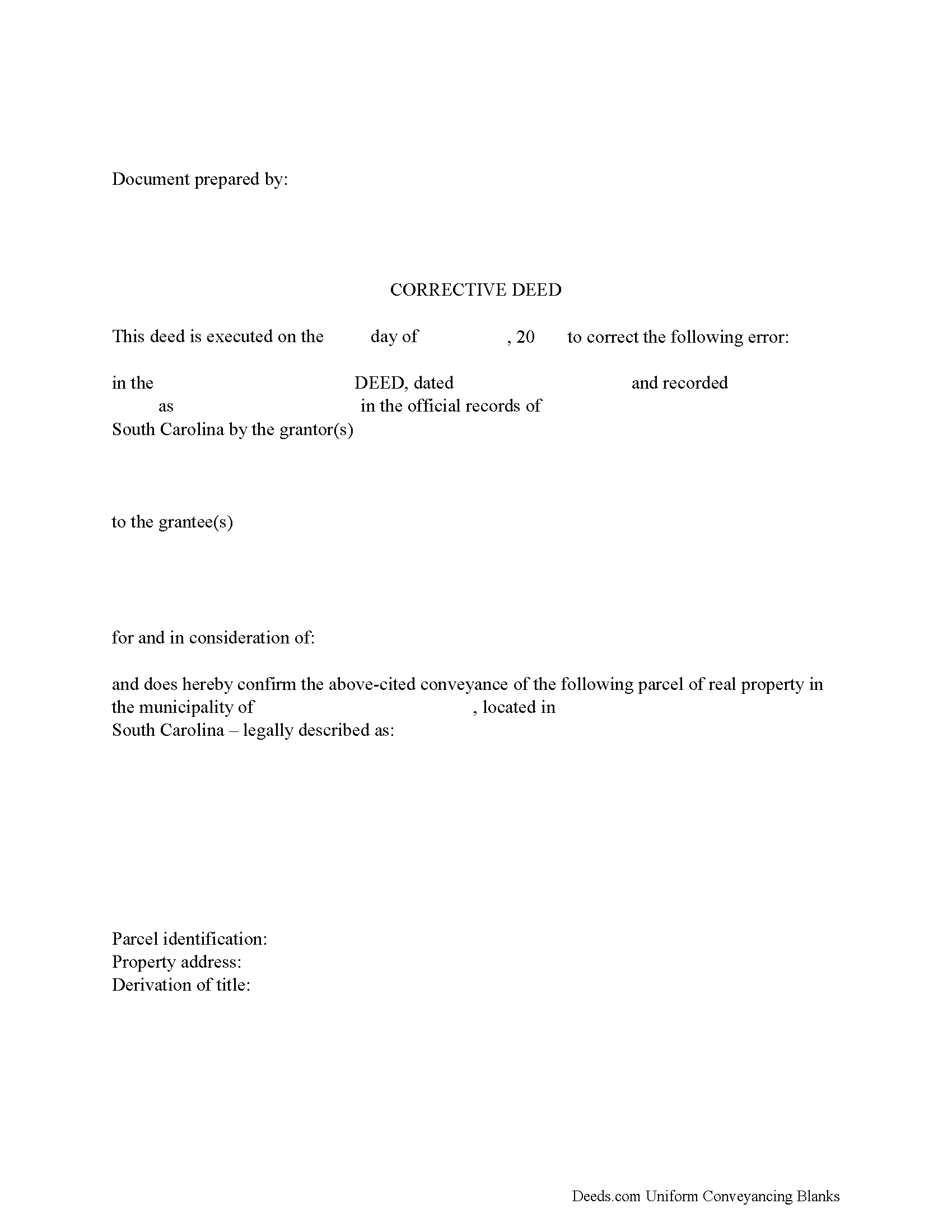
Charleston County Correction Deed Form
Fill in the blank form formatted to comply with all recording and content requirements.
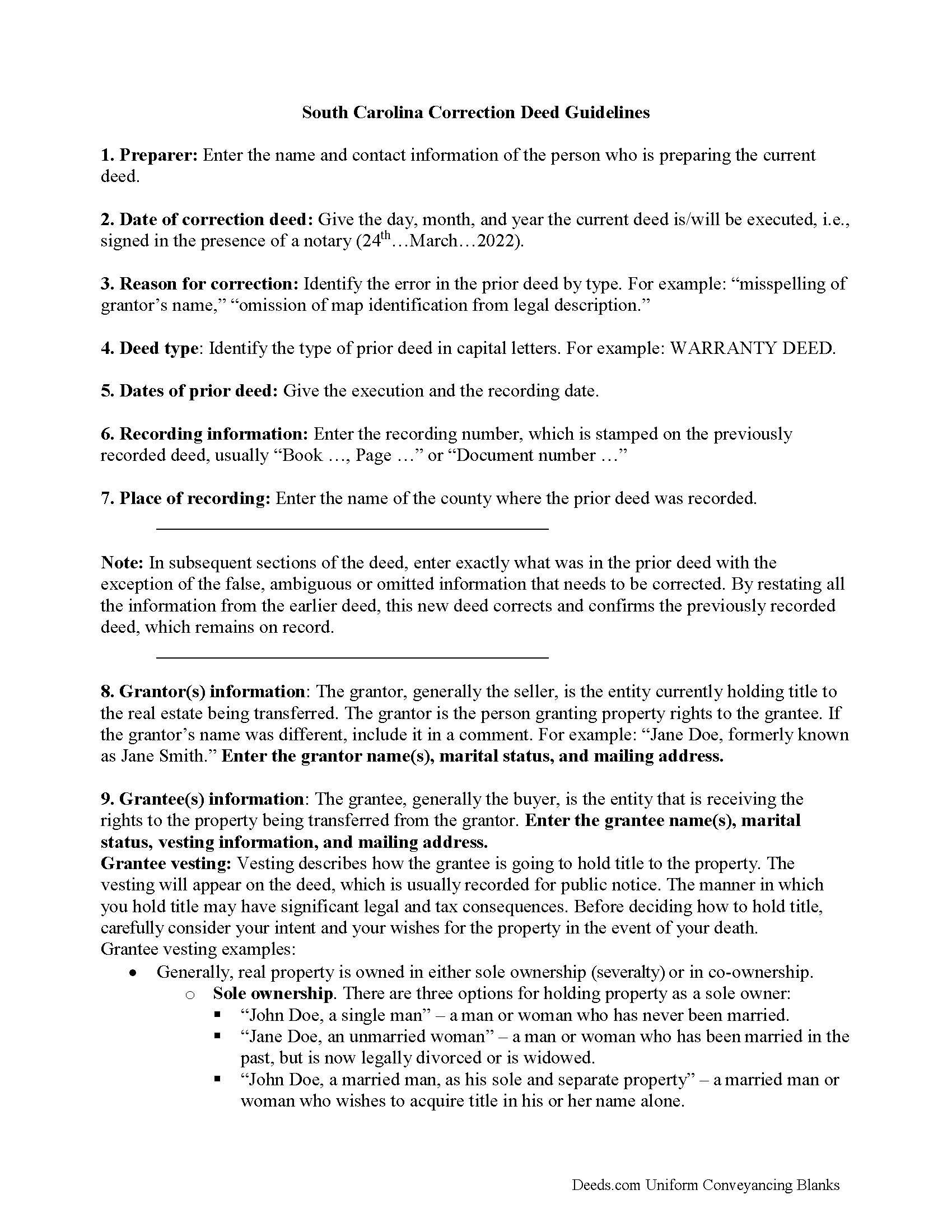
Charleston County Correction Deed Guide
Line by line guide explaining every blank on the form.
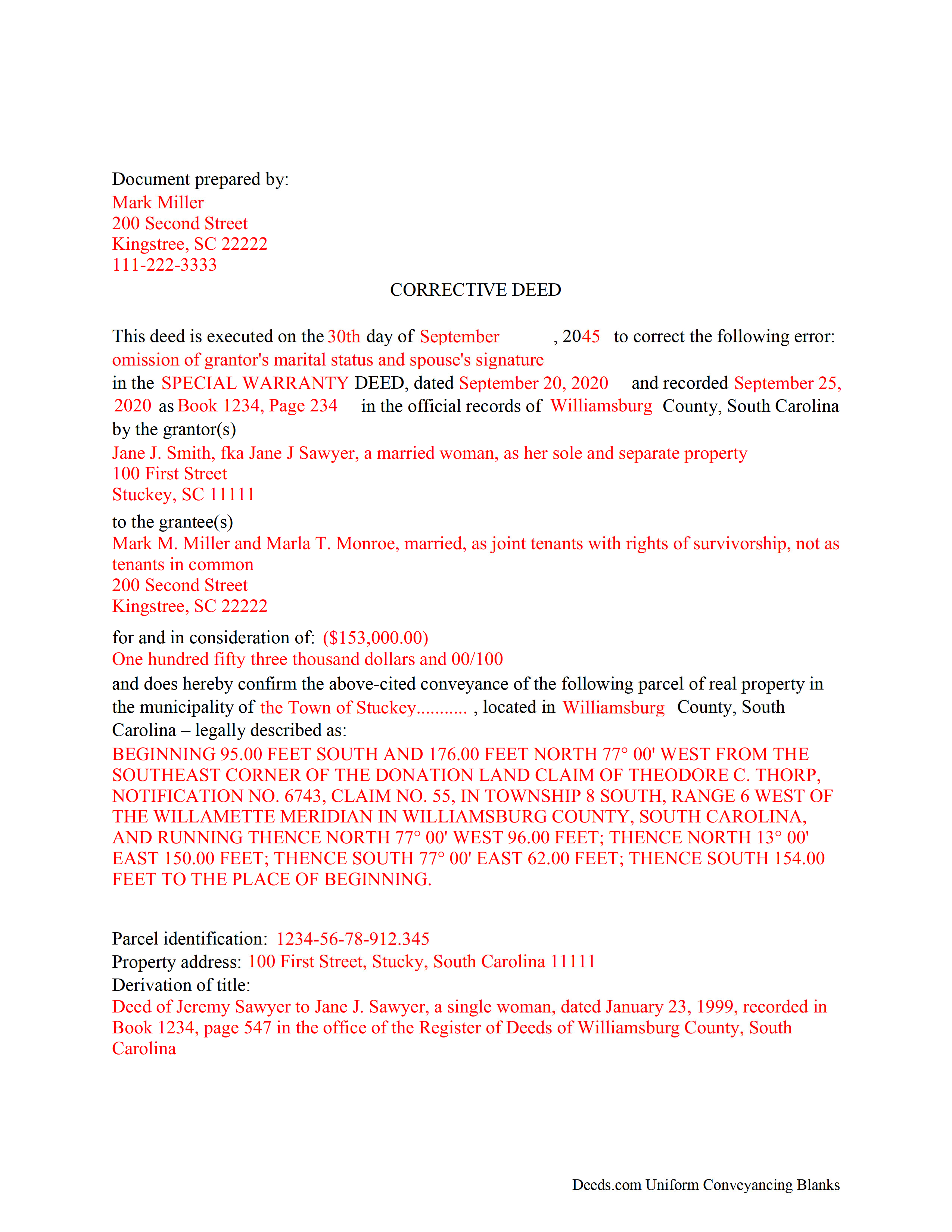
Charleston County Completed Example of a Correction Deed Document
Example of a properly completed form for reference.
All 3 documents above included • One-time purchase • No recurring fees
Immediate Download • Secure Checkout
Additional South Carolina and Charleston County documents included at no extra charge:
Where to Record Your Documents
Charleston County Register
Charleston, South Carolina 29401 / 29402
Hours: 8:30am to 5:00pm Monday through Friday / Recording until 4:30pm
Phone: (843) 958-4800
Recording Tips for Charleston County:
- Bring your driver's license or state-issued photo ID
- Ensure all signatures are in blue or black ink
- Check margin requirements - usually 1-2 inches at top
- Leave recording info boxes blank - the office fills these
- Make copies of your documents before recording - keep originals safe
Cities and Jurisdictions in Charleston County
Properties in any of these areas use Charleston County forms:
- Adams Run
- Awendaw
- Charleston
- Charleston Afb
- Folly Beach
- Hollywood
- Isle Of Palms
- Johns Island
- Mc Clellanville
- Mount Pleasant
- North Charleston
- Ravenel
- Sullivans Island
- Wadmalaw Island
Hours, fees, requirements, and more for Charleston County
How do I get my forms?
Forms are available for immediate download after payment. The Charleston County forms will be in your account ready to download to your computer. An account is created for you during checkout if you don't have one. Forms are NOT emailed.
Are these forms guaranteed to be recordable in Charleston County?
Yes. Our form blanks are guaranteed to meet or exceed the applicable formatting requirements used for recording in Charleston County, including margin requirements, font requirements, and other layout standards. This guarantee applies to formatting, not to the legal sufficiency of information entered by the user or the suitability of a form for a particular transaction.
Can I reuse these forms?
Yes. You can reuse the forms for your personal use. For example, if you have multiple properties in Charleston County you only need to order once.
What do I need to use these forms?
The forms are PDFs that you fill out on your computer. The free Adobe Acrobat Reader is recommended, and most PDF apps also work. You do NOT enter your property information online - you download the blank forms and complete them privately on your own computer.
Are there any recurring fees?
No. This is a one-time purchase. Nothing to cancel, no memberships, no recurring fees.
How much does it cost to record in Charleston County?
Recording fees in Charleston County vary. Contact the recorder's office at (843) 958-4800 for current fees.
Questions answered? Let's get started!
In South Carolina, use a correction deed to amend a previously recorded deed that contains a minor error.
A corrective deed is in effect an explanation and correction of an error in a prior instrument. As such, it passes no title, but only reiterates and confirms the prior conveyance. It should be executed from the original grantor to the original grantee, and it needs to be recorded in order to be legally valid.
The correction deed must reference the original conveyance it is correcting by type of error, date of execution and recording, as well as by recording number and location. Beyond that, it restates the information given in the prior deed, thus serving as its de facto reiteration. The prior deed, however, which constitutes the actual conveyance of title, remains on record.
Deeds of correction are most appropriate for minor errors and omissions in the original deed, such as misspelled names, omission of marital status, or typos in the legal description. More substantial changes, such as adding a name to the title, changing vesting information or legal description of the property, require a new deed of conveyance instead of a correction deed.
Correction deeds are exempt from deed recording fee, often referred to as documentary or deed stamps, pursuant to South Carolina Statutes 12-24-40 (12), which exempts deeds "that constitute a corrective deed or a quitclaim deed used to confirm title already vested in the grantee, as long as no consideration is paid or is to be paid under the corrective or quitclaim deed." However, an affidavit of exemption must be filed with the correction deed indicating the specific exemption.
(South Carolina CD Package includes form, guidelines, and completed example)
Important: Your property must be located in Charleston County to use these forms. Documents should be recorded at the county recording office listed above.
This Correction Deed meets all recording requirements specific to Charleston County.
Our Promise
The documents you receive here are guaranteed to meet or exceed the applicable Charleston County recording format requirements. If there is a rejection caused by our formatting, we will correct the issue or refund your payment. This guarantee applies to document formatting only and does not extend to information entered by the user, the selection of the form, or the legal effect of the completed document.
Save Time and Money
Get your Charleston County Correction Deed form done right the first time with Deeds.com Uniform Conveyancing Blanks. At Deeds.com, we understand that your time and money are valuable resources, and we don't want you to face a penalty fee or rejection imposed by a county recorder for submitting nonstandard documents. We constantly review and update our forms to meet rapidly changing state and county recording requirements for roughly 3,500 counties and local jurisdictions.
4.8 out of 5 - ( 4,828 Reviews )
Fernando V. 5 out of 5 stars
Excellent!
Thank you!
Eric D. 5 out of 5 stars
Very helpful and informative. It has saved me time going to get the forms at county recorder / clerk (as my county and state websites dont offer forms on their sites) and also provided help understanding the uses of the specific deed I needed to use.
Thank you Eric. Have a great day!
Michael O. 5 out of 5 stars
Received everything that was promised.
We appreciate your business and value your feedback. Thank you. Have a wonderful day!
Diana A. 5 out of 5 stars
My service today was outstanding.your rep asked me several questions and was able to get me all the information I needed.
Thank you!
Geoffrey M. 5 out of 5 stars
Very convenient online document recording with great and quick service. Thank you!
Thank you!
Darrell P. 5 out of 5 stars
My legal description exceeds the avaiable space in the one page Exhibit A...any way to add a second page as 'Exhibit A (continued)'?
It is not required to use the included exhibit page. Simply label your printed legal description as the appropriate exhibit.
Michael W. 5 out of 5 stars
So far the web site and the tools are a pleasure to use. The price is reasonable. If only getting rid of this timeshare in Mashpee Massachusetts (that I have owned for over thirty years) was this easy.
We appreciate your business and value your feedback. Thank you. Have a wonderful day!
Thomas N. 5 out of 5 stars
TODD Form would not print surveyor degrees character (superscript "o") in Exhibit A. It also would not print the "Return Address" or "Prepared By" entries with my middle name as your example showed.
Thank you for your feedback. We really appreciate it. Have a great day!
Pat K. 5 out of 5 stars
It has been very easy. Like that the recording is so fast.
Thank you for your feedback. We really appreciate it. Have a great day!
ROBERT H. 5 out of 5 stars
Quick and easy. A very good value even without COVID complications. Since we DO have COVID complications this is perfect.
Thank you for your feedback. We really appreciate it. Have a great day!
Patricia U. 5 out of 5 stars
Quick and easy document recording from home! Wish I knew about this before!
Thank you for your feedback. We really appreciate it. Have a great day!
David O. 5 out of 5 stars
Service was top-notch....fast, accurate, cost-effective.
Thank you!
Gregory G. 5 out of 5 stars
Quick and Easy/Immediate Access after payment. Now seeking other forms needed ASAP! Thanks!
Thank you!
Brady D. 1 out of 5 stars
I would give you a zero if possible. The webpage is as cumbersome has all get out. I am on web pages all day every day and this one is by far the hardest one to get around in.
Thank you for sharing your feedback regarding your experience with our website. We are truly sorry to hear that navigating our site proved to be a challenge for you. Your insights are invaluable, and we will definitely take your comments into consideration as we work towards improving our online platform.
We wish you all the best in your future endeavors.
Janet M. 5 out of 5 stars
Deed.com is an amazing site. After calling many places and going on many websites to figure out what I needed to submit (most counties cannot help with questions and the place I needed to turn the documents into could not help either, they are not allowed to give legal advice) I came across Deeds.com. It has been so helpful and I was able to research what documents I needed. I purchased one document and after more research I realized I needed a different document. Deed.com refunded my first purchase. I then purchased an Affidavit of Death and a Deed for the county and state I needed them for. Both the example and guide were very helpful and I will be submitting my documents after I have them notarized. I give five stars
Your feedback is greatly appreciated. Thank you for taking the time to share your experience!