Charleston County Mortgage Secured by Promissory Note Form
Last validated October 2, 2026 by our Forms Development TeamFormatted for recording in Charleston County, for property anywhere in the county: rural and unincorporated areas as well as Adams Run, Awendaw, Charleston, Charleston Afb, Folly Beach, Hollywood, Isle Of Palms, Johns Island and 6 more.
- 7 documents included
- Immediate PDF download
- Formatting guarantee
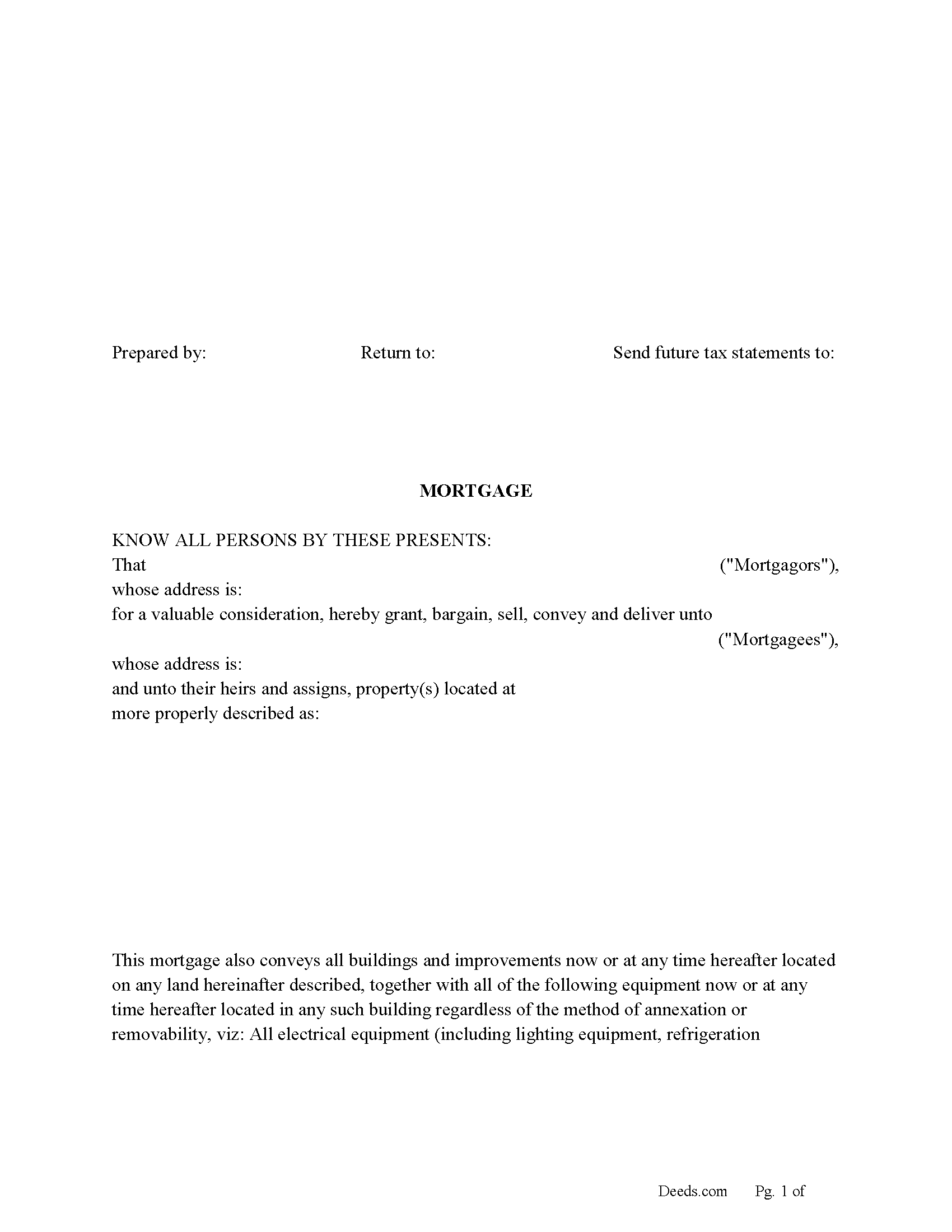
Charleston County Mortgage Form
Fill in the blank form formatted to comply with all recording and content requirements.
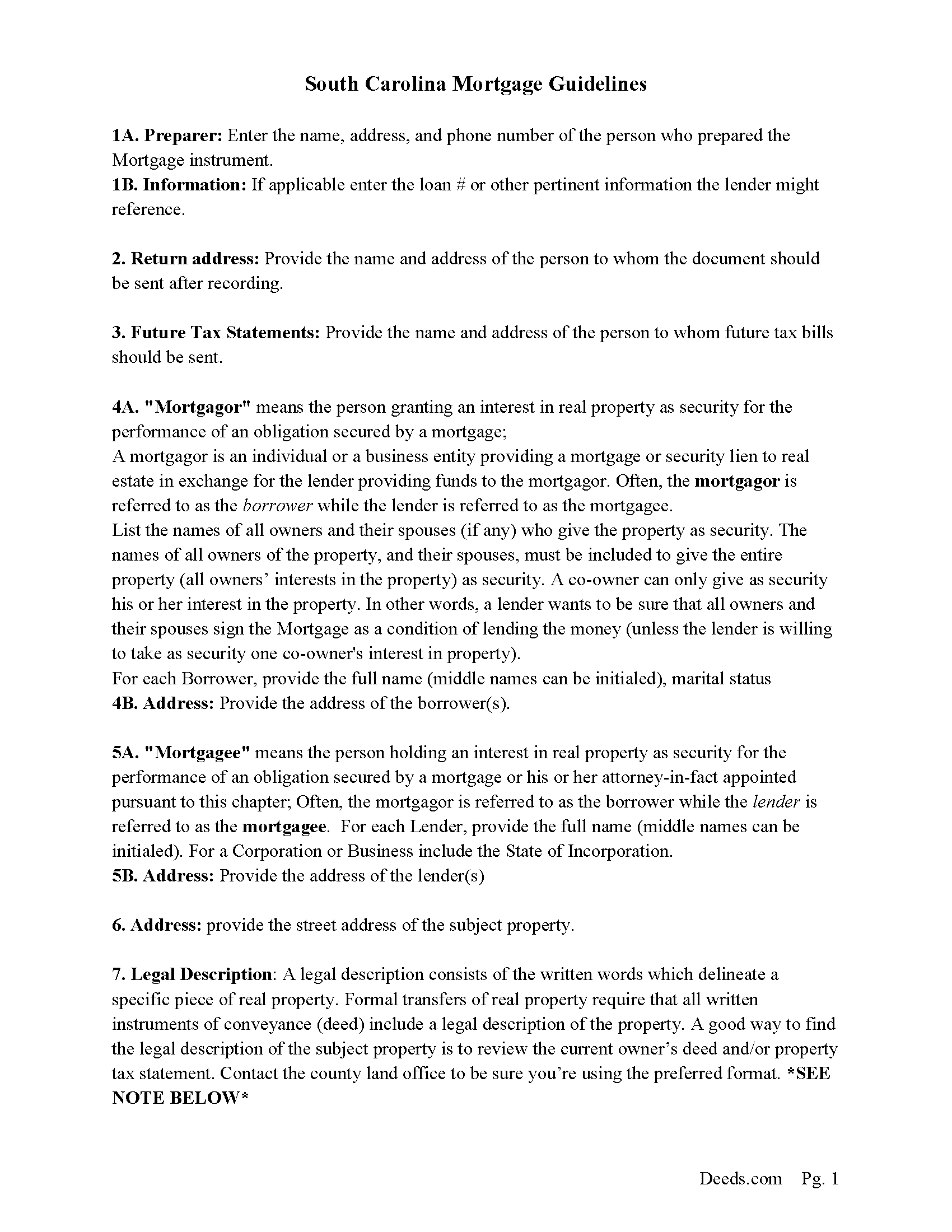
Charleston County Mortgage Guidelines
Line by line guide explaining every blank on the form.
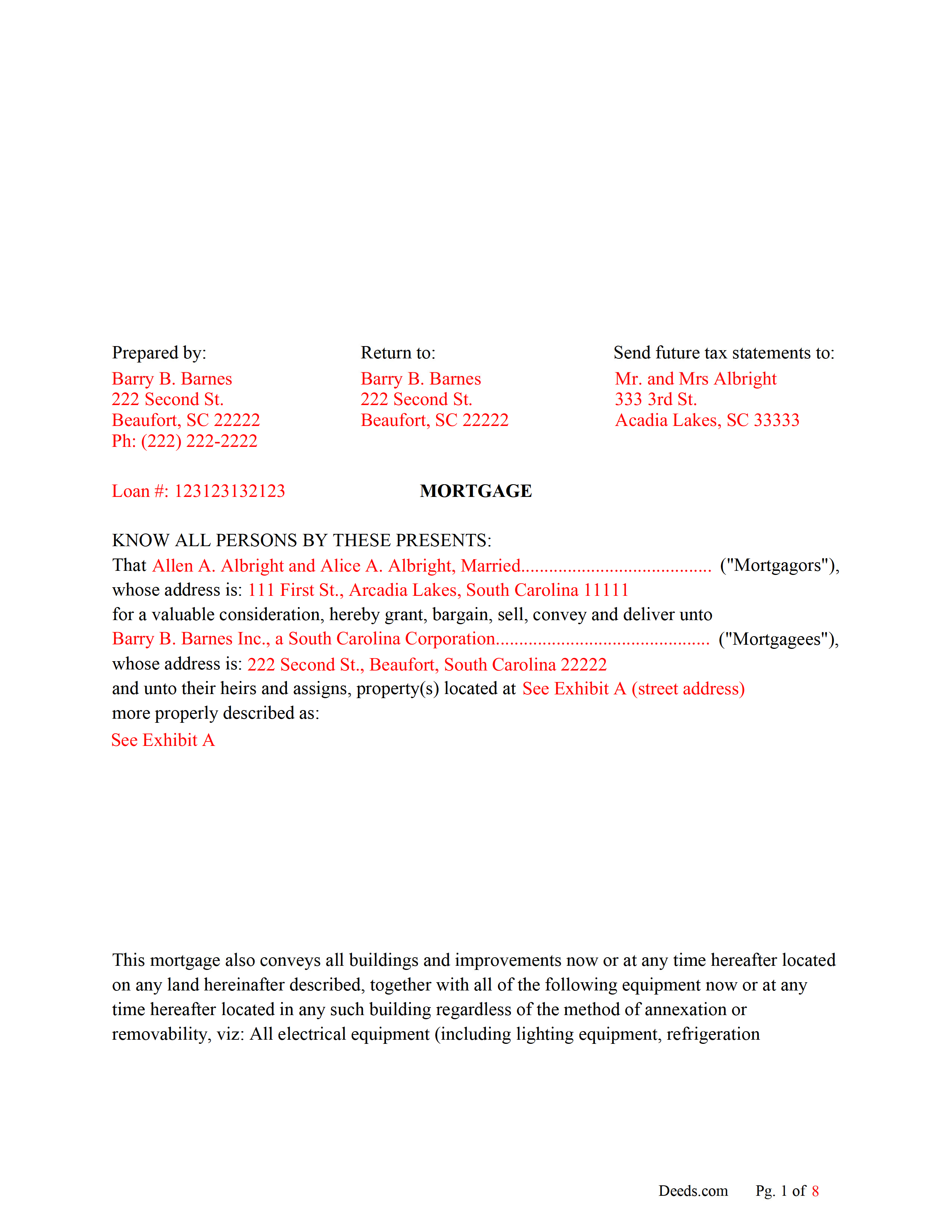
Charleston County Completed Example of the Mortgage Document
Line by line guide explaining every blank on the form.
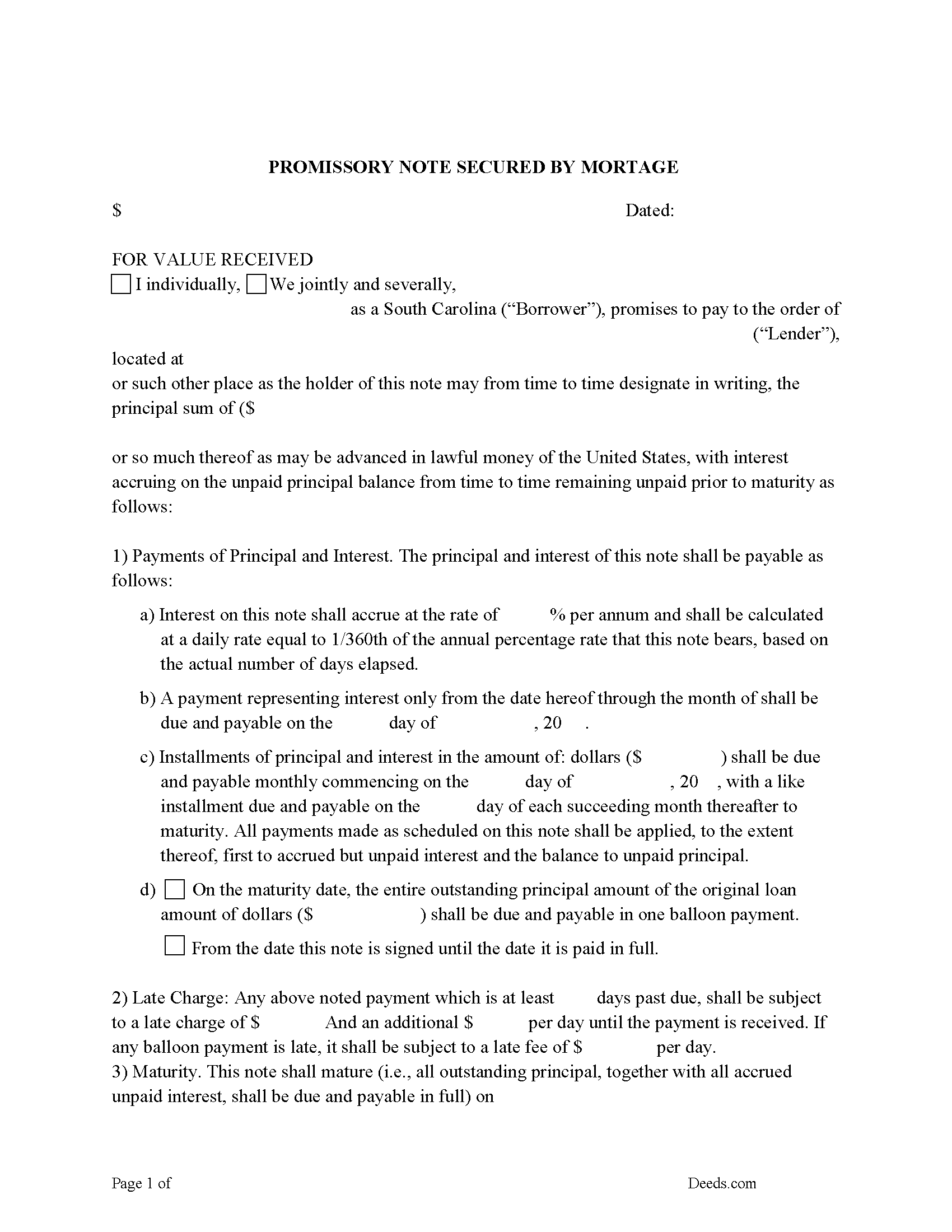
Charleston County Promissory Note Form
P/N can be used for installment or balloon payment(s).
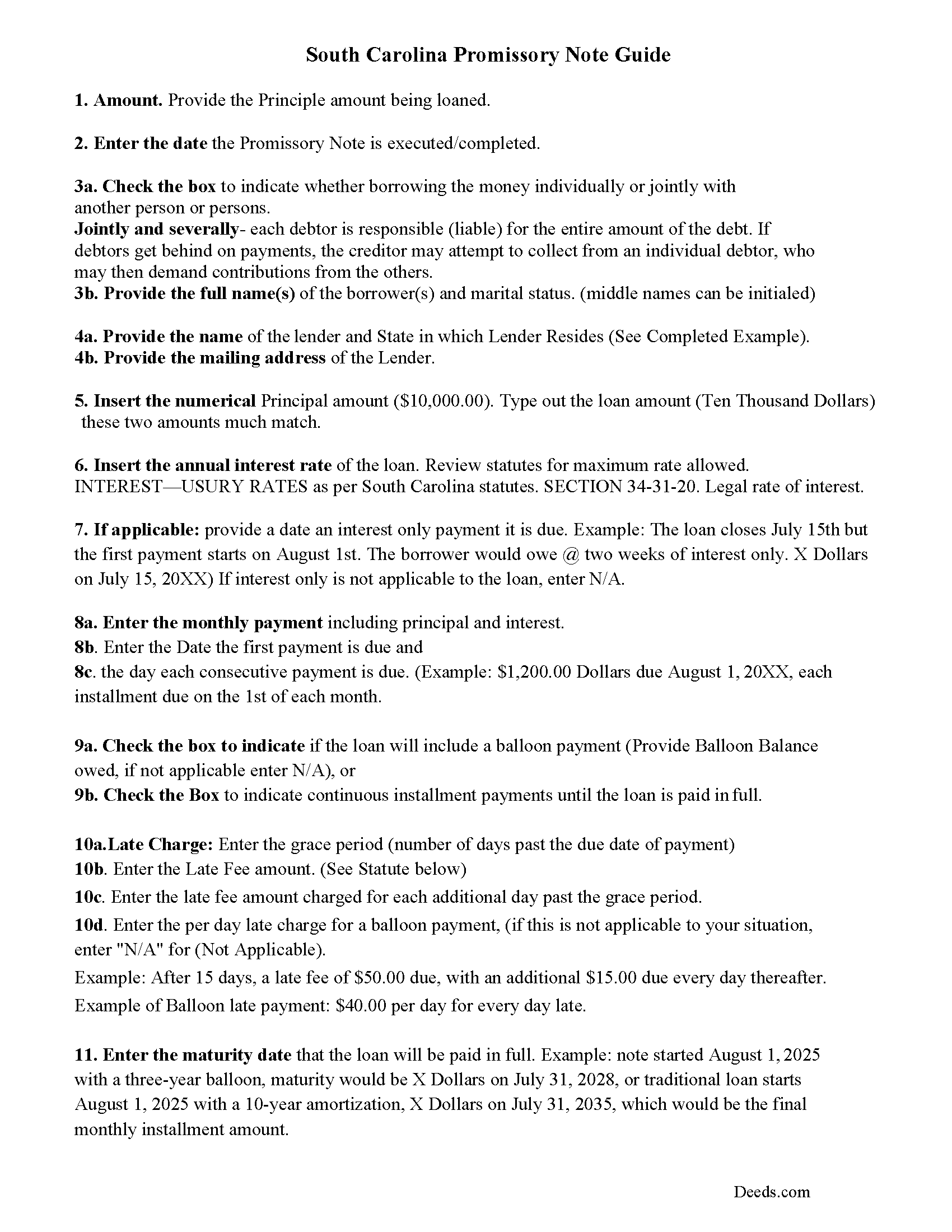
Charleston County Promissory Note Guidelines
Line by line guide explaining every blank on the form.
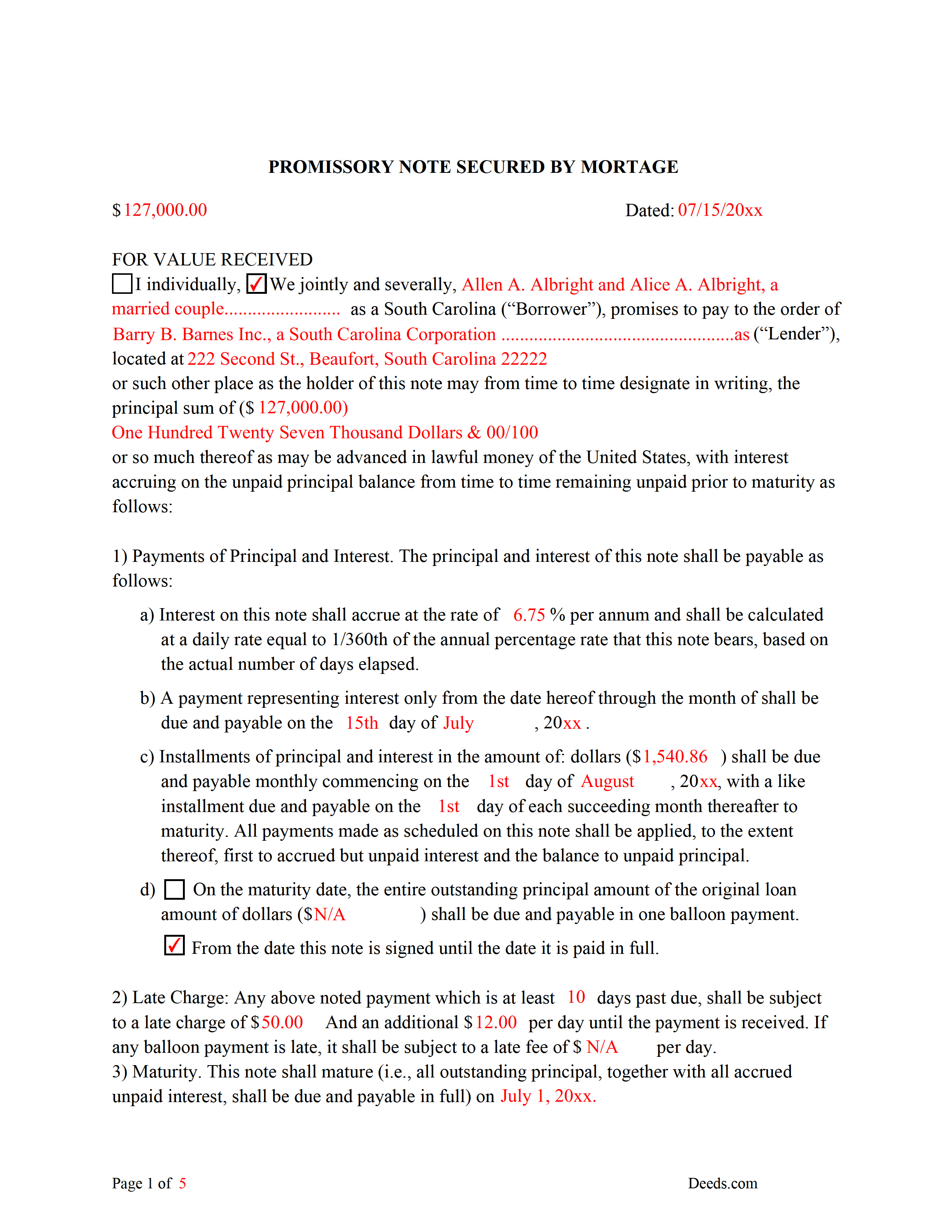
Charleston County Completed Example of the Promissory Note Document
This Promissory Note is filled in and highlighted, showing how the guideline information, can be interpreted into the document.
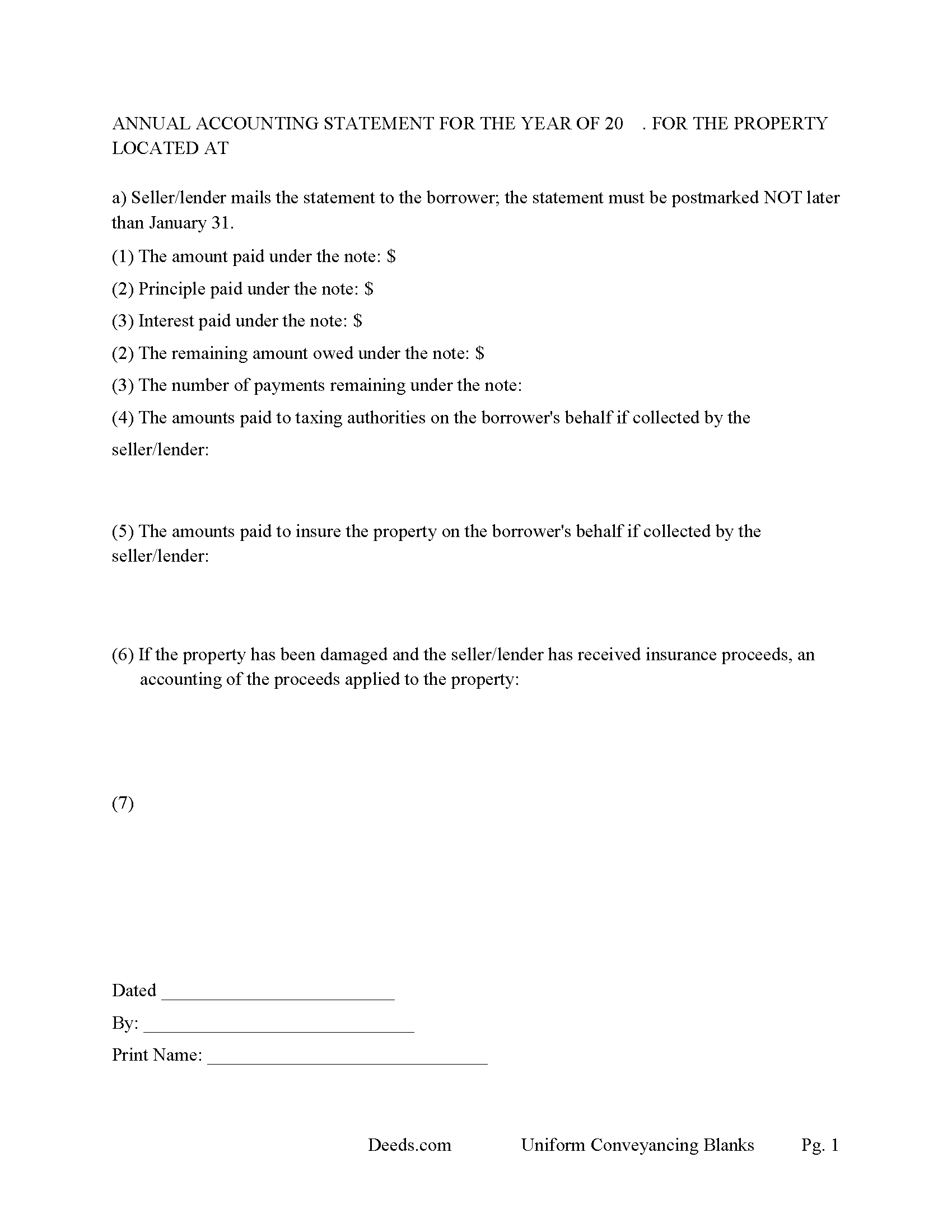
Charleston County Annual Accounting Statement Form
Mail to borrower for fiscal year reporting.
All 7 documents above included • One-time purchase • No recurring fees
Immediate Download • Secure Checkout
Additional South Carolina and Charleston County documents included at no extra charge:
Where to Record Your Documents
Charleston County Register
Charleston, South Carolina 29401 / 29402
Hours: 8:30am to 5:00pm Monday through Friday / Recording until 4:30pm
Phone: (843) 958-4800
Recording Tips for Charleston County:
- Bring your driver's license or state-issued photo ID
- Ensure all signatures are in blue or black ink
- Documents must be on 8.5 x 11 inch white paper
- Double-check legal descriptions match your existing deed
- Verify all names are spelled correctly before recording
Cities and Jurisdictions in Charleston County
Properties in any of these areas use Charleston County forms:
- Adams Run
- Awendaw
- Charleston
- Charleston Afb
- Folly Beach
- Hollywood
- Isle Of Palms
- Johns Island
- Mc Clellanville
- Mount Pleasant
- North Charleston
- Ravenel
- Sullivans Island
- Wadmalaw Island
Hours, fees, requirements, and more for Charleston County
How do I get my forms?
Forms are available for immediate download after payment. The Charleston County forms will be in your account ready to download to your computer. An account is created for you during checkout if you don't have one. Forms are NOT emailed.
Are these forms guaranteed to be recordable in Charleston County?
Yes. Our form blanks are guaranteed to meet or exceed the applicable formatting requirements used for recording in Charleston County, including margin requirements, font requirements, and other layout standards. This guarantee applies to formatting, not to the legal sufficiency of information entered by the user or the suitability of a form for a particular transaction.
Can I reuse these forms?
Yes. You can reuse the forms for your personal use. For example, if you have multiple properties in Charleston County you only need to order once.
What do I need to use these forms?
The forms are PDFs that you fill out on your computer. The free Adobe Acrobat Reader is recommended, and most PDF apps also work. You do NOT enter your property information online - you download the blank forms and complete them privately on your own computer.
Are there any recurring fees?
No. This is a one-time purchase. Nothing to cancel, no memberships, no recurring fees.
How much does it cost to record in Charleston County?
Recording fees in Charleston County vary. Contact the recorder's office at (843) 958-4800 for current fees.
Questions answered? Let's get started!
Use this form to mortgage residential property, rental property (up to 4 units), small commercial, condominiums and planned unit developments. A mortgagor is often referred to as the borrower and the mortgagee as the lender. (The mortgagor shall be deemed the owner of the land and the mortgagee as owner of the money lent or due and the mortgagee shall be entitled to recover satisfaction for such money out of the land by foreclosure and sale according to law. But notwithstanding the foregoing provision all releases of the equity of redemption shall be binding and effectual in law.) (SECTION 29-3-10. Rights and title of mortgagor and mortgagee.) This form meets recording requirements for a South Carolina Mortgage:
- Signature of mortgagor (borrower)
- Name and address of mortgagee (lender)
- Two witnesses
- SC Probate or Acknowledgement
- Property description
- Derivation Clause
A mortgage and promissory note with stringent default terms can be advantageous to the lender in the case of a default. Compatible with investor/owner financing.
(South Carolina Mortgage Package includes forms, guidelines, and completed examples) For use in South Carolina only.
Important: Your property must be located in Charleston County to use these forms. Documents should be recorded at the county recording office listed above.
This Mortgage Secured by Promissory Note meets all recording requirements specific to Charleston County.
Our Promise
The documents you receive here are guaranteed to meet or exceed the applicable Charleston County recording format requirements. If there is a rejection caused by our formatting, we will correct the issue or refund your payment. This guarantee applies to document formatting only and does not extend to information entered by the user, the selection of the form, or the legal effect of the completed document.
Save Time and Money
Get your Charleston County Mortgage Secured by Promissory Note form done right the first time with Deeds.com Uniform Conveyancing Blanks. At Deeds.com, we understand that your time and money are valuable resources, and we don't want you to face a penalty fee or rejection imposed by a county recorder for submitting nonstandard documents. We constantly review and update our forms to meet rapidly changing state and county recording requirements for roughly 3,500 counties and local jurisdictions.
4.8 out of 5 - ( 4,828 Reviews )
Christine B. 5 out of 5 stars
The site was easy to navigate.
Thank you!
Cynthia S. 4 out of 5 stars
Good find, provides guide to use.
We appreciate your business and value your feedback. Thank you. Have a wonderful day!
Carl S. 5 out of 5 stars
Five Stars!
Thank you!
Donna G. 5 out of 5 stars
Very happy with this service, comprehensive detailed instructions as well as correct forms for my location
We appreciate your business and value your feedback. Thank you. Have a wonderful day!
Carl T. 5 out of 5 stars
Great site with good information and pricing. Let me know when you are able to record documents in California.
Thank you for your feedback. We really appreciate it. Have a great day!
John B. 5 out of 5 stars
Simply amazing. I had absolutely no idea how to properly file a deed, until someone told me about deeds.com. It's just such a well designed service, with fantastic customer support, and speed. Bravo to everyone at deeds.
We appreciate your business and value your feedback. Thank you. Have a wonderful day!
Sharon D. 5 out of 5 stars
Very easy to understand forms...
We appreciate your business and value your feedback. Thank you. Have a wonderful day!
Karen C. 4 out of 5 stars
Legal documents that served the purpose nothing too exciting.
Thank you Karen. Have a great day!
Katherine H. 5 out of 5 stars
extremely thorough by covering all bases, easy to understand, direct access, fair price with no strings attached. I recommend the service to everyone.
We appreciate your business and value your feedback. Thank you. Have a wonderful day!
Patricia G. 5 out of 5 stars
Very easy to order and download all the promised forms and instructions
We appreciate your business and value your feedback. Thank you. Have a wonderful day!
Barbara B. 5 out of 5 stars
Great forms and instructions!
Thank you Barbara.
Sandra W. 5 out of 5 stars
No issues with the forms.
Thank you!
Maria F. 5 out of 5 stars
Easy forms to follow. Thank you for this service. You can even file them through e-filing. Great service. Thanks. Maria F.
Thank you!
Shannon F. 5 out of 5 stars
Quality, professional forms. Good value.
We appreciate your business and value your feedback. Thank you. Have a wonderful day!
Gary S. 5 out of 5 stars
Easy to use. Very helpful
Thank you!