Rutherford County Notice of Non-Payment Form
Last validated November 4, 2026 by our Forms Development TeamFormatted for recording in Rutherford County, for property anywhere in the county: rural and unincorporated areas as well as Christiana, Eagleville, Fosterville, La Vergne, Lascassas, Milton, Murfreesboro, Rockvale and 1 more.
- 3 documents included
- Immediate PDF download
- Formatting guarantee
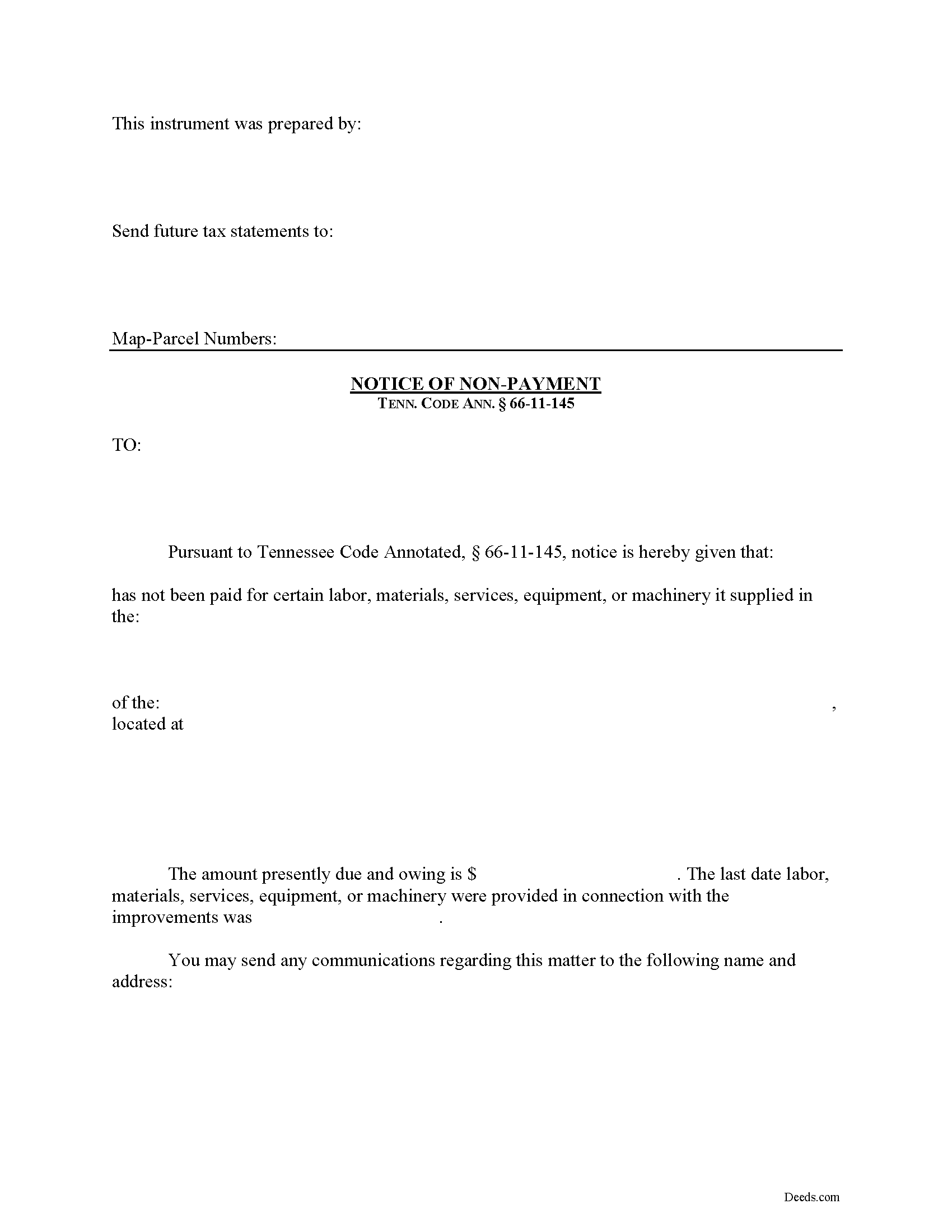
Rutherford County Notice of Non-Payment Form
Fill in the blank Notice of Non-Payment form formatted to comply with all Tennessee recording and content requirements.
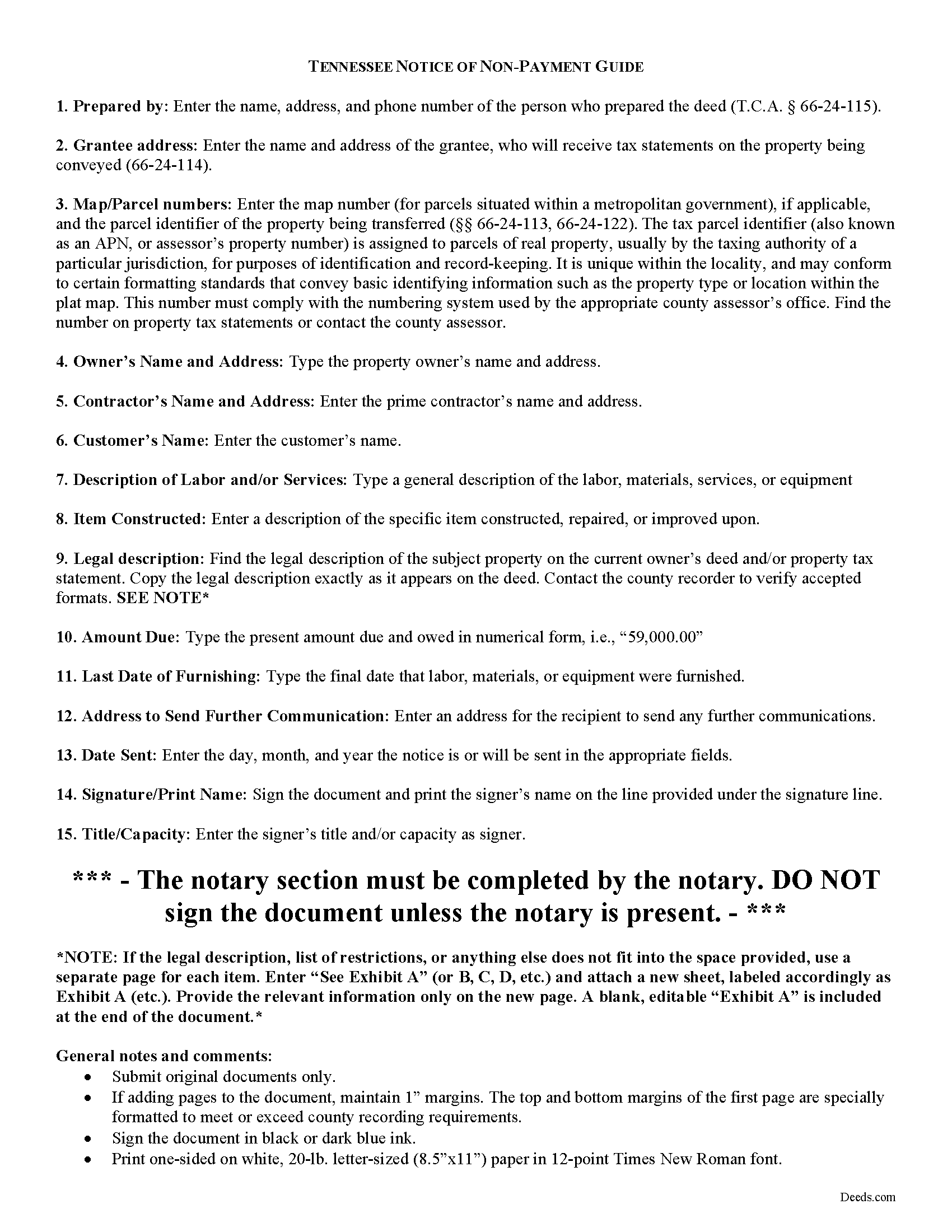
Rutherford County Notice of Non-Payment Guide
Line by line guide explaining every blank on the form.
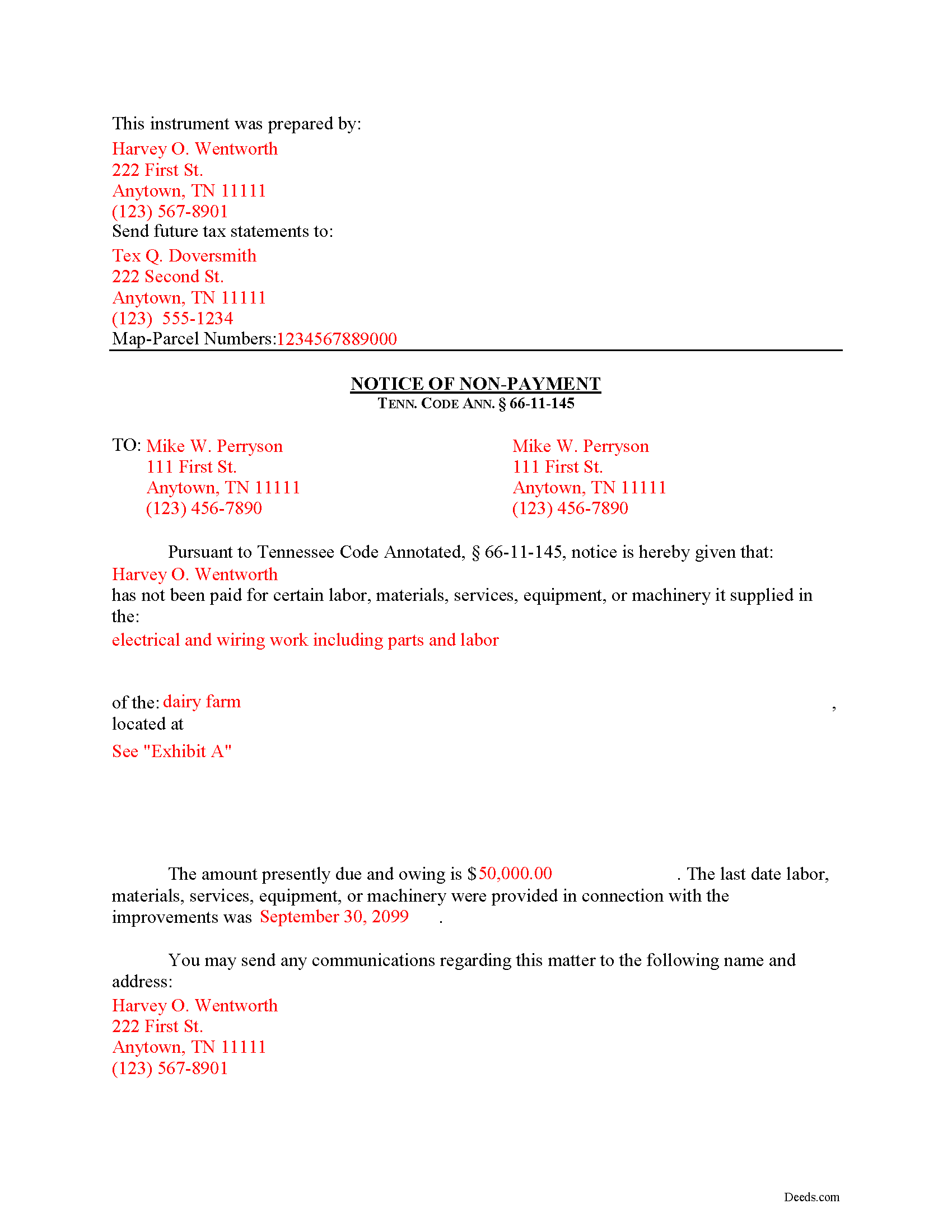
Rutherford County Completed Example of the Notice of Non-Payment Document
Example of a properly completed form for reference.
All 3 documents above included • One-time purchase • No recurring fees
Immediate Download • Secure Checkout
Additional Tennessee and Rutherford County documents included at no extra charge:
Where to Record Your Documents
Rutherford County Register of Deeds
Murfreesboro, Tennessee 37130
Hours: 8:00 to 4:00 M-F
Phone: (615) 898-7870
Recording Tips for Rutherford County:
- Bring your driver's license or state-issued photo ID
- Ensure all signatures are in blue or black ink
- Double-check legal descriptions match your existing deed
- Verify all names are spelled correctly before recording
- White-out or correction fluid may cause rejection
Cities and Jurisdictions in Rutherford County
Properties in any of these areas use Rutherford County forms:
- Christiana
- Eagleville
- Fosterville
- La Vergne
- Lascassas
- Milton
- Murfreesboro
- Rockvale
- Smyrna
Hours, fees, requirements, and more for Rutherford County
How do I get my forms?
Forms are available for immediate download after payment. The Rutherford County forms will be in your account ready to download to your computer. An account is created for you during checkout if you don't have one. Forms are NOT emailed.
Are these forms guaranteed to be recordable in Rutherford County?
Yes. Our form blanks are guaranteed to meet or exceed the applicable formatting requirements used for recording in Rutherford County, including margin requirements, font requirements, and other layout standards. This guarantee applies to formatting, not to the legal sufficiency of information entered by the user or the suitability of a form for a particular transaction.
Can I reuse these forms?
Yes. You can reuse the forms for your personal use. For example, if you have multiple properties in Rutherford County you only need to order once.
What do I need to use these forms?
The forms are PDFs that you fill out on your computer. The free Adobe Acrobat Reader is recommended, and most PDF apps also work. You do NOT enter your property information online - you download the blank forms and complete them privately on your own computer.
Are there any recurring fees?
No. This is a one-time purchase. Nothing to cancel, no memberships, no recurring fees.
How much does it cost to record in Rutherford County?
Recording fees in Rutherford County vary. Contact the recorder's office at (615) 898-7870 for current fees.
Questions answered? Let's get started!
Remote Contractor Claims in Tennessee
Remote contractors who have not contracted directly with the owner, must send a special type of notice when they are not paid at time. In Tennessee, that notice is called the "Notice of Non-Payment."
Every remote contractor with respect to an improvement, except one-to-four-family residential units, shall serve, within ninety (90) days of the last day of each month within which work, material, or labor was provided, or machinery furnished and for which the remote contractor intends to claim a lien, a notice of nonpayment to the owner and prime contractor in contractual privity with the remote contractor if its account is, in fact, unpaid. Tenn. Prop. Code 66-11-145(a). Serve the notice via registered or certified US Mail, or any other service with official delivery confirmation.
The notice shall contain the following: (1) The name of the remote contractor and the address to which the owner and the prime contractor in contractual relation with the remote contractor may send communications to the remote contractor; (2) A general description of the work, labor, materials, services, equipment, or machinery provided; (3) The amount owed as of the date of the notice; (4) A statement of the last date the claimant performed work and/or provided labor or materials, services, equipment, or machinery in connection with the improvements; and (5) A description sufficient to identify the real property against which a lien may be claimed. Id.
If a remote contractor fails to provide the notice of nonpayment in compliance with the law, he or she may lose the right to claim a lien (except with regard to a certain amount or percentage of the contract amount retained to guarantee performance of the remote contractor). Tenn. Prop. Code 66-11-145(b). Even though the notice of nonpayment is a required step in the lien process, be aware that it is NOT the same notice required to fulfill a notice of an impending lien, which must be drafted and sent separately. Tenn. Prop. Code 66-11-145(c).
This article is provided for informational purposes only and should not be considered legal advice or relied upon as any substitute for speaking with an attorney. Please consult a Tennessee attorney familiar with construction law for any issues regarding mechanic's liens.
Important: Your property must be located in Rutherford County to use these forms. Documents should be recorded at the county recording office listed above.
This Notice of Non-Payment meets all recording requirements specific to Rutherford County.
Our Promise
The documents you receive here are guaranteed to meet or exceed the applicable Rutherford County recording format requirements. If there is a rejection caused by our formatting, we will correct the issue or refund your payment. This guarantee applies to document formatting only and does not extend to information entered by the user, the selection of the form, or the legal effect of the completed document.
Save Time and Money
Get your Rutherford County Notice of Non-Payment form done right the first time with Deeds.com Uniform Conveyancing Blanks. At Deeds.com, we understand that your time and money are valuable resources, and we don't want you to face a penalty fee or rejection imposed by a county recorder for submitting nonstandard documents. We constantly review and update our forms to meet rapidly changing state and county recording requirements for roughly 3,500 counties and local jurisdictions.
4.8 out of 5 - ( 4,863 Reviews )
Beatrice V. 5 out of 5 stars
I was in despair as I needed to file two (2) very important documents with the County. Due to Covid the office was closed and my only recourse was to E-Fie with a service provider. I was fortunate enough to hear about Deeds.com. They were specific, courteous, patient and most of all productive. My documents will take awhile for the final filing but that is because the County happens to have a slow turn around time. Otherwise, I am now relieved that this part is over. Thank you Deeds.com. You are awesome.
Thank you for the kinds words Beatrice.
Shirley P. 5 out of 5 stars
Very easy to use, download and print. Thank you!
We appreciate your business and value your feedback. Thank you. Have a wonderful day!
Alan S. 5 out of 5 stars
Very easy. Worked well. Will be glad to use the service again.
We appreciate your business and value your feedback. Thank you. Have a wonderful day!
Donna L. 5 out of 5 stars
So far so good. Looks nice but a more condensed version, when the recorder charges by the page, should be offered.
Thank you for your feedback. We really appreciate it. Have a great day!
Terri E. 5 out of 5 stars
Quick Accurate experience will recommend this service to my friends
We appreciate your business and value your feedback. Thank you. Have a wonderful day!
Ann E Grace S. 5 out of 5 stars
Forms and instructions are very easy to access. Thank you!
Thank you for your feedback. We really appreciate it. Have a great day!
Nora T. 5 out of 5 stars
The forms are easy to fill in but too restricted for editing.
Thank you!
Eileen D. 5 out of 5 stars
Very easy to use. The example form was a big help in making sure I had the forms filled out correctly.
Thank you!
Linda P. 5 out of 5 stars
Web site was easy to navigate and I was very satisfied with my search and forms downloaded
Thank you for choosing our service. We appreciate your review.
Carol K. 1 out of 5 stars
was expecting a one page Grant Deed not what I received.
Hi Carol, thank you for your feedback. A properly prepared California Grant Deed often runs more than one page. California requires specific recording formatting, a documentary transfer tax declaration, room for the full legal description, and the state’s mandatory notary acknowledgment wording, which is typically on its own page. Our form is built to meet those requirements so it is accepted for recording.
Cindy H. 5 out of 5 stars
Loved it! Quick and easy, done in 24 hours.
Thank you for your feedback. We really appreciate it. Have a great day!
CAMILLE C. 5 out of 5 stars
You had just the form I needed at a great price.
Thanks for your feedback. We’re glad we could help.
Harley N. 5 out of 5 stars
Well thought out and user friendly website. The forms were easily fillable as well.
Thank you for your feedback. We really appreciate it. Have a great day!
DONALD S. 5 out of 5 stars
Using the Administrators Deed, pay attention to "Exhibit A". The blank will allow you to type a full legal description BUT it will not save it. Use "Exhibit A" to type the legal description. The form was great and I filed it this morning with no problems.
Thank you for your feedback. We really appreciate it. Have a great day!
Daniel C. 2 out of 5 stars
The fill-in pdf produced a messy document and several of the fields too small to accommodate the text. A tailorable MS Word document would have been far better. I would not recommend using this product.
Thank you for taking the time to share your feedback. We’re sorry to hear that the fill-in PDF did not meet your expectations, particularly with regard to formatting and field sizing.
Based on your comments, we will be reviewing the document to see where improvements can be made. Feedback like yours is genuinely helpful in identifying areas where our forms can be clearer and easier to use.
We’ve gone ahead and canceled your order and refunded your payment in full, so there’s no expectation that you use a product you wouldn’t feel comfortable recommending.