Rutherford County Indemnity Agreement Form
Last validated October 1, 2026 by our Forms Development TeamFormatted for recording in Rutherford County, for property anywhere in the county: rural and unincorporated areas as well as Christiana, Eagleville, Fosterville, La Vergne, Lascassas, Milton, Murfreesboro, Rockvale and 1 more.
- 3 documents included
- Immediate PDF download
- Formatting guarantee
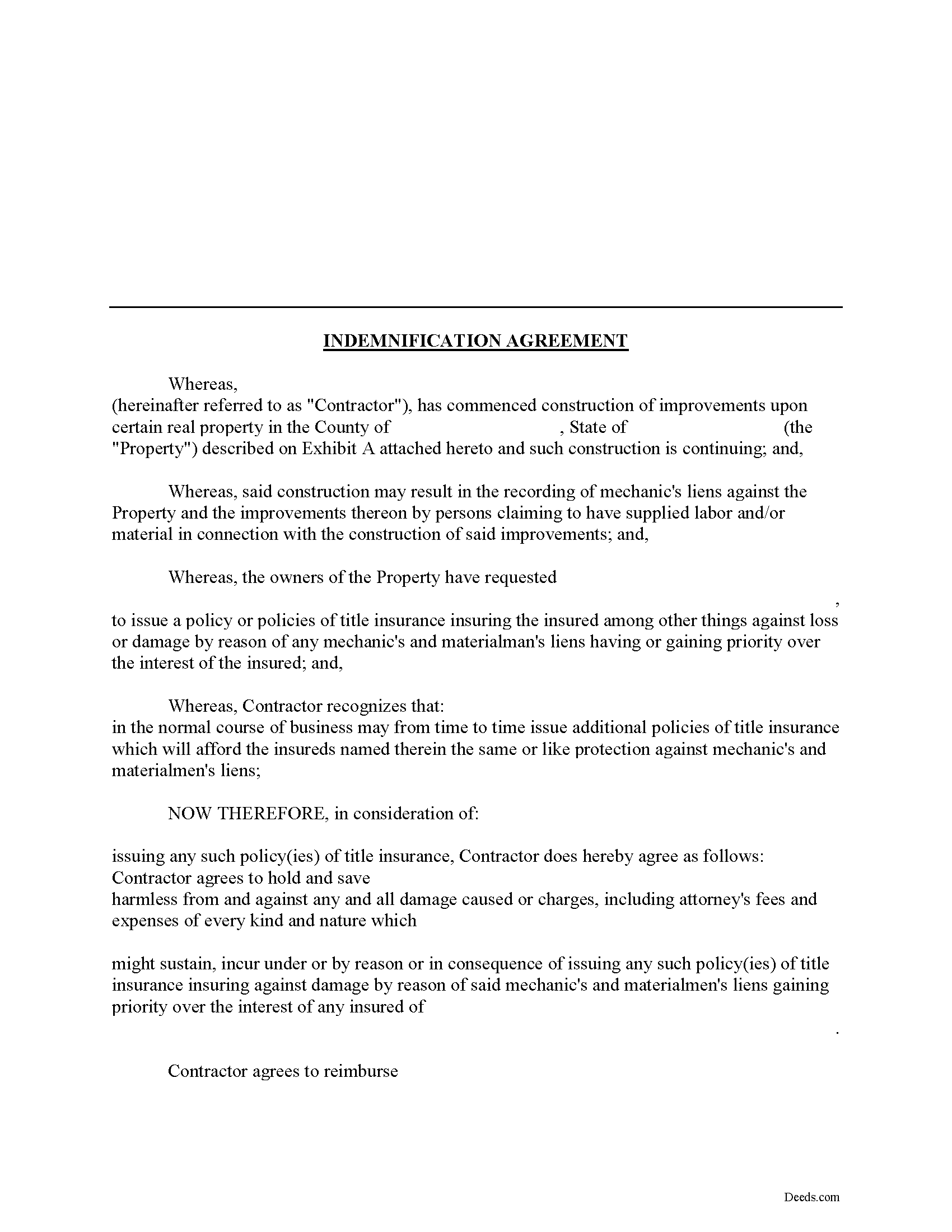
Rutherford County Indemnity Agreement Form
Fill in the blank Indemnity Agreement form formatted to comply with all Tennessee recording and content requirements.
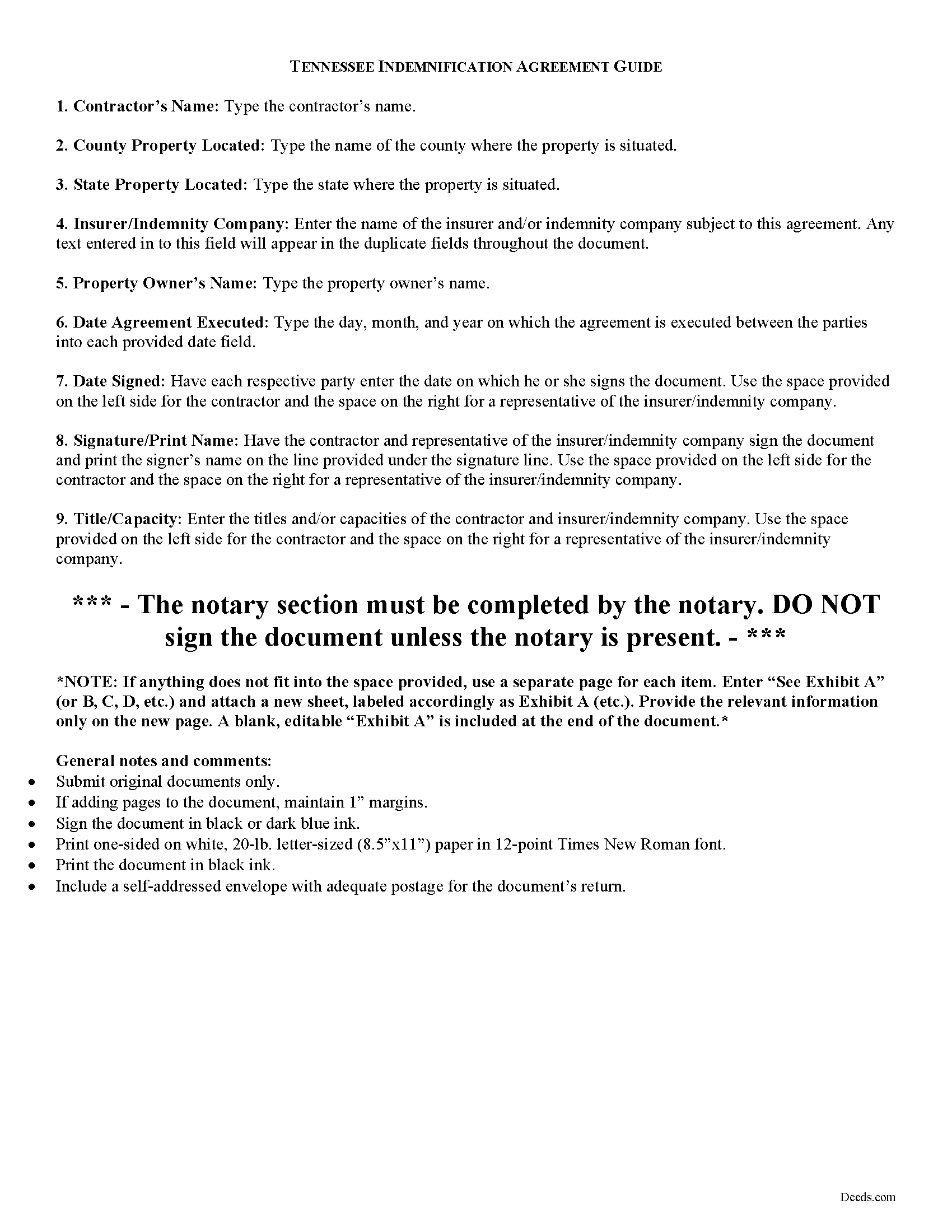
Rutherford County Indemnity Agreement Guide
Line by line guide explaining every blank on the form.
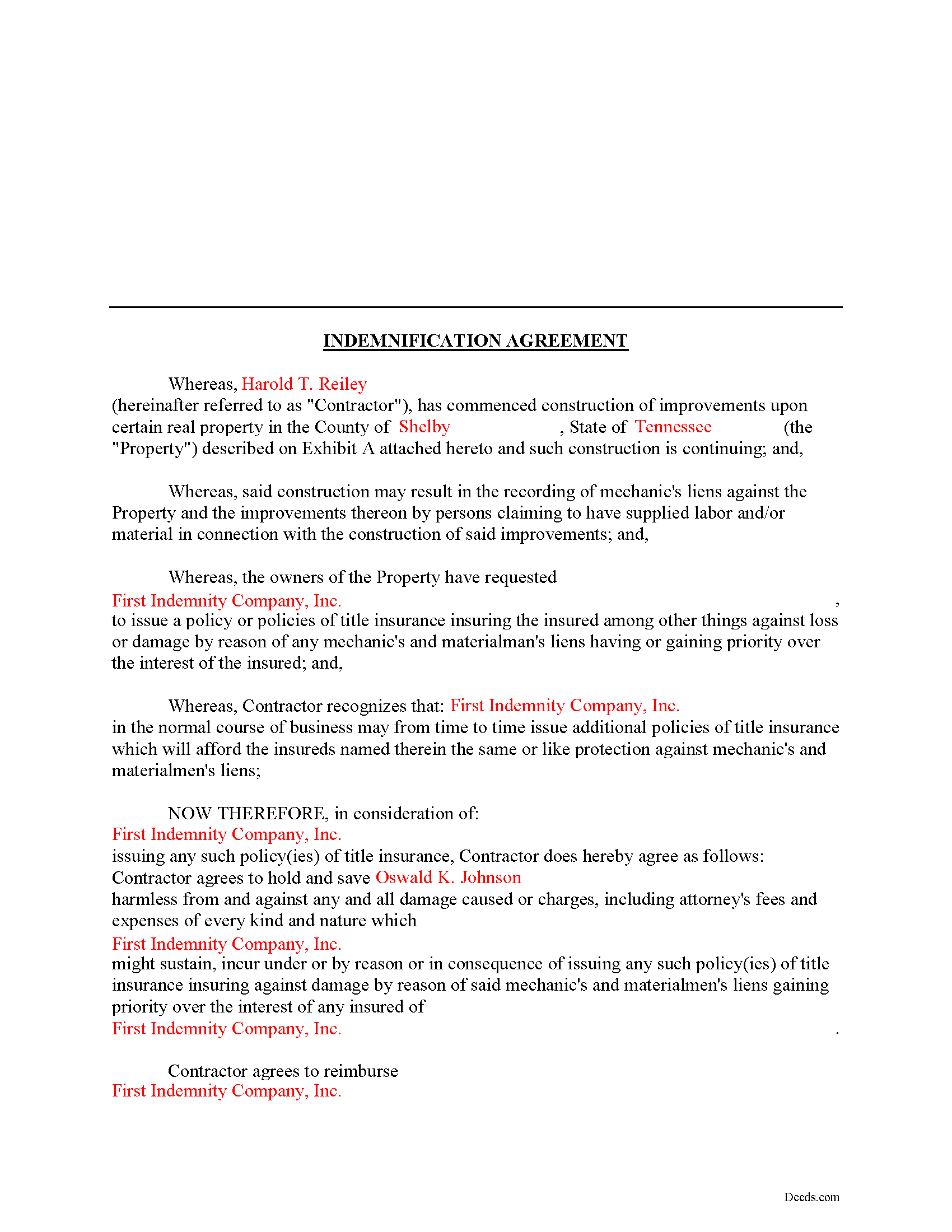
Rutherford County Completed Example of the Indemnity Agreement Document
Example of a properly completed form for reference.
All 3 documents above included • One-time purchase • No recurring fees
Immediate Download • Secure Checkout
Additional Tennessee and Rutherford County documents included at no extra charge:
Where to Record Your Documents
Rutherford County Register of Deeds
Murfreesboro, Tennessee 37130
Hours: 8:00 to 4:00 M-F
Phone: (615) 898-7870
Recording Tips for Rutherford County:
- Bring your driver's license or state-issued photo ID
- Ensure all signatures are in blue or black ink
- Both spouses typically need to sign if property is jointly owned
- Bring extra funds - fees can vary by document type and page count
- Check margin requirements - usually 1-2 inches at top
Cities and Jurisdictions in Rutherford County
Properties in any of these areas use Rutherford County forms:
- Christiana
- Eagleville
- Fosterville
- La Vergne
- Lascassas
- Milton
- Murfreesboro
- Rockvale
- Smyrna
Hours, fees, requirements, and more for Rutherford County
How do I get my forms?
Forms are available for immediate download after payment. The Rutherford County forms will be in your account ready to download to your computer. An account is created for you during checkout if you don't have one. Forms are NOT emailed.
Are these forms guaranteed to be recordable in Rutherford County?
Yes. Our form blanks are guaranteed to meet or exceed the applicable formatting requirements used for recording in Rutherford County, including margin requirements, font requirements, and other layout standards. This guarantee applies to formatting, not to the legal sufficiency of information entered by the user or the suitability of a form for a particular transaction.
Can I reuse these forms?
Yes. You can reuse the forms for your personal use. For example, if you have multiple properties in Rutherford County you only need to order once.
What do I need to use these forms?
The forms are PDFs that you fill out on your computer. The free Adobe Acrobat Reader is recommended, and most PDF apps also work. You do NOT enter your property information online - you download the blank forms and complete them privately on your own computer.
Are there any recurring fees?
No. This is a one-time purchase. Nothing to cancel, no memberships, no recurring fees.
How much does it cost to record in Rutherford County?
Recording fees in Rutherford County vary. Contact the recorder's office at (615) 898-7870 for current fees.
Questions answered? Let's get started!
Using an Indemnity Agreement to Protect from Liens in Tennessee
Property owners can protect themselves from a mechanic's lien on their land by executing an indemnity agreement binding both the contractor and indemnity company. By entering into an agreement, the insurer agrees to pay the contractor any amount that could otherwise be enforced through a lien placed on the property. This way, the contractor will turn to the insurance agency and not the land owner for any deficiency that is owed.
This indemnity agreement is designed to be used by contractors and material providers as well as property owners. Although this form is designed for ease of use, it may not be appropriate in every circumstance. It is always a good idea to consult with an attorney when drafting a contract between two parties.
This article is provided for informational purposes only and should not be relied upon as a substitute for the advice of an attorney. Please speak with an attorney for any questions regarding indemnity agreements.
Important: Your property must be located in Rutherford County to use these forms. Documents should be recorded at the county recording office listed above.
This Indemnity Agreement meets all recording requirements specific to Rutherford County.
Our Promise
The documents you receive here are guaranteed to meet or exceed the applicable Rutherford County recording format requirements. If there is a rejection caused by our formatting, we will correct the issue or refund your payment. This guarantee applies to document formatting only and does not extend to information entered by the user, the selection of the form, or the legal effect of the completed document.
Save Time and Money
Get your Rutherford County Indemnity Agreement form done right the first time with Deeds.com Uniform Conveyancing Blanks. At Deeds.com, we understand that your time and money are valuable resources, and we don't want you to face a penalty fee or rejection imposed by a county recorder for submitting nonstandard documents. We constantly review and update our forms to meet rapidly changing state and county recording requirements for roughly 3,500 counties and local jurisdictions.
4.8 out of 5 - ( 4,839 Reviews )
Stacie S. 5 out of 5 stars
This process was very simple once I got the form right! I would definitely utilize this system in the future if I needed to.
We appreciate your business and value your feedback. Thank you. Have a wonderful day!
Sandra H. 5 out of 5 stars
I am a retired attorney. I chanced upon this website while looking for a Florida Lady Bird Deed Form. It conforms to Florida Law and was exactly what I needed. The forms are easy to obtain and even easier to use and print out.
Thank you so much Sandra, we really appreciate your feedback.
Craig J. 5 out of 5 stars
Package downloaded without any problems. Help sheet was fair. Maybe they could cross reference the help number on the help sheet to the form better - somehow. Overall, I was pleased. I was able to download, fill in the blanks and do what edits I thought it needed with ease. Cost was very reasonable. I'll give it a 5.
Thank you for your feedback. We really appreciate it. Have a great day!
KAREN I. 5 out of 5 stars
it worked. fantastic. thanks!
Your insights are invaluable to us and help us strive for better service. Thank you for taking the time to share your thoughts.
Mohamed ali H. 5 out of 5 stars
My experience on this website has been amazing and the process was very easy to understand and I was able to get my document filed within 3-4 hours. I plan to use this service in the future if I need to. Thank you for your excellent service!
Thank you for your feedback. We really appreciate it. Have a great day!
Denise L. 5 out of 5 stars
It was very easy to get the forms I needed which makes its so much easier than running back and forth. I shall be getting more forms very shortly
Thank you for your feedback. We really appreciate it. Have a great day!
Brenda B. 2 out of 5 stars
Disappointed. Did not get the information requested.
Sorry we were unable to pull the documents you requested. We do hope that you found what you were looking for elsewhere. Have a wonderful day.
David T. 5 out of 5 stars
Deeds.com made the experience of filing an Affidavit of Heirship in the public records of Logan County, Arkansas painless. Their process was easy to navigate, and they provided clear and immediate communication at every step. Highly recommended.
Thank you, David, for your kind words and thoughtful review! We’re so glad to hear that your experience filing an Affidavit of Heirship in Logan County, Arkansas, was smooth and stress-free. Our goal is to make these important processes as easy and transparent as possible, and it’s great to know our communication and platform met your expectations. We truly appreciate your recommendation and are here if you ever need assistance again.
Ralph H. 5 out of 5 stars
They must have busy when I applied. The screen said it should be done in under10 mins unless heavier traffic. I was a little nervous because of a time deadline. It was completed in 45 mins and for under $30 it was worth every penny to have my deed details at my fingertips. So I give it a 5 on ease of use and quick handling. You can get it done less expensively, but great in a time crunch.
We appreciate your business and value your feedback. Thank you. Have a wonderful day!
Michael K. 5 out of 5 stars
Service seems smooth. I just wonder what the turn around time on recording is (I need proof of recordation).
Thank you!
Iva R. 5 out of 5 stars
Great service. Fast, got everything done (form, recording) done in a couple of hours, lightning speed in the real estate world. Thanks!
Thank you for your feedback. We really appreciate it. Have a great day!
Cliff S. 5 out of 5 stars
Worked great. Count Clerk and Recorder liked them and we got the job done.
We’re always here to help. Thank you for your feedback.
Michael D. 5 out of 5 stars
Your Guide is very good but does not explain precisely where one can find the Instrument Number for the originally filed Claim of Lien.
Thank you for your feedback. We really appreciate it. Have a great day!
Ronene T. 5 out of 5 stars
I cannot believe how fast your service is! Thank you!
Thank you!
James C. 5 out of 5 stars
Deed was filed with county quickly. Great service!
Thank you!