Perry County Quitclaim Deed (Married Couple as Grantors) Form
Last validated October 20, 2026 by our Forms Development TeamFormatted for recording in Perry County, for property anywhere in the county: rural and unincorporated areas as well as Linden, Lobelville.
- 3 documents included
- Immediate PDF download
- Formatting guarantee
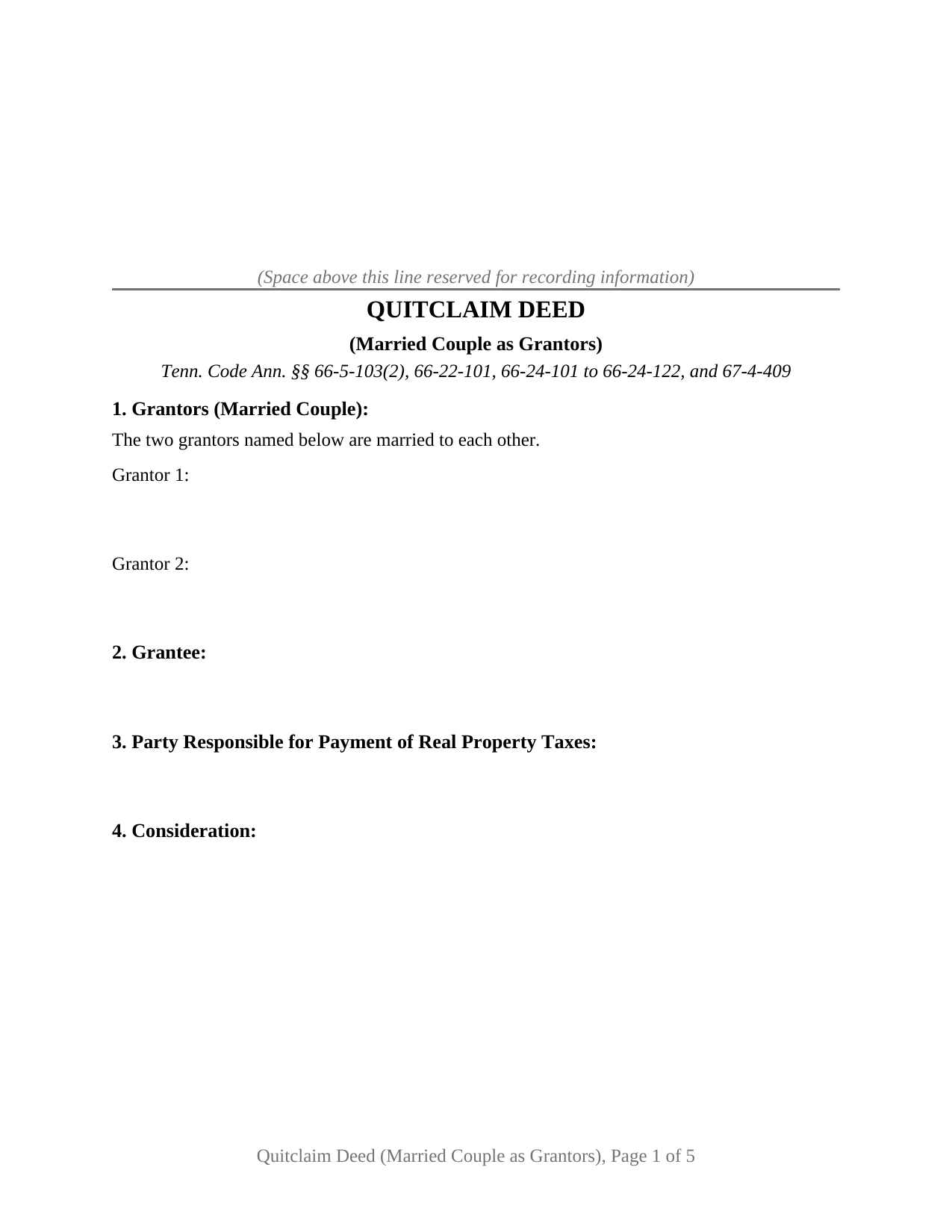
Perry County Quitclaim Deed (Married Couple as Grantors) Form
Fill in the blank Quitclaim Deed (Married Couple as Grantors) form formatted to comply with all Tennessee recording and content requirements.
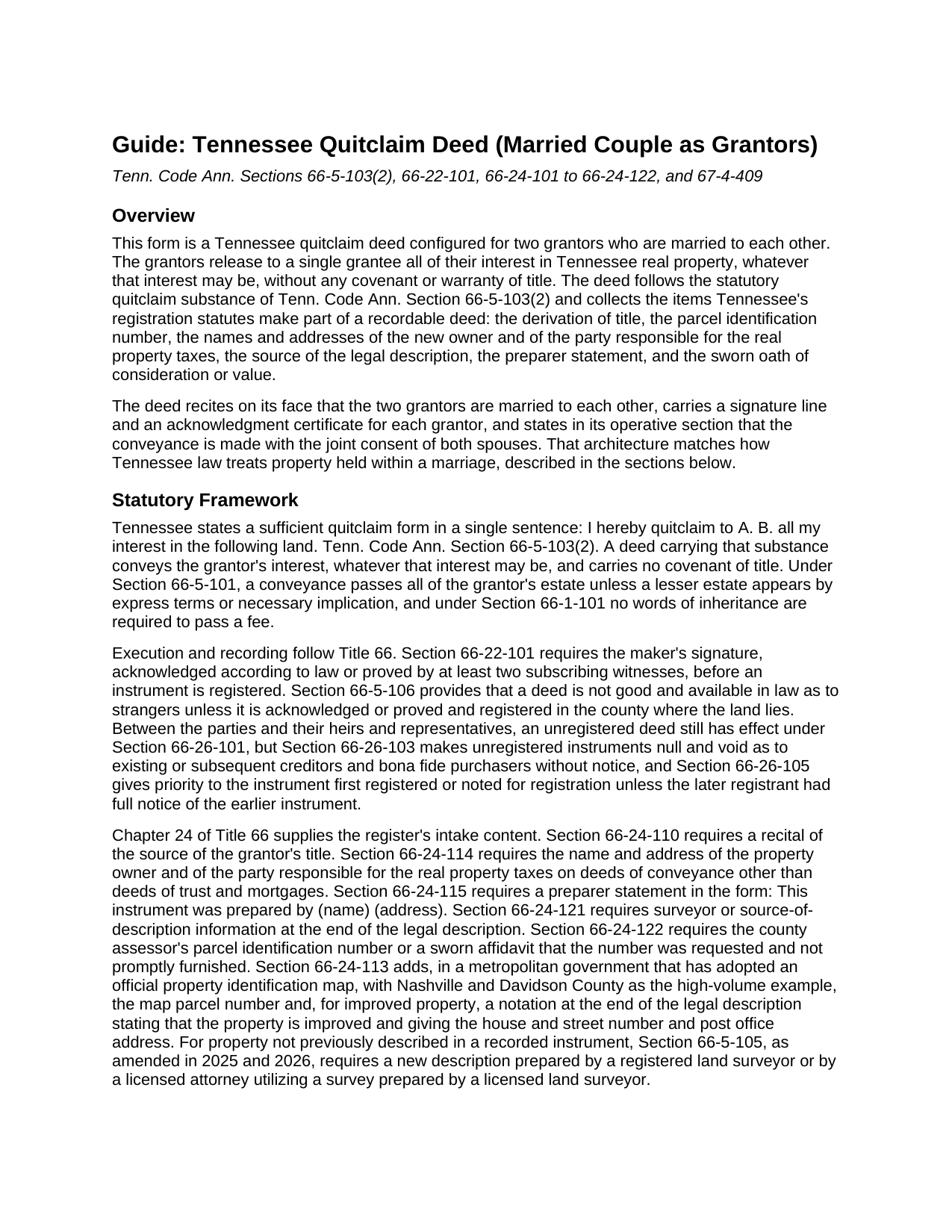
Perry County Quitclaim Deed (Married Couple as Grantors) Guide
Line by line guide explaining every blank on the Quitclaim Deed (Married Couple as Grantors) form.
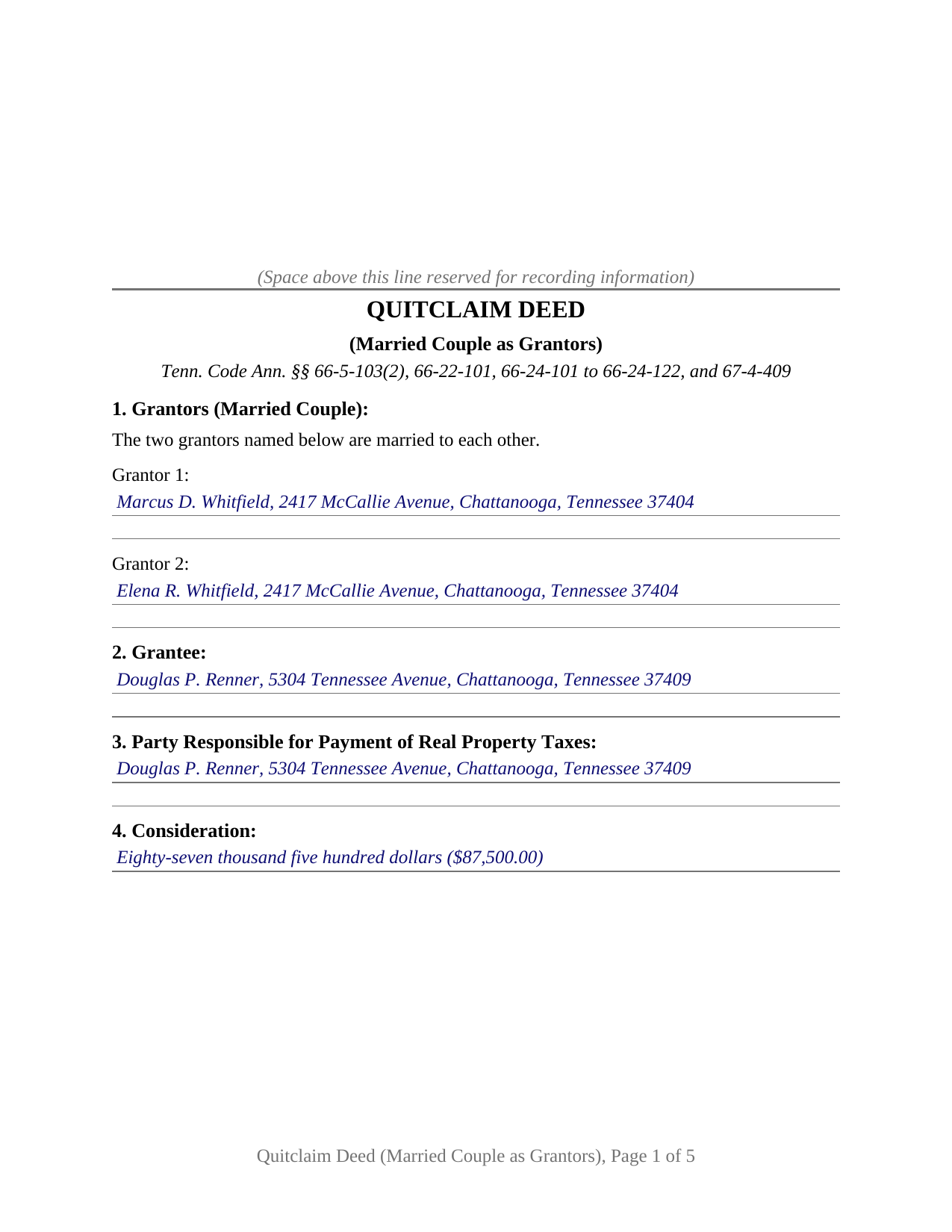
Perry County Completed Example of the Quitclaim Deed (Married Couple as Grantors) Document
Example of a properly completed Tennessee Quitclaim Deed (Married Couple as Grantors) document for reference.
All 3 documents above included • One-time purchase • No recurring fees
Immediate Download • Secure Checkout
Additional Tennessee and Perry County documents included at no extra charge:
Where to Record Your Documents
Perry County Register of Deeds
Linden, Tennessee 37096
Hours: 8:30am to 4:00pm.M-F
Phone: (931) 589-2210
Recording Tips for Perry County:
- Bring your driver's license or state-issued photo ID
- Ensure all signatures are in blue or black ink
- Ask about their eRecording option for future transactions
- Avoid the last business day of the month when possible
- Both spouses typically need to sign if property is jointly owned
Cities and Jurisdictions in Perry County
Properties in any of these areas use Perry County forms:
- Linden
- Lobelville
Hours, fees, requirements, and more for Perry County
How do I get my forms?
Forms are available for immediate download after payment. The Perry County forms will be in your account ready to download to your computer. An account is created for you during checkout if you don't have one. Forms are NOT emailed.
Are these forms guaranteed to be recordable in Perry County?
Yes. Our form blanks are guaranteed to meet or exceed the applicable formatting requirements used for recording in Perry County, including margin requirements, font requirements, and other layout standards. This guarantee applies to formatting, not to the legal sufficiency of information entered by the user or the suitability of a form for a particular transaction.
Can I reuse these forms?
Yes. You can reuse the forms for your personal use. For example, if you have multiple properties in Perry County you only need to order once.
What do I need to use these forms?
The forms are PDFs that you fill out on your computer. The free Adobe Acrobat Reader is recommended, and most PDF apps also work. You do NOT enter your property information online - you download the blank forms and complete them privately on your own computer.
Are there any recurring fees?
No. This is a one-time purchase. Nothing to cancel, no memberships, no recurring fees.
How much does it cost to record in Perry County?
Recording fees in Perry County vary. Contact the recorder's office at (931) 589-2210 for current fees.
Questions answered? Let's get started!
The grantor section of this Tennessee quitclaim deed holds two names and one recital: the grantors are married to each other. Built for a married couple giving up whatever interest the two spouses hold in Tennessee real property, the form carries the couple's combined release to one grantee, without covenant or warranty of title.
A release built around the marital estate
Tennessee folds a married couple's co-owned real property into the marriage itself. Spouses who took title together ordinarily hold a single marital estate, one that neither spouse acting alone can carve up during the marriage, so the whole interest leaves the record only when both spouses put it there. This deed is drawn on that premise from its first line. It names the spouses side by side, states the marriage on the face of the instrument, and carries an operative sentence in which both grantors declare their joint consent to the conveyance, including consent as to any homestead interest of either spouse, the consent Tennessee's homestead statute contemplates whenever a marital relationship exists and homestead property moves.
Tax lines that open for spouses
Recording a Tennessee deed collects the realty transfer tax, and a quitclaim keeping the statutory substance is taxed on the actual consideration the grantee gives, the number sworn in the oath block this deed carries. Married-couple transfers also sit beside a menu of statutory exemptions in T.C.A. Section 67-4-409(a): the creation or dissolution of a tenancy by the entirety in specified spouse transactions, a deed by a transferor or the transferor's spouse into a revocable living trust, and the trustee's deed returning the property to the transferor or spouse, among others. A couple funding a joint living trust with an entireties parcel, and a couple ending an entireties estate through one of the exempt patterns, present recordings where the sworn amount and the exemption, not the parcel's market value, control what the register collects.
How the married-couple version is put together
The form recites exactly two grantors, natural persons married to each other, and one grantee. Each grantor has a signature line with printed name and date, and each has an acknowledgment certificate carrying the substance of the statutory certificate in T.C.A. Section 66-22-107, so the spouses may acknowledge on separate days or before separate notaries without re-signing anything. The numbered sections collect what Tennessee registers read at intake: the new owner's name and address, the party responsible for the property taxes, the assessor's parcel identification number, the derivation of title recital, and the source of the legal description. Spouses cashing out of co-owned family land in a relative's buyout, and spouses moving an entireties parcel into a joint revocable living trust, present the two-spouse pattern this deed recites. The form is not set up as a sole owner's release, as a conveyance by two co-owners who are not married to each other, or as an entity transfer; each of those patterns signs through a different configuration.
Still a quitclaim, with a quitclaim's honest limits
Searchers reach this instrument as a quitclaim deed, a quit claim deed, or a quick claim deed. Under T.C.A. Section 66-5-103(2) the operative substance is one sentence, and this form keeps it: the grantors quitclaim to the grantee all of their interest in the described property. What passes is that interest exactly as it stands, whatever it may be. Mortgages, easements, and unpaid taxes travel with the land, no covenant of title backs the transfer, and a deed that keeps the statutory wording also keeps the actual-consideration tax treatment reserved for true quitclaims.
The package holds the fillable two-spouse deed, a completed example set in a Hamilton County buyout between family co-owners, and a plain language guide that walks the nine numbered sections, the two acknowledgments, the sworn oath, and the trip to the register's counter. The guide and this page describe Tennessee law in general terms; none of it is legal advice.
Important: Your property must be located in Perry County to use these forms. Documents should be recorded at the county recording office listed above.
This Quitclaim Deed (Married Couple as Grantors) meets all recording requirements specific to Perry County.
Our Promise
The documents you receive here are guaranteed to meet or exceed the applicable Perry County recording format requirements. If there is a rejection caused by our formatting, we will correct the issue or refund your payment. This guarantee applies to document formatting only and does not extend to information entered by the user, the selection of the form, or the legal effect of the completed document.
Save Time and Money
Get your Perry County Quitclaim Deed (Married Couple as Grantors) form done right the first time with Deeds.com Uniform Conveyancing Blanks. At Deeds.com, we understand that your time and money are valuable resources, and we don't want you to face a penalty fee or rejection imposed by a county recorder for submitting nonstandard documents. We constantly review and update our forms to meet rapidly changing state and county recording requirements for roughly 3,500 counties and local jurisdictions.
4.8 out of 5 - ( 4,833 Reviews )
Charles G. 5 out of 5 stars
Easy to request. Fast response
Thank you!
LINDA S. 5 out of 5 stars
One thing I would suggest that could be changed is the last page because we have a trust and I had to retype that page to include the trust and both trustee's signatures.
Thank you!
LEIGH M. 3 out of 5 stars
Skamania County, WA tax affidavit wouldn't download. Otherwise, a good program
Thank you!
Patricia R. 5 out of 5 stars
Very helpful. Worth the cost. Hopefully we will be able to proceed without expense of an attorney.
We are thankful for your continued support and feedback, which inspire us to continuously improve. Thank you..
Johanna R. 5 out of 5 stars
As soon as payment was received the forms were downloaded, printed and were useable. The guide was helpful and I was able to get my forms filled out and filed with no problem here in Linn County Oregon. I would recommend the site to anyone.
Thank you for your feedback. We really appreciate it. Have a great day!
Sharon H. 5 out of 5 stars
I was able to print the deed and follow the instructions and sample deed quite easily. Thank you
We appreciate your business and value your feedback. Thank you. Have a wonderful day!
Patricia C. 5 out of 5 stars
Deeds.com saved me time and research by offering a beneficiary deed and full instructions for filling it out. My home will now pass directly to my only son without probate. This form and other complimentary forms was an excellent value.
Thank you for your feedback. We really appreciate it. Have a great day!
Jesse K. 5 out of 5 stars
Very simple to use website for remote recording of documents. I will definately use this platform for future recordings.
Thank you for your feedback. We really appreciate it. Have a great day!
Sterling H. 4 out of 5 stars
I liked being able to drill down to state and county. Just simply the search for all property records
We welcome your positive feedback and are thrilled to have met your expectations. Thank you for choosing our services.
Charlotte F. 5 out of 5 stars
Great follow up and consideration
Thank you for your feedback. We really appreciate it. Have a great day!
Michael G. 5 out of 5 stars
Very helpful and easy to use
Your appreciative words mean the world to us. Thank you.
Sallie S. 5 out of 5 stars
Great speedy service with access to areas beyond my reach.
Thank you Sallie, have a great day!
Dan J. 5 out of 5 stars
The paperwork was fine but it was just paperwork. Georgia does not accept a paper form. The form must be transmitted electronically through a registered account. Using an attorney may have been the simple way to file the cancellation.
Thank you for your feedback, Dan. We’re glad the paperwork itself met your expectations. Recording requirements can vary by state and county, including how documents are submitted. We appreciate you sharing your experience and will review our product information to see where we can better clarify the recording process for Georgia customers.
Edwin M. 5 out of 5 stars
Good marks from me. Keep up the good work !
Thank you!
Robert K. 5 out of 5 stars
This deed helped me a lot
Glad to hear that Robert. Have a great day!