Rhea County Trustee Deed Form
Last validated September 28, 2026 by our Forms Development TeamFormatted for recording in Rhea County, for property anywhere in the county: rural and unincorporated areas as well as Dayton, Evensville, Grandview, Graysville, Spring City.
- 3 documents included
- Immediate PDF download
- Formatting guarantee
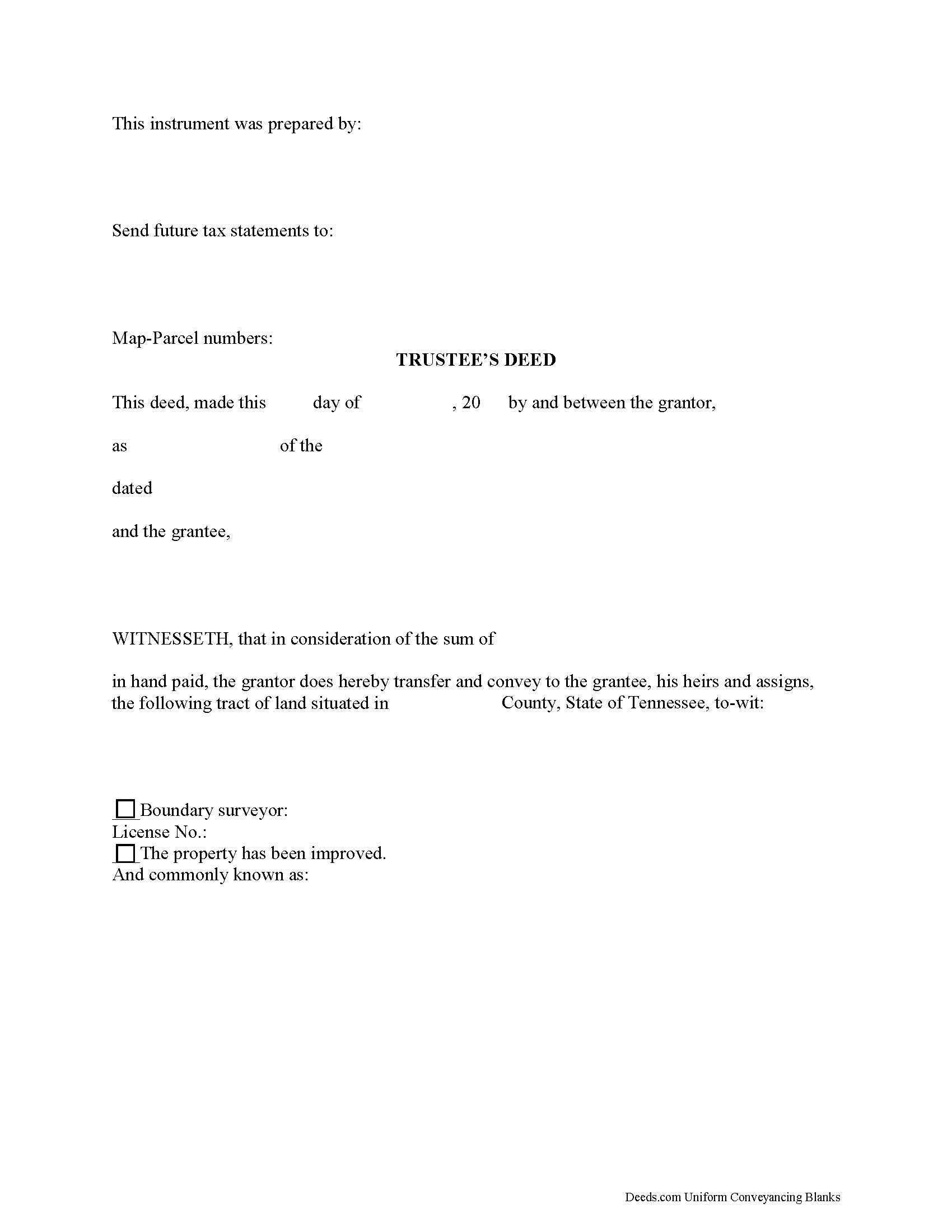
Rhea County Trustee Deed Form
Fill in the blank form formatted to comply with all recording and content requirements.
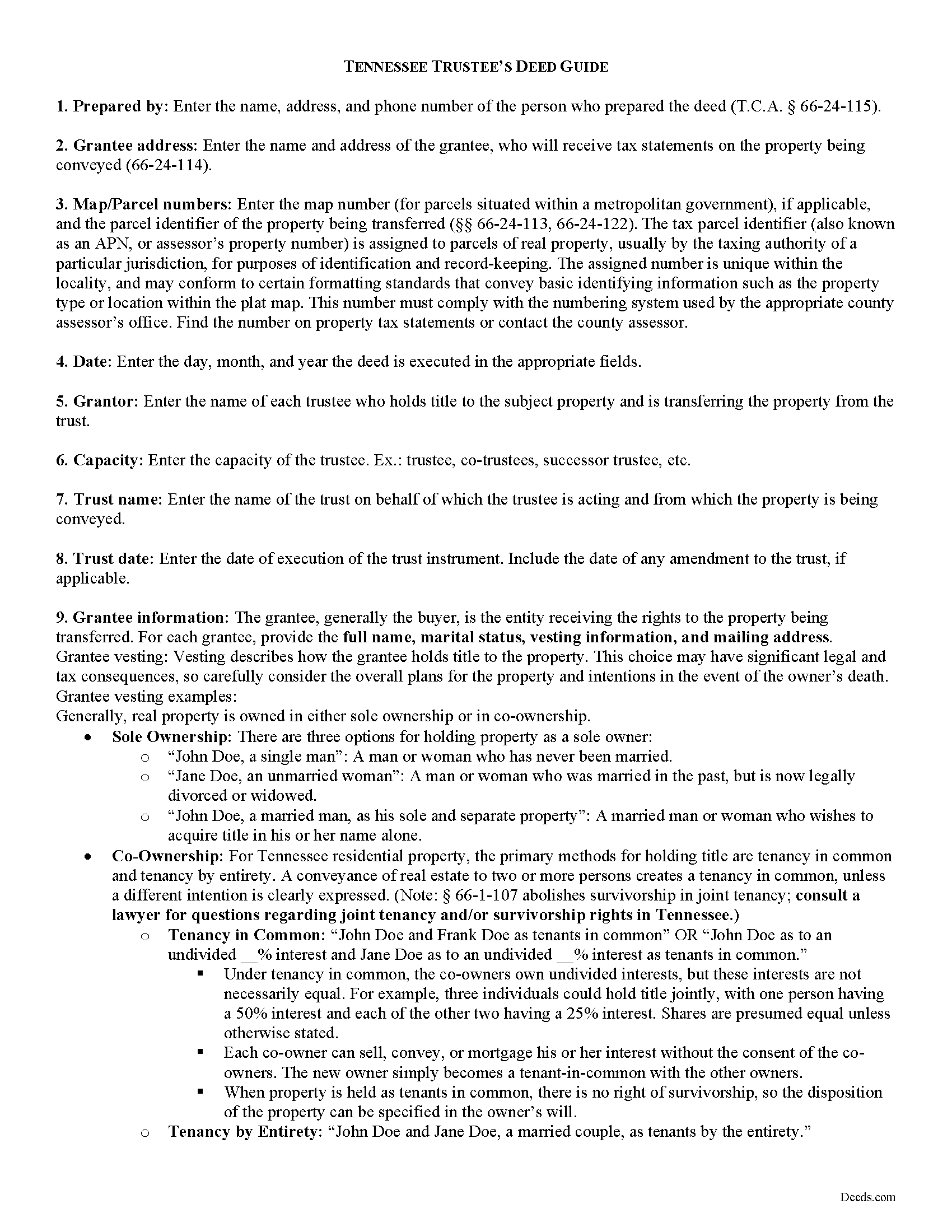
Rhea County Trustee Deed Guide
Line by line guide explaining every blank on the form.
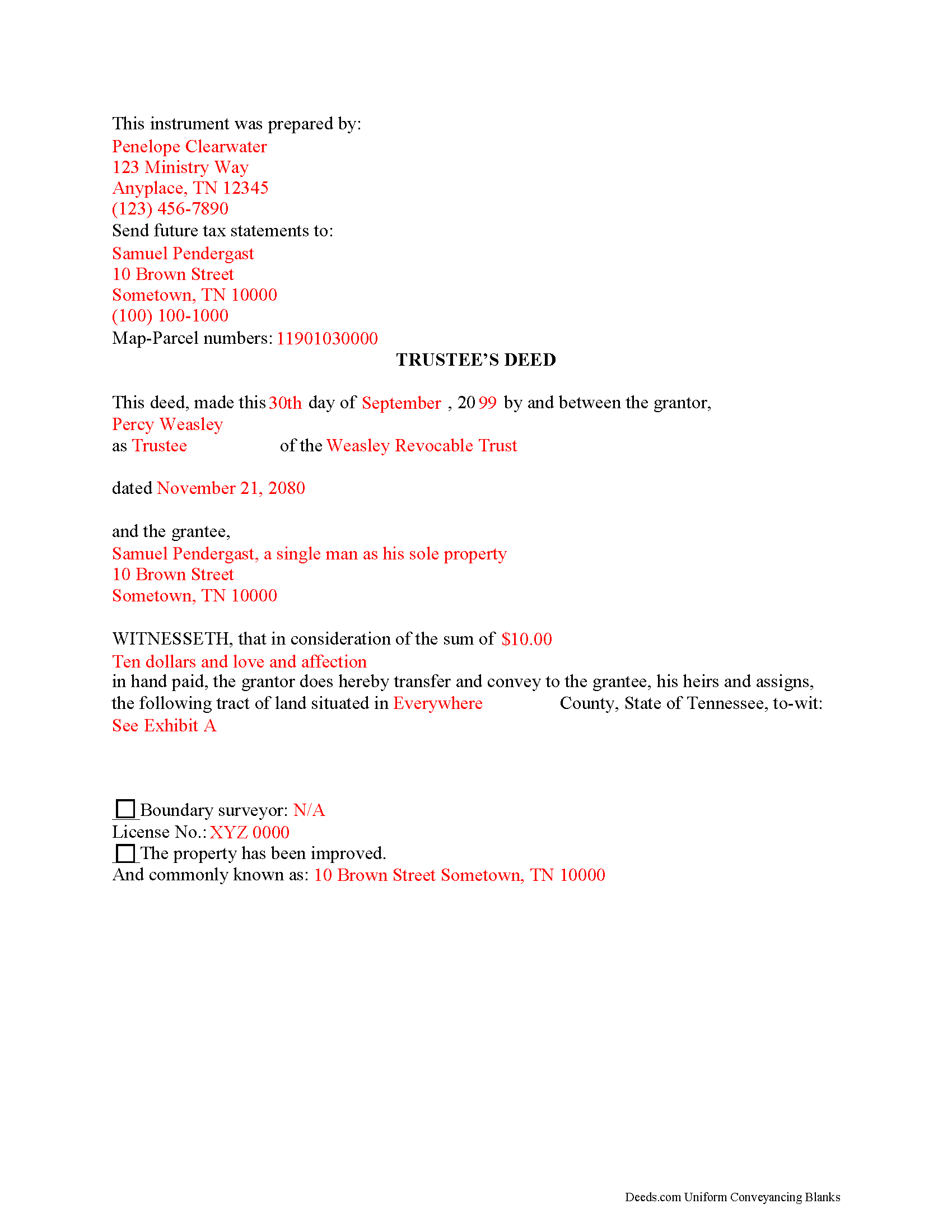
Rhea County Completed Example of the Trustee Deed Document
Example of a properly completed form for reference.
All 3 documents above included • One-time purchase • No recurring fees
Immediate Download • Secure Checkout
Additional Tennessee and Rhea County documents included at no extra charge:
Where to Record Your Documents
Rhea County Register of Deeds
Dayton, Tennessee 37321
Hours: 8:30 to 4:30 M-F
Phone: (423) 775-7841
Recording Tips for Rhea County:
- Bring your driver's license or state-issued photo ID
- Ensure all signatures are in blue or black ink
- Avoid the last business day of the month when possible
- Both spouses typically need to sign if property is jointly owned
- Bring extra funds - fees can vary by document type and page count
Cities and Jurisdictions in Rhea County
Properties in any of these areas use Rhea County forms:
- Dayton
- Evensville
- Grandview
- Graysville
- Spring City
Hours, fees, requirements, and more for Rhea County
How do I get my forms?
Forms are available for immediate download after payment. The Rhea County forms will be in your account ready to download to your computer. An account is created for you during checkout if you don't have one. Forms are NOT emailed.
Are these forms guaranteed to be recordable in Rhea County?
Yes. Our form blanks are guaranteed to meet or exceed the applicable formatting requirements used for recording in Rhea County, including margin requirements, font requirements, and other layout standards. This guarantee applies to formatting, not to the legal sufficiency of information entered by the user or the suitability of a form for a particular transaction.
Can I reuse these forms?
Yes. You can reuse the forms for your personal use. For example, if you have multiple properties in Rhea County you only need to order once.
What do I need to use these forms?
The forms are PDFs that you fill out on your computer. The free Adobe Acrobat Reader is recommended, and most PDF apps also work. You do NOT enter your property information online - you download the blank forms and complete them privately on your own computer.
Are there any recurring fees?
No. This is a one-time purchase. Nothing to cancel, no memberships, no recurring fees.
How much does it cost to record in Rhea County?
Recording fees in Rhea County vary. Contact the recorder's office at (423) 775-7841 for current fees.
Questions answered? Let's get started!
A trustee's deed transfers interest in real property held in a living trust. A settlor (sometimes called a grantor) creates and funds the trust by transferring assets to another person, called the trustee (though these roles may be performed by the same person). The trustee administers the trust for the benefit of another party, called the beneficiary.
The requirements for a trust in Tennessee are that the settlor has a capacity to create a trust and indicates the intention to do so; the trust has a definite beneficiary; the trustee has duties to perform; and the same person is not the sole trustee and sole beneficiary (T.C.A. 35-15-402). A trust must have lawful purposes and its terms must be for the benefit of the trust beneficiaries ( 35-15-404).
The settlor of a living trust generally indicates the intention to create a trust by executing a trust instrument. This unrecorded document sets forth the terms of the trust, indicating how the settlor intends his assets to be administered (settlors of testamentary trusts, or testators, establish the trust's terms in their wills). The trust document also designates the trustee and his successors, if any, and identifies the trust's beneficiary.
Settlors may fund the trust with real property by executing a deed, titling the property in the name of the trustee on behalf of the trust. If the settlor wishes to convey the real estate from the trust as through sale, the trustee then executes a deed. The trustee's power to sell property held in the trust comes from T.C.A. 35-15-816, and is either fortified or restricted by any relevant powers outlined in the trust instrument.
The trustee's deed to convey real property held in a living trust is named after the executing grantor, rather than after the title warranty the grantor provides. In Tennessee, a trustee's deed is a type of special warranty deed, where warranty of title is limited to anyone claiming by, from, through, or under the grantor. This is a more limited warranty than a general warranty deed, in which the grantor promises to warrant and defend title against all claim. In offering a special warranty, the trustee does "not warrant against defects arising from conditions that existed before" he held title to the property.
The basic components of a trustee's deed are the same as any other deed conveying interest in real property in Tennessee. The document names all parties to the transaction and includes the property description, map and parcel numbers assigned to the property, a recitation of the derivation of title, and an oath of consideration stating the true value of the property conveyed. In addition, the trustee's deed references the trust and trust date, and may include a certification of trust under T.C.A. 35-15-1013 as an attachment to certify the trust's existence and the trustee's authority to enter into the transaction.
A trustee's deed should be acknowledged by the executing trustee in the presence of a notary public before it is recorded in the county in which the subject real property is located. Consult a lawyer in the preparation of a trustee's deed, and with any questions regarding living trusts in Tennessee.
(Tennessee TD Package includes form, guidelines, and completed example)
Important: Your property must be located in Rhea County to use these forms. Documents should be recorded at the county recording office listed above.
This Trustee Deed meets all recording requirements specific to Rhea County.
Our Promise
The documents you receive here are guaranteed to meet or exceed the applicable Rhea County recording format requirements. If there is a rejection caused by our formatting, we will correct the issue or refund your payment. This guarantee applies to document formatting only and does not extend to information entered by the user, the selection of the form, or the legal effect of the completed document.
Save Time and Money
Get your Rhea County Trustee Deed form done right the first time with Deeds.com Uniform Conveyancing Blanks. At Deeds.com, we understand that your time and money are valuable resources, and we don't want you to face a penalty fee or rejection imposed by a county recorder for submitting nonstandard documents. We constantly review and update our forms to meet rapidly changing state and county recording requirements for roughly 3,500 counties and local jurisdictions.
4.8 out of 5 - ( 4,826 Reviews )
Michael R. 5 out of 5 stars
This was just TOO easy to do and use!! Thank you so much for your service!
Thank you!
Michael V. 5 out of 5 stars
Exactly what I needed and VERY fair price. I paid $19.97 for what a local attorney wanted $200 to do. I filled out the form using the line by line guide and filed it at the court house today. Absolutely no problems.
We appreciate your business and value your feedback. Thank you. Have a wonderful day!
Kathy C. 5 out of 5 stars
It's worth the cost to download the fill in the blank forms. So quick and easy. The lady I spoke to on the phone was super nice and very helpful. She deserves a medal for being so patient with me.
Thank you!
Raymond C. 5 out of 5 stars
Very convenient
We appreciate your business and value your feedback. Thank you. Have a wonderful day!
Desmond L. 5 out of 5 stars
Easy access
We appreciate your business and value your feedback. Thank you. Have a wonderful day!
Tyler B. 5 out of 5 stars
Great!
Thank you!
Barbara S. 5 out of 5 stars
I found your site easy to use, though I would prefer an option to download to MWords but Adobe works well. The cost is very, very reasonable and provides documents I didn't know were needed. I would recommend this to anyone trying to deal with legal documents.
Thank you!
Earle T. 5 out of 5 stars
This is an excellent service. And very easy to use.
We appreciate your business and value your feedback. Thank you. Have a wonderful day!
Cecelia C. 5 out of 5 stars
Service was fantastic. So helpful and they promptly get back with you. No reason to drive if you are out of state and need to get a deed filed. Safe way to file if you don't want to go to public office or can't physically get there.
Thank you for your feedback. We really appreciate it. Have a great day!
Darrell P. 5 out of 5 stars
My legal description exceeds the avaiable space in the one page Exhibit A...any way to add a second page as 'Exhibit A (continued)'?
It is not required to use the included exhibit page. Simply label your printed legal description as the appropriate exhibit.
Beth O. 5 out of 5 stars
Easy peasy! Thank y'all so much.
Thank you!
ed d. 5 out of 5 stars
Fast efficient hassle free
Thank you for your feedback. We really appreciate it. Have a great day!
rosie s. 5 out of 5 stars
Very please with the service
Thank you!
Michael S. 5 out of 5 stars
Thanks for making what I thought would be complicated, so easy. I loved being able to avoid getting a lawyer along with their high fees.
Glad to hear the process was straightforward for you, Michael. Thanks for choosing us—we appreciate your feedback!
Scott M. 5 out of 5 stars
Complete Package don't spend good money for a title co. to do this
Thank you for your feedback. We really appreciate it. Have a great day!