Mingo County Release of Deed of Trust Form
Last validated October 1, 2026 by our Forms Development TeamFormatted for recording in Mingo County, for property anywhere in the county: rural and unincorporated areas as well as Baisden, Borderland, Breeden, Chattaroy, Delbarton, Dingess, Edgarton, Gilbert and 14 more.
- 3 documents included
- Immediate PDF download
- Formatting guarantee
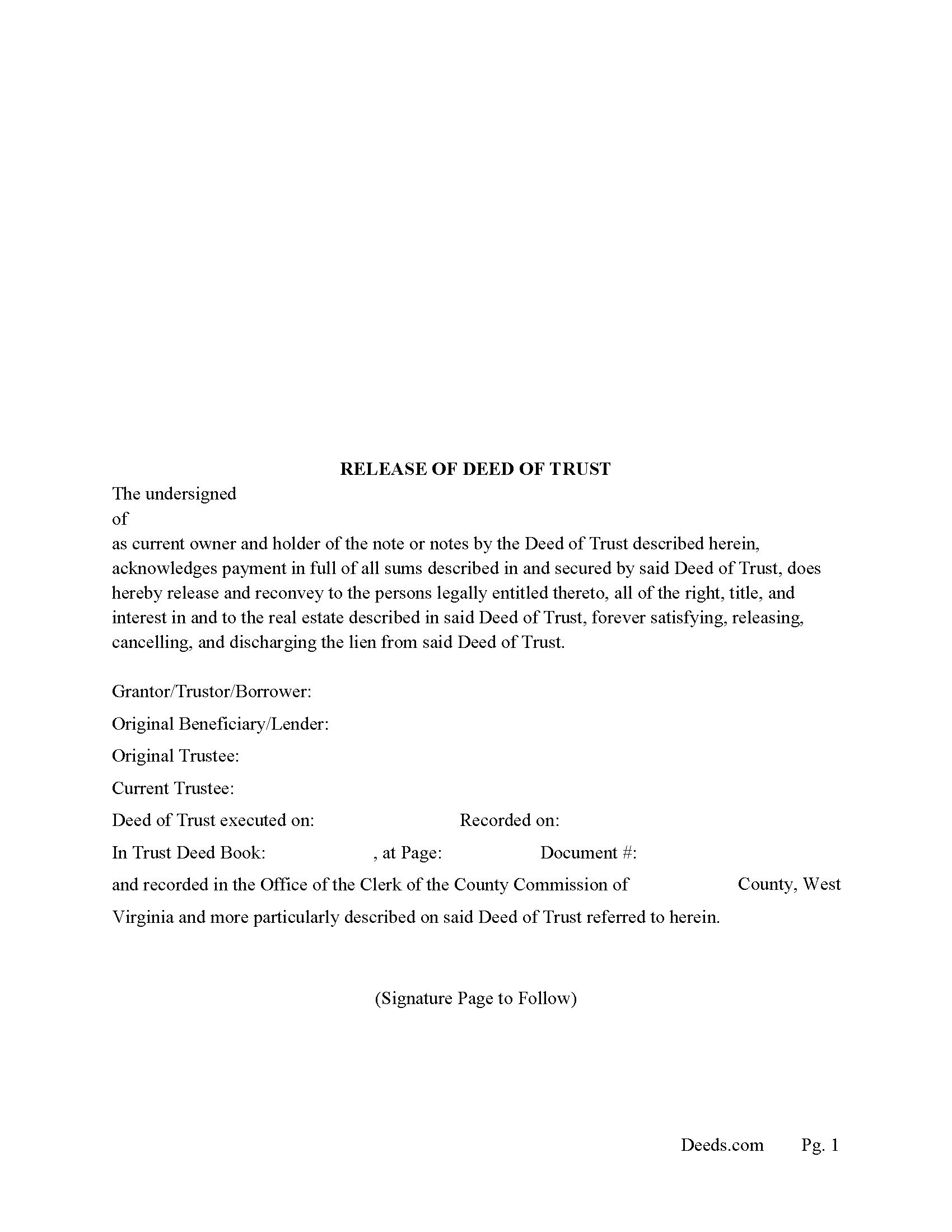
Mingo County Release of Deed of Trust Form
Fill in the blank form formatted to comply with all recording and content requirements.
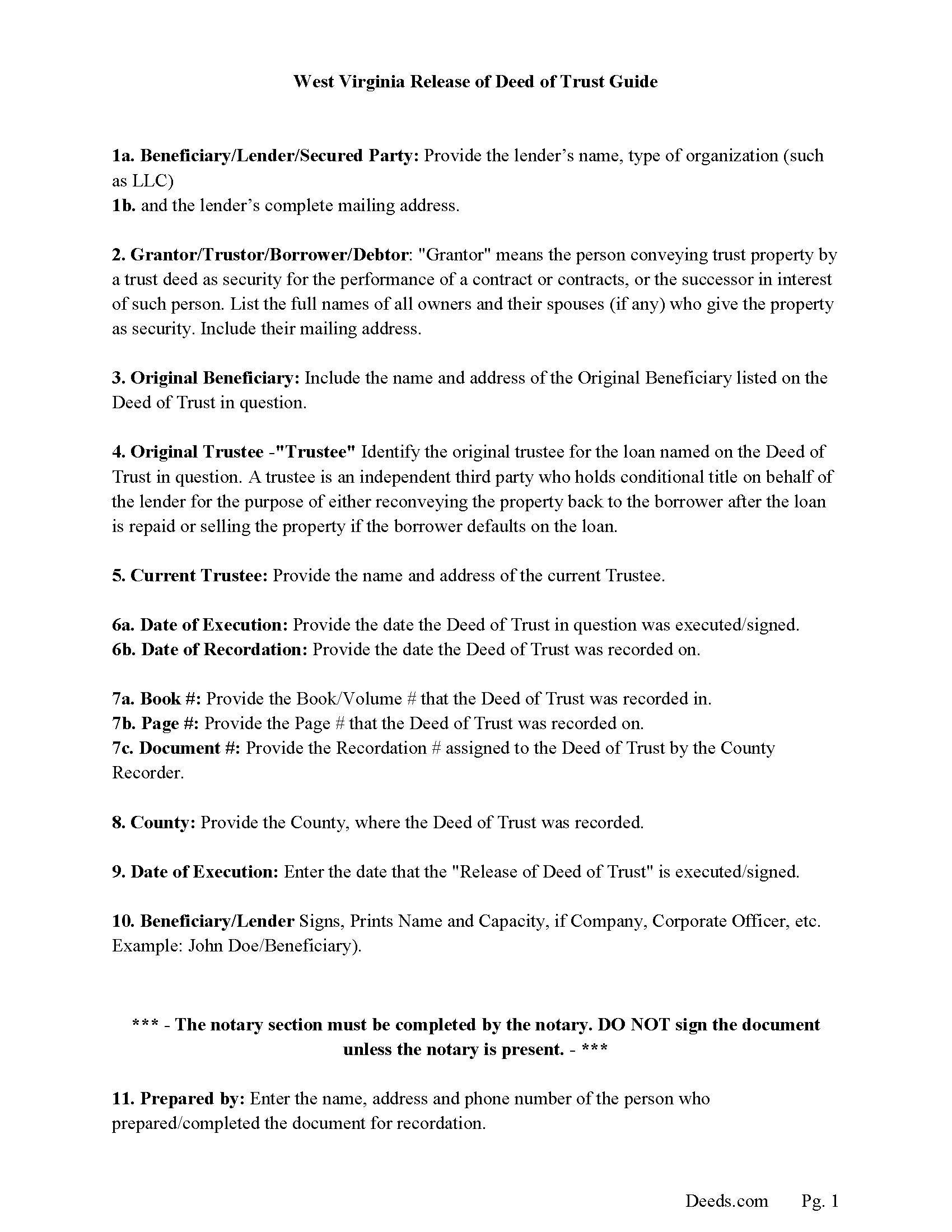
Mingo County Release Guidelines
Line by line guide explaining every blank on the form.
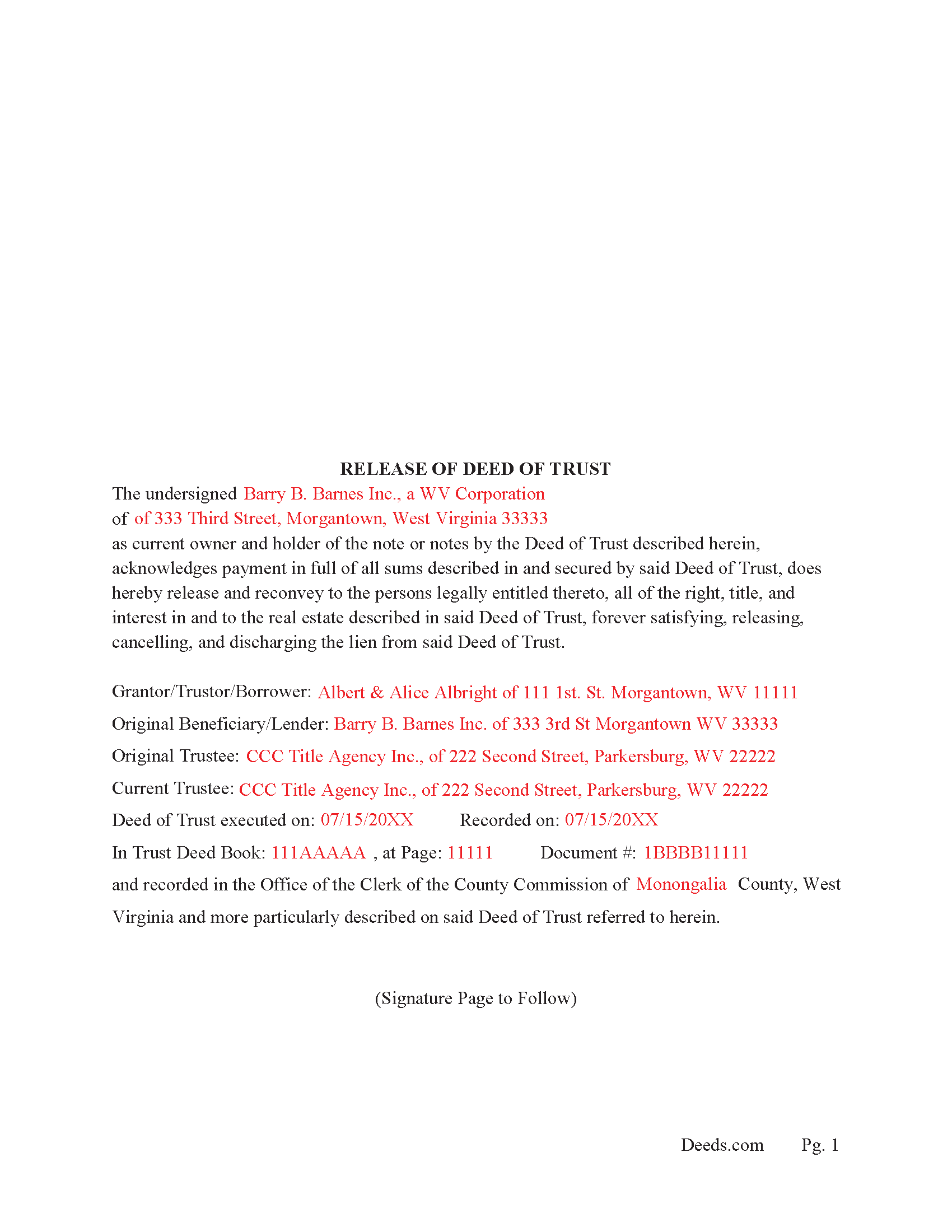
Mingo County Completed Example of the Release of Deed of Trust
Example of a properly completed form for reference.
All 3 documents above included • One-time purchase • No recurring fees
Immediate Download • Secure Checkout
Additional West Virginia and Mingo County documents included at no extra charge:
Where to Record Your Documents
Mingo County Clerk
Williamson, West Virginia 25661
Hours: Mon.-Fri. 8:30 am - 5:00 pm
Phone: (304) 235-0330
Recording Tips for Mingo County:
- Bring your driver's license or state-issued photo ID
- Ensure all signatures are in blue or black ink
- Check that your notary's commission hasn't expired
- Documents must be on 8.5 x 11 inch white paper
- Double-check legal descriptions match your existing deed
Cities and Jurisdictions in Mingo County
Properties in any of these areas use Mingo County forms:
- Baisden
- Borderland
- Breeden
- Chattaroy
- Delbarton
- Dingess
- Edgarton
- Gilbert
- Justice
- Kermit
- Lenore
- Matewan
- Naugatuck
- Newtown
- North Matewan
- Ragland
- Rawl
- Red Jacket
- Varney
- Verner
- Wharncliffe
- Williamson
Hours, fees, requirements, and more for Mingo County
How do I get my forms?
Forms are available for immediate download after payment. The Mingo County forms will be in your account ready to download to your computer. An account is created for you during checkout if you don't have one. Forms are NOT emailed.
Are these forms guaranteed to be recordable in Mingo County?
Yes. Our form blanks are guaranteed to meet or exceed the applicable formatting requirements used for recording in Mingo County, including margin requirements, font requirements, and other layout standards. This guarantee applies to formatting, not to the legal sufficiency of information entered by the user or the suitability of a form for a particular transaction.
Can I reuse these forms?
Yes. You can reuse the forms for your personal use. For example, if you have multiple properties in Mingo County you only need to order once.
What do I need to use these forms?
The forms are PDFs that you fill out on your computer. The free Adobe Acrobat Reader is recommended, and most PDF apps also work. You do NOT enter your property information online - you download the blank forms and complete them privately on your own computer.
Are there any recurring fees?
No. This is a one-time purchase. Nothing to cancel, no memberships, no recurring fees.
How much does it cost to record in Mingo County?
Recording fees in Mingo County vary. Contact the recorder's office at (304) 235-0330 for current fees.
Questions answered? Let's get started!
In West Virginia a Deed of Trust can be released by a Beneficiary/Lender or by a Trustee. This form is used by the current Lender, holder of the note or notes. For use when the note or notes have been satisfied and a full release is required. (Such release shall be executed and furnished to the debtor within thirty days after the debt has been satisfied.) (WV. Article 12. 38-12-1) (a))
Such release of lien shall be executed by the lienholder and acknowledged before the clerk of the county commission in whose office the lien is recorded or before such other person authorized to take acknowledgments of deeds. Such written release shall be deemed sufficient if it describes the lien to be released by any words that will identify and show an intent to discharge the same. Releases may also be made according to the provisions of section two of this article. (WV. Article 12. 38-12-1) (b))
38-12-8. Recordation of release; effect.
When the release has been so signed and acknowledged, it may be presented for record to the clerk in whose office the lien thereby intended to be released is recorded or docketed, and from and after the time the same is so left for record (which time the clerk shall endorse thereon) such lien shall be discharged and extinguished, and the estate, of whatever kind, bound or affected thereby, shall be deemed to be vested in the former owner or those claiming under him as if such lien had never existed
If a release is not executed as described, the lienholder can be liable to pay,( at the cost of the lienholder who so refuses without good cause and the court shall also award reasonable attorney fees and court costs to the person entitled to such release if such person be the prevailing party.) (WV Article 12 38-12-10)
(West Virginia Release of DOT Package includes form, guidelines, and completed example) For use in West Virginia Only.
Important: Your property must be located in Mingo County to use these forms. Documents should be recorded at the county recording office listed above.
This Release of Deed of Trust meets all recording requirements specific to Mingo County.
Our Promise
The documents you receive here are guaranteed to meet or exceed the applicable Mingo County recording format requirements. If there is a rejection caused by our formatting, we will correct the issue or refund your payment. This guarantee applies to document formatting only and does not extend to information entered by the user, the selection of the form, or the legal effect of the completed document.
Save Time and Money
Get your Mingo County Release of Deed of Trust form done right the first time with Deeds.com Uniform Conveyancing Blanks. At Deeds.com, we understand that your time and money are valuable resources, and we don't want you to face a penalty fee or rejection imposed by a county recorder for submitting nonstandard documents. We constantly review and update our forms to meet rapidly changing state and county recording requirements for roughly 3,500 counties and local jurisdictions.
4.8 out of 5 - ( 4,815 Reviews )
Cynthia S. 4 out of 5 stars
Good find, provides guide to use.
We appreciate your business and value your feedback. Thank you. Have a wonderful day!
Darrell D. 5 out of 5 stars
Thx. Easy to research and download. Now proof is in the pudding. :-)
Thank you for your feedback. We really appreciate it. Have a great day!
Yvette B. 5 out of 5 stars
Efficient
Thank you!
Casey S. 5 out of 5 stars
I had a really good experience. I bought two forms from a different website and they didn’t help me at all. Granted, I only paid the minimum here I bought the upgrade and they showed me how to fill it out and what it should look like I went and had it notarized and took it to the county recorder and everything went smoothly. Highly suggest.
Glad it all came together smoothly for you, Casey. Appreciate you giving us a shot and taking the time to share your experience.
Stephen U. 5 out of 5 stars
This is another great deal that has come out of the quarantine for covid. Saved me hours and days of time. and provides a way to file deeds that really isn't done effectively anyway else. It was also very inexpensive that you would not expect. I didn't even have to leave home.
Thank you for your feedback. We really appreciate it. Have a great day!
Noelle V. 5 out of 5 stars
I requested a copy of some documents and within the hour, they were waiting for me in PDF form. It was easy and helped a great deal to have this service available.
Your feedback is valuable to us and helps us improve. Thank you for sharing your thoughts!
Richard G. 5 out of 5 stars
Easy to use. I was able to find out what I needed quickly and was able to download the information necessary.
Thank you!
Frazer W. 5 out of 5 stars
The great part about Deeds.com is that the staff works with filers to get the job done.
Thank you, Frazer! We appreciate your kind words and are glad our team could help get the job done.
Carl T. 5 out of 5 stars
Very simple to download and manage. very Impressed!
We appreciate your business and value your feedback. Thank you. Have a wonderful day!
Stephanie F. 5 out of 5 stars
Thorough, efficient, couldn't ask for better support. I refer everyone I know in real estate to use Deeds.com
Thank you for your positive words! We’re thrilled to hear about your experience.
Sarah C. 5 out of 5 stars
Great, but I'd like to see the actual filings/documents in my account, PDF, not only the blank forms. Thank you.
Thank you for your feedback. We really appreciate it. Have a great day!
Robert K. 5 out of 5 stars
Easy site to use. Well worth the time spent to complete the form.
Thank you!
Travis S. 5 out of 5 stars
Glad this existed.
Thank you!
Charles D. 5 out of 5 stars
Good product!! I highly recommend.
Thank you!
Kitty H. 5 out of 5 stars
I have had it reviewed by a mortgage broker and a title manager and both said it was done correctly! Your product and the instructions are what made this possible. It took me several hours as I continued to review your information. I just finished printing and ready to file. Yeah! Thanks! Highly recommend the product!
We appreciate your business and value your feedback. Thank you. Have a wonderful day!