Maricopa County Mechanics Lien Written Request for Information Form
Last validated November 3, 2026 by our Forms Development TeamFormatted for recording in Maricopa County, for property anywhere in the county: rural and unincorporated areas as well as Aguila, Arlington, Avondale, Buckeye, Carefree, Cashion, Cave Creek, Chandler and 33 more.
- 3 documents included
- Immediate PDF download
- Formatting guarantee
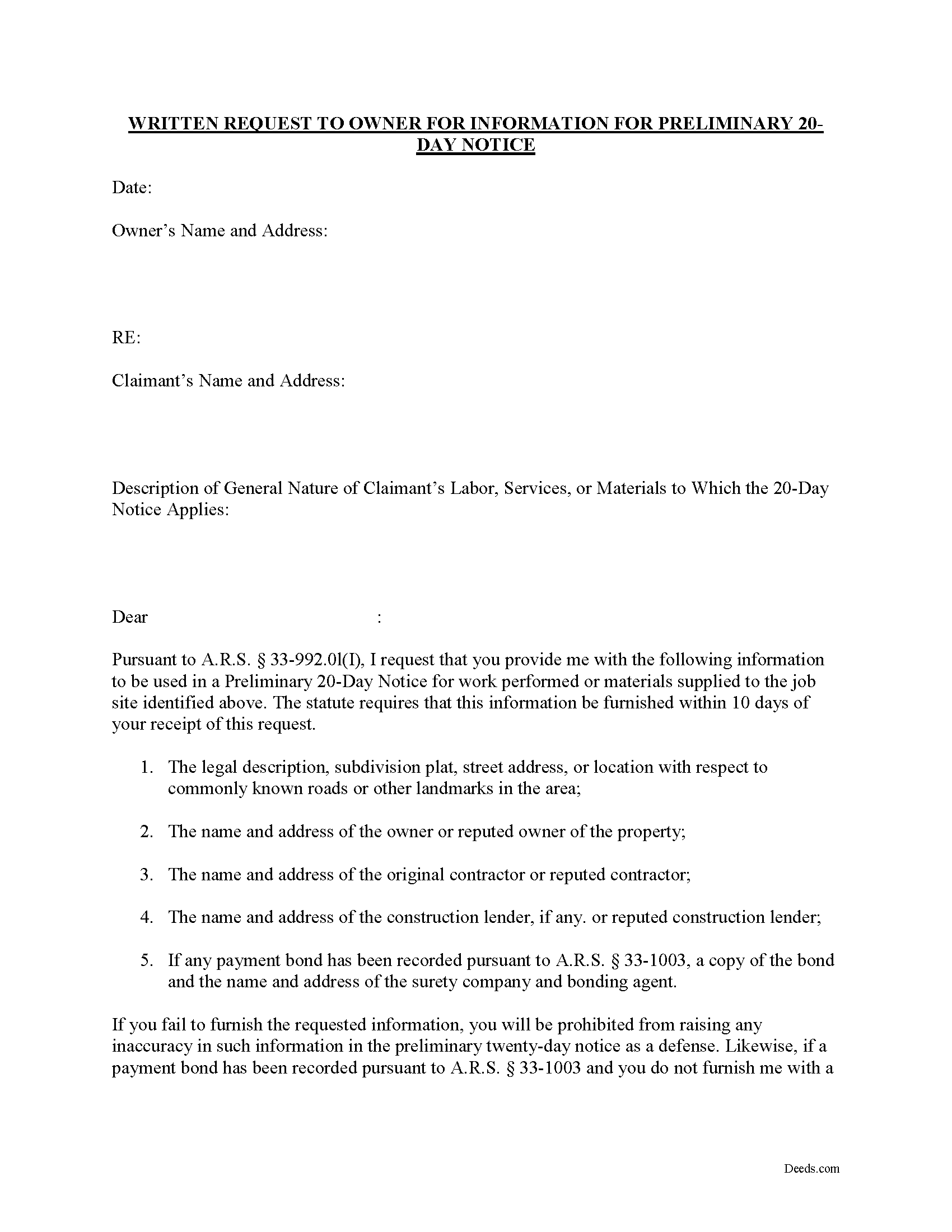
Maricopa County Written Request for Information Form
Fill in the blank form formatted to comply with all recording and content requirements.
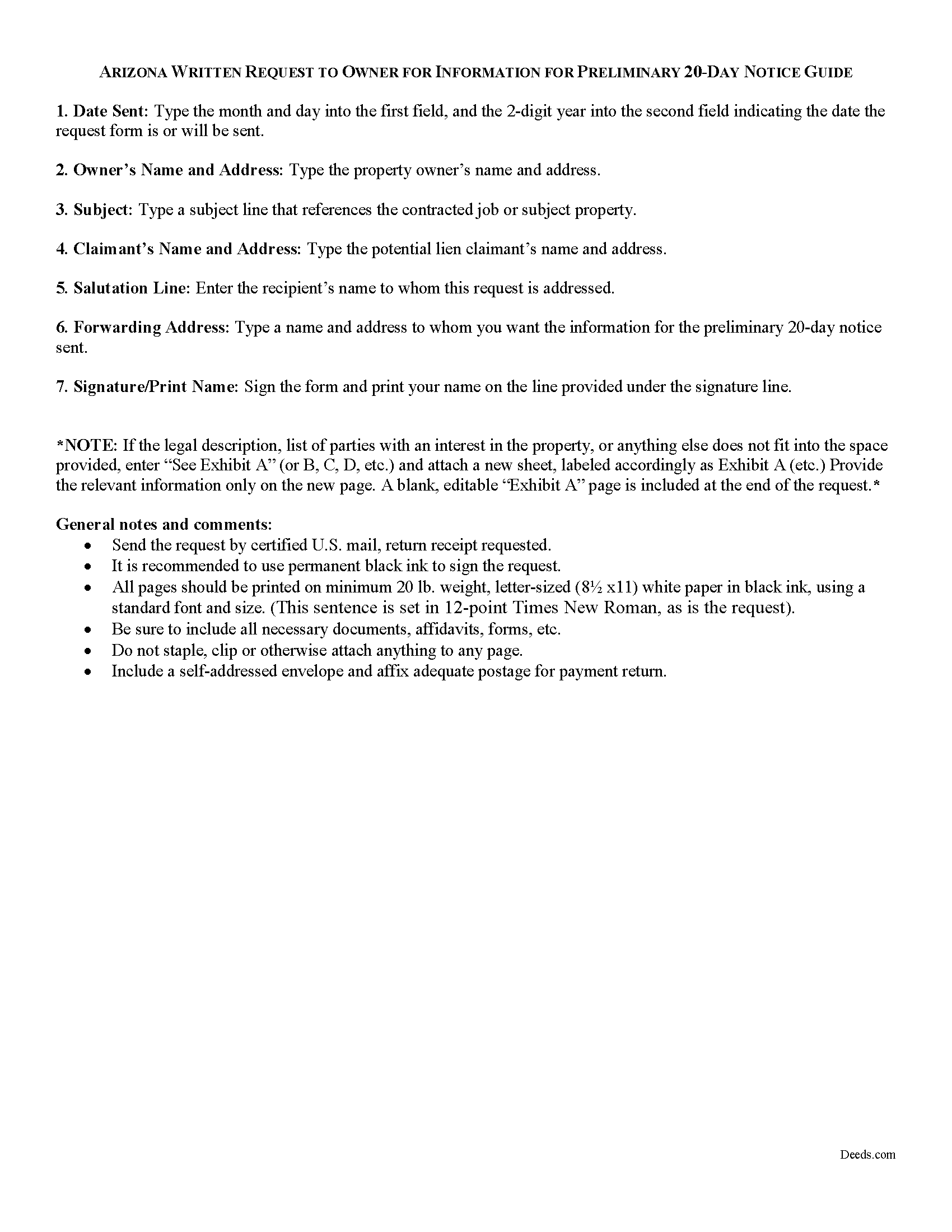
Maricopa County Written Request for Information Guide
Line by line guide explaining every blank on the form.
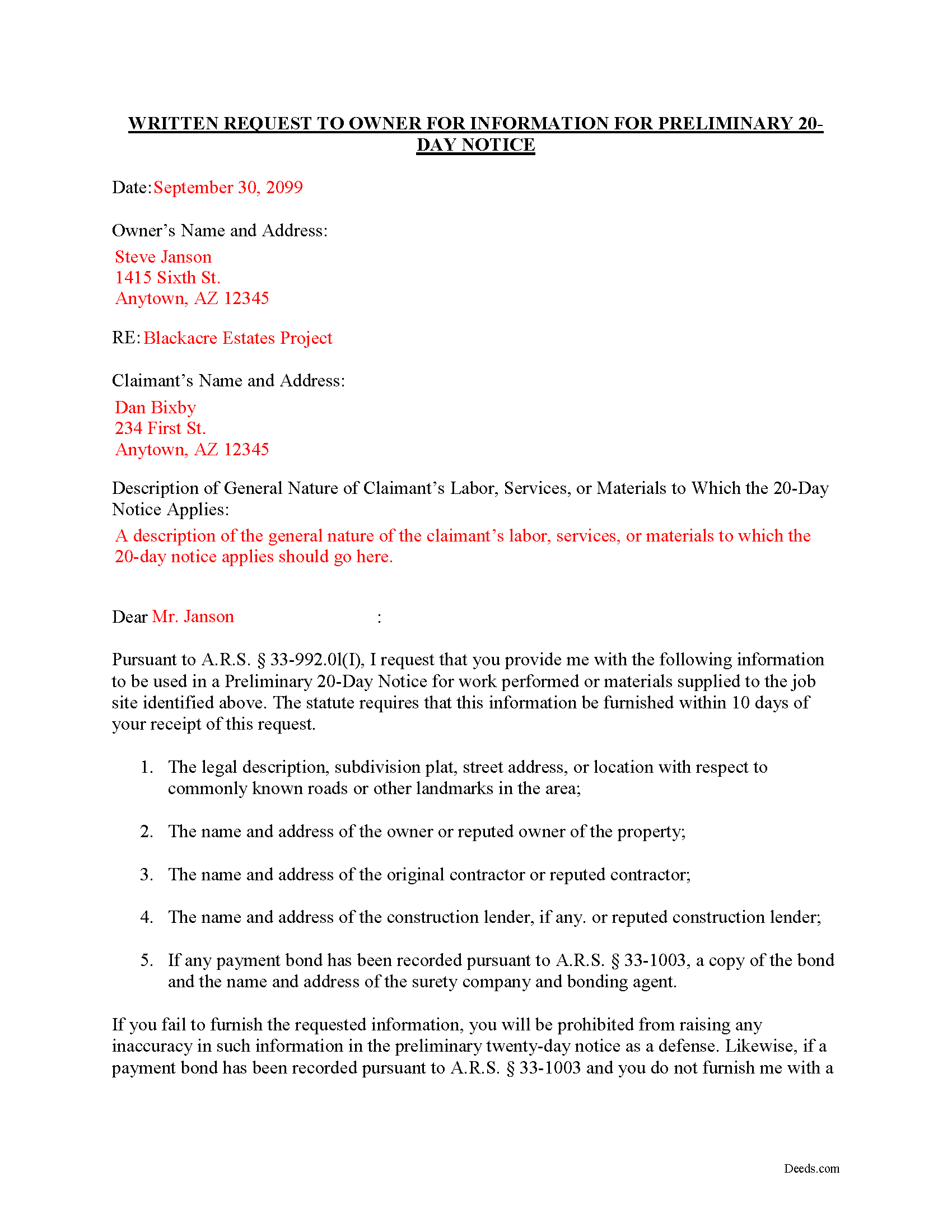
Maricopa County Completed Example of the Request for Information Document
Example of a properly completed form for reference.
All 3 documents above included • One-time purchase • No recurring fees
Immediate Download • Secure Checkout
Additional Arizona and Maricopa County documents included at no extra charge:
Where to Record Your Documents
Recorder: Main Office
Phoenix, Arizona 85003
Hours: 8:00 A.M. - 5:00 P.M. Monday - Friday
Phone: 602-506-3535
Recording Tips for Maricopa County:
- Bring your driver's license or state-issued photo ID
- Ensure all signatures are in blue or black ink
- Verify all names are spelled correctly before recording
- White-out or correction fluid may cause rejection
- Ask about their eRecording option for future transactions
Cities and Jurisdictions in Maricopa County
Properties in any of these areas use Maricopa County forms:
- Aguila
- Arlington
- Avondale
- Buckeye
- Carefree
- Cashion
- Cave Creek
- Chandler
- Chandler Heights
- El Mirage
- Fort Mcdowell
- Fountain Hills
- Gila Bend
- Gilbert
- Glendale
- Glendale Luke Afb
- Goodyear
- Higley
- Laveen
- Litchfield Park
- Mesa
- Morristown
- New River
- Palo Verde
- Paradise Valley
- Peoria
- Phoenix
- Queen Creek
- Rio Verde
- Scottsdale
- Sun City
- Sun City West
- Surprise
- Tempe
- Tolleson
- Tonopah
- Tortilla Flat
- Waddell
- Wickenburg
- Wittmann
- Youngtown
Hours, fees, requirements, and more for Maricopa County
How do I get my forms?
Forms are available for immediate download after payment. The Maricopa County forms will be in your account ready to download to your computer. An account is created for you during checkout if you don't have one. Forms are NOT emailed.
Are these forms guaranteed to be recordable in Maricopa County?
Yes. Our form blanks are guaranteed to meet or exceed the applicable formatting requirements used for recording in Maricopa County, including margin requirements, font requirements, and other layout standards. This guarantee applies to formatting, not to the legal sufficiency of information entered by the user or the suitability of a form for a particular transaction.
Can I reuse these forms?
Yes. You can reuse the forms for your personal use. For example, if you have multiple properties in Maricopa County you only need to order once.
What do I need to use these forms?
The forms are PDFs that you fill out on your computer. The free Adobe Acrobat Reader is recommended, and most PDF apps also work. You do NOT enter your property information online - you download the blank forms and complete them privately on your own computer.
Are there any recurring fees?
No. This is a one-time purchase. Nothing to cancel, no memberships, no recurring fees.
How much does it cost to record in Maricopa County?
Recording fees in Maricopa County vary. Contact the recorder's office at 602-506-3535 for current fees.
Questions answered? Let's get started!
Requesting Information to Draft a Preliminary 20-Day Notice in Arizona
A preliminary 20-day notice in Arizona typically requires information from the owner. Sending an information request form allows the claimant to obtain the necessary details in time to file the preliminary notice.
The property owner must reply within ten days after receiving the written request and furnish a written statement containing the following information pursuant to AZ. REV. STAT. 33-922.01(I):
- 1. The legal description, subdivision plat, street address or location with respect to commonly known roads or other landmarks in the area, or any other description of the jobsite sufficient for identification.
- The name and address of the owner or reputed owner.
- The name and address of the original contractor or reputed contractor.
- The name and address of the construction lender, if any, or reputed construction lender.
- If any payment bond has been recorded pursuant to section 33-1003, a copy of the bond and the name and address of the surety company and bonding agent, if any, providing the payment bond.
If the owner or other interested party fails to furnish the requested information, this does not excuse the claimant from timely giving a preliminary twenty-day notice, but it does stop the owner from raising as a defense any inaccuracy of the information in a preliminary twenty-day notice, (provided the claimant's preliminary twenty day notice of lien otherwise complies with the provisions of the lien law). AZ. REV. STAT. 33-922.01(J). Also, if the information is received by the claimant after the claimant has already given a preliminary twenty-day notice and the information contained in the preliminary twenty day notice is inaccurate, the claimant shall, within thirty days of the receipt of this information, give an amended preliminary twenty day notice. Id.
This article is provided for informational purposes only and should not be relied upon as the substitute for the advice of an attorney. Please contact an attorney with any questions about sending a written request to an owner for information used in filing the preliminary 20-day notice.
Important: Your property must be located in Maricopa County to use these forms. Documents should be recorded at the county recording office listed above.
This Mechanics Lien Written Request for Information meets all recording requirements specific to Maricopa County.
Our Promise
The documents you receive here are guaranteed to meet or exceed the applicable Maricopa County recording format requirements. If there is a rejection caused by our formatting, we will correct the issue or refund your payment. This guarantee applies to document formatting only and does not extend to information entered by the user, the selection of the form, or the legal effect of the completed document.
Save Time and Money
Get your Maricopa County Mechanics Lien Written Request for Information form done right the first time with Deeds.com Uniform Conveyancing Blanks. At Deeds.com, we understand that your time and money are valuable resources, and we don't want you to face a penalty fee or rejection imposed by a county recorder for submitting nonstandard documents. We constantly review and update our forms to meet rapidly changing state and county recording requirements for roughly 3,500 counties and local jurisdictions.
4.8 out of 5 - ( 4,851 Reviews )
Susan S. 5 out of 5 stars
The actual transfer of deed form seems to be the only one not fillable in Adobe. Seems odd.
Thank you!
Sharon L H. 3 out of 5 stars
The forms were good enough, hard to get excited about legal forms... The information was very thorough and helpful.
Thank you!
Linda W. 4 out of 5 stars
Got the forms, very straight forward. No problems completing them.
Thanks Linda!
Darren G. 3 out of 5 stars
Your beneficiary deed sample contains a error of the LDPS designation. I copied the designation of LPDS instead of the correct designation
Thank you for your feedback. We really appreciate it. Have a great day!
Richard T. 5 out of 5 stars
This was a complete set of the necessary forms, with instructions. It will be very useful. Instant download was great.
We appreciate your feedback Richard. Have a wonderful day!
Raymond N. 4 out of 5 stars
The process of obtaining the forms that I wanted was very easy and the cost reasonable. The site is easy to follow and explains everything. Thank you for being here.
We appreciate your business and value your feedback. Thank you. Have a wonderful day!
Valerie I. 5 out of 5 stars
Quick and easy! Had my document submitted to the county and back in one day. Good rates as well!
Thank you!
Sherilynne P. 3 out of 5 stars
I am delighted with the form. I just had to go through so much time and expense in order to use it. First, from your site I downloaded Adobe Acrobat. It totally compromised my computer. I had to get a computer expert to walk me through deleting adobe, and put a substitute on in order to use the form. That was an expense of $60.00. Then after that I still had a hard time getting the program to work, as the substitute program would not accept my e-mail address and I finally had to get someone on line to help me access that. I found it was a $$30.00 charge for the substitute. After fighting these lovely roadblocks, I was finally able to fill in the only form I needed and print it off. Took me two days to accomplish that. Why on earth do you offer adobe when it can compromise a computer so badly? Dealing with my husbands death and then having to deal with this, just one of many deterrents, well let's put it this way, it did not make my two days.
Thank you for your feedback. Sorry to hear of your experience. Our documents are Adobe PDFs because PDF is the standard for digital documents, most computers have Adobe Reader installed, and it (Adobe Reader) is free.
Krissyn S. 5 out of 5 stars
It was so easy to find, download, and use the form I needed. Literally took about 5 minutes and I was ready to go. I loved that the download included a sample form and a guide to help fill out the form properly.
Thank you for your feedback. We really appreciate it. Have a great day!
Kevin M. 5 out of 5 stars
good so far. will wait to see what happens
Thank you!
Shawn S. 5 out of 5 stars
Listen, I love your services. It's been such a convenience utilizing it.
We appreciate your business and value your feedback. Thank you. Have a wonderful day!
Jackie C. 5 out of 5 stars
It was easy to access the documents for a minimal fee.
Thank you for your feedback. We really appreciate it. Have a great day!
Sandra S. 5 out of 5 stars
Very helpful, with blank and sample completed documents. The only thing I was confused about was the "legal description" of my property. The documents weren't too helpful on what that meant. Otherwise they were great. It saved me $200 to prepare these myself.
Thank you for your feedback. We really appreciate it. Have a great day!
Steve G. 5 out of 5 stars
The forms were very easy to use. However, the Mercer County cover page is an older version. You can find the recent version on the county website.
Thank you for your feedback. We really appreciate it. Have a great day!
Neil S. 5 out of 5 stars
Very impressive. The only change I would suggest is a smaller font on the title.
Thank you for your feedback. We really appreciate it. Have a great day!