Placer County Assignment of Deed of Trust Form
Last validated October 20, 2026 by our Forms Development TeamFormatted for recording in Placer County, for property anywhere in the county: rural and unincorporated areas as well as Alta, Applegate, Auburn, Carnelian Bay, Colfax, Dutch Flat, Emigrant Gap, Foresthill and 16 more.
- 6 documents included
- Immediate PDF download
- Formatting guarantee
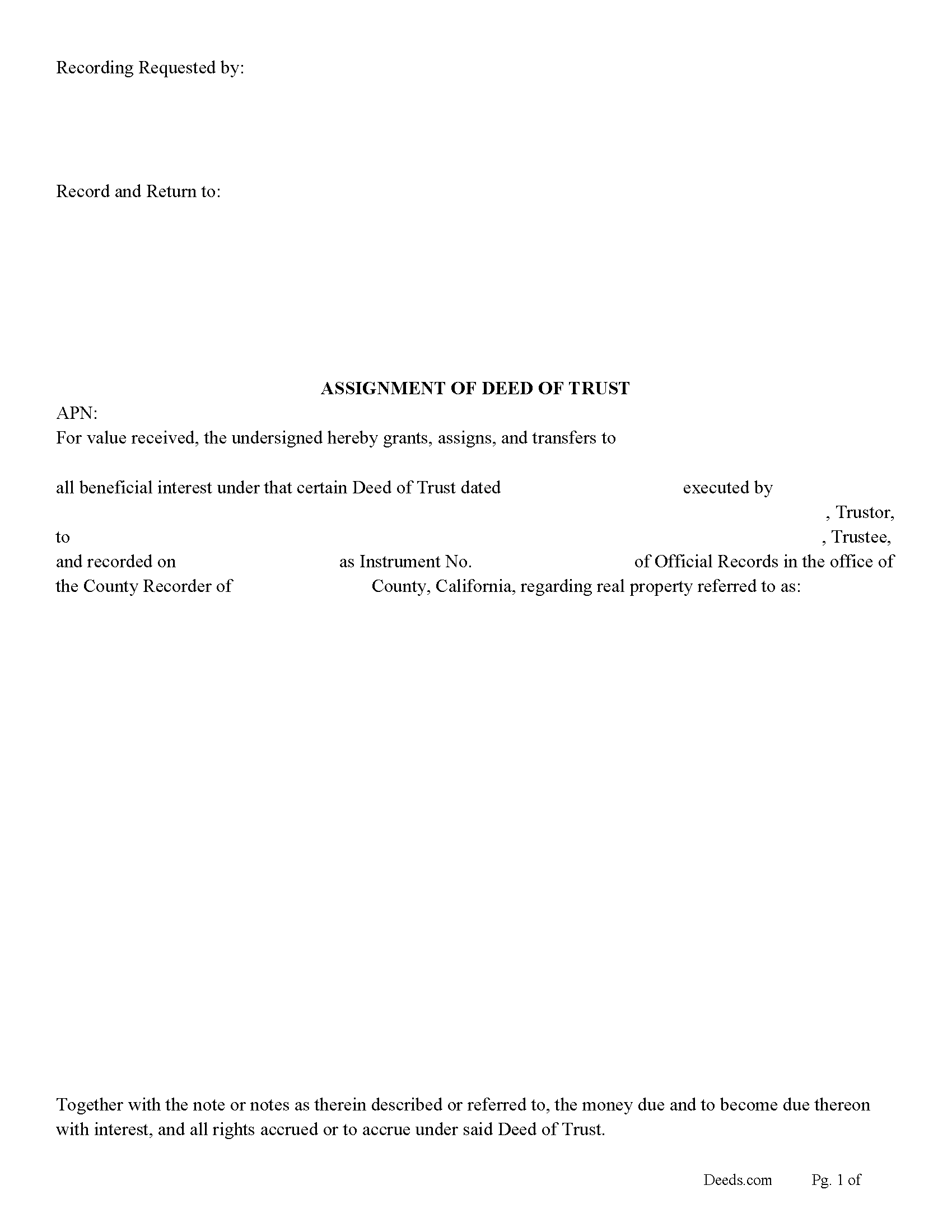
Placer County Assignment of Deed of Trust Form
Fill in the blank form formatted to comply with all recording and content requirements.
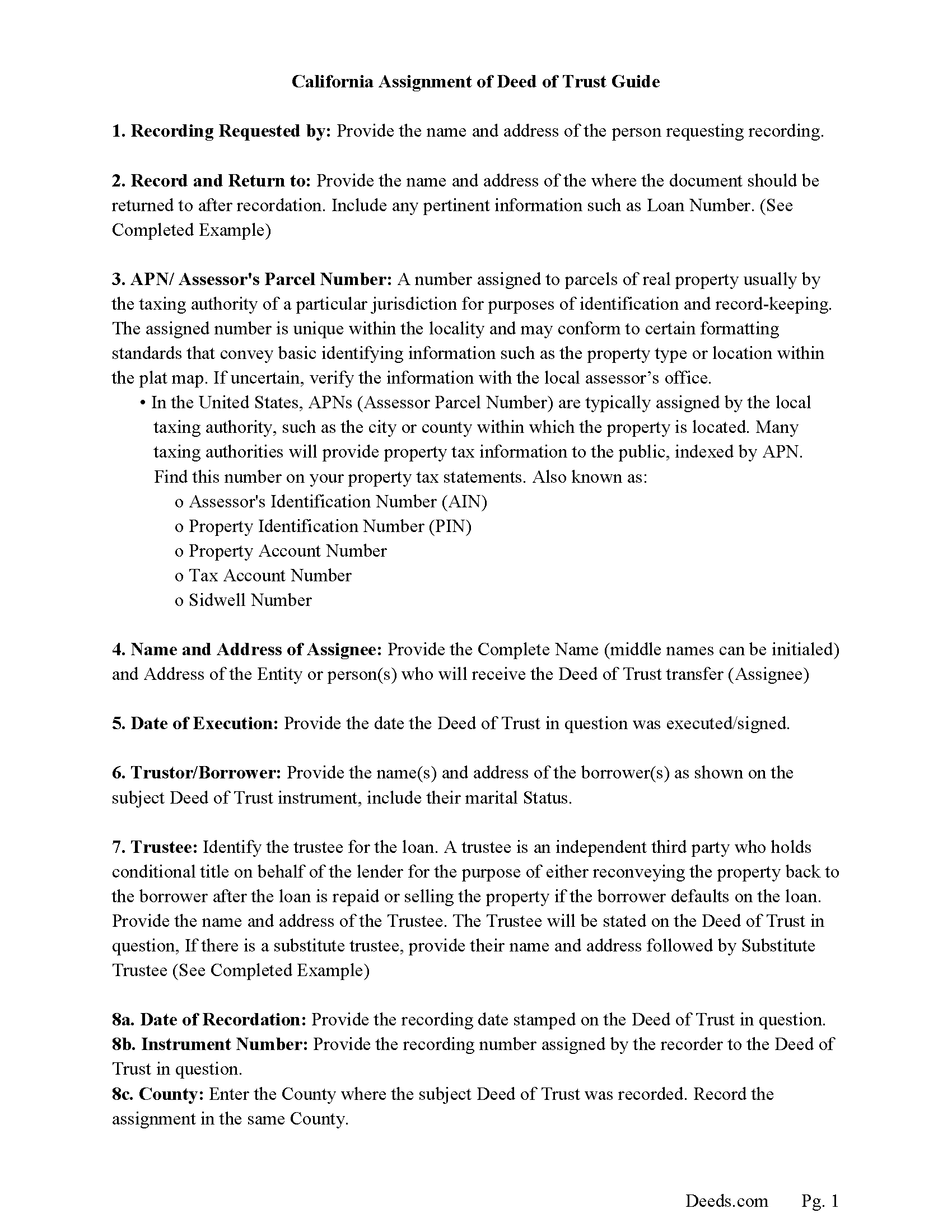
Placer County Guidelines for Assignment of Deed of Trust
Line by line guide explaining every blank on the form.
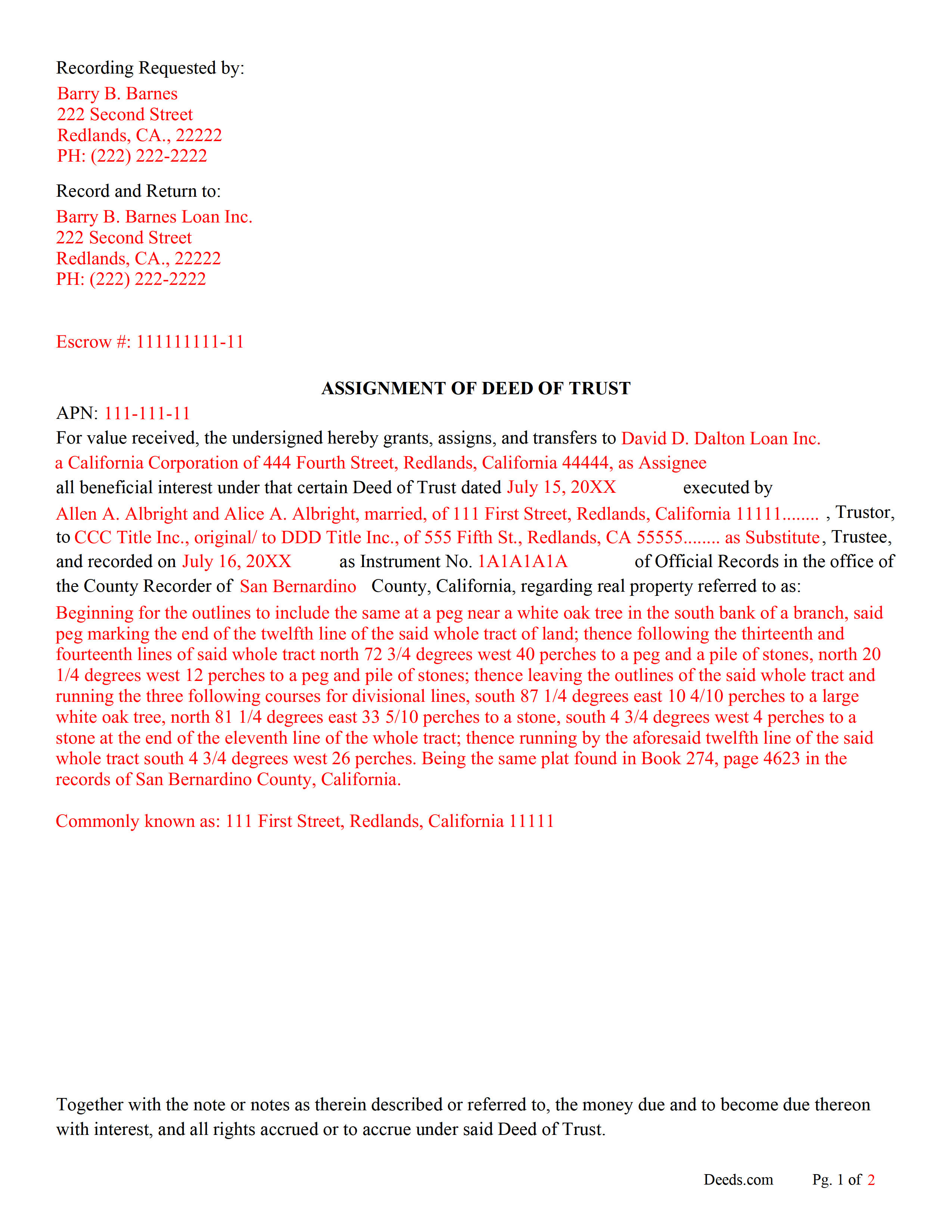
Placer County Completed Example of the Assignment of Deed of Trust Document
Example of a properly completed form for reference.
Placer County Notice of Assignment of Deed of Trust Form
Fill in the blank form formatted to comply with content requirements.
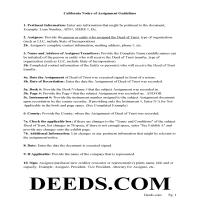
Placer County Notice of Assignment Guidelines
Line by line guide explaining every blank on the form.
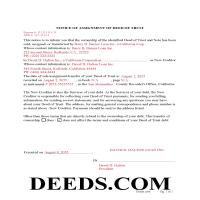
Placer County Completed Example of Notice of Assignment Document
Example of a properly completed form for reference.
All 6 documents above included • One-time purchase • No recurring fees
Immediate Download • Secure Checkout
Additional California and Placer County documents included at no extra charge:
Where to Record Your Documents
Placer County Clerk-Recorder
Auburn, California 95603
Hours: Mon to Fri 8:00 to 5:00 / Recording until 4:00
Phone: (530) 886-5600
Satellite Office
Auburn, California 95603
Hours: Monday through Friday 8 a.m. to 4 p.m.
Phone: (530) 886-5600
Recording Tips for Placer County:
- Bring your driver's license or state-issued photo ID
- Ensure all signatures are in blue or black ink
- Recorded documents become public record - avoid including SSNs
- Recording fees may differ from what's posted online - verify current rates
- Request a receipt showing your recording numbers
Cities and Jurisdictions in Placer County
Properties in any of these areas use Placer County forms:
- Alta
- Applegate
- Auburn
- Carnelian Bay
- Colfax
- Dutch Flat
- Emigrant Gap
- Foresthill
- Gold Run
- Granite Bay
- Homewood
- Kings Beach
- Lincoln
- Loomis
- Meadow Vista
- Newcastle
- Olympic Valley
- Penryn
- Rocklin
- Roseville
- Sheridan
- Tahoe City
- Tahoe Vista
- Weimar
Hours, fees, requirements, and more for Placer County
How do I get my forms?
Forms are available for immediate download after payment. The Placer County forms will be in your account ready to download to your computer. An account is created for you during checkout if you don't have one. Forms are NOT emailed.
Are these forms guaranteed to be recordable in Placer County?
Yes. Our form blanks are guaranteed to meet or exceed the applicable formatting requirements used for recording in Placer County, including margin requirements, font requirements, and other layout standards. This guarantee applies to formatting, not to the legal sufficiency of information entered by the user or the suitability of a form for a particular transaction.
Can I reuse these forms?
Yes. You can reuse the forms for your personal use. For example, if you have multiple properties in Placer County you only need to order once.
What do I need to use these forms?
The forms are PDFs that you fill out on your computer. The free Adobe Acrobat Reader is recommended, and most PDF apps also work. You do NOT enter your property information online - you download the blank forms and complete them privately on your own computer.
Are there any recurring fees?
No. This is a one-time purchase. Nothing to cancel, no memberships, no recurring fees.
How much does it cost to record in Placer County?
Recording fees in Placer County vary. Contact the recorder's office at (530) 886-5600 for current fees.
Questions answered? Let's get started!
The current Lender/Beneficiary uses this form to assign a Deed of Trust to another lender. This is often done when a Deed of Trust has been sold. This allows the new Lender the right to collect payments of the debt. A typical Deed of Trust contains a Power of Sale clause, allowing a non-judicial foreclosure. (The power of sale may be exercised by the assignee if the assignment is duly acknowledged and recorded.) (California Code 2932.5)
Current Borrowers must be notified of the assignment. Notification consists of contact information of the new creditor, recording dates, recording instrument numbers, changes in loan, etc. Included are "Notice of Assignment of Deed of Trust" forms.
The Truth and lending act requires that borrowers be notified when their deed of trust debt has been sold, transferred, or assigned to a new creditor. Generally, within 30 days to avoid up to $2,000.00 in statutory damages, plus reasonable attorney's fees. Systematic violations can reach up $500,000.00.
(California Assignment of Deed of Trust Package includes form, guidelines, and completed example) For use in California only.
Important: Your property must be located in Placer County to use these forms. Documents should be recorded at the county recording office listed above.
This Assignment of Deed of Trust meets all recording requirements specific to Placer County.
Our Promise
The documents you receive here are guaranteed to meet or exceed the applicable Placer County recording format requirements. If there is a rejection caused by our formatting, we will correct the issue or refund your payment. This guarantee applies to document formatting only and does not extend to information entered by the user, the selection of the form, or the legal effect of the completed document.
Save Time and Money
Get your Placer County Assignment of Deed of Trust form done right the first time with Deeds.com Uniform Conveyancing Blanks. At Deeds.com, we understand that your time and money are valuable resources, and we don't want you to face a penalty fee or rejection imposed by a county recorder for submitting nonstandard documents. We constantly review and update our forms to meet rapidly changing state and county recording requirements for roughly 3,500 counties and local jurisdictions.
4.8 out of 5 - ( 4,836 Reviews )
Esther R. 5 out of 5 stars
Very easy to follow and complete.
Thank you for your feedback. We really appreciate it. Have a great day!
Christine S. 5 out of 5 stars
One stop shopping for your Deed needs. Downloaded the forms and filled them out with ease following the step by step instructions. Saved me hundreds of dollars for not having to hire an attorney to do the exact same thing.
Thank you for your feedback. We really appreciate it. Have a great day!
Martin L. 5 out of 5 stars
Deeds.com is a lifesaver! They are fast and not too expensive. I highly recommend them!
Recognizing the value of your feedback helps us to enhance our services continually. Thank you for sharing your experience with us.
Janette K. 5 out of 5 stars
I ordered a Transfer of Deed on Death document. It was easy to fill in, came with a useful guide and was customized to my county/state. It got the job done and was well worth the money!
Thank you for your feedback. We really appreciate it. Have a great day!
Lisa m. 5 out of 5 stars
Very fast and easy! Thanks!!
Glad we could help. Thank you!
Steve V. 5 out of 5 stars
Quick and easy. Quite the time saver.
Thanks, Steve! We're glad to hear the process was quick and easy—and that it saved you time. That’s exactly what we aim for!
Heather M. 5 out of 5 stars
Great service, convenient, fast and easy to use. Thumbs Up!!!!w
We appreciate your business and value your feedback. Thank you. Have a wonderful day!
Duncan M. 2 out of 5 stars
Forms are fine, but the inability to download a completed form is not. Nor is the ability to convert to another format. Everytime I went to download, the form erased. I didn't have a printer available, so everything I did was to waste.
Thank you for your feedback Duncan. The blank forms should be downloaded first and then completed on your computer.
Darrell C. 5 out of 5 stars
Excellent Service
Thank you!
James S. 4 out of 5 stars
It worked great. But it turns out I didn't need it.
Thank you!
Jim D. 5 out of 5 stars
A bit pricey for someone on a fixed income.
Thank you!
Stacey H. 5 out of 5 stars
This was my first time using Deeds.com and I was very impressed on the professionalism and the expediency of the recording. Will definitely be using them again. Stacey H.
Your satisfaction with our services is of utmost importance to us. Thank you for letting us know how we did!
Maria H. 5 out of 5 stars
Great job. Helped me through some technical difficulties and got it done!
Thank you for your feedback. We really appreciate it. Have a great day!
Virginia C. 5 out of 5 stars
I had a nice surprise seeing how fast the process was to download in a safe manner the documents. The example and guide to fill the original document are very valuable to facilitate the filling in. Thank you!!
Thank you for your feedback. We really appreciate it. Have a great day!
ROBERT L. 5 out of 5 stars
I got a blank, a sample and detailed instructions, I'm happy. If the recorder's office had a form as they like to see, with your name as they like to see, and the property name as they like to see, no one would ever pay a lawyer for this but a little time to look up the exact names and this package you're all set. I recommend this because, while it isn't difficult, making a mistake could be very bad so getting the details right for a particular county is well worth the cost.
We appreciate your business and value your feedback. Thank you. Have a wonderful day!