Colusa County Personal Representative Deed Form
Last validated August 17, 2026 by our Forms Development Team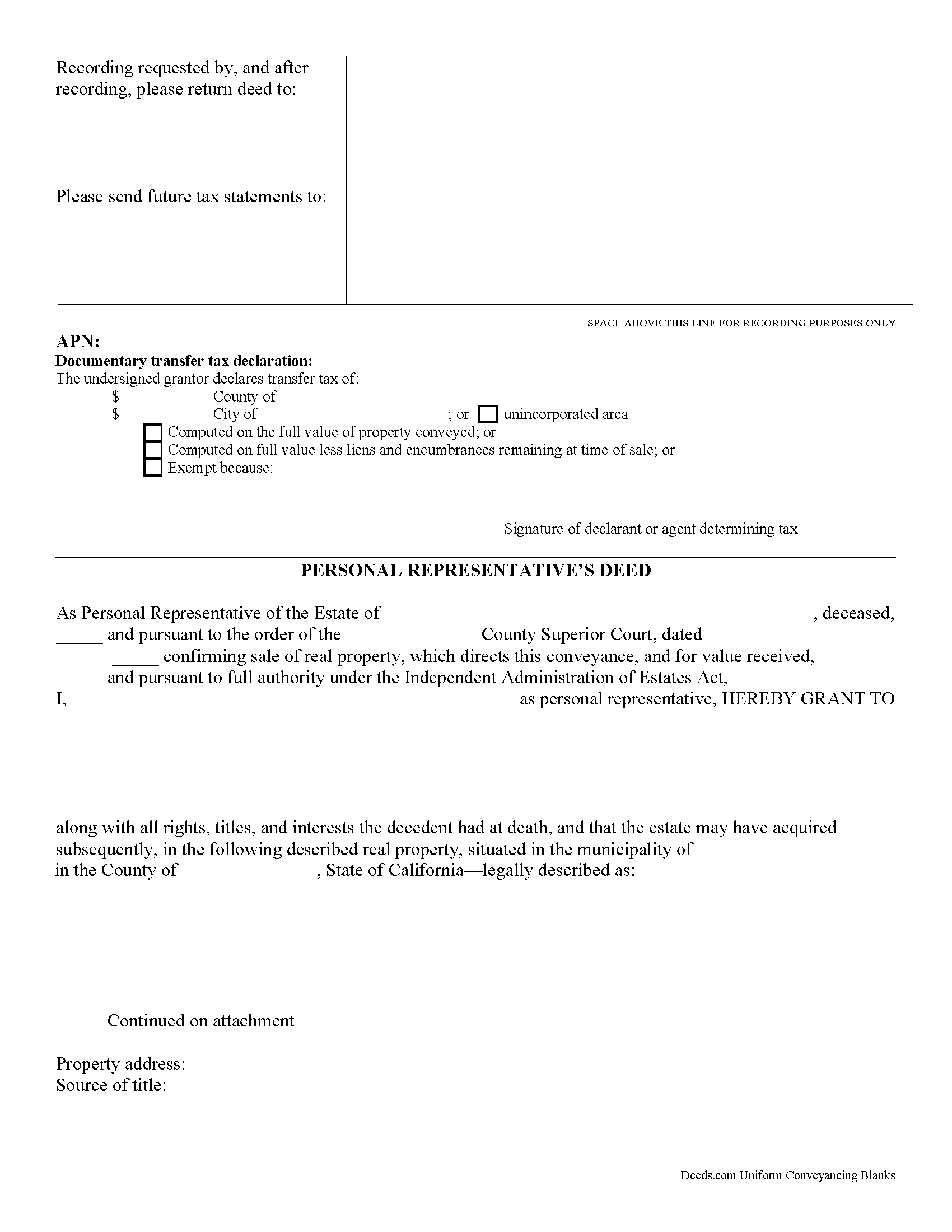
Colusa County Personal Representative Deed Form
Fill in the blank Personal Representative Deed form formatted to comply with all California recording and content requirements.
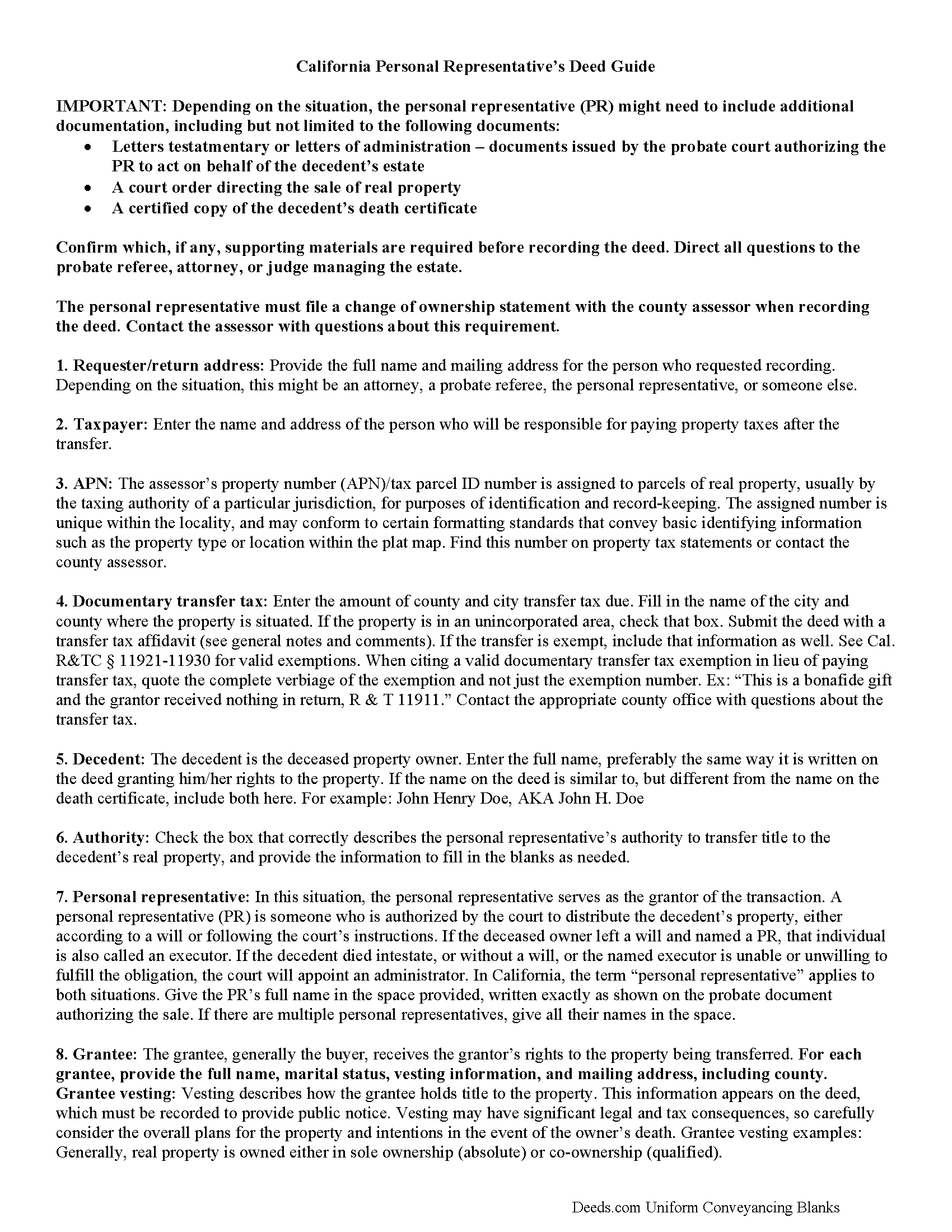
Colusa County Personal Representative Deed Guide
Line by line guide explaining every blank on the form.
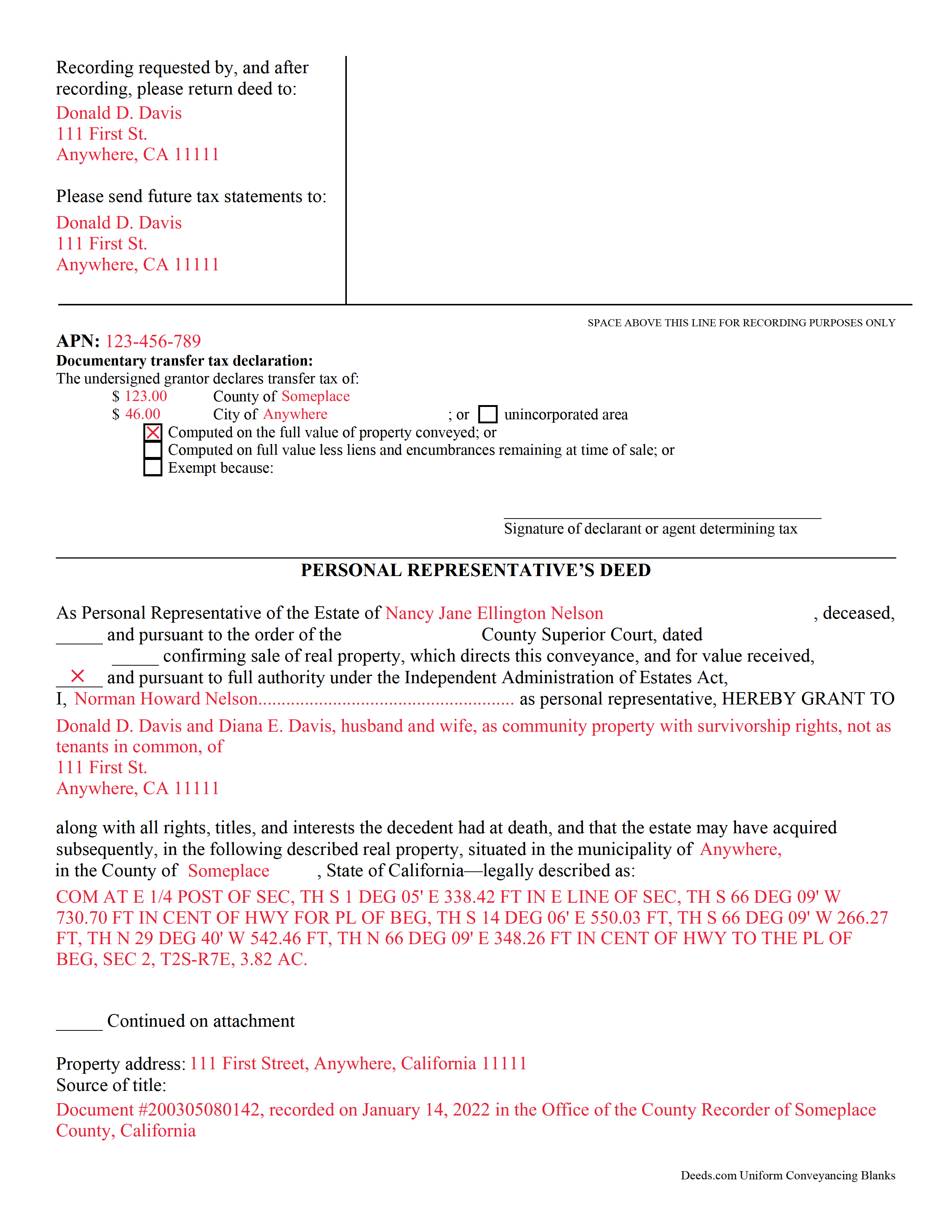
Colusa County Completed Example of the Personal Representative Deed Document
Example of a properly completed form for reference.
All 3 documents above included • One-time purchase • No recurring fees
Immediate Download • Secure Checkout
Additional California and Colusa County documents included at no extra charge:
Where to Record Your Documents
Colusa County Clerk & Recorder
Colusa, California 95932
Hours: 8:30 - 4:00 Monday to Friday
Phone: 530-458-0500
Recording Tips for Colusa County:
- Ask about their eRecording option for future transactions
- Check margin requirements - usually 1-2 inches at top
- Mornings typically have shorter wait times than afternoons
Cities and Jurisdictions in Colusa County
Properties in any of these areas use Colusa County forms:
- Arbuckle
- Colusa
- Grimes
- Maxwell
- Princeton
- Stonyford
- Williams
Hours, fees, requirements, and more for Colusa County
How do I get my forms?
Forms are available for immediate download after payment. The Colusa County forms will be in your account ready to download to your computer. An account is created for you during checkout if you don't have one. Forms are NOT emailed.
Are these forms guaranteed to be recordable in Colusa County?
Yes. Our form blanks are guaranteed to meet or exceed the applicable formatting requirements used for recording in Colusa County, including margin requirements, font requirements, and other layout standards. This guarantee applies to formatting, not to the legal sufficiency of information entered by the user or the suitability of a form for a particular transaction.
Can I reuse these forms?
Yes. You can reuse the forms for your personal use. For example, if you have multiple properties in Colusa County you only need to order once.
What do I need to use these forms?
The forms are PDFs that you fill out on your computer. You'll need Adobe Reader (free software that most computers already have). You do NOT enter your property information online - you download the blank forms and complete them privately on your own computer.
Are there any recurring fees?
No. This is a one-time purchase. Nothing to cancel, no memberships, no recurring fees.
How much does it cost to record in Colusa County?
Recording fees in Colusa County vary. Contact the recorder's office at 530-458-0500 for current fees.
Questions answered? Let's get started!
Personal representative's deeds are used to transfer real property from both testate (with a will) and intestate (without a will) estates. These documents provide essential information about the specific probate estate and related property transfer in one document.
When a person dies, the probate court authorizes someone to take responsibility for distributing the remaining assets according to the instructions set out in the decedent's will (if one exists), while also following state and local laws. This person is often known as an executor or an administrator of the estate. California, however, identifies the individual who accepts that fiduciary duty as a personal representative (PR).
One common task involves transferring title on the decedent's real estate. Deeds used for this purpose must meet the same state and local requirements as warranty or quitclaim deeds. They also include other details, such as facts about the deceased property owner, the probate case, and anything else deemed necessary by the situation. In addition, the PR must file a PCOR with the county assessor's office when recording the completed deed.
Note that these deeds may need to be recorded with the probate court as well as the county recording office. Consult with the legal professional involved in managing the specific probate case to ensure that all recording and notice requirements are met.
See California Probate Code, Division 7. Administration of Estates of Decedents for more information. Remember that each case is unique, so contact an attorney with specific questions or for complex circumstances.
(California Personal Representative Deed Package includes form, guidelines, and completed example)
Important: Your property must be located in Colusa County to use these forms. Documents should be recorded at the office below.
This Personal Representative Deed meets all recording requirements specific to Colusa County.
Our Promise
The documents you receive here are guaranteed to meet or exceed the applicable Colusa County recording format requirements. If there is a rejection caused by our formatting, we will correct the issue or refund your payment. This guarantee applies to document formatting only and does not extend to information entered by the user, the selection of the form, or the legal effect of the completed document.
Save Time and Money
Get your Colusa County Personal Representative Deed form done right the first time with Deeds.com Uniform Conveyancing Blanks. At Deeds.com, we understand that your time and money are valuable resources, and we don't want you to face a penalty fee or rejection imposed by a county recorder for submitting nonstandard documents. We constantly review and update our forms to meet rapidly changing state and county recording requirements for roughly 3,500 counties and local jurisdictions.
4.8 out of 5 - ( 4780 Reviews )
Charles F.
April 28th, 2020
Hi Please do not take time to respond to my previous inquiry - - - I figured it out. Deeds.com is a great tool for those of us who have occasional need for your type of services. Thanks ! Chuck
Thank you!
Keli A.
June 3rd, 2021
Excellent site, super fast responses to messages, and great patience with a newbie user. Couldn't be more pleased. Thank you!
Thank you for your feedback. We really appreciate it. Have a great day!
Shelly S.
November 12th, 2021
was fairly easy to work through the forms but needed better information on what goes on a few of the lines
Thank you for your feedback. We really appreciate it. Have a great day!
JIM H.
July 21st, 2022
Excellent service Always find the documents in minutes. Supporting docs is a super plus!
Thank you!
Lorna D.
September 12th, 2020
Haven't used the form yet. But hopefully it's the correct one.
Thank you!
Carole M.
June 9th, 2020
So far it seems easy and hopefully be acceptable to Hillsborough Co
We appreciate your business and value your feedback. Thank you. Have a wonderful day!
yasin a.
January 3rd, 2020
good service
Thank you!
Judy W.
May 12th, 2021
It would be helpful if the numbers on the instruction sheet were on the form. I was confused on page two if the signatures were for witnesses or buyer (grantee). I do like the form and will use it in the future. Also page one Grantee's signature only has one line and if there are two buyers need another line.
Thank you for your feedback. We really appreciate it. Have a great day!
tom s.
May 13th, 2021
Easier than I had expected. Was looking for the 'I have to get information that I don't understand' part which never appeared. Thank you
Thank you!
Maria H.
September 18th, 2020
Great job. Helped me through some technical difficulties and got it done!
Thank you for your feedback. We really appreciate it. Have a great day!
Elizabeth P.
October 20th, 2020
Perfect quitclaim form. Easy to fill in with the required information and all the required information has a place (no easy feat in our county!). It is helpful that they include exhibit pages for larger blocks of information (our legal is 2 pages long). Great job folks!
Thank you for the kind words Elizabeth. Have an amazing day!
Mohamed ali H.
December 21st, 2020
My experience on this website has been amazing and the process was very easy to understand and I was able to get my document filed within 3-4 hours. I plan to use this service in the future if I need to. Thank you for your excellent service!
Thank you for your feedback. We really appreciate it. Have a great day!
Julie S.
April 3rd, 2020
My county clerks office referred me to this website and I am so glad she did. This site is very easy to use, they do NOT try to sell you other things you don't need (or want) nor do they make you sign up for anything. Pick what you need and whalaa - there for you in seconds. Thank you so much - will use again should the need arise. JS
Thank you for your feedback. We really appreciate it. Have a great day!
Cindy N.
August 2nd, 2024
Our home was in only my husband’s name and as we are getting older, it was time to add my name to the Deed to avoid potential issues in the future. Our experience with Deeds.com was wonderful. The website is user friendly, instructions written in layman’s terms, straightforward and easy to follow. Very reasonably priced. I highly recommend using Deeds.com.
Thank you for the kind words Cindy. We appreciate you. Have an amazing day!
Kristina H.
January 23rd, 2020
Everything I needed to complete my release of lien was easy to obtain from Deed.com - and the example and instructions were helpful as well. The website is simple and efficient. Thanks!
We appreciate your business and value your feedback. Thank you. Have a wonderful day!