Phillips County Quitclaim Deed (Two Grantors) Form
Last validated October 6, 2026 by our Forms Development TeamFormatted for recording in Phillips County, for property anywhere in the county: rural and unincorporated areas as well as Amherst, Haxtun, Holyoke, Paoli.
- 3 documents included
- Immediate PDF download
- Formatting guarantee
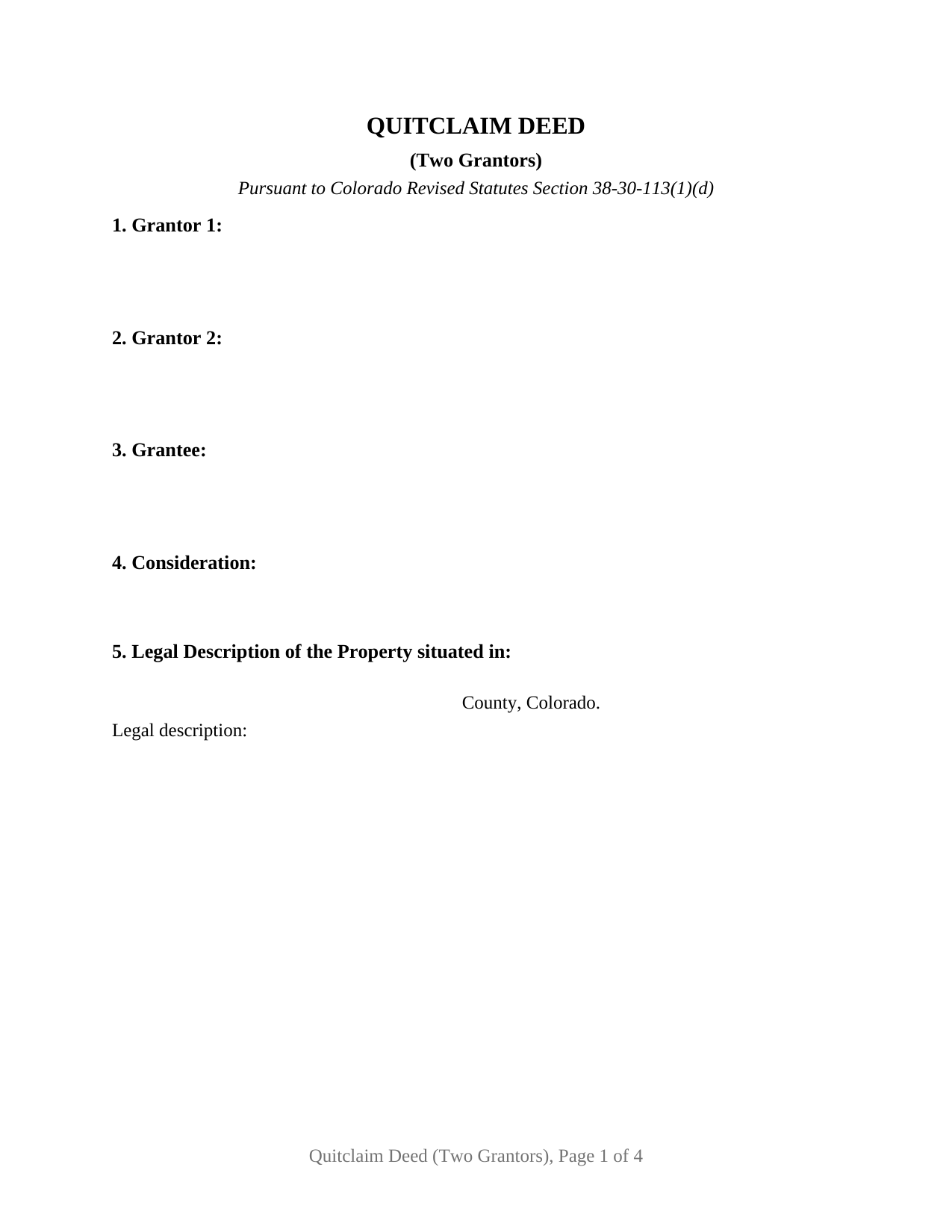
Phillips County Quitclaim Deed (Two Grantors) Form
Fill in the blank Quitclaim Deed (Two Grantors) form formatted to comply with all Colorado recording and content requirements.
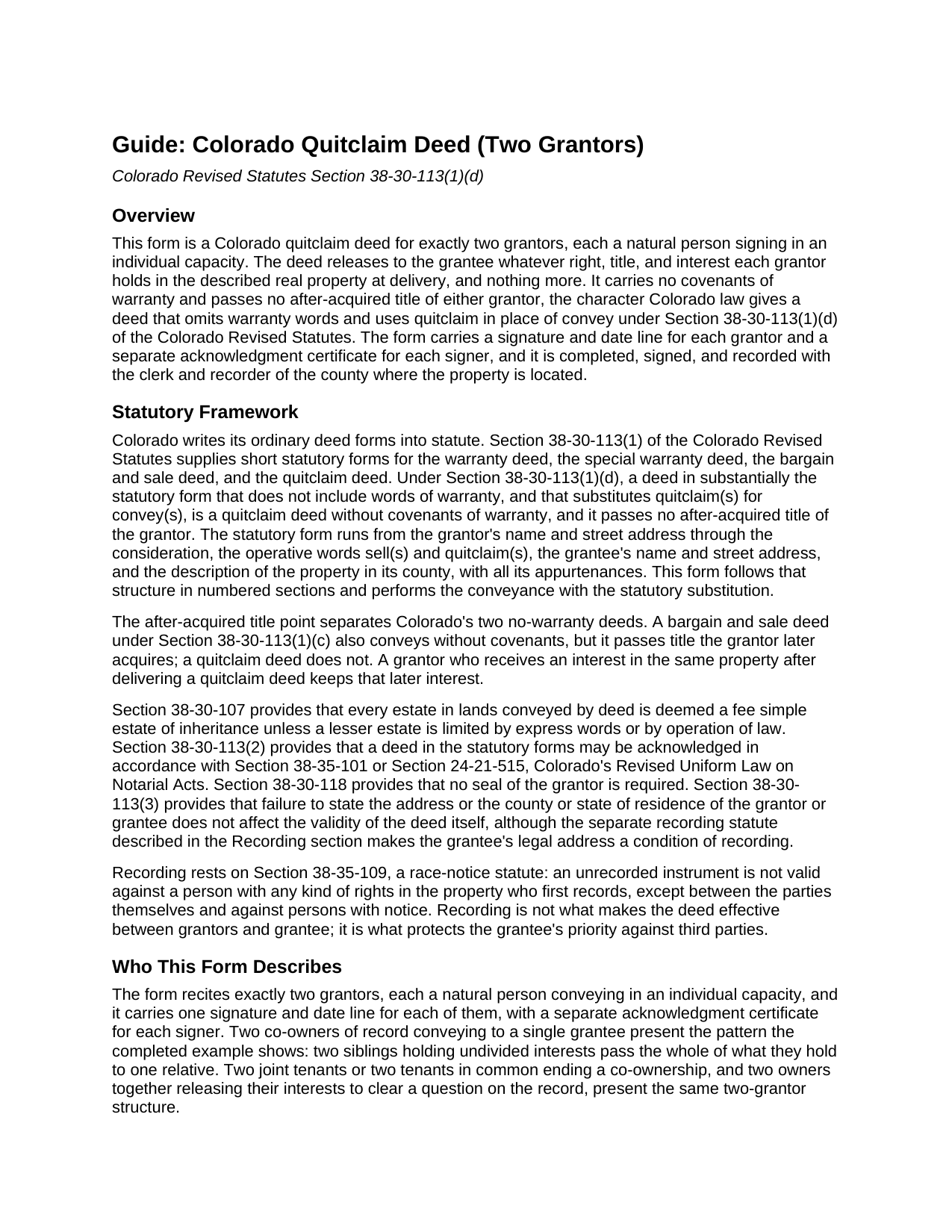
Phillips County Quitclaim Deed (Two Grantors) Guide
Line by line guide explaining every blank on the Quitclaim Deed (Two Grantors) form.
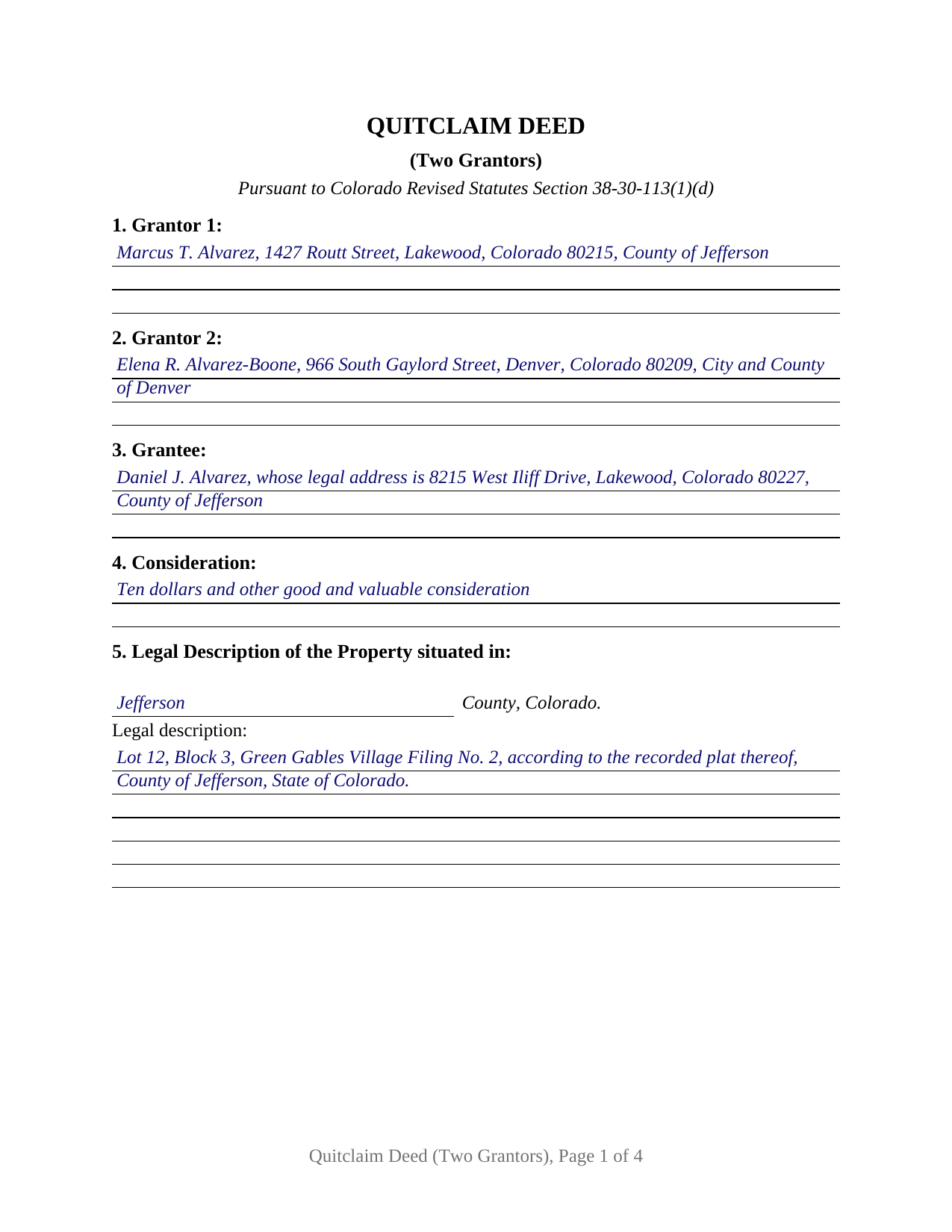
Phillips County Completed Example of the Quitclaim Deed (Two Grantors) Document
Example of a properly completed Colorado Quitclaim Deed (Two Grantors) document for reference.
All 3 documents above included • One-time purchase • No recurring fees
Immediate Download • Secure Checkout
Additional Colorado and Phillips County documents included at no extra charge:
Where to Record Your Documents
Phillips Clerk and Recorder
Holyoke, Colorado 80734
Hours: 8:00 to 4:00 Monday-Friday
Phone: (970) 854-3131
Recording Tips for Phillips County:
- Bring your driver's license or state-issued photo ID
- Ensure all signatures are in blue or black ink
- Leave recording info boxes blank - the office fills these
- Make copies of your documents before recording - keep originals safe
- Recorded documents become public record - avoid including SSNs
Cities and Jurisdictions in Phillips County
Properties in any of these areas use Phillips County forms:
- Amherst
- Haxtun
- Holyoke
- Paoli
Hours, fees, requirements, and more for Phillips County
How do I get my forms?
Forms are available for immediate download after payment. The Phillips County forms will be in your account ready to download to your computer. An account is created for you during checkout if you don't have one. Forms are NOT emailed.
Are these forms guaranteed to be recordable in Phillips County?
Yes. Our form blanks are guaranteed to meet or exceed the applicable formatting requirements used for recording in Phillips County, including margin requirements, font requirements, and other layout standards. This guarantee applies to formatting, not to the legal sufficiency of information entered by the user or the suitability of a form for a particular transaction.
Can I reuse these forms?
Yes. You can reuse the forms for your personal use. For example, if you have multiple properties in Phillips County you only need to order once.
What do I need to use these forms?
The forms are PDFs that you fill out on your computer. The free Adobe Acrobat Reader is recommended, and most PDF apps also work. You do NOT enter your property information online - you download the blank forms and complete them privately on your own computer.
Are there any recurring fees?
No. This is a one-time purchase. Nothing to cancel, no memberships, no recurring fees.
How much does it cost to record in Phillips County?
Recording fees in Phillips County vary. Contact the recorder's office at (970) 854-3131 for current fees.
Questions answered? Let's get started!
Two grantors, one recorded instrument: this Colorado quitclaim deed is configured for exactly two natural persons who sign as individuals, each releasing to the grantee whatever right, title, and interest that grantor holds at delivery. The form carries a numbered section for each grantor, a signature and date line for each, and an acknowledgment certificate for each signer, built on the statutory quitclaim wording in C.R.S. 38-30-113(1)(d).
Both interests move together
Each grantor conveys only that grantor's own interest, and the deed makes no promise about what either of them owns. Where the two grantors together hold the entire record title, the whole title passes in one instrument; where they hold undivided shares, both shares pass in the single conveyance. Two siblings who took equal interests in an inherited parcel and pass the whole of it to one relative, two joint tenants or tenants in common ending a co-ownership, and co-owners consolidating title in a single name present the two-grantor pattern this deed recites. The completed example follows the inheritance pattern: two co-owners in Jefferson County quitclaim to one relative who already lives at the property.
Quitclaim wording with a plural subject
Colorado's statutory quitclaim form, sometimes written quit claim deed, works by substitution: warranty words are omitted and quitclaim(s) takes the place of convey(s). This form performs that conveyance with both grantors as its subject. The two grantors, and each of them, sell and quitclaim to the grantee everything they hold in the described property, with all its appurtenances, and the deed states its statutory character on its face: no covenants of warranty of any kind, and no after-acquired title, so an interest either grantor picks up later stays with that grantor. The grantee takes exactly what the two held at delivery, whether that is the whole title, two undivided shares, or nothing at all.
Two signatures, two certificates
The form recites exactly two grantors, natural persons conveying in their individual capacities. Each grantor signs and dates that grantor's own line, and the deed carries a separate acknowledgment certificate for each signer on the statutory short form, so the two grantors are free to acknowledge on different dates, before different notarial officers, in different counties or different states. In the completed example, one grantor acknowledges in Jefferson County and the other in the City and County of Denver, two days apart. The form is not set up for a sole owner, for three or more grantors, or for an entity, trustee, or attorney-in-fact signature; each of those follows a different execution pattern.
Recording in the property's county
The finished deed goes to the clerk and recorder of the county where the land lies, and Colorado's race-notice recording act makes promptness count: an unrecorded deed loses to a competing claimant who records first without notice of it. The grantee entry on this form asks for a complete legal address because Colorado's recording statute sends a deed back unrecorded without one, and the property sections keep the street address and the assessor's schedule or parcel number beside the legal description the way the identification statute contemplates. The state documentary fee reaches only conveyances whose total consideration tops five hundred dollars, and a Real Property Transfer Declaration travels with the recording package; the guide covers both alongside the county recording fee.
The purchase delivers this two-grantor quitclaim deed as a fillable PDF, a completed example showing the form filled in for a Jefferson County fact pattern with both acknowledgments completed, and a guide covering each numbered section, the two certificates, and the recording steps. The materials are informational and are not legal advice.
Important: Your property must be located in Phillips County to use these forms. Documents should be recorded at the county recording office listed above.
This Quitclaim Deed (Two Grantors) meets all recording requirements specific to Phillips County.
Our Promise
The documents you receive here are guaranteed to meet or exceed the applicable Phillips County recording format requirements. If there is a rejection caused by our formatting, we will correct the issue or refund your payment. This guarantee applies to document formatting only and does not extend to information entered by the user, the selection of the form, or the legal effect of the completed document.
Save Time and Money
Get your Phillips County Quitclaim Deed (Two Grantors) form done right the first time with Deeds.com Uniform Conveyancing Blanks. At Deeds.com, we understand that your time and money are valuable resources, and we don't want you to face a penalty fee or rejection imposed by a county recorder for submitting nonstandard documents. We constantly review and update our forms to meet rapidly changing state and county recording requirements for roughly 3,500 counties and local jurisdictions.
4.8 out of 5 - ( 4,829 Reviews )
Douglas T. 5 out of 5 stars
Deeds.com supplied me with forms I needed immediately.
Thank you!
Martin P. 4 out of 5 stars
The DEEDs website is very easy to navigate and find the required documents. I have not yet had an opportunity to review the documents I purchased and downloaded. That is the reason I have assigned a rating of four stars. I fully hope that can raise my rating to five stars after I've used those documents.
We appreciate your business and value your feedback. Thank you. Have a wonderful day!
Christopher B. 4 out of 5 stars
The service was simple and easy enough but the UI isn't the easiest on the eyes and the process is a tad strange.
Thank you for your feedback. We really appreciate it. Have a great day!
PEGGY D. 5 out of 5 stars
Very easy to find what I needed. Really liked the instructions included with the forms and also the suggestion of other forms that I might need.
We appreciate your business and value your feedback. Thank you. Have a wonderful day!
Deanie F. 5 out of 5 stars
Very happy with the product and really appreciated being able to get it on line.
Thanks for the kind words Deanie. We appreciate you, glad we could help!
Shirley G. 5 out of 5 stars
Excellent so far. Quick response!
Thank you!
Nancy C. 5 out of 5 stars
Amazing every that you need right at your fingertips. Extremely easy to navigate and very informative. I would highly recommend this site!!!
We appreciate your business and value your feedback. Thank you. Have a wonderful day!
MIMI T. 5 out of 5 stars
Absolutely the best ever!!!
Thank you!
FE P. 5 out of 5 stars
Looked into a good number of DIY deeds on the internet. Very glad that I chose Deeds.com. They made it easy to make your own deed based on your state and the process based on the sample included was easy to follow. Also the cost was very reasonable. Great company.
We appreciate your business and value your feedback. Thank you. Have a wonderful day!
Janet J. 5 out of 5 stars
The download process was quick and efficient. Here's hoping the printing process will be as easy. Appreciate this access to forms so much.
Thank you for your feedback. We really appreciate it. Have a great day!
Cyndi E. 5 out of 5 stars
Outstanding service! So efficient and easy! Within 2 hours my document was reviewed, invoiced and forwarded to the DC ROD. This saved me so much time.
Thank you!
Thelma S. 5 out of 5 stars
So easy to navigate.
Thank you!
Steven W. 5 out of 5 stars
Seems to be just what I needed and easy to use.
Thank you!
DAVID JOHN M. 5 out of 5 stars
The Transfer On Death Deed did work for New Mexico! Though I did have to add the long property description to the "Exhibit" page that was included with the document. Great website! Will use again! Thanks!!!
We appreciate your business and value your feedback. Thank you. Have a wonderful day!
Todd W. 2 out of 5 stars
Communication is hard. The reps need to be empowered and encouraged to call the customers when necessary. They encourage 300 dpi resolution and under 2 MB PDF file, which is not even possible with our scanner. They made a vague comment about a legal description looking abbreviated but did not explain. They refused to call me. They said the county said "Image is light please darken", but the image looked fine to me. Maybe not their fault, but they refused to help work with the county on that for me. I followed their suggestion though and re-scanned at 300 dpi, but they misunderstood me and did not re-submit it right away. Over 48 hours later, it's still not recorded yet. I hope it will be today.
Thank you for your feedback Todd.