Indian River County Request for a Sworn Statement of Account Form
Last validated October 5, 2026 by our Forms Development TeamFormatted for recording in Indian River County, for property anywhere in the county: rural and unincorporated areas as well as Fellsmere, Roseland, Sebastian, Vero Beach, Wabasso, Winter Beach.
- 3 documents included
- Immediate PDF download
- Formatting guarantee
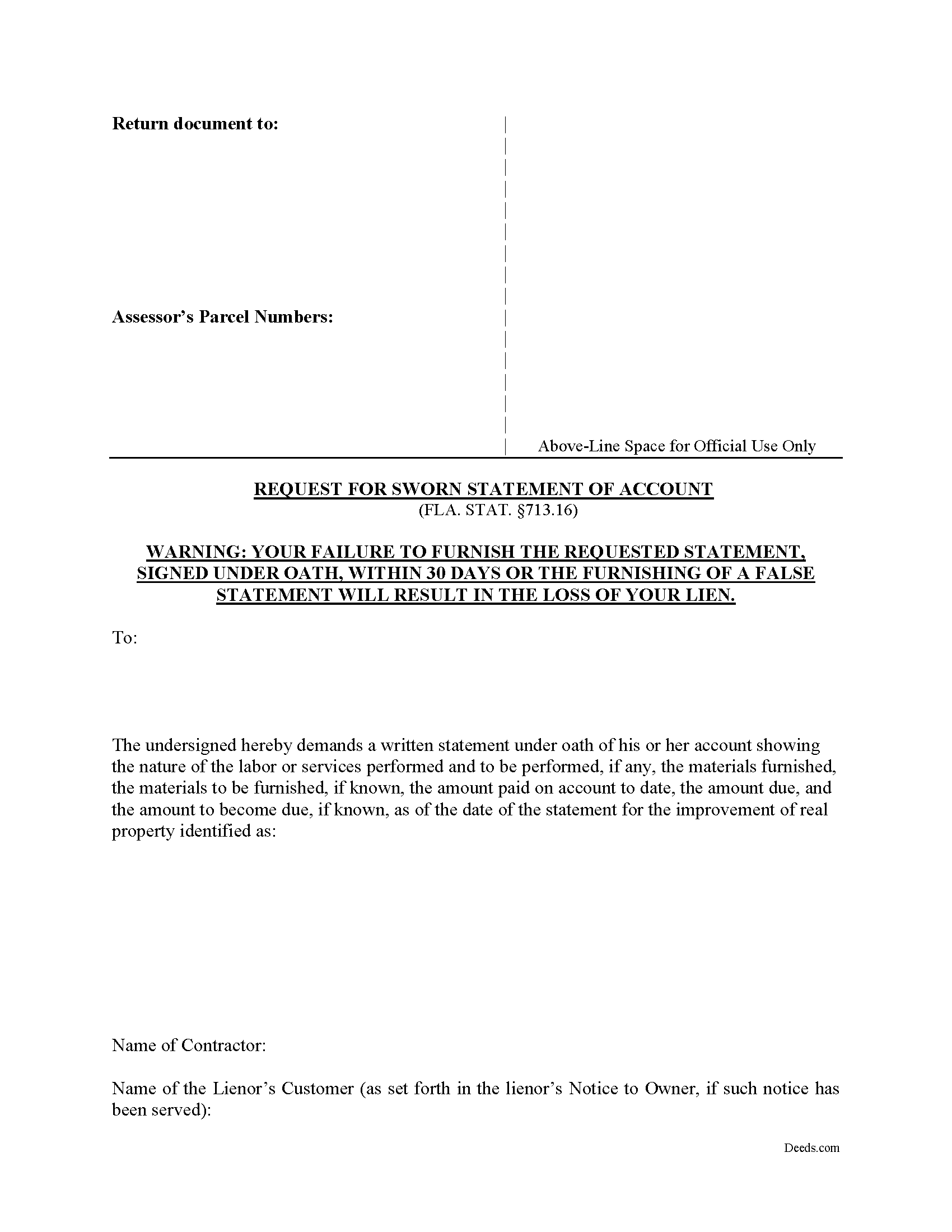
Indian River County Request for a Sworn Statement of Account Form
Fill in the blank form formatted to comply with all recording and content requirements.
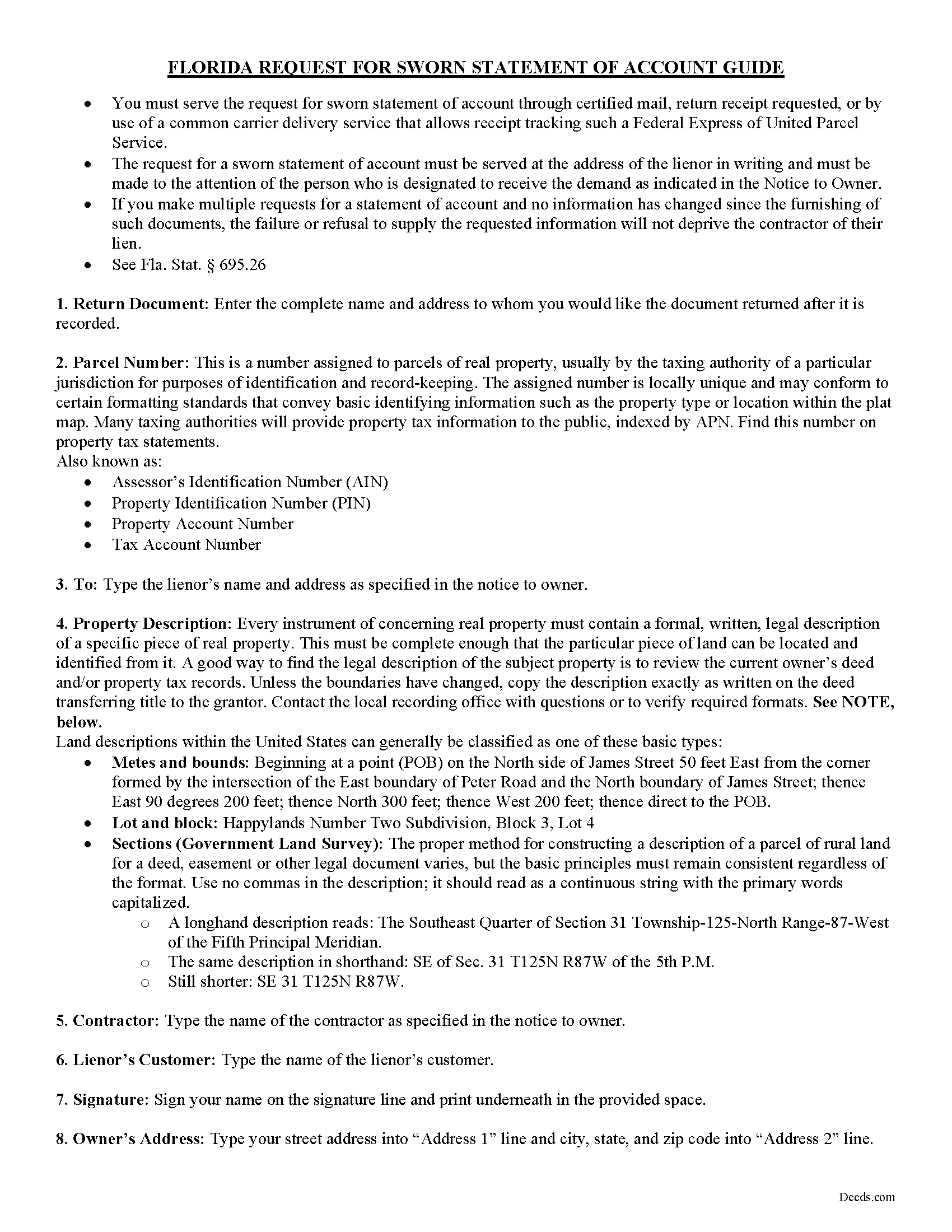
Indian River County Request for a Sworn Statement of Account Guide
Line by line guide explaining every blank on the form.
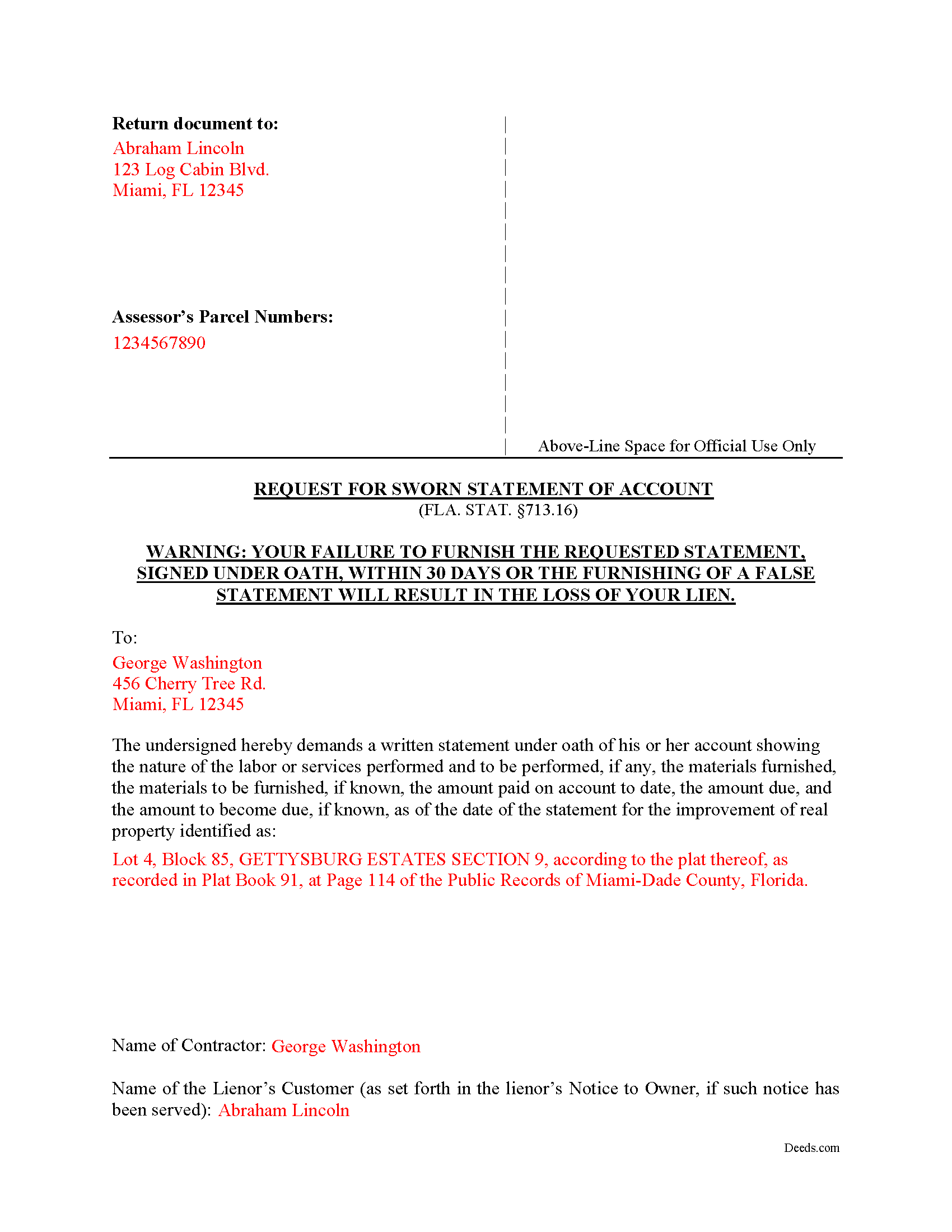
Indian River County Completed Example of the Request for a Sworn Statement of Account Document
Example of a properly completed form for reference.
All 3 documents above included • One-time purchase • No recurring fees
Immediate Download • Secure Checkout
Additional Florida and Indian River County documents included at no extra charge:
Where to Record Your Documents
Recording - County Courthouse
Vero Beach, Florida 32960
Hours: 8:30am to 4:30pm M-F
Phone: (772) 770-5185, Ext 3175 and 3135
Recording Tips for Indian River County:
- Bring your driver's license or state-issued photo ID
- Ensure all signatures are in blue or black ink
- Verify all names are spelled correctly before recording
- White-out or correction fluid may cause rejection
- Ask about their eRecording option for future transactions
Cities and Jurisdictions in Indian River County
Properties in any of these areas use Indian River County forms:
- Fellsmere
- Roseland
- Sebastian
- Vero Beach
- Wabasso
- Winter Beach
Hours, fees, requirements, and more for Indian River County
How do I get my forms?
Forms are available for immediate download after payment. The Indian River County forms will be in your account ready to download to your computer. An account is created for you during checkout if you don't have one. Forms are NOT emailed.
Are these forms guaranteed to be recordable in Indian River County?
Yes. Our form blanks are guaranteed to meet or exceed the applicable formatting requirements used for recording in Indian River County, including margin requirements, font requirements, and other layout standards. This guarantee applies to formatting, not to the legal sufficiency of information entered by the user or the suitability of a form for a particular transaction.
Can I reuse these forms?
Yes. You can reuse the forms for your personal use. For example, if you have multiple properties in Indian River County you only need to order once.
What do I need to use these forms?
The forms are PDFs that you fill out on your computer. The free Adobe Acrobat Reader is recommended, and most PDF apps also work. You do NOT enter your property information online - you download the blank forms and complete them privately on your own computer.
Are there any recurring fees?
No. This is a one-time purchase. Nothing to cancel, no memberships, no recurring fees.
How much does it cost to record in Indian River County?
Recording fees in Indian River County vary. Contact the recorder's office at (772) 770-5185, Ext 3175 and 3135 for current fees.
Questions answered? Let's get started!
Florida's construction lien law is among the most detailed in the country, and section 713.16 of the Florida Statutes gives property owners a statutory tool that does not exist in identical form anywhere else: the Request for a Sworn Statement of Account. When a Florida property owner receives a Notice to Owner or otherwise learns that a contractor, subcontractor, or material supplier may pursue a lien against the property, this Florida Request for a Sworn Statement of Account allows the owner to compel the lienor to disclose, under oath, exactly what is being claimed and why.
What the Florida Request for a Sworn Statement of Account Does
The form is used by property owners during a construction project, typically after a Notice to Owner has been served, to obtain a written, sworn accounting from a potential lienor before releasing further funds, closing on a sale, or contesting a lien. It is a discovery and verification tool, not a release. The owner serves the request on the lienor, and section 713.16 dictates what the lienor must produce in return.
Statutory Requirements Under Section 713.16
The statute is specific about what the request must contain. The owner's request must include a description of the real property, the name of the contractor, and the name of the lienor's customer if that customer is different from the owner. The form is then signed and dated by the owner. Florida also specifies that the demand must be served on the lienor at the address, and to the attention of any person, designated to receive the demand in the Notice to Owner. Service to a different address or contact can defeat the request.
The 30-Day Response Window
Once properly served, the lienor must furnish the requested statement within 30 days of receipt (713.16(2)). The response must be made under oath and disclose the nature of the labor or services performed and to be performed, the materials furnished and to be furnished if known, the amount paid on account to date, the amount due, and the amount to become due as of the date of the statement. The 30-day clock and the level of itemization required are particular to Florida.
Consequences for the Lienor
This is where the form gets its leverage. If the lienor furnishes a false or misleading sworn statement, the lienor loses the right to recover attorney's fees in any action to enforce the claim of lien (713.16(5)(b)). Attorney's fees are often the largest cost in a lien dispute, so the prospect of forfeiting them gives lienors a strong incentive to answer accurately. The owner using this form is not just gathering information. The owner is locking the lienor into a sworn record that constrains what can be claimed later.
What the Form Does Not Do: A Florida-Specific Trap
Failure or refusal by the lienor to provide the statement does not, by itself, deprive the lienor of the lien (713.16(2)). Florida property owners sometimes assume that ignoring a properly served request will extinguish a contested lien. It will not. The Request for a Sworn Statement of Account is a verification and leverage instrument. Separate procedures under Chapter 713 govern challenging or shortening a lien, including the Notice of Contest of Lien and the action to show cause. The form should not be confused with those mechanisms.
Service and Documentation
Because Florida law ties the consequences in section 713.16 to proper service, owners should retain proof that the request was delivered to the address and the contact person designated in the Notice to Owner. Certified mail or another method that produces a delivery record is commonly used. The 30-day response window runs from the lienor's receipt, so service records also fix that deadline.
When the Request Is Most Useful
The form is commonly used before final payment, before closing on a sale of the property, or after a Notice to Owner from a subcontractor or supplier the owner did not directly hire. Forcing the lienor to commit to specific dollar amounts and a description of work performed gives the owner a baseline against which to evaluate any later claim of lien. If a lien is eventually recorded for an amount that exceeds the sworn statement without explanation, the owner has a documented inconsistency on the record.
Florida Construction Lien Law Context
Section 713.16 sits within Florida's Construction Lien Law (Chapter 713, Part I), which governs how labor, services, and materials are secured against real property in this state. Florida lien procedure is unforgiving on technical defects, and the Request for a Sworn Statement of Account is one of the few owner-side tools the statute provides.
Download Package
The Florida Request for a Sworn Statement of Account package includes:
- A fillable Request for a Sworn Statement of Account form drafted to the requirements of section 713.16
- A plain-English guide explaining how the request works, what to include, and how to serve it on the lienor
- A completed example showing the form filled out for reference
Files are delivered as an instant download immediately after checkout.
Important: Your property must be located in Indian River County to use these forms. Documents should be recorded at the county recording office listed above.
This Request for a Sworn Statement of Account meets all recording requirements specific to Indian River County.
Our Promise
The documents you receive here are guaranteed to meet or exceed the applicable Indian River County recording format requirements. If there is a rejection caused by our formatting, we will correct the issue or refund your payment. This guarantee applies to document formatting only and does not extend to information entered by the user, the selection of the form, or the legal effect of the completed document.
Save Time and Money
Get your Indian River County Request for a Sworn Statement of Account form done right the first time with Deeds.com Uniform Conveyancing Blanks. At Deeds.com, we understand that your time and money are valuable resources, and we don't want you to face a penalty fee or rejection imposed by a county recorder for submitting nonstandard documents. We constantly review and update our forms to meet rapidly changing state and county recording requirements for roughly 3,500 counties and local jurisdictions.
4.8 out of 5 - ( 4,844 Reviews )
James J. 5 out of 5 stars
Downloaded and used the Ladybird Warranty Deed for a county in Florida with no issues. Cost for the download and subsequent recording fee of the deed totaled less than $40. No reason to pay hundreds. I assume the subsequent transfer upon death will go smoothly, but I of course, will never know. The "example" of a completed form was very beneficial. Also, get a copy of the current deed and make sure legal description of real estate is exactly the same on the new deed.
Thank you for your feedback. We really appreciate it. Have a great day!
Melody P. 5 out of 5 stars
Thanks once again for such great service!
Thank you!
Judy W. 5 out of 5 stars
It would be helpful if the numbers on the instruction sheet were on the form. I was confused on page two if the signatures were for witnesses or buyer (grantee). I do like the form and will use it in the future. Also page one Grantee's signature only has one line and if there are two buyers need another line.
Thank you for your feedback. We really appreciate it. Have a great day!
Robert C. 5 out of 5 stars
I hope I have the right form. My deed should be for a mfg home.
Thank you for your feedback. We really appreciate it. Have a great day!
Charlotte K. 5 out of 5 stars
Really a simple, quick, professional experience!
Thank you!
Malissa B. 5 out of 5 stars
Fast response and quick delivery love it!
It was a pleasure serving you. Thank you for the positive feedback!
Sheneda A. 5 out of 5 stars
Great!
Thank you!
Maday G. 5 out of 5 stars
The service was easy and fast. Definitely much better than the regular process directly at the County's office.
We appreciate your business and value your feedback. Thank you. Have a wonderful day!
Marissa M. 5 out of 5 stars
I bought the Quitclaim deed and it was perfect to record at the courthouse
Thank you for your kind words and for choosing us.
Susan M. 5 out of 5 stars
It was easy to use and clear directions.
Thank you!
Sharon S. 5 out of 5 stars
very satisfied...
Thank you!
Kimberly S. 5 out of 5 stars
It's so easy to use. Well worth the price. Thank you.
Thank you for your feedback. We really appreciate it. Have a great day!
Kimberly F. 5 out of 5 stars
Wow! This process was incredibly easy and no commitments to monthly memberships.
Thanks for the kind words Kimberly. Have an amazing day!
Evtishios D. 5 out of 5 stars
good site only recommendation would to allow to down load multiple forms at one time
Thank you for your feedback Evtishios.
Christine S. 5 out of 5 stars
One stop shopping for your Deed needs. Downloaded the forms and filled them out with ease following the step by step instructions. Saved me hundreds of dollars for not having to hire an attorney to do the exact same thing.
Thank you for your feedback. We really appreciate it. Have a great day!