Suffolk County Correction Deed Form
Last validated November 24, 2026 by our Forms Development TeamFormatted for recording in Suffolk County, for property anywhere in the county: rural and unincorporated areas as well as Allston, Boston, Brighton, Charlestown, Chelsea, East Boston, Hyde Park, Jamaica Plain and 6 more.
- 3 documents included
- Immediate PDF download
- Formatting guarantee
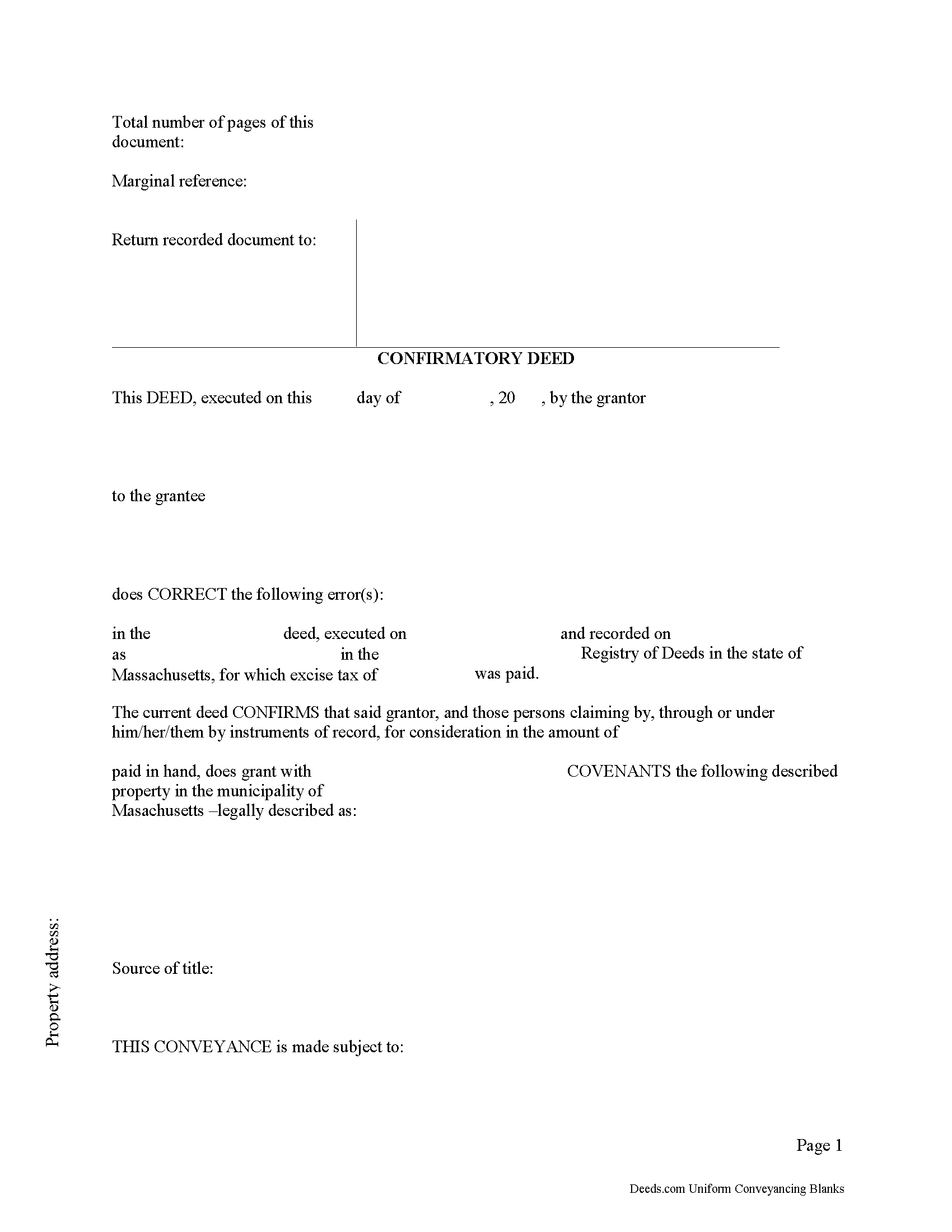
Suffolk County Correction Deed Form
Fill in the blank form formatted to comply with all recording and content requirements.
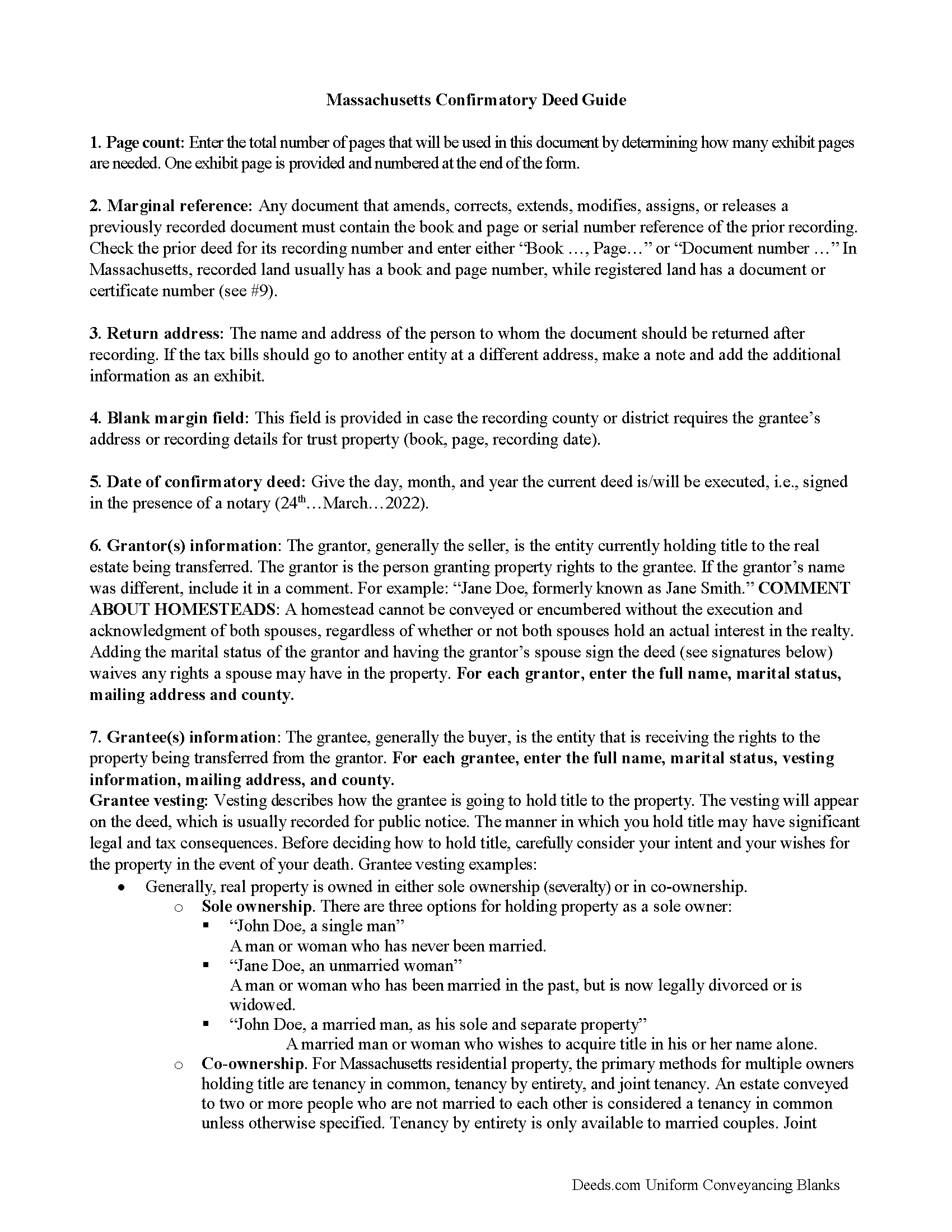
Suffolk County Correction Deed Guide
Line by line guide explaining every blank on the form.
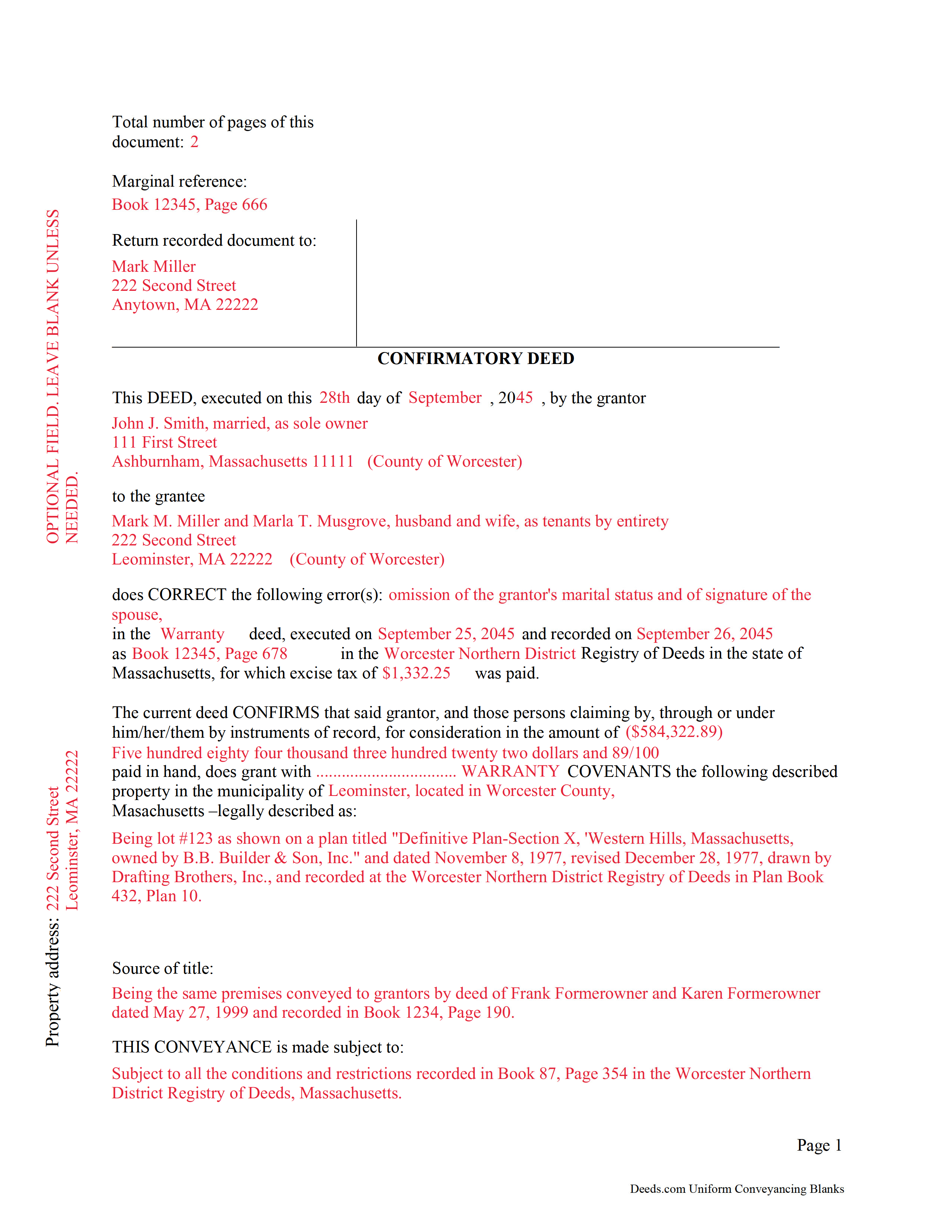
Suffolk County Completed Example of a Correction Deed Document
Example of a properly completed form for reference.
All 3 documents above included • One-time purchase • No recurring fees
Immediate Download • Secure Checkout
Additional Massachusetts and Suffolk County documents included at no extra charge:
Where to Record Your Documents
Suffolk County Registry of Deeds
Boston, Massachusetts 02114-9660
Hours: 8:30 to 4:45 M-F / Recording until 4:15
Phone: (617) 788-8575 or 788-6221
Recording Tips for Suffolk County:
- Bring your driver's license or state-issued photo ID
- Ensure all signatures are in blue or black ink
- Bring extra funds - fees can vary by document type and page count
- Check margin requirements - usually 1-2 inches at top
- Leave recording info boxes blank - the office fills these
Cities and Jurisdictions in Suffolk County
Properties in any of these areas use Suffolk County forms:
- Allston
- Boston
- Brighton
- Charlestown
- Chelsea
- East Boston
- Hyde Park
- Jamaica Plain
- Mattapan
- Readville
- Revere
- Roslindale
- West Roxbury
- Winthrop
Hours, fees, requirements, and more for Suffolk County
How do I get my forms?
Forms are available for immediate download after payment. The Suffolk County forms will be in your account ready to download to your computer. An account is created for you during checkout if you don't have one. Forms are NOT emailed.
Are these forms guaranteed to be recordable in Suffolk County?
Yes. Our form blanks are guaranteed to meet or exceed the applicable formatting requirements used for recording in Suffolk County, including margin requirements, font requirements, and other layout standards. This guarantee applies to formatting, not to the legal sufficiency of information entered by the user or the suitability of a form for a particular transaction.
Can I reuse these forms?
Yes. You can reuse the forms for your personal use. For example, if you have multiple properties in Suffolk County you only need to order once.
What do I need to use these forms?
The forms are PDFs that you fill out on your computer. The free Adobe Acrobat Reader is recommended, and most PDF apps also work. You do NOT enter your property information online - you download the blank forms and complete them privately on your own computer.
Are there any recurring fees?
No. This is a one-time purchase. Nothing to cancel, no memberships, no recurring fees.
How much does it cost to record in Suffolk County?
Recording fees in Suffolk County vary. Contact the recorder's office at (617) 788-8575 or 788-6221 for current fees.
Questions answered? Let's get started!
Use the confirmatory deed to correct an error in a warranty or quitclaim deed in Massachusetts.
A corrective or confirmatory deed is in effect an explanation and correction of an error in a prior instrument and passes no title. It should be executed from the original grantor to the original grantee, and it needs to be recorded, which in Massachusetts constitutes delivery of the deed. The date of the conveyance will remain unchanged, and the correction has retroactive effect, that is, it is valid as of the date of the original instrument even though it has a different execution date.
The confirmatory deed must reference the original conveyance it is correcting by type of error, date of execution and recording, and recording number and location. Beyond that, it restates the information given in the prior deed, thus reiterating and confirming it. No additional excise tax is required for such a deed, but the tax paid on the prior conveyance should be indicated.
Deeds of confirmation are most appropriate for minor errors and omissions in the original deed, such as misspelled names, omission of marital status, or typos in the legal description. More substantial changes, such as adding a name to the title, changing the vesting information or the legal description of the property, require a new deed of conveyance instead of a confirmatory deed.
(Massachusetts CD Package includes form, guidelines, and completed example)
Important: Your property must be located in Suffolk County to use these forms. Documents should be recorded at the county recording office listed above.
This Correction Deed meets all recording requirements specific to Suffolk County.
Our Promise
The documents you receive here are guaranteed to meet or exceed the applicable Suffolk County recording format requirements. If there is a rejection caused by our formatting, we will correct the issue or refund your payment. This guarantee applies to document formatting only and does not extend to information entered by the user, the selection of the form, or the legal effect of the completed document.
Save Time and Money
Get your Suffolk County Correction Deed form done right the first time with Deeds.com Uniform Conveyancing Blanks. At Deeds.com, we understand that your time and money are valuable resources, and we don't want you to face a penalty fee or rejection imposed by a county recorder for submitting nonstandard documents. We constantly review and update our forms to meet rapidly changing state and county recording requirements for roughly 3,500 counties and local jurisdictions.
4.8 out of 5 - ( 4,867 Reviews )
JOHN P. 5 out of 5 stars
I thought your service would comply with my request quicker.
Looks like it took 4 minutes to complete your order, sorry it took so long.
Shanna B. 5 out of 5 stars
So quick and easy
We’re glad you had a positive experience. Thank you.
Joseph E. 5 out of 5 stars
At first I didn't trust all the 5 star reviews. So, I contacted lawyers to check their prices. The price being well over one hundred dollars made my mind up. I gave it a go, the form isn't hard and the directions are easy to follow. 5/5
Thank you for your feedback. We really appreciate it. Have a great day!
Cynthia W. 5 out of 5 stars
I like the support documents that go along with the easement template and the fact that the format is specific to a state and county.
We appreciate your business and value your feedback. Thank you. Have a wonderful day!
Michael L. G. 5 out of 5 stars
Thank you, Deed.com provided the needed forms to change county and state information after the passing of my father, saved me a trip to law office, especially after the lawyers would not return my calls, so I would recommend you check Deed.com for information, saved my family money for lawyer fees, would use Deed.com again. Mike
Thank you for your feedback. We really appreciate it. Have a great day!
Andrew M. 5 out of 5 stars
Awesome service, I don’t know how much it saved me but I know it was a lot cheaper than going to a lawyer.
We are delighted to have been of service. Thank you for the positive review!
Kimberly M. 5 out of 5 stars
I love Deeds.com. I've never had any issues with the service, getting documents back, etc.
We appreciate your business and value your feedback. Thank you. Have a wonderful day!
Nancy B. 5 out of 5 stars
Very user-friendly. Looks like everything I needed in one place. Great job.
We appreciate your business and value your feedback. Thank you. Have a wonderful day!
Frank G B. 5 out of 5 stars
site is very helpful and easy to use.
We appreciate your business and value your feedback. Thank you. Have a wonderful day!
Maureen F. 5 out of 5 stars
Forms were delivered quickly and were easily filled out. State specific!
Thank you!
Jan C. 5 out of 5 stars
Wow - finding your service was a lifesaver! I know my forms, but I don't have the time right now to draft them from "scratch". So once I found this site it was a couple of quick clicks and VOILA!! almost a done deal. Thanks for the assistance.
Thank you for your feedback. We really appreciate it. Have a great day!
O. Peter P. 2 out of 5 stars
I find your forms hard to use, inasmuch as the forms cannot be converted to a Word Document. Editing and deleting of extra lines is not possible, making for a deed with large blank spaces. Document that results is not usable for me.
Sorry to hear that we did not meet your expectations. We have canceled your order and payment. We do hope you find something more suitable to your needs elsewhere. Have a wonderful day.
Edward S. 5 out of 5 stars
Easy to use and comprehensive in content. Would recommend to anyone that is looking for a cheaper alternative to a lawyer. (They hate services that cut into their business)
Thank you!
Nancy C. 5 out of 5 stars
Amazing every that you need right at your fingertips. Extremely easy to navigate and very informative. I would highly recommend this site!!!
We appreciate your business and value your feedback. Thank you. Have a wonderful day!
Janice T. 5 out of 5 stars
The downloads were a great help in understanding of both what a Warranty Deed was and how to follow the steps as well as filling out the forms.
Thank you for your feedback. We really appreciate it. Have a great day!