Butler County Lis Pendens Discharge Form
Last validated October 19, 2026 by our Forms Development TeamFormatted for recording in Butler County, for property anywhere in the county: rural and unincorporated areas as well as College Corner, Collinsville, Fairfield, Hamilton, Middletown, Monroe, Okeana, Overpeck and 7 more.
- 3 documents included
- Immediate PDF download
- Formatting guarantee
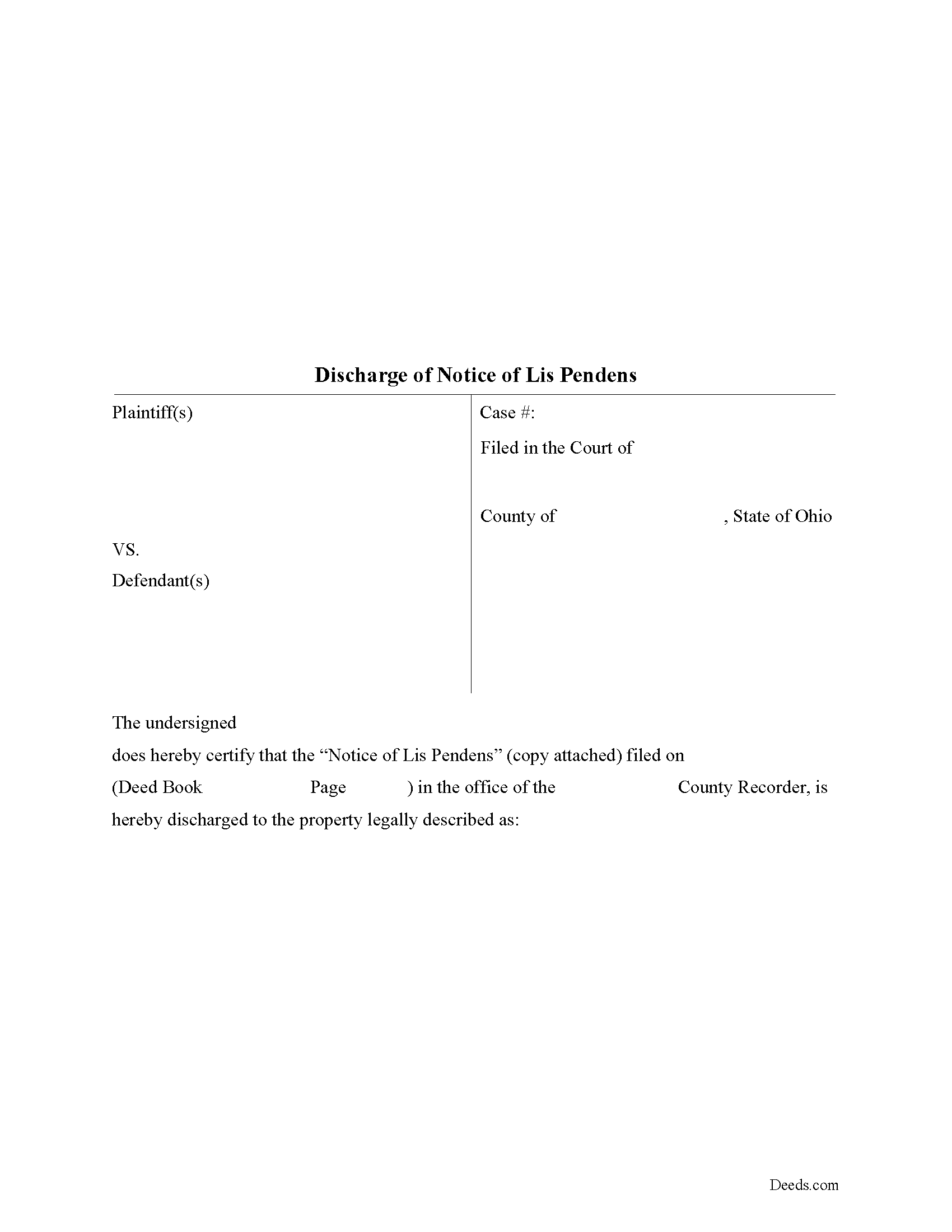
Butler County Lis Pendens Discharge Form
Fill in the blank form formatted to comply with all recording and content requirements.
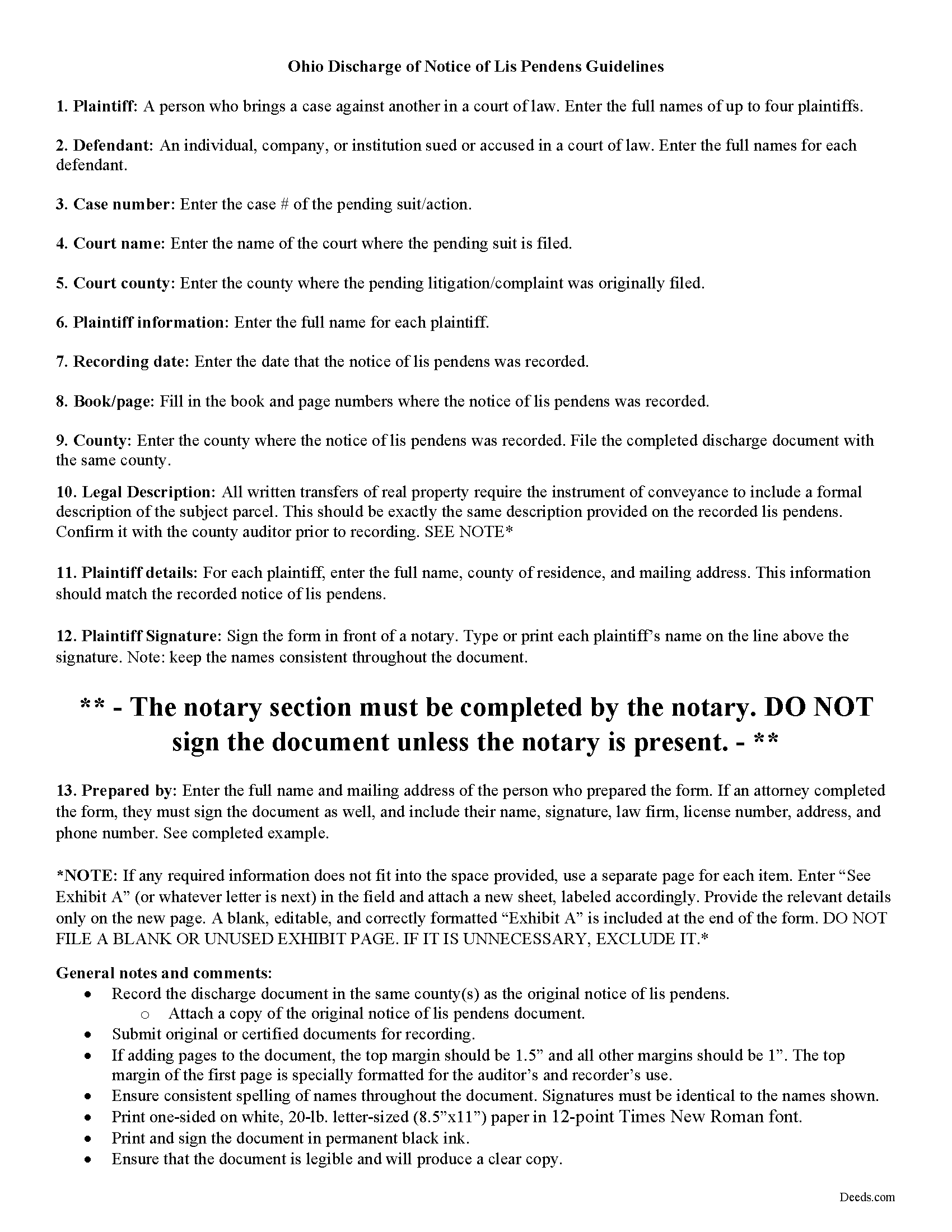
Butler County Lis Pendens Discharge Guide
Line by line guide explaining every blank on the form.
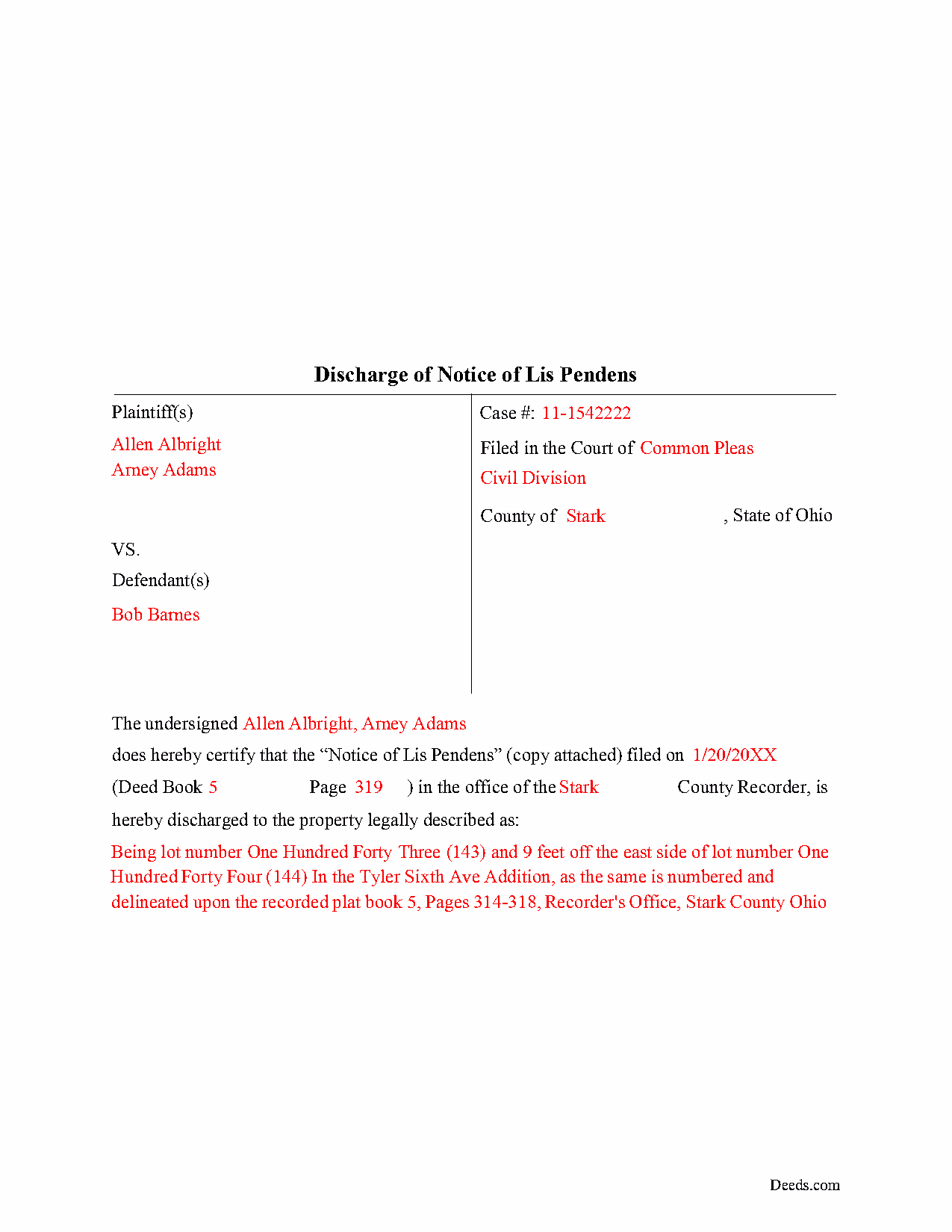
Butler County Completed Example of the Lis Pendens Discharge Document
Example of a properly completed form for reference.
All 3 documents above included • One-time purchase • No recurring fees
Immediate Download • Secure Checkout
Additional Ohio and Butler County documents included at no extra charge:
Where to Record Your Documents
Recorder's Office
Hamilton, Ohio 45011
Hours: 8:00am to 4:00pm M-F / Recording until 3:30pm
Phone: 513-887-3192
Recording Tips for Butler County:
- Bring your driver's license or state-issued photo ID
- Ensure all signatures are in blue or black ink
- Ask if they accept credit cards - many offices are cash/check only
- Check that your notary's commission hasn't expired
- Documents must be on 8.5 x 11 inch white paper
Cities and Jurisdictions in Butler County
Properties in any of these areas use Butler County forms:
- College Corner
- Collinsville
- Fairfield
- Hamilton
- Middletown
- Monroe
- Okeana
- Overpeck
- Oxford
- Ross
- Seven Mile
- Shandon
- Somerville
- Trenton
- West Chester
Hours, fees, requirements, and more for Butler County
How do I get my forms?
Forms are available for immediate download after payment. The Butler County forms will be in your account ready to download to your computer. An account is created for you during checkout if you don't have one. Forms are NOT emailed.
Are these forms guaranteed to be recordable in Butler County?
Yes. Our form blanks are guaranteed to meet or exceed the applicable formatting requirements used for recording in Butler County, including margin requirements, font requirements, and other layout standards. This guarantee applies to formatting, not to the legal sufficiency of information entered by the user or the suitability of a form for a particular transaction.
Can I reuse these forms?
Yes. You can reuse the forms for your personal use. For example, if you have multiple properties in Butler County you only need to order once.
What do I need to use these forms?
The forms are PDFs that you fill out on your computer. The free Adobe Acrobat Reader is recommended, and most PDF apps also work. You do NOT enter your property information online - you download the blank forms and complete them privately on your own computer.
Are there any recurring fees?
No. This is a one-time purchase. Nothing to cancel, no memberships, no recurring fees.
How much does it cost to record in Butler County?
Recording fees in Butler County vary. Contact the recorder's office at 513-887-3192 for current fees.
Questions answered? Let's get started!
Discharging Lis Pendens in Ohio
Lis pendens, Latin for "suit pending," is written notice that a lawsuit has been filed which concerns the title to, or interest in, a specific parcel of real property. The notice alerts potential lenders or buyers that the title to the property has come into question because of the pending legal action.
Ohio's statutes do not provide much guidance regarding lis pendens. Sections 2703.26-27 of the Ohio Revised Code discuss recording locations for the notice and restrict property transfers while the title is subject to lawsuit. Section 5309.58 clarifies the same details for registered land.
Once a lis pendens is filed, what about removing it? The process varies by state, but in general, removal happens one of two ways: expungement (removal) or discharge. Expungement requires a judicial directive to cancel the notice. The judge's order gets recorded, according to state and local requirements, and anything else necessary for the specific situation. For discharge, the party who filed the original notice completes and records a document that officially withdraws the complaint.
The discharge form identifies the parties, the property subject to lawsuit, court details and case number, and any other information relevant to the specific situation. Because it gets entered into the property records, the form should meet state and local recording standards.
Discharging a lis pendens can be tricky. Take time to understand the rules. Don't hesitate to speak to an attorney with questions about the lis pendens process, or for any other issue related to real property in Ohio.
(Ohio Lis Pendens Discharge Package includes form, guidelines, and completed example)
Important: Your property must be located in Butler County to use these forms. Documents should be recorded at the county recording office listed above.
This Lis Pendens Discharge meets all recording requirements specific to Butler County.
Our Promise
The documents you receive here are guaranteed to meet or exceed the applicable Butler County recording format requirements. If there is a rejection caused by our formatting, we will correct the issue or refund your payment. This guarantee applies to document formatting only and does not extend to information entered by the user, the selection of the form, or the legal effect of the completed document.
Save Time and Money
Get your Butler County Lis Pendens Discharge form done right the first time with Deeds.com Uniform Conveyancing Blanks. At Deeds.com, we understand that your time and money are valuable resources, and we don't want you to face a penalty fee or rejection imposed by a county recorder for submitting nonstandard documents. We constantly review and update our forms to meet rapidly changing state and county recording requirements for roughly 3,500 counties and local jurisdictions.
4.8 out of 5 - ( 4,829 Reviews )
Hugh B R. 5 out of 5 stars
Very user friendly and fast. Pleasure using this site.
Thank you for your feedback. We really appreciate it. Have a great day!
Lanette H. 5 out of 5 stars
I liked getting the forms but I was charged twice for some reason. I'm not sure what happened with that. Can you reimburse me? Thank you. Lanette
Thank you for your feedback Lanette. In review, it looks like your first payment was declined, second one was approved and processed. What you are seeing is one payment and a hold placed by your financial institution for the declined attempt. We are not sure why they do this but the hold usually falls off after a few day depending on their policy. If you have further questions about this you can contact your financial institution and they will explain. Have a great day.
EARL R. 5 out of 5 stars
easy to use once i found out i could fill it out right on the deeds website instead of downloading it to word duh.
Thank you for your feedback Earl. We'll work on ways to make it more clear that the forms are fill in the blank right in the PDF. Have an amazing day!
Sara R. 5 out of 5 stars
Worked well for me to create a deed for a house I inherited. It was very thorough and easy to use. I have no experience with the law so I just googled terms I didn't understand and was fine. I also called land records a lot and ended up not needing a lot of the material included, but it was still good to have it.
We appreciate your business and value your feedback. Thank you. Have a wonderful day!
Christine L. 5 out of 5 stars
I was very pleased with your service. You got me the information I required within one day. Thank you!
Thank you!
David P. 5 out of 5 stars
The forms were easy to follow and it was good to have an example to follow as well. It was convenient that they had forms for each County.
We truly value your business and appreciate your review.
John C. 5 out of 5 stars
These forms are easy to use and a lot cheaper than going to an attorney. I highly recommend Deeds.com
We appreciate your business and value your feedback. Thank you. Have a wonderful day!
Zina J. 5 out of 5 stars
Deeds.com supplied exactly what I needed to complete a quitclaim. Deeds.com saved me $180, supplied the necessary forms, and a sample page to use as a guide. I recommend Deeds.com.
Thank you!
julie S. 5 out of 5 stars
I love this company!! Excellent customer service and quick!! Thank you
We appreciate your business and value your feedback. Thank you. Have a wonderful day!
Michael S. 5 out of 5 stars
Great product and service. So convenient.
Your satisfaction with our services is of utmost importance to us. Thank you for letting us know how we did!
Donna C. 5 out of 5 stars
Easy to use.
Thank you!
Juston P. 5 out of 5 stars
The service provided was exactly what I needed. The downloadable deed and supporting documents allowed me to move forward with the days project. Everything I needed to file my documents from two states away and at two in the morning! I highly recommend this site. I found it to be the easiest, most expedient and cost effective method to get up to date legal forms for filing land deeds.
We appreciate your business and value your feedback. Thank you. Have a wonderful day!
Roy K. 5 out of 5 stars
Just what we were looking for. Very easy to fill out. Thanks
Thank you Roy. We appreciate your feedback.
lamar J. 5 out of 5 stars
Easy to understand and work with Very pleased with the information I Received
We appreciate your business and value your feedback. Thank you. Have a wonderful day!
Toni M. 5 out of 5 stars
I liked having the forms. Some may need to know they can look at the legal Description from online county records, then type up in Word document line by line, the degree sign in Word program is achieved by using alt and 248 on number pad. Then on the form page one write SEE Exibit A and title your Word program description as Exibit A. Goes without saying the legal description should be looked over many times and it is easier to do so if you format your Word the same lineage as the legal description online which is usually not text which is why you have to retype it.
Thank you for your feedback. We really appreciate it. Have a great day!