Rutherford County Contractor Notice of All Liens Paid Form
Last validated October 2, 2026 by our Forms Development TeamFormatted for recording in Rutherford County, for property anywhere in the county: rural and unincorporated areas as well as Christiana, Eagleville, Fosterville, La Vergne, Lascassas, Milton, Murfreesboro, Rockvale and 1 more.
- 3 documents included
- Immediate PDF download
- Formatting guarantee
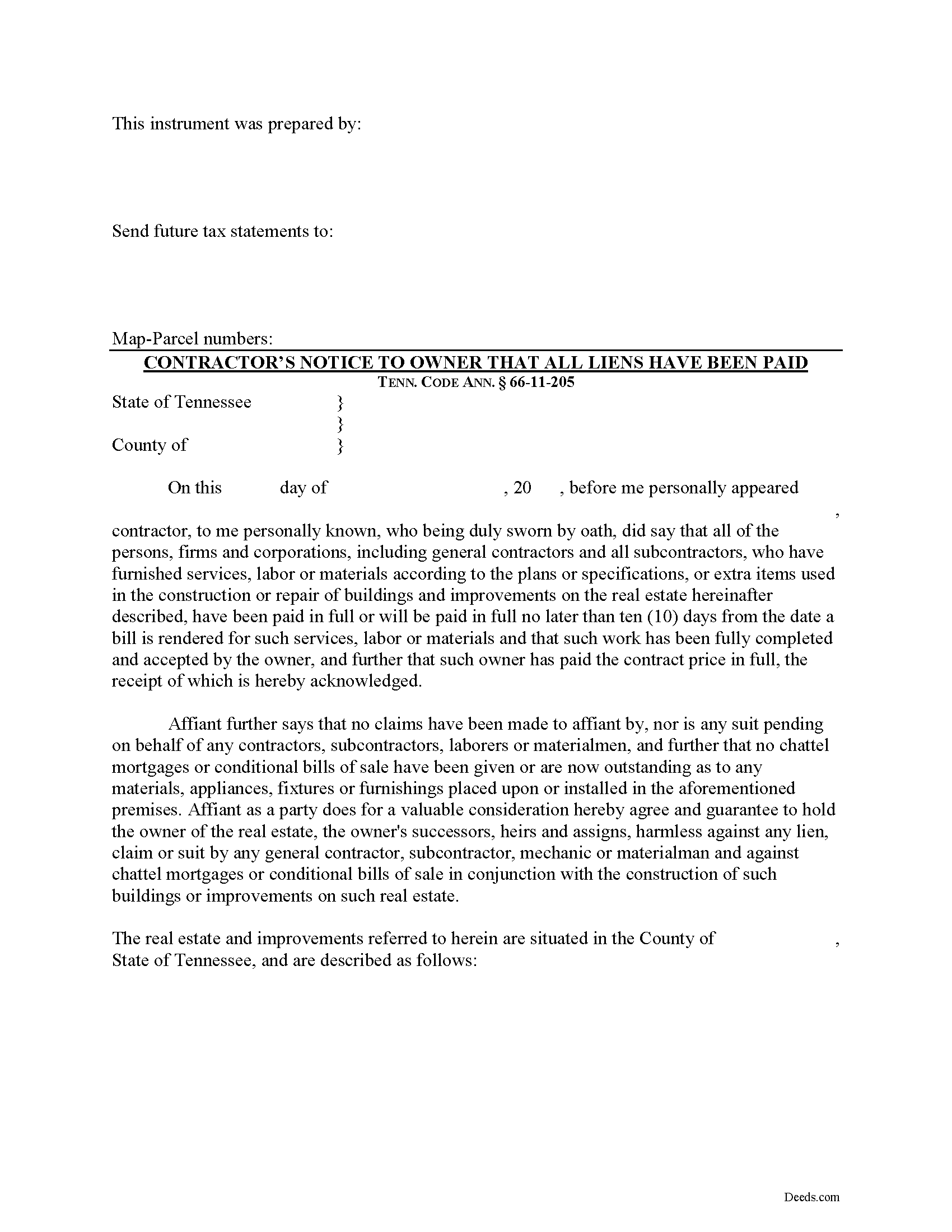
Rutherford County Contractor Notice of All Liens Paid Form
Fill in the blank Contractor Notice of All Liens Paid form formatted to comply with all Tennessee recording and content requirements.
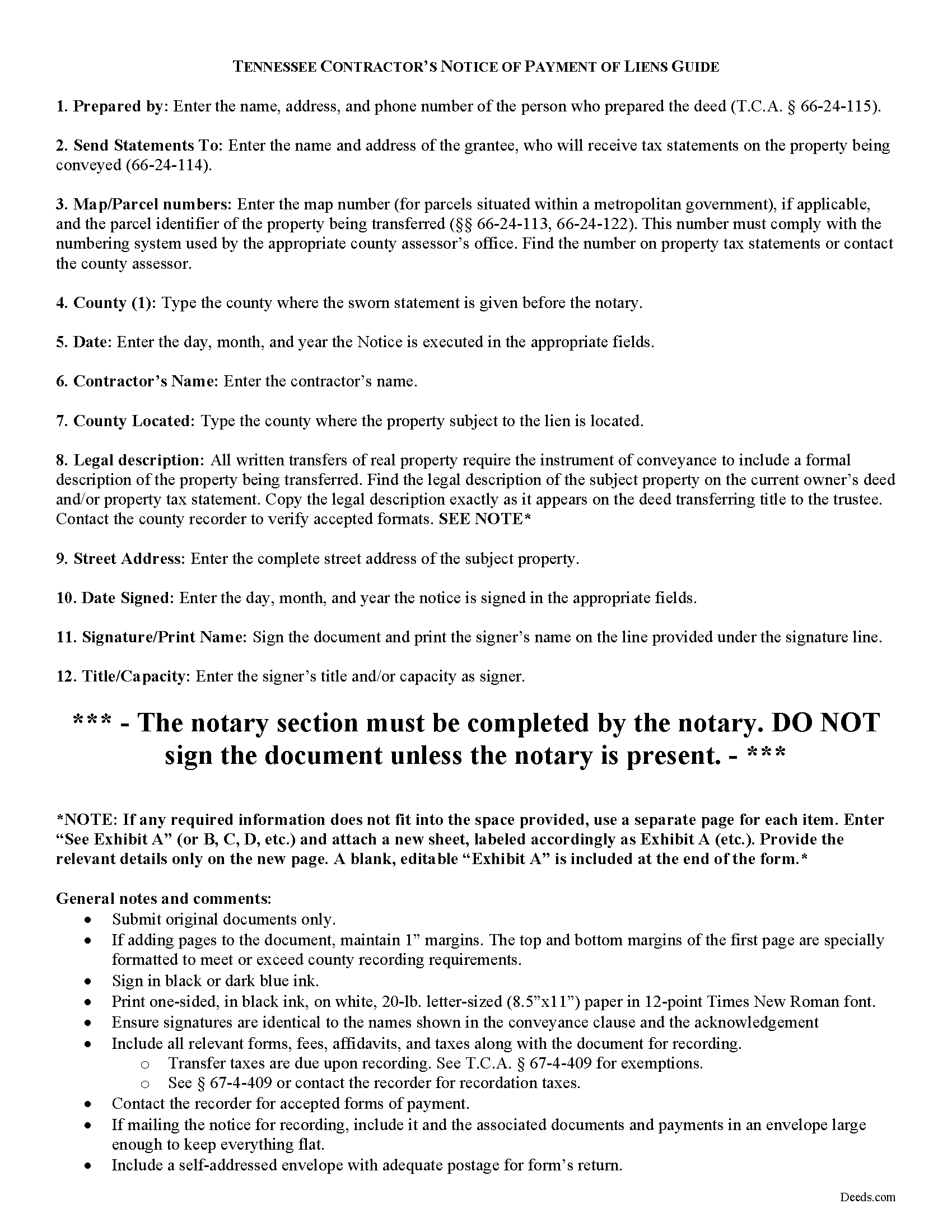
Rutherford County Contractor Notice of All Liens Paid Guide
Line by line guide explaining every blank on the form.
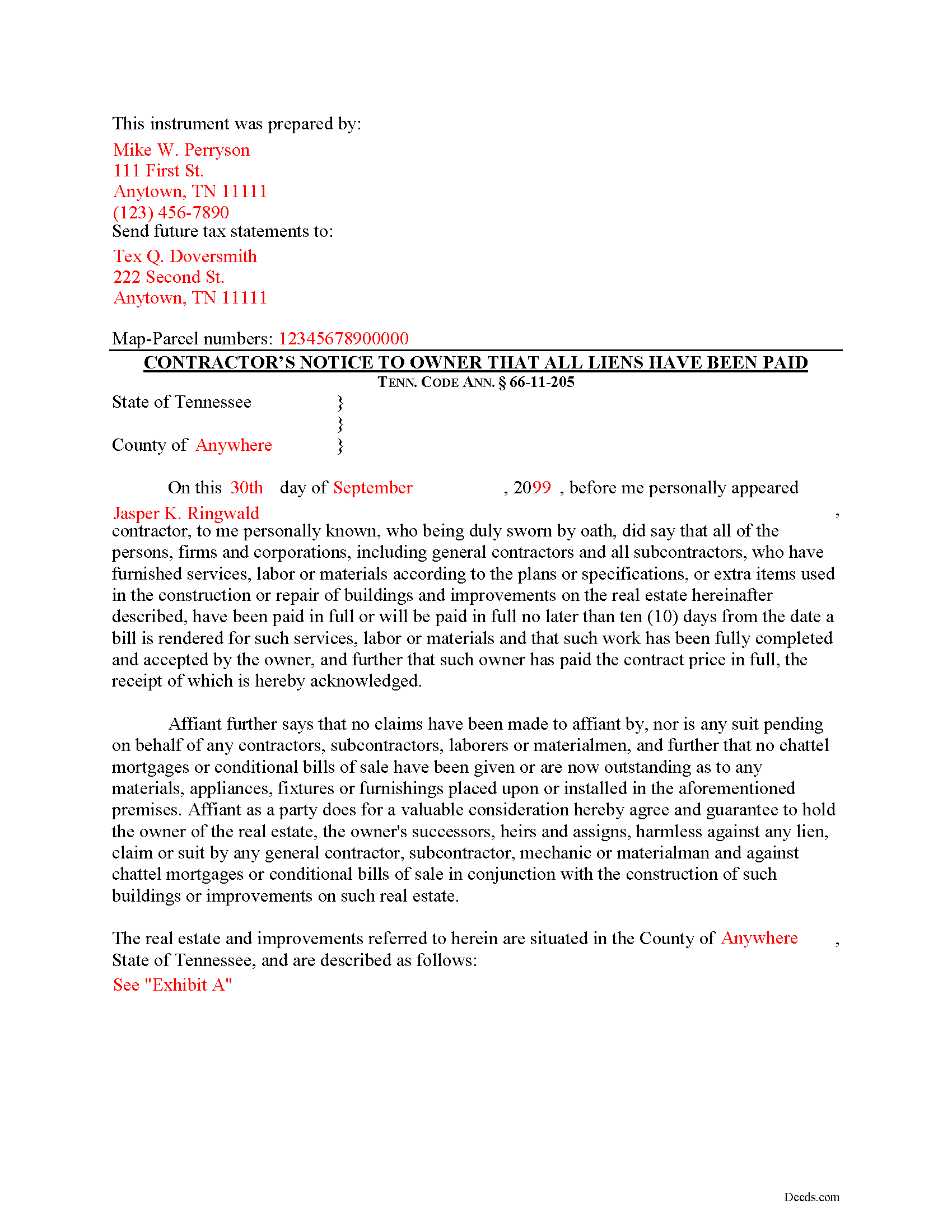
Rutherford County Completed Example of the Contractor Notice of All Liens Paid Document
Example of a properly completed form for reference.
All 3 documents above included • One-time purchase • No recurring fees
Immediate Download • Secure Checkout
Additional Tennessee and Rutherford County documents included at no extra charge:
Where to Record Your Documents
Rutherford County Register of Deeds
Murfreesboro, Tennessee 37130
Hours: 8:00 to 4:00 M-F
Phone: (615) 898-7870
Recording Tips for Rutherford County:
- Bring your driver's license or state-issued photo ID
- Ensure all signatures are in blue or black ink
- Ask about their eRecording option for future transactions
- Avoid the last business day of the month when possible
- Both spouses typically need to sign if property is jointly owned
Cities and Jurisdictions in Rutherford County
Properties in any of these areas use Rutherford County forms:
- Christiana
- Eagleville
- Fosterville
- La Vergne
- Lascassas
- Milton
- Murfreesboro
- Rockvale
- Smyrna
Hours, fees, requirements, and more for Rutherford County
How do I get my forms?
Forms are available for immediate download after payment. The Rutherford County forms will be in your account ready to download to your computer. An account is created for you during checkout if you don't have one. Forms are NOT emailed.
Are these forms guaranteed to be recordable in Rutherford County?
Yes. Our form blanks are guaranteed to meet or exceed the applicable formatting requirements used for recording in Rutherford County, including margin requirements, font requirements, and other layout standards. This guarantee applies to formatting, not to the legal sufficiency of information entered by the user or the suitability of a form for a particular transaction.
Can I reuse these forms?
Yes. You can reuse the forms for your personal use. For example, if you have multiple properties in Rutherford County you only need to order once.
What do I need to use these forms?
The forms are PDFs that you fill out on your computer. The free Adobe Acrobat Reader is recommended, and most PDF apps also work. You do NOT enter your property information online - you download the blank forms and complete them privately on your own computer.
Are there any recurring fees?
No. This is a one-time purchase. Nothing to cancel, no memberships, no recurring fees.
How much does it cost to record in Rutherford County?
Recording fees in Rutherford County vary. Contact the recorder's office at (615) 898-7870 for current fees.
Questions answered? Let's get started!
Upon completion of the contract or improvement and upon receipt of the contract price, the contractor must deliver by registered mail or otherwise to the owner or owners of the real property a sworn affidavit stating that all liens have been paid in full or will be paid in full no later than ten (10) days from the date a bill is rendered for such services. Tenn. Prop. Code 66-11-205. The sworn affidavit must be executed and signed in the presence of a notary public.
The notice identifies the parties, the location and nature of the work or improvements, relevant dates, and anything else necessary for the specific situation.
This article is provided for informational purposes only and should not be considered legal advice or relied upon as any substitute for speaking with an attorney. Please consult a Tennessee attorney familiar with construction law for any questions about the notice of payment of all liens or for any other issues regarding mechanic's liens.
Important: Your property must be located in Rutherford County to use these forms. Documents should be recorded at the county recording office listed above.
This Contractor Notice of All Liens Paid meets all recording requirements specific to Rutherford County.
Our Promise
The documents you receive here are guaranteed to meet or exceed the applicable Rutherford County recording format requirements. If there is a rejection caused by our formatting, we will correct the issue or refund your payment. This guarantee applies to document formatting only and does not extend to information entered by the user, the selection of the form, or the legal effect of the completed document.
Save Time and Money
Get your Rutherford County Contractor Notice of All Liens Paid form done right the first time with Deeds.com Uniform Conveyancing Blanks. At Deeds.com, we understand that your time and money are valuable resources, and we don't want you to face a penalty fee or rejection imposed by a county recorder for submitting nonstandard documents. We constantly review and update our forms to meet rapidly changing state and county recording requirements for roughly 3,500 counties and local jurisdictions.
4.8 out of 5 - ( 4,845 Reviews )
Jerome R. 5 out of 5 stars
great service clean and accurate
Thank you for your feedback. We really appreciate it. Have a great day!
RICHARD H. 5 out of 5 stars
Wonderful
Thank you!
Tom D. 5 out of 5 stars
I have one suggestion and couple of question I would think that most TOD's would be from married couples. It would be real helpful to have a example of the I(we) block for married couples. Why would I check or not check the "property is registered (torrents)" Do I need a notarized signature of the Grantee
Thank you for your feedback. We really appreciate it. Have a great day!
Melody P. 5 out of 5 stars
Thanks again for such excellent service, and always a pleasure!
Thank you!
Eleanor W. 5 out of 5 stars
Easy to find the form I needed. And the instructions helpful on how to fill out the form.
We appreciate your business and value your feedback. Thank you. Have a wonderful day!
Stephanie F. 5 out of 5 stars
Thorough, efficient, couldn't ask for better support. I refer everyone I know in real estate to use Deeds.com
Thank you for your positive words! We’re thrilled to hear about your experience.
janitza g. 5 out of 5 stars
It was easy!!! The example for completing a quickclaim deed form was very helpful!!
Thank you!
Steve W. 5 out of 5 stars
Perfect
Thank you!
Rocio G. 5 out of 5 stars
Better than in person service, I recommend this service 100%.
We appreciate your business and value your feedback. Thank you. Have a wonderful day!
Matt G. 4 out of 5 stars
The process went smoothly and gave me what I needed. As an improvement, I would recommend that deeds.com sends an email when there is a new message in the portal. I didn't get any updates and had to log in to track progress each time.
Thank you for your feedback. We really appreciate it. Have a great day!
BAHMAN B. 5 out of 5 stars
Very good experience.
Thank you!
Daniel Z. 5 out of 5 stars
All is well that ends well and this form service seemed to work quite smoothly, even though my printer gives me fits at times, having to hand feed the blank paper.
Thank you for your feedback. We really appreciate it. Have a great day!
Teri B. 5 out of 5 stars
Glad to have all of the helpful extra information, even though they don't answer all questions for all situations. So, I accessed public records and asked questions at the auditor's office. Also, on my Mac computer, filling out the actual deed form is a challenge because the screen jumps to the last page everytime I try to type a few letters or hit the return key, so I'm rollling back up to the first 2 pages after most keystrokes. A bit annoying. Overall, happy to have these form options are available! There is really no need to wait and pay for an attorney when all the information needed is available via public records. Fill in the blanks!
Thanks so much for the feedback Teri. There are known issues between Adobe and Mac, we try to work around them as much as possible. Have a wonderful day!
Delroy S. 5 out of 5 stars
Simple and complete. I found all the forms and Instructions I was looking for. Thank You.
We appreciate your business and value your feedback. Thank you. Have a wonderful day!
Lacee G. 5 out of 5 stars
Great real estate deed forms.
Thank you!