Converse County Transfer on Death Affidavit Form
Last validated October 5, 2026 by our Forms Development TeamFormatted for recording in Converse County, for property anywhere in the county: rural and unincorporated areas as well as Douglas, Glenrock, Lost Springs, Shawnee.
- 3 documents included
- Immediate PDF download
- Formatting guarantee
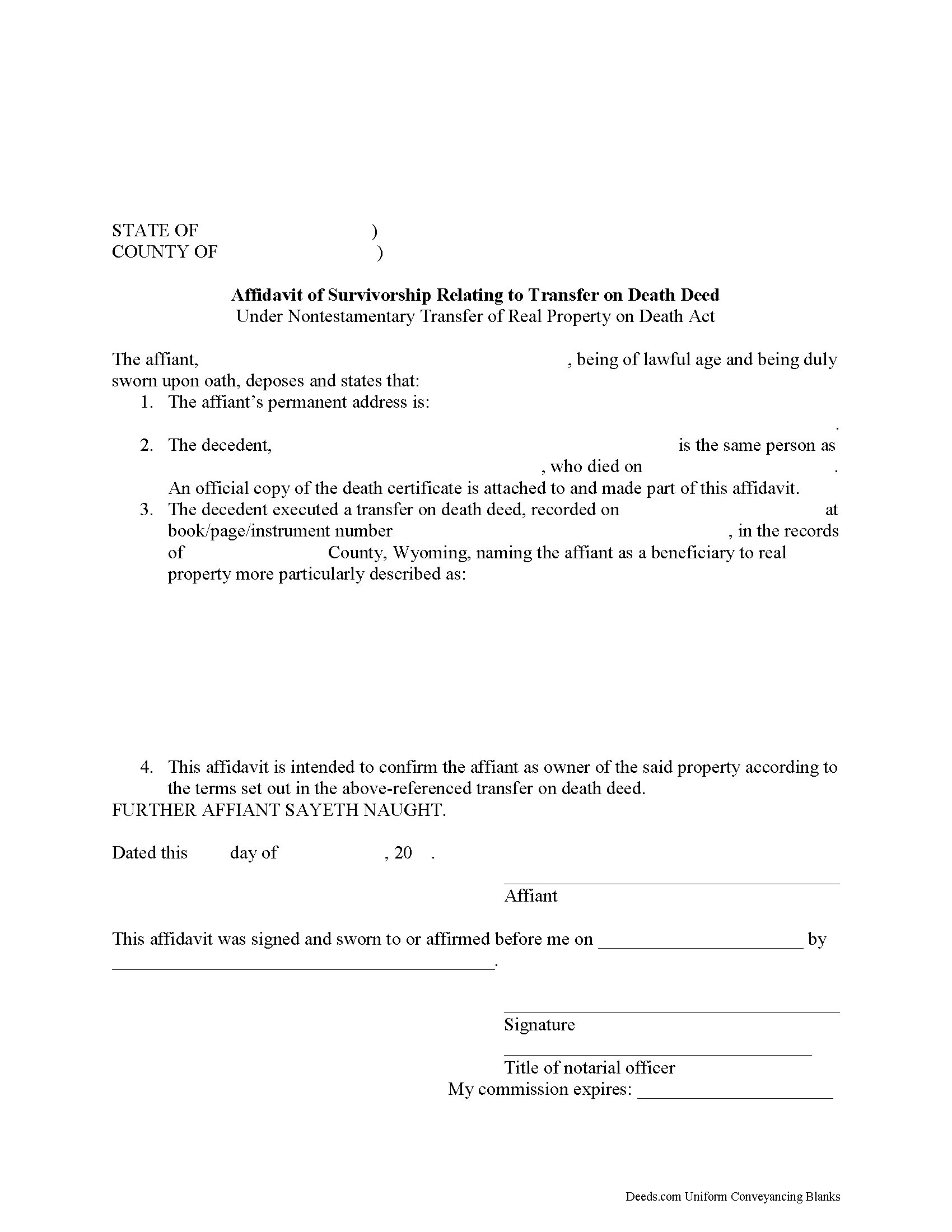
Converse County Transfer on Death Affidavit Form
Fill in the blank form formatted to comply with all recording and content requirements.
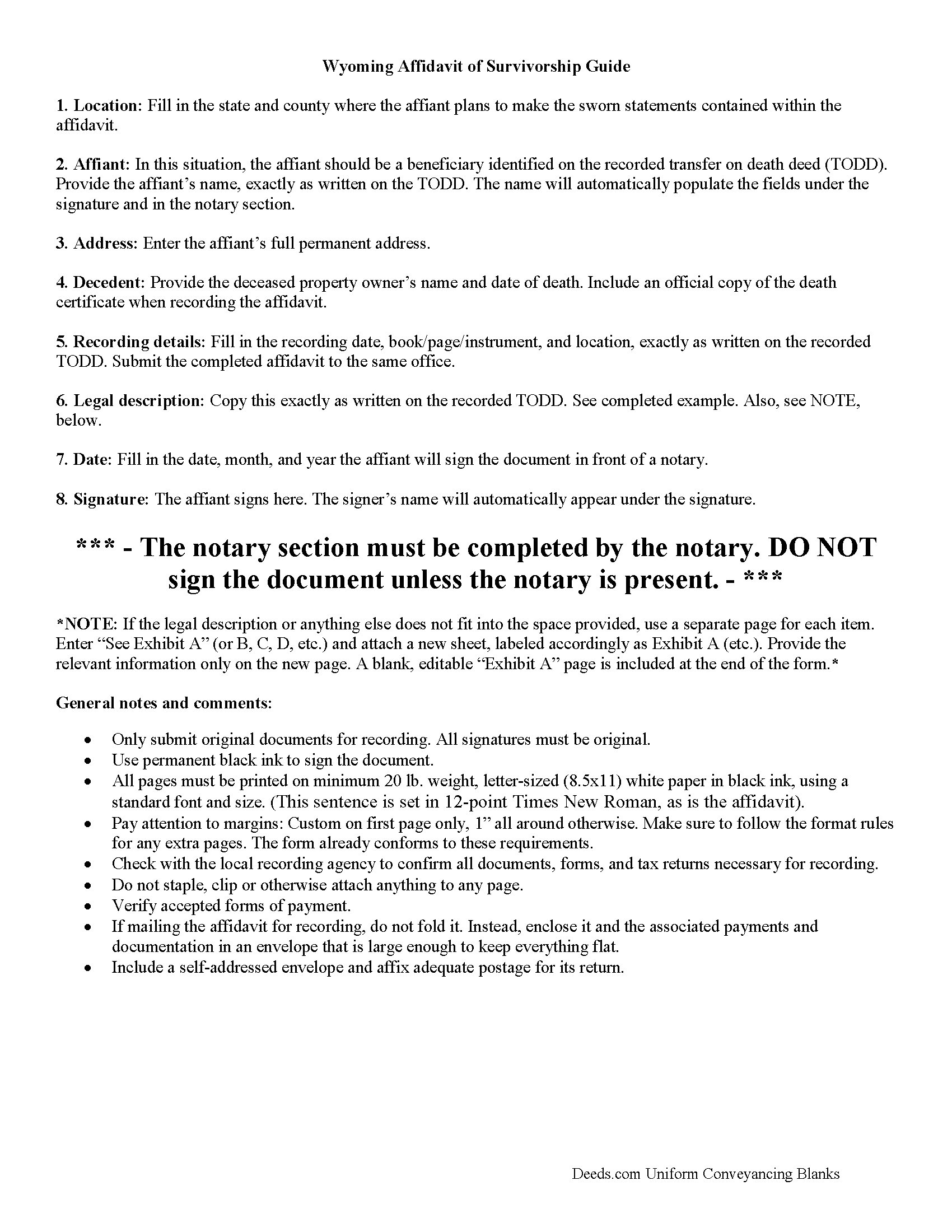
Converse County Transfer on Death Affidavit Guide
Line by line guide explaining every blank on the form.
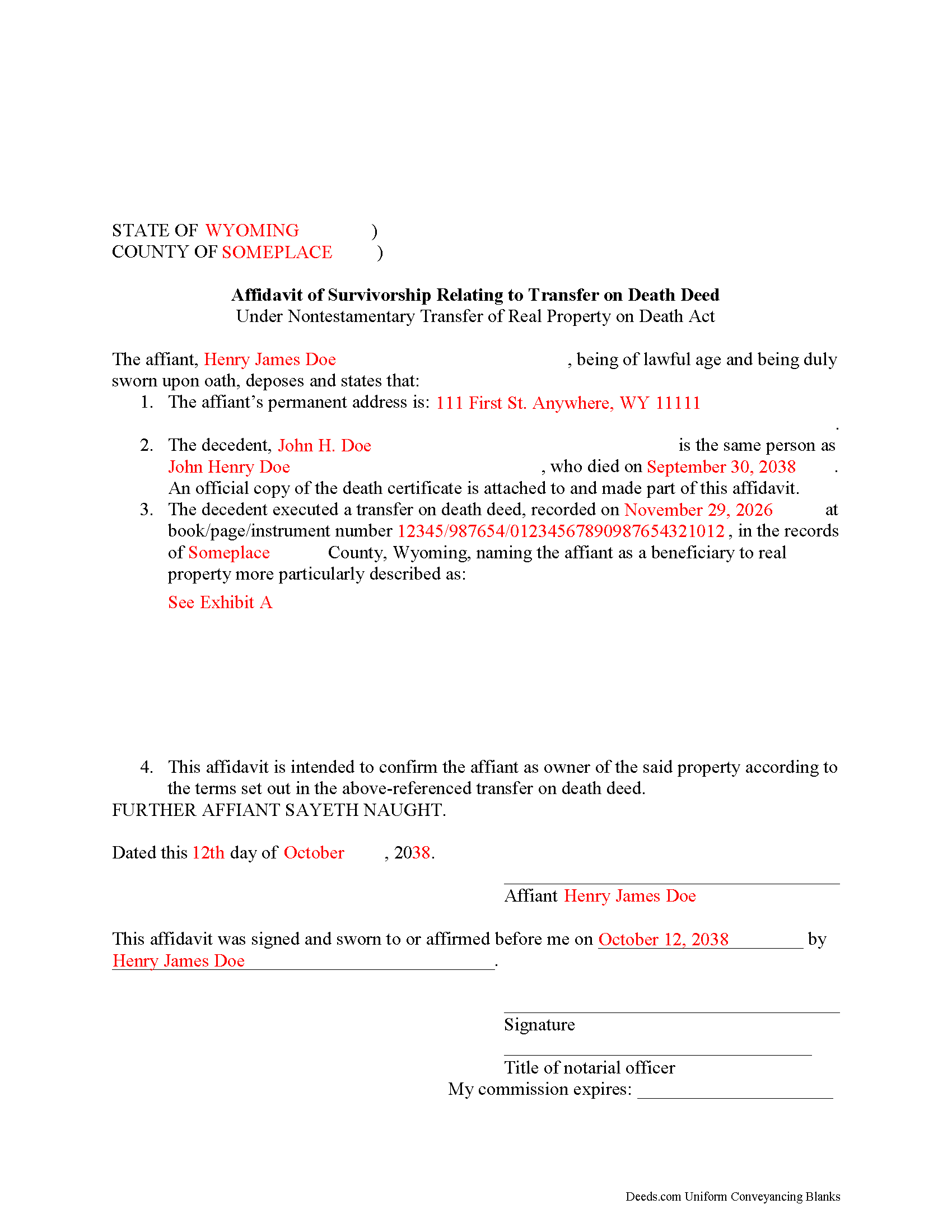
Converse County Completed Example of the Transfer on Death Affidavit Document
Example of a properly completed form for reference.
All 3 documents above included • One-time purchase • No recurring fees
Immediate Download • Secure Checkout
Additional Wyoming and Converse County documents included at no extra charge:
Where to Record Your Documents
Converse County Clerk
Douglas, Wyoming 82633-2448
Hours: Monday - Friday 8:00 am - 5:00 pm
Phone: (307) 358-2244
Recording Tips for Converse County:
- Bring your driver's license or state-issued photo ID
- Ensure all signatures are in blue or black ink
- Avoid the last business day of the month when possible
- Both spouses typically need to sign if property is jointly owned
- Bring extra funds - fees can vary by document type and page count
Cities and Jurisdictions in Converse County
Properties in any of these areas use Converse County forms:
- Douglas
- Glenrock
- Lost Springs
- Shawnee
Hours, fees, requirements, and more for Converse County
How do I get my forms?
Forms are available for immediate download after payment. The Converse County forms will be in your account ready to download to your computer. An account is created for you during checkout if you don't have one. Forms are NOT emailed.
Are these forms guaranteed to be recordable in Converse County?
Yes. Our form blanks are guaranteed to meet or exceed the applicable formatting requirements used for recording in Converse County, including margin requirements, font requirements, and other layout standards. This guarantee applies to formatting, not to the legal sufficiency of information entered by the user or the suitability of a form for a particular transaction.
Can I reuse these forms?
Yes. You can reuse the forms for your personal use. For example, if you have multiple properties in Converse County you only need to order once.
What do I need to use these forms?
The forms are PDFs that you fill out on your computer. The free Adobe Acrobat Reader is recommended, and most PDF apps also work. You do NOT enter your property information online - you download the blank forms and complete them privately on your own computer.
Are there any recurring fees?
No. This is a one-time purchase. Nothing to cancel, no memberships, no recurring fees.
How much does it cost to record in Converse County?
Recording fees in Converse County vary. Contact the recorder's office at (307) 358-2244 for current fees.
Questions answered? Let's get started!
Wyoming's Non-testamentary Transfer of Real Property on Death Act went into effect on July 1, 2013. Find it at Sections 2-18-101-106 of the Wyoming Statutes.
By using transfer on death deeds (TODDs), people who own real estate in Wyoming have access to a flexible tool that allows them to direct what happens to their land after they die, independent from a will, and without the need for probate. As defined at W.S. 2-18-103, a TODD conveys the owner's interest in real property, subject to any debts or obligations in place during the owner's lifetime, to a designated grantee beneficiary. Until the owner dies, though, the beneficiary has absolutely no interest in or rights to the property.
To gain title to the property after the owner's death, beneficiaries must follow the procedure set out at W.S. 2-18-103(n). This involves completing and executing an affidavit of survivorship form, obtaining a certificate of clearance from the Wyoming department of health, and getting an official copy of the deceased owner's death certificate. Record the affidavit and accompanying documentation in the office of the county clerk of the county in which the real property is situated.
The process described above might not be appropriate in every situation. Contact an attorney with specific questions or for complex circumstances.
(Wyoming TODA Package includes form, guidelines, and completed example)
Important: Your property must be located in Converse County to use these forms. Documents should be recorded at the county recording office listed above.
This Transfer on Death Affidavit meets all recording requirements specific to Converse County.
Our Promise
The documents you receive here are guaranteed to meet or exceed the applicable Converse County recording format requirements. If there is a rejection caused by our formatting, we will correct the issue or refund your payment. This guarantee applies to document formatting only and does not extend to information entered by the user, the selection of the form, or the legal effect of the completed document.
Save Time and Money
Get your Converse County Transfer on Death Affidavit form done right the first time with Deeds.com Uniform Conveyancing Blanks. At Deeds.com, we understand that your time and money are valuable resources, and we don't want you to face a penalty fee or rejection imposed by a county recorder for submitting nonstandard documents. We constantly review and update our forms to meet rapidly changing state and county recording requirements for roughly 3,500 counties and local jurisdictions.
4.8 out of 5 - ( 4,823 Reviews )
Irwin C. 5 out of 5 stars
For starters, enrolling was as easy as could be. Then, it only took minutes before my entry was formatted and filed. Finally, when I asked a question, I got an answer within a few minutes. Couldn't be happier with service
We appreciate your business and value your feedback. Thank you. Have a wonderful day!
Scotty A. 5 out of 5 stars
A great time and money saver that also has a money back guarantee. I received all the pertinent forms and instructions for less than a family eating a fast food dinner.
Thank you!
stephanie h. 5 out of 5 stars
Very satisfied. In the middle of COVID19 I was able to complete important paperwork even though I wasn't completely sure what I was doing on my own. Quick and easy. Thank you. It means a lot to me.
Thank you for your feedback. We really appreciate it. Have a great day!
Deanie F. 5 out of 5 stars
Very happy with the product and really appreciated being able to get it on line.
Thanks for the kind words Deanie. We appreciate you, glad we could help!
Johannah H. 5 out of 5 stars
Deeds.com made my experience recording a Deed in Weld County, CO so easy! The representative went above and beyond by assisting me with the preparation of a high-quality digital document for recording. Highly Recommend!
We appreciate your business and value your feedback. Thank you. Have a wonderful day!
Lance G. 5 out of 5 stars
Fast and dependable service, which is so critical in the real estate business. Excellent experience.
We appreciate your business and value your feedback. Thank you. Have a wonderful day!
Michael H. 5 out of 5 stars
Very straightforward website. Helpful in getting county specific documents.
Thank you!
Tracey M. 5 out of 5 stars
Using Deeds.com was unbelievably quick and easy to file a deed restriction with our local county office. From uploading the initial file to deeds.com, to having a fully recorded document was right on one hour - and all from the comfort of my home. I found your service was easy to use and your staff were very quick in responding to my filing. I will definitely use and recommend deeds.com in the future.
Thank you for your feedback. We really appreciate it. Have a great day!
Remi W. 4 out of 5 stars
Submitting documents electronically through Deeds.com saved me time and provided the best possible service for me in the comfort of my own home. There's no faster, better way to record documents than e-recording with Deeds.com.
Thank you for your feedback. We really appreciate it. Have a great day!
Jackie C. 5 out of 5 stars
It was easy to access the documents for a minimal fee.
Thank you for your feedback. We really appreciate it. Have a great day!
Margo M. 4 out of 5 stars
So far help has been good given some of the information you don't have as far as making corrections. This is my first time using your service so maybe I will be better at utilizing it if I have to again.
Thank you for your feedback. We really appreciate it. Have a great day!
Susan K. 5 out of 5 stars
Very helpful; information included on the form explanations about Colorado laws in regards to beneficiary deeds helped us understand the issues involved.
Thank you for your feedback. We really appreciate it. Have a great day!
Jaime H. 5 out of 5 stars
quick and easy
Thank you!
Deidre E. 5 out of 5 stars
Best thing since sliced bread. Do your homework. Find the documents with Deeds.com and bypass expensive and unnecessary lawyers fees.
We deeply appreciate the trust you have placed in our services. Thank you for your valuable feedback and for choosing us.
RAYMOND W. 5 out of 5 stars
Thank you for the comprehensive forms - very much appreciated!
Thank you Raymond.