Nantucket County Easement Deed Form
Last validated September 17, 2026 by our Forms Development TeamFormatted for recording in Nantucket County, for property anywhere in the county: rural and unincorporated areas as well as Nantucket, Siasconset.
- 4 documents included
- Immediate PDF download
- Formatting guarantee
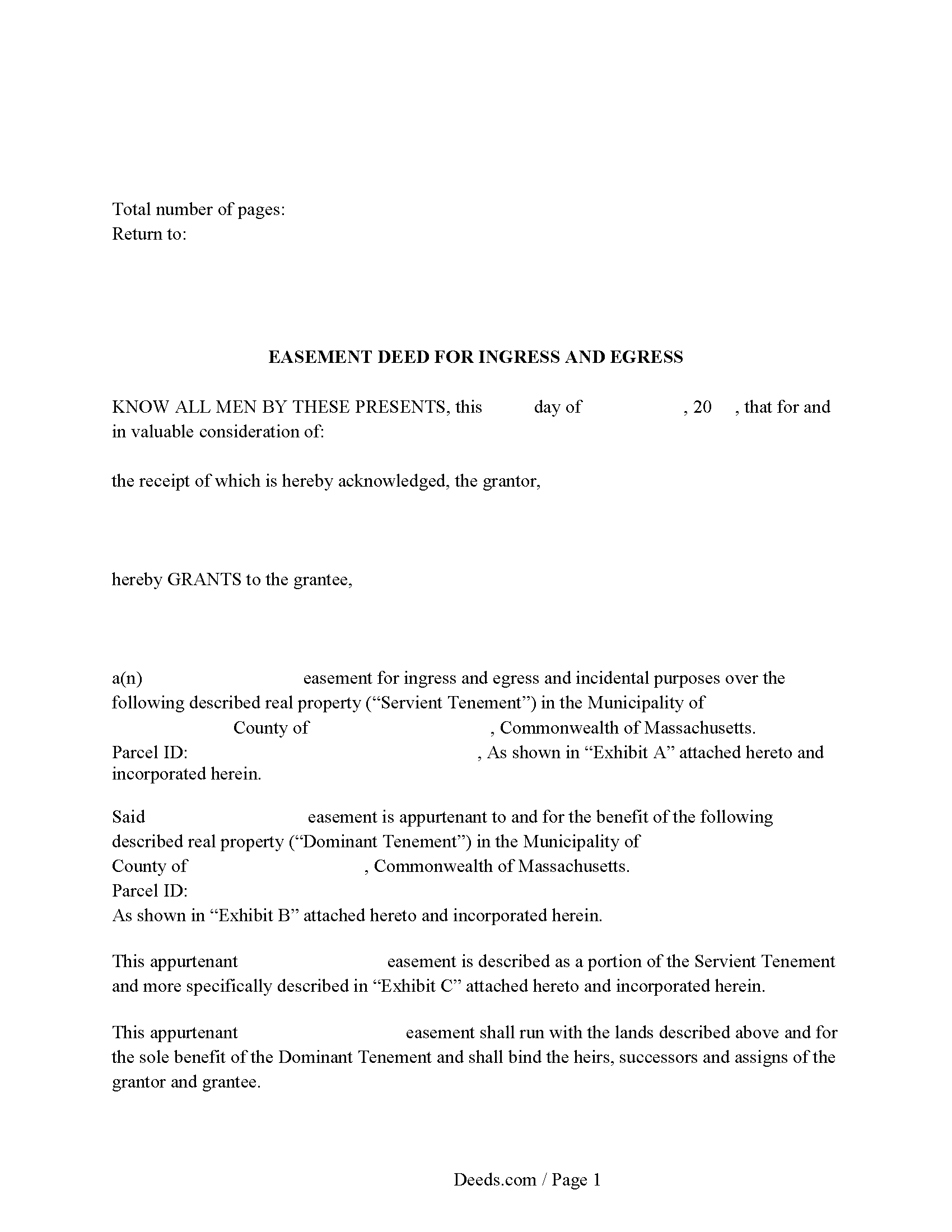
Nantucket County Easement Deed Form
Fill in the blank form formatted to comply with all recording and content requirements.
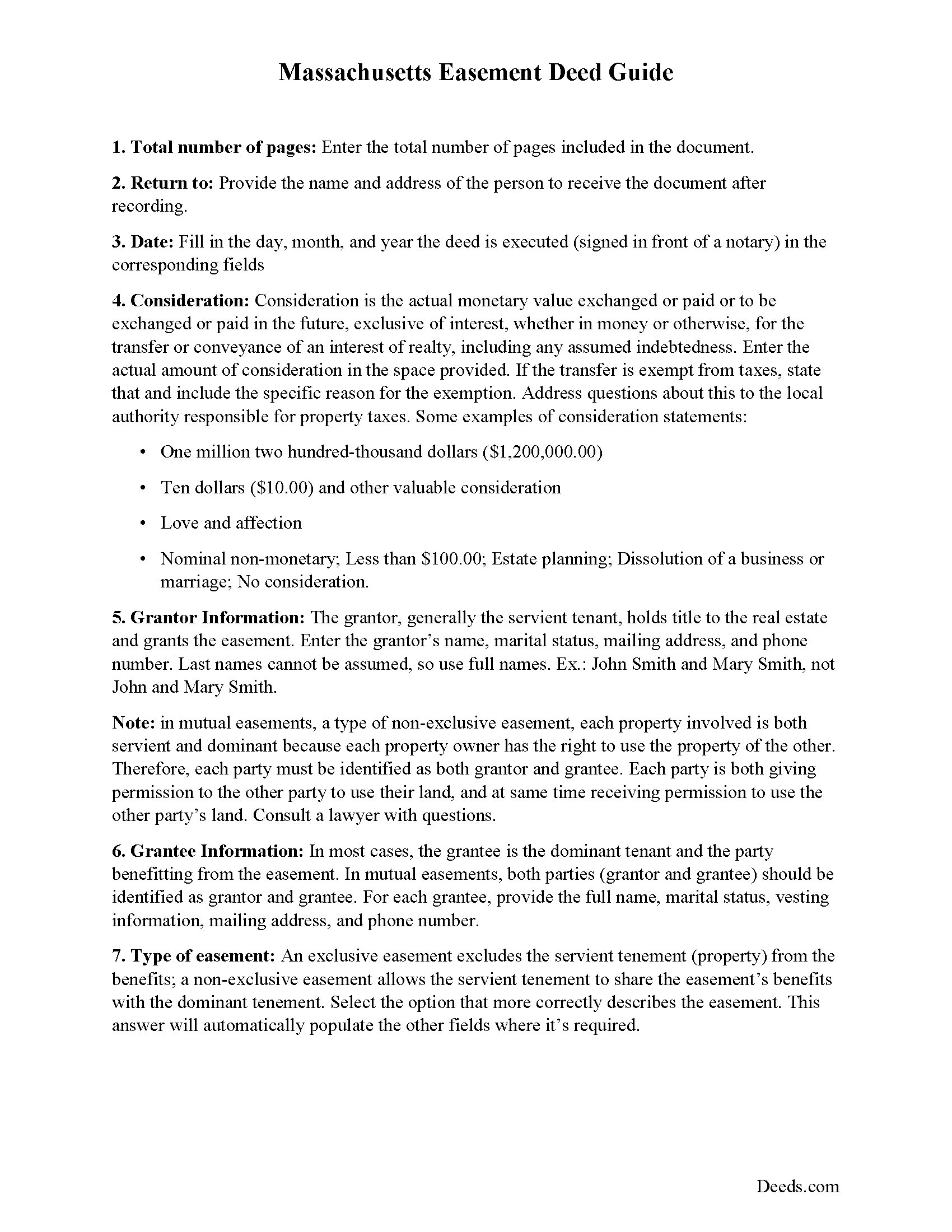
Nantucket County Easement Deed Guide
Line by line guide explaining every blank on the form.
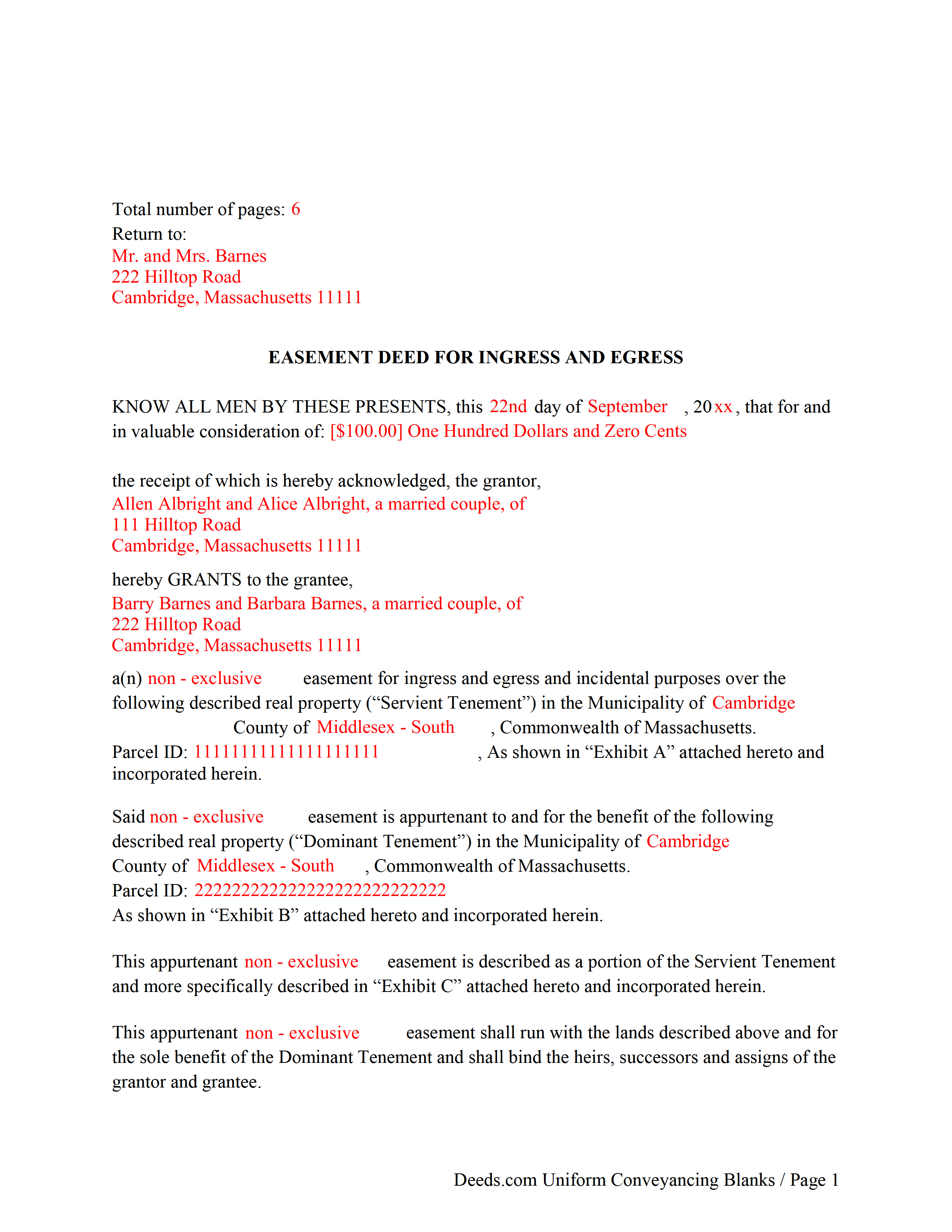
Nantucket County Completed Example of the Easement Deed Document
Example of a properly completed form for reference.
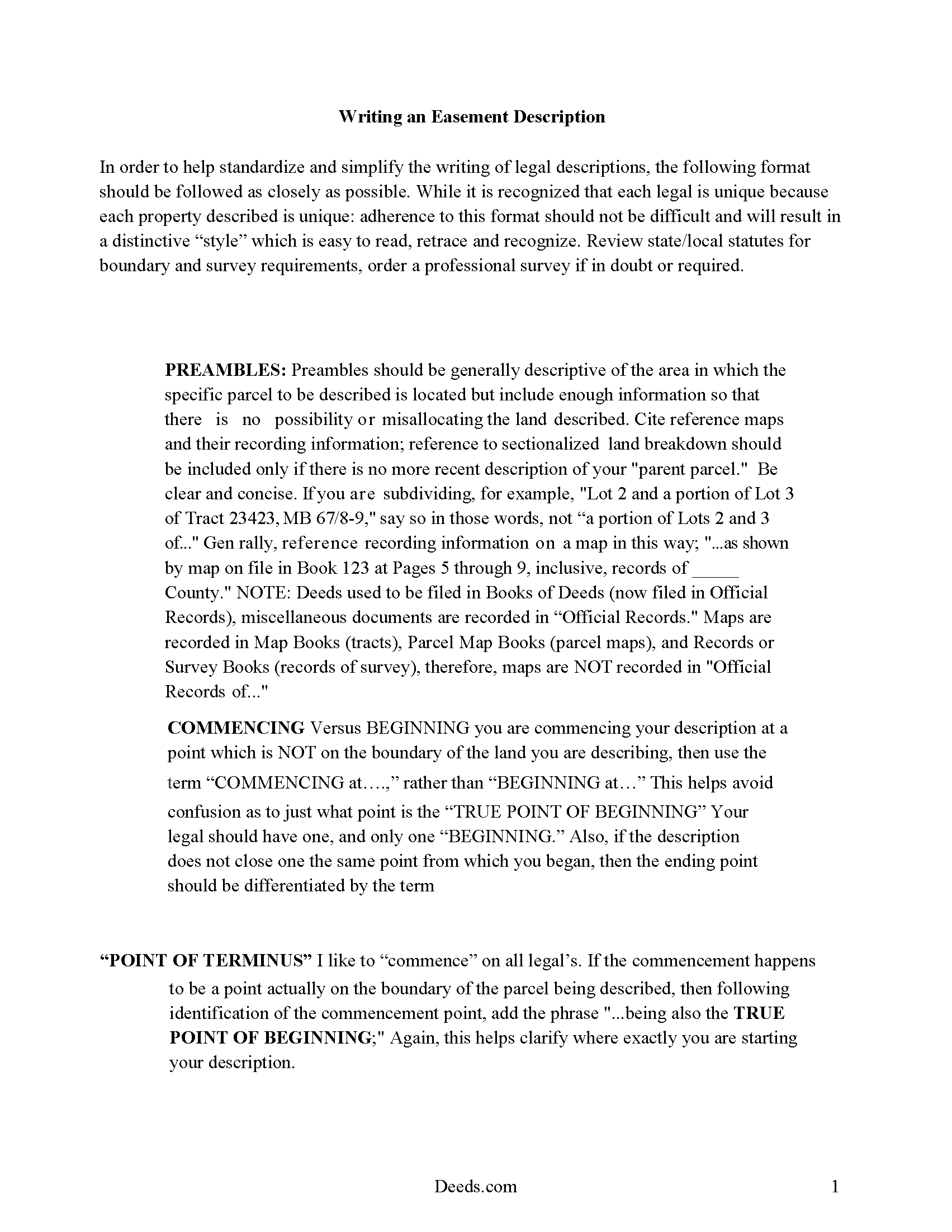
Nantucket County Guide to Writing an Easement Description
A Description of the Easement will be required. This will show how to write an acceptable description for a Right of Way Easement, which gives access, to and from - point A to point B.
All 4 documents above included • One-time purchase • No recurring fees
Immediate Download • Secure Checkout
Additional Massachusetts and Nantucket County documents included at no extra charge:
Where to Record Your Documents
Nantucket Registry of Deeds
Nantucket, Massachusetts 02554
Hours: 8:00 to 4:00 M-F / Recording: 8:00 to 12:00 & 1:00 to 3:45
Phone: (508) 228-7250
Nantucket Islands Land Bank
Nantucket, Massachusetts 02554
Hours: 9:00am - 12:00 & 1:00 - 4:00pm M-F
Phone: (508) 228-7240
Recording Tips for Nantucket County:
- Bring your driver's license or state-issued photo ID
- Ensure all signatures are in blue or black ink
- Ask if they accept credit cards - many offices are cash/check only
- Check that your notary's commission hasn't expired
- Documents must be on 8.5 x 11 inch white paper
Cities and Jurisdictions in Nantucket County
Properties in any of these areas use Nantucket County forms:
- Nantucket
- Siasconset
Hours, fees, requirements, and more for Nantucket County
How do I get my forms?
Forms are available for immediate download after payment. The Nantucket County forms will be in your account ready to download to your computer. An account is created for you during checkout if you don't have one. Forms are NOT emailed.
Are these forms guaranteed to be recordable in Nantucket County?
Yes. Our form blanks are guaranteed to meet or exceed the applicable formatting requirements used for recording in Nantucket County, including margin requirements, font requirements, and other layout standards. This guarantee applies to formatting, not to the legal sufficiency of information entered by the user or the suitability of a form for a particular transaction.
Can I reuse these forms?
Yes. You can reuse the forms for your personal use. For example, if you have multiple properties in Nantucket County you only need to order once.
What do I need to use these forms?
The forms are PDFs that you fill out on your computer. The free Adobe Acrobat Reader is recommended, and most PDF apps also work. You do NOT enter your property information online - you download the blank forms and complete them privately on your own computer.
Are there any recurring fees?
No. This is a one-time purchase. Nothing to cancel, no memberships, no recurring fees.
How much does it cost to record in Nantucket County?
Recording fees in Nantucket County vary. Contact the recorder's office at (508) 228-7250 for current fees.
Questions answered? Let's get started!
An easement is a non-possessory and non-ownership right to use another person's property for a specific use. The easement deed is the legal instrument that creates this right. Easements are either affirmative or negative and can be appurtenant or an easement in gross. An appurtenant easement benefits the dominant estate and runs with the land. Easements in gross benefit an individual or legal entity. In Massachusetts, easements can be created by deed, will, or contract; or by prescription or implication. In a conveyance of real estate in Massachusetts, all rights, easements, privileges, and appurtenances belonging to the granted estate are included in the conveyance, unless a contrary intention is stated in the deed (183-15).
According to section 187-1A of the Massachusetts General Laws, an easement of direct sunlight can be acquired over the land of another by direct grant or covenant, or by a solar access permit. The contents of a solar easement should follow the guidelines as set forth in 187-1 of the Massachusetts General Laws. When a person erects a house or other structure with windows overlooking another's land, they do not, by the mere continuance of such windows, acquire an easement of light and air so as to prevent the erection of a building on such land (187-1).
A right or privilege of way or other easement cannot be acquired by adverse use or enjoyment upon or over the land of another, unless the use or enjoyment is continued uninterrupted for twenty years (183-2).
An easement deed should be signed and acknowledged by the grantor. A real estate deed that is required to be recorded in order to provide constructive notice must have a certificate of acknowledgment or proof of execution endorsed on the deed or attached to it. The certificate is recorded with the deed (183-29). An easement deed can be acknowledged by one or more of the grantors or by the attorney executing it. The officer before whom acknowledgements are made should endorse the certificate of acknowledgement on the deed. Acknowledgments made in Massachusetts can be made before a notary public or justice of the peace. Acknowledgments made out of state may be made before any of the officers listed in 183-30b of the Massachusetts General Laws (183-30).
In order for an easement deed to be valid against people other than the grantor, his heirs, and devisees, and persons having actual notice it must be recorded in the registry of deeds in the county or district where the land lies (183-4). The record of an easement deed, duly acknowledged or proved as provided, is conclusive evidence of the delivery of the instrument, in favor of purchasers for value without notice (183-5). Massachusetts has a race-notice recording act, which means that constructive notice is determined by the recording of documents.
(Massachusetts ED Package includes form, guidelines, and completed example)
Important: Your property must be located in Nantucket County to use these forms. Documents should be recorded at the county recording office listed above.
This Easement Deed meets all recording requirements specific to Nantucket County.
Our Promise
The documents you receive here are guaranteed to meet or exceed the applicable Nantucket County recording format requirements. If there is a rejection caused by our formatting, we will correct the issue or refund your payment. This guarantee applies to document formatting only and does not extend to information entered by the user, the selection of the form, or the legal effect of the completed document.
Save Time and Money
Get your Nantucket County Easement Deed form done right the first time with Deeds.com Uniform Conveyancing Blanks. At Deeds.com, we understand that your time and money are valuable resources, and we don't want you to face a penalty fee or rejection imposed by a county recorder for submitting nonstandard documents. We constantly review and update our forms to meet rapidly changing state and county recording requirements for roughly 3,500 counties and local jurisdictions.
4.8 out of 5 - ( 4,828 Reviews )
THOMAS C. 5 out of 5 stars
Very fast service
We appreciate your business and value your feedback. Thank you. Have a wonderful day!
Lloyd T. 5 out of 5 stars
Example deed given did not apply to married couples as joint owners with both being grantors. The example and directions also did not show how to write more than one grantee as equal grantees. Both would have been helpful when husband and wife are granting their property to their children equally. Also when attaching the exhibit A with the property description the example did not say "see exhibit A"in the property description area, so I didn't write that. Luckily the recorder of deeds allowed me to write it in. I think directions and examples for multiple scenarios would be helpful.
Thank you for your feedback. We really appreciate it. Have a great day!
Jeffrey G. 5 out of 5 stars
Transaction went smoothly. The forms in the package were just what was needed.
Thank you for your feedback. We really appreciate it. Have a great day!
mary g. 5 out of 5 stars
Easy site. Reasonably priced
Thank you Mary.
Joy Lynn W. 5 out of 5 stars
Timely response and helpful....good job!
Thank you!
Tammie S. 5 out of 5 stars
No review provided.
Thank you for your feedback. We really appreciate it. Have a great day!
Cindy A. 5 out of 5 stars
Easy to understand and use. However, need to add line for phone number for preparer - Thanks
Thank you for your feedback. We really appreciate it. Have a great day!
sara g. 5 out of 5 stars
THIS WAS A USER FRIENDLY FORM, WAS ABLE TO COMPLETE WITHIN A SHORT TIME. THANK YOU
We appreciate your business and value your feedback. Thank you. Have a wonderful day!
Jianxing L. 5 out of 5 stars
My case was a deed recording. The process was extremely smooth and carried out by the agents professionally and efficiently. I was greeted and guided to the right windows and the whole process took about 5 minutes, I was so impressed and appreciated the service our county agents provided. The process and the folks handled it really deserve a solid 5 star rating.
Thank you for taking a moment to share your thoughts.
Heleena C. 5 out of 5 stars
The free additional forms that came with the form I ordered were invaluable as well. Worth every penny!
We appreciate your business and value your feedback. Thank you. Have a wonderful day!
Janette K. 5 out of 5 stars
I ordered a Transfer of Deed on Death document. It was easy to fill in, came with a useful guide and was customized to my county/state. It got the job done and was well worth the money!
Thank you for your feedback. We really appreciate it. Have a great day!
Judy F. 5 out of 5 stars
The site was easy to use, I just wasn't sure which of all these documents I needed.
Thank you!
Roger W. 5 out of 5 stars
Documents were provided quickly and as promised. Very Satisfied.
Thank you for your feedback. We really appreciate it. Have a great day!
Shelton S. 5 out of 5 stars
This site provided everything I needed to get the job done. Next step is a trip to the County Clerk!
We deeply appreciate the trust you have placed in our services. Thank you for your valuable feedback and for choosing us.
joab k. 3 out of 5 stars
Usable mediocre average stuff. functional but not extraordinary but the price and service is quite good
Thank you for your feedback. We really appreciate it. Have a great day!