Berkshire County Grant Deed Form
Last validated October 7, 2026 by our Forms Development TeamFormatted for recording in Berkshire County, for property anywhere in the county: rural and unincorporated areas as well as Adams, Ashley Falls, Becket, Berkshire, Cheshire, Dalton, Drury, East Otis and 26 more.
- 3 documents included
- Immediate PDF download
- Formatting guarantee
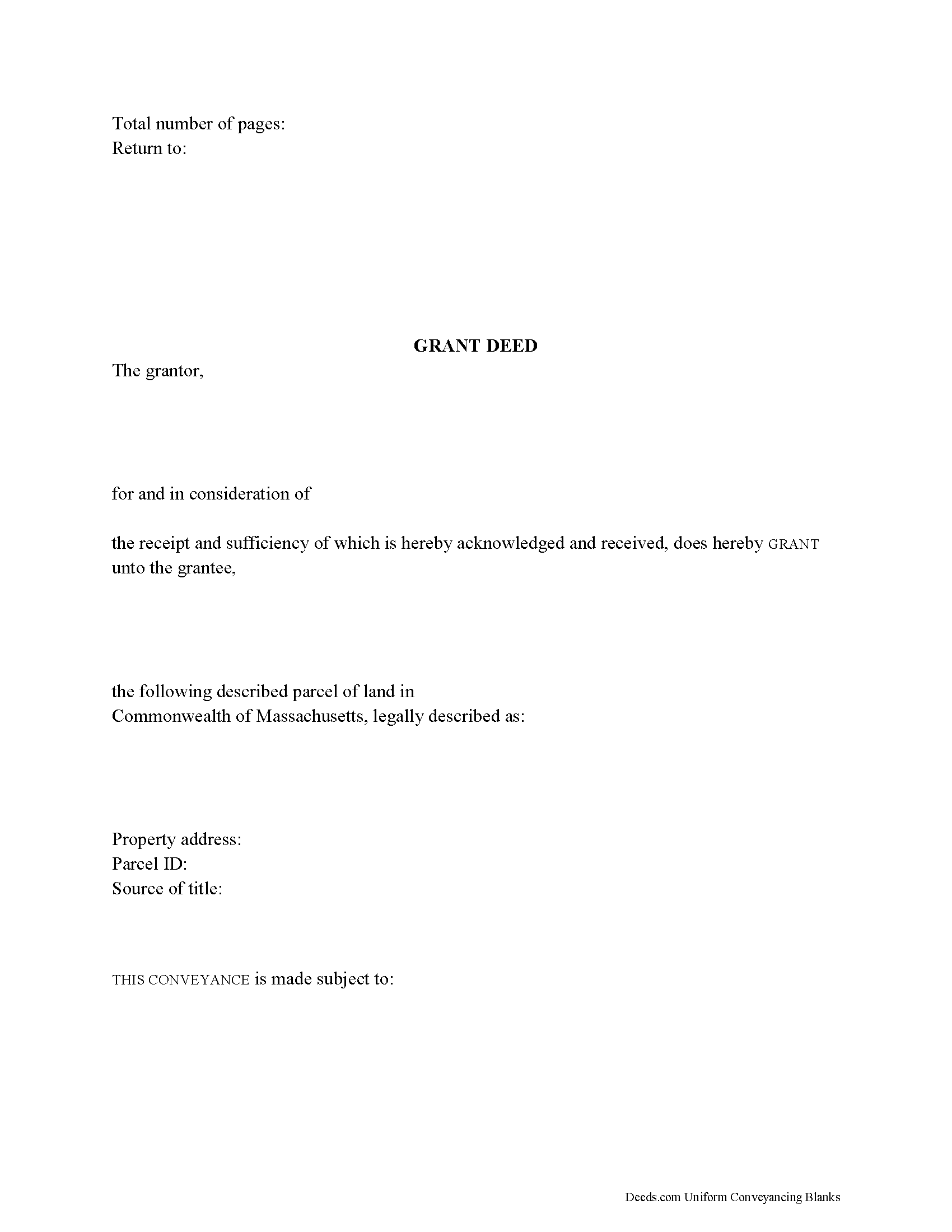
Berkshire County Grant Deed Form
Fill in the blank form formatted to comply with all recording and content requirements.
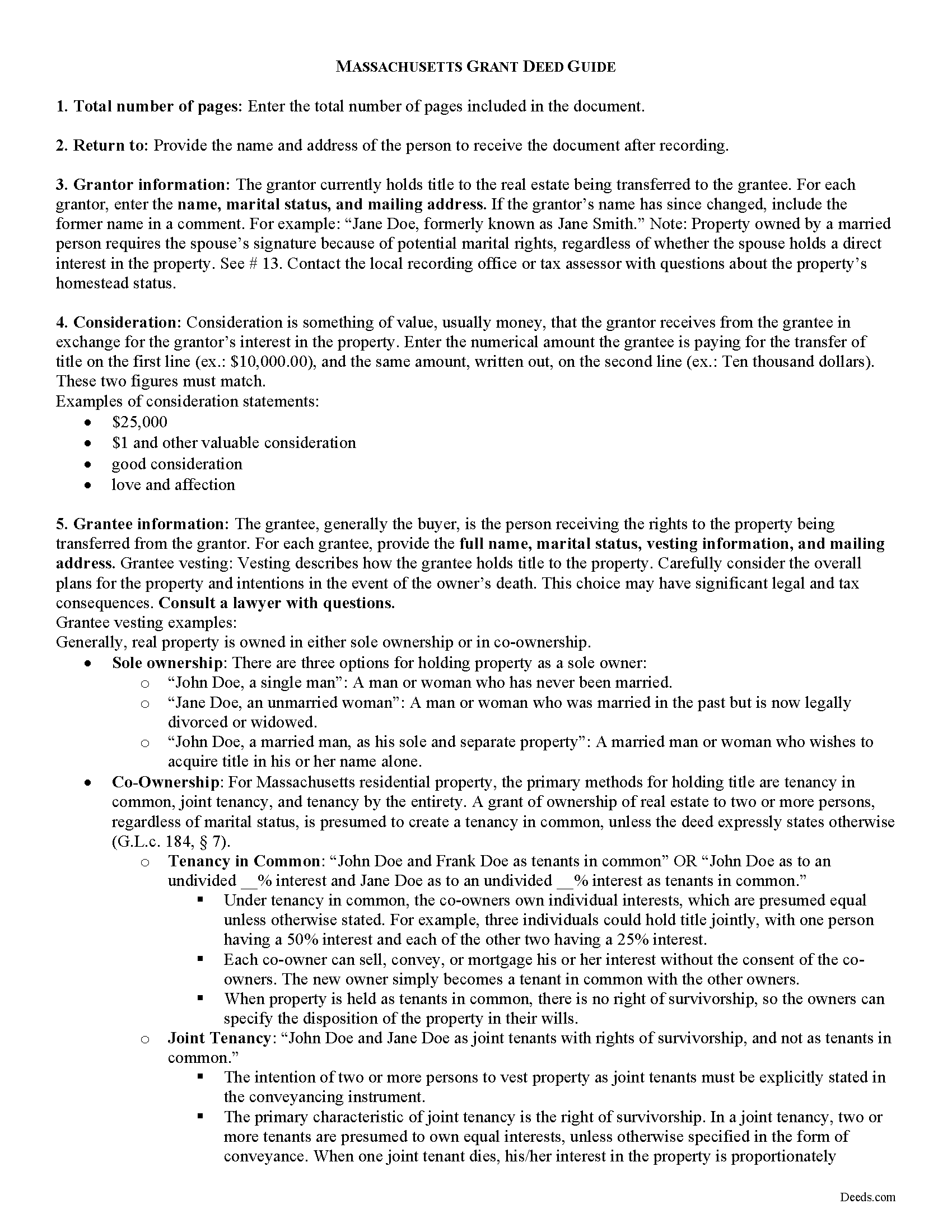
Berkshire County Grant Deed Guide
Line by line guide explaining every blank on the form.
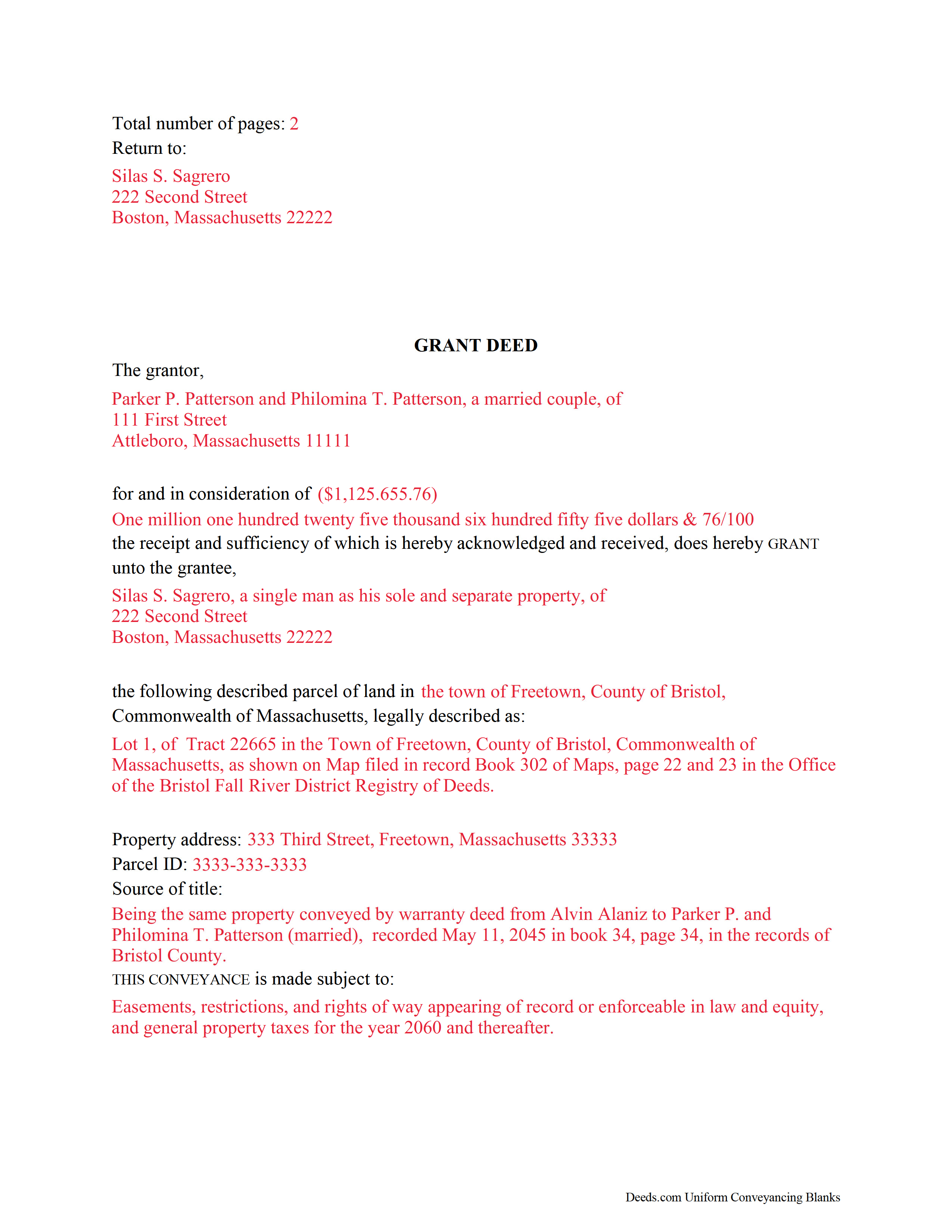
Berkshire County Completed Example of the Grant Deed Document
Example of a properly completed form for reference.
All 3 documents above included • One-time purchase • No recurring fees
Immediate Download • Secure Checkout
Additional Massachusetts and Berkshire County documents included at no extra charge:
Where to Record Your Documents
Berkshire Middle District Registry of Deeds
Pittsfield, Massachusetts 01201
Hours: 8:30 to 4:30 M-F / Recording until 4:00
Phone: (413) 443-7438
Northern Berkshire District Registry of Deeds
Adams, Massachusetts 01220
Hours: 8:30 to 4:30 M-F / Recording until 4:00
Phone: (413) 743-0035
Southern Berkshire District Registry of Deeds
Great Barrington, Massachusetts 01230
Hours: 8:30 to 4:30 M-F / Recording until 4:00
Phone: (413) 528-0146
Recording Tips for Berkshire County:
- Bring your driver's license or state-issued photo ID
- Ensure all signatures are in blue or black ink
- Check margin requirements - usually 1-2 inches at top
- Leave recording info boxes blank - the office fills these
- Make copies of your documents before recording - keep originals safe
Cities and Jurisdictions in Berkshire County
Properties in any of these areas use Berkshire County forms:
- Adams
- Ashley Falls
- Becket
- Berkshire
- Cheshire
- Dalton
- Drury
- East Otis
- Glendale
- Great Barrington
- Hinsdale
- Housatonic
- Lanesboro
- Lee
- Lenox
- Lenox Dale
- Mill River
- Monterey
- North Adams
- North Egremont
- Otis
- Pittsfield
- Richmond
- Sandisfield
- Savoy
- Sheffield
- South Egremont
- South Lee
- Southfield
- Stockbridge
- Tyringham
- West Stockbridge
- Williamstown
- Windsor
Hours, fees, requirements, and more for Berkshire County
How do I get my forms?
Forms are available for immediate download after payment. The Berkshire County forms will be in your account ready to download to your computer. An account is created for you during checkout if you don't have one. Forms are NOT emailed.
Are these forms guaranteed to be recordable in Berkshire County?
Yes. Our form blanks are guaranteed to meet or exceed the applicable formatting requirements used for recording in Berkshire County, including margin requirements, font requirements, and other layout standards. This guarantee applies to formatting, not to the legal sufficiency of information entered by the user or the suitability of a form for a particular transaction.
Can I reuse these forms?
Yes. You can reuse the forms for your personal use. For example, if you have multiple properties in Berkshire County you only need to order once.
What do I need to use these forms?
The forms are PDFs that you fill out on your computer. The free Adobe Acrobat Reader is recommended, and most PDF apps also work. You do NOT enter your property information online - you download the blank forms and complete them privately on your own computer.
Are there any recurring fees?
No. This is a one-time purchase. Nothing to cancel, no memberships, no recurring fees.
How much does it cost to record in Berkshire County?
Recording fees in Berkshire County vary. Contact the recorder's office at (413) 443-7438 for current fees.
Questions answered? Let's get started!
Real estate conveyances in Massachusetts are governed under Massachusetts General Laws Chapters 183 and 184. While the statutes do not specifically mention grant deeds, they are still useful for conveying title to real property in the state.
A grant deed transfers the right, title, and interest in real estate from the grantor (seller) to the grantee (buyer). Grant deeds typically include explicit covenants that the grantor is seized of, or owns, the land granted, has the right to convey the land, and that the deed discloses every lien or encumbrance associated with the property.
In addition to meeting all state and local standards for recorded documents, a lawful deed identifies each grantor and grantee by name, address, and marital status (G.L.c. 183 sec. 6). State law requires that all land records contain information on how the grantee will hold title (G.L.c. 184 sec. 7). For Massachusetts residential property, the primary methods for holding title are tenancy in common, joint tenancy, and tenancy by the entirety. A grant of ownership of real estate to two or more persons, regardless of marital status, is presumed to create a tenancy in common, unless the deed expressly states otherwise (G.L.c. 184 sec. 7).
As with any conveyance of real estate, a grant deed requires a complete legal description of the parcel. The deed must state the amount of the full consideration, or the total price paid by the grantee for the transfer (G.L.c. 183 sec. 6). Based on the consideration paid, the seller pays an excise tax (also known as a transfer tax or stamp tax) to the Registry of Deeds' office (G.L.c. 64D sec. 1,2).
Record the completed deed at the local County Registry of Deeds office. Some counties (Berkshire, Bristol, Essex, Middlesex, Worcester) are split into two or more recording districts. Make sure to record the deed in the correct recording district. If the deed pertains to registered land, submit the deed to the Registry District of the Land Court. Include all relevant affidavits, forms, and fees along with the deed for recording. For guidance related to supplemental documentation, speak with the local Registry of Deeds office.
This article is provided for informational purposes only and is not a substitute for legal advice. Contact a lawyer with questions about grant deeds or transfers of real property in Massachusetts.
(Massachusetts GD Package includes form, guidelines, and completed example)
Important: Your property must be located in Berkshire County to use these forms. Documents should be recorded at the county recording office listed above.
This Grant Deed meets all recording requirements specific to Berkshire County.
Our Promise
The documents you receive here are guaranteed to meet or exceed the applicable Berkshire County recording format requirements. If there is a rejection caused by our formatting, we will correct the issue or refund your payment. This guarantee applies to document formatting only and does not extend to information entered by the user, the selection of the form, or the legal effect of the completed document.
Save Time and Money
Get your Berkshire County Grant Deed form done right the first time with Deeds.com Uniform Conveyancing Blanks. At Deeds.com, we understand that your time and money are valuable resources, and we don't want you to face a penalty fee or rejection imposed by a county recorder for submitting nonstandard documents. We constantly review and update our forms to meet rapidly changing state and county recording requirements for roughly 3,500 counties and local jurisdictions.
4.8 out of 5 - ( 4,831 Reviews )
Linda C. 5 out of 5 stars
If I hadn't spent my career as an escrow officer (albeit in another state), I may have had a hard time figuring out exactly which deed I needed and how to prepare them, even with the back-up informational, how-to pdf documents, without an attorney. My experience speaks to how much the general public doesn't understand and how confusing it can be. Nonetheless, the access to so many documents at a fairly reasonable cost, the basic how-to docs made available along with the purchased doc makes all the difference. I appreciate having such things available to the public. Many thanks.
We appreciate your business and value your feedback. Thank you. Have a wonderful day!
Neil S. 5 out of 5 stars
Very impressive. The only change I would suggest is a smaller font on the title.
Thank you for your feedback. We really appreciate it. Have a great day!
Terry K. 1 out of 5 stars
Thought from the reviews and claims, it would be able to do our quit claim deed. Maybe for simple situations it works but ours required more room for the description and parcel numbers. Ended up being a total waste of $40.00. Wouldn't buy again. It is no better than the free forms you can find online.
Hi Terry, thanks for the feedback. Your order was canceled and fully refunded. To clarify for other customers: our quitclaim deed package includes an exhibit/attachment page for legal descriptions and parcel numbers that run long, with instructions on when and how to use it, this is a standard approach for multi-page legal descriptions and is accepted by recorders.
Lillian D. 5 out of 5 stars
I found the deeds.com site easy to use and very up to date. I am a senior citizen and not very tek inclined but I was able to reach the goal that I was seeking. I would use it again if the need arrived.
We appreciate your business and value your feedback. Thank you. Have a wonderful day!
Carolyn L. 5 out of 5 stars
Easy and quick and reasonable!
Thank you for your feedback. We really appreciate it. Have a great day!
Leonard D. 5 out of 5 stars
I'm still working on it. I'm surprised that it appears so much information has to be included about beneficiaries.
Thank you!
Margaret A. 5 out of 5 stars
Thank for the help. Needed that disclaimer to avoid filing a full ITR tax return to get an L-9
We appreciate your business and value your feedback. Thank you. Have a wonderful day!
Ryan E. 5 out of 5 stars
Great customer service. I was surprised by the attention to detail that went into reviewing my documents and value provided by deeds.com. Definitely recommend.
Thank you for your feedback. We really appreciate it. Have a great day!
William C. 5 out of 5 stars
Great service and fast also
Thank you!
Adriana B. 5 out of 5 stars
The explanations about the processes and descriptions of the forms makes it easy to understand which forms to use.
Your feedback is greatly appreciated. Thank you for taking the time to share your experience!
LISA B. 5 out of 5 stars
GOT WHAT I NEEDED FORMS WORKED FINE.
Thank you!
Donald C. 5 out of 5 stars
The service was VERY quick, simple and, easy. I would definetly use this service again.
We appreciate your business and value your feedback. Thank you. Have a wonderful day!
Candace K. 5 out of 5 stars
I was able to find the Certificate of Trust after a little searching. Once found, the remainder of the process was easy. My task was done in no time. It's a great site.
Thank you for your feedback. We really appreciate it. Have a great day!
Joyce K. 5 out of 5 stars
I was very happy with this site. It included all the papers I needed, instructions, and even an example sheet to work from. The papers are now filed and done with ease. Thank you!
Thank you for your feedback. We really appreciate it. Have a great day!
ROBERT H. 5 out of 5 stars
No review provided.
Thank you!