Richland County Quitclaim Deed (LLC Grantor) Form
Last validated September 28, 2026 by our Forms Development TeamFormatted for recording in Richland County, for property anywhere in the county: rural and unincorporated areas as well as Ballentine, Blythewood, Columbia, Eastover, Gadsden, Hopkins, Irmo, State Park and 1 more.
- 3 documents included
- Immediate PDF download
- Formatting guarantee
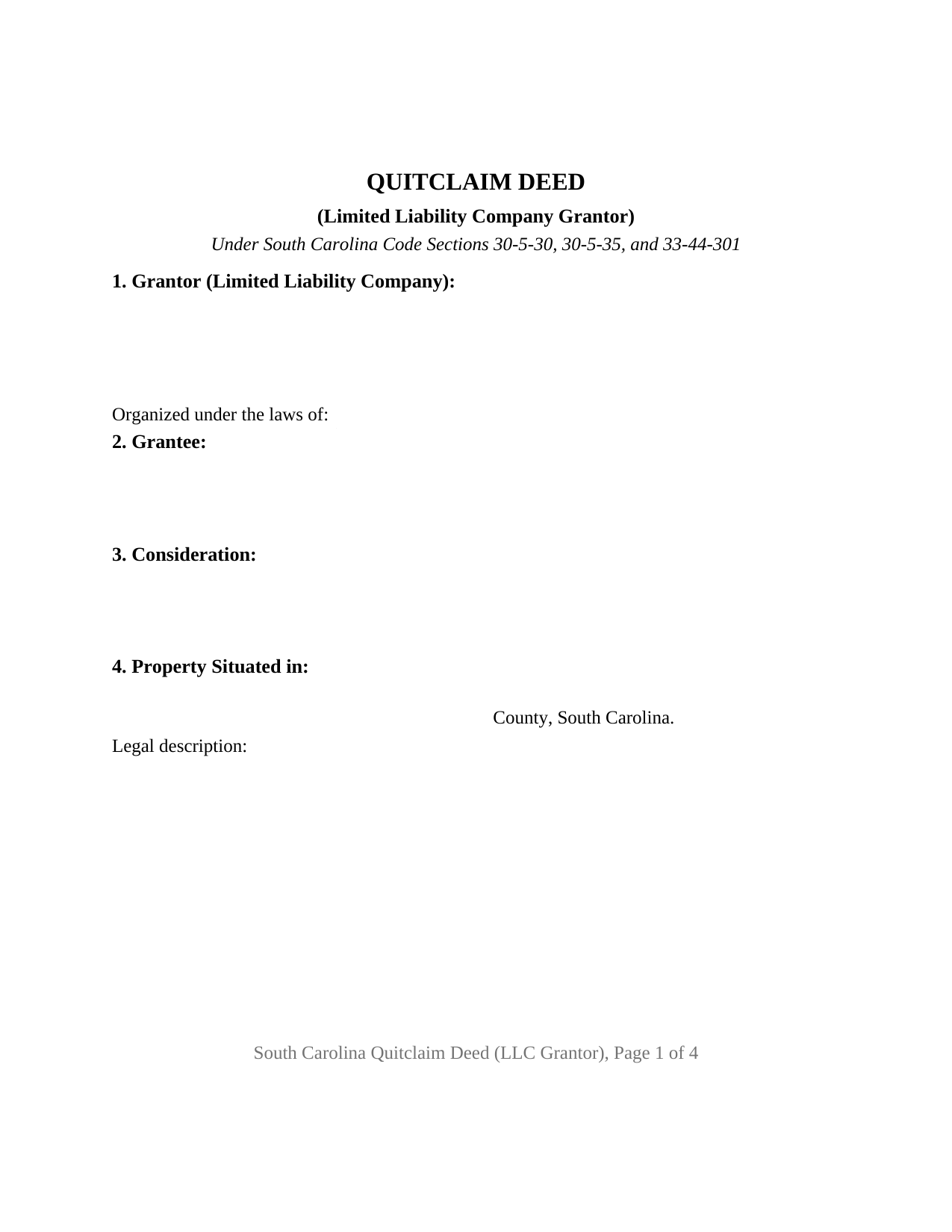
Richland County Quitclaim Deed (LLC Grantor) Form
Fill in the blank Quitclaim Deed (LLC Grantor) form formatted to comply with all South Carolina recording and content requirements.
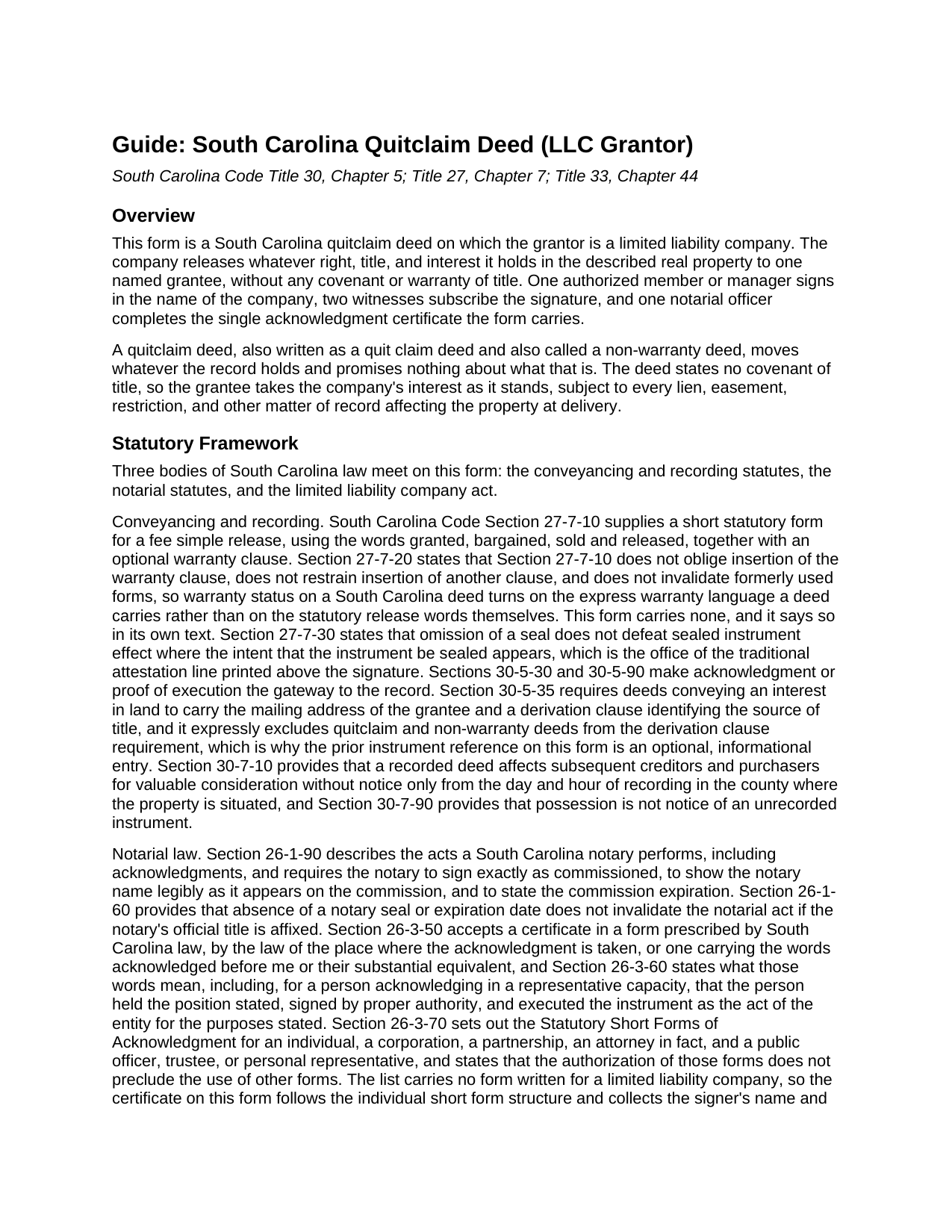
Richland County Quitclaim Deed (LLC Grantor) Guide
Line by line guide explaining every blank on the Quitclaim Deed (LLC Grantor) form.
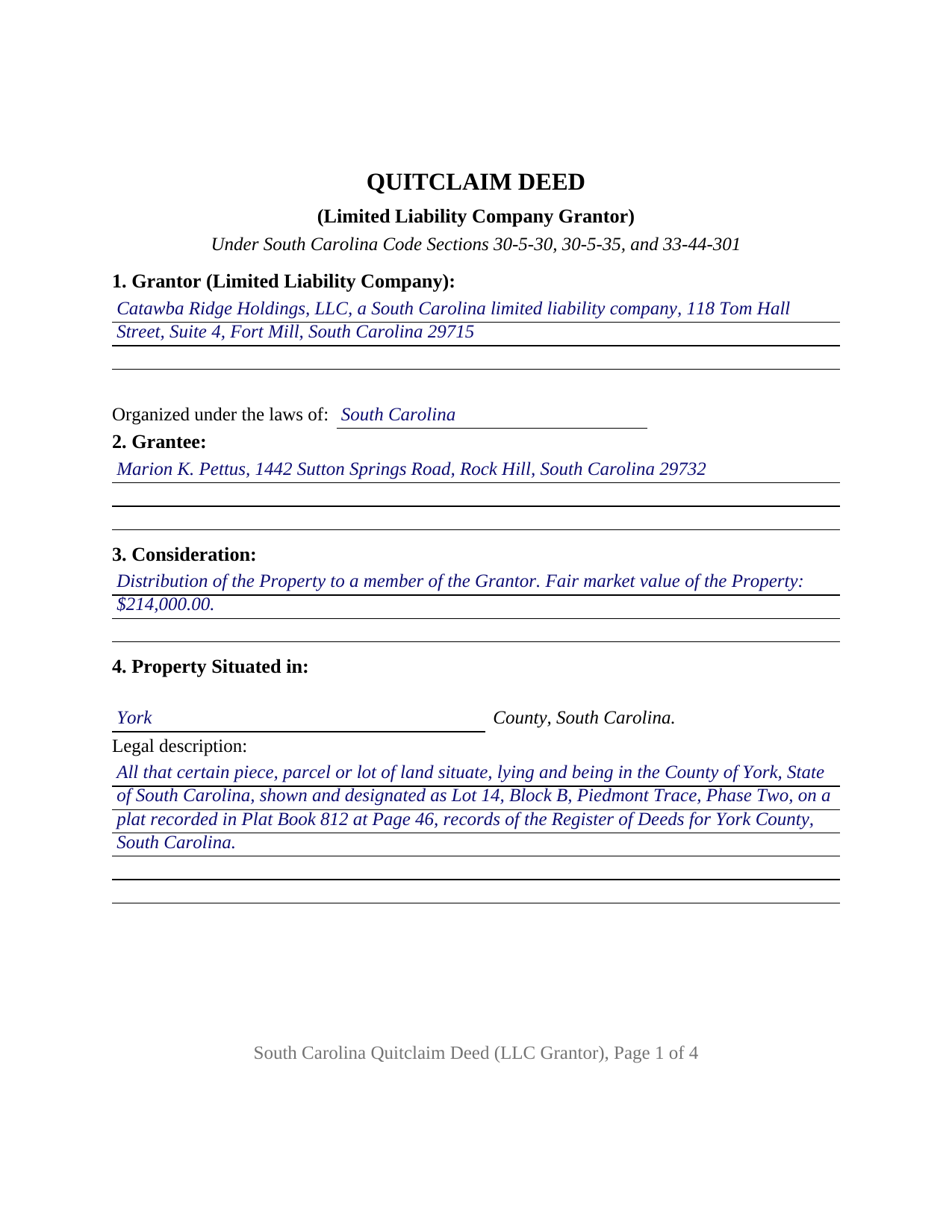
Richland County Completed Example of the Quitclaim Deed (LLC Grantor) Document
Example of a properly completed South Carolina Quitclaim Deed (LLC Grantor) document for reference.
All 3 documents above included • One-time purchase • No recurring fees
Immediate Download • Secure Checkout
Additional South Carolina and Richland County documents included at no extra charge:
Where to Record Your Documents
Richland County Register of Deeds
Columbia, South Carolina 29201 / 29202
Hours: 8:30am to 5:00pm Monday through Friday
Phone: 803-576-1910 or 803-576-1917
Recording Tips for Richland County:
- Bring your driver's license or state-issued photo ID
- Ensure all signatures are in blue or black ink
- Ask about accepted payment methods when you call ahead
- Ask for certified copies if you need them for other transactions
- Ask if they accept credit cards - many offices are cash/check only
Cities and Jurisdictions in Richland County
Properties in any of these areas use Richland County forms:
- Ballentine
- Blythewood
- Columbia
- Eastover
- Gadsden
- Hopkins
- Irmo
- State Park
- White Rock
Hours, fees, requirements, and more for Richland County
How do I get my forms?
Forms are available for immediate download after payment. The Richland County forms will be in your account ready to download to your computer. An account is created for you during checkout if you don't have one. Forms are NOT emailed.
Are these forms guaranteed to be recordable in Richland County?
Yes. Our form blanks are guaranteed to meet or exceed the applicable formatting requirements used for recording in Richland County, including margin requirements, font requirements, and other layout standards. This guarantee applies to formatting, not to the legal sufficiency of information entered by the user or the suitability of a form for a particular transaction.
Can I reuse these forms?
Yes. You can reuse the forms for your personal use. For example, if you have multiple properties in Richland County you only need to order once.
What do I need to use these forms?
The forms are PDFs that you fill out on your computer. The free Adobe Acrobat Reader is recommended, and most PDF apps also work. You do NOT enter your property information online - you download the blank forms and complete them privately on your own computer.
Are there any recurring fees?
No. This is a one-time purchase. Nothing to cancel, no memberships, no recurring fees.
How much does it cost to record in Richland County?
Recording fees in Richland County vary. Contact the recorder's office at 803-576-1910 or 803-576-1917 for current fees.
Questions answered? Let's get started!
When a limited liability company puts real estate on the record in South Carolina, one person's signature does the work of the entire company. This quitclaim deed is configured for that: a limited liability company stands alone as grantor, one authorized member or manager signs in the company name, and one grantee takes whatever interest the company holds, without covenant or warranty of title.
One signature in the company name
South Carolina answers the authority question inside its limited liability company act. Under Section 33-44-301(c) of the South Carolina Code, unless the articles of organization limit their authority, any member of a member-managed company or manager of a manager-managed company may sign and deliver any instrument transferring or affecting the company's interest in real property, and the instrument is conclusive in favor of a person who gives value without knowledge that the signer lacked authority. In a manager-managed company a member is not an agent merely by being a member, while each manager is. The deed recites the capacity claimed and the absence of a limitation in the articles; the articles, the operating agreement, and any resolution of the members are where that authority resides.
The LLC grantor configuration
Section 1 names the company and its mailing address, with a separate entry for the state under whose law it was organized. In Section 8 the company remises, releases, and forever quitclaims whatever interest it holds in the described land, with no covenant of title from the company or from the individual signing for it. Section 9 sets the company name above one signature line, adds a printed name entry and a title entry for the office the signer holds, and carries two witness blocks, the pair Sections 27-7-10 and 30-5-30(B) contemplate on a South Carolina deed; one acknowledgment certificate follows, naming the signer with that capacity. A company distributing a parcel to a member, releasing a remnant strip to an adjoining owner after a survey, or clearing an uncertain link in an old chain of title presents the pattern this deed recites. The form recites one company as grantor and one signer for it; co-owners signing in their own right, an individual owner, and two companies conveying together each follow a different pattern.
Deed stamps between a company and its owner
Section 12-24-10 sets the charge counties bill as deed stamps at $1.85 for each $500, or part of $500, of the value of the realty. Section 12-24-30 changes what value means when the parties are an entity and its owner: for realty transferred between a corporation, a partnership, or other entity and its stockholder, partner, or owner, value is fair market value, so a nominal recital does not set the charge when a company conveys to a member. Section 12-24-40(8) shuts the other side of that door, keeping a transfer from an entity to an owner subject to the fee even where the property lands in a second entity. The completed example runs it out on a $214,000 fair market value: 428 increments of $500, $791.80 in deed stamps, beside the flat $15 Section 8-21-310 charges to record a deed. The affidavit of value under Section 12-24-70 is its own document.
Reappraisal, and a notice the register never sees
Section 12-37-3150 counts a deed among the assessable transfers of interest that send a parcel to reappraisal, recorded or not, and it reaches company paperwork that never reaches a recording counter: a transfer of more than fifty percent of the ownership interests in an entity holding South Carolina real property is itself an assessable transfer, with notice due to the county assessor within forty five days and civil penalties for missing it.
What the record asks
This instrument, also written as a quit claim deed and known in South Carolina practice as a non-warranty deed, carries no title assurance, and Section 30-5-35 leaves deeds of that class outside its derivation clause, so the prior instrument entry stays informational. The grantee mailing address that section requires is live, county intake lists add the tax map number, and Section 30-7-10 dates the deed's effect from the hour it reaches the record.
The purchase delivers three files: the fillable deed, a completed York County example filled in for a Fort Mill lot leaving a company, and a plain language guide covering the nine sections, the signing and witness mechanics, how grantees may hold what the deed releases, and recording. These materials describe South Carolina law in general terms; they are not legal advice.
Important: Your property must be located in Richland County to use these forms. Documents should be recorded at the county recording office listed above.
This Quitclaim Deed (LLC Grantor) meets all recording requirements specific to Richland County.
Our Promise
The documents you receive here are guaranteed to meet or exceed the applicable Richland County recording format requirements. If there is a rejection caused by our formatting, we will correct the issue or refund your payment. This guarantee applies to document formatting only and does not extend to information entered by the user, the selection of the form, or the legal effect of the completed document.
Save Time and Money
Get your Richland County Quitclaim Deed (LLC Grantor) form done right the first time with Deeds.com Uniform Conveyancing Blanks. At Deeds.com, we understand that your time and money are valuable resources, and we don't want you to face a penalty fee or rejection imposed by a county recorder for submitting nonstandard documents. We constantly review and update our forms to meet rapidly changing state and county recording requirements for roughly 3,500 counties and local jurisdictions.
4.8 out of 5 - ( 4,828 Reviews )
Ralph B. 5 out of 5 stars
My needs were met quickly and efficiently with very little wait. Deeds.com made it easy to understand and use their program and I couldn't be more happy with the results!
It was a pleasure serving you. Thank you for the positive feedback!
Kecia L. 5 out of 5 stars
Great place to find much needed documents. A huge thanks!
We appreciate your business and value your feedback. Thank you. Have a wonderful day!
Irma G. 5 out of 5 stars
Although I did not use the forms yet, it appears very easy to understand and navigate.
Thank you for your feedback. We really appreciate it. Have a great day!
Kimberly H. 5 out of 5 stars
Very convenient, easy to use, and fast! I highly recommend Deeds.com!
We appreciate your business and value your feedback. Thank you. Have a wonderful day!
bill h. 5 out of 5 stars
so far getting what i needed was easy the site is well done thank you
We appreciate your business and value your feedback. Thank you. Have a wonderful day!
Jan O. 5 out of 5 stars
This was so easy and just what I needed.
Thank you for your feedback. We really appreciate it. Have a great day!
Shirley R J. 5 out of 5 stars
Great website.....fast and easy access!
We appreciate your business and value your feedback. Thank you. Have a wonderful day!
Michael B. 5 out of 5 stars
It was a breeze to utilize.
Thank you!
Will O. 5 out of 5 stars
Saved me so much time and $!!
Thank you!
Maria S. 3 out of 5 stars
The paperwork/forms are fine, but there isn't enough explanation for me to figure out how to file the extra forms (which I do need in my case). The main form, Deed Upon Death is fine. I think the price is pretty high for these forms. I wouldn't have purchased it because there are places to get them for much cheaper (about 6 dollars), but this site had the extra forms I wanted (property in a trust and another form). Unfortunately these were included as a "courtesy" and there are no instructions for them. So three stars for being clear about what was in the package, having the right forms that I need, but instructions for putting them to use and price took a couple of stars off. Downloading was easy and once you download you can type the info into the PDF--that makes working with the forms much easier.
Thank you for the feedback Maria. Regarding the supplement documents, it is best to get assistance from the agency that requires them. These are not legal documents, they should provide full support and guidance for them.
Paul F. 5 out of 5 stars
Excellent - no reservations. I used them on a Sunday and had my info on Monday. Not only did they execute the order flawlessly, the fixed my screw up* immediately. *I hit refresh before the "secured" page transmitted, so I created (2) two orders of the same item.
Thanks for the review Paul, glad you were happy with the service and staff. Our staff is pretty good at catching the few duplicate orders that get through.
Stephen D. 5 out of 5 stars
Very good hope to use in the future.
Thank you for your feedback. We really appreciate it. Have a great day!
Laurel D. 5 out of 5 stars
This is a great service. I can't believe how fast my document was recorded!
Thank you for your feedback. We really appreciate it. Have a great day!
Cheryl M. 5 out of 5 stars
Easy.
Thank you!
JOHN S. 5 out of 5 stars
They had everything for a living trust but the form to transfer your house into the living trust
We appreciate your business and value your feedback. Thank you. Have a wonderful day!