Calhoun County Quitclaim Deed (Interspousal) Form
Last validated October 9, 2026 by our Forms Development TeamFormatted for recording in Calhoun County, for property anywhere in the county: rural and unincorporated areas as well as Altha, Blountstown, Clarksville, Wewahitchka.
- 3 documents included
- Immediate PDF download
- Formatting guarantee
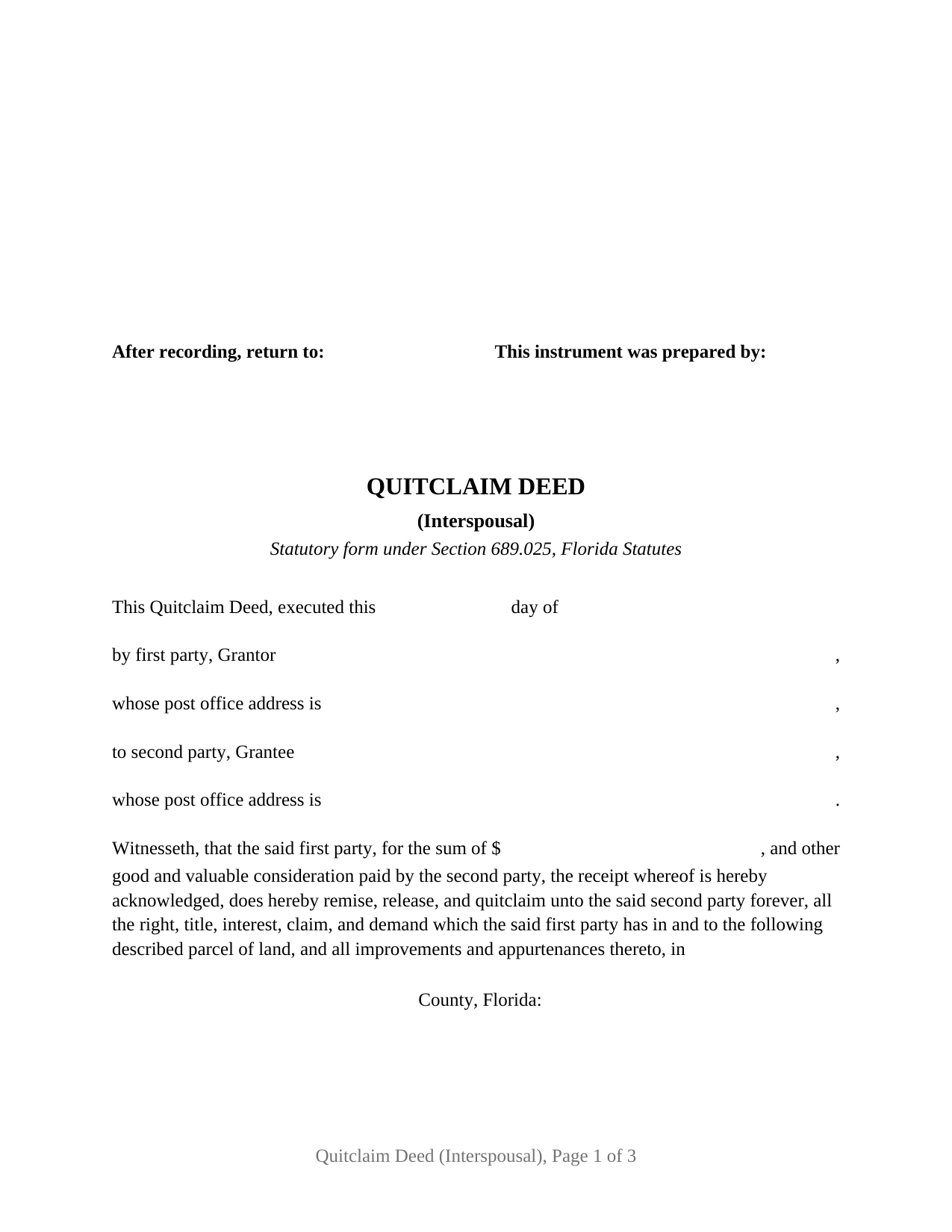
Calhoun County Quitclaim Deed (Interspousal) Form
Fill in the blank Quitclaim Deed (Interspousal) form formatted to comply with all Florida recording and content requirements.
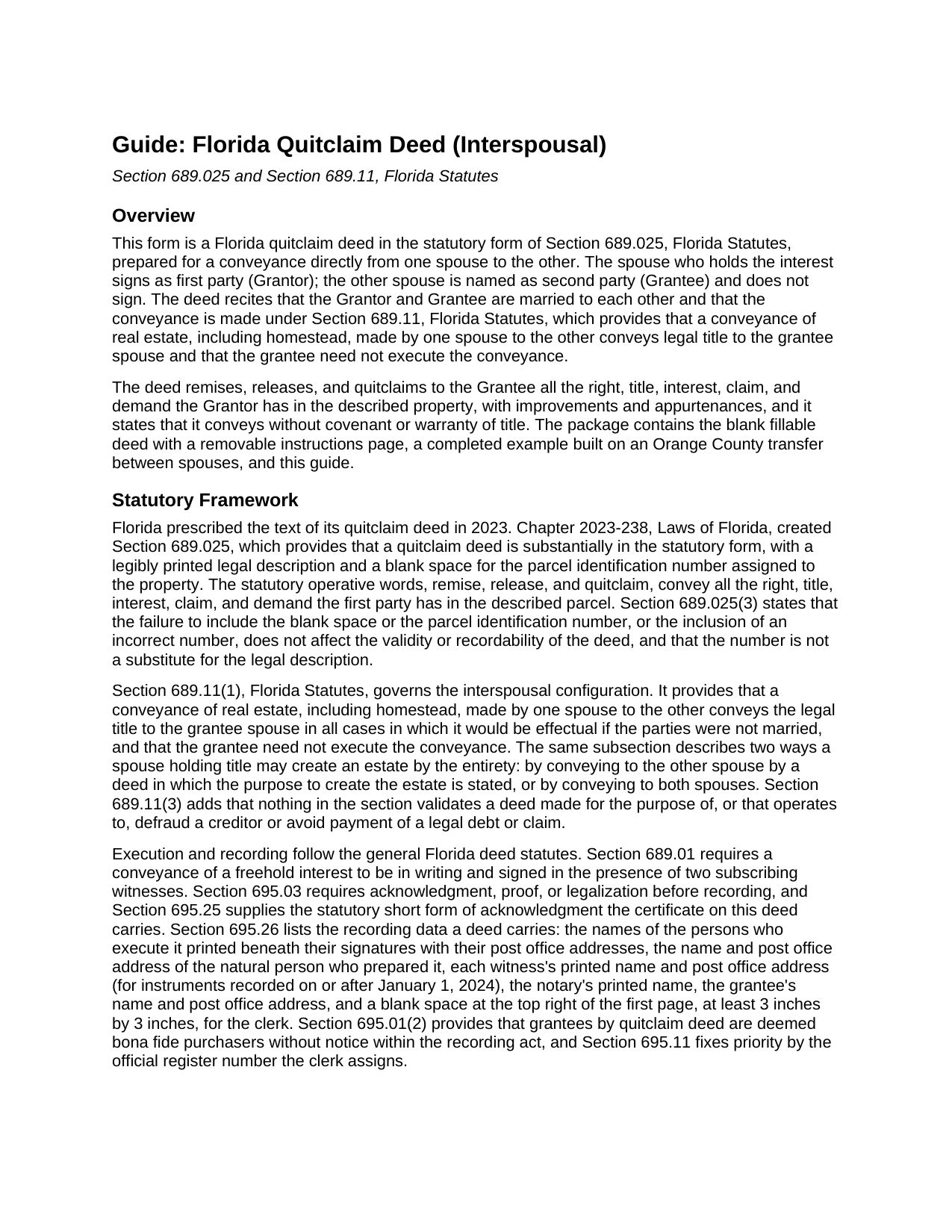
Calhoun County Quitclaim Deed (Interspousal) Guide
Line by line guide explaining every blank on the Quitclaim Deed (Interspousal) form.
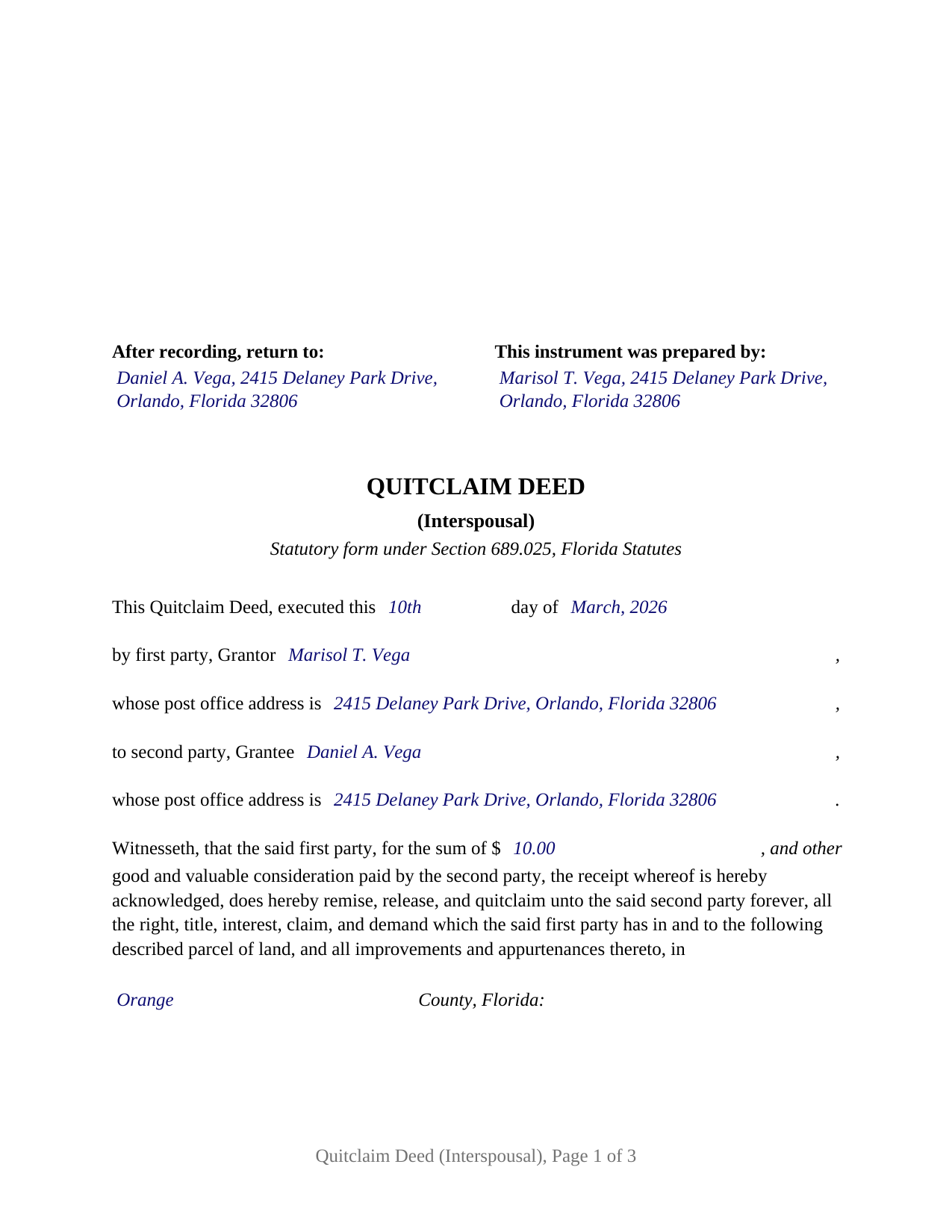
Calhoun County Completed Example of the Quitclaim Deed (Interspousal) Document
Example of a properly completed Florida Quitclaim Deed (Interspousal) document for reference.
All 3 documents above included • One-time purchase • No recurring fees
Immediate Download • Secure Checkout
Additional Florida and Calhoun County documents included at no extra charge:
Where to Record Your Documents
Calhoun County Clerk of the Court
Blountstown, Florida 32424
Hours: 8:00am to 4:00pm M-F
Phone: (850) 674-4545
Recording Tips for Calhoun County:
- Bring your driver's license or state-issued photo ID
- Ensure all signatures are in blue or black ink
- Documents must be on 8.5 x 11 inch white paper
- Double-check legal descriptions match your existing deed
- Verify all names are spelled correctly before recording
Cities and Jurisdictions in Calhoun County
Properties in any of these areas use Calhoun County forms:
- Altha
- Blountstown
- Clarksville
- Wewahitchka
Hours, fees, requirements, and more for Calhoun County
How do I get my forms?
Forms are available for immediate download after payment. The Calhoun County forms will be in your account ready to download to your computer. An account is created for you during checkout if you don't have one. Forms are NOT emailed.
Are these forms guaranteed to be recordable in Calhoun County?
Yes. Our form blanks are guaranteed to meet or exceed the applicable formatting requirements used for recording in Calhoun County, including margin requirements, font requirements, and other layout standards. This guarantee applies to formatting, not to the legal sufficiency of information entered by the user or the suitability of a form for a particular transaction.
Can I reuse these forms?
Yes. You can reuse the forms for your personal use. For example, if you have multiple properties in Calhoun County you only need to order once.
What do I need to use these forms?
The forms are PDFs that you fill out on your computer. The free Adobe Acrobat Reader is recommended, and most PDF apps also work. You do NOT enter your property information online - you download the blank forms and complete them privately on your own computer.
Are there any recurring fees?
No. This is a one-time purchase. Nothing to cancel, no memberships, no recurring fees.
How much does it cost to record in Calhoun County?
Recording fees in Calhoun County vary. Contact the recorder's office at (850) 674-4545 for current fees.
Questions answered? Let's get started!
Florida lets one spouse deed real estate directly to the other. Section 689.11 of the Florida Statutes validates a conveyance of real estate, including homestead, made by one spouse to the other, passes legal title to the grantee spouse, and states that the grantee need not execute the conveyance. No intermediary, no straw-man transfer, and only one signature line: the grantor's. This form pairs that rule with Florida's statutory quitclaim deed language, producing an interspousal deed built for the county recording counter.
The statutory quitclaim form, word for word
Since 2023, Florida has prescribed the text of a quitclaim deed. Chapter 2023-238, Laws of Florida, created Section 689.025, which prescribes the deed's text, a legible legal description, and a blank space for the parcel identification number. This form follows the statutory language exactly: the deed remises, releases, and quitclaims to the second party all the right, title, interest, claim, and demand which the first party has in and to the described parcel, together with its improvements and appurtenances. Those words convey whatever interest the grantor holds at delivery, and nothing more; a quitclaim deed carries no covenant or warranty of title, and the deed says so in its own text.
Built around a married grantor and grantee
The deed recites that the grantor and grantee are married to each other and invokes Section 689.11, so the recorded instrument shows on its face why the grantee's signature is absent, even where the property is constitutional homestead. The architecture follows that recital: one grantor signature block, two subscribing witness blocks, and a single acknowledgment certificate, with no joinder line and no second grantor block anywhere on the deed. Transfers of this shape appear in the record when title held in one spouse's name is moved into the other spouse's name, when a spouse releases an undivided interest so the record stands in a single name, and when a marital or premarital agreement calls for a conveyance between the spouses. The form names one grantee alone, so it moves an interest into that spouse's sole name; a deed placing title in both spouses, or one stating the purpose to create a tenancy by the entirety, is a different structure that Section 689.11 also describes and that this deed does not recite. It likewise does not recite former spouses after a dissolution, an entity or trustee as grantor, or an agent signing under a power of attorney.
Documentary stamps: where the mortgage matters
Florida taxes deeds at 70 cents per 100 dollars of consideration (Miami-Dade County has its own rate structure), and consideration includes a mortgage on the property even when nobody assumes it. That rule reaches deeds between spouses, so a transfer of mortgaged property can be taxable on the share of the loan that travels with the interest conveyed. Section 201.02(7)(b), Florida Statutes, carves out the transfer most interspousal deeds involve: homestead property moving between spouses with nothing but the existing mortgage or lien as consideration is exempt, whether the deed runs from one spouse to the other, from one spouse to both, or from both to one. The guide walks through the computation, the minimum tax on an unencumbered transfer, and the exemption.
Two witnesses, a notary, and the clerk's blank square
A Florida deed is signed before two subscribing witnesses and acknowledged before a notary, and since January 1, 2024, each witness's printed name and post office address belong on the instrument. The form carries dedicated witness blocks, a notary certificate in the words of the Section 695.25 short form with the physical presence or online notarization boxes Florida certificates now state and a reserved area for the notary's rubber stamp seal, a preparer block, and the 3 inch by 3 inch space the clerk claims at the top right of the first page. After recording, title stands in the grantee spouse's name alone, and the grantor becomes the spouse whose joinder the Florida Constitution calls for on any later sale, gift, or mortgage of the homestead.
The package includes the blank deed as a fillable PDF with a removable instructions page, a completed example showing a realistic Orange County transfer between spouses, and a plain-language guide that treats every blank, the homestead angle, and the recording costs; the materials are informational and are not legal advice.
Important: Your property must be located in Calhoun County to use these forms. Documents should be recorded at the county recording office listed above.
This Quitclaim Deed (Interspousal) meets all recording requirements specific to Calhoun County.
Our Promise
The documents you receive here are guaranteed to meet or exceed the applicable Calhoun County recording format requirements. If there is a rejection caused by our formatting, we will correct the issue or refund your payment. This guarantee applies to document formatting only and does not extend to information entered by the user, the selection of the form, or the legal effect of the completed document.
Save Time and Money
Get your Calhoun County Quitclaim Deed (Interspousal) form done right the first time with Deeds.com Uniform Conveyancing Blanks. At Deeds.com, we understand that your time and money are valuable resources, and we don't want you to face a penalty fee or rejection imposed by a county recorder for submitting nonstandard documents. We constantly review and update our forms to meet rapidly changing state and county recording requirements for roughly 3,500 counties and local jurisdictions.
4.8 out of 5 - ( 4,844 Reviews )
MYRON J. 5 out of 5 stars
Great way to track and save forms.
Thank you!
Barbara R. 5 out of 5 stars
Thank you for your services My first time to ever print anything from your service or print off of a computer like this so I'm praying that it works I'm doing this to my phone. Thank you
Thank you!
Rebecca V. 5 out of 5 stars
The staff is Great to work with, Thank You
Thank you!
Jose D. 5 out of 5 stars
A little difficult in the beginning but with the messaging back and forth it was very simple and fast. Thank you for your help.
We appreciate your business and value your feedback. Thank you. Have a wonderful day!
John L. 5 out of 5 stars
First time user but very pleased with user friendly service and reasonable cost.
Thank you!
Salvatore R. 5 out of 5 stars
It was fast and easy to find.
Thank you!
George S. 5 out of 5 stars
Deeds.com made the recording of my timeshare Quit Claim Deed painless and extremely fast. I'm talking hours, not days. Thank You!
Your feedback is greatly appreciated. Thank you for taking the time to share your experience!
Filomena G. 5 out of 5 stars
very helpful
Thank you!
HAMIDREZA M. 5 out of 5 stars
excellent service
Thank you!
Bernadette W. 5 out of 5 stars
It was very easy to use the website. I wish there was an option to pay for multiple documents at once instead of having to pay for each one individually.
We appreciate your business and value your feedback. Thank you. Have a wonderful day!
RICHARD M. 5 out of 5 stars
After a little glitch due to heavy volume at the County Recorder, my document was recorded. County Recorder was closed to public access at the office (due to the coronavirus issues) so all documents were either mailed to them or sent in electronically. Deeds.com was very efficient at their end with very quick responses to my questions and concerns. I would definitely use their services again.
Thank you for your feedback. We really appreciate it. Have a great day!
Thomas W. 5 out of 5 stars
easy to use, no problems except in beneficiary box. Need to make the box bigger because I have 4 beneficiaries to list. how do I enlarge the box.
Thanks for reaching out. All available space on the document is being used. As is noted in the guide, if you have information that does not fit in the available space the included exhibit page should be used.
Steven T. 5 out of 5 stars
I needed the deed forms for setting up our living trust. It appears this will do the trick! Steve
We appreciate your business and value your feedback. Thank you. Have a wonderful day!
Gary S. 5 out of 5 stars
Thank you! Quick, timely and excellent quality document!
Thank you for your feedback. We really appreciate it. Have a great day!
Rodrigo M. 5 out of 5 stars
Excellent service
Thank you!