Smith County Indemnity Agreement Form
Last validated October 1, 2026 by our Forms Development TeamFormatted for recording in Smith County, for property anywhere in the county: rural and unincorporated areas as well as Brush Creek, Carthage, Chestnut Mound, Dixon Springs, Elmwood, Gordonsville, Hickman, Lancaster and 2 more.
- 3 documents included
- Immediate PDF download
- Formatting guarantee
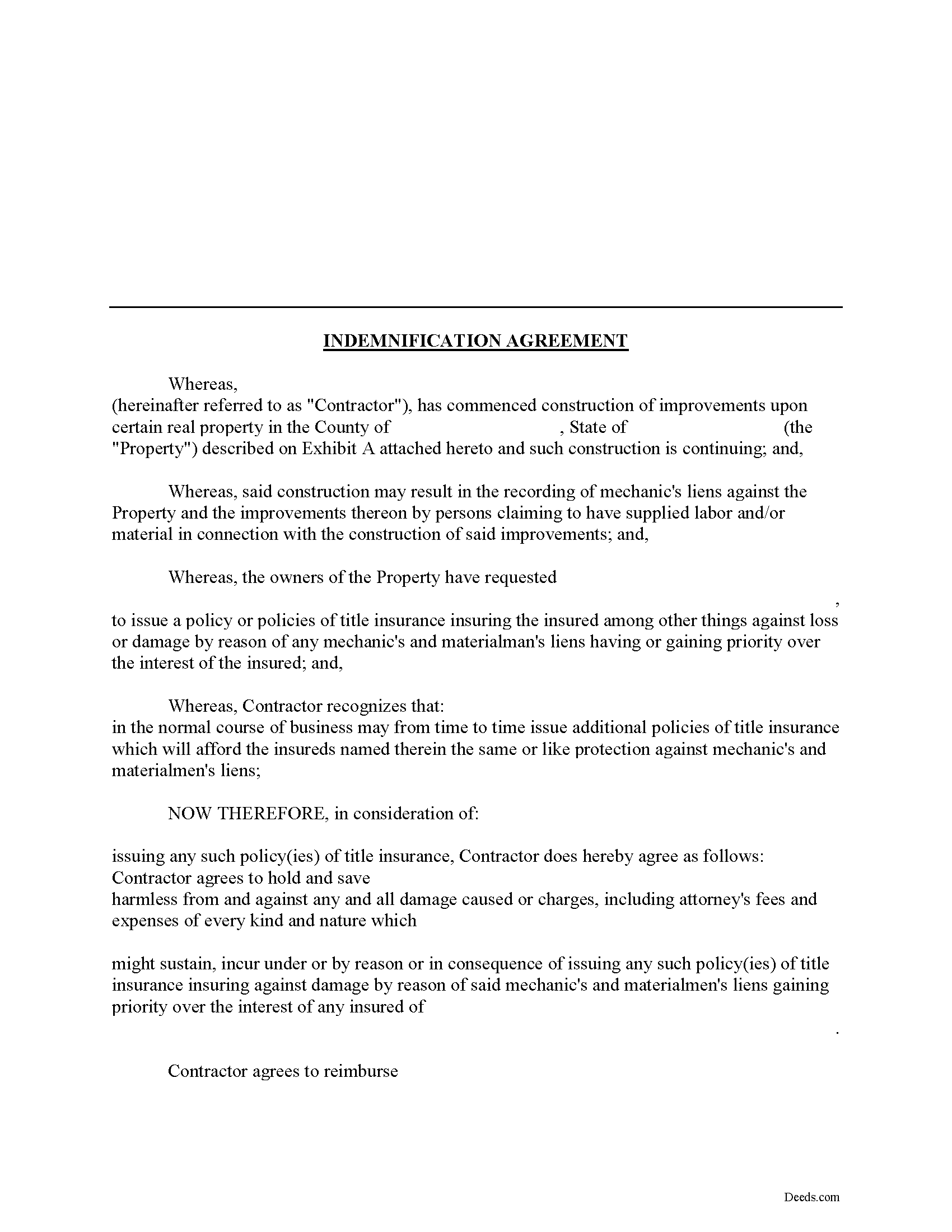
Smith County Indemnity Agreement Form
Fill in the blank Indemnity Agreement form formatted to comply with all Tennessee recording and content requirements.
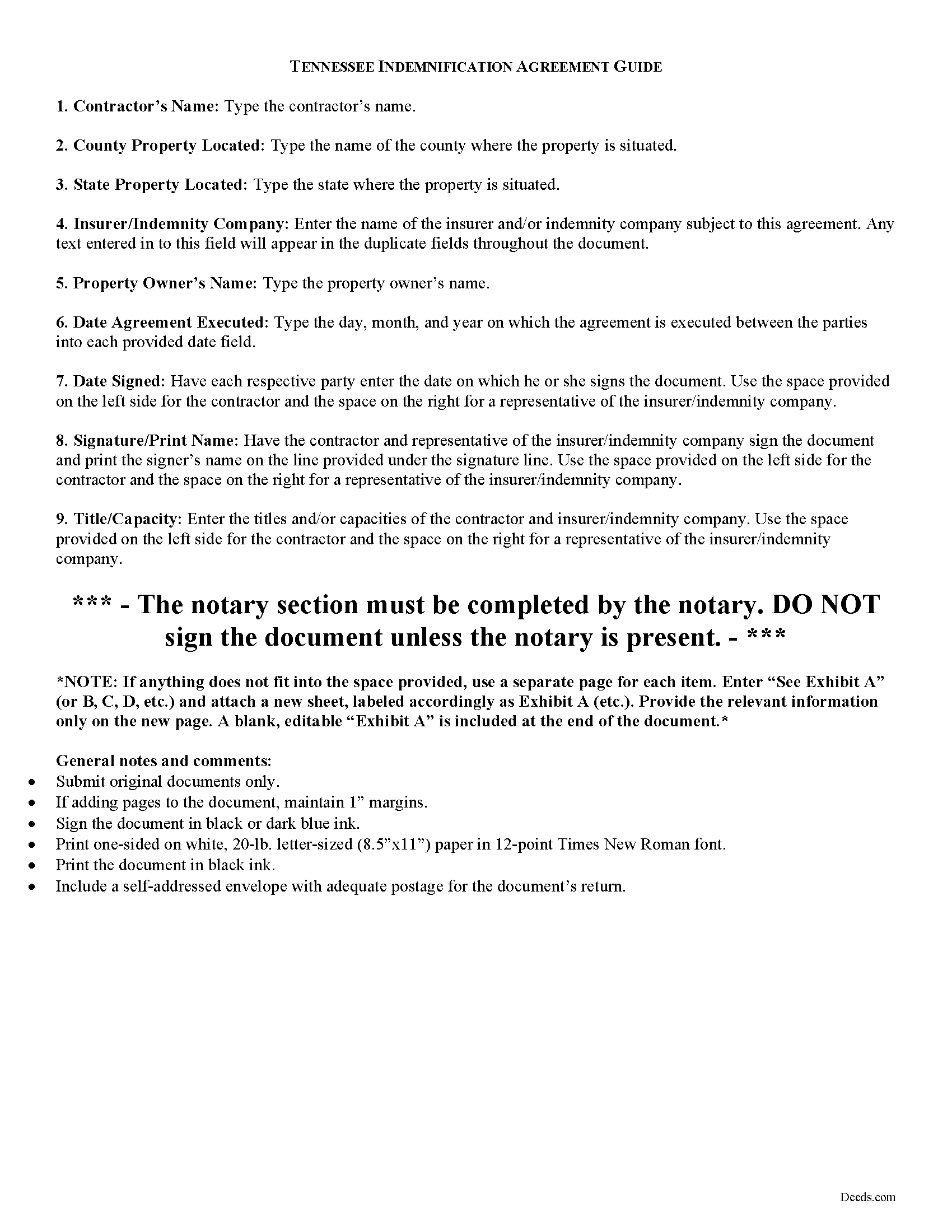
Smith County Indemnity Agreement Guide
Line by line guide explaining every blank on the form.
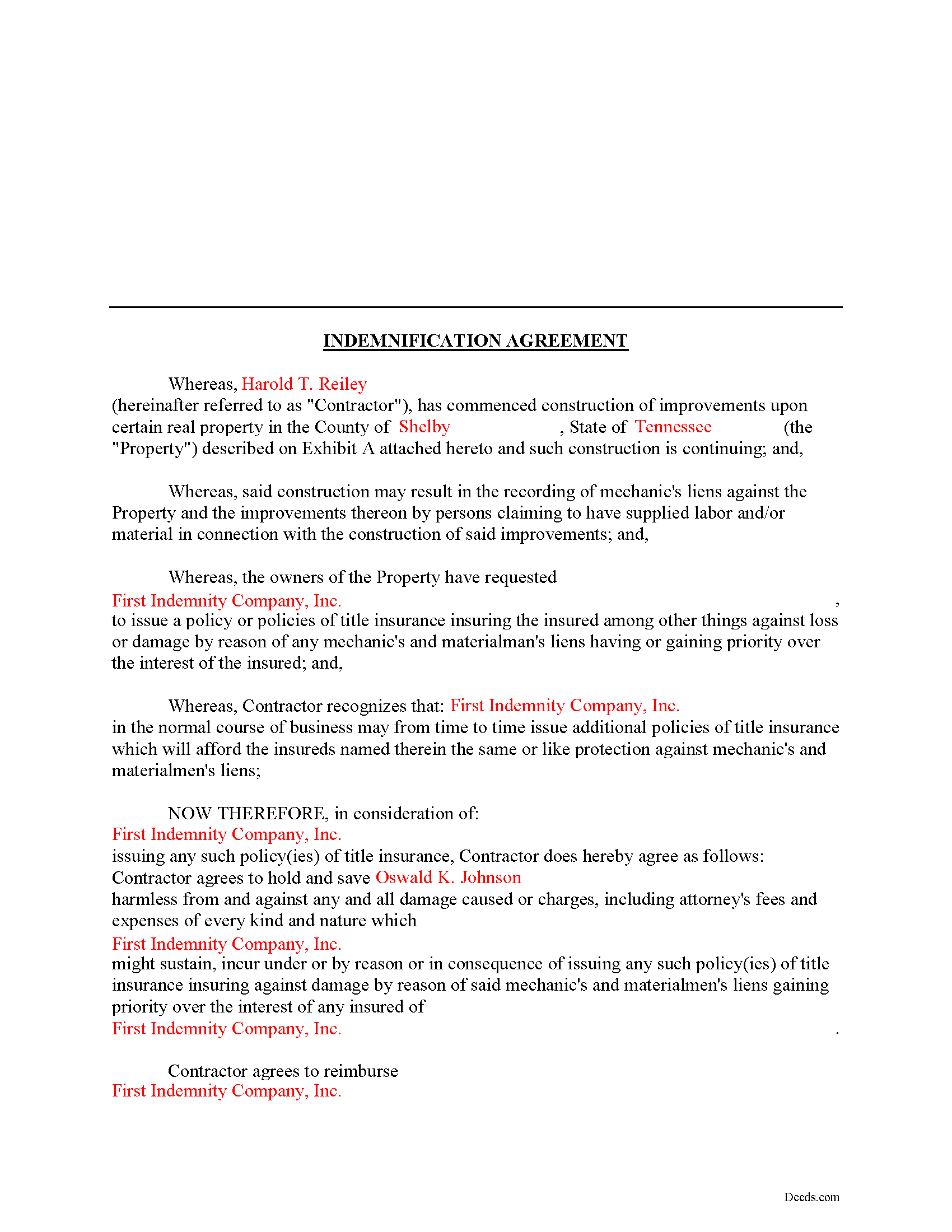
Smith County Completed Example of the Indemnity Agreement Document
Example of a properly completed form for reference.
All 3 documents above included • One-time purchase • No recurring fees
Immediate Download • Secure Checkout
Additional Tennessee and Smith County documents included at no extra charge:
Where to Record Your Documents
Smith County Register of Deeds
Carthage, Tennessee 37030
Hours: 8:00 to 4:00 M-F
Phone: (615) 735-1760
Recording Tips for Smith County:
- Bring your driver's license or state-issued photo ID
- Ensure all signatures are in blue or black ink
- White-out or correction fluid may cause rejection
- Ask about their eRecording option for future transactions
- Avoid the last business day of the month when possible
Cities and Jurisdictions in Smith County
Properties in any of these areas use Smith County forms:
- Brush Creek
- Carthage
- Chestnut Mound
- Dixon Springs
- Elmwood
- Gordonsville
- Hickman
- Lancaster
- Pleasant Shade
- Riddleton
Hours, fees, requirements, and more for Smith County
How do I get my forms?
Forms are available for immediate download after payment. The Smith County forms will be in your account ready to download to your computer. An account is created for you during checkout if you don't have one. Forms are NOT emailed.
Are these forms guaranteed to be recordable in Smith County?
Yes. Our form blanks are guaranteed to meet or exceed the applicable formatting requirements used for recording in Smith County, including margin requirements, font requirements, and other layout standards. This guarantee applies to formatting, not to the legal sufficiency of information entered by the user or the suitability of a form for a particular transaction.
Can I reuse these forms?
Yes. You can reuse the forms for your personal use. For example, if you have multiple properties in Smith County you only need to order once.
What do I need to use these forms?
The forms are PDFs that you fill out on your computer. The free Adobe Acrobat Reader is recommended, and most PDF apps also work. You do NOT enter your property information online - you download the blank forms and complete them privately on your own computer.
Are there any recurring fees?
No. This is a one-time purchase. Nothing to cancel, no memberships, no recurring fees.
How much does it cost to record in Smith County?
Recording fees in Smith County vary. Contact the recorder's office at (615) 735-1760 for current fees.
Questions answered? Let's get started!
Using an Indemnity Agreement to Protect from Liens in Tennessee
Property owners can protect themselves from a mechanic's lien on their land by executing an indemnity agreement binding both the contractor and indemnity company. By entering into an agreement, the insurer agrees to pay the contractor any amount that could otherwise be enforced through a lien placed on the property. This way, the contractor will turn to the insurance agency and not the land owner for any deficiency that is owed.
This indemnity agreement is designed to be used by contractors and material providers as well as property owners. Although this form is designed for ease of use, it may not be appropriate in every circumstance. It is always a good idea to consult with an attorney when drafting a contract between two parties.
This article is provided for informational purposes only and should not be relied upon as a substitute for the advice of an attorney. Please speak with an attorney for any questions regarding indemnity agreements.
Important: Your property must be located in Smith County to use these forms. Documents should be recorded at the county recording office listed above.
This Indemnity Agreement meets all recording requirements specific to Smith County.
Our Promise
The documents you receive here are guaranteed to meet or exceed the applicable Smith County recording format requirements. If there is a rejection caused by our formatting, we will correct the issue or refund your payment. This guarantee applies to document formatting only and does not extend to information entered by the user, the selection of the form, or the legal effect of the completed document.
Save Time and Money
Get your Smith County Indemnity Agreement form done right the first time with Deeds.com Uniform Conveyancing Blanks. At Deeds.com, we understand that your time and money are valuable resources, and we don't want you to face a penalty fee or rejection imposed by a county recorder for submitting nonstandard documents. We constantly review and update our forms to meet rapidly changing state and county recording requirements for roughly 3,500 counties and local jurisdictions.
4.8 out of 5 - ( 4,845 Reviews )
Kendrick S. 5 out of 5 stars
Really solid system for determining what may prevent your documents from being accepted. I love the comments section allowing for fluid communication. I only wish there were automated emails for all those communications and once documents were accepted, but I did receive a couple personally-generated emails regarding the progress instructing me to check the site.
Thank you for your feedback. We really appreciate it. Have a great day!
Anna C. 5 out of 5 stars
It was more detailed than the forms on other website, plus cheaper. I do not have date it was recorded in 2000 but did have date of warranty deed. Will that be ok with Recorder? Also did not want to date it today till I know when and where the Recorders office is located.
Thank you for your feedback. We really appreciate it. Have a great day!
Gary M. 5 out of 5 stars
Death of JT form was excellent. You have the best documents out there. I wish I could have read the sample just so I knew my information was entered correctly. Real problem is County wants a bar code on documents to get recorded. Now? Need four deed forms so the expense starts to be prohibitive. I would rather pay more and get multiple access.
Thank you for your feedback. We really appreciate it. Have a great day!
William T. 5 out of 5 stars
Very informative and user friendly. Thank you.
Your feedback is greatly appreciated. Thank you for taking the time to share your experience!
Vicki M. 5 out of 5 stars
Deeds.com served my needs perfectly providing a form for a very reasonable price. Every other site was double or more. The form was easy to complete and I like that I can access it if I need to make changes. I had contacted a paralegal to prepare this form for me and she quoted $150. I saved time and money with Deeds.com.
Thank you for your feedback. We really appreciate it. Have a great day!
kabir r. 5 out of 5 stars
Wonderful quitclaim forms, very happy
Thank you!
Janice H. 5 out of 5 stars
Thank you, easy to fill out forms. Now I can relax, knowing that this is done.
We appreciate your business and value your feedback. Thank you. Have a wonderful day!
Terry S. 4 out of 5 stars
Worked well for us except for not being able to edit. Got it completed and recorded with the county clerk! Having the instructions and example made it easy!
Thank you for your feedback. We really appreciate it. Have a great day!
Marcia G. 5 out of 5 stars
I am so happy with this service. I can not tell you. In about 30 minutes my records were recorded. Excellent!
We appreciate your business and value your feedback. Thank you. Have a wonderful day!
Glenda R. 5 out of 5 stars
My experience with deeds.com during this pandemic that has us inconvenienced has made it easy for personal business to continue as usual. I will recommend deeds.com to anyone I learn of needing the assistance.
Thank you for your feedback. We really appreciate it. Have a great day!
Timothy L. 5 out of 5 stars
It was very simple and easy to fill out the information need to do the warranty deed.
Thank you for your feedback. We really appreciate it. Have a great day!
Caroline W. 5 out of 5 stars
They didn't have what I needed, but they were very quick in responding to let me know and where I needed to go to receive the desired information.
Thank you for your feedback Caroline.
Rob F. 5 out of 5 stars
They are fantastic. I am a little technically challenged, but very helpful and respectful. Highly recommended. Thank you
We appreciate your business and value your feedback. Thank you. Have a wonderful day!
MARK S. 5 out of 5 stars
I filed my beneficiary deed today and it went off without a hitch. I really appreciated the guidelines and the example that came with the form The guide lines cleared up some questions I had regarding tenancy by the entirety which I had been trying to figure out.
We appreciate your business and value your feedback. Thank you. Have a wonderful day!
Robert W. 5 out of 5 stars
Easier than I thought. No problem Nice service
Thank you!