Smith County Special Warranty Deed Form
Last validated October 21, 2026 by our Forms Development TeamFormatted for recording in Smith County, for property anywhere in the county: rural and unincorporated areas as well as Brush Creek, Carthage, Chestnut Mound, Dixon Springs, Elmwood, Gordonsville, Hickman, Lancaster and 2 more.
- 3 documents included
- Immediate PDF download
- Formatting guarantee
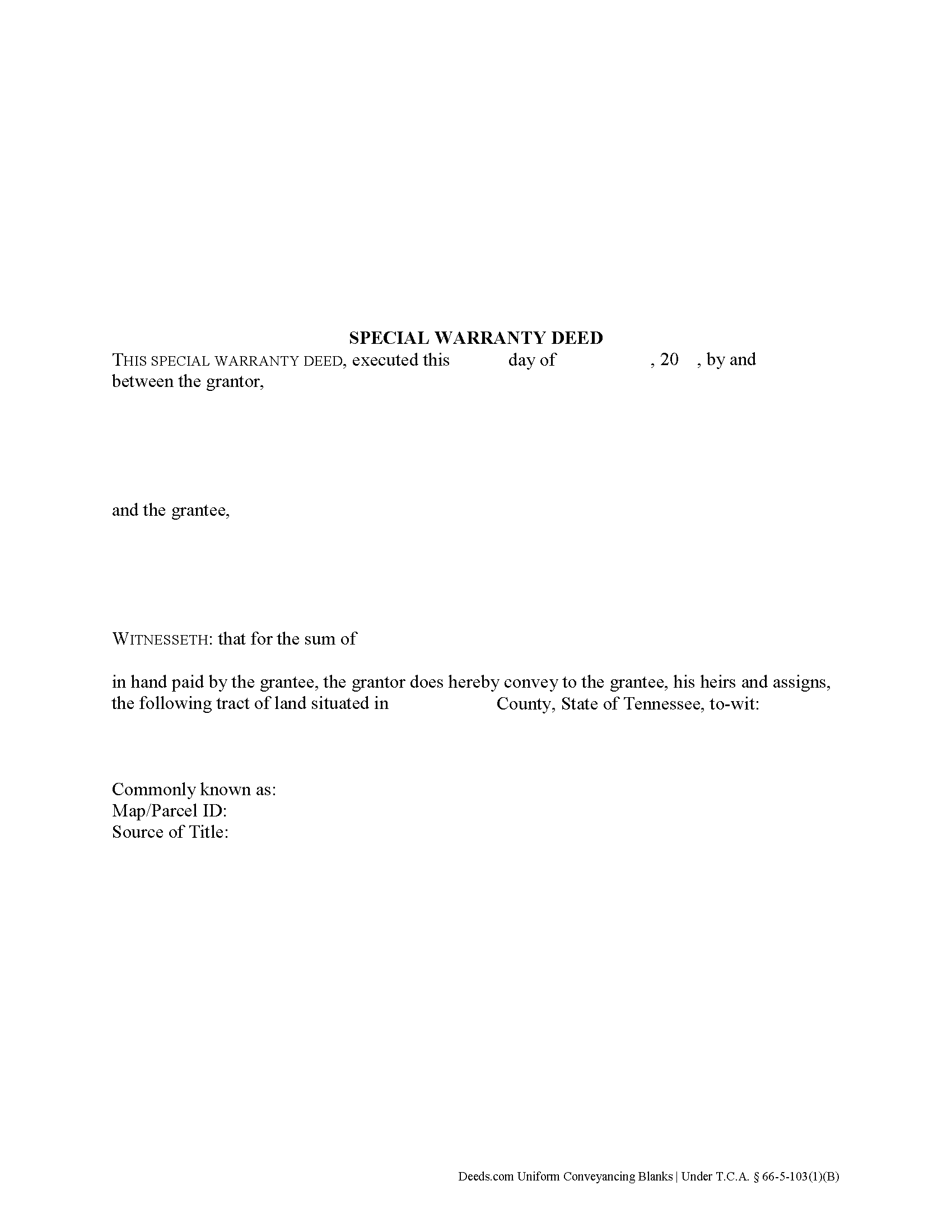
Smith County Special Warranty Deed Form
Fill in the blank form formatted to comply with all recording and content requirements.
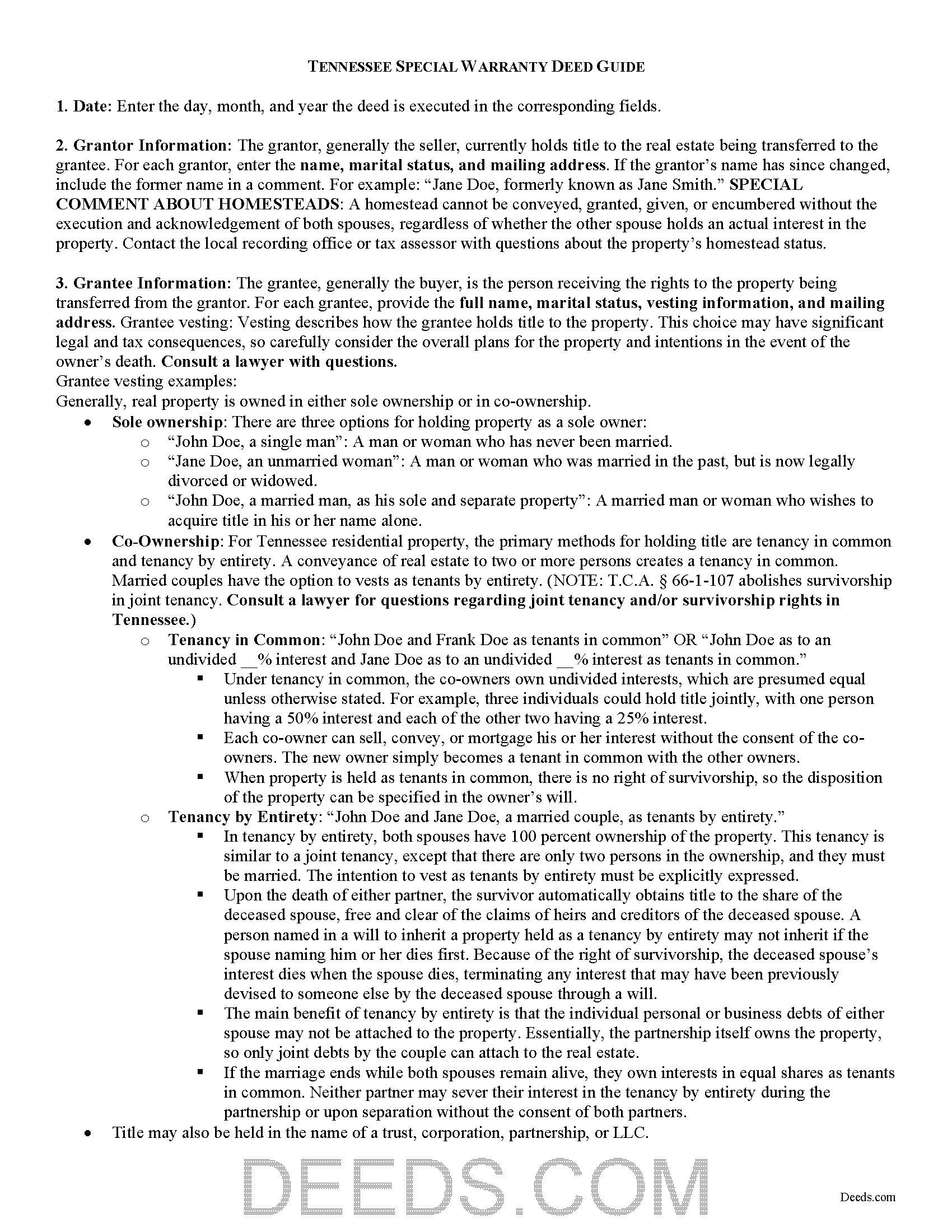
Smith County Special Warranty Deed Guide
Line by line guide explaining every blank on the form.
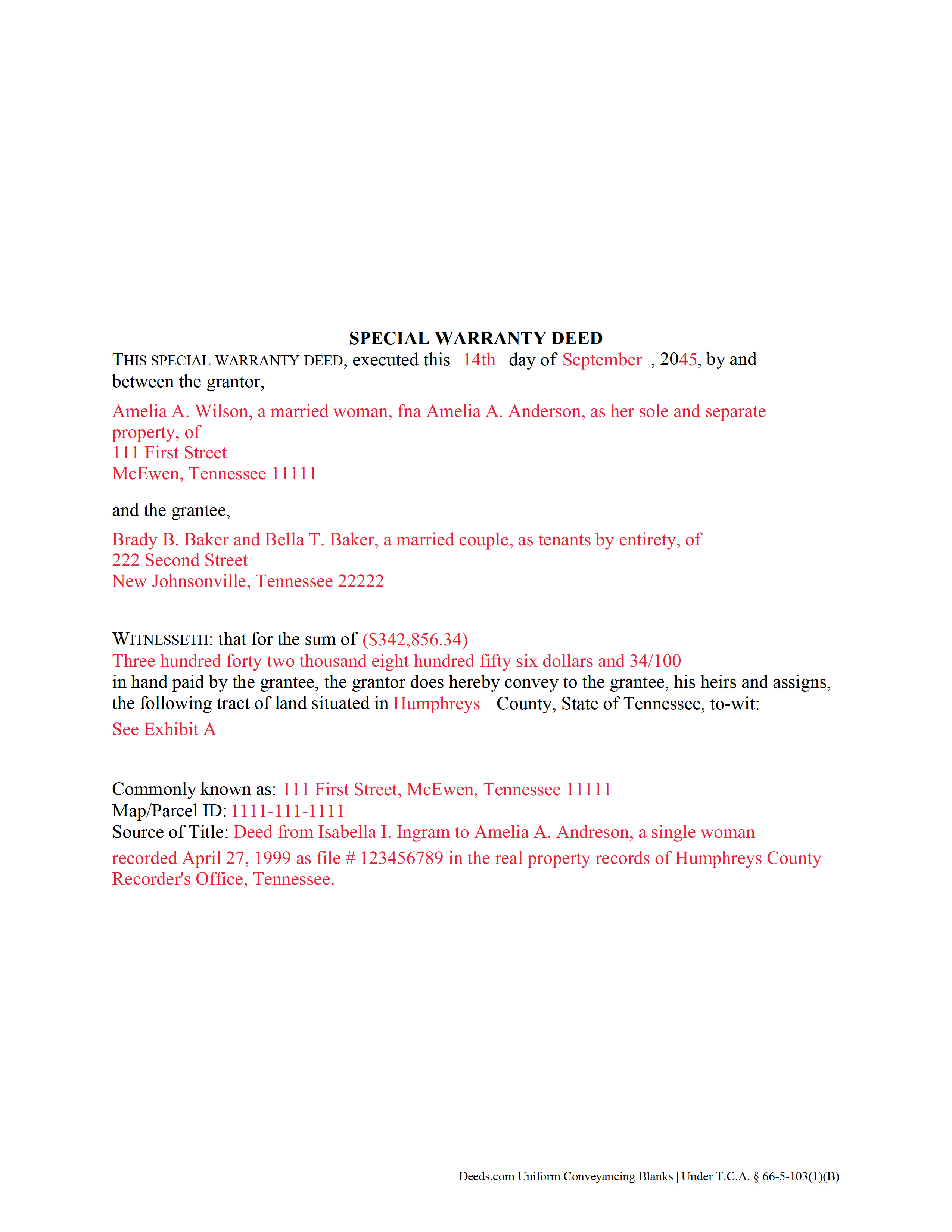
Smith County Completed Example of the Special Warranty Deed Document
Example of a properly completed form for reference.
All 3 documents above included • One-time purchase • No recurring fees
Immediate Download • Secure Checkout
Additional Tennessee and Smith County documents included at no extra charge:
Where to Record Your Documents
Smith County Register of Deeds
Carthage, Tennessee 37030
Hours: 8:00 to 4:00 M-F
Phone: (615) 735-1760
Recording Tips for Smith County:
- Bring your driver's license or state-issued photo ID
- Ensure all signatures are in blue or black ink
- Ask for certified copies if you need them for other transactions
- Ask if they accept credit cards - many offices are cash/check only
- Check that your notary's commission hasn't expired
Cities and Jurisdictions in Smith County
Properties in any of these areas use Smith County forms:
- Brush Creek
- Carthage
- Chestnut Mound
- Dixon Springs
- Elmwood
- Gordonsville
- Hickman
- Lancaster
- Pleasant Shade
- Riddleton
Hours, fees, requirements, and more for Smith County
How do I get my forms?
Forms are available for immediate download after payment. The Smith County forms will be in your account ready to download to your computer. An account is created for you during checkout if you don't have one. Forms are NOT emailed.
Are these forms guaranteed to be recordable in Smith County?
Yes. Our form blanks are guaranteed to meet or exceed the applicable formatting requirements used for recording in Smith County, including margin requirements, font requirements, and other layout standards. This guarantee applies to formatting, not to the legal sufficiency of information entered by the user or the suitability of a form for a particular transaction.
Can I reuse these forms?
Yes. You can reuse the forms for your personal use. For example, if you have multiple properties in Smith County you only need to order once.
What do I need to use these forms?
The forms are PDFs that you fill out on your computer. The free Adobe Acrobat Reader is recommended, and most PDF apps also work. You do NOT enter your property information online - you download the blank forms and complete them privately on your own computer.
Are there any recurring fees?
No. This is a one-time purchase. Nothing to cancel, no memberships, no recurring fees.
How much does it cost to record in Smith County?
Recording fees in Smith County vary. Contact the recorder's office at (615) 735-1760 for current fees.
Questions answered? Let's get started!
In Tennessee, title to real property can be transferred from one party to another using a special warranty deed. When recorded, a special warranty deed conveys an interest in real property to the named grantee with limited warranties of title.
In Tennessee, special warranty deeds are statutory. They must use the term "convey," as well as contain specific covenant language that the grantor is "seized and possessed of this land, and [has] a right to convey it." The deed warrants "the title against all persons claiming under [him or her]" (T.C.A. 66-5-103(1)(B)). This means that the deed will not protect the grantee against title issues that arose prior to the time the grantor acquired title.
A lawful special warranty deed includes the grantor's full name, mailing address, and marital status, the consideration given for the transfer, and the grantee's full name, marital status, vesting, and mailing address. Vesting describes how the grantee holds title to the property. Generally, real property is owned in either sole ownership or in co-ownership. For Tennessee residential property, the primary methods for holding title are tenancy in common and tenancy by entirety. A conveyance of real estate to two or more persons creates a tenancy in common. Married couples have the option to vests as tenants by entirety. T.C.A. 66-1-107 abolishes survivorship in joint tenancy. Consult a lawyer for questions regarding joint tenancy and/or survivorship rights in Tennessee.
As with any conveyance of realty, a special warranty deed requires a complete legal description of the parcel. Recite the prior deed reference to maintain a clear chain of title, and detail any restrictions associated with the property. The deed must be acknowledged by the grantor (and his or her spouse, if applicable) in the presence of a notary. Finally, the deed must meet all state and local standards for recorded documents.
Record the original completed deed, along with any additional materials, at the recorder's office in the county where the property is located. Recordation taxes are due upon recording. See 67-4-409 for exemptions. Refer to the same statute and contact the appropriate recorder's office for information on up-to-date fees.
This article is provided for informational purposes only and is not a substitute for the advice of an attorney. Contact a Tennessee lawyer with any questions related to the transfer of real property.
(Tennessee SWD Package includes form, guidelines, and completed example)
Important: Your property must be located in Smith County to use these forms. Documents should be recorded at the county recording office listed above.
This Special Warranty Deed meets all recording requirements specific to Smith County.
Our Promise
The documents you receive here are guaranteed to meet or exceed the applicable Smith County recording format requirements. If there is a rejection caused by our formatting, we will correct the issue or refund your payment. This guarantee applies to document formatting only and does not extend to information entered by the user, the selection of the form, or the legal effect of the completed document.
Save Time and Money
Get your Smith County Special Warranty Deed form done right the first time with Deeds.com Uniform Conveyancing Blanks. At Deeds.com, we understand that your time and money are valuable resources, and we don't want you to face a penalty fee or rejection imposed by a county recorder for submitting nonstandard documents. We constantly review and update our forms to meet rapidly changing state and county recording requirements for roughly 3,500 counties and local jurisdictions.
4.8 out of 5 - ( 4,846 Reviews )
ian a. 3 out of 5 stars
Your website advertising was somewhat deceptive regarding doing a quitclaim on a name change. "If you are transferring the property to yourself under your new name, all you have to do is update the deed from your former name to your current one." This made this sound easy. But when I downloaded the material for my state, expecting to find an example, there was no example of how to do a name change quitclaim deed! I therefore had to figure this out myself. You might have provided a warning about certain uses that were not covered in the material so that people know ahead of time that the use they needed to know about wasn't covered in the material.
Thank you for your feedback. We really appreciate it. Have a great day!
Dennis M. 5 out of 5 stars
Very quick and easy to use. Deeds.com saved me a lot of money!
Thank you!
Lance G. 5 out of 5 stars
Fast and dependable service, which is so critical in the real estate business. Excellent experience.
We appreciate your business and value your feedback. Thank you. Have a wonderful day!
Tracie R. 5 out of 5 stars
Great company and very fast at getting deeds to me. :)5 star!!
Thank you!
Patricia W. 5 out of 5 stars
Had to have help because unable to put phone number in your format. Daughter figured a way around the problem. I am 80 years old but capable of filling out simple forms but not when the format creates problems.
Thank you for your feedback. We really appreciate it. Have a great day!
Mylika M. 5 out of 5 stars
Deed.com has been an amazing resource for my solo practice. Very timely communication and quick results!
We truly value your business and appreciate your review.
Dean B. 5 out of 5 stars
I needed to cut and paste my phone number with the dashes in order to use this website with my iPhone
Thank you!
Cecilia C. 5 out of 5 stars
So very easy to follow & the cost of the packet was reasonable.
We appreciate your business and value your feedback. Thank you. Have a wonderful day!
Andrew T. 5 out of 5 stars
The process was incredibly simple from start to finish. Someone from the team even sent a message to double check part of my document was filled out correctly. Will be bringing my business here in the future!
It was a pleasure serving you. Thank you for the positive feedback!
Kristie B. 1 out of 5 stars
Horrible. As an agent, trying to find a simple answer was never accomplished.
Sorry to hear that Kristie. We do hope that you found what you were looking for elsewhere.
Brian S. 3 out of 5 stars
PDF fields change font sizes leading to an unprofessional-appearing printed page. The examples for "Convey to" section don't include how to specify just one person instead of a married couple. Maybe that is simple but it would help to spell it out in an example. Haven't submitted to County Recorder yet, so will find out if it is acceptable.
Thank you for the feedback Brian.
The font issue is caused by using a PDF viewer other than Adobe Acrobat Reader. Our form fields are set to a uniform 12-point font, but non-Adobe viewers often render form fields inconsistently. Opening and printing the form with the free Adobe Acrobat Reader will resolve that.
Regarding the examples, that's a fair point, we'll look at expanding them.
Karen U. 5 out of 5 stars
Very quick and easy!! Thanks!
Thank you for taking a moment to share your thoughts.
Brian H. 2 out of 5 stars
Forms are good. But need to be able to fill in information and blanks so these can be filed. Disappointed.
Thank you for your feedback. The forms are fill in the blank, Adobe PDFs. As is noted on the site, make sure you download the documents to your computer and open them with Adobe. Sounds like you may be trying to complete them online in your browser.
Brett T. 5 out of 5 stars
Where have you been my whole life. I will join if I can afford it. Do you have a form for a Private Family Trust Company ....Irrevocable Trust ...Revocable Trust.....send me an email so I will have contact info.
Thank you!
Guido d. 5 out of 5 stars
Excellent service. Easy to use, easy to upload, and very cost effective!
Thank you for your feedback. We really appreciate it. Have a great day!