Windham County Quitclaim Deed (Corrective) Form
Last validated October 13, 2026 by our Forms Development TeamFormatted for recording in Windham County, for property anywhere in the county: rural and unincorporated areas as well as Abington, Ashford, Ballouville, Brooklyn, Canterbury, Central Village, Chaplin, Danielson and 27 more.
- 3 documents included
- Immediate PDF download
- Formatting guarantee
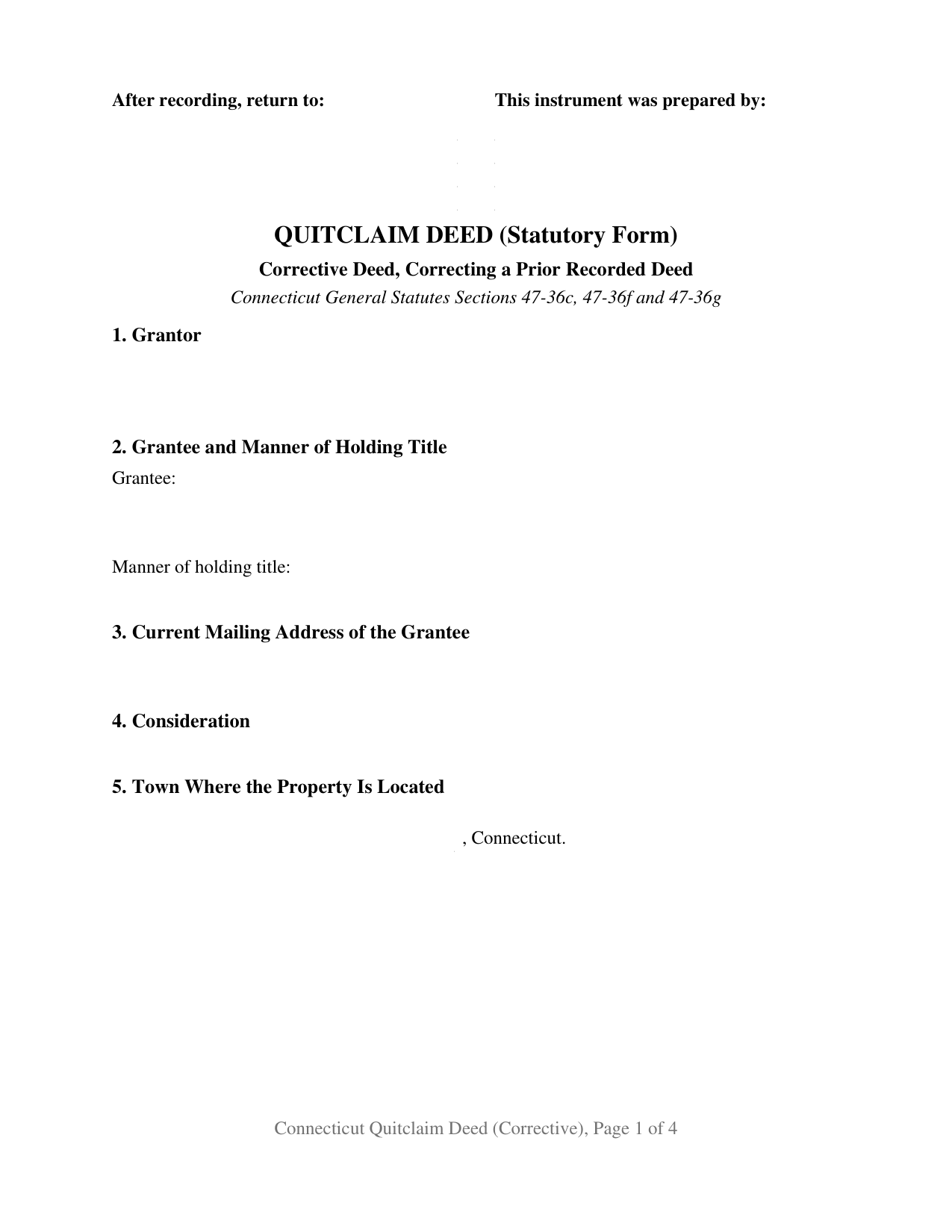
Windham County Quitclaim Deed (Corrective) Form
Fill in the blank Quitclaim Deed (Corrective) form formatted to comply with all Connecticut recording and content requirements.
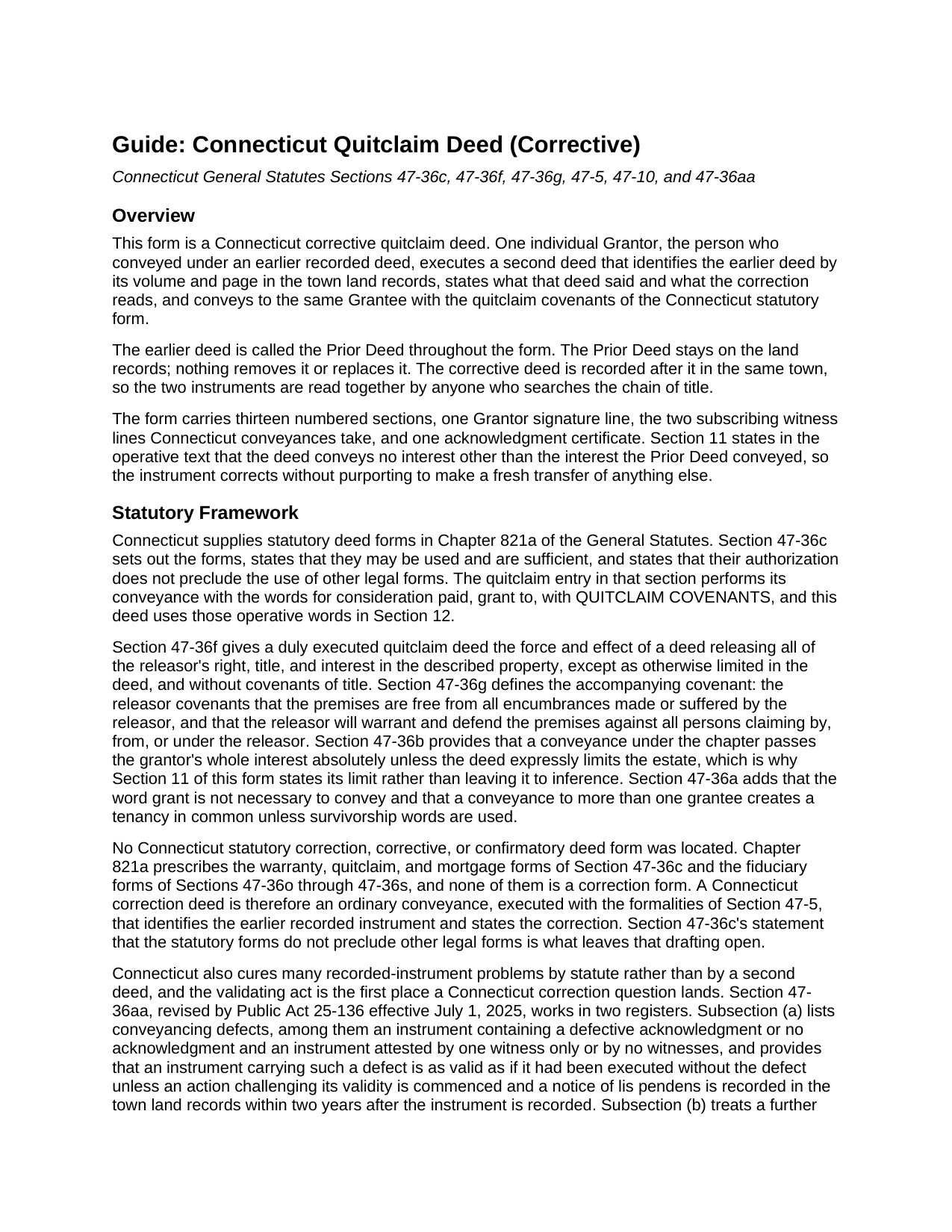
Windham County Quitclaim Deed (Corrective) Guide
Line by line guide explaining every blank on the Quitclaim Deed (Corrective) form.
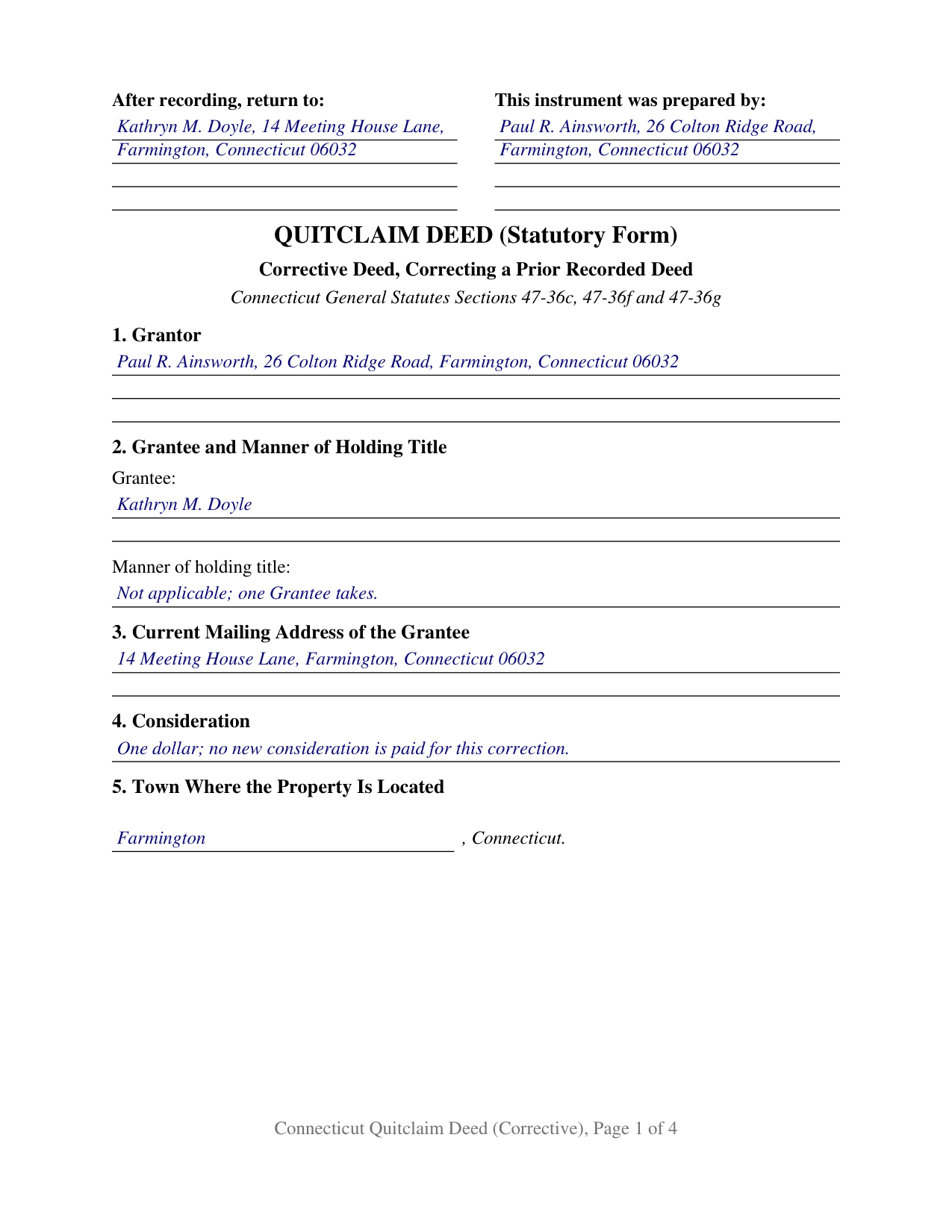
Windham County Completed Example of the Quitclaim Deed (Corrective) Document
Example of a properly completed Connecticut Quitclaim Deed (Corrective) document for reference.
All 3 documents above included • One-time purchase • No recurring fees
Immediate Download • Secure Checkout
Additional Connecticut and Windham County documents included at no extra charge:
Where to Record Your Documents
Ashford Town Clerk
Ashford, Connecticut 06278
Hours: M, T, W, F 8:30 to 3:00; W 7:00 to 9:00; closed Th
Phone: 860-487-4401
Brooklyn Town Clerk
Brooklyn, Connecticut 06234
Hours: Mon-Wed 8:00 to 5:00; Thu 8:00 to 6:00; Fri closed
Phone: (860) 779-3411 Press "4"
Canterbury Town Clerk
Canterbury, Connecticut 06331
Hours: Mon-Wed 9:00 to 4:00; Thu 9:00 to 6:30; Fri 9:00 to 1:30
Phone: (860) 546-9377
Chaplin Town Clerk
Chaplin, Connecticut 06235
Hours: Mon, Wed, Thu 9:00 to 3:00; Tue 1:00 to 7:00; Fri closed
Phone: (860) 455-0073 Ext 312
Eastford Town Clerk
Eastford, Connecticut 06242
Hours: Tue, Wed 10:00 to 12:00 & 1:00 to 4:00; 2nd & 4th Tue until 6:30
Phone: (860) 974-1885
Hampton Town Clerk
Hampton, Connecticut 06247
Hours: Tue 9:00 to 4:00; Thu 10:00 to 7:00
Phone: (860) 455-9132
Killingly Town Clerk
Killingly, Connecticut 06239
Hours: Mon, Wed, Thu 8:00 to 5:00; Tue 8:00 to 6:00; Friday 8:00 to 12:00
Phone: (860) 779-5306, 5307, 5308
Plainfield Town Clerk
Plainfield, Connecticut 06374
Hours: Mon-Fri 8:30 to 4:30
Phone: (860) 230-3009, 3010, 3040
Pomfret Town Clerk
Pomfret Center, Connecticut 06259
Hours: Mon, Tue & Thu 8:30 to 5:00; Wed 8:30 to 6:00
Phone: (860) 315-5730
Putnam Town Clerk
Putnam, Connecticut 06260
Hours: Mon-Wed 8:30 to 12:00 & 1:00 to 4:30; Thu 8:00 to 12:00 & 1:00 to 6:00; Fri 8:00 to 1:00
Phone: (860) 963-6807
Scotland Town Clerk
Scotland, Connecticut 06264
Hours: Mon, Tue, Thu 9:00 to 3:00, 1:00 to 4:00; Wed 11:00 to 7:00; Fri closed
Phone: (860) 423-9634
Sterling Town Clerk
Plainfield, Connecticut 06373-0157
Hours: Mon, Tue 8:00 to 4:30; Wed until 6:00; Thu until 4:00; Fri closed
Phone: (860) 564-2657
Thompson Town Clerk
North Grosvenordale, Connecticut 06255-0899
Hours: Mon-Wed 9:00 to 4:00; Thu 9:00 to 6:00; Fri 9:00 to 2:00; first Sat 9:00 to 12:00
Phone: (860) 923-9900
Windham Town Clerk
Willimantic, Connecticut 06226
Hours: Mon-Wed 8:00 to 5:00; Thu 8:00 to 7:30; Fri 8:00 to 12:00
Phone: (860) 465-3013
Woodstock Town Clerk
Woodstock, Connecticut 06281-3039
Hours: Mon, Tue, Thu 8:30am to 4:30pm; Wed 8:30am to 6:00pm; Fri 8:30am to 3:00pm
Phone: (860) 928-6595 x322 or 320
Recording Tips for Windham County:
- Bring your driver's license or state-issued photo ID
- Ensure all signatures are in blue or black ink
- Double-check legal descriptions match your existing deed
- Verify all names are spelled correctly before recording
- White-out or correction fluid may cause rejection
Cities and Jurisdictions in Windham County
Properties in any of these areas use Windham County forms:
- Abington
- Ashford
- Ballouville
- Brooklyn
- Canterbury
- Central Village
- Chaplin
- Danielson
- Dayville
- East Killingly
- East Woodstock
- Eastford
- Fabyan
- Grosvenor Dale
- Hampton
- Moosup
- North Grosvenordale
- North Windham
- Oneco
- Plainfield
- Pomfret
- Pomfret Center
- Putnam
- Quinebaug
- Rogers
- Scotland
- South Windham
- South Woodstock
- Sterling
- Thompson
- Wauregan
- Willimantic
- Windham
- Woodstock
- Woodstock Valley
Hours, fees, requirements, and more for Windham County
How do I get my forms?
Forms are available for immediate download after payment. The Windham County forms will be in your account ready to download to your computer. An account is created for you during checkout if you don't have one. Forms are NOT emailed.
Are these forms guaranteed to be recordable in Windham County?
Yes. Our form blanks are guaranteed to meet or exceed the applicable formatting requirements used for recording in Windham County, including margin requirements, font requirements, and other layout standards. This guarantee applies to formatting, not to the legal sufficiency of information entered by the user or the suitability of a form for a particular transaction.
Can I reuse these forms?
Yes. You can reuse the forms for your personal use. For example, if you have multiple properties in Windham County you only need to order once.
What do I need to use these forms?
The forms are PDFs that you fill out on your computer. The free Adobe Acrobat Reader is recommended, and most PDF apps also work. You do NOT enter your property information online - you download the blank forms and complete them privately on your own computer.
Are there any recurring fees?
No. This is a one-time purchase. Nothing to cancel, no memberships, no recurring fees.
How much does it cost to record in Windham County?
Recording fees in Windham County vary. Contact the recorder's office at 860-487-4401 for current fees.
Questions answered? Let's get started!
A deed already sitting in a Connecticut town's land records cannot be pulled back and retyped. This corrective quitclaim deed is what goes on the record behind it: one individual Grantor, the same person who conveyed under the earlier deed, signs a second deed that identifies the first by volume and page and states the correction. Buyers search it as a Connecticut correction deed, a corrective deed, or a scrivener's error fix.
What Connecticut repairs without a second deed
Much recorded deed trouble in Connecticut is answered by statute, and that is where a correction question starts. Section 47-36aa of the General Statutes, revised by Public Act 25-136 effective July 1, 2025, runs in two registers. Subsection (a) takes conveyancing defects, a defective acknowledgment or none at all, attestation by one witness or by no witnesses, and makes the instrument as valid as if it had been executed without the defect, unless an action challenging its validity is commenced and a lis pendens recorded within two years of recording. Subsection (b) treats a second list as insubstantial, among them an omitted execution date, a flawed map reference, and a missing grantee mailing address. What sits outside those lists, and what a party wants legible on the record now rather than after a two year wait, is this deed's ground.
One Grantor, two boxes, and a stated limit
Section 8 is the working center of the form. It holds two boxes, one for the text as the Prior Deed reads and one for the corrected text, set side by side so a later title examiner sees the change without collating two instruments. Section 7 identifies that earlier instrument by title, parties, date, town, volume, page, and recording date. Section 11 puts the limit into the operative text: the deed conveys no interest beyond the interest the Prior Deed conveyed, it neither enlarges nor limits the estate except as the correction provides, and the Prior Deed stays of record. The conveyance runs on the short quitclaim form of Section 47-36c, carrying the Section 47-36f release and the narrow Section 47-36g covenant that reaches encumbrances the Grantor made or suffered.
Execution is a single sitting: one Grantor signature line, the two subscribing witness lines Section 47-5(a)(4) calls for, and one certificate tracking the Section 1-62 short form for an individual. A misspelled grantee name, and a subdivision map reference with transposed digits, present the pattern this deed recites. Two people who both conveyed under the earlier deed produce two executions, an entity or fiduciary grantor states an authority this form does not carry, and a change that moves land, adds a party, or alters the estate is a fresh conveyance. A Section 47-12a affidavit of facts affecting title states facts rather than rewriting a deed; it is recorded on its own and is not part of this package.
An exemption Connecticut deleted in 1971
Anyone arriving from another state expects a correction deed to be exempt from transfer tax by name. Connecticut is not that state. Former subdivisions (4) and (5) of Section 12-498(a), which had exempted deeds that confirm, correct, modify or supplement a previously recorded deed, were deleted by the 1971 act, and the section's history note records that deletion. Nothing in the current list restores the category, so this instrument reaches an exemption through a subdivision the list does contain, ordinarily subdivision (10), which reaches a deed whose consideration is under two thousand dollars. Classified farm, forest, open space, and maritime heritage land runs the opposite way: Section 12-504c(a)(4) still excepts by name a deed that corrects, modifies, supplements or confirms a deed previously recorded.
Recorded in the town, behind the deed it corrects
Land records here belong to the towns, so this deed reaches the clerk who holds the Prior Deed. Section 47-10 conditions a conveyance's force beyond the grantor and the grantor's heirs on recording it there. Form OP-236 travels with it, and Section 12-497 makes the filed return and any tax due a condition of recording a taxable deed. The clerk's charge is seventy dollars for the first page under the schedule effective July 1, 2025, five dollars for each page after it.
The package includes this corrective deed as a blank fillable PDF, a filled-in Farmington example carried through all thirteen sections, and a plain language guide working through the validating act, the correction and limitation provisions, the notarial steps, and the tax and recording mechanics. The materials are informational and are not legal advice.
Important: Your property must be located in Windham County to use these forms. Documents should be recorded at the county recording office listed above.
This Quitclaim Deed (Corrective) meets all recording requirements specific to Windham County.
Our Promise
The documents you receive here are guaranteed to meet or exceed the applicable Windham County recording format requirements. If there is a rejection caused by our formatting, we will correct the issue or refund your payment. This guarantee applies to document formatting only and does not extend to information entered by the user, the selection of the form, or the legal effect of the completed document.
Save Time and Money
Get your Windham County Quitclaim Deed (Corrective) form done right the first time with Deeds.com Uniform Conveyancing Blanks. At Deeds.com, we understand that your time and money are valuable resources, and we don't want you to face a penalty fee or rejection imposed by a county recorder for submitting nonstandard documents. We constantly review and update our forms to meet rapidly changing state and county recording requirements for roughly 3,500 counties and local jurisdictions.
4.8 out of 5 - ( 4,828 Reviews )
Jason B. 5 out of 5 stars
KVH provided excellent customer service (great communication was provided). I would differently use this service if needed in the further.
We appreciate your business and value your feedback. Thank you. Have a wonderful day!
Linda E. 5 out of 5 stars
Forms were perfect, guide was very helpful. Passed recording official's scrutiny with flying colors. Will be back should the need arise.
Thank you!
Thomas D. 2 out of 5 stars
The documents themselves are fine and the information provided with them is helpful. I find the actual processing of the documents, however, to be difficult particularly once the document has been saved. First, I note that the box for the date only allows entry of the last 2 digits of the year. Unfortunately, my download only allows me to enter one of the 2 digits required. When I delete it repeatedly, it eventually allows both digits to be entered but puts them in extremely small text and in superscrypt. I have not found a solution to this problem and am not sure the deed can even be recorded with this problem. Another problem is that if you try to revise the document after you have saved it the curser goes to the end of the line after each key entry. This means that there basically is no way to efficiently save the document for reworking later since you will have to delete everything you have entered in the text box unless you only need to make a single keystroke change or are willing to replace the curser after each entry. Try that with a long property description! Please note that I am using a Mac to prepare my documents and perhaps this is part of an "incompatibility problem". However, I didn't see a disclaimer regarding Mac use and so would expect the documents to perform correctly. Overall, I give the program a "2 star" rating because I am experiencing significant difficulties in entering dates in the documents even before saving them and because saving your work for later revision appears to be basically unworkable.
Thank you for your feedback Thomas, we appreciate you being specific about the issues you encountered. Adobe and Mac have a fairly long history of issues working together.
MARY LACEY M. 5 out of 5 stars
Deeds.com consistently provides excellent service at a fair price, and we rely and are thankful them for assisting with our recording needs.
Thank you, Mary! We truly appreciate your kind words and continued trust in Deeds.com. It means a lot to us to be part of your recording process, and we’re always here to help whenever you need us.
Christine L. 5 out of 5 stars
I would like the ability to edit the document.
Thank you for your feedback Christine.
Kevin R. 5 out of 5 stars
So far so good. Had an issue and customer service responded very fast by email.
Thank you for your feedback. We really appreciate it. Have a great day!
Alan E. 5 out of 5 stars
I couldn't be happier with this service. They're helpful, quick and thorough. They make filing government documents very easy.
Thank you for your feedback. We really appreciate it. Have a great day!
Kelli M. 5 out of 5 stars
It is easy to use but difficult to know when the document has been reviewed for recording and when the invoice is ready. It would be helpful for the website to send an email automatically once the document(s) are ready to be recorded to let you know what the time line is.....Thank you for your help.
Thank you for your feedback. We really appreciate it. Have a great day!
Shannon R. 5 out of 5 stars
Good forms, served the purpose. would not hesitate to use again if needed.
We appreciate your business and value your feedback. Thank you. Have a wonderful day!
Robert B. 5 out of 5 stars
Couldn't be more simple. Good product
Thank you!
katherine a. 5 out of 5 stars
loved the ease of use for the forms. went on line to find out about Adobe Reader, too. Had a test to see if I had it. Took few seconds. Then on to ordering and downloading which took only 5 minutes for the three forms I wanted. Thanks, Katie Anderson
Thank you for your feedback. We really appreciate it. Have a great day!
Bea Lou H. 5 out of 5 stars
easy access and easy to find what I was looking for. Thank you
Thank you for your feedback. We really appreciate it. Have a great day!
Stephen S. 5 out of 5 stars
This is awesome. Making sure not only that everything is worded correctly but also formatted correctly is great. Thank you.
Thank you for your feedback. We really appreciate it. Have a great day!
Dee S. 5 out of 5 stars
This was easy and much cheaper than getting a lawyer. Thanks! - From alabama
We appreciate your business and value your feedback. Thank you. Have a wonderful day!
Carmen H. 5 out of 5 stars
your site was a godsend for us, really appreciate the sample and instructions you provide, was very useful. And that we can save and use later, you guys are great. I have used your service twice, and will be using you in the future too. Thank you again.
Thank you for your feedback. We really appreciate it. Have a great day!