Suffolk County Quitclaim Deed (Corporation Grantor) Form
Last validated October 8, 2026 by our Forms Development TeamFormatted for recording in Suffolk County, for property anywhere in the county: rural and unincorporated areas as well as Allston, Boston, Brighton, Charlestown, Chelsea, East Boston, Hyde Park, Jamaica Plain and 6 more.
- 3 documents included
- Immediate PDF download
- Formatting guarantee
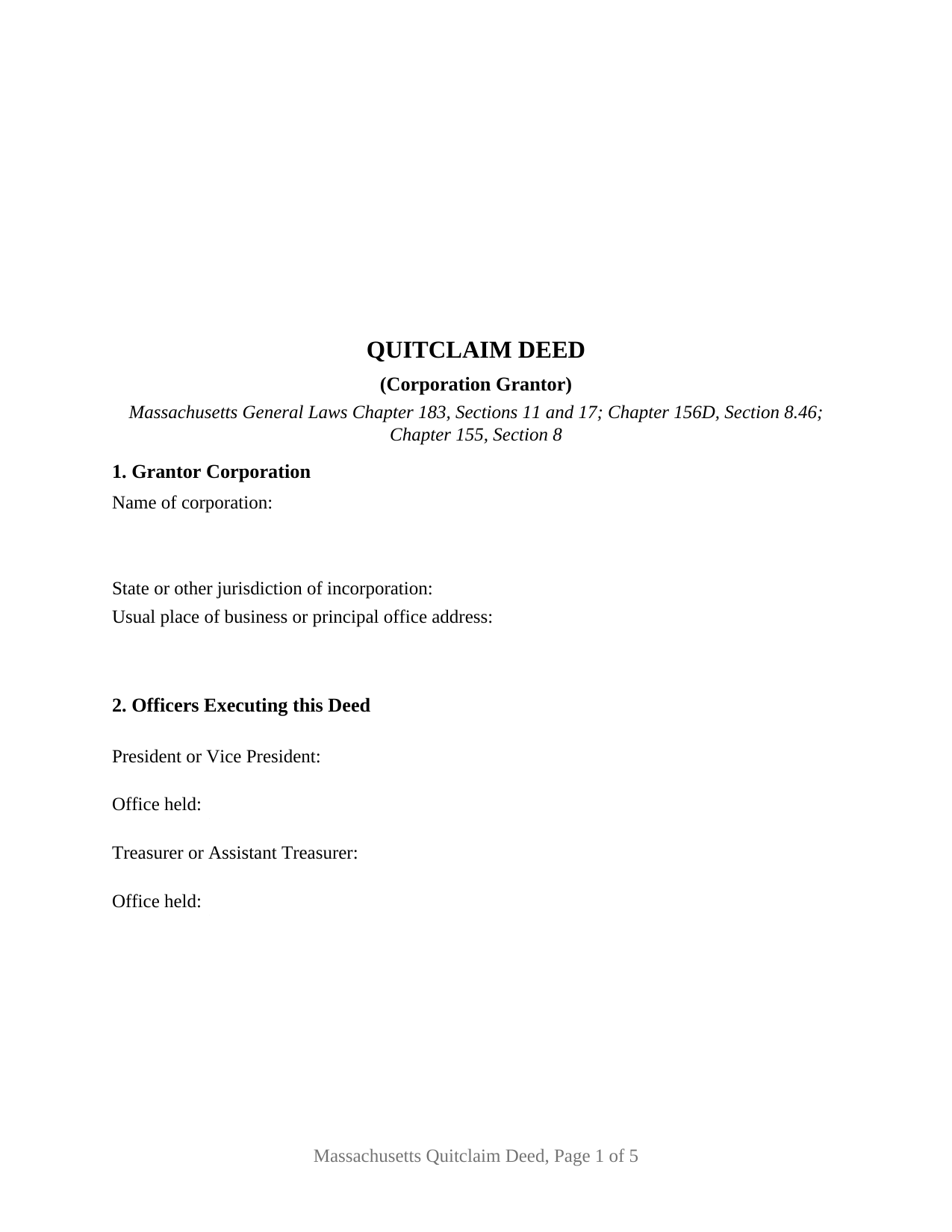
Suffolk County Quitclaim Deed (Corporation Grantor) Form
Fill in the blank Quitclaim Deed (Corporation Grantor) form formatted to comply with all Massachusetts recording and content requirements.
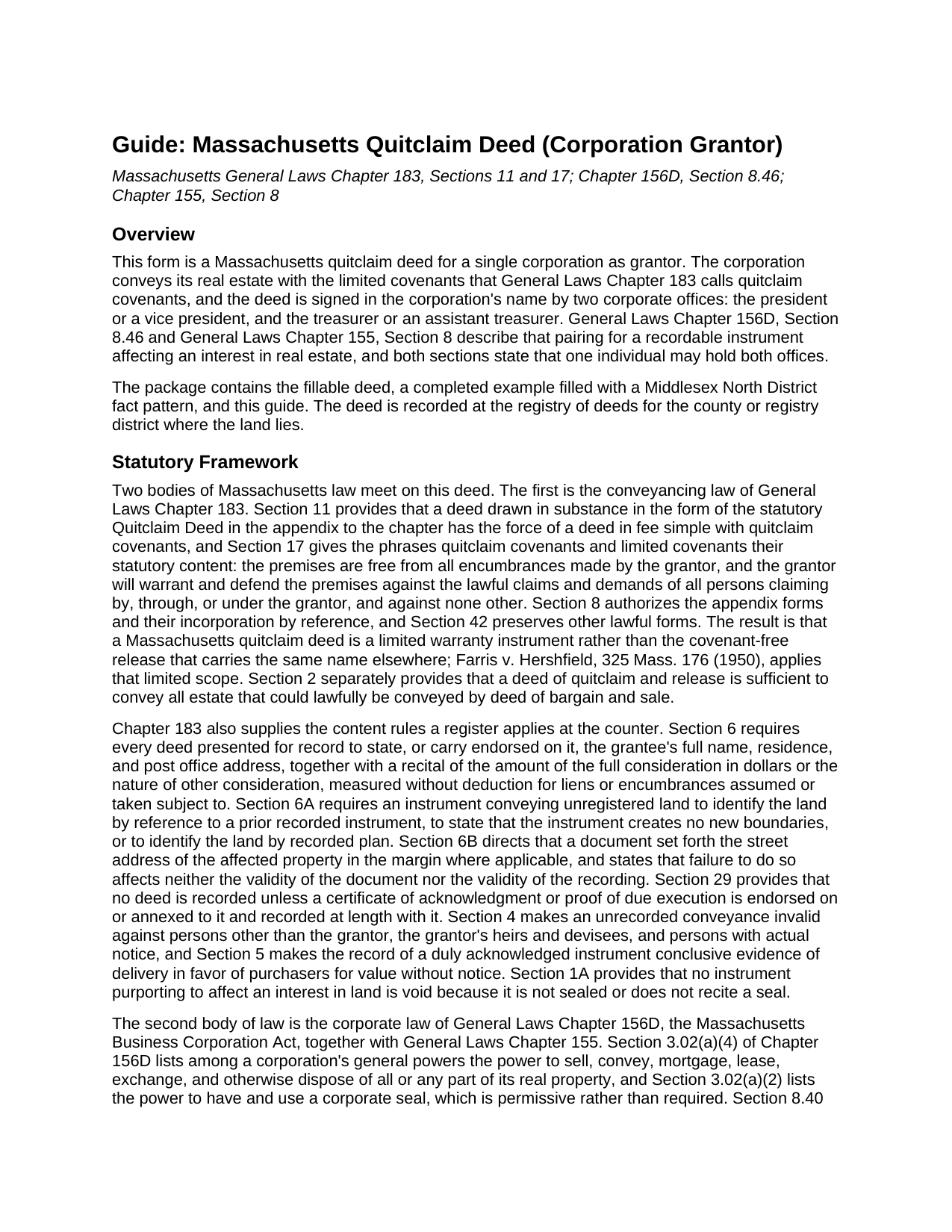
Suffolk County Quitclaim Deed (Corporation Grantor) Guide
Line by line guide explaining every blank on the Quitclaim Deed (Corporation Grantor) form.
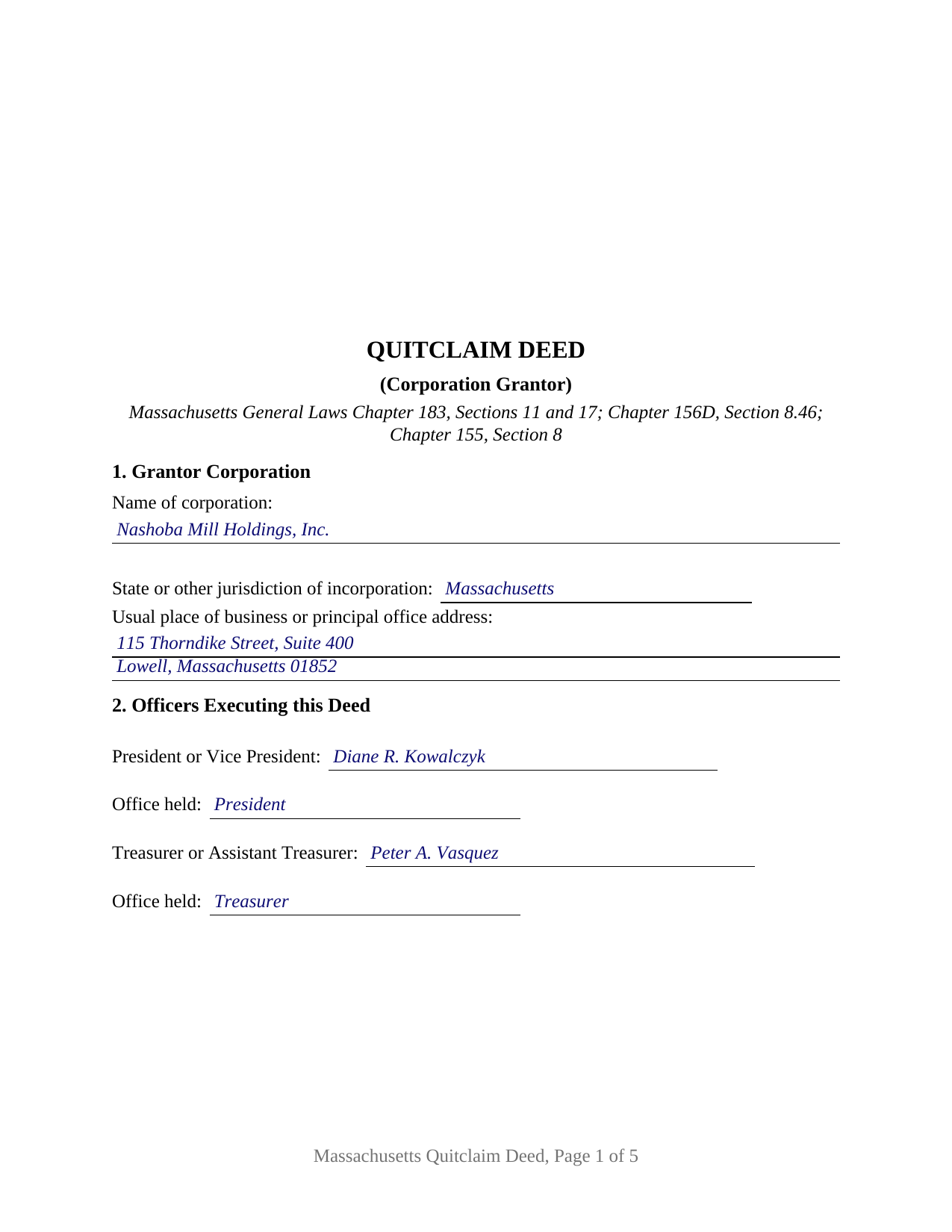
Suffolk County Completed Example of the Quitclaim Deed (Corporation Grantor) Document
Example of a properly completed Massachusetts Quitclaim Deed (Corporation Grantor) document for reference.
All 3 documents above included • One-time purchase • No recurring fees
Immediate Download • Secure Checkout
Additional Massachusetts and Suffolk County documents included at no extra charge:
Where to Record Your Documents
Suffolk County Registry of Deeds
Boston, Massachusetts 02114-9660
Hours: 8:30 to 4:45 M-F / Recording until 4:15
Phone: (617) 788-8575 or 788-6221
Recording Tips for Suffolk County:
- Bring your driver's license or state-issued photo ID
- Ensure all signatures are in blue or black ink
- White-out or correction fluid may cause rejection
- Ask about their eRecording option for future transactions
- Avoid the last business day of the month when possible
Cities and Jurisdictions in Suffolk County
Properties in any of these areas use Suffolk County forms:
- Allston
- Boston
- Brighton
- Charlestown
- Chelsea
- East Boston
- Hyde Park
- Jamaica Plain
- Mattapan
- Readville
- Revere
- Roslindale
- West Roxbury
- Winthrop
Hours, fees, requirements, and more for Suffolk County
How do I get my forms?
Forms are available for immediate download after payment. The Suffolk County forms will be in your account ready to download to your computer. An account is created for you during checkout if you don't have one. Forms are NOT emailed.
Are these forms guaranteed to be recordable in Suffolk County?
Yes. Our form blanks are guaranteed to meet or exceed the applicable formatting requirements used for recording in Suffolk County, including margin requirements, font requirements, and other layout standards. This guarantee applies to formatting, not to the legal sufficiency of information entered by the user or the suitability of a form for a particular transaction.
Can I reuse these forms?
Yes. You can reuse the forms for your personal use. For example, if you have multiple properties in Suffolk County you only need to order once.
What do I need to use these forms?
The forms are PDFs that you fill out on your computer. The free Adobe Acrobat Reader is recommended, and most PDF apps also work. You do NOT enter your property information online - you download the blank forms and complete them privately on your own computer.
Are there any recurring fees?
No. This is a one-time purchase. Nothing to cancel, no memberships, no recurring fees.
How much does it cost to record in Suffolk County?
Recording fees in Suffolk County vary. Contact the recorder's office at (617) 788-8575 or 788-6221 for current fees.
Questions answered? Let's get started!
Two officers sign a Massachusetts corporation out of its real estate, and the statute names which two. General Laws Chapter 156D, Section 8.46 and Chapter 155, Section 8 each make a recordable instrument affecting an interest in real estate, executed in a corporation's name by the president or a vice president and the treasurer or an assistant treasurer, who may be one and the same person, binding on the corporation in favor of a good faith purchaser. This fillable Massachusetts quitclaim deed is drawn around that pairing: one corporation as grantor, a signature block and an acknowledgment certificate for each office, and the limited covenants Chapter 183 calls quitclaim covenants.
Two offices, and the person who may hold both
Section 2 of the form collects both signers, each with the office held. Section 8.46 protects a good faith purchaser notwithstanding inconsistent provisions of the articles of organization, bylaws, resolutions or votes, which is why a title examiner reads the offices rather than the corporation's internal papers. Chapter 156D, Section 8.40 lets one individual hold more than one office, so a closely held corporation whose president is also its treasurer answers the rule with one person signing both blocks. Where other officers sign, Section 8 of the form carries the authority the deed states, commonly a board vote identified by date, a certified copy of which is recorded separately and is not part of this package.
Covenants the corporation speaks
A Massachusetts quitclaim deed carries promises. Chapter 183, Section 11 attaches to the statutory form a conveyance in fee simple with quitclaim covenants, and Section 17 sets their reach: encumbrances the grantor itself made, plus a defense against claims traced through the grantor, leaving the earlier links in the chain outside. Those promises are the corporation's own, and each officer signs in the office stated in Section 2 and in the name of the grantor, not individually, with a bold line above the signatures saying so. Entries in the encumbrances section are excepted by the deed's own terms.
The all or substantially all line
One question belongs to corporate sellers alone, and it turns on how much of the corporation goes out the door. General Laws Chapter 62C, Section 51 has a corporation notify the Commissioner of Revenue, file its corporate excise returns and pay the tax before a sale of all or substantially all of its Massachusetts assets, and gives the commonwealth a lien on those assets where that does not happen; Section 52 authorizes a waiver of the lien on request of the treasurer or another principal officer. Section 9 of the form carries the corporation's statement on it. Shareholder approval tracks the same line: Chapter 156D, Section 12.01 asks for no shareholder vote on a disposition in the usual and regular course of business or on a mortgage, while Section 12.02 sends a disposition of all or substantially all of the corporation's property outside that course to the shareholders.
The corporate patterns this deed recites
The form names one corporation as grantor with its state or other jurisdiction of incorporation, and one grantee, whose name, residence and post office address Section 6 of Chapter 183 wants before a register accepts a deed. A corporation selling a building it has owned for years, a corporation releasing a surplus parcel after a directors' vote, and a corporation moving property to a wholly owned subsidiary all present the pattern this deed recites, and a corporation organized in another state presents it too, since Chapter 155, Section 8 reaches foreign corporations. The form is not set up for two corporate grantors, a limited liability company, an individual owner, or a fiduciary signer. Searches for a corporate quitclaim deed or a quit claim deed from a corporation describe this configuration.
Stamps, and two officers in two counties
The deed goes to the registry district covering the land, at the statewide $155 deed fee, with excise stamps bought at recording on the stated consideration, $2.28 for each $500 or fraction in most counties and $3.24 in Barnstable County. The completed example runs a Middlesex North District pattern in Billerica at $825,000, drawing $3,762.00 in stamps, its two certificates taken two days apart in different counties.
The download delivers this corporation quitclaim deed as a fillable PDF, the completed example, and a guide covering each numbered section, both certificates, the authority and tax lien entries, and recording. The materials describe Massachusetts law in general terms and are not legal advice.
Important: Your property must be located in Suffolk County to use these forms. Documents should be recorded at the county recording office listed above.
This Quitclaim Deed (Corporation Grantor) meets all recording requirements specific to Suffolk County.
Our Promise
The documents you receive here are guaranteed to meet or exceed the applicable Suffolk County recording format requirements. If there is a rejection caused by our formatting, we will correct the issue or refund your payment. This guarantee applies to document formatting only and does not extend to information entered by the user, the selection of the form, or the legal effect of the completed document.
Save Time and Money
Get your Suffolk County Quitclaim Deed (Corporation Grantor) form done right the first time with Deeds.com Uniform Conveyancing Blanks. At Deeds.com, we understand that your time and money are valuable resources, and we don't want you to face a penalty fee or rejection imposed by a county recorder for submitting nonstandard documents. We constantly review and update our forms to meet rapidly changing state and county recording requirements for roughly 3,500 counties and local jurisdictions.
4.8 out of 5 - ( 4,830 Reviews )
Ann H. 5 out of 5 stars
Excellent program, easy to access and download.
Thank you!
Dennis K. 5 out of 5 stars
Easily downloaded and filled out form for quit claim deed was approved as soon as i dropped it off.
Thank you for your feedback. We really appreciate it. Have a great day!
David T. 5 out of 5 stars
This is a great service and terrific value. The form package provided (blank form, example form & set of instructions) was clear and easy to follow. Being able to complete the forms using the computer to insert the needed information saved countless hours. My completed form was accepted by the Clerk & Recorder office without any issue. Well worth the investment
We appreciate your business and value your feedback. Thank you. Have a wonderful day!
james e. 5 out of 5 stars
Would be nice if these things downloaded with the type of document rather than a number
Thank you for your feedback. We really appreciate it. Have a great day!
Melanie K. 5 out of 5 stars
Great service! Super easy to use! I used the service to download a deed notice to do a TOD on a property in Fairfax County, VA. Just a heads up that Fairfax County required me to add the last deed book and page # onto the deed notice but otherwise all was just as they required!
Thank you!
Mike H. 5 out of 5 stars
Great
Thank you!
Salvatore R. 5 out of 5 stars
It was fast and easy to find.
Thank you!
ed c. 5 out of 5 stars
real easy and fast
Thank you!
Darrell P. 5 out of 5 stars
My legal description exceeds the avaiable space in the one page Exhibit A...any way to add a second page as 'Exhibit A (continued)'?
It is not required to use the included exhibit page. Simply label your printed legal description as the appropriate exhibit.
Sylvia L. 5 out of 5 stars
Very easy...found what I was looking for
We appreciate your business and value your feedback. Thank you. Have a wonderful day!
Andrea R. 5 out of 5 stars
I was pleasantly surprised as I didn't even know you can record a quit claim deed digitally. I am in the mortgage business so I will gladly refer all my clients to this website! Deeds.com was prompt and fast with the entire process. My document was recorded and completed in less than 24 hours! Thank you again!
We appreciate your business and value your feedback. Thank you. Have a wonderful day!
Francine H. 4 out of 5 stars
Somewhat confusing, but I'm really not sure what I need. I have not complete4d the document.
We appreciate your business and value your feedback. Thank you. Have a wonderful day!
Stephen D. 5 out of 5 stars
Excellent service!
Thank you!
Lillian F. 5 out of 5 stars
Very well satisfy with my results. I could not ask for better service d
Thank you for your feedback. We really appreciate it. Have a great day!
Jerry B. 5 out of 5 stars
Easy to use and fully comprehensive.
Thank you for your feedback Jerry, we appreciate you.