Suffolk County Quitclaim Deed (Interspousal) Form
Last validated September 25, 2026 by our Forms Development TeamFormatted for recording in Suffolk County, for property anywhere in the county: rural and unincorporated areas as well as Allston, Boston, Brighton, Charlestown, Chelsea, East Boston, Hyde Park, Jamaica Plain and 6 more.
- 3 documents included
- Immediate PDF download
- Formatting guarantee
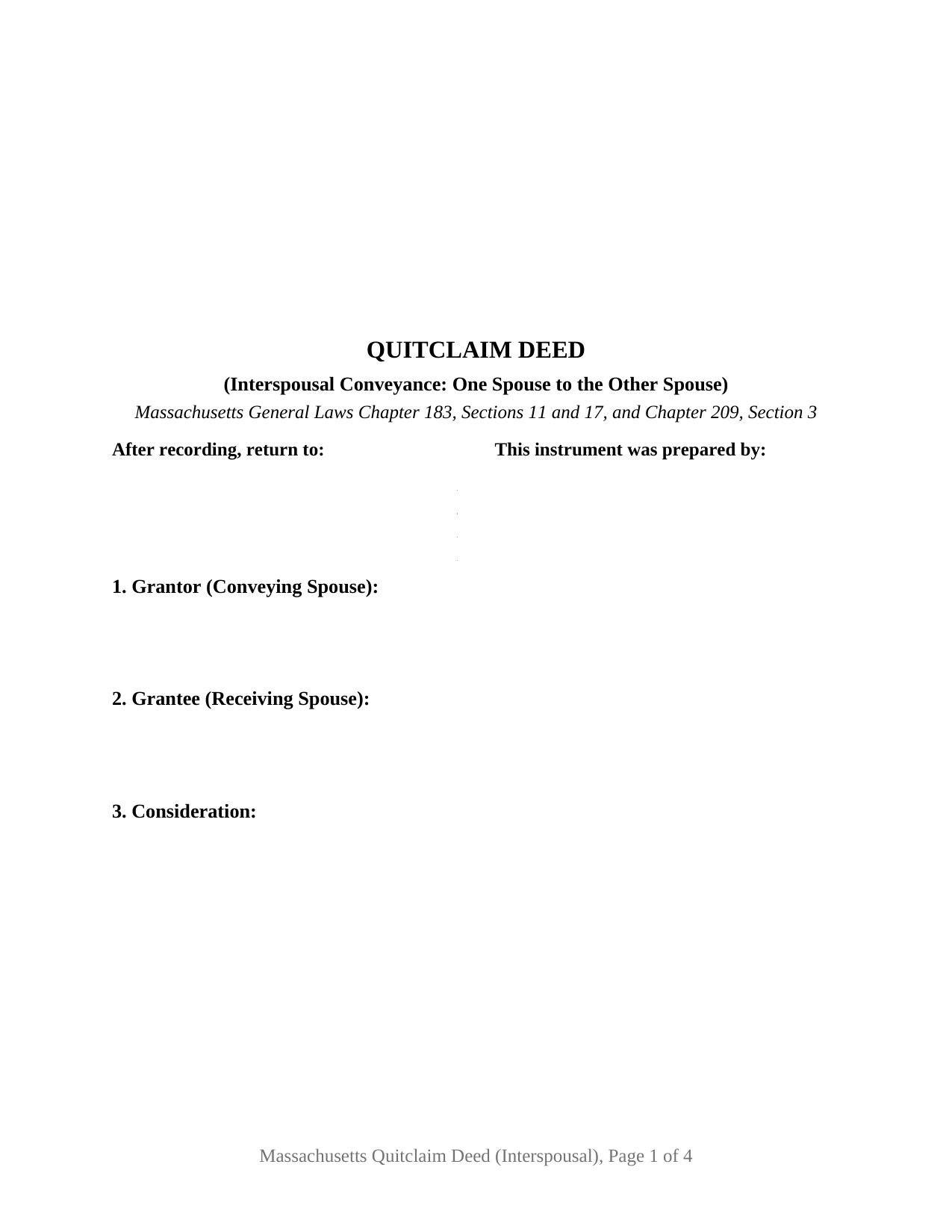
Suffolk County Quitclaim Deed (Interspousal) Form
Fill in the blank Quitclaim Deed (Interspousal) form formatted to comply with all Massachusetts recording and content requirements.
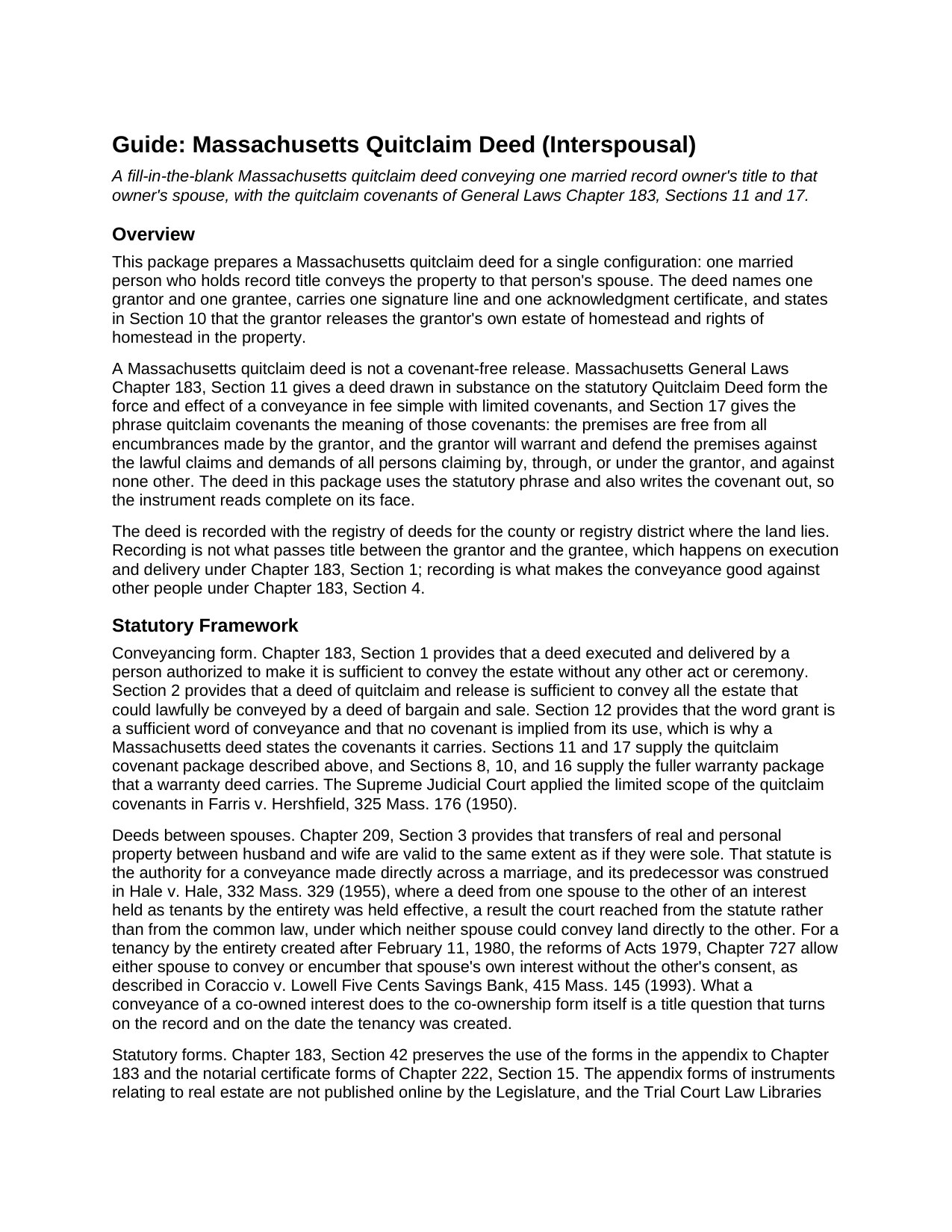
Suffolk County Quitclaim Deed (Interspousal) Guide
Line by line guide explaining every blank on the Quitclaim Deed (Interspousal) form.
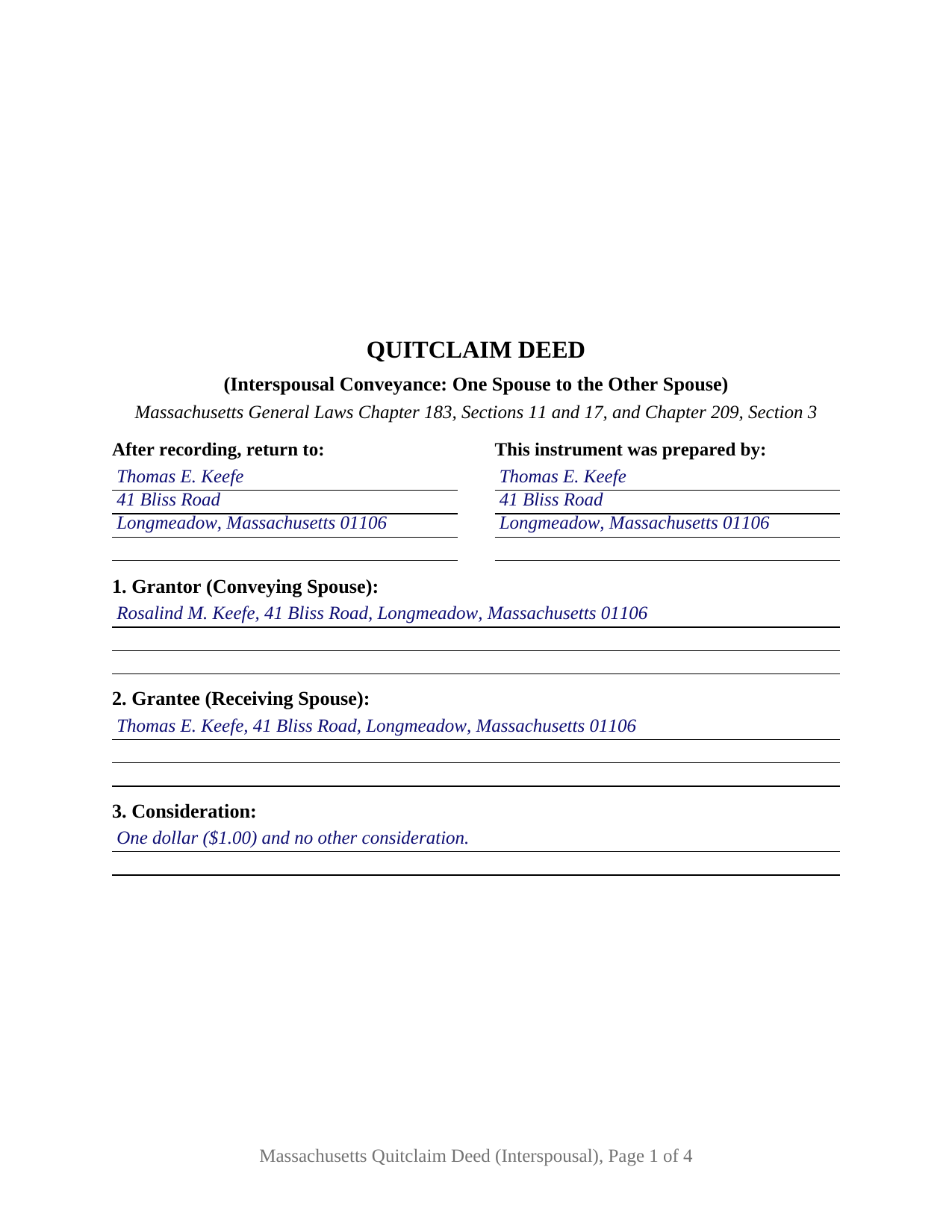
Suffolk County Completed Example of the Quitclaim Deed (Interspousal) Document
Example of a properly completed Massachusetts Quitclaim Deed (Interspousal) document for reference.
All 3 documents above included • One-time purchase • No recurring fees
Immediate Download • Secure Checkout
Additional Massachusetts and Suffolk County documents included at no extra charge:
Where to Record Your Documents
Suffolk County Registry of Deeds
Boston, Massachusetts 02114-9660
Hours: 8:30 to 4:45 M-F / Recording until 4:15
Phone: (617) 788-8575 or 788-6221
Recording Tips for Suffolk County:
- Bring your driver's license or state-issued photo ID
- Ensure all signatures are in blue or black ink
- Request a receipt showing your recording numbers
- Ask about accepted payment methods when you call ahead
- Ask for certified copies if you need them for other transactions
Cities and Jurisdictions in Suffolk County
Properties in any of these areas use Suffolk County forms:
- Allston
- Boston
- Brighton
- Charlestown
- Chelsea
- East Boston
- Hyde Park
- Jamaica Plain
- Mattapan
- Readville
- Revere
- Roslindale
- West Roxbury
- Winthrop
Hours, fees, requirements, and more for Suffolk County
How do I get my forms?
Forms are available for immediate download after payment. The Suffolk County forms will be in your account ready to download to your computer. An account is created for you during checkout if you don't have one. Forms are NOT emailed.
Are these forms guaranteed to be recordable in Suffolk County?
Yes. Our form blanks are guaranteed to meet or exceed the applicable formatting requirements used for recording in Suffolk County, including margin requirements, font requirements, and other layout standards. This guarantee applies to formatting, not to the legal sufficiency of information entered by the user or the suitability of a form for a particular transaction.
Can I reuse these forms?
Yes. You can reuse the forms for your personal use. For example, if you have multiple properties in Suffolk County you only need to order once.
What do I need to use these forms?
The forms are PDFs that you fill out on your computer. The free Adobe Acrobat Reader is recommended, and most PDF apps also work. You do NOT enter your property information online - you download the blank forms and complete them privately on your own computer.
Are there any recurring fees?
No. This is a one-time purchase. Nothing to cancel, no memberships, no recurring fees.
How much does it cost to record in Suffolk County?
Recording fees in Suffolk County vary. Contact the recorder's office at (617) 788-8575 or 788-6221 for current fees.
Questions answered? Let's get started!
Massachusetts keeps a one-sentence statute for the deed that moves a home from one spouse to the other. General Laws Chapter 209, Section 3 provides that transfers of real and personal property between husband and wife are valid to the same extent as if they were sole, and it is what lets a married owner of record hand title across a marriage rather than out of it. This fillable Massachusetts quitclaim deed recites that single pairing: one grantor, one grantee, and the fact that the two are married to each other, with the limited covenants of Chapter 183 running between them.
The spouse who would sign a joinder is the grantee here
Chapter 188 gives a Massachusetts home an automatic estate of homestead of $125,000, and as much as $1,000,000 where a declaration is recorded, and it protects an owner's spouse whether or not that spouse holds record title. On a conveyance out of the family, clause (1) of Section 10(a) makes a non-owner spouse's signature the hinge on which an existing homestead ends. An interspousal deed meets that same person from the other side of the transaction: the only spouse who could hold homestead rights against this title is the grantee, so the form carries no joinder line, and the deed answers instead to Section 10(b), the clause for a deed between spouses, under which a homestead survives unless everyone entitled to its benefit executes an express release. Section 10 of the form carries a release spoken by the conveying spouse alone and says so in terms.
One grantor, one grantee, one certificate
Section 1 names the conveying spouse, and Section 2 names the receiving spouse with the residence and post office address that Chapter 183, Section 6 makes a condition of acceptance at the counter. The words of grant reach all of the grantor's right, title, and interest, so one recital serves a spouse who owns the whole record title and a spouse who holds a co-owned interest alongside the grantee; in Hale v. Hale the Supreme Judicial Court sustained a deed of an entirety interest running from one spouse directly to the other under the predecessor of Section 3. One person signs, so the instrument carries one signature line, one printed name, and one acknowledgment certificate in the substance of the Chapter 222, Section 15 form. Section 4 collects the court, docket number, and date of a divorce or separation judgment where the transfer is made under one. A conveyance ordered by a judgment of divorce nisi, a couple placing record title in the name of the spouse who will hold it going forward, and and a spouse releasing a co-owned interest all present the pairing this deed recites. Searches for a Massachusetts interspousal deed or a quit claim deed between spouses describe this configuration; the form is not set up for a grantee outside the marriage, for two grantees taking together, or for an entity or fiduciary signer.
Nominal consideration, and what the excise reaches
Chapter 183, Section 11 gives a deed drawn on the statutory quitclaim form the effect of a conveyance in fee simple with limited covenants, and Section 17 compresses them into two words: the grantor answers for encumbrances the grantor made and defends against claims traced through the grantor, and against none other. Section 6 wants a dollar figure, measured without subtracting a mortgage the conveyance is taken subject to, and the deeds excise under Chapter 64D reaches consideration above $100, at the rate registries state as $2.28 for each $500 or fraction, and $3.24 in Barnstable County. A nominal dollar between spouses therefore carries no excise, while a transfer made in connection with a divorce is treated under Department of Revenue guidance and the registry indexing standards on the strength of what the deed states about the judgment.
At the registry counter
The finished deed goes to whichever registry district covers the town where the land sits, with the statewide $155 deed fee and any excise paid then, and the top three inches of the first page stay clear for the recording information. The completed example runs a Hampden County pattern: a Longmeadow plan-book description, a one dollar consideration, a mortgage left of record, and a filled notarial certificate. The package delivers the fillable deed, the completed example, and a guide covering each numbered section, the certificate, the homestead release, and the recording and assessor filings. This package describes Massachusetts law in general terms, and it is not legal advice.
Important: Your property must be located in Suffolk County to use these forms. Documents should be recorded at the county recording office listed above.
This Quitclaim Deed (Interspousal) meets all recording requirements specific to Suffolk County.
Our Promise
The documents you receive here are guaranteed to meet or exceed the applicable Suffolk County recording format requirements. If there is a rejection caused by our formatting, we will correct the issue or refund your payment. This guarantee applies to document formatting only and does not extend to information entered by the user, the selection of the form, or the legal effect of the completed document.
Save Time and Money
Get your Suffolk County Quitclaim Deed (Interspousal) form done right the first time with Deeds.com Uniform Conveyancing Blanks. At Deeds.com, we understand that your time and money are valuable resources, and we don't want you to face a penalty fee or rejection imposed by a county recorder for submitting nonstandard documents. We constantly review and update our forms to meet rapidly changing state and county recording requirements for roughly 3,500 counties and local jurisdictions.
4.8 out of 5 - ( 4,829 Reviews )
Christopher S. 5 out of 5 stars
very easy to use, and comprehensive...I like the e-recording package
We are grateful for your feedback and looking forward to serving you again. Thank you!
Tracy B. 5 out of 5 stars
I was happy with the way this worked and the quick responses. Unfortunately, my documents could not be pulled. I will use this service again in the future.
Thank you for your feedback. We really appreciate it. Have a great day!
Robert L. 1 out of 5 stars
I did not use your service. $19 to upload a document to our local tax accessor office is a bit high. I drove the document to the office myself.
Thank you for your feedback Robert. Glad to hear that you got your document recorded. Sorry to hear that your time, fuel, and wear on your vehicle are valued at less than $19. Have a wonderful day.
Warren B. 5 out of 5 stars
Outstanding. There is nothing worse than finding the correct forms or having to hire an atty to do what most people can do on their own. I cant speak for all but these forms are fairly easy. The addition of guides and supplement forms are excellent. I just saved quite a bit of money with your site. Thanks
We appreciate your business and value your feedback. Thank you. Have a wonderful day!
Jane B. 5 out of 5 stars
Easy to use,thanks
Thank you!
Jacqueline C. 5 out of 5 stars
Easy Access
Thank you!
Jorge O. 5 out of 5 stars
Everything work excellent. Don't think any update is needed at this time. Thank you
Thank you!
Tommy P. 5 out of 5 stars
This was simple! Thank you!
Thank you!
Donna r. 3 out of 5 stars
Downloads were easy but I am pretty lost in filling out. Thought be more instructions
Thank you for your feedback Donna. If you are not completely sure of what you are doing we highly recommend seeking the assistance of a legal professional familiar with your specific situation.
Maria D. 5 out of 5 stars
Deeds.com has done a great job. I really recommend to everyone who needs this service, fast & reliable. Thank you
We appreciate your business and value your feedback. Thank you. Have a wonderful day!
Michael K. 5 out of 5 stars
Service seems smooth. I just wonder what the turn around time on recording is (I need proof of recordation).
Thank you!
Mallah B. 5 out of 5 stars
I think this company offers a great service that is non-discriminatory and allows me to save time going downtown and hassle dealing with different personalities.
Thank you for your feedback. We really appreciate it. Have a great day!
Lenore H. 5 out of 5 stars
I was very pleased with the service I received yesterday at the recorders office. no complaints at all. Served promptly and efficiently.
Thank you!
LeRoy E. 5 out of 5 stars
So thankful I found this. I was feeling stressed out and reluctant about doing this on my own.
Thank you!
Brennan H. 5 out of 5 stars
I had worked for a couple of months sending things back and forth to the county and still had no success. I decided to use deeds.com and it was all done in a few hours. Such a relief! While I find this to be wrong and the county should work with property owners as well as they work with third parties, I was still grateful for this service.
Thank you for your feedback. We really appreciate it. Have a great day!