Suffolk County Quitclaim Deed (Trustee Grantee) Form
Last validated August 28, 2026 by our Forms Development TeamFormatted for recording in Suffolk County, for property anywhere in the county: rural and unincorporated areas as well as Allston, Boston, Brighton, Charlestown, Chelsea, East Boston, Hyde Park, Jamaica Plain and 6 more.
- 3 documents included
- Immediate PDF download
- Formatting guarantee
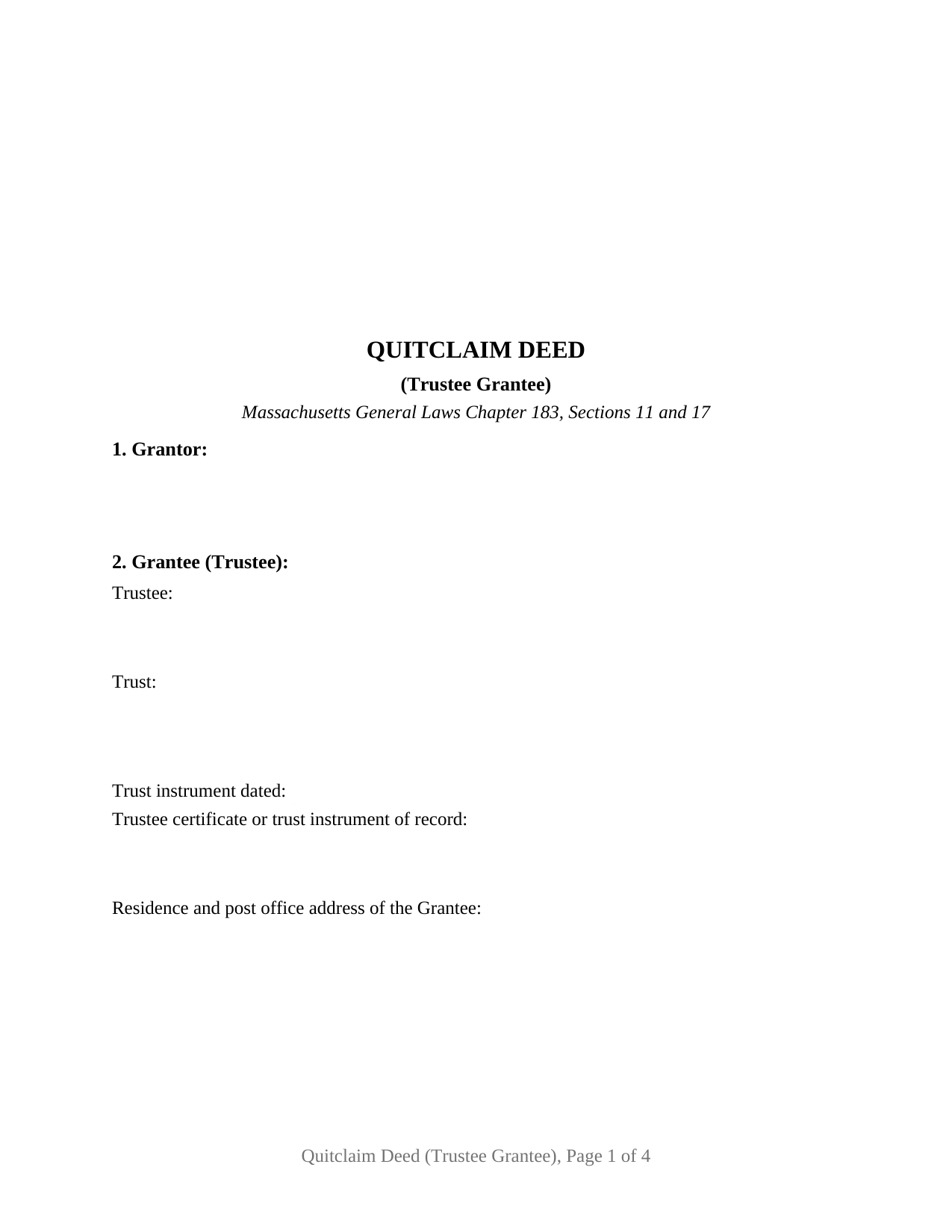
Suffolk County Quitclaim Deed (Trustee Grantee) Form
Fill in the blank Quitclaim Deed (Trustee Grantee) form formatted to comply with all Massachusetts recording and content requirements.
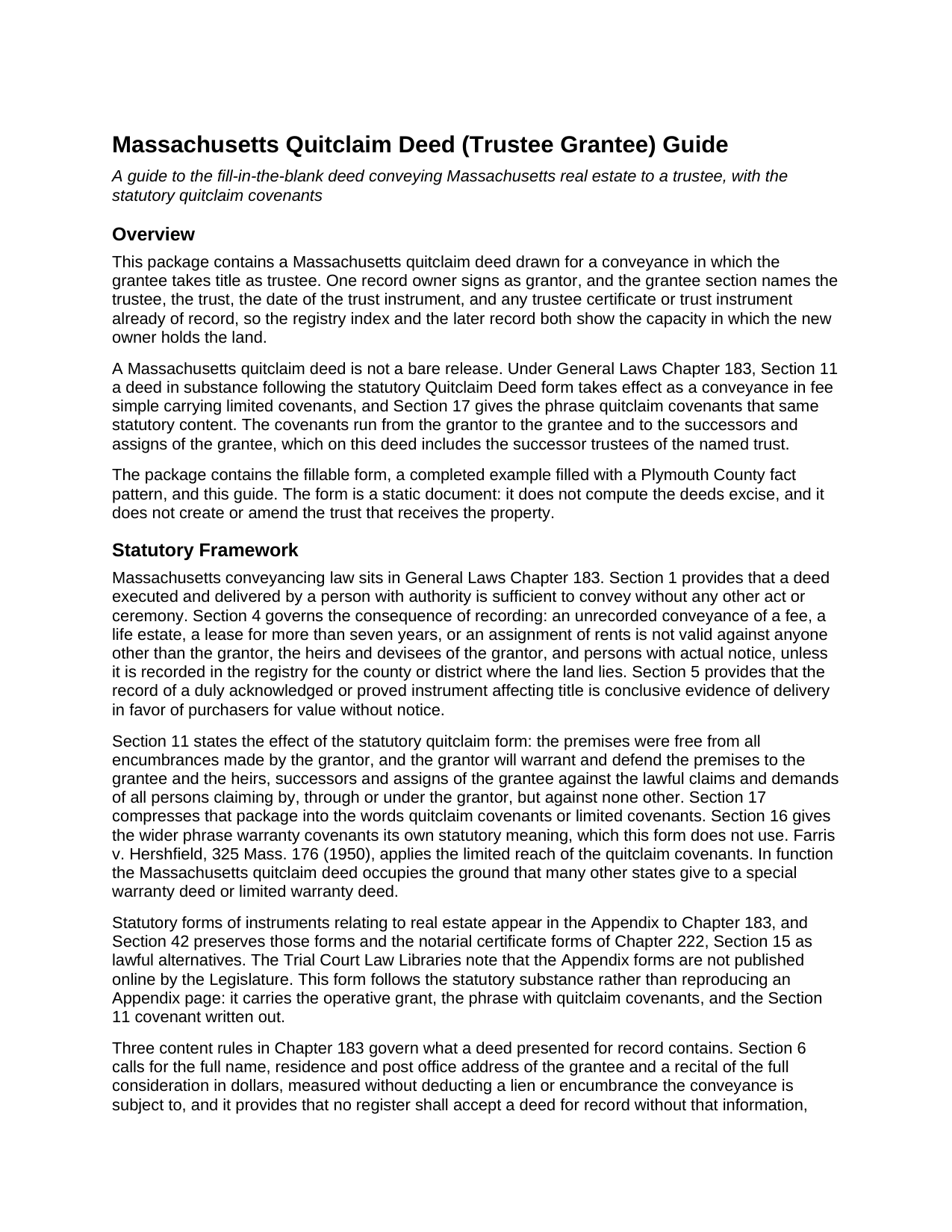
Suffolk County Quitclaim Deed (Trustee Grantee) Guide
Line by line guide explaining every blank on the Quitclaim Deed (Trustee Grantee) form.
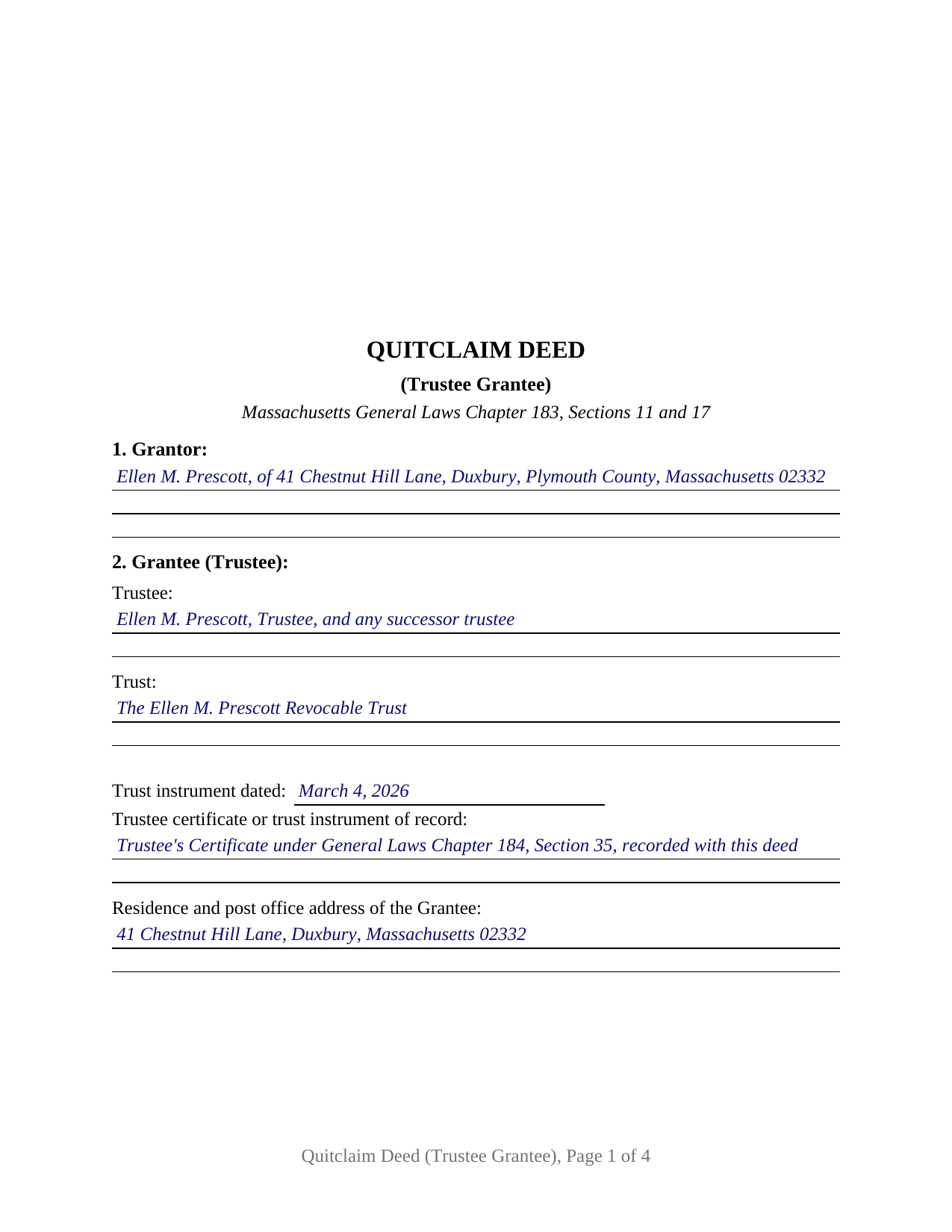
Suffolk County Completed Example of the Quitclaim Deed (Trustee Grantee) Document
Example of a properly completed Massachusetts Quitclaim Deed (Trustee Grantee) document for reference.
All 3 documents above included • One-time purchase • No recurring fees
Immediate Download • Secure Checkout
Additional Massachusetts and Suffolk County documents included at no extra charge:
Where to Record Your Documents
Suffolk County Registry of Deeds
Boston, Massachusetts 02114-9660
Hours: 8:30 to 4:45 M-F / Recording until 4:15
Phone: (617) 788-8575 or 788-6221
Recording Tips for Suffolk County:
- Bring your driver's license or state-issued photo ID
- Ensure all signatures are in blue or black ink
- Check that your notary's commission hasn't expired
- Documents must be on 8.5 x 11 inch white paper
- Double-check legal descriptions match your existing deed
Cities and Jurisdictions in Suffolk County
Properties in any of these areas use Suffolk County forms:
- Allston
- Boston
- Brighton
- Charlestown
- Chelsea
- East Boston
- Hyde Park
- Jamaica Plain
- Mattapan
- Readville
- Revere
- Roslindale
- West Roxbury
- Winthrop
Hours, fees, requirements, and more for Suffolk County
How do I get my forms?
Forms are available for immediate download after payment. The Suffolk County forms will be in your account ready to download to your computer. An account is created for you during checkout if you don't have one. Forms are NOT emailed.
Are these forms guaranteed to be recordable in Suffolk County?
Yes. Our form blanks are guaranteed to meet or exceed the applicable formatting requirements used for recording in Suffolk County, including margin requirements, font requirements, and other layout standards. This guarantee applies to formatting, not to the legal sufficiency of information entered by the user or the suitability of a form for a particular transaction.
Can I reuse these forms?
Yes. You can reuse the forms for your personal use. For example, if you have multiple properties in Suffolk County you only need to order once.
What do I need to use these forms?
The forms are PDFs that you fill out on your computer. The free Adobe Acrobat Reader is recommended, and most PDF apps also work. You do NOT enter your property information online - you download the blank forms and complete them privately on your own computer.
Are there any recurring fees?
No. This is a one-time purchase. Nothing to cancel, no memberships, no recurring fees.
How much does it cost to record in Suffolk County?
Recording fees in Suffolk County vary. Contact the recorder's office at (617) 788-8575 or 788-6221 for current fees.
Questions answered? Let's get started!
The party that makes this deed distinctive never signs it. Where a Massachusetts quitclaim deed runs to a trustee, the grantee is not an owner taking for himself or herself but a fiduciary taking for a trust, and the record has to show it: which trustee, which trust, the date of the trust instrument, and where the authority to act can be read. This fillable form is drawn for that conveyance, one record owner as grantor and a trustee as grantee, passing title with the limited covenants that General Laws Chapter 183 calls quitclaim covenants.
The capacity written into the grantee section
Section 2 is where this variant does its work. It collects the trustee and any successor trustee, the trust's name, the date of the trust instrument, and any trustee certificate of record, closing with the grantee's residence and post office address, which Chapter 183, Section 6 makes a condition of acceptance at the registry counter. The deed points at the trustee's authority instead of reprinting the trust. Chapter 184, Section 35 allows a certificate executed by the record trustees to be recorded, setting out the trust, the trustees and the extent of trustee authority, and a purchaser acting in good faith may rely on it. Chapter 203E, Section 1013 lets a trustee furnish a certification of trust in place of the instrument, giving its date, who may sign, and whether it has been revoked or amended, while leaving the dispositive terms out.
Covenants that follow the successor trustees
Massachusetts uses the word quitclaim for a deed that carries real promises. Chapter 183, Section 11 gives a deed drawn in substance on the statutory quitclaim form the effect of a conveyance in fee simple, with the grantor covenanting that the premises are free of encumbrances the grantor made and defending against claims arising by, through or under the grantor, and against none other; Section 17 folds that package into two words. Here the grant runs to the grantee as trustee and to the successors in trust of that trustee, so the covenant reaches whoever holds the office later. Mortgages and easements of record go in the encumbrances section, which the operative section excepts from what the grantor answers for.
A homestead that outlives the transfer
Moving a home to a trustee raises a question no other grantee raises, and Chapter 188 answers it in a clause. Section 10(a)(1) provides that a deed to a trustee of a trust for the benefit of a grantor does not terminate that grantor's existing homestead, which continues as to that grantor's interest as a trust beneficiary; Section 1 counts the holder of a present, vested and non-contingent beneficial interest in a trust as an owner. Section 9 of the form states what the deed does and does not release, since subsection (b) asks for an express release from everyone entitled to the benefit of a homestead on a deed between a trustee and a beneficiary. A new declaration is a separate recorded paper: Section 5 keeps declarations out of title-vesting instruments and has the trustee sign where a home is held in trust.
One grantor, one certificate, one trust
The form recites a single record owner in Section 1, one signature line, and one acknowledgment certificate in the substance of the Chapter 222, Section 15 form; the grantee signs nothing, because a Massachusetts deed operates on the grantor's signature and delivery. A sole owner conveying a home to herself as trustee of her own revocable trust, an owner placing rental property with the trustee of a nominee trust, and a seller whose buyer takes title through the trustee of a family trust all present the pattern this deed recites. The form is not set up for two grantors, for an entity or a representative signer on the grantor side, or for a grantee taking in an individual capacity. Searches for a Massachusetts deed into trust, or a quit claim deed to a trust, describe this configuration.
Recording happens at the registry for the county or registry district covering the land, at the statewide deed fee, with Chapter 64D excise stamps due only where consideration passes one hundred dollars, which a nominal transfer to a trustee does not. The completed example runs a Plymouth County pattern in Duxbury. The download delivers the fillable deed, that example, and a guide covering each numbered section, the certificate, the homestead statement, and recording. The materials describe Massachusetts law in general terms and are not legal advice.
Important: Your property must be located in Suffolk County to use these forms. Documents should be recorded at the county recording office listed above.
This Quitclaim Deed (Trustee Grantee) meets all recording requirements specific to Suffolk County.
Our Promise
The documents you receive here are guaranteed to meet or exceed the applicable Suffolk County recording format requirements. If there is a rejection caused by our formatting, we will correct the issue or refund your payment. This guarantee applies to document formatting only and does not extend to information entered by the user, the selection of the form, or the legal effect of the completed document.
Save Time and Money
Get your Suffolk County Quitclaim Deed (Trustee Grantee) form done right the first time with Deeds.com Uniform Conveyancing Blanks. At Deeds.com, we understand that your time and money are valuable resources, and we don't want you to face a penalty fee or rejection imposed by a county recorder for submitting nonstandard documents. We constantly review and update our forms to meet rapidly changing state and county recording requirements for roughly 3,500 counties and local jurisdictions.
4.8 out of 5 - ( 4,829 Reviews )
Richard P. 5 out of 5 stars
Excellent source and easy to use site.
Thank you!
ROBERT K. 5 out of 5 stars
It was so easy to obtain the necessary documents.
Thank you for your feedback. We really appreciate it. Have a great day!
Pamela B. 5 out of 5 stars
The process was not difficult but I don't think that it suited my needs. There were several fields that were not applicable to me but I had to enter something to proceed. I also filled out the other form and mailed it in with some documentation that the electronic service did not ask for. Questions of my attempt are still unanswered. I hope I didn't waste time with this process. We shall see. Thank you.
Thank you!
Joni Y. 5 out of 5 stars
Deeds.com is a very up to date & easy instruction website. I recommend this site to all who are looking for forms dealing with deeds. Thank you for making life easy in this aspect.
We appreciate your business and value your feedback. Thank you. Have a wonderful day!
Zennell W. 5 out of 5 stars
Quick fast and easy transaction.
We are grateful for your feedback and looking forward to serving you again. Thank you!
Larry T. 5 out of 5 stars
Excellent service!!!!! A 5STAR
Thanks Larry! We appreciate you.
Susan S. 5 out of 5 stars
Ordered the forms, completed them, had them notarized, then erecorded all in under 2 hours. Would have been faster but had to wait for the bank to open for notary. Might try the online notary next time. Fantastic experience.
We appreciate your business and value your feedback. Thank you. Have a wonderful day!
JACQUELINE R. 5 out of 5 stars
We have been waiting for a Title Company to put a release of Lien together for the past 3 months. I figured it was taking way to long and decided to use template here instead. In less than hour I was able to add all the information on the template and provide forms to our Seller to use. We were buying and he didnt think they were necessary. But I refused to pay him in full until he agreed to sign papers at the bank, and of course in front of a notary. We turned around and filed the Release of lien paperwork at County Clerks office, we officially own our house. Thank you!
Thank you for your feedback. We really appreciate it. Have a great day!
Robin B. 5 out of 5 stars
I came, I saw, I ordered, I downloaded.
Thank you!
TRACEY W. 5 out of 5 stars
The system is very easy to use. I wasn't able to access what I needed but my fees were refunded without issue.
We appreciate your business and value your feedback. Thank you. Have a wonderful day!
Richard C. 5 out of 5 stars
Fast, effective, and good communication. I have no complaints at all.
Thank you for your positive words! We’re thrilled to hear about your experience.
Dana H. 5 out of 5 stars
Thanks for making this process a seamless one! I love Deeds.com and will recommend it to others!
Thank you for your feedback. We really appreciate it. Have a great day!
Randy H. 5 out of 5 stars
Love this has all forms you need
We appreciate your business and value your feedback. Thank you. Have a wonderful day!
Stephen F. 5 out of 5 stars
Easy to use. Outstanding interface.
Thank you!
Cecil S. 5 out of 5 stars
EXCELLENT SERVICE DONE WELL AND QUICKLY
We appreciate your business and value your feedback. Thank you. Have a wonderful day!