Douglas County Assignment of Trust Deed by Beneficiary or Successor in Interest Form
Last validated October 16, 2026 by our Forms Development TeamFormatted for recording in Douglas County, for property anywhere in the county: rural and unincorporated areas as well as Azalea, Camas Valley, Canyonville, Days Creek, Dillard, Drain, Elkton, Gardiner and 17 more.
- 6 documents included
- Immediate PDF download
- Formatting guarantee
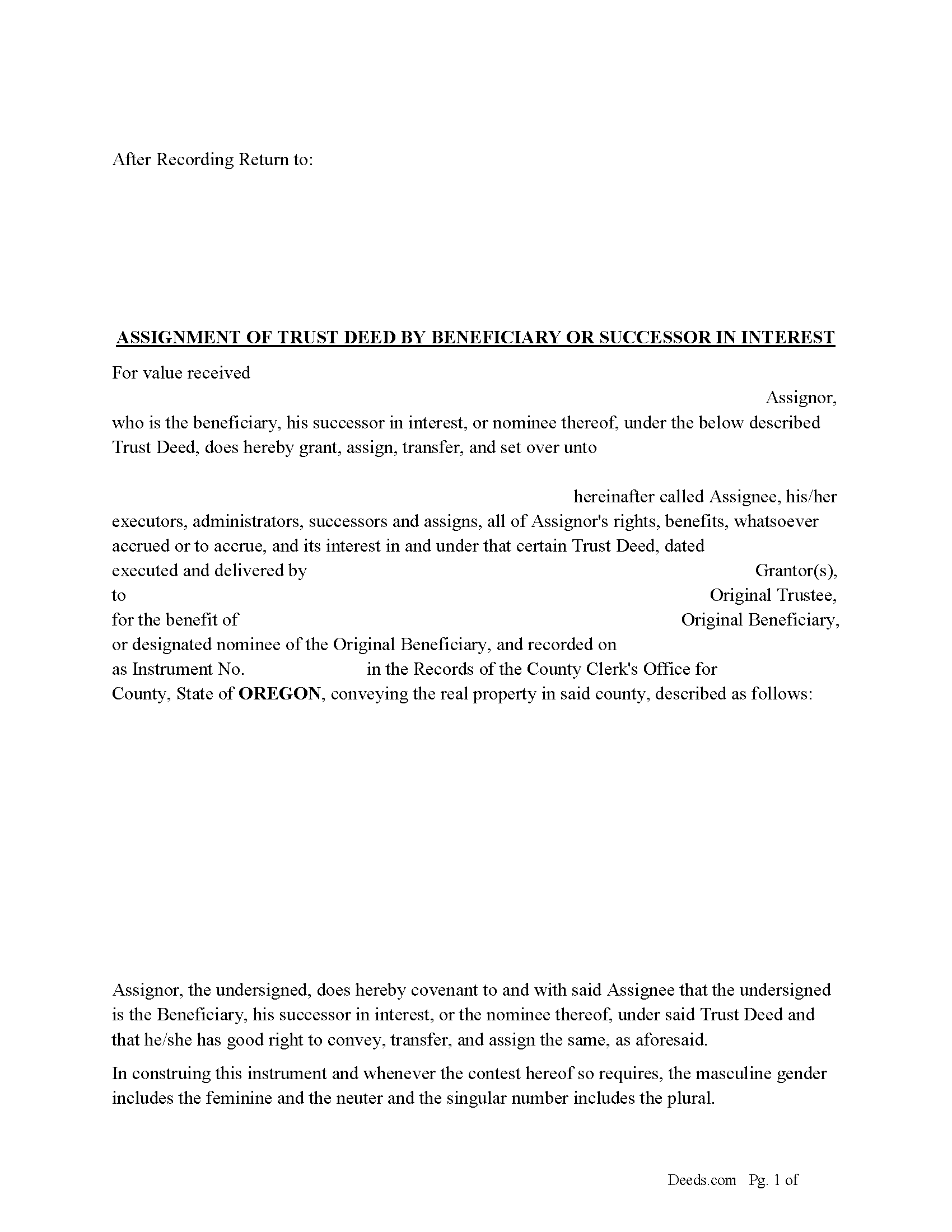
Douglas County Assignment of Trust Deed Form
Fill in the blank form formatted to comply with all recording and content requirements.
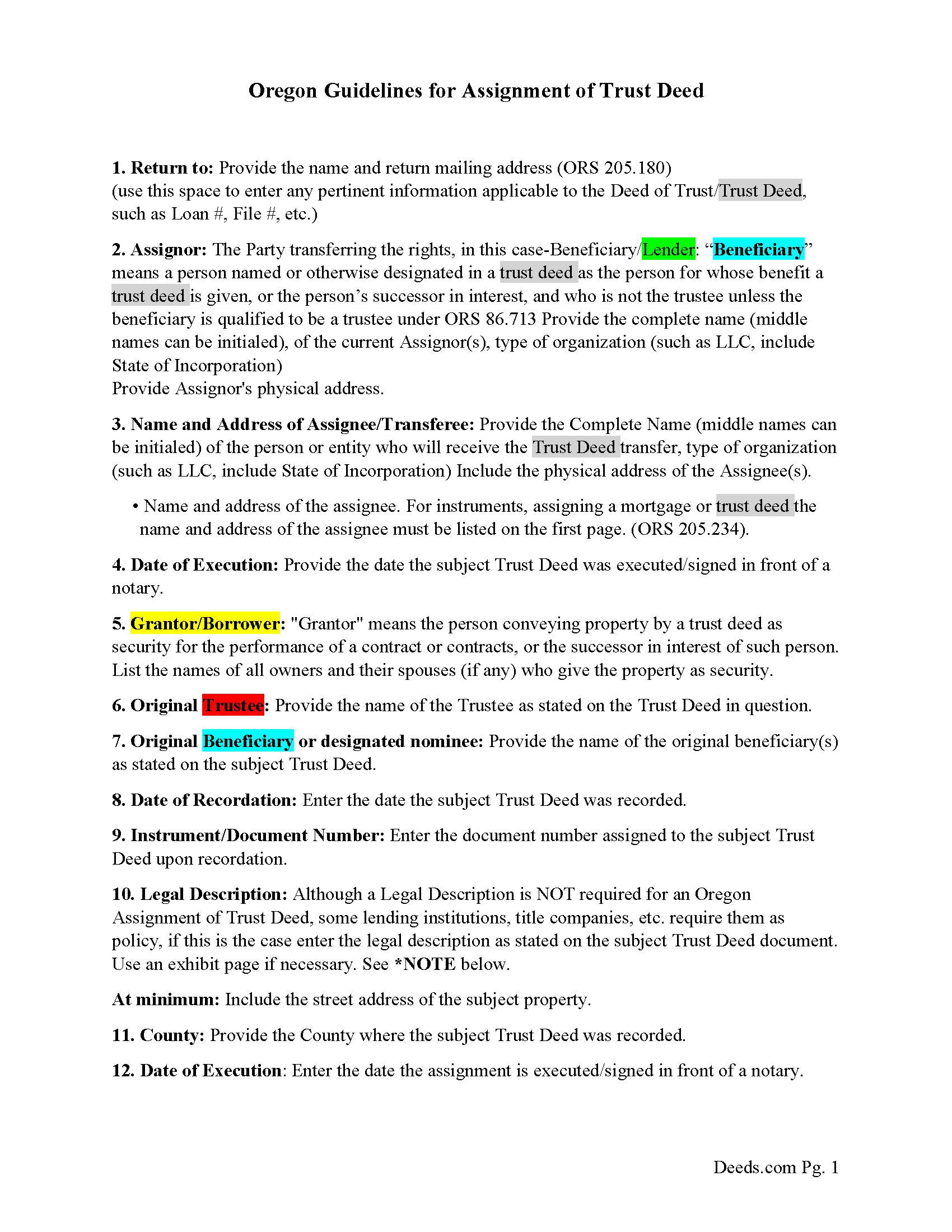
Douglas County Assignment of Trust Deed Guidelines
Line by line guide explaining every blank on the form.
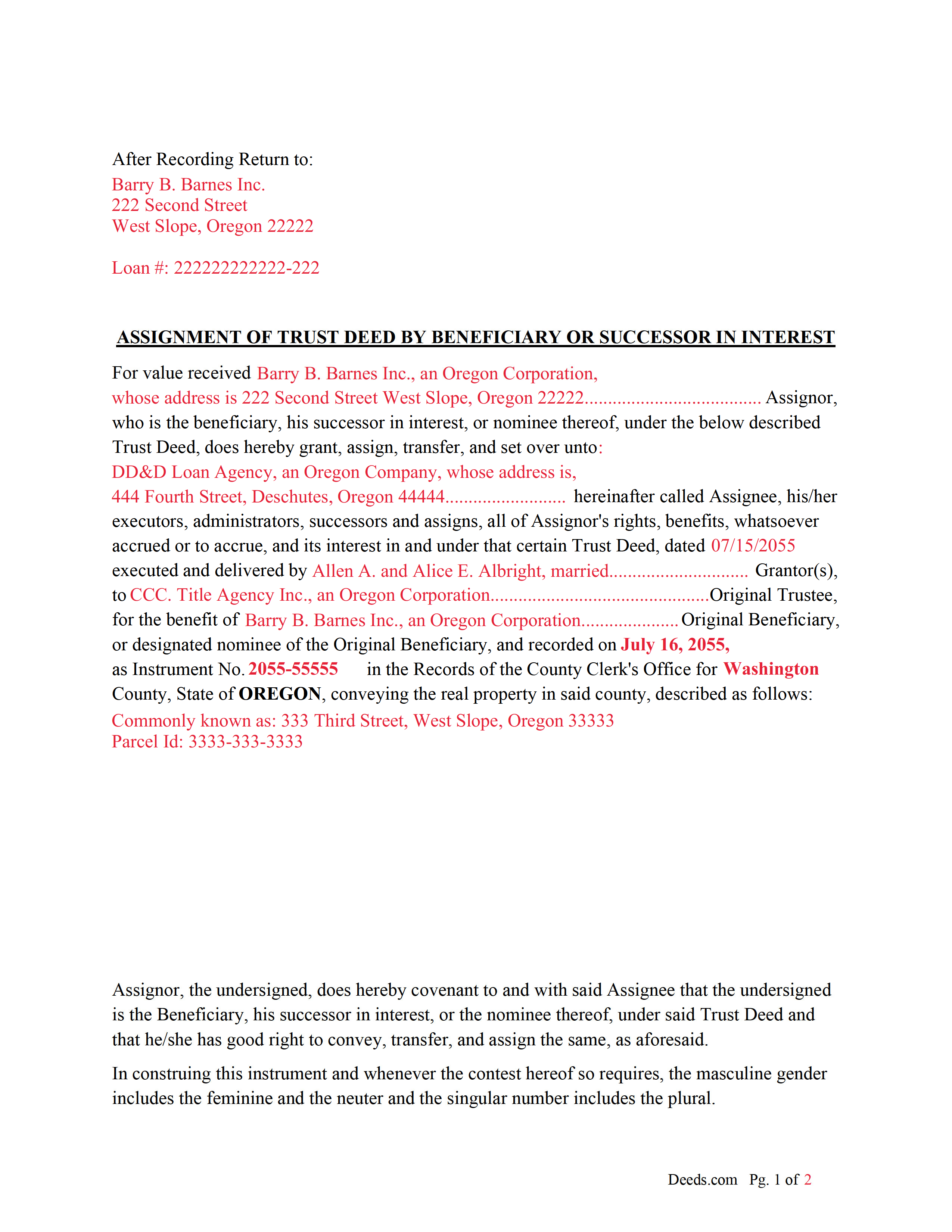
Douglas County Completed Example of Assignment of Trust Deed Document
Example of a properly completed form for reference.
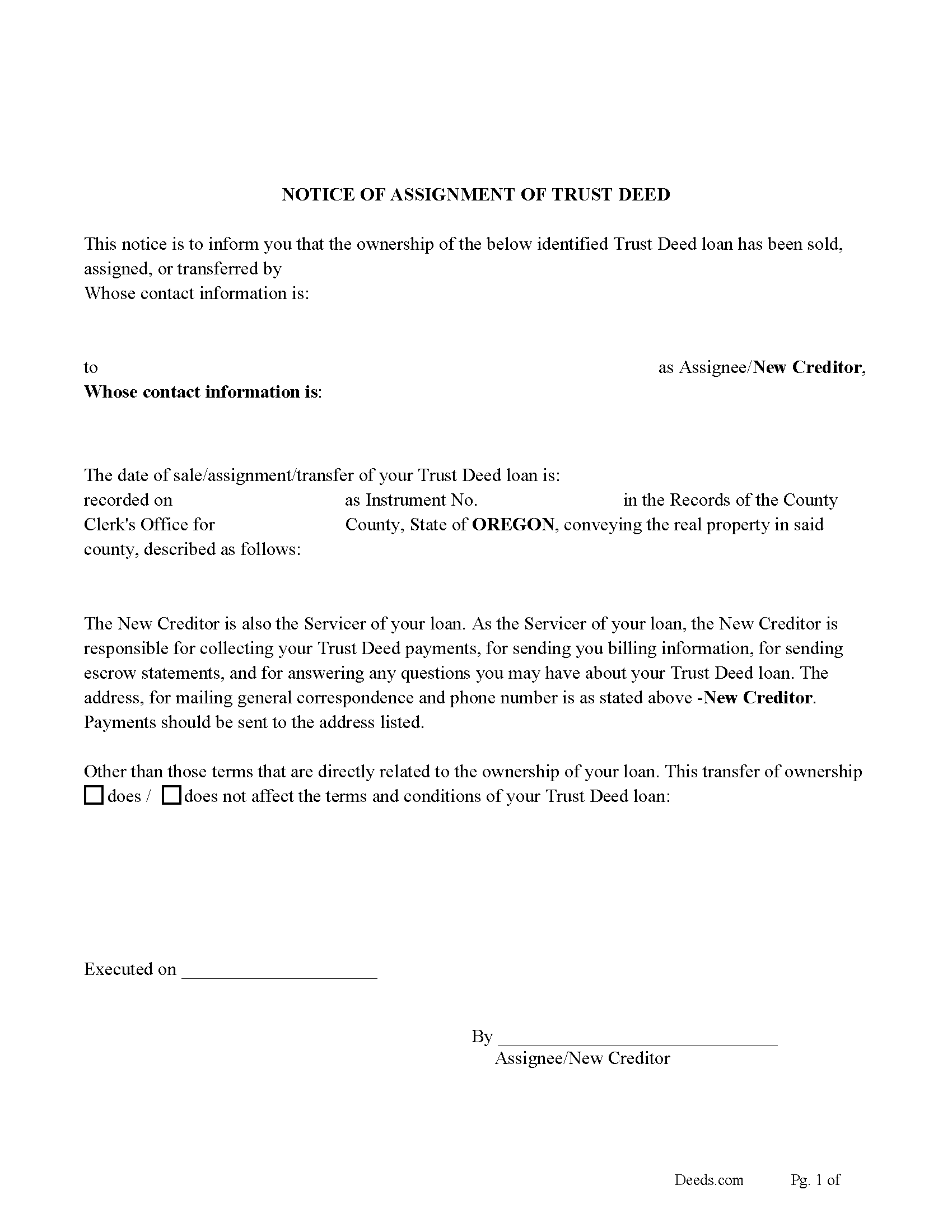
Douglas County Notice of Assignment of Trust Deed Form
Fill in the blank form formatted to comply with content requirements.
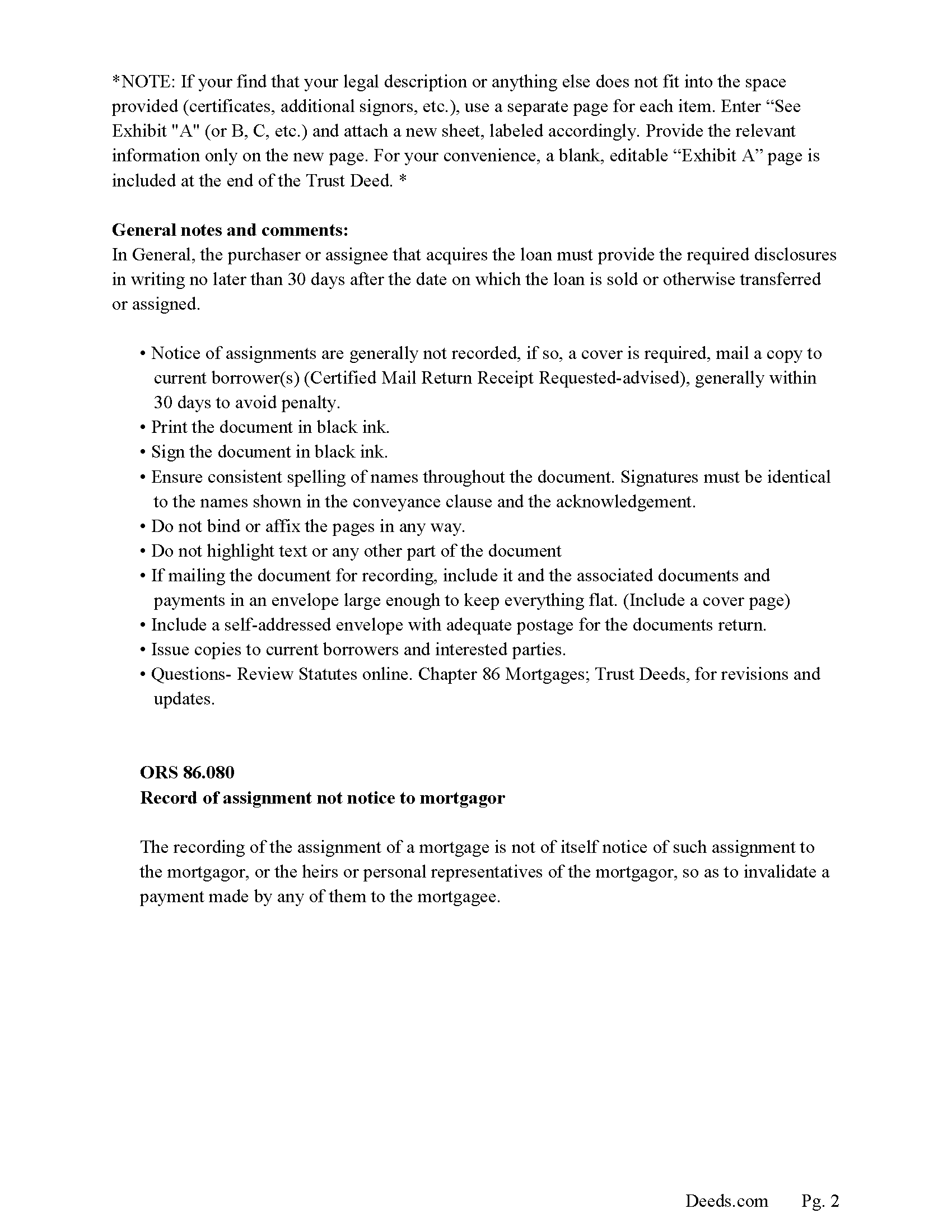
Douglas County Notice of Assignment Guidelines
Line by line guide explaining every blank on the form.
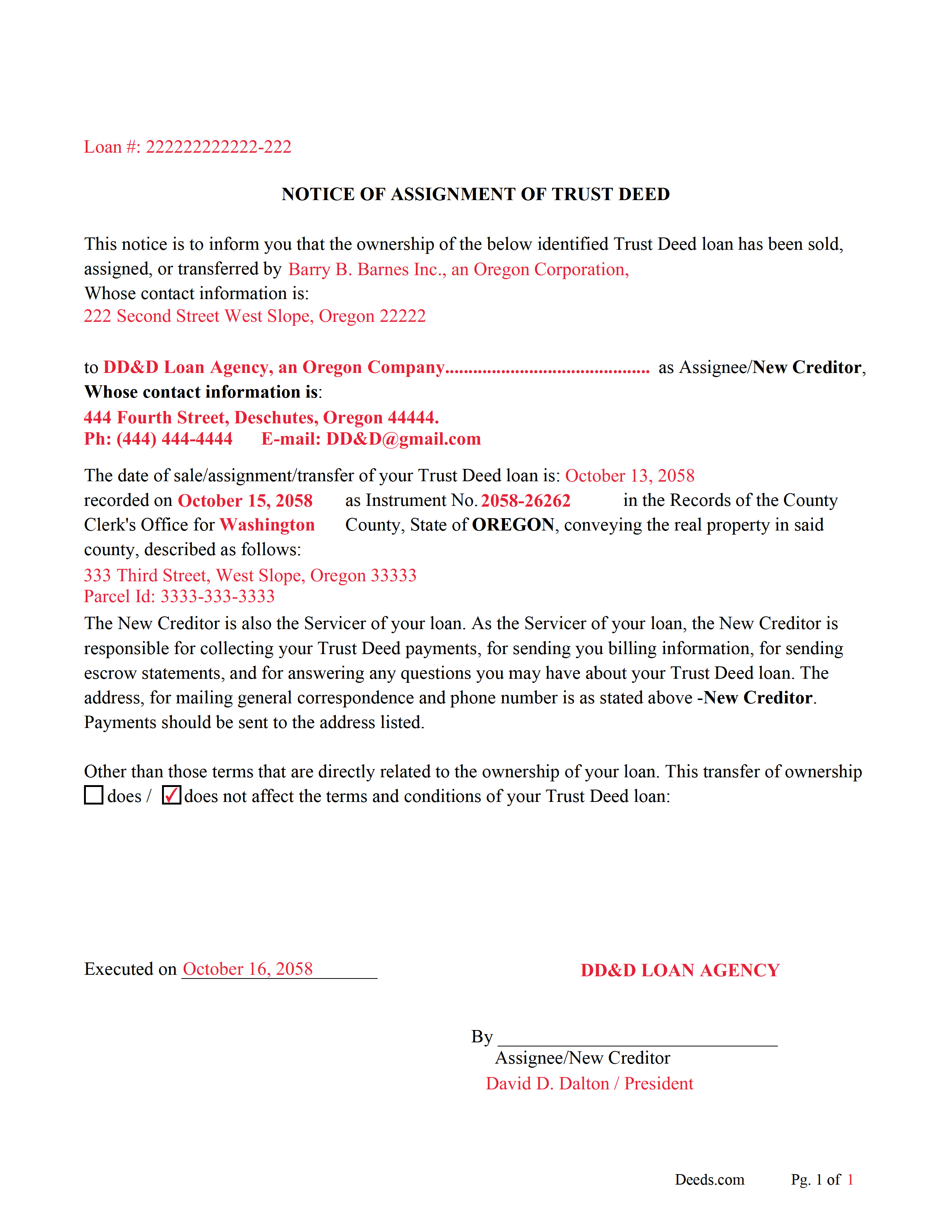
Douglas County Notice of Assignment-Completed Example
Example of a properly completed form for reference.
All 6 documents above included • One-time purchase • No recurring fees
Immediate Download • Secure Checkout
Additional Oregon and Douglas County documents included at no extra charge:
Where to Record Your Documents
County Clerk: Recording Division
Roseburg, Oregon 97470
Hours: 9:00 to noon & 1:00 to 4:00 Monday through Friday
Phone: (541) 440-4320
Recording Tips for Douglas County:
- Bring your driver's license or state-issued photo ID
- Ensure all signatures are in blue or black ink
- Check that your notary's commission hasn't expired
- Documents must be on 8.5 x 11 inch white paper
- Double-check legal descriptions match your existing deed
Cities and Jurisdictions in Douglas County
Properties in any of these areas use Douglas County forms:
- Azalea
- Camas Valley
- Canyonville
- Days Creek
- Dillard
- Drain
- Elkton
- Gardiner
- Glendale
- Glide
- Idleyld Park
- Myrtle Creek
- Oakland
- Reedsport
- Riddle
- Roseburg
- Scottsburg
- Sutherlin
- Tenmile
- Tiller
- Umpqua
- Wilbur
- Winchester
- Winston
- Yoncalla
Hours, fees, requirements, and more for Douglas County
How do I get my forms?
Forms are available for immediate download after payment. The Douglas County forms will be in your account ready to download to your computer. An account is created for you during checkout if you don't have one. Forms are NOT emailed.
Are these forms guaranteed to be recordable in Douglas County?
Yes. Our form blanks are guaranteed to meet or exceed the applicable formatting requirements used for recording in Douglas County, including margin requirements, font requirements, and other layout standards. This guarantee applies to formatting, not to the legal sufficiency of information entered by the user or the suitability of a form for a particular transaction.
Can I reuse these forms?
Yes. You can reuse the forms for your personal use. For example, if you have multiple properties in Douglas County you only need to order once.
What do I need to use these forms?
The forms are PDFs that you fill out on your computer. The free Adobe Acrobat Reader is recommended, and most PDF apps also work. You do NOT enter your property information online - you download the blank forms and complete them privately on your own computer.
Are there any recurring fees?
No. This is a one-time purchase. Nothing to cancel, no memberships, no recurring fees.
How much does it cost to record in Douglas County?
Recording fees in Douglas County vary. Contact the recorder's office at (541) 440-4320 for current fees.
Questions answered? Let's get started!
In this form the assignment/transfer of a Trust Deed/Deed of Trust is made by the beneficiary/lender or successor in interest.
("Trust deed" means a deed executed in conformity with ORS 86.705 (Definitions for ORS 86.705 to 86.815) to 86.815 (Time within which foreclosure must be commenced) that conveys an interest in real property to a trustee in trust to secure the performance of an obligation the grantor or other person named in the deed owes to a beneficiary.) (ORS 86.705(8))
("Beneficiary" means a person named or otherwise designated in a trust deed as the person for whose benefit a trust deed is given, or the person's successor in interest, and who is not the trustee unless the beneficiary is qualified to be a trustee under ORS 86.713 (Qualifications of trustee) (1)(b)(D).) (ORS 86.705(2))
ORS 86.060 Assignment of mortgage Mortgages may be assigned by an instrument in writing, executed and acknowledged with the same formality as required in deeds and mortgages of real property, and recorded in the records of mortgages of the county where the land is situated.
ORS 86.715 Trust deed deemed to be mortgage on real property A trust deed is deemed to be a mortgage on real property and is subject to all laws relating to mortgages on real property except to the extent that such laws are inconsistent with the provisions of ORS 86.705 (Definitions for ORS 86.705 to 86.815) to 86.815 (Time within which foreclosure must be commenced), in which event the provisions of ORS 86.705 (Definitions for ORS 86.705 to 86.815) to 86.815 (Time within which foreclosure must be commenced) shall control. For the purpose of applying the mortgage laws, the grantor in a trust deed is deemed the mortgagor and the beneficiary is deemed the mortgagee.
Included are "Notice of Assignment of Trust Deed" forms. The current Mortgagor/Borrower/Grantor must be notified of the assignment, generally within 30 days to avoid penalty.
ORS 86.080 Record of assignment not notice to mortgagor
The recording of the assignment of a mortgage is not of itself notice of such assignment to the mortgagor, or the heirs or personal representatives of the mortgagor, so as to invalidate a payment made by any of them to the mortgagee.
(Oregon Assignment Package includes form, guidelines, and completed example) For use in Oregon only.
Important: Your property must be located in Douglas County to use these forms. Documents should be recorded at the county recording office listed above.
This Assignment of Trust Deed by Beneficiary or Successor in Interest meets all recording requirements specific to Douglas County.
Our Promise
The documents you receive here are guaranteed to meet or exceed the applicable Douglas County recording format requirements. If there is a rejection caused by our formatting, we will correct the issue or refund your payment. This guarantee applies to document formatting only and does not extend to information entered by the user, the selection of the form, or the legal effect of the completed document.
Save Time and Money
Get your Douglas County Assignment of Trust Deed by Beneficiary or Successor in Interest form done right the first time with Deeds.com Uniform Conveyancing Blanks. At Deeds.com, we understand that your time and money are valuable resources, and we don't want you to face a penalty fee or rejection imposed by a county recorder for submitting nonstandard documents. We constantly review and update our forms to meet rapidly changing state and county recording requirements for roughly 3,500 counties and local jurisdictions.
4.8 out of 5 - ( 4,829 Reviews )
Charles F. 5 out of 5 stars
Quick and Easy
Thank you for your feedback. We really appreciate it. Have a great day!
Eric L. 4 out of 5 stars
Great service, but still needs some knowledge to complete. Also missing Michigan right to farm paragraph.
Thank you!
FE P. 5 out of 5 stars
Looked into a good number of DIY deeds on the internet. Very glad that I chose Deeds.com. They made it easy to make your own deed based on your state and the process based on the sample included was easy to follow. Also the cost was very reasonable. Great company.
We appreciate your business and value your feedback. Thank you. Have a wonderful day!
Jo Ann M. 5 out of 5 stars
Easy from the download to just fill out and print. Good instructions to follow. A cover letter form would be a extra plus
We appreciate your business and value your feedback. Thank you. Have a wonderful day!
Arthur M. 5 out of 5 stars
Efficient and easy to use. Thanks.
Thank you!
DAVID K. 5 out of 5 stars
Good so far could use more examples for each section of info. needed. ex. (parcel and alt.ID info where to find and etc. #2 more examples. If it was not for the red print examples helping to fill the form out I could have downloaded free forms, the examples are what made me choose your form !
We appreciate your business and value your feedback. Thank you. Have a wonderful day!
Kimberly C. 5 out of 5 stars
Very straight forward easy to use. No need to hunt for the information or forms you ate looking for, every thing is right there just click on the link and voila!
Thank you for your feedback. We really appreciate it. Have a great day!
Clay H. 5 out of 5 stars
The provided docs and guide were very helpful. Well worth the price in my opinion.
Thank you for your feedback. We really appreciate it. Have a great day!
Claire W. 5 out of 5 stars
The price is right, and very simple to follow
Thank you!
Chuck M. 5 out of 5 stars
Easy to use service. However, the product that I purchased did not meet my needs. No fault of the company.
Thank you for your feedback Chuck. We certainly don't want you to purchase something you can not use. We have canceled your order and payment. Have a wonderful day.
Clarence F. 5 out of 5 stars
very easy to use !!!
We appreciate your business and value your feedback. Thank you. Have a wonderful day!
John C N. 5 out of 5 stars
Just the website I needed. Very detailed and efficient.
Thank you for taking the time to provide your feedback John, we really appreciate it. Have an amazing day!
Patricia H. 5 out of 5 stars
I really like this site and it's actually recommended by many County Recorders. I especially like that there's not join up/monthly fee. It's easy to use and the customer support is outstanding. They're very helpful and patient.
Thank you for your feedback. We really appreciate it. Have a great day!
James A. 5 out of 5 stars
Good.
Thank you!
Mark G. 5 out of 5 stars
I was very impressed on what I needed to get the Deed I requested. Everything was there and I got it all printed out with no problems.
Glad to hear everything came together smoothly. We appreciate you taking the time to share this.