Douglas County Claim of Lien Form
Last validated October 14, 2026 by our Forms Development TeamFormatted for recording in Douglas County, for property anywhere in the county: rural and unincorporated areas as well as Azalea, Camas Valley, Canyonville, Days Creek, Dillard, Drain, Elkton, Gardiner and 17 more.
- 3 documents included
- Immediate PDF download
- Formatting guarantee
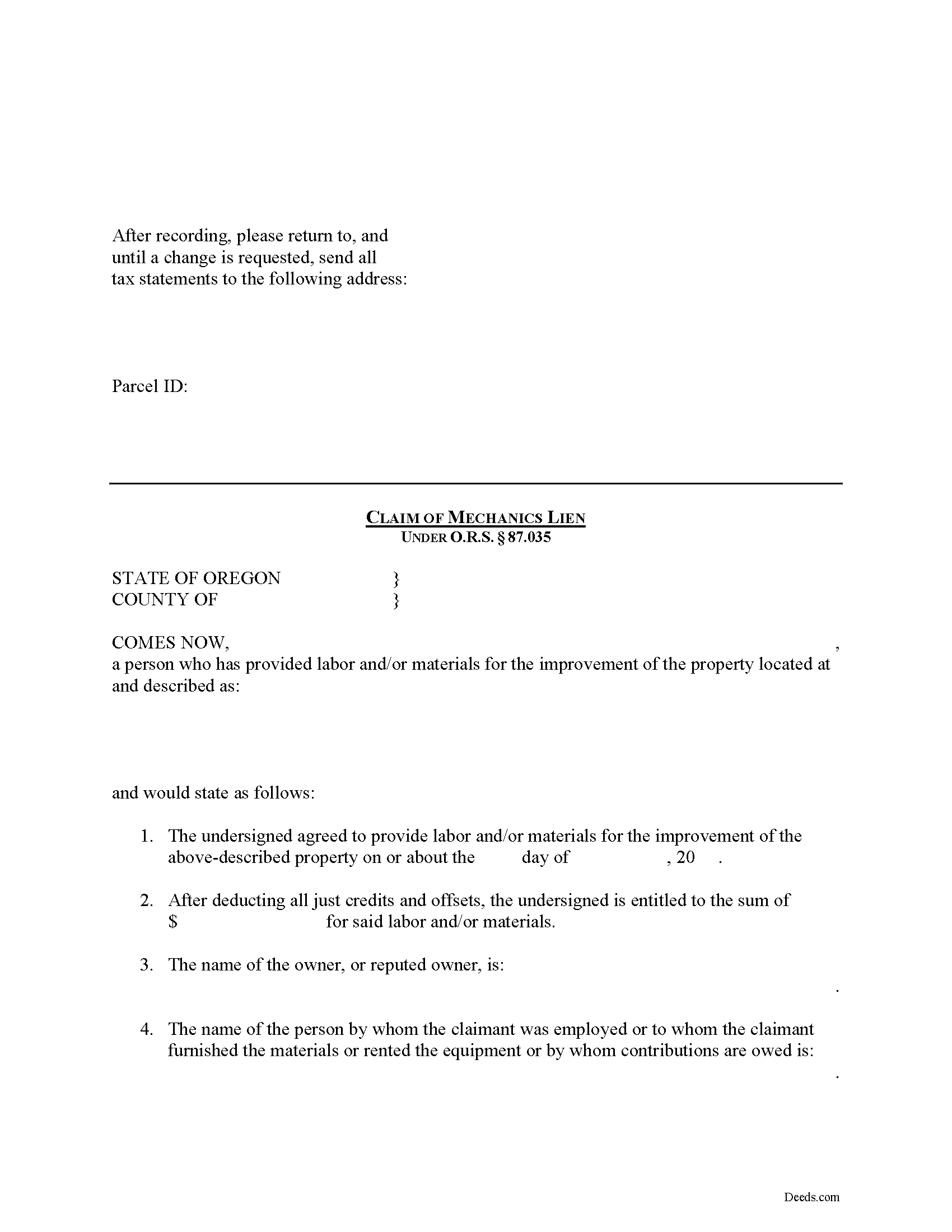
Douglas County Claim of Lien Form
Fill in the blank Claim of Lien form formatted to comply with all Oregon recording and content requirements.
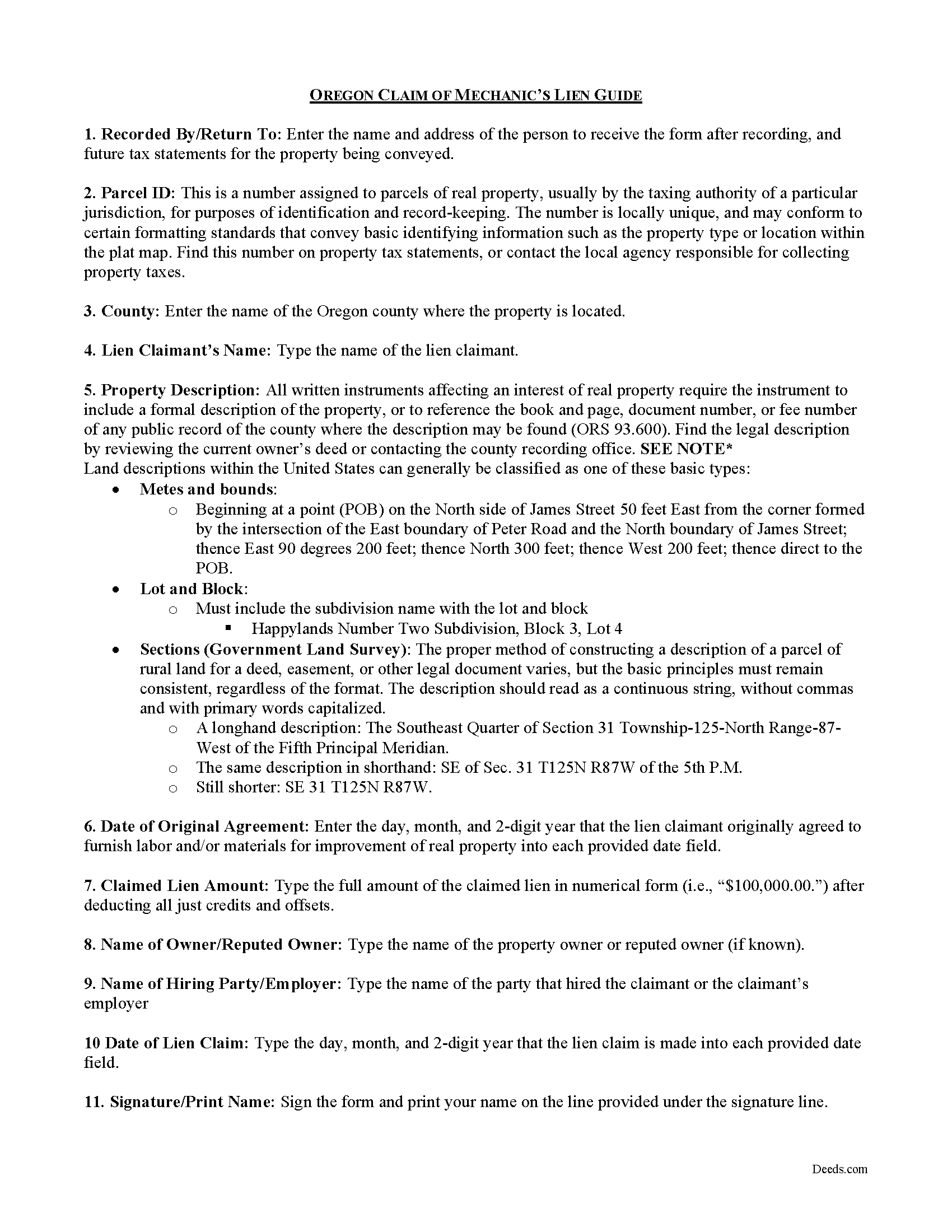
Douglas County Claim of Lien Guide
Line by line guide explaining every blank on the form.
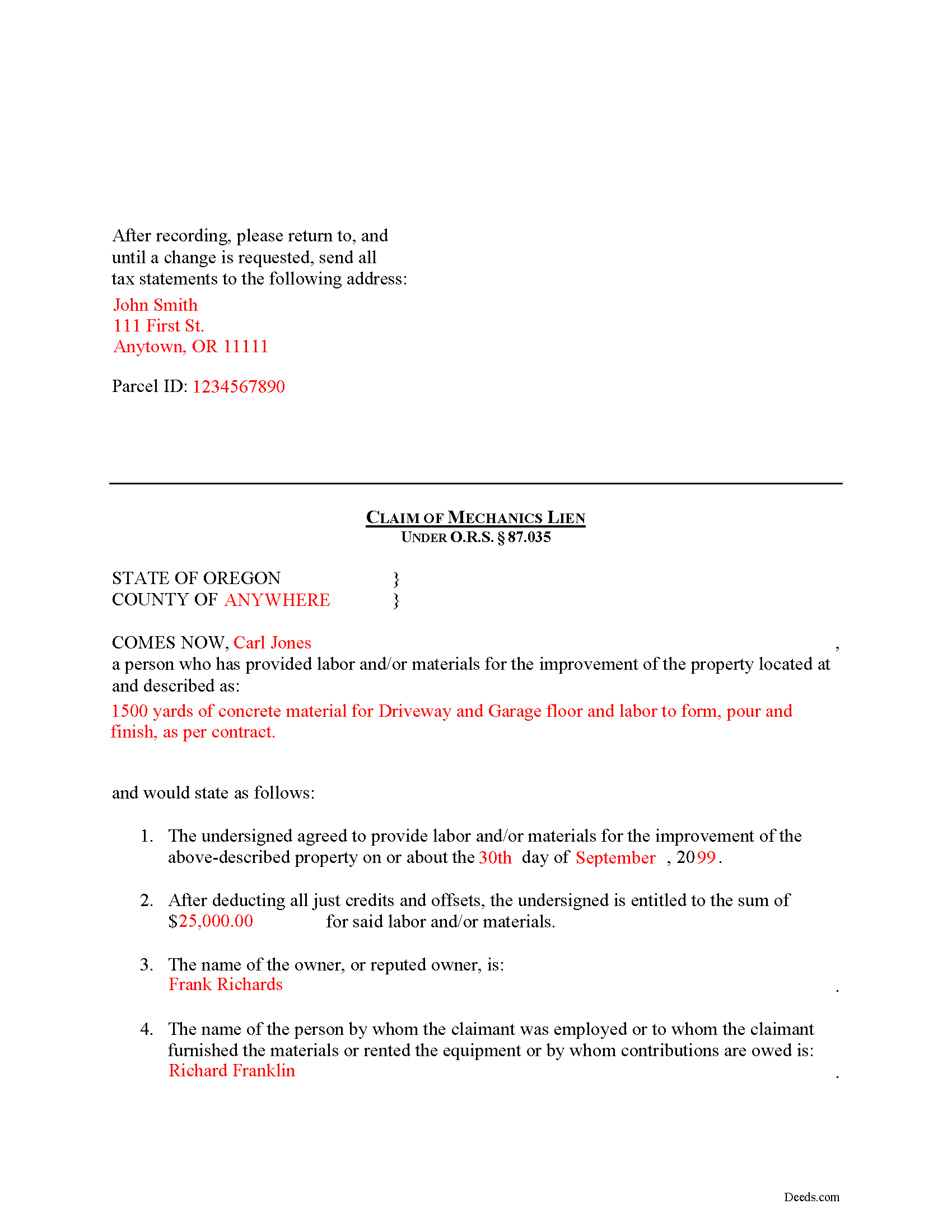
Douglas County Completed Example of the Claim of Mechanics Lien Document
Example of a properly completed form for reference.
All 3 documents above included • One-time purchase • No recurring fees
Immediate Download • Secure Checkout
Additional Oregon and Douglas County documents included at no extra charge:
Where to Record Your Documents
County Clerk: Recording Division
Roseburg, Oregon 97470
Hours: 9:00 to noon & 1:00 to 4:00 Monday through Friday
Phone: (541) 440-4320
Recording Tips for Douglas County:
- Bring your driver's license or state-issued photo ID
- Ensure all signatures are in blue or black ink
- Request a receipt showing your recording numbers
- Ask about accepted payment methods when you call ahead
- Ask for certified copies if you need them for other transactions
Cities and Jurisdictions in Douglas County
Properties in any of these areas use Douglas County forms:
- Azalea
- Camas Valley
- Canyonville
- Days Creek
- Dillard
- Drain
- Elkton
- Gardiner
- Glendale
- Glide
- Idleyld Park
- Myrtle Creek
- Oakland
- Reedsport
- Riddle
- Roseburg
- Scottsburg
- Sutherlin
- Tenmile
- Tiller
- Umpqua
- Wilbur
- Winchester
- Winston
- Yoncalla
Hours, fees, requirements, and more for Douglas County
How do I get my forms?
Forms are available for immediate download after payment. The Douglas County forms will be in your account ready to download to your computer. An account is created for you during checkout if you don't have one. Forms are NOT emailed.
Are these forms guaranteed to be recordable in Douglas County?
Yes. Our form blanks are guaranteed to meet or exceed the applicable formatting requirements used for recording in Douglas County, including margin requirements, font requirements, and other layout standards. This guarantee applies to formatting, not to the legal sufficiency of information entered by the user or the suitability of a form for a particular transaction.
Can I reuse these forms?
Yes. You can reuse the forms for your personal use. For example, if you have multiple properties in Douglas County you only need to order once.
What do I need to use these forms?
The forms are PDFs that you fill out on your computer. The free Adobe Acrobat Reader is recommended, and most PDF apps also work. You do NOT enter your property information online - you download the blank forms and complete them privately on your own computer.
Are there any recurring fees?
No. This is a one-time purchase. Nothing to cancel, no memberships, no recurring fees.
How much does it cost to record in Douglas County?
Recording fees in Douglas County vary. Contact the recorder's office at (541) 440-4320 for current fees.
Questions answered? Let's get started!
Mechanic's Lien Claims in Oregon
Oregon's Construction Lien Law is codified at ORS 87.001 to 87.060 and 87.075 to 87.093.
Contractors, subcontractors, and material suppliers can often have problems getting paid by property owners or other parties involved in the chain of dealings. Luckily, there is a remedy for these persons known as a construction lien. A construction lien works like a mortgage by creating a security interest in the title to real property as a form of collateral. A contractor or other party holds this interest and in turn can foreclose on it to force payment.
In Oregon, any person performing labor upon, transporting or furnishing any material to be used in, or renting equipment used in the construction of any improvement is entitled to a lien upon the improvement for the labor, transportation or material furnished or equipment rented at the instance of the owner of the improvement or the construction agent of the owner. O.R.S. 87.010(1). To claim a lien, the party providing labor or furnishing materials must first send a preliminary notice to the owner, in the form of a Notice of Right to a Lien, within 8 days of such furnishing. O.R.S. 87.021(1). The purpose of this notice is to make the owner aware that someone will be performing work that entitles the contractor to claim a lien, which in turn protects the owner from a "hidden lien." If the notice is not sent on time, a claimant can still send one out later and claim a lien but, the lien only covers the 8-day period before the pre-lien notice is sent.
Once the pre-lien notice has been sent and work has begun, and the proper party never receives timely payment, a mechanic's lien can be claimed not later than 75 days after the person has ceased to provide labor, rent equipment, or furnish materials or 75 days after completion of construction, whichever is earlier. O.R.S. 87.035(1). The lien must be perfected by filing a claim of lien with the recording officer of the county or counties in which the improvement, or some part thereof, is situated. O.R.S. 87.035(2).
The claim of lien contains the following information: (a) a statement of demand, after deducting all just credits and offsets; (b) the name of the owner, or reputed owner, if known; (c) the name of the person by whom the claimant was employed or to whom the claimant furnished the materials or rented the equipment or by whom contributions are owed; and (d) a description of the property to be charged with the lien sufficient for identification, including the address if known. O.R.S. 87.035(3). The claim of lien must be verified by the oath of the person filing or of some other person having knowledge of the facts, subject to the criminal penalties for false swearing. O.R.S. 87.035(4)
A person filing a claim of lien must mail the owner and the mortgagee a notice in writing that the claim has been filed. O.R.S. 87.039(1). A copy of the claim of lien must be attached to the notice. Id. The notice must be mailed no later than 20 days after the date of filing. Id. By keeping track of dates, staying organized, and keeping a vigilant eye on each account, protects the claimant's right to a construction lien.
This article is provided for informational purposes only and should not be relied upon a substitute for the advice of an attorney. Please contact an Oregon attorney with any questions about construction liens.
Important: Your property must be located in Douglas County to use these forms. Documents should be recorded at the county recording office listed above.
This Claim of Lien meets all recording requirements specific to Douglas County.
Our Promise
The documents you receive here are guaranteed to meet or exceed the applicable Douglas County recording format requirements. If there is a rejection caused by our formatting, we will correct the issue or refund your payment. This guarantee applies to document formatting only and does not extend to information entered by the user, the selection of the form, or the legal effect of the completed document.
Save Time and Money
Get your Douglas County Claim of Lien form done right the first time with Deeds.com Uniform Conveyancing Blanks. At Deeds.com, we understand that your time and money are valuable resources, and we don't want you to face a penalty fee or rejection imposed by a county recorder for submitting nonstandard documents. We constantly review and update our forms to meet rapidly changing state and county recording requirements for roughly 3,500 counties and local jurisdictions.
4.8 out of 5 - ( 4,839 Reviews )
Kevin H. 5 out of 5 stars
Quick and easy to find the forms I needed. And the download was easy.
Thank you for your feedback. We really appreciate it. Have a great day!
Kyle E. 5 out of 5 stars
Works great thank you for saving us driving time!!
We appreciate your business and value your feedback. Thank you. Have a wonderful day!
Sue B. 5 out of 5 stars
Easy to download and complete. Thank you for this service!
Thank you for your feedback Sue, we really appreciate it!
Laura M. 5 out of 5 stars
Very easy and I appreciate that when you hover over the blank, directions pop up and tell you what to put in that blank. I also appreciated that when I lost the original password, I sent an email and Deeds.com cancelled my order, refunded my account, so that I could start over.
It was a pleasure serving you. Thank you for the positive feedback!
Deborah O. 5 out of 5 stars
Response time was fantastic. I had no idea it would be so quick. I would definitely use again. They send you a message if they need additional information, etc. I would rate them a 10+ on a 1-10 scale
Thank you for your feedback. We really appreciate it. Have a great day!
Gregory h. 5 out of 5 stars
OUtsdtanding. Quick and easy, both of which are a huge plus
We appreciate your business and value your feedback. Thank you. Have a wonderful day!
Brian T. 5 out of 5 stars
Great to find this makes for easy work when you need to secure your ownership of a property!!Thanks guys Brian the Mann
We appreciate your business and value your feedback. Thank you. Have a wonderful day!
Carol D. 5 out of 5 stars
No review provided.
Thank you!
Keith C. 1 out of 5 stars
not worth anything to me as i could never get notary info on form to print along with other info
Sorry to hear that Keith. We have processed a refund for your order.
Mike F. 5 out of 5 stars
The explanation sheet and example was very handy.
Thank you!
franklin m. 5 out of 5 stars
good format, helpful instructions
Thank you!
Anne W. 3 out of 5 stars
3 stars for ease of use on the website. Subracted 2 stars for the forms being PDFs that you are unable to complete online, they have to be printed. Very inefficient.
Thank you for your feedback. We really appreciate it. Have a great day!
Michael B. 5 out of 5 stars
Amazing! I was able to submit my documentation and it was on record within one hour! Highly Recommend.
Thank you for your feedback. We really appreciate it. Have a great day!
David Y. 5 out of 5 stars
Really great forms. Did the quitclaim, everything was perfect, recorded with no problems at all. Thanks!
Thank you!
Christina W. 5 out of 5 stars
I stand corrected. I received my report and it was exactly what I requested.
Thank you!