Sweetwater County Affidavit of Trust Form
Last validated August 25, 2026 by our Forms Development TeamFormatted for recording in Sweetwater County, for property anywhere in the county: rural and unincorporated areas as well as Bairoil, Farson, Granger, Green River, Little America, Mc Kinnon, Point Of Rocks, Reliance and 3 more.
- 3 documents included
- Immediate PDF download
- Formatting guarantee
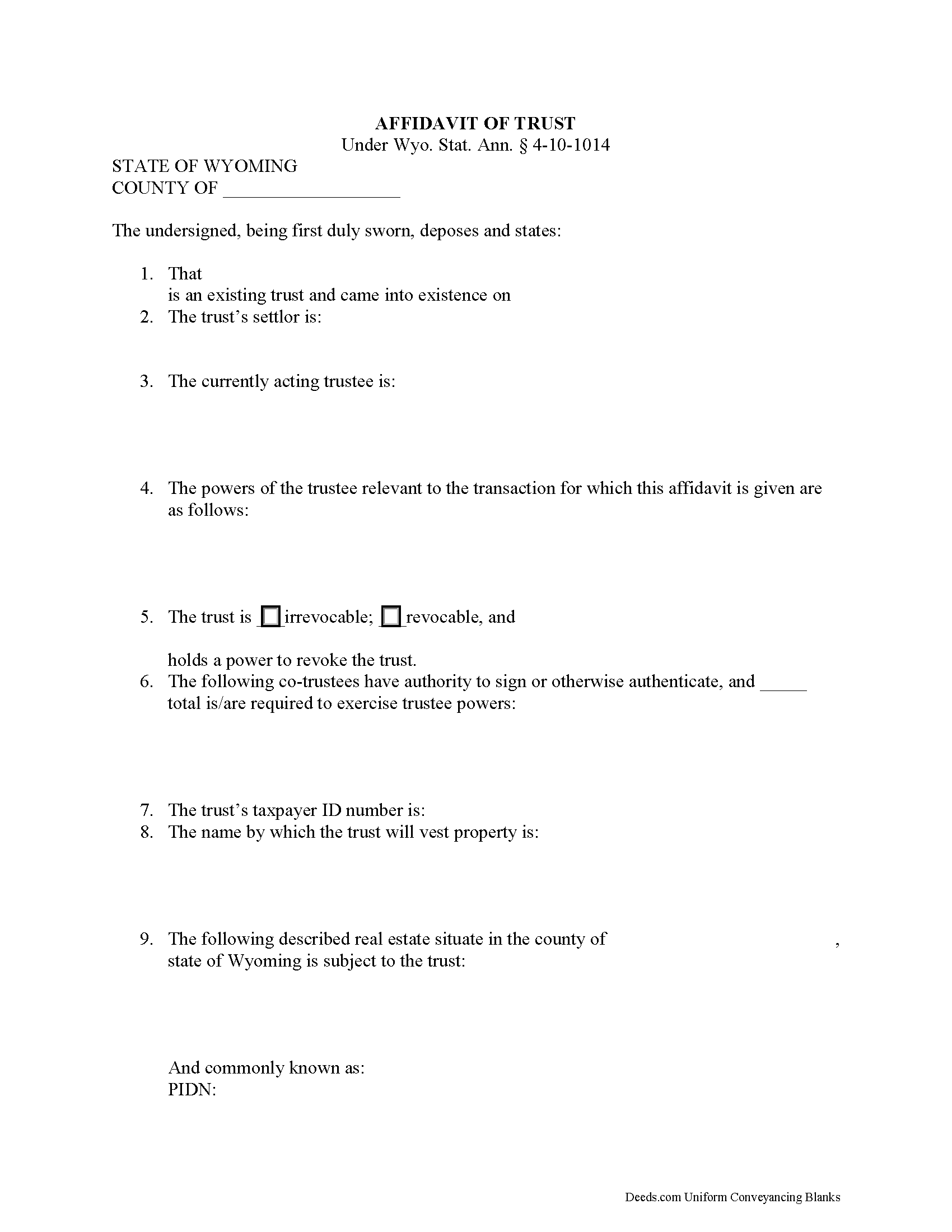
Sweetwater County Affidavit of Trust Form
Fill in the blank form formatted to comply with all recording and content requirements.
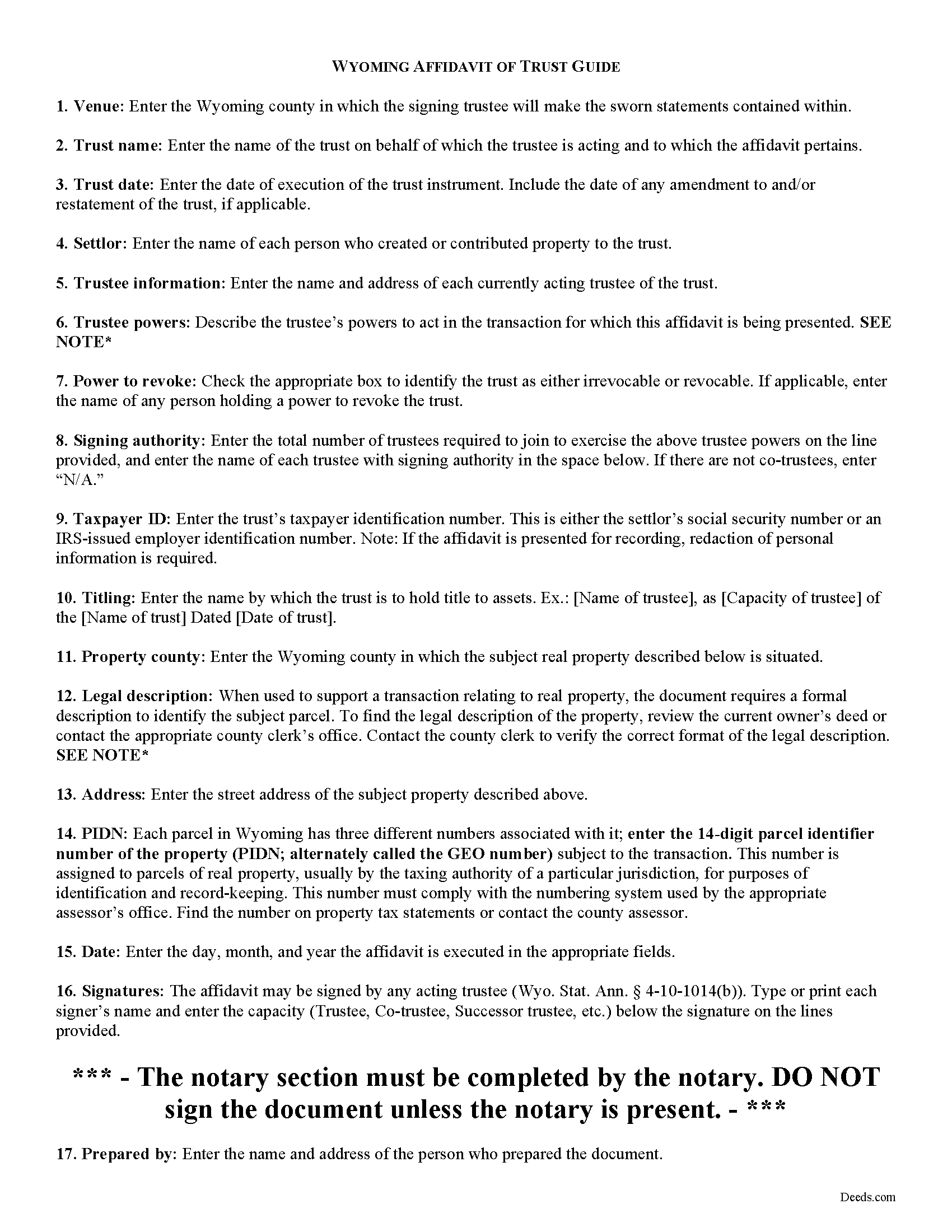
Sweetwater County Affidavit of Trust Guide
Line by line guide explaining every blank on the form.
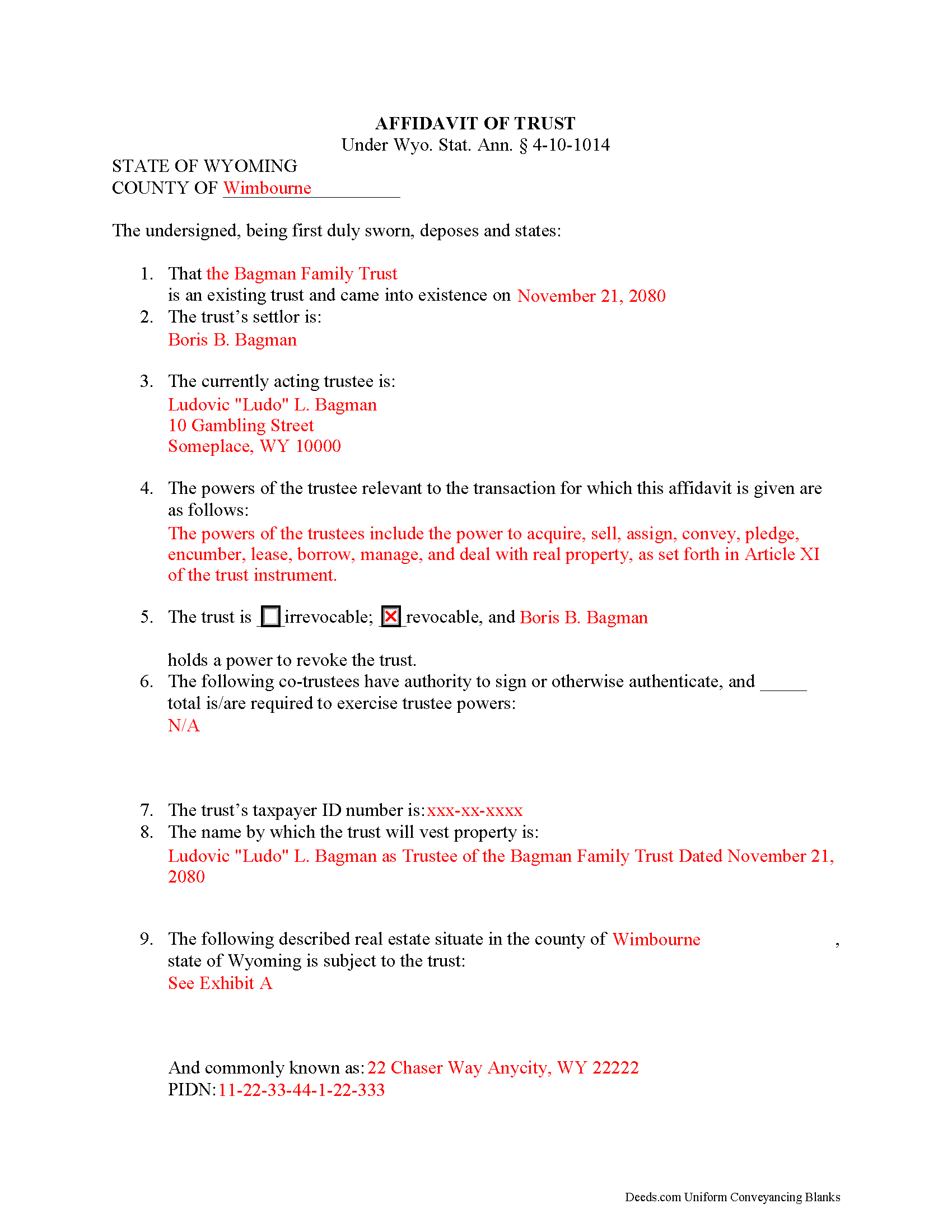
Sweetwater County Completed Example of the Affidavit of Trust Document
Example of a properly completed form for reference.
All 3 documents above included • One-time purchase • No recurring fees
Immediate Download • Secure Checkout
Additional Wyoming and Sweetwater County documents included at no extra charge:
Where to Record Your Documents
Sweetwater County Clerk
Green River, Wyoming 82935-4253
Hours: Monday - Friday 8:00am - 5:00pm
Phone: (307) 872-3749; Rock Springs: (307) 922-5213
Recording Tips for Sweetwater County:
- Bring your driver's license or state-issued photo ID
- Ensure all signatures are in blue or black ink
- Recorded documents become public record - avoid including SSNs
- Recording fees may differ from what's posted online - verify current rates
- Request a receipt showing your recording numbers
Cities and Jurisdictions in Sweetwater County
Properties in any of these areas use Sweetwater County forms:
- Bairoil
- Farson
- Granger
- Green River
- Little America
- Mc Kinnon
- Point Of Rocks
- Reliance
- Rock Springs
- Superior
- Wamsutter
Hours, fees, requirements, and more for Sweetwater County
How do I get my forms?
Forms are available for immediate download after payment. The Sweetwater County forms will be in your account ready to download to your computer. An account is created for you during checkout if you don't have one. Forms are NOT emailed.
Are these forms guaranteed to be recordable in Sweetwater County?
Yes. Our form blanks are guaranteed to meet or exceed the applicable formatting requirements used for recording in Sweetwater County, including margin requirements, font requirements, and other layout standards. This guarantee applies to formatting, not to the legal sufficiency of information entered by the user or the suitability of a form for a particular transaction.
Can I reuse these forms?
Yes. You can reuse the forms for your personal use. For example, if you have multiple properties in Sweetwater County you only need to order once.
What do I need to use these forms?
The forms are PDFs that you fill out on your computer. The free Adobe Acrobat Reader is recommended, and most PDF apps also work. You do NOT enter your property information online - you download the blank forms and complete them privately on your own computer.
Are there any recurring fees?
No. This is a one-time purchase. Nothing to cancel, no memberships, no recurring fees.
How much does it cost to record in Sweetwater County?
Recording fees in Sweetwater County vary. Contact the recorder's office at (307) 872-3749; Rock Springs: (307) 922-5213 for current fees.
Questions answered? Let's get started!
In a trust relationship, a settlor transfers one or more assets to another (the trustee), who holds and manages them for the benefit of a third (the beneficiary). In a living trust, the settlor indicates the intent to create a trust by executing a document called the trust instrument. This document sets out the trust's provisions and allows the settlor to plan how his assets will be distributed upon his death, without the requirement that his estate go through probate.
In the place of the entire trust document, a trustee in Wyoming may present an affidavit of trust to any person who is not a trust beneficiary. Codified as part of the Uniform Trust Code at Wyo. Stat. Ann. 4-10-1014, the document certifies that a trust exists and that the trustee has the authority to engage in the business at-hand with the recipient on behalf of said trust. Instead of summarizing the entire trust agreement, the affidavit contains only the information relevant to the current transaction, allowing the settlor to maintain the privacy of his/her estate plans (including the identity of trust beneficiaries).
As specified by statute, the affidavit is signed and sworn to before an appropriate official. Other requirements include the name and date of trust; the name of the settlor; the name and address of the current trustee; and a description of the relevant powers of the trustee. In addition, the document identifies any person who holds a power to revoke the trust, if applicable, and, if there are multiple trustees, it stipulates which trustees have signing authority and how many, if fewer than all, are required to act jointly to perform the powers listed. Wyoming also requires the trust's taxpayer identification number.
The form includes the name by which the trust vests title to property, and, when used in transactions pertaining to real property interests, may include a legal description of the subject property held in trust. Further, the trustee certifies that the trust has not been amended, modified, or revoked in a manner that invalidates any of the statements contained within the certificate. Persons dealing with trustees are protected by the provisions of 4-10-1014.
Consult a lawyer with questions regarding affidavits of trust or other issues relating to trust property in Wyoming.
(Wyoming AOT Package includes form, guidelines, and completed example)
Important: Your property must be located in Sweetwater County to use these forms. Documents should be recorded at the county recording office listed above.
This Affidavit of Trust meets all recording requirements specific to Sweetwater County.
Our Promise
The documents you receive here are guaranteed to meet or exceed the applicable Sweetwater County recording format requirements. If there is a rejection caused by our formatting, we will correct the issue or refund your payment. This guarantee applies to document formatting only and does not extend to information entered by the user, the selection of the form, or the legal effect of the completed document.
Save Time and Money
Get your Sweetwater County Affidavit of Trust form done right the first time with Deeds.com Uniform Conveyancing Blanks. At Deeds.com, we understand that your time and money are valuable resources, and we don't want you to face a penalty fee or rejection imposed by a county recorder for submitting nonstandard documents. We constantly review and update our forms to meet rapidly changing state and county recording requirements for roughly 3,500 counties and local jurisdictions.
4.8 out of 5 - ( 4,836 Reviews )
Deborah C. 5 out of 5 stars
I just printed out my documents and they are so helpful. Now I will sit and fill out my documents and submit them to the PG County deed Office. Thanks for having this infomation online. Regards,
Thank you!
William V. 5 out of 5 stars
I finally got it. Thanks, William Vickery
Thank you!
Allan A. 5 out of 5 stars
Excellent service, communication and done in a timely fashion. Worth the cost for the convenience and safety
Thank you!
Rebecca W. 5 out of 5 stars
Very easy to find and download.
Thank you!
Joseph R. 3 out of 5 stars
The form and instructions were easy enough to follow if you had all the information.
The only drawback to the form was the length of text allowed for the name of the document (#4). The form self populates in multiple locations but when printed truncated the name if too many characters were used. I kept having to update the name of the document to allow for proper printing.
Your insights are invaluable to us and help us strive for better service. Thank you for taking the time to share your thoughts.
Vickie G. 5 out of 5 stars
The form and instruction were perfect. Thank you.
Thank You Vickie!
Jenny B. 5 out of 5 stars
Thank you! Will use you again in the future.
We appreciate your business and value your feedback. Thank you. Have a wonderful day!
Cameron M. 5 out of 5 stars
This service is amazing. Always same day recording. Quick and easy. Thank you!
We appreciate your business and value your feedback. Thank you. Have a wonderful day!
Katherine Y. 5 out of 5 stars
It was easy to use the form. The notary said it contained the most recent language which is also helpful.
Thanks Katherine!
Karen F. 5 out of 5 stars
The documents' format contained information needed to complete the necessary paperwork for filing with Georgia. However, the fields were not large enough to put the legal description in, and there was no way to enlarge the area. These were only semi-helpful in providing what I needed per Georgia's filing requirement.
Thank you!
Muriel S. 5 out of 5 stars
The three people we dealt with were courteous and helpful.
Thank you!
Donald P. 5 out of 5 stars
I wish the quick claim dead would have had letterhead that said, State South Carolina.
Thank you for your feedback. We really appreciate it. Have a great day!
mary g. 5 out of 5 stars
Easy site. Reasonably priced
Thank you Mary.
Kelli M. 5 out of 5 stars
It is easy to use but difficult to know when the document has been reviewed for recording and when the invoice is ready. It would be helpful for the website to send an email automatically once the document(s) are ready to be recorded to let you know what the time line is.....Thank you for your help.
Thank you for your feedback. We really appreciate it. Have a great day!
Donna R. 5 out of 5 stars
This was a seamless process. It probably took one minute to fill out my information and upload the document. It was formatted and sent immediately. It was processed the next day at the county recorders office. I have zero complaints. Before finding this company I spent an entire day calling and leaving messages at other e-filing companies like simplfile and others but they all required subscriptions. I just needed to file a single document now and then so that was not a good fit. (And those companies I found out still require the customer to do all the work!). Deeds.com kept me informed throughout the process every step. I'm happy to write this review. Thank you
Thank you for your feedback. We really appreciate it. Have a great day!