Grays Harbor County Quitclaim Deed (Divorce) Form
Last validated October 4, 2026 by our Forms Development TeamFormatted for recording in Grays Harbor County, for property anywhere in the county: rural and unincorporated areas as well as Aberdeen, Amanda Park, Copalis Beach, Copalis Crossing, Cosmopolis, Elma, Grayland, Hoquiam and 13 more.
- 3 documents included
- Immediate PDF download
- Formatting guarantee
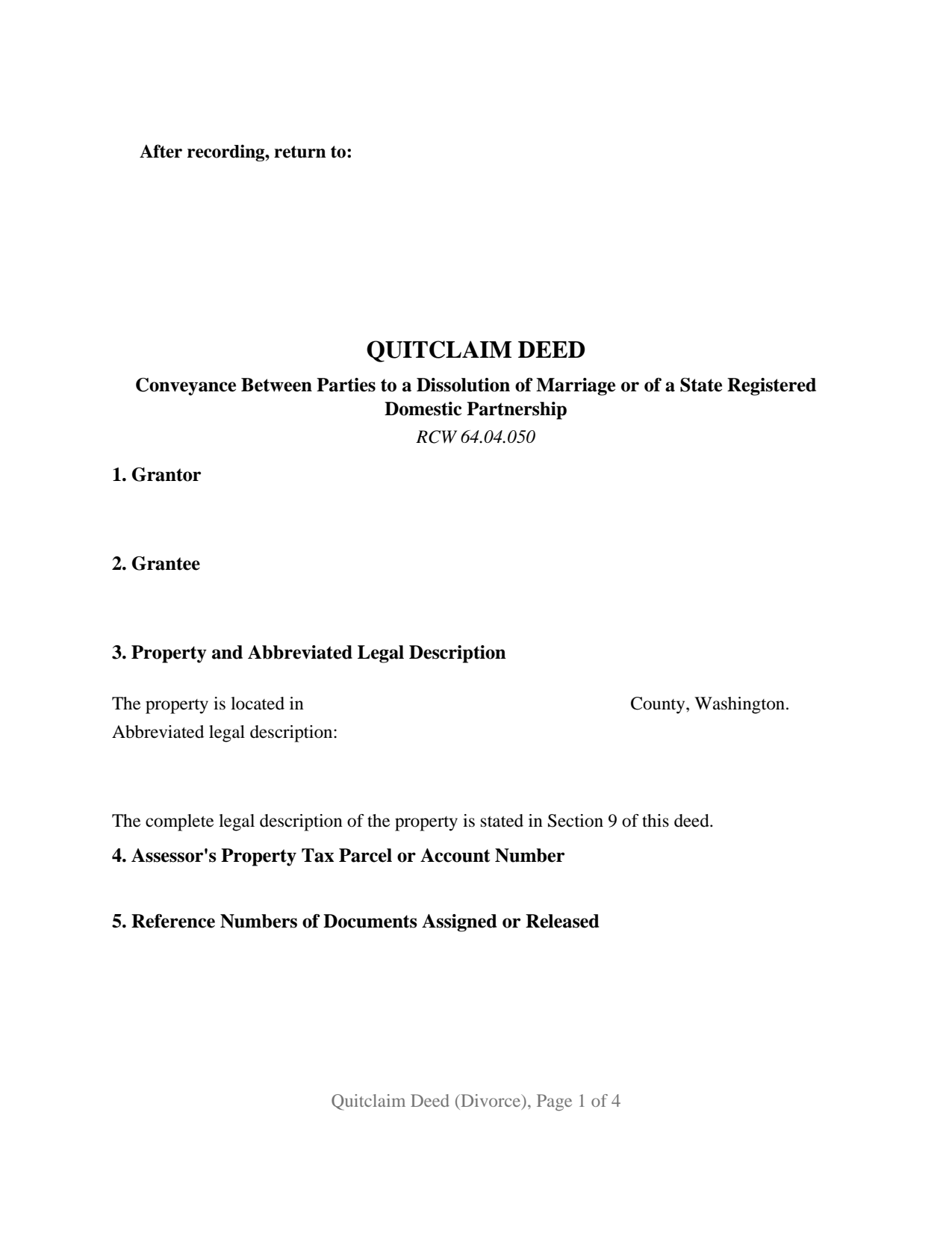
Grays Harbor County Quitclaim Deed (Divorce) Form
Fill in the blank Quitclaim Deed (Divorce) form formatted to comply with all Washington recording and content requirements.
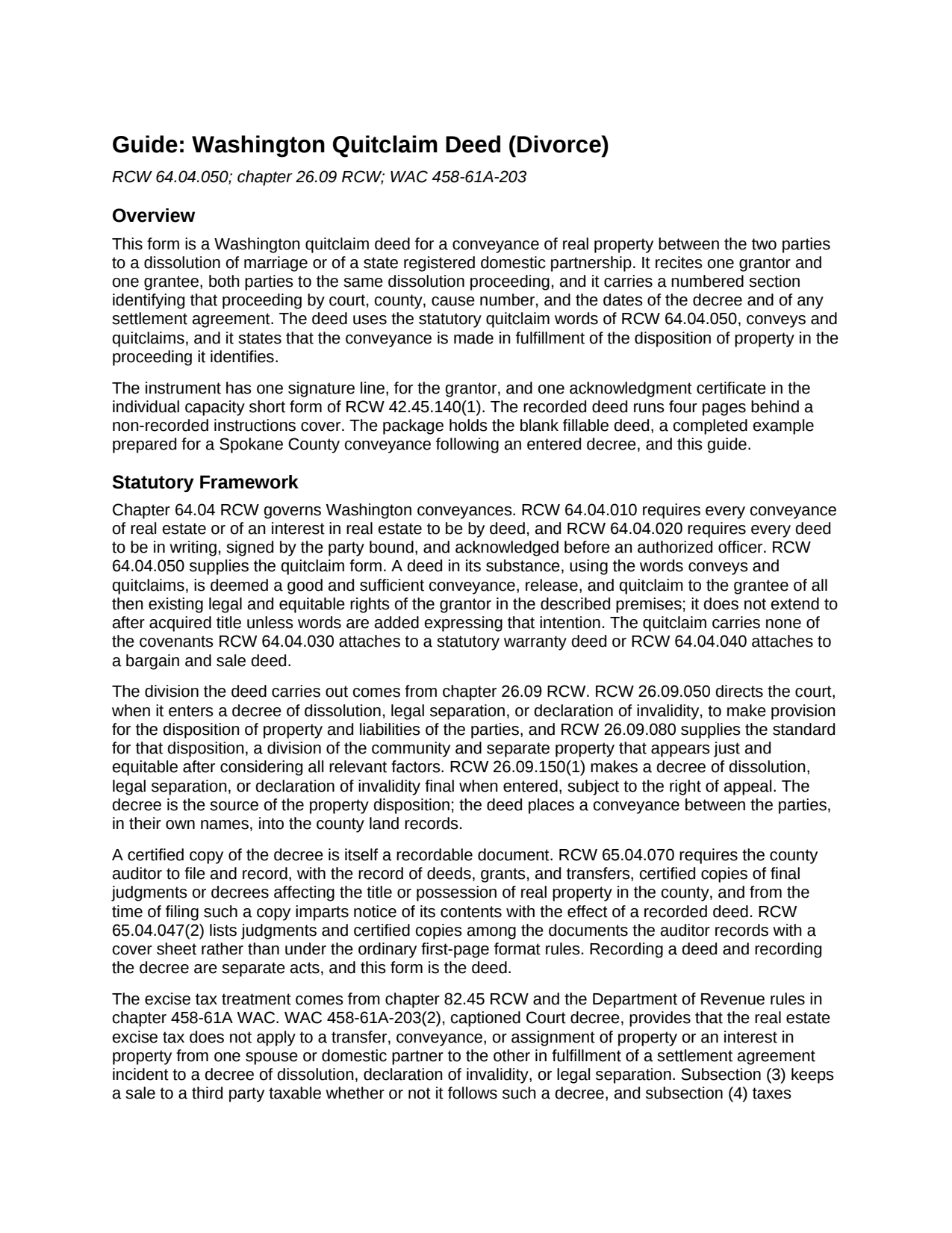
Grays Harbor County Quitclaim Deed (Divorce) Guide
Line by line guide explaining every blank on the Quitclaim Deed (Divorce) form.
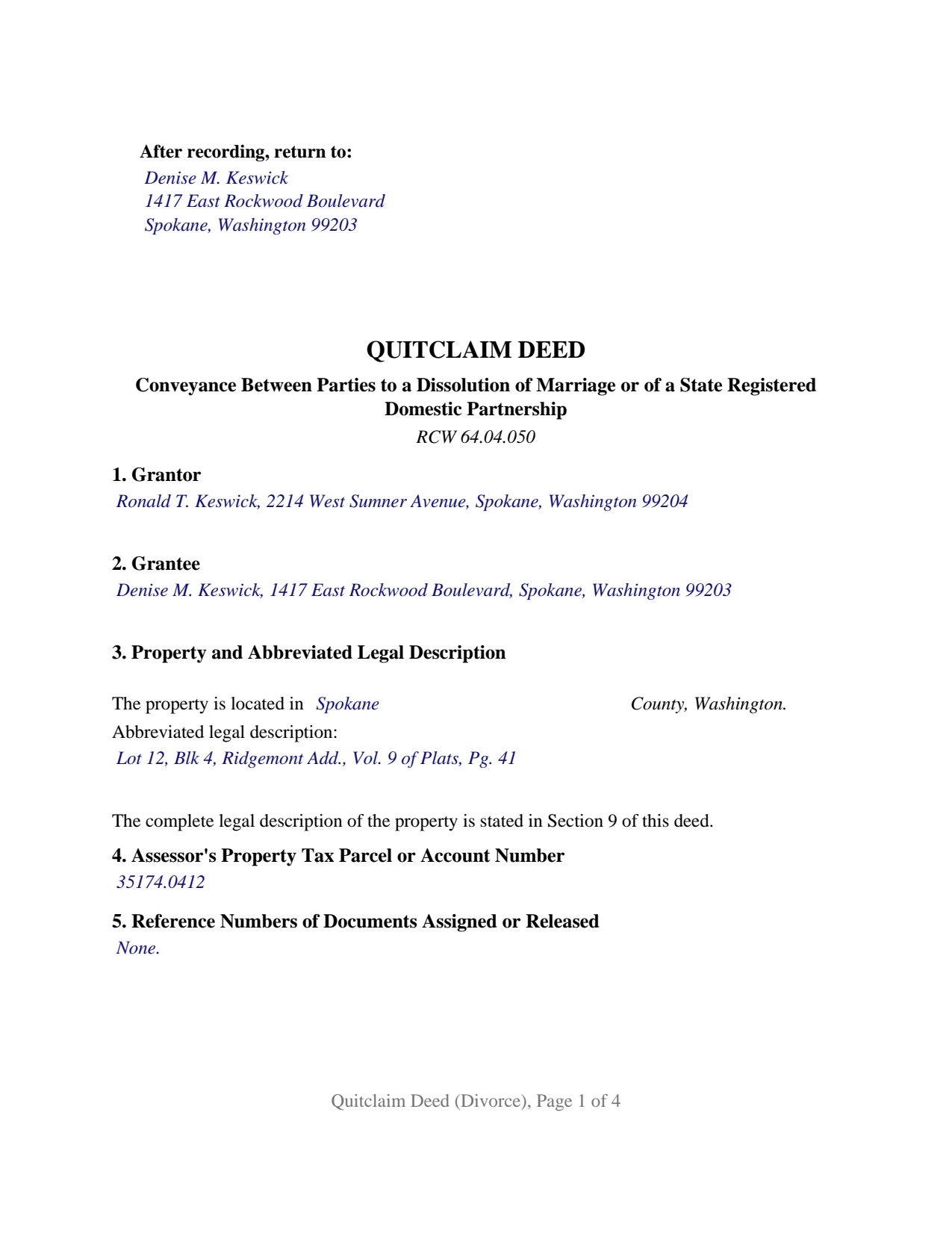
Grays Harbor County Completed Example of the Quitclaim Deed (Divorce) Document
Example of a properly completed Washington Quitclaim Deed (Divorce) document for reference.
All 3 documents above included • One-time purchase • No recurring fees
Immediate Download • Secure Checkout
Additional Washington and Grays Harbor County documents included at no extra charge:
Where to Record Your Documents
Grays Harbor County Auditor: Recording
Montesano, Washington 98563
Hours: Monday through Friday 9:00am - 12:00 & 12:30 - 4:30pm
Phone: (360) 964-1557
Recording Tips for Grays Harbor County:
- Bring your driver's license or state-issued photo ID
- Ensure all signatures are in blue or black ink
- Make copies of your documents before recording - keep originals safe
- Recorded documents become public record - avoid including SSNs
- Recording fees may differ from what's posted online - verify current rates
Cities and Jurisdictions in Grays Harbor County
Properties in any of these areas use Grays Harbor County forms:
- Aberdeen
- Amanda Park
- Copalis Beach
- Copalis Crossing
- Cosmopolis
- Elma
- Grayland
- Hoquiam
- Humptulips
- Malone
- Mccleary
- Moclips
- Montesano
- Neilton
- Oakville
- Ocean Shores
- Pacific Beach
- Quinault
- Satsop
- Taholah
- Westport
Hours, fees, requirements, and more for Grays Harbor County
How do I get my forms?
Forms are available for immediate download after payment. The Grays Harbor County forms will be in your account ready to download to your computer. An account is created for you during checkout if you don't have one. Forms are NOT emailed.
Are these forms guaranteed to be recordable in Grays Harbor County?
Yes. Our form blanks are guaranteed to meet or exceed the applicable formatting requirements used for recording in Grays Harbor County, including margin requirements, font requirements, and other layout standards. This guarantee applies to formatting, not to the legal sufficiency of information entered by the user or the suitability of a form for a particular transaction.
Can I reuse these forms?
Yes. You can reuse the forms for your personal use. For example, if you have multiple properties in Grays Harbor County you only need to order once.
What do I need to use these forms?
The forms are PDFs that you fill out on your computer. The free Adobe Acrobat Reader is recommended, and most PDF apps also work. You do NOT enter your property information online - you download the blank forms and complete them privately on your own computer.
Are there any recurring fees?
No. This is a one-time purchase. Nothing to cancel, no memberships, no recurring fees.
How much does it cost to record in Grays Harbor County?
Recording fees in Grays Harbor County vary. Contact the recorder's office at (360) 964-1557 for current fees.
Questions answered? Let's get started!
A Washington dissolution decree is itself a recordable document. Under RCW 65.04.070 the county auditor records certified copies of final decrees affecting title to real property, and from filing such a copy gives notice of its contents with the effect a recorded deed carries. Parties still record a deed. This quitclaim deed is the one they record: one grantor, one grantee, both of them parties to the same dissolution proceeding, and a numbered section naming the court, the cause number, and the date of the decree.
Two records, two different jobs
A certified decree brings the court's own words into the land records, formatted for the court rather than the auditor, which is why RCW 65.04.047(2) lists judgments and certified copies among the documents recordable with a cover sheet rather than under the ordinary format rules. What it does not do is place a conveyance under the parties' own names in the grantor and grantee indexes, with the parcel described as a title examiner reads a chain. That is the deed's work. Its operative words come from RCW 64.04.050: conveys and quitclaims, passing the legal and equitable rights the grantor holds at delivery, with no covenant of title and no reach to title acquired afterward.
One signature, because the marriage has ended
The form recites exactly one grantor and exactly one grantee, with one signature line, a printed name and date, and one acknowledgment certificate in the individual short form of RCW 42.45.140(1). The joinder rules that put two signatures on most Washington conveyances of a shared home speak in terms of spouses and domestic partners: RCW 26.16.030(3) reaches an instrument by which community real property is sold, conveyed, or encumbered, and RCW 6.13.060 reaches a conveyance or encumbrance of a homestead of a spouse or domestic partner. RCW 26.09.150(1) makes a decree final when entered, so from entry forward the parties are no longer spouses or state registered domestic partners of each other, and neither rule describes a conveyance between them. Two record patterns present this configuration: a residence assigned to one party, the other releasing whatever interest the record still shows, and a rental or vacant parcel assigned in the same division. What the form is not set up as: two grantor entries, a separately labeled block for a joining party, a signer in a representative capacity, or a conveyance to a buyer outside the proceeding.
The subsection the treasurer reads
Excise tax turns on one subsection and its neighbors. WAC 458-61A-203(2), captioned Court decree, holds the real estate excise tax off a transfer of property or an interest in it from one spouse or domestic partner to the other in fulfillment of a settlement agreement incident to a decree of dissolution, declaration of invalidity, or legal separation. Subsection (3) taxes a sale to a third party whether or not it follows a decree. Subsection (4) taxes transfers between ex-spouses or former domestic partners standing independent of any settlement agreement incident to their decree, unless another exemption reaches them. Exempt is still reported: WAC 458-61A-303(2) names a transfer resulting from a court order among the transactions taking an affidavit, and RCW 82.45.090 keeps the auditor from accepting the deed until the county treasurer verifies that the tax is paid or none is due. That affidavit is a Department of Revenue form, obtained separately and not part of this package.
What the decree already settled
The division itself comes from chapter 26.09 RCW: RCW 26.09.050 has the court make provision for the disposition of property and liabilities when it enters the decree, and RCW 26.09.080 supplies the standard, a disposition of community or separate property as appears just and equitable on all relevant factors. Section 6 names that proceeding; the decree stays the source of the disposition, and the deed adds a record entry. Liens ride along, and liability on a promissory note follows the note rather than record title. RCW 11.07.010 closes a separate loose end without help from this deed, revoking revocable nonprobate provisions in favor of a former spouse or former domestic partner on entry of the decree.
Searchers reach this configuration as a quit claim deed after divorce, or a divorce deed. The download holds the blank deed as a fillable PDF, a completed example prepared for a Spokane County conveyance following an entered decree, and a plain language guide covering every entry, the notarization, the excise tax affidavit, and recording. These materials describe Washington law in general terms; they are not legal advice.
Important: Your property must be located in Grays Harbor County to use these forms. Documents should be recorded at the county recording office listed above.
This Quitclaim Deed (Divorce) meets all recording requirements specific to Grays Harbor County.
Our Promise
The documents you receive here are guaranteed to meet or exceed the applicable Grays Harbor County recording format requirements. If there is a rejection caused by our formatting, we will correct the issue or refund your payment. This guarantee applies to document formatting only and does not extend to information entered by the user, the selection of the form, or the legal effect of the completed document.
Save Time and Money
Get your Grays Harbor County Quitclaim Deed (Divorce) form done right the first time with Deeds.com Uniform Conveyancing Blanks. At Deeds.com, we understand that your time and money are valuable resources, and we don't want you to face a penalty fee or rejection imposed by a county recorder for submitting nonstandard documents. We constantly review and update our forms to meet rapidly changing state and county recording requirements for roughly 3,500 counties and local jurisdictions.
4.8 out of 5 - ( 4,829 Reviews )
Sandra C. 5 out of 5 stars
Not sure whether the two forms I printed will be helpful or not. Will find out when I go to a place for completion and to be notorized.
Thank you!
Annette H. 5 out of 5 stars
Deeds.com has done a wonderful job! They are quick to get back to me either with the Deed or reason why there is no Deed. You have saved me so much time using your services that I hope to keep using them for years to come! Thank you!
Thank you!
Michael V. 5 out of 5 stars
Exactly what I needed and VERY fair price. I paid $19.97 for what a local attorney wanted $200 to do. I filled out the form using the line by line guide and filed it at the court house today. Absolutely no problems.
We appreciate your business and value your feedback. Thank you. Have a wonderful day!
Steve V. 5 out of 5 stars
This service is an amazing time saver. No more trips to the recorder's office. Well worth the service fee.
We are delighted to have been of service. Thank you for the positive review!
Steve G. 5 out of 5 stars
The forms were very easy to use. However, the Mercer County cover page is an older version. You can find the recent version on the county website.
Thank you for your feedback. We really appreciate it. Have a great day!
Ming Z. 5 out of 5 stars
Definitely 5 Stars !
Thank you!
Eileen B. 5 out of 5 stars
Great form needs more instructions however but aside from that is perfect solution for my needs.
We appreciate your business and value your feedback. Thank you. Have a wonderful day!
Angela S. 5 out of 5 stars
Very easy process and efficient. Made my job easier.
Thank you for your feedback. We really appreciate it. Have a great day!
Barbara S. 5 out of 5 stars
Thanks for this service. I believe it will be all I need. Will know for sure within a week
We appreciate your business and value your feedback. Thank you. Have a wonderful day!
Suzanne D. 5 out of 5 stars
Information found, thank you. I own Ground Rent on property and needed to know name of property owner and address for mailing bill.
Thank you!
Ricky P. 1 out of 5 stars
Very hard to navigate and understand. Couldn't find what I was looking for.
Sorry to hear that we failed you with our navigation Ricky. We do hope that you were able to find what you were looking for elsewhere. Have a wonderful day.
Heather R. 5 out of 5 stars
Fast and convenient service.
Thank you Heather, we appreciate your feedback.
Allan y. 5 out of 5 stars
I liked the guide and example to follow to fill out the form. Very helpful!!
Thank you!
Nicole D. 5 out of 5 stars
Very pleased with Deed.com. Quick response with instructions. Great service and will use again.
Thank you for your feedback. We really appreciate it. Have a great day!
Kenneth C. 5 out of 5 stars
Great forms, easy to use if you have at least a sixth grade education.
Thank you!