Grays Harbor County Quitclaim Deed (Interspousal) Form
Last validated October 4, 2026 by our Forms Development TeamFormatted for recording in Grays Harbor County, for property anywhere in the county: rural and unincorporated areas as well as Aberdeen, Amanda Park, Copalis Beach, Copalis Crossing, Cosmopolis, Elma, Grayland, Hoquiam and 13 more.
- 3 documents included
- Immediate PDF download
- Formatting guarantee
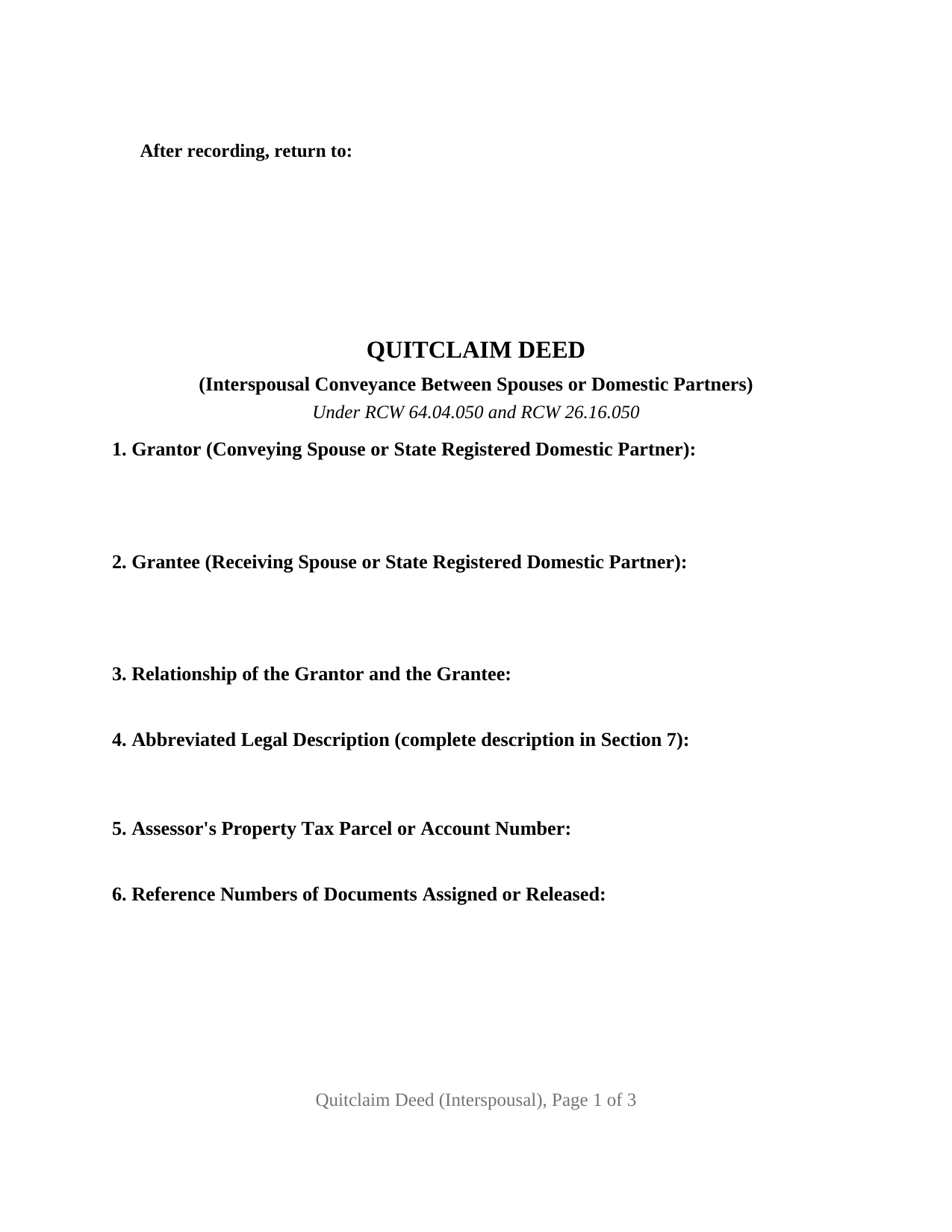
Grays Harbor County Quitclaim Deed (Interspousal) Form
Fill in the blank Quitclaim Deed (Interspousal) form formatted to comply with all Washington recording and content requirements.
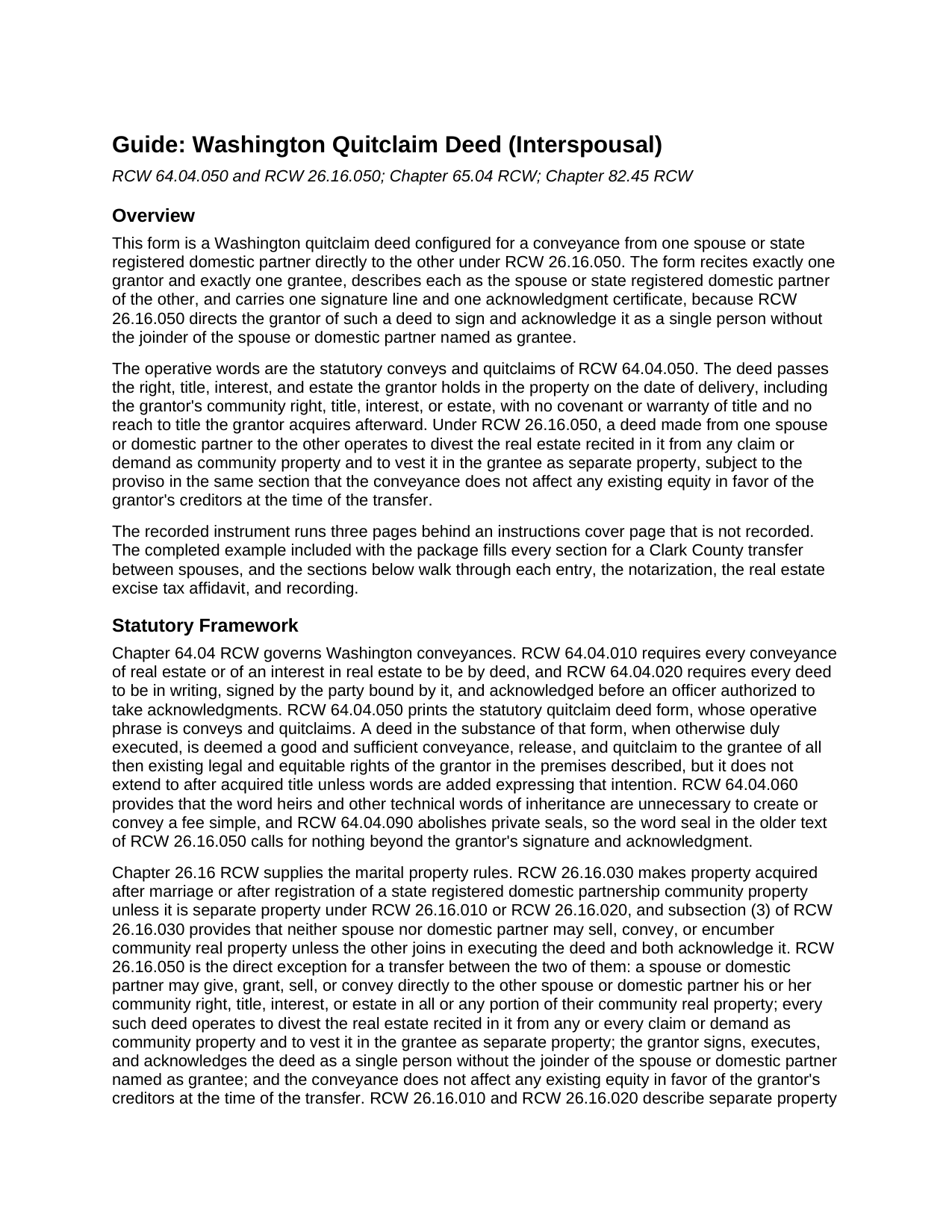
Grays Harbor County Quitclaim Deed (Interspousal) Guide
Line by line guide explaining every blank on the Quitclaim Deed (Interspousal) form.
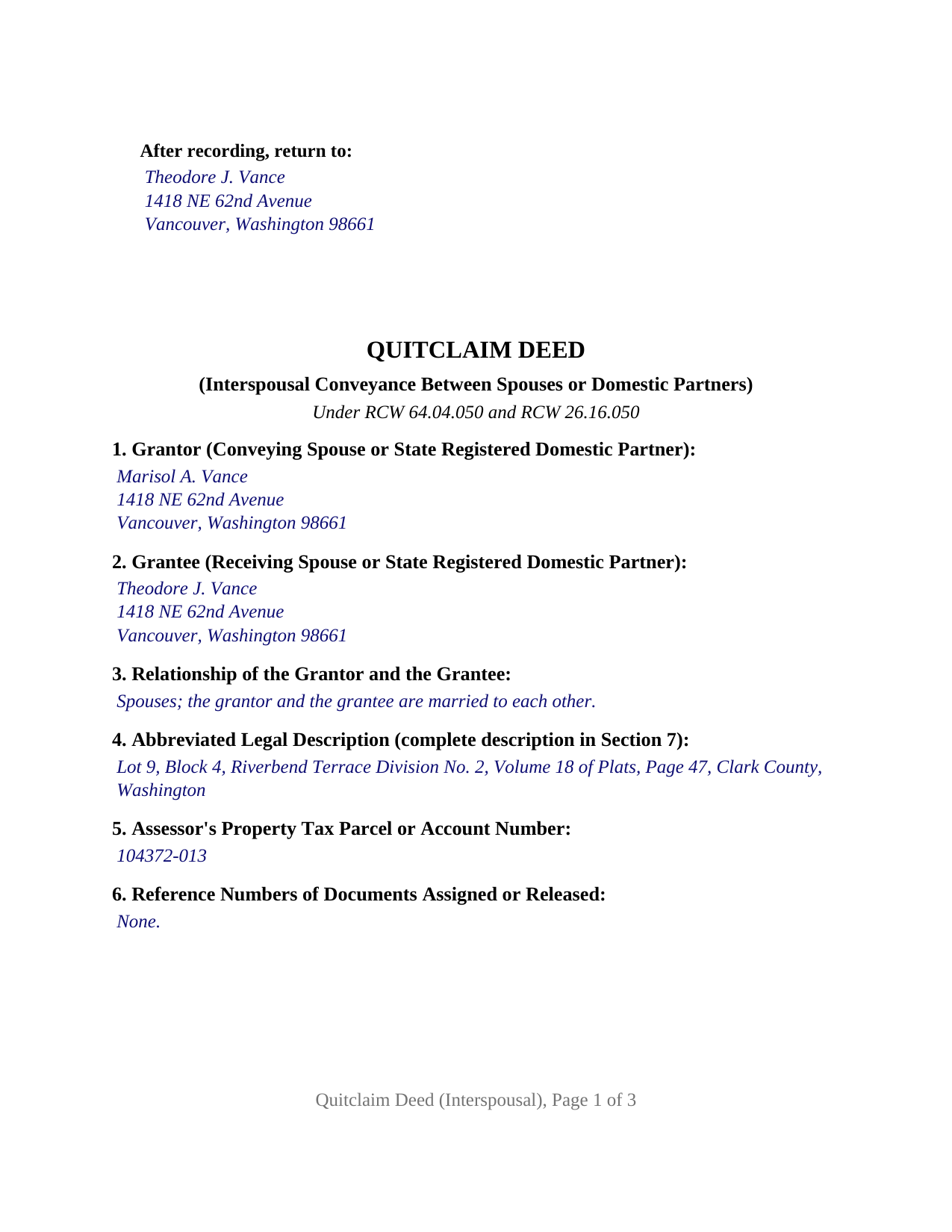
Grays Harbor County Completed Example of the Quitclaim Deed (Interspousal) Document
Example of a properly completed Washington Quitclaim Deed (Interspousal) document for reference.
All 3 documents above included • One-time purchase • No recurring fees
Immediate Download • Secure Checkout
Additional Washington and Grays Harbor County documents included at no extra charge:
Where to Record Your Documents
Grays Harbor County Auditor: Recording
Montesano, Washington 98563
Hours: Monday through Friday 9:00am - 12:00 & 12:30 - 4:30pm
Phone: (360) 964-1557
Recording Tips for Grays Harbor County:
- Bring your driver's license or state-issued photo ID
- Ensure all signatures are in blue or black ink
- Request a receipt showing your recording numbers
- Ask about accepted payment methods when you call ahead
- Ask for certified copies if you need them for other transactions
Cities and Jurisdictions in Grays Harbor County
Properties in any of these areas use Grays Harbor County forms:
- Aberdeen
- Amanda Park
- Copalis Beach
- Copalis Crossing
- Cosmopolis
- Elma
- Grayland
- Hoquiam
- Humptulips
- Malone
- Mccleary
- Moclips
- Montesano
- Neilton
- Oakville
- Ocean Shores
- Pacific Beach
- Quinault
- Satsop
- Taholah
- Westport
Hours, fees, requirements, and more for Grays Harbor County
How do I get my forms?
Forms are available for immediate download after payment. The Grays Harbor County forms will be in your account ready to download to your computer. An account is created for you during checkout if you don't have one. Forms are NOT emailed.
Are these forms guaranteed to be recordable in Grays Harbor County?
Yes. Our form blanks are guaranteed to meet or exceed the applicable formatting requirements used for recording in Grays Harbor County, including margin requirements, font requirements, and other layout standards. This guarantee applies to formatting, not to the legal sufficiency of information entered by the user or the suitability of a form for a particular transaction.
Can I reuse these forms?
Yes. You can reuse the forms for your personal use. For example, if you have multiple properties in Grays Harbor County you only need to order once.
What do I need to use these forms?
The forms are PDFs that you fill out on your computer. The free Adobe Acrobat Reader is recommended, and most PDF apps also work. You do NOT enter your property information online - you download the blank forms and complete them privately on your own computer.
Are there any recurring fees?
No. This is a one-time purchase. Nothing to cancel, no memberships, no recurring fees.
How much does it cost to record in Grays Harbor County?
Recording fees in Grays Harbor County vary. Contact the recorder's office at (360) 964-1557 for current fees.
Questions answered? Let's get started!
Washington law puts a single signature on a deed between spouses. RCW 26.16.030(3) keeps one spouse or one state registered domestic partner from conveying community real property alone, and RCW 26.16.050 opens a door for the transfer that runs from one of them directly to the other: the grantor signs and acknowledges that deed as a single person, without the joinder of the party the deed names as grantee. This quitclaim deed is configured for that transfer: one grantor entry, one signature line, one acknowledgment certificate, and an entry for the marriage or partnership the conveyance rests on.
The section that changes what the property is
RCW 26.16.050 does more than permit the conveyance: it states an outcome. Every deed made between spouses or domestic partners under that section operates to divest the real estate recited in it from any or every claim or demand as community property, and to vest that real estate in the grantee as separate property. The parcel leaves the community and becomes separate property, which RCW 26.16.010 and RCW 26.16.020 let its owner manage, encumber, sell, or devise without the other joining. A proviso in the same section leaves creditors where they were: the conveyance does not affect existing equity in favor of the grantor's creditors.
Quitclaim words, measured at delivery
The conveyance uses the statutory words of RCW 64.04.050, conveys and quitclaims, so the grantee receives the rights the grantor holds when the deed is delivered and nothing beyond them. No covenant of title accompanies the transfer. Encumbrances of record continue to bind the parcel, and better title the grantor picks up later stays with the grantor, because the statute reaches after acquired title only where a deed adds words expressing that intention. This form adds none.
One grantor, one certificate, and a relationship entry
The form recites exactly one grantor and exactly one grantee, describing each as the spouse or state registered domestic partner of the other, with a blank where that relationship is stated. One signature line with a printed name and a date follows, then one certificate in the individual capacity short form of RCW 42.45.140(1). Two title situations present the configuration. Community real property may stand in both names, and one of them conveys that interest so the other holds the parcel separately. Or it may stand in one name alone, because record title never showed the community character RCW 26.16.030 draws from the source of the acquisition. What the form is not set up as: a deed placing two record owners in the grantor position, a deed carrying a separately labeled block for a joining party who is not a grantor, or a conveyance of community real property to a third party.
An exempt transfer that still meets the treasurer
Excise tax treatment is where this deed parts from a sale. WAC 458-61A-203(1) provides that transfers from one spouse or domestic partner to the other that establish or separate community property are not subject to the real estate excise tax. Exempt is not the same as unreported. WAC 458-61A-303 calls for a real estate excise tax affidavit on a transfer of ownership generally, the exemption is claimed by code with its section and subsection, and the Department of Revenue collects a 5 dollar technology fee, another 5 dollars for a claimed exemption, and a 10 dollar minimum. The affidavit goes to the county treasurer first.
Sections one through six, where the auditor looks
RCW 65.04.045(1) assigns the first page of a recorded Washington deed specific content, and this form devotes its first six numbered sections to it: the party names, the relationship entry, an abbreviated legal description keyed to the complete one later in the deed, the assessor's parcel or account number, and reference numbers of documents assigned or released. The return name and address sit in the statutory upper left position, inside three inches held at the page top for the auditor. Body type runs at 12 point; cost at the counter turns on statutory add ons: the RCW 36.22.185 covenant homeownership assessment and the RCW 36.22.250 surcharge.
The download contains the blank deed as a fillable PDF, a completed example prepared for a Clark County transfer between spouses, and a plain language guide to each entry, the notarization, the excise tax affidavit, and recording. Searchers reach it as a quit claim deed between spouses or an interspousal transfer deed. The materials describe Washington law in general terms and are not legal advice.
Important: Your property must be located in Grays Harbor County to use these forms. Documents should be recorded at the county recording office listed above.
This Quitclaim Deed (Interspousal) meets all recording requirements specific to Grays Harbor County.
Our Promise
The documents you receive here are guaranteed to meet or exceed the applicable Grays Harbor County recording format requirements. If there is a rejection caused by our formatting, we will correct the issue or refund your payment. This guarantee applies to document formatting only and does not extend to information entered by the user, the selection of the form, or the legal effect of the completed document.
Save Time and Money
Get your Grays Harbor County Quitclaim Deed (Interspousal) form done right the first time with Deeds.com Uniform Conveyancing Blanks. At Deeds.com, we understand that your time and money are valuable resources, and we don't want you to face a penalty fee or rejection imposed by a county recorder for submitting nonstandard documents. We constantly review and update our forms to meet rapidly changing state and county recording requirements for roughly 3,500 counties and local jurisdictions.
4.8 out of 5 - ( 4,829 Reviews )
Cathy W. 5 out of 5 stars
Easy to use and fee is reasonable.
Thank you!
Milica K. 5 out of 5 stars
Very fast and reliable service.
Thank you for your feedback. We really appreciate it. Have a great day!
Andrew F. 5 out of 5 stars
Must admit, I have not really had the chance to search site. Seems to be able to provide good info.
Thank you!
Liliana H. 5 out of 5 stars
I had a great experience using Deeds.com to file my legal document. The whole process was simple and easy to follow. The website walks you through each step, and everything is explained clearly. At one point, I had to resubmit my documents, but even that was quick and easy. There were clear instructions, and I had no trouble making the changes and sending them again. The communication was great too. I was kept updated the whole time, and any questions I had were answered fast. If you need to file legal documents and want a stress-free way to do it, I definitely recommend Deeds.com. They made the whole process smooth from start to finish.
Thank you, Liliana! We really appreciate you taking the time to share your experience. We're glad everything went smoothly and that our team could support you when needed. It means a lot to know you'd recommend us!
William P. 5 out of 5 stars
I was very pleased with the end results regarding Quitclaim deeds.
Thank you!
kathy d. 5 out of 5 stars
very easy make sense instructions. Thank you.
Thank you for your feedback Kathy. Have an amazing day!
Melvin F. 5 out of 5 stars
Was a little frustrated first using your site, but due to my mental state, I expected that! Got what I needed, thank you very much.
Thank you for your feedback. We really appreciate it. Have a great day!
TIFFANY B. 5 out of 5 stars
THIS SERVICE IS AMAZING! IT SAVES ME SO MUCH TIME!
We are grateful for your engagement and feedback, which help us to serve you better. Thank you for being an integral part of our community.
David G. 5 out of 5 stars
Thanks got what I needed
Thank you David, glad to hear that.
Novella M T. 5 out of 5 stars
Amazing forms, nice to have something specific and not generic like some other sites. Getting the other required forms included is a nice bonus.
Great to hear Novella. We appreciate you taking the time to leave your feedback.
Terriana H. 5 out of 5 stars
Order processed and fulfilled in the same day!
Thank you!
Peter M. 5 out of 5 stars
GREAT! site, had everything we needed to complete our estate planning for our children
Thank you for your feedback. We really appreciate it. Have a great day!
JAY R. 5 out of 5 stars
Easy to use service to download all needed forms
Your feedback is valuable to us and helps us improve. Thank you for sharing your thoughts!
Lorie C. 5 out of 5 stars
Easy and effective...surely saved hundreds by avoiding a lawyer.
We appreciate your business and value your feedback. Thank you. Have a wonderful day!
Alice M. 5 out of 5 stars
So far, it's been a very seamless experience! Easy way to get documents recorded. Worth the money
Your feedback is appreciated. Thank you for letting us know how we did.