Greenlee County Notice of Completion Form
Last validated October 1, 2026 by our Forms Development TeamFormatted for recording in Greenlee County, for property anywhere in the county: rural and unincorporated areas as well as Blue, Clifton, Duncan, Morenci.
- 3 documents included
- Immediate PDF download
- Formatting guarantee
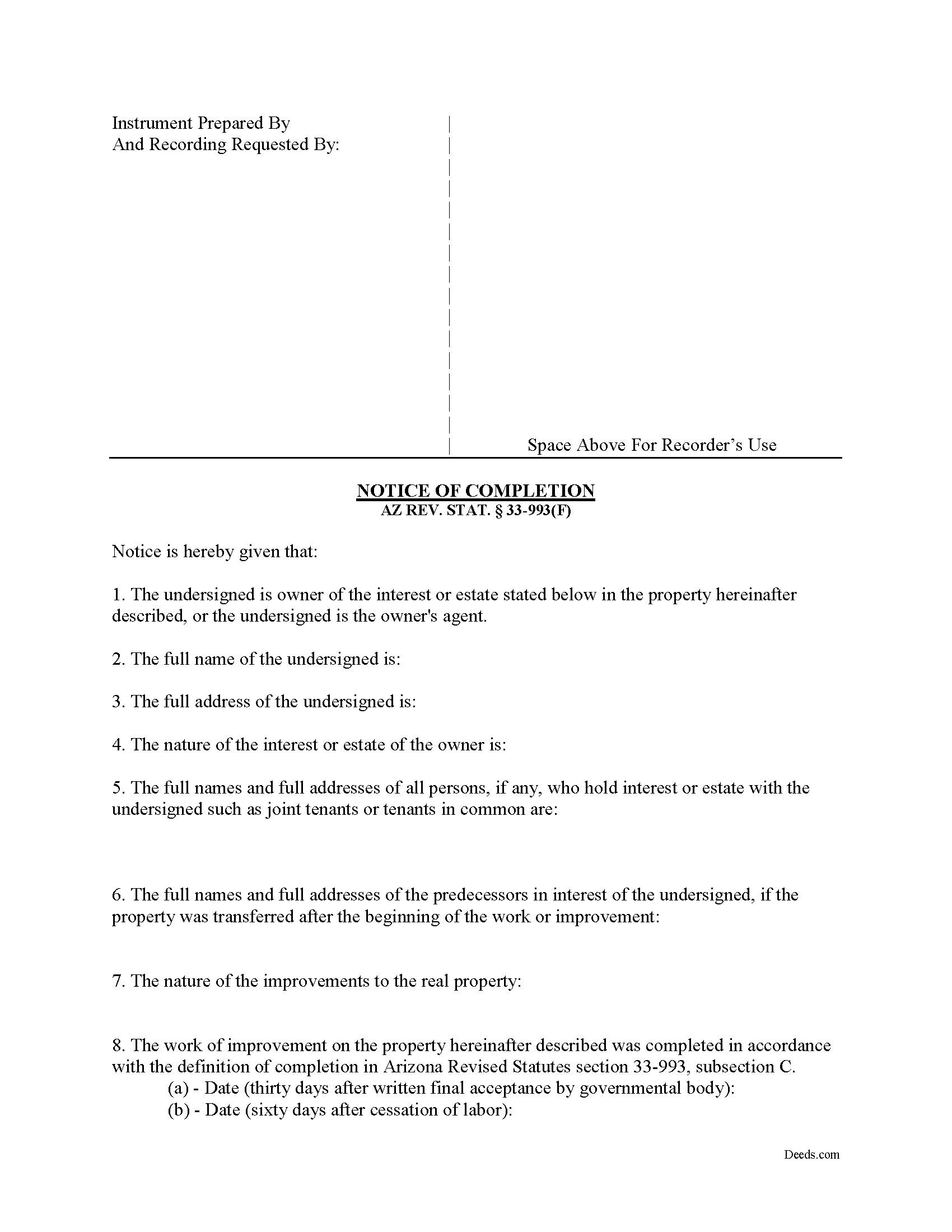
Greenlee County Notice of Completion Form
Fill in the blank form formatted to comply with all recording and content requirements.
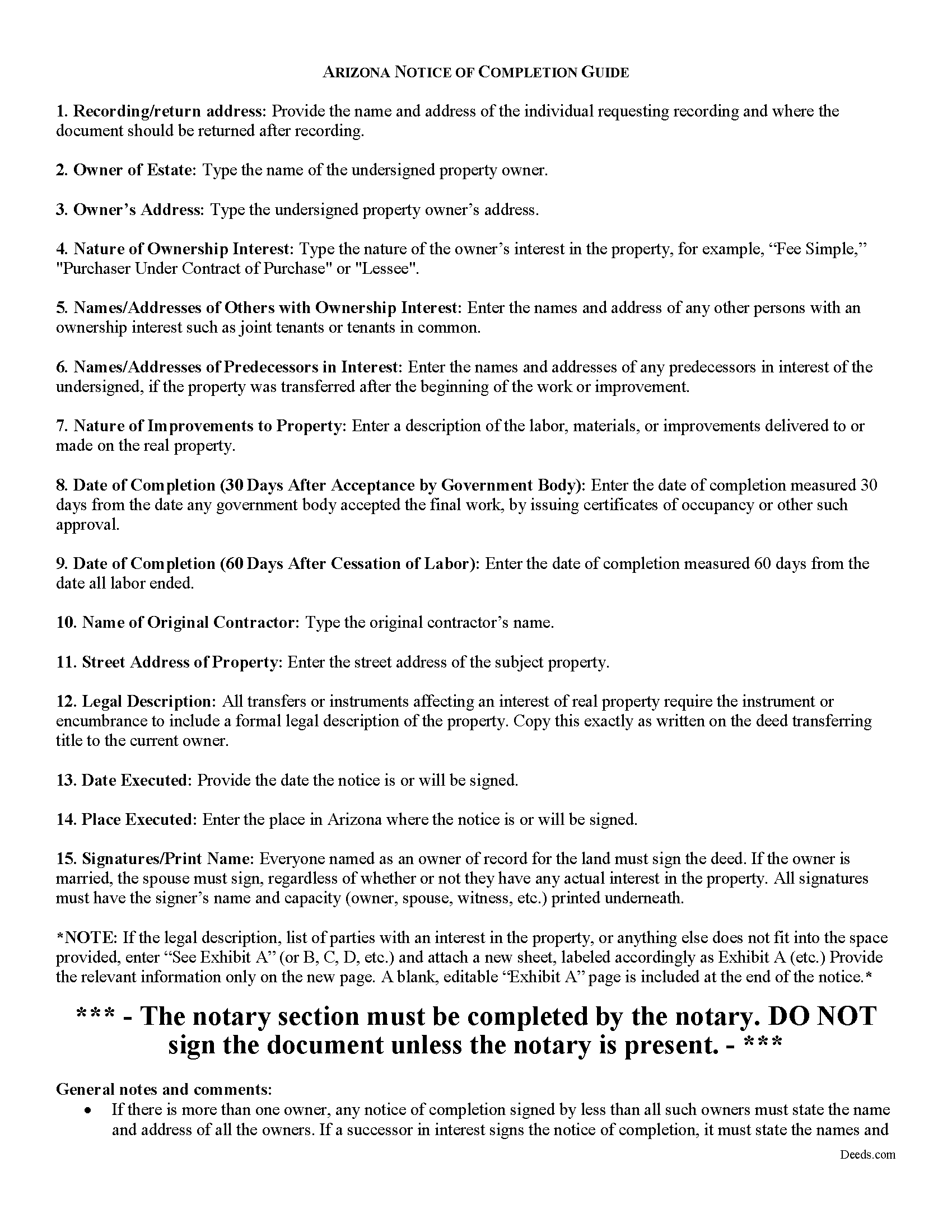
Greenlee County Notice of Completion Guide
Line by line guide explaining every blank on the form.
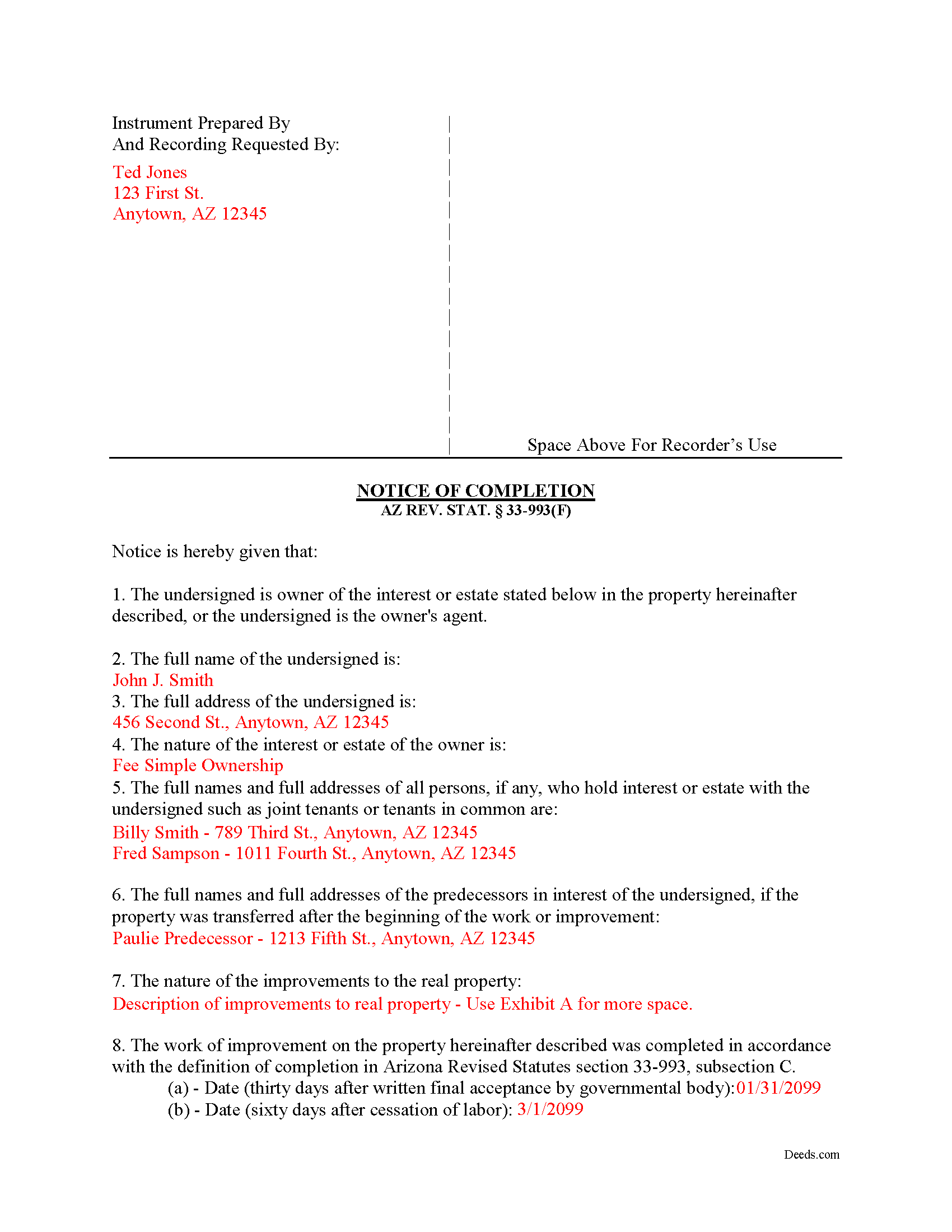
Greenlee County Completed Example of the Notice of Completion Document
Example of a properly completed form for reference.
All 3 documents above included • One-time purchase • No recurring fees
Immediate Download • Secure Checkout
Additional Arizona and Greenlee County documents included at no extra charge:
Where to Record Your Documents
County Recorder
Clifton, Arizona 85533
Hours: Monday thru Friday 8:00 am until 5:00 pm
Phone: 928-865-2632 or 928-865-1717
Recording Tips for Greenlee County:
- Bring your driver's license or state-issued photo ID
- Ensure all signatures are in blue or black ink
- Ask about their eRecording option for future transactions
- Avoid the last business day of the month when possible
- Both spouses typically need to sign if property is jointly owned
Cities and Jurisdictions in Greenlee County
Properties in any of these areas use Greenlee County forms:
- Blue
- Clifton
- Duncan
- Morenci
Hours, fees, requirements, and more for Greenlee County
How do I get my forms?
Forms are available for immediate download after payment. The Greenlee County forms will be in your account ready to download to your computer. An account is created for you during checkout if you don't have one. Forms are NOT emailed.
Are these forms guaranteed to be recordable in Greenlee County?
Yes. Our form blanks are guaranteed to meet or exceed the applicable formatting requirements used for recording in Greenlee County, including margin requirements, font requirements, and other layout standards. This guarantee applies to formatting, not to the legal sufficiency of information entered by the user or the suitability of a form for a particular transaction.
Can I reuse these forms?
Yes. You can reuse the forms for your personal use. For example, if you have multiple properties in Greenlee County you only need to order once.
What do I need to use these forms?
The forms are PDFs that you fill out on your computer. The free Adobe Acrobat Reader is recommended, and most PDF apps also work. You do NOT enter your property information online - you download the blank forms and complete them privately on your own computer.
Are there any recurring fees?
No. This is a one-time purchase. Nothing to cancel, no memberships, no recurring fees.
How much does it cost to record in Greenlee County?
Recording fees in Greenlee County vary. Contact the recorder's office at 928-865-2632 or 928-865-1717 for current fees.
Questions answered? Let's get started!
A Notice of Completion is a recorded document used to provide notice to potential lien claimants that the work of improvement on a property has ceased, which in turn prompts the claimants to file their liens within a shorter time period provided by the statute. In Arizona, lien claimants have 120 days to secure a lien after final completion, but filing a notice of completion limits that time to 60 days. AZ REV. STAT. 33-993(A).
In Arizona, "completion" is defined by the earliest occurrence of two events:
- 30 days after final inspection and written final acceptance by the governmental body which issued the building permit for the building, structure or improvement; or
- Cessation of labor for a period of sixty consecutive days, except when such cessation of labor is due to a strike, shortage of materials or act of God. AZ REV. STAT. 33-993(C). If no building permit is issued or if the governmental body that issued the building permit for the building, structure or improvement does not issue final inspections and written final acceptances, then "completion" means the last date on which any labor, materials, fixtures, or tools were furnished to the property. AZ REV. STAT. 33-993(D).
A notice of completion must be signed and verified by the owner or its agent and shall contain the following information:
- The name and address of the owner;
- The nature of the interest or estate of the owner;
- The legal description of the jobsite and the street address (the validity of the notice is not affected if the street address is incorrect or omitted);
- The name of the original contractor, if any;
- The names and addresses of any predecessors in interest if the property was transferred after the beginning of the work or improvement; and
- The nature of the improvements to the real property. AZ REV. STAT. 33-993(E).
In the case of multiple owners or co-owners (such as joint tenants, life tenants, or lessees) if the notice of completion signed by less than all the owners, it must state the names and addresses of all owners. AZ REV. STAT. 33-993(G). Similarly, the notice of completion must list the names and addresses of the transferor or transferors if it is signed by a successor in interest. Id.
Recording a Notice of Completion in Arizona
Record the notice of completion in the in the county recorder's office in the county where the property or some part of the property is located. AZ REV. STAT. 33-993(H). The county recorder then indexes the notice of completion under the same index classification where the mechanics' and materialmen's liens are recorded. Id.
Finally, the notice must be served within 15 days of recording by sending a copy certified or registered mail, postage prepaid along with a written statement of the date of recording and the county recorder's record location information to the original contractor as well as to anyone who has previously sent a preliminary 20-day notice. AZ REV. STAT. 33-993(I). If the notice is not served in accordance with the statute on a person who served a 20-day notice, that person still retains the right to secure a lien within 120 days as originally provided by the lien statute. Id.
This article is provided for informational purposes only and should not be relied on as the substitute for the advice of an attorney. If you have any questions about drafting or recording a notice of completion, please contact an Arizona attorney.
Important: Your property must be located in Greenlee County to use these forms. Documents should be recorded at the county recording office listed above.
This Notice of Completion meets all recording requirements specific to Greenlee County.
Our Promise
The documents you receive here are guaranteed to meet or exceed the applicable Greenlee County recording format requirements. If there is a rejection caused by our formatting, we will correct the issue or refund your payment. This guarantee applies to document formatting only and does not extend to information entered by the user, the selection of the form, or the legal effect of the completed document.
Save Time and Money
Get your Greenlee County Notice of Completion form done right the first time with Deeds.com Uniform Conveyancing Blanks. At Deeds.com, we understand that your time and money are valuable resources, and we don't want you to face a penalty fee or rejection imposed by a county recorder for submitting nonstandard documents. We constantly review and update our forms to meet rapidly changing state and county recording requirements for roughly 3,500 counties and local jurisdictions.
4.8 out of 5 - ( 4,828 Reviews )
Charles D. 5 out of 5 stars
Very easy to download, very easy to use. Good examples to answer questions.
Thank you!
KELLY P. 5 out of 5 stars
That was easy!!
Thank you!
Crystal W. 5 out of 5 stars
This is the easiest process.
Thank you for your feedback. We really appreciate it. Have a great day!
Anne M H. 5 out of 5 stars
Appears to be just what I need. Quick and easy to download. Thank you
We appreciate your business and value your feedback. Thank you. Have a wonderful day!
Carolyn K. 5 out of 5 stars
Very easy to use and very knowledgeable. All information needed to complete the documents was provided. Affordable too!
Thank you for your kind words and for choosing us.
Mary H. 5 out of 5 stars
Easy, convenient, and very reasonably priced. I really appreciate the comprehensive step-by-step instructions to complete the forms. I would recommend their services and will use them again if needed.
We’re glad you had a positive experience. Thank you.
James G. 1 out of 5 stars
This was very hard to follow, and the form looked horrible.
Sorry to hear that James. Some documents can certainly be more difficult than others. Your order and payment has been canceled. We do hope that you find something more suitable to your needs and aesthetic requirements elsewhere.
Arnold R. 5 out of 5 stars
this online service worked efficiently and as quickly as the registry allowed it to record new deeds. Thank you for providing services
Thank you for your feedback. We really appreciate it. Have a great day!
Debbie G. 5 out of 5 stars
Easy to use, I would recommend deeds.com. I would recommend visiting your county recorder before having document notarized. They will review document and make sure everything you need is on the deed, before having notarized.
Thank you Debbie. Have a fantastic day!
Clay H. 5 out of 5 stars
The provided docs and guide were very helpful. Well worth the price in my opinion.
Thank you for your feedback. We really appreciate it. Have a great day!
Kim P. 5 out of 5 stars
I want to thank you so much. You made a stressful process easy. The customer service was amazing. There is no doubt I will use your service again.
Thank you!
James A. 5 out of 5 stars
Very easy to navigate and start your process.
Thank you for your positive words! We’re thrilled to hear about your experience.
Jany F. 5 out of 5 stars
Great and quick service.
Thank you!
Rita T. 5 out of 5 stars
This is the first time I use this site, and it was very easy and user friendly. I was able to fill out what i needed with the help of their example. quick download. like it. The price was reasonable. Definitely will use again. Highly recommend!
We appreciate your business and value your feedback. Thank you. Have a wonderful day!
JOHN R. 5 out of 5 stars
This is an Outstanding Website for easy access in expediting my property investment needs. Thank you for this much needed online service.
Thank you!