Douglas County Easement Deed (Ingress and Egress) Form
Last validated October 30, 2026 by our Forms Development TeamFormatted for recording in Douglas County, for property anywhere in the county: rural and unincorporated areas as well as Azalea, Camas Valley, Canyonville, Days Creek, Dillard, Drain, Elkton, Gardiner and 17 more.
- 3 documents included
- Immediate PDF download
- Formatting guarantee
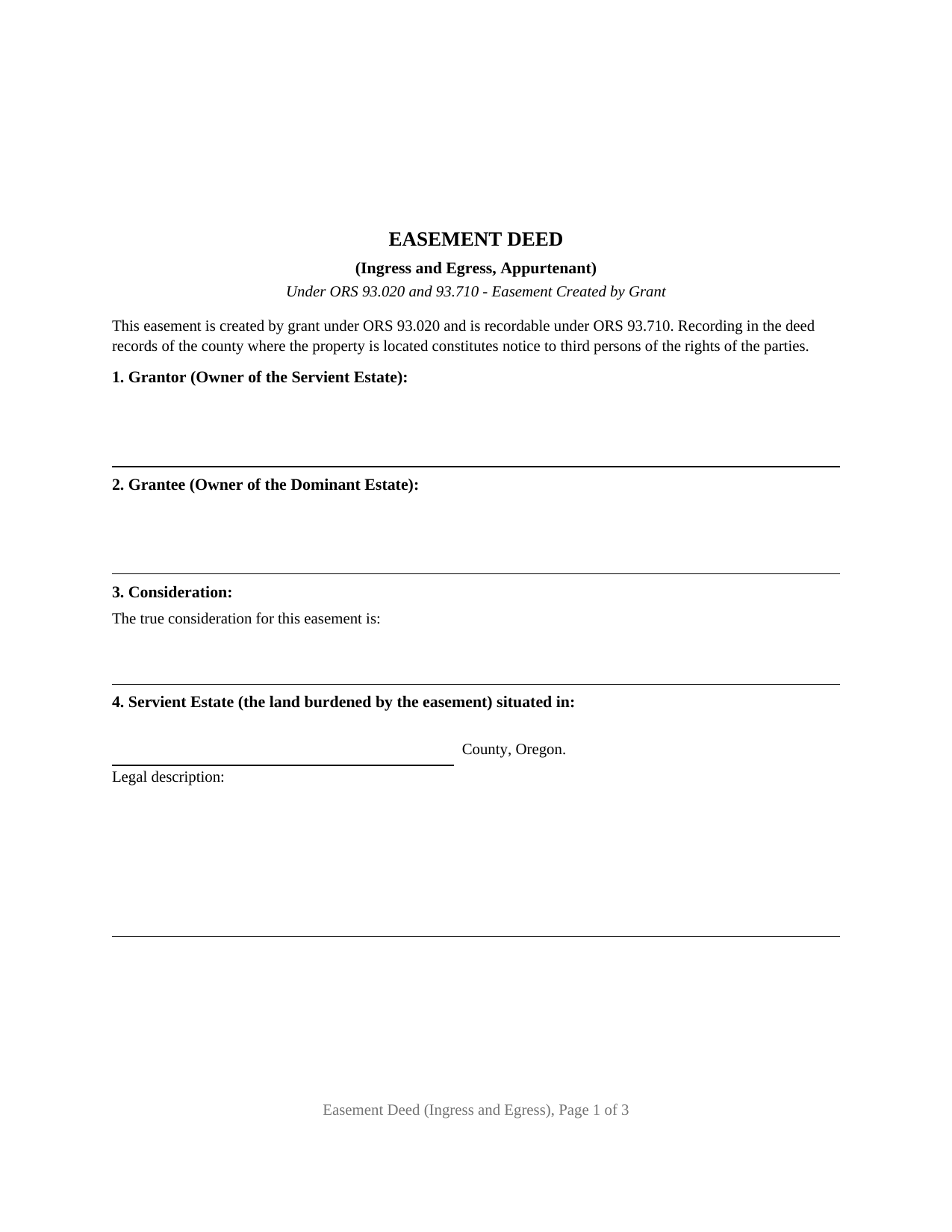
Douglas County Easement Deed (Ingress and Egress) Form
Fill in the blank Easement Deed (Ingress and Egress) form formatted to comply with all Oregon recording and content requirements.
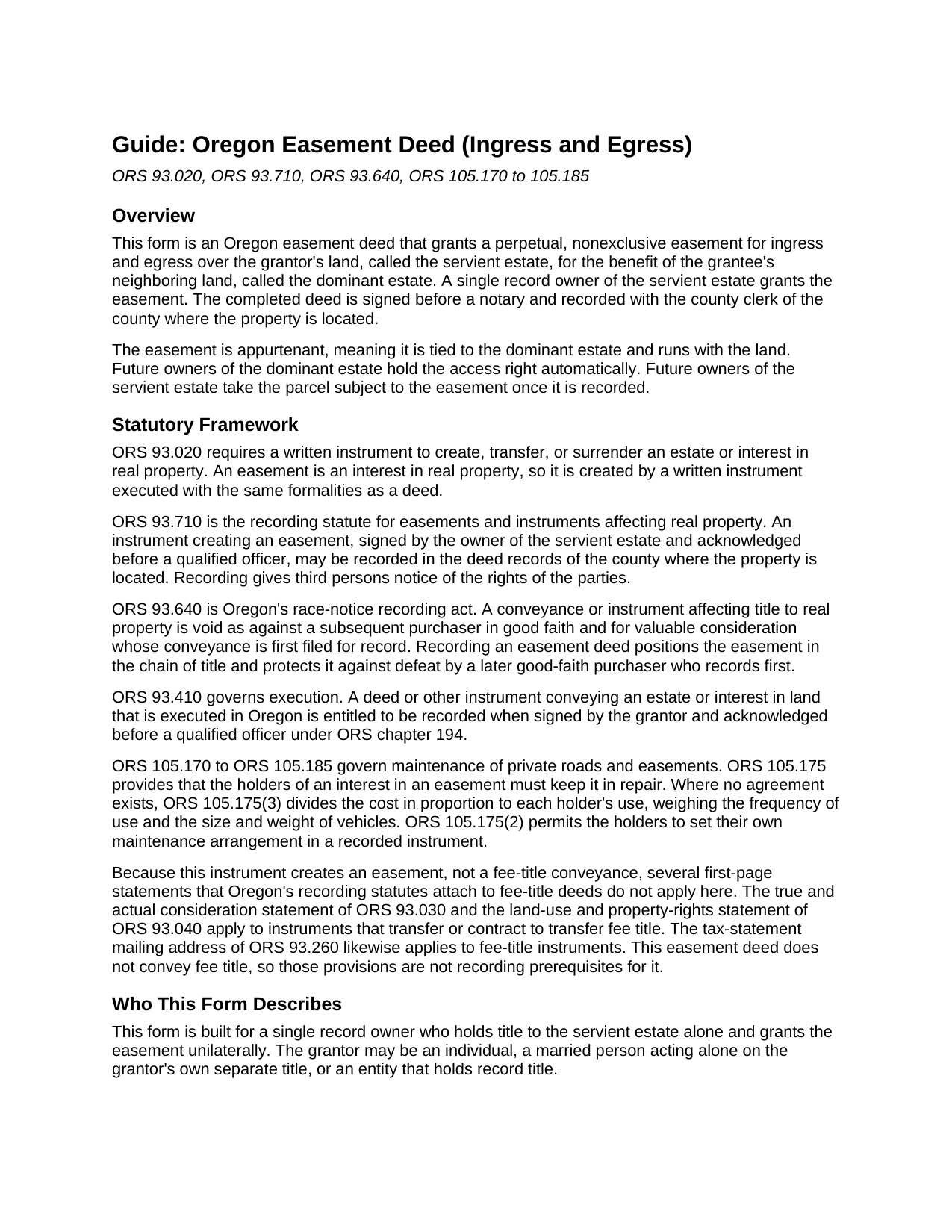
Douglas County Easement Deed (Ingress and Egress) Guide
Line by line guide explaining every blank on the Easement Deed (Ingress and Egress) form.
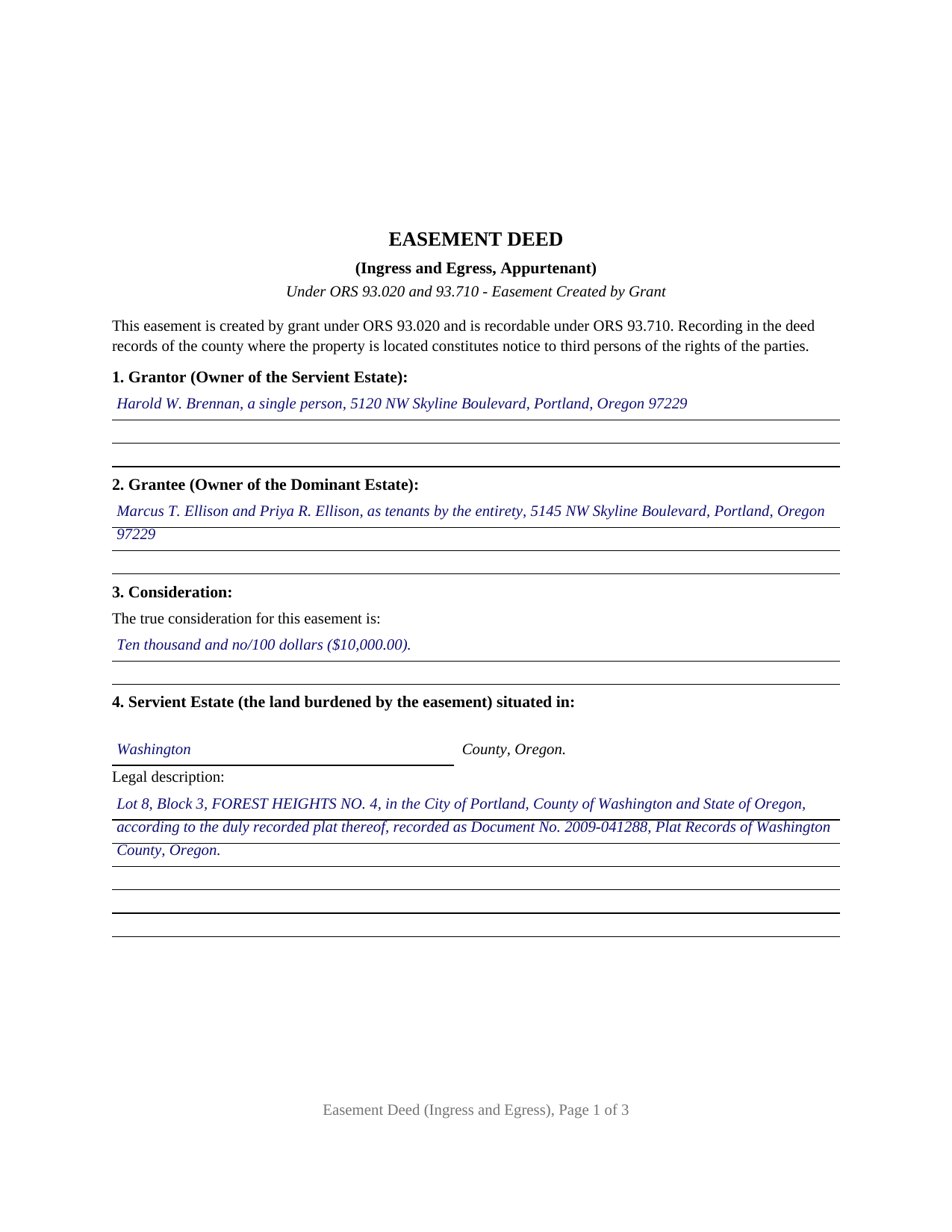
Douglas County Completed Example of the Easement Deed (Ingress and Egress) Document
Example of a properly completed Oregon Easement Deed (Ingress and Egress) document for reference.
All 3 documents above included • One-time purchase • No recurring fees
Immediate Download • Secure Checkout
Additional Oregon and Douglas County documents included at no extra charge:
Where to Record Your Documents
County Clerk: Recording Division
Roseburg, Oregon 97470
Hours: 9:00 to noon & 1:00 to 4:00 Monday through Friday
Phone: (541) 440-4320
Recording Tips for Douglas County:
- Bring your driver's license or state-issued photo ID
- Ensure all signatures are in blue or black ink
- Ask about accepted payment methods when you call ahead
- Ask for certified copies if you need them for other transactions
- Ask if they accept credit cards - many offices are cash/check only
Cities and Jurisdictions in Douglas County
Properties in any of these areas use Douglas County forms:
- Azalea
- Camas Valley
- Canyonville
- Days Creek
- Dillard
- Drain
- Elkton
- Gardiner
- Glendale
- Glide
- Idleyld Park
- Myrtle Creek
- Oakland
- Reedsport
- Riddle
- Roseburg
- Scottsburg
- Sutherlin
- Tenmile
- Tiller
- Umpqua
- Wilbur
- Winchester
- Winston
- Yoncalla
Hours, fees, requirements, and more for Douglas County
How do I get my forms?
Forms are available for immediate download after payment. The Douglas County forms will be in your account ready to download to your computer. An account is created for you during checkout if you don't have one. Forms are NOT emailed.
Are these forms guaranteed to be recordable in Douglas County?
Yes. Our form blanks are guaranteed to meet or exceed the applicable formatting requirements used for recording in Douglas County, including margin requirements, font requirements, and other layout standards. This guarantee applies to formatting, not to the legal sufficiency of information entered by the user or the suitability of a form for a particular transaction.
Can I reuse these forms?
Yes. You can reuse the forms for your personal use. For example, if you have multiple properties in Douglas County you only need to order once.
What do I need to use these forms?
The forms are PDFs that you fill out on your computer. The free Adobe Acrobat Reader is recommended, and most PDF apps also work. You do NOT enter your property information online - you download the blank forms and complete them privately on your own computer.
Are there any recurring fees?
No. This is a one-time purchase. Nothing to cancel, no memberships, no recurring fees.
How much does it cost to record in Douglas County?
Recording fees in Douglas County vary. Contact the recorder's office at (541) 440-4320 for current fees.
Questions answered? Let's get started!
An ingress and egress easement is a recorded right to cross one parcel of land to reach another. In Oregon it is created by grant, the way a deed is, and once recorded it runs with the land so that future owners of both parcels take it as they find it. This form prepares that grant: a perpetual, nonexclusive easement for a private right of way over a servient estate for the benefit of a dominant estate, signed by a single grantor.
An interest in land, not a transfer of ownership
An easement is a nonpossessory interest. The grantor keeps title to the burdened land, called the servient estate, and keeps the right to use the easement area in any way that does not interfere with the grantee's right of way. What changes is that the benefited land, called the dominant estate, gains a defined path across the neighbor's parcel. ORS 93.020 requires that a written instrument executed with deed formalities create any interest in real property, and Oregon courts treat a grant of an easement as drawn and executed with those same formalities.
Why recording matters under ORS 93.710
Easements have their own recording statute. ORS 93.710 provides that an instrument creating an easement, signed by the owner of the servient estate and acknowledged, may be recorded in the deed records of the county where the property sits, and that recording gives third persons notice of the rights of the parties. A purchaser of the servient estate then takes title with that easement of record, and a buyer of the dominant estate receives the easement automatically with the parcel. Because the easement here is appurtenant, identifying both the dominant estate and the servient estate is what fixes it to the land rather than to a person.
Appurtenant, and why the distinction is built into the form
Oregon authority describes a strong preference for reading an easement as appurtenant rather than in gross. An appurtenant easement serves a parcel and cannot be split off from the dominant estate; an easement in gross serves a person or company, the way a utility line easement does. This form names both parcels and grants the easement to the grantee and the grantee's heirs, successors, and assigns, so the appurtenant, runs-with-the-land character is clear of record.
One grantor, one acknowledgment
This form recites a single grantor who holds title to the servient estate alone. One acknowledgment certificate follows the signature block, so the sole grantor appears before a notary at a time and place of the grantor's choosing. Oregon does not impose a homestead-joinder requirement for a grantor's lifetime grant of a nonpossessory interest based solely on marital status; joinder follows title, so a single record owner grants the easement with that owner's signature alone.
Nonexclusive use and shared upkeep
Unless an instrument says otherwise, an Oregon easement grantee takes a nonexclusive right, and the grantor keeps the right to use and to let others use the area in ways that do not conflict. The deed states that default and reserves the grantor's use. For upkeep, ORS 105.170 to 105.185 govern a private right of way: absent an agreement or a maintenance term in the recorded easement, the cost of keeping the easement in repair is shared by each holder in proportion to the use each makes of it. A special provisions section lets the parties set width, exclusivity, duration, and a maintenance split instead of the default.
The package includes the blank fillable PDF, a completed example built on a realistic Washington County fact pattern, and a plain language guide that walks every section and the recording steps. The materials are informational and are not legal advice.
Important: Your property must be located in Douglas County to use these forms. Documents should be recorded at the county recording office listed above.
This Easement Deed (Ingress and Egress) meets all recording requirements specific to Douglas County.
Our Promise
The documents you receive here are guaranteed to meet or exceed the applicable Douglas County recording format requirements. If there is a rejection caused by our formatting, we will correct the issue or refund your payment. This guarantee applies to document formatting only and does not extend to information entered by the user, the selection of the form, or the legal effect of the completed document.
Save Time and Money
Get your Douglas County Easement Deed (Ingress and Egress) form done right the first time with Deeds.com Uniform Conveyancing Blanks. At Deeds.com, we understand that your time and money are valuable resources, and we don't want you to face a penalty fee or rejection imposed by a county recorder for submitting nonstandard documents. We constantly review and update our forms to meet rapidly changing state and county recording requirements for roughly 3,500 counties and local jurisdictions.
4.8 out of 5 - ( 4,839 Reviews )
Kathy C. 5 out of 5 stars
Lee County, FL did accept the "Satisfaction of Mortgage" form. It was easy to fill out except for a couple of areas. Your fill in areas need to accommodate for whatever space needed for the pertinent information we as customers have to fill out. As individuals, banks have their own. Example when there are more than 1 party and information needed. Example of Document #; I was 1 number short (using Exhibit A was ridiculous.) So I had to write in the # after printing. Very unprofessional looking on a legal document. Just saying. Also, in Lee County, FL your document # is called "Instrument #, not said in your instructions. Hope this information helps for updates on your forms.
Thank you for your feedback. We really appreciate it. Have a great day!
Lloyd T. 5 out of 5 stars
Example deed given did not apply to married couples as joint owners with both being grantors. The example and directions also did not show how to write more than one grantee as equal grantees. Both would have been helpful when husband and wife are granting their property to their children equally. Also when attaching the exhibit A with the property description the example did not say "see exhibit A"in the property description area, so I didn't write that. Luckily the recorder of deeds allowed me to write it in. I think directions and examples for multiple scenarios would be helpful.
Thank you for your feedback. We really appreciate it. Have a great day!
ALFRED B. 5 out of 5 stars
I was counting on deeds.com to help me with a closing I was working on. I stumbled with the instructions but when I recovered there were no problems. The instructions were helpful and the deeds etc. were just what I needed. I give deeds five stars. I am 76 years old and when the application asks for the user's name I always think they want my name. WRONG. I am trying to learn computer speak.
Thank you Alfred, have an amazing day!
Marcus V. 5 out of 5 stars
Awesome and perfect.
We are thankful for your continued support and feedback, which inspire us to continuously improve. Thank you..
David R. 3 out of 5 stars
$40 is an excessively expensive price for this very simple form, especially since I couldn't view it before purchasing. I did successfully register the TODD at my county clerks office, although I wasn't certain it would be accepted given the notary format was on a separate page. Knowing what I know now, I would have formatted a form on my computer and filled it in with a pen. The background materials were superfluous and in my case, didn't add value.
David, we’re glad you successfully recorded your deed using our form. The value of a DIY package is not measured by how complicated the finished document looks or how easily it could be recreated on a computer. It provides a prepared form and supporting information rather than requiring you to research and draft a document from scratch. Having that starting point is what the purchase provides—even when, in hindsight, doing it yourself appears straightforward.
Joseph R. 5 out of 5 stars
Wonderful service! Things changed for me on my side and the company saw this and closed my account with ease.
Thank you!
Thanh P. 5 out of 5 stars
Awesome services. Quick and efficient.
Thank you for your kind words Thanh, we appreciate you.
Kristina R. 5 out of 5 stars
Fast and friendly service. I will use Deeds.com again.
We appreciate your business and value your feedback. Thank you. Have a wonderful day!
Michael M. 5 out of 5 stars
Deeds.com had what I needed at the time that I needed it. Thank you very much.
We appreciate your business and value your feedback. Thank you. Have a wonderful day!
Katie G. 5 out of 5 stars
I haven't used the forms yet but it appears, with your tutelage, that they should not be too difficult to fill out and file. Your site was easy to navigate. Thank You
Thank you for the kinds words Katie. have a fantastic day!
Sam A. 5 out of 5 stars
The form is just what I needed! Super easy access and user friendly. Exactly what I needed. Worth every dollar!!
Thank you for your feedback. We really appreciate it. Have a great day!
Kathrine v. 5 out of 5 stars
i like this service! so convenient! 10 out of the 10
We appreciate your business and value your feedback. Thank you. Have a wonderful day!
Marisela S. 5 out of 5 stars
This is my first time and your service appears to be very user-friendly; however, since I am new to this service, I'm not sure if my e-filings were received as I've not heard anything back nor have I received any type of confirmation of receipt.
Thank you for your feedback. We really appreciate it. Have a great day!
Kris D. 5 out of 5 stars
The Executor's Guide needs more info about what to put for grantee (estate of deceased or my name as executor?) and the price (something nominal like $10?) before there is a buyer. The guide seems to use only one example.
Thank you for your feedback. We really appreciate it. Have a great day!
Rosemary W. 5 out of 5 stars
considering the current epidemic your fees save me time and parking fees. with help from DC recorder of deeds I was directed to the correct link to process my deed
Thank you for your feedback. We really appreciate it. Have a great day!