Douglas County Utility Easement (In Gross) Form
Last validated November 2, 2026 by our Forms Development TeamFormatted for recording in Douglas County, for property anywhere in the county: rural and unincorporated areas as well as Azalea, Camas Valley, Canyonville, Days Creek, Dillard, Drain, Elkton, Gardiner and 17 more.
- 3 documents included
- Immediate PDF download
- Formatting guarantee
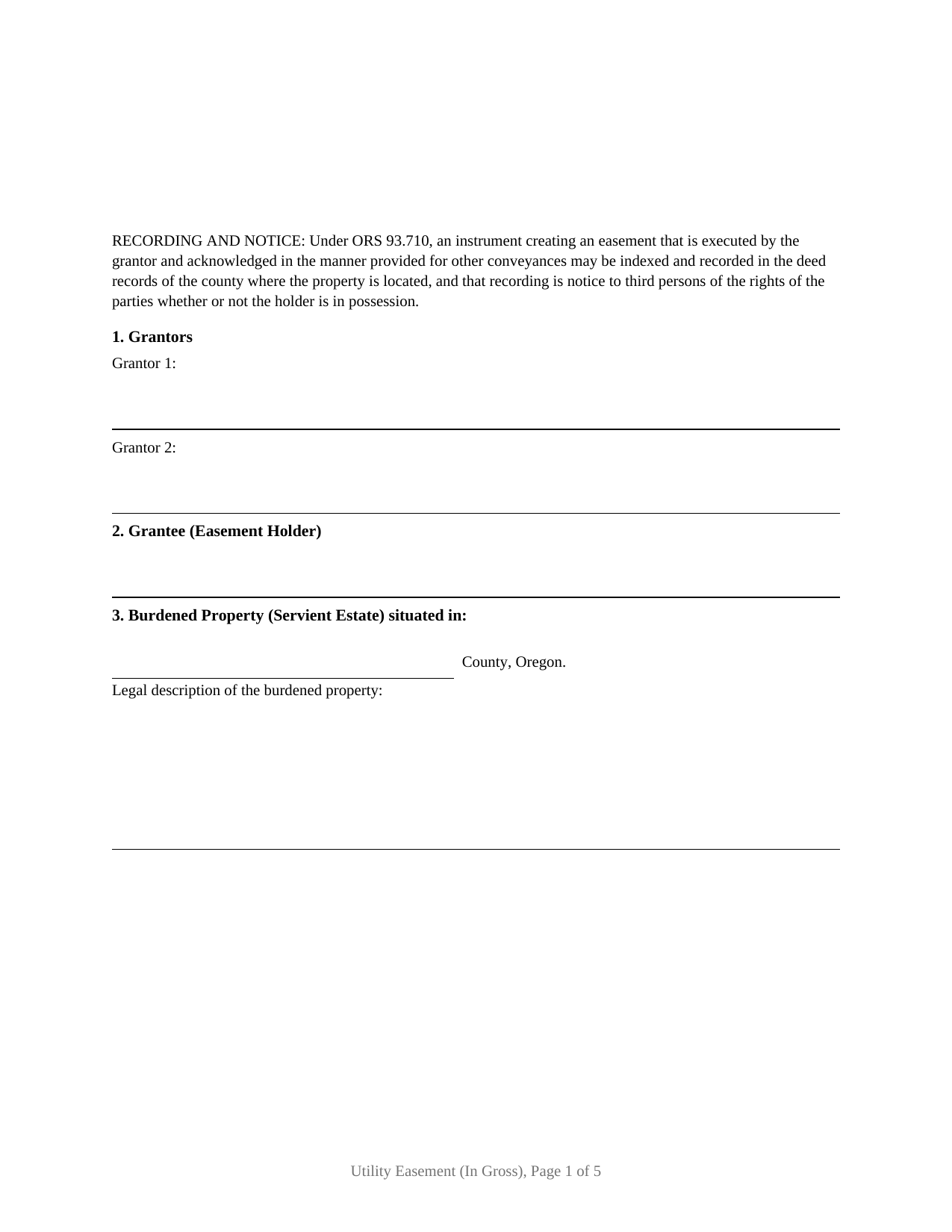
Douglas County Utility Easement (In Gross) Form
Fill in the blank Utility Easement (In Gross) form formatted to comply with all Oregon recording and content requirements.
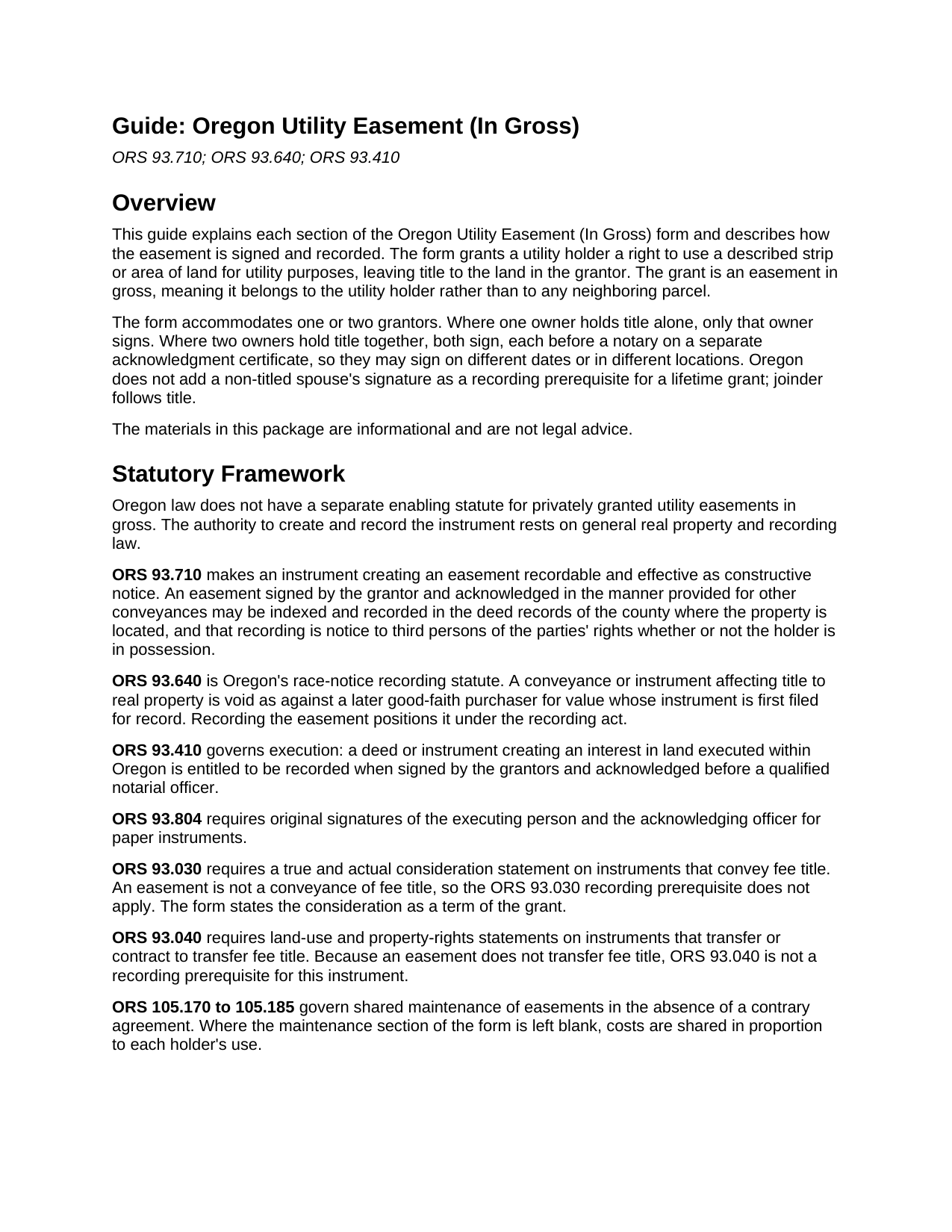
Douglas County Utility Easement (In Gross) Guide
Line by line guide explaining every blank on the Utility Easement (In Gross) form.
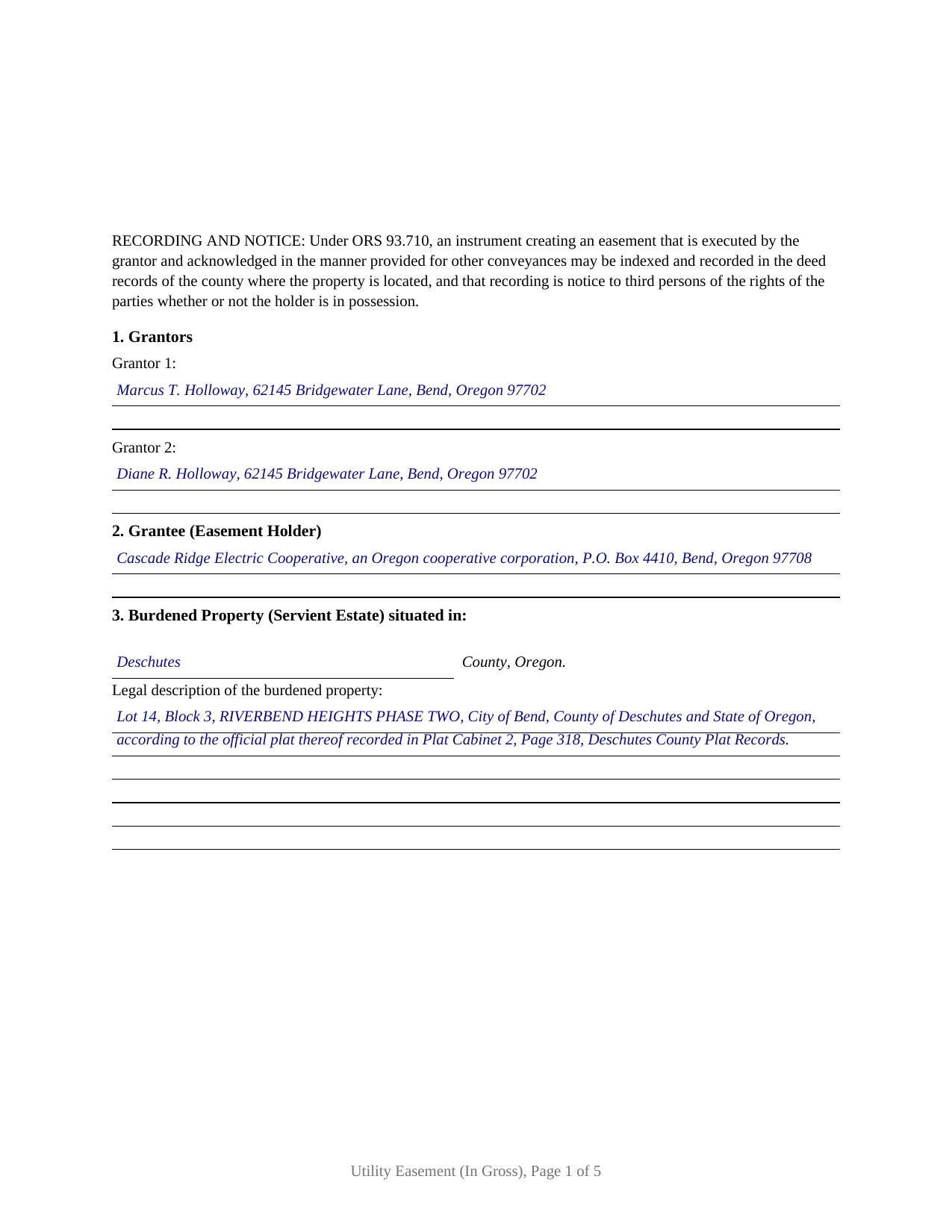
Douglas County Completed Example of the Utility Easement (In Gross) Document
Example of a properly completed Oregon Utility Easement (In Gross) document for reference.
All 3 documents above included • One-time purchase • No recurring fees
Immediate Download • Secure Checkout
Additional Oregon and Douglas County documents included at no extra charge:
Where to Record Your Documents
County Clerk: Recording Division
Roseburg, Oregon 97470
Hours: 9:00 to noon & 1:00 to 4:00 Monday through Friday
Phone: (541) 440-4320
Recording Tips for Douglas County:
- Bring your driver's license or state-issued photo ID
- Ensure all signatures are in blue or black ink
- Documents must be on 8.5 x 11 inch white paper
- Double-check legal descriptions match your existing deed
- Verify all names are spelled correctly before recording
Cities and Jurisdictions in Douglas County
Properties in any of these areas use Douglas County forms:
- Azalea
- Camas Valley
- Canyonville
- Days Creek
- Dillard
- Drain
- Elkton
- Gardiner
- Glendale
- Glide
- Idleyld Park
- Myrtle Creek
- Oakland
- Reedsport
- Riddle
- Roseburg
- Scottsburg
- Sutherlin
- Tenmile
- Tiller
- Umpqua
- Wilbur
- Winchester
- Winston
- Yoncalla
Hours, fees, requirements, and more for Douglas County
How do I get my forms?
Forms are available for immediate download after payment. The Douglas County forms will be in your account ready to download to your computer. An account is created for you during checkout if you don't have one. Forms are NOT emailed.
Are these forms guaranteed to be recordable in Douglas County?
Yes. Our form blanks are guaranteed to meet or exceed the applicable formatting requirements used for recording in Douglas County, including margin requirements, font requirements, and other layout standards. This guarantee applies to formatting, not to the legal sufficiency of information entered by the user or the suitability of a form for a particular transaction.
Can I reuse these forms?
Yes. You can reuse the forms for your personal use. For example, if you have multiple properties in Douglas County you only need to order once.
What do I need to use these forms?
The forms are PDFs that you fill out on your computer. The free Adobe Acrobat Reader is recommended, and most PDF apps also work. You do NOT enter your property information online - you download the blank forms and complete them privately on your own computer.
Are there any recurring fees?
No. This is a one-time purchase. Nothing to cancel, no memberships, no recurring fees.
How much does it cost to record in Douglas County?
Recording fees in Douglas County vary. Contact the recorder's office at (541) 440-4320 for current fees.
Questions answered? Let's get started!
A utility easement in gross gives a utility a defined right to run and tend its lines across land it does not own, while the landowner keeps title to the property. This form grants that right under Oregon law, drafted for one or two owners of the burdened land and recordable under ORS 93.710.
What In Gross Means Here
Oregon sorts easements into two families by the intent the language shows. An appurtenant easement benefits a particular neighboring parcel and passes with that land. An easement in gross belongs to a holder rather than to a benefited tract, and a utility company that owns no land receiving a benefit from the easement holds its right in gross. This form states that intent plainly: it names a utility holder as grantee, describes a utility purpose, and grants the right to that holder, its successors, and assigns rather than to any dominant estate. The classification matters because Oregon does not favor reading an easement as in gross when it could fairly be read as appurtenant, so the in gross grant is spelled out rather than left to inference. The leading Oregon decision on the question is Menstell v. Johnson.
A Grant, Not a Conveyance of Title
An easement passes a right of use, not the land. The word choice in the operative section reflects that: the owner grants the easement and states that no fee title passes, so the instrument is not read as transferring the property itself. That line also keeps the form clear of the fee-title machinery in Oregon's recording statutes. The true and actual consideration statement of ORS 93.030 and the land use statements of ORS 93.040 attach to instruments that transfer fee title, so they are not recording prerequisites for an easement. The form still states the consideration as a term of the grant, where Oregon practice favors stating it with particularity.
Recording and Notice
ORS 93.710 is the recording statute for an easement. An easement signed by the owner and acknowledged the way other conveyances are acknowledged may be recorded in the deed records of the county where the property sits, and that recording is notice to third persons of the parties' rights whether or not the holder is in possession. Recording also positions the easement under Oregon's recording act, ORS 93.640, which can void an unrecorded interest against a later good faith purchaser who records first. The form reserves space at the top of the first page for the county clerk's recording label and uses 10 point body text, within the format that ORS 205.232 and ORS 205.234 describe.
The Terms That Shape the Right
The right a utility holds is measured by what the instrument says, so the form gives each term its own section: the easement area within the burdened property, the purpose that fixes the permitted use, the duration, exclusivity and the use the owner reserves, assignment, and maintenance. Where the easement is silent on exclusivity, Oregon treats the holder's right as nonexclusive and leaves the owner free to use the area in ways that do not unreasonably interfere. Where it is silent on maintenance, ORS 105.170 to 105.185 share repair costs in proportion to use. A commercial easement in gross is transferable under Oregon law unless the grant says otherwise, and the assignment section is where any limit on transfer goes.
One or Two Grantors
The form provides for one owner or two co-owners of the burdened land. Where two owners hold the property, both grant the easement and both sign, each before a notary on a separate acknowledgment certificate, so they can sign on different days or in different places. Where one owner holds title alone, that owner signs and the second block is left blank. Oregon does not add a non-titled spouse's signature as a recording prerequisite for a lifetime grant, so joinder follows title rather than marital status.
The package includes the blank easement as a fillable PDF, a completed example filled in for a realistic Deschutes County fact pattern, and a plain language guide that walks through every section, explains where each entry comes from, and describes how the easement is signed and recorded. The materials are informational and are not legal advice.
Important: Your property must be located in Douglas County to use these forms. Documents should be recorded at the county recording office listed above.
This Utility Easement (In Gross) meets all recording requirements specific to Douglas County.
Our Promise
The documents you receive here are guaranteed to meet or exceed the applicable Douglas County recording format requirements. If there is a rejection caused by our formatting, we will correct the issue or refund your payment. This guarantee applies to document formatting only and does not extend to information entered by the user, the selection of the form, or the legal effect of the completed document.
Save Time and Money
Get your Douglas County Utility Easement (In Gross) form done right the first time with Deeds.com Uniform Conveyancing Blanks. At Deeds.com, we understand that your time and money are valuable resources, and we don't want you to face a penalty fee or rejection imposed by a county recorder for submitting nonstandard documents. We constantly review and update our forms to meet rapidly changing state and county recording requirements for roughly 3,500 counties and local jurisdictions.
4.8 out of 5 - ( 4,843 Reviews )
Kathryn P. 4 out of 5 stars
Somewhat easy to traverse.
Thank you!
NATALIE A. 5 out of 5 stars
The form was very easy to use and the sample tool you had was very helpful. the only problem i had was saving the document and then trying to find it later. I finally was able to figure out how to save it. but i still cannot find the saved document on my computer. Luckily i printed it before i closed it and did not need to make any changes.
Thank you for your feedback. We really appreciate it. Have a great day!
Nikie U. 5 out of 5 stars
This was my first time using this service and it worked smoothly and efficiently and I will definitely use them again.
Thank you for your feedback. We really appreciate it. Have a great day!
Joseph R. 5 out of 5 stars
So easy to use. I like the way they kept me informed to the progress being made on my filing. If the occasion occurs I'll definitely use them again.
We appreciate your business and value your feedback. Thank you. Have a wonderful day!
Glenn H. 5 out of 5 stars
Searched online 3 hours until I found Deeds.com, afterwards smooth sailing definitely 5 stars
Thank you for your feedback. We really appreciate it. Have a great day!
Benjamin D. 5 out of 5 stars
THANK YOU. Your materials are excellent and provided the information and guidance requested and needed.
Thank you!
Judith C. 5 out of 5 stars
very happy so far. Haven't gone to record deeds yet so am in good hopes everything will be in good order. Time saver!!!
Thank you!
Rick L. 5 out of 5 stars
I love it! Very convenience.
Thank you!
Barbara P. 5 out of 5 stars
So easy and fast!
We appreciate your business and value your feedback. Thank you. Have a wonderful day!
Larry L. 5 out of 5 stars
I am completely satisfied. It was easy to find the correct form and download it. The instructions were very clear.
We appreciate your business and value your feedback. Thank you. Have a wonderful day!
Ginger L. 5 out of 5 stars
Excellent full set of documents with example and guidelines on how to do it ourselves without paying a lawyer. Or, we save legal fees by completing it ourselves and having a lawyer review it. Love that I can save the pdf and fill it out whenever I want. Thank you for having this available!
We appreciate your business and value your feedback. Thank you. Have a wonderful day!
Robert B. 4 out of 5 stars
This suited my purposes just fine. Instructions were clear and easy to follow. But,I would like to have had the ability to delete the many extra spaces on the final document ... for readability purposes.
We appreciate your business and value your feedback. Thank you. Have a wonderful day!
Philip C. 5 out of 5 stars
The product I purchased looks great and I added Adobe to be able to copy it, but for some reason I can't,so I will delete Adobe and then try again to copy what i paid for. I have all the PDFS' and my computer and printer are fairly new (windows 10),I should have tried to copy it first, I'll get it! Thanks
Thank you for your feedback. We really appreciate it. Have a great day!
carol g. 5 out of 5 stars
very good. got my info in minuetes. thank you
Thank you for your feedback Carol, have a great day!
Marisela S. 5 out of 5 stars
This is my first time and your service appears to be very user-friendly; however, since I am new to this service, I'm not sure if my e-filings were received as I've not heard anything back nor have I received any type of confirmation of receipt.
Thank you for your feedback. We really appreciate it. Have a great day!