Douglas County Quitclaim Deed (Corporation Grantor) Form
Last validated October 9, 2026 by our Forms Development TeamFormatted for recording in Douglas County, for property anywhere in the county: rural and unincorporated areas as well as Azalea, Camas Valley, Canyonville, Days Creek, Dillard, Drain, Elkton, Gardiner and 17 more.
- 3 documents included
- Immediate PDF download
- Formatting guarantee
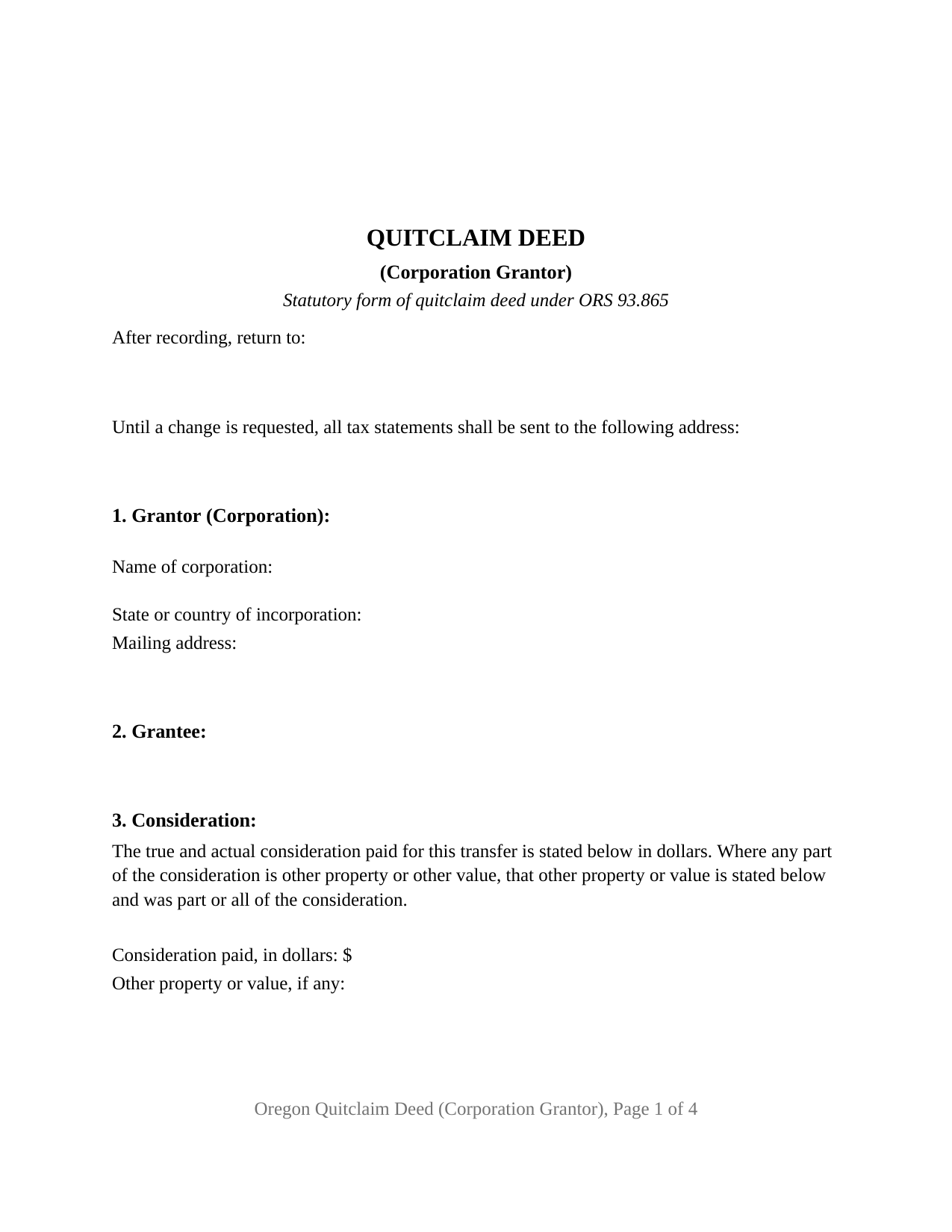
Douglas County Quitclaim Deed (Corporation Grantor) Form
Fill in the blank Quitclaim Deed (Corporation Grantor) form formatted to comply with all Oregon recording and content requirements.
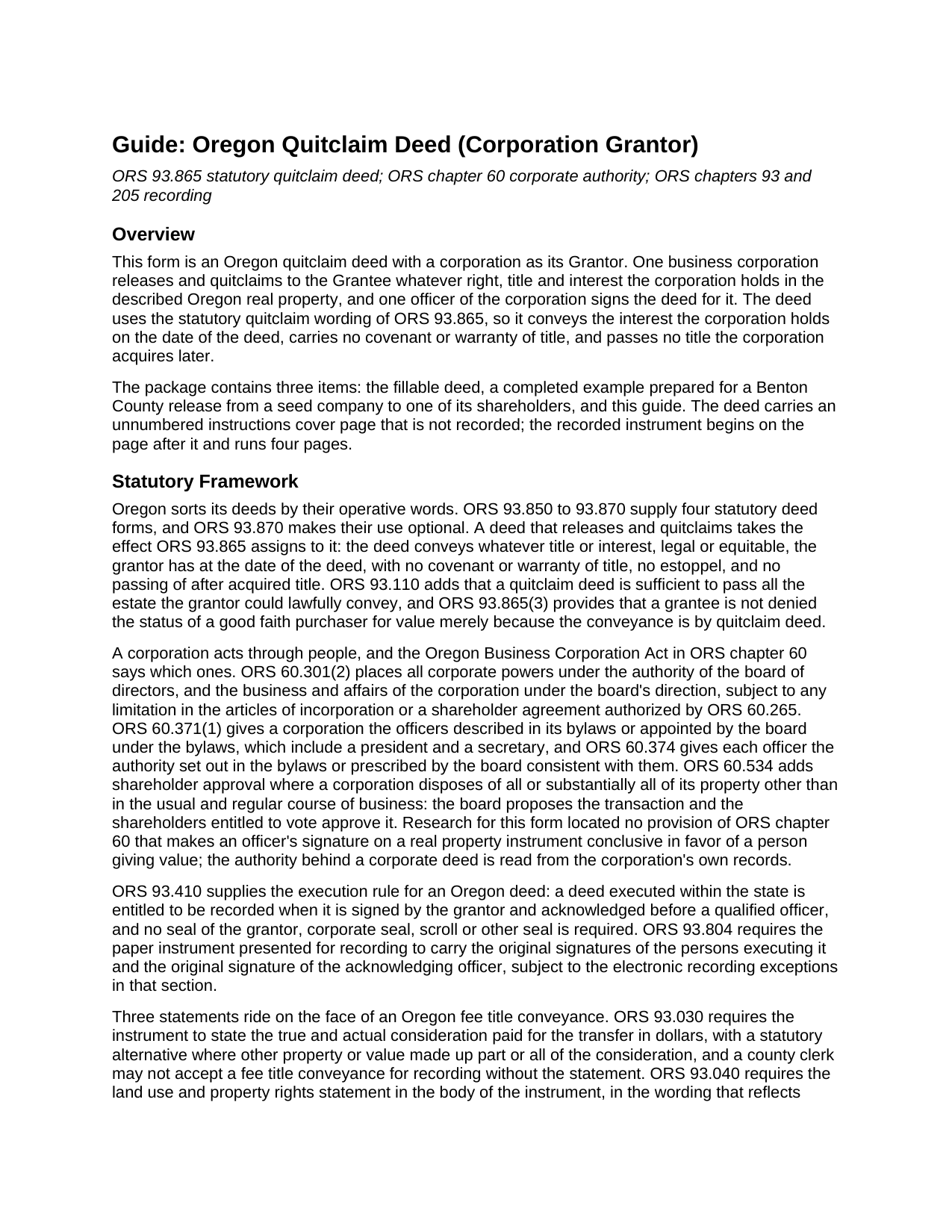
Douglas County Quitclaim Deed (Corporation Grantor) Guide
Line by line guide explaining every blank on the Quitclaim Deed (Corporation Grantor) form.
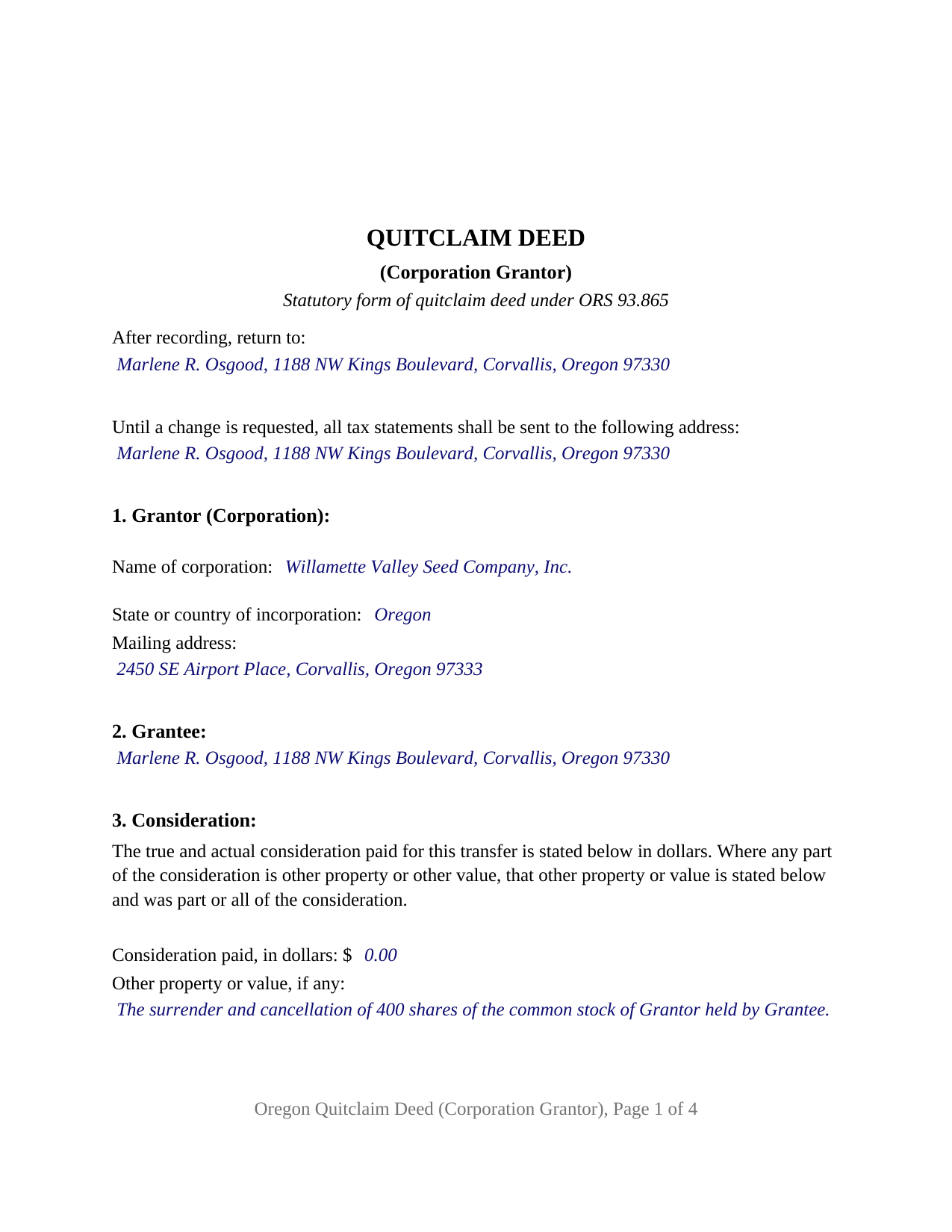
Douglas County Completed Example of the Quitclaim Deed (Corporation Grantor) Document
Example of a properly completed Oregon Quitclaim Deed (Corporation Grantor) document for reference.
All 3 documents above included • One-time purchase • No recurring fees
Immediate Download • Secure Checkout
Additional Oregon and Douglas County documents included at no extra charge:
Where to Record Your Documents
County Clerk: Recording Division
Roseburg, Oregon 97470
Hours: 9:00 to noon & 1:00 to 4:00 Monday through Friday
Phone: (541) 440-4320
Recording Tips for Douglas County:
- Bring your driver's license or state-issued photo ID
- Ensure all signatures are in blue or black ink
- Check margin requirements - usually 1-2 inches at top
- Leave recording info boxes blank - the office fills these
- Make copies of your documents before recording - keep originals safe
Cities and Jurisdictions in Douglas County
Properties in any of these areas use Douglas County forms:
- Azalea
- Camas Valley
- Canyonville
- Days Creek
- Dillard
- Drain
- Elkton
- Gardiner
- Glendale
- Glide
- Idleyld Park
- Myrtle Creek
- Oakland
- Reedsport
- Riddle
- Roseburg
- Scottsburg
- Sutherlin
- Tenmile
- Tiller
- Umpqua
- Wilbur
- Winchester
- Winston
- Yoncalla
Hours, fees, requirements, and more for Douglas County
How do I get my forms?
Forms are available for immediate download after payment. The Douglas County forms will be in your account ready to download to your computer. An account is created for you during checkout if you don't have one. Forms are NOT emailed.
Are these forms guaranteed to be recordable in Douglas County?
Yes. Our form blanks are guaranteed to meet or exceed the applicable formatting requirements used for recording in Douglas County, including margin requirements, font requirements, and other layout standards. This guarantee applies to formatting, not to the legal sufficiency of information entered by the user or the suitability of a form for a particular transaction.
Can I reuse these forms?
Yes. You can reuse the forms for your personal use. For example, if you have multiple properties in Douglas County you only need to order once.
What do I need to use these forms?
The forms are PDFs that you fill out on your computer. The free Adobe Acrobat Reader is recommended, and most PDF apps also work. You do NOT enter your property information online - you download the blank forms and complete them privately on your own computer.
Are there any recurring fees?
No. This is a one-time purchase. Nothing to cancel, no memberships, no recurring fees.
How much does it cost to record in Douglas County?
Recording fees in Douglas County vary. Contact the recorder's office at (541) 440-4320 for current fees.
Questions answered? Let's get started!
A corporation has no hand to sign with. Oregon answers that in two steps: all corporate powers are exercised by or under the authority of the board of directors under ORS 60.301, and a corporation acts through the officers its bylaws describe or its board appoints under ORS 60.371. This Oregon quitclaim deed is drawn around that structure: one corporation as Grantor, one officer signing in the office stated at the signature line.
The signature, the office, and the minute book
A corporate deed turns on who signs and what authorized the signing. Research for this form located no provision of the Oregon Business Corporation Act that makes an officer's signature on a real property instrument conclusive in favor of a person giving value. ORS 93.410 carries the execution rule instead: a deed signed by the person from whom the interest passes, or by that person's lawful agent, and acknowledged is entitled to record, with no seal of the grantor, corporate or otherwise, required. Authority travels in the corporation's own papers, so Section 7 takes the corporate action behind the conveyance, in the style of a board resolution adopted on a stated date, while the minute book keeps the document. Where a release reaches substantially all of what a corporation owns, ORS 60.534 adds shareholder approval to board action. The guide describes the corporate evidence a purchaser or title company asks to see, the bylaws, a board authorization, or an ORS 60.027 certificate of existence, none of it part of this package.
The corporation grantor configuration
Section 1 takes the corporate name as the public record carries it, with the word or abbreviation ORS 60.094 requires, plus the state or country of incorporation, which separates it from a similarly named corporation formed elsewhere. Section 9 prints the corporate name above one signature line, takes the office held by the signing individual, and closes with printed name and date. One acknowledgment certificate follows, in the representative capacity pattern of ORS 194.285: the individual, the authority held, and the party on whose behalf the record was executed. A corporation deeding a lot to a shareholder who surrendered stock for it, a corporation releasing an interest standing under a former corporate name, and a corporation clearing whatever it holds under an old unrecorded option all present the single corporate signer this deed recites. The form is built for one business corporation acting through one officer; a limited liability company, a limited partnership, a nonprofit corporation under ORS chapter 65, an individual owner, a trustee, and an attorney in fact each state a different capacity and take certificate wording this form does not draw.
What the statutory words measure
ORS 93.865 measures releases and quitclaims against the corporation's actual holding. Whatever legal or equitable interest the corporation holds on the day the deed is dated moves to the grantee, a later acquisition does not follow it, and the instrument gives no title covenant. Corporate holdings are often partial by design, so the deed may move a fractional share alone. Burdens stay put: a trust deed, a judgment lien, a recorded easement, and the corporation's note all survive.
Page one, and the recording counter
ORS 205.234 settles what page one carries, and this deed is laid out to that list beneath a two inch band held clear for the county recording label: the transaction name, the party names, the delivery address after recording, the ORS 93.030 consideration in dollars with a companion line for other property or value, and the ORS 93.260 tax statement sentence. The ORS 93.040 land use statements print in capitals in the body, and the sheet is letter size at twelve point, inside the 8.5 by 14 inch and ten point limits of ORS 205.232. Filing goes promptly to the clerk of the county where the land lies; ORS 93.640 measures priority from the record. Charges are county figures, several reset on July 1, 2026 after 2025 legislation lifted the Public Land Corner Preservation ceiling. No transfer tax reaches an Oregon deed statewide, and ORS 306.815 bars local ones apart from a grandfathered Washington County levy of a dollar per thousand dollars of selling price.
The download holds the fillable corporation grantor deed, a completed example prepared for a Benton County release from a seed company to a shareholder, and a plain language guide to each numbered section, the acknowledgment certificate, and the trip to the county clerk. These materials describe Oregon law in general terms and are not legal advice.
Important: Your property must be located in Douglas County to use these forms. Documents should be recorded at the county recording office listed above.
This Quitclaim Deed (Corporation Grantor) meets all recording requirements specific to Douglas County.
Our Promise
The documents you receive here are guaranteed to meet or exceed the applicable Douglas County recording format requirements. If there is a rejection caused by our formatting, we will correct the issue or refund your payment. This guarantee applies to document formatting only and does not extend to information entered by the user, the selection of the form, or the legal effect of the completed document.
Save Time and Money
Get your Douglas County Quitclaim Deed (Corporation Grantor) form done right the first time with Deeds.com Uniform Conveyancing Blanks. At Deeds.com, we understand that your time and money are valuable resources, and we don't want you to face a penalty fee or rejection imposed by a county recorder for submitting nonstandard documents. We constantly review and update our forms to meet rapidly changing state and county recording requirements for roughly 3,500 counties and local jurisdictions.
4.8 out of 5 - ( 4,840 Reviews )
Jianxing L. 5 out of 5 stars
My case was a deed recording. The process was extremely smooth and carried out by the agents professionally and efficiently. I was greeted and guided to the right windows and the whole process took about 5 minutes, I was so impressed and appreciated the service our county agents provided. The process and the folks handled it really deserve a solid 5 star rating.
Thank you for taking a moment to share your thoughts.
Elaine F. 5 out of 5 stars
Document was easy to use and edit. It was accurate in referring to the appropriate statutes. Would use deeds.com again.
Your satisfaction is important to us. Thank you for the feedback.
Linda R. 5 out of 5 stars
I was happy to have my payment cancelled when no information was found. And I was given a link to contact the deed office directly.
Thank you!
Walter R. 5 out of 5 stars
I was able to get all the Forms I required and it was straight forward and easy. Thank you , Walt R.
Thank you!
Vickie W. 5 out of 5 stars
Very easy to download and appreciated the other information and affidavits.
We appreciate your business and value your feedback. Thank you. Have a wonderful day!
Roy W. 5 out of 5 stars
It's fine
Thank you!
Robert G. 5 out of 5 stars
Very nice. Especially liked that I could re-use the form since I have a couple of properties.
Thank you!
Toni M. 5 out of 5 stars
I liked having the forms. Some may need to know they can look at the legal Description from online county records, then type up in Word document line by line, the degree sign in Word program is achieved by using alt and 248 on number pad. Then on the form page one write SEE Exibit A and title your Word program description as Exibit A. Goes without saying the legal description should be looked over many times and it is easier to do so if you format your Word the same lineage as the legal description online which is usually not text which is why you have to retype it.
Thank you for your feedback. We really appreciate it. Have a great day!
Deborah A. 5 out of 5 stars
Excellent,
Thank you!
Kelly H. 5 out of 5 stars
This site was very fast and easy to use, highly recommend it.
Thank you for your feedback. We really appreciate it. Have a great day!
Thuc P. 5 out of 5 stars
Fast and good service. Very details in instructions.
Thank you!
David G. 5 out of 5 stars
Very easy to fill out and understand. Thank You!!
We appreciate your business and value your feedback. Thank you. Have a wonderful day!
THOMAS K. 5 out of 5 stars
Very pleased with all info and forms
We appreciate your business and value your feedback. Thank you. Have a wonderful day!
Sierra S. 5 out of 5 stars
Thank you so much for making this process seemless. We are very pleased with the service.
Thank you!
Kyle E. 5 out of 5 stars
Works great thank you for saving us driving time!!
We appreciate your business and value your feedback. Thank you. Have a wonderful day!