Douglas County Quitclaim Deed (Corrective) Form
Last validated October 9, 2026 by our Forms Development TeamFormatted for recording in Douglas County, for property anywhere in the county: rural and unincorporated areas as well as Azalea, Camas Valley, Canyonville, Days Creek, Dillard, Drain, Elkton, Gardiner and 17 more.
- 3 documents included
- Immediate PDF download
- Formatting guarantee
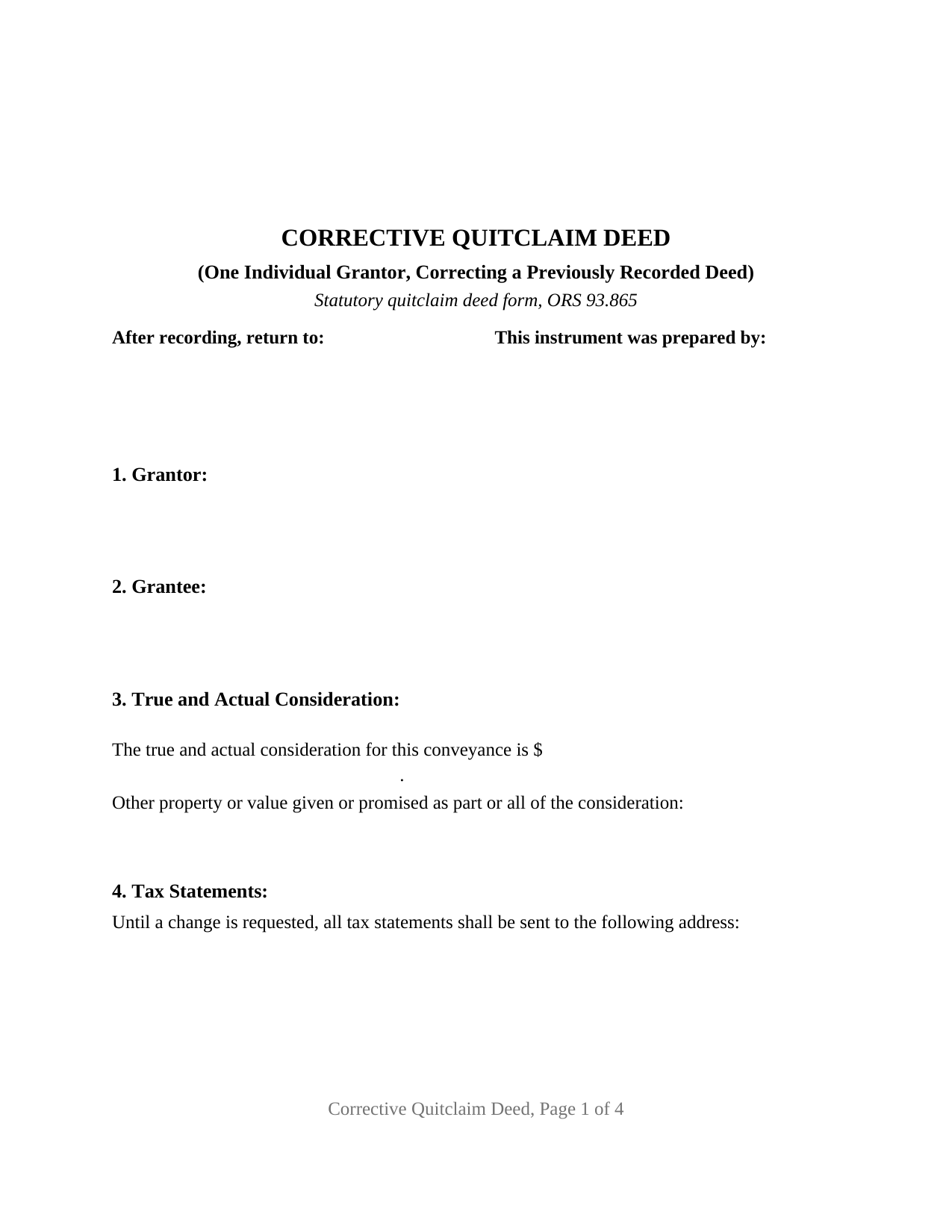
Douglas County Quitclaim Deed (Corrective) Form
Fill in the blank Quitclaim Deed (Corrective) form formatted to comply with all Oregon recording and content requirements.
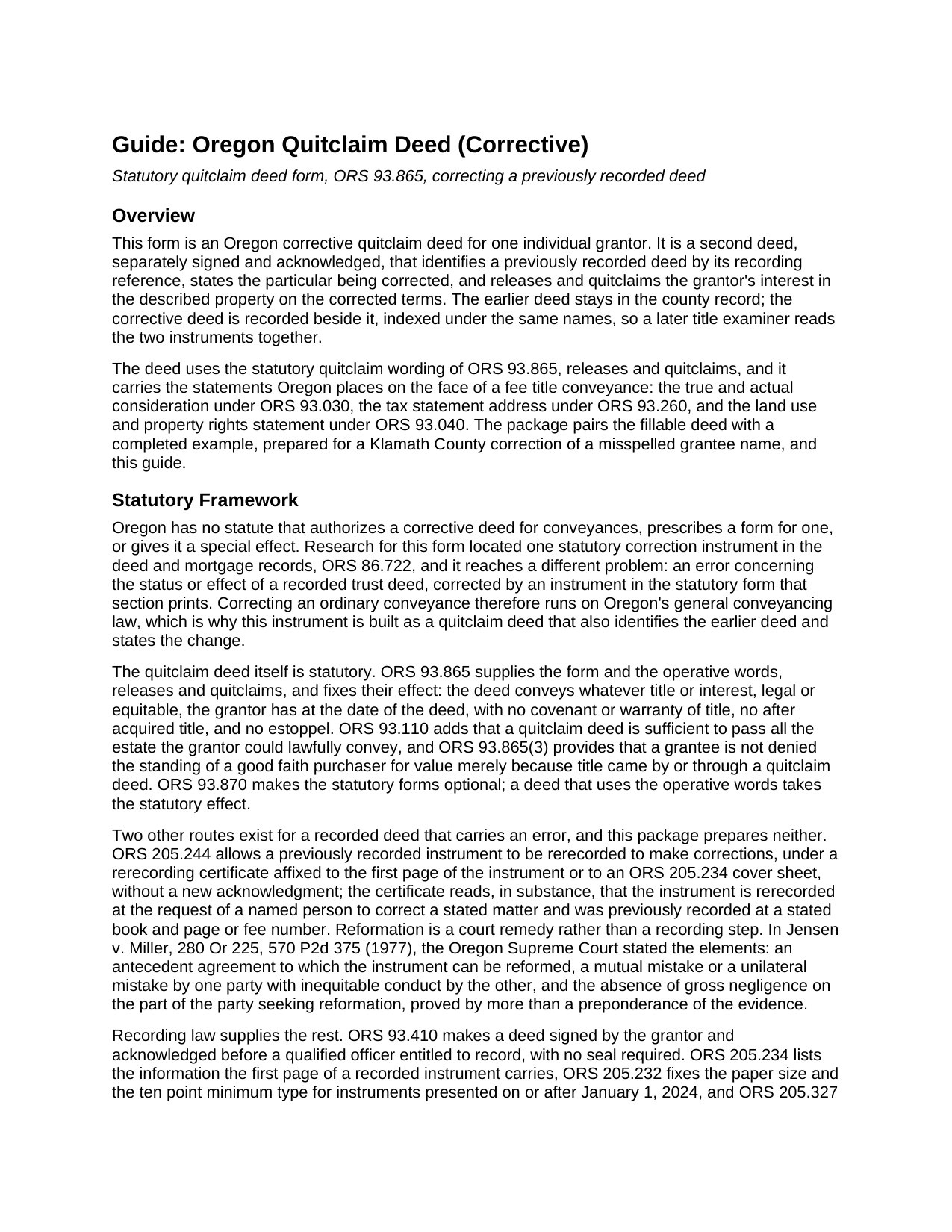
Douglas County Quitclaim Deed (Corrective) Guide
Line by line guide explaining every blank on the Quitclaim Deed (Corrective) form.
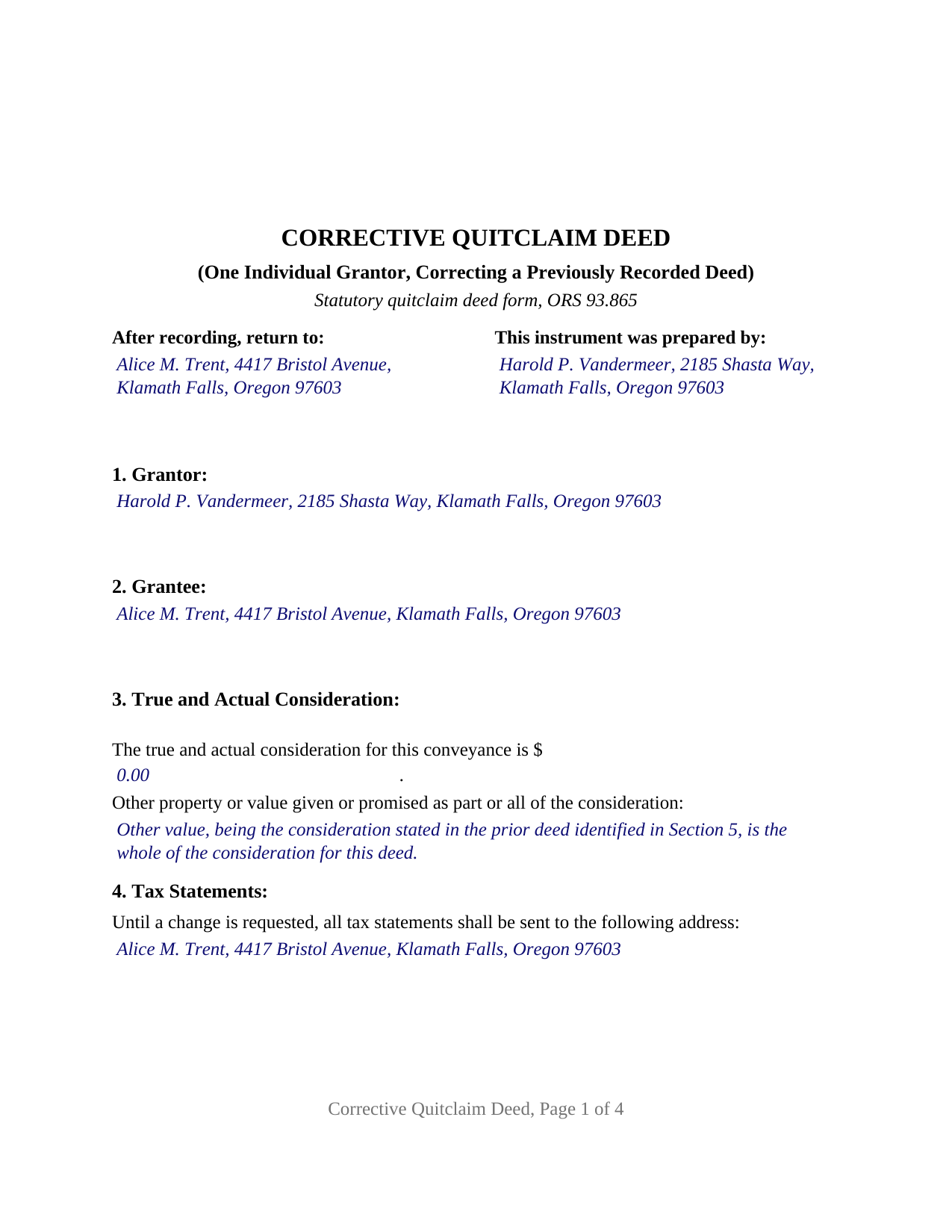
Douglas County Completed Example of the Quitclaim Deed (Corrective) Document
Example of a properly completed Oregon Quitclaim Deed (Corrective) document for reference.
All 3 documents above included • One-time purchase • No recurring fees
Immediate Download • Secure Checkout
Additional Oregon and Douglas County documents included at no extra charge:
Where to Record Your Documents
County Clerk: Recording Division
Roseburg, Oregon 97470
Hours: 9:00 to noon & 1:00 to 4:00 Monday through Friday
Phone: (541) 440-4320
Recording Tips for Douglas County:
- Bring your driver's license or state-issued photo ID
- Ensure all signatures are in blue or black ink
- Documents must be on 8.5 x 11 inch white paper
- Double-check legal descriptions match your existing deed
- Verify all names are spelled correctly before recording
Cities and Jurisdictions in Douglas County
Properties in any of these areas use Douglas County forms:
- Azalea
- Camas Valley
- Canyonville
- Days Creek
- Dillard
- Drain
- Elkton
- Gardiner
- Glendale
- Glide
- Idleyld Park
- Myrtle Creek
- Oakland
- Reedsport
- Riddle
- Roseburg
- Scottsburg
- Sutherlin
- Tenmile
- Tiller
- Umpqua
- Wilbur
- Winchester
- Winston
- Yoncalla
Hours, fees, requirements, and more for Douglas County
How do I get my forms?
Forms are available for immediate download after payment. The Douglas County forms will be in your account ready to download to your computer. An account is created for you during checkout if you don't have one. Forms are NOT emailed.
Are these forms guaranteed to be recordable in Douglas County?
Yes. Our form blanks are guaranteed to meet or exceed the applicable formatting requirements used for recording in Douglas County, including margin requirements, font requirements, and other layout standards. This guarantee applies to formatting, not to the legal sufficiency of information entered by the user or the suitability of a form for a particular transaction.
Can I reuse these forms?
Yes. You can reuse the forms for your personal use. For example, if you have multiple properties in Douglas County you only need to order once.
What do I need to use these forms?
The forms are PDFs that you fill out on your computer. The free Adobe Acrobat Reader is recommended, and most PDF apps also work. You do NOT enter your property information online - you download the blank forms and complete them privately on your own computer.
Are there any recurring fees?
No. This is a one-time purchase. Nothing to cancel, no memberships, no recurring fees.
How much does it cost to record in Douglas County?
Recording fees in Douglas County vary. Contact the recorder's office at (541) 440-4320 for current fees.
Questions answered? Let's get started!
Oregon's records keep both deeds. A correction deed never lifts the earlier instrument out of the county index; it is a second deed, separately signed and separately acknowledged, that names the first one by its recording reference, states the particular being corrected, and releases the grantor's interest on the corrected terms. This corrective quitclaim deed is drawn for one individual grantor around Oregon's statutory quitclaim wording.
Two deeds, read together
Everything follows from that. A later title examiner finds both instruments indexed under the same names and the same property, so the worth of the second lies in how precisely it points backward. Section 5 identifies the earlier deed by title, date, county of recording, date of recording, and its instrument, fee, or book and page reference. Section 6 carries the correction in two parts, the statement as the earlier deed records it and the statement as corrected, so the pair reads without guesswork.
Oregon has no correction deed statute
Research for this form located no provision of the Oregon Revised Statutes that authorizes a corrective deed for conveyances, prescribes a form for one, or gives it a special effect. The single statutory correction instrument in the deed and mortgage records is ORS 86.722, reaching an error in the status or effect of a recorded trust deed. Correcting an ordinary conveyance therefore runs on general Oregon conveyancing law, which is why this instrument is built as a quitclaim deed that also identifies the earlier deed and states the change.
Two other routes exist for a deed gone wrong. ORS 205.244 allows a previously recorded instrument to be rerecorded to make corrections, under a rerecording certificate affixed to the first page or to an ORS 205.234(2) cover sheet, with no fresh acknowledgment; that certificate and cover sheet are prepared separately and are not part of this package. Reformation is the other, a court remedy and not a recording step, which Jensen v. Miller, 280 Or 225, 570 P2d 375 (1977), conditions on an antecedent agreement, a qualifying mistake, and no gross negligence.
What the corrective configuration recites
The form recites one individual grantor, the person who signed the earlier deed, signing personally, and one grantee, named as that deed named the grantee. The signature section carries a single signature line with printed name and date, then a single acknowledgment certificate in the ORS 194.285 short form. A grantee's surname misspelled in the recorded text, a plat reference copied incompletely from an older instrument, and a lot or block number transposed by a scrivener's error all present the single grantor pattern this deed recites. The form is not set up for two grantors, a company officer, a trustee, or an agent under a power of attorney, each of which states a different capacity and takes different certificate wording.
How far a second quit claim deed reaches
ORS 93.865(2) measures the operative words against what the grantor holds on the date of the correction, not the date of the deed being corrected. Whatever interest the grantor still holds passes, a later acquisition does not follow it, no estoppel arises, and no title covenant is given. That measure bites here as it does not elsewhere: where a corrected description reaches ground the earlier deed never described, this deed works as a present conveyance of what the grantor still holds there, and a grantor who has parted with everything conveys nothing. Interests recorded between the two deeds keep the priority ORS 93.640 gives them.
Face statements, then the same county counter
An Oregon fee title conveyance carries a dollar figure under ORS 93.030, with the statutory line for other property or value that a correction passing no new money commonly uses, the ORS 93.260 sentence directing tax statements, and the ORS 93.040 land use statement in capitals. The ORS 205.234 first page items sit under a two inch band held clear for the recording label. Filing goes to the clerk of the county that already holds the earlier deed. Charges are county figures, several reset on July 1, 2026 after 2025 legislation lifted the cap on the Public Land Corner Preservation fee, and the grandfathered Washington County transfer tax publishes exemption categories that include re-recording of documents.
The download holds the fillable corrective deed, a completed example prepared for a Klamath County correction of a misnamed grantee, and a plain language guide covering every numbered section, the certificate, and the recording steps. These materials describe Oregon law in general terms and are not legal advice.
Important: Your property must be located in Douglas County to use these forms. Documents should be recorded at the county recording office listed above.
This Quitclaim Deed (Corrective) meets all recording requirements specific to Douglas County.
Our Promise
The documents you receive here are guaranteed to meet or exceed the applicable Douglas County recording format requirements. If there is a rejection caused by our formatting, we will correct the issue or refund your payment. This guarantee applies to document formatting only and does not extend to information entered by the user, the selection of the form, or the legal effect of the completed document.
Save Time and Money
Get your Douglas County Quitclaim Deed (Corrective) form done right the first time with Deeds.com Uniform Conveyancing Blanks. At Deeds.com, we understand that your time and money are valuable resources, and we don't want you to face a penalty fee or rejection imposed by a county recorder for submitting nonstandard documents. We constantly review and update our forms to meet rapidly changing state and county recording requirements for roughly 3,500 counties and local jurisdictions.
4.8 out of 5 - ( 4,839 Reviews )
Terralynn J. 5 out of 5 stars
I was very pleased to find ONLINE, Deed Revision Document(s) and their explanation. I ordered these document Forms, downloaded them and Printed them. Now, I will be able to fill them out in the privacy of my home. Instructions were also included, how to file this new Deed, after I complete it and have it Notarized. This has saved me time and emotional stress following the death of my husband. THANK YOU.
We appreciate your business and value your feedback. Thank you. Have a wonderful day!
STEVEN J. 5 out of 5 stars
Great , easy to use.
We appreciate your business and value your feedback. Thank you. Have a wonderful day!
Greg F. 5 out of 5 stars
Sorry that this a little late. I'm VERY HAPPY with everything. The deeds paperwork was just what I was looking for. It was very to fill out, it was different than n the folks used years ago. I called the county clerk, and they were very helpful. Thank you for the paperwork it was easy to use and understand.
Thank you for your feedback. We really appreciate it. Have a great day!
Dianne C. 5 out of 5 stars
Love it
Thank you!
Flordeliza R. 5 out of 5 stars
Once I was able to get my scanner working and provide good quality scans, the turnaround was quick and my documents were recorded and returned to me the same day with the Recorder's Stamp for download. Deeds.com staff was able to guide me to make sure my package was complete. Thank you!
We appreciate your business and value your feedback. Thank you. Have a wonderful day!
Ronald W. 5 out of 5 stars
User friendly, but couldn't find the information needed.
Thank you for your feedback. We really appreciate it. Have a great day!
William M. 5 out of 5 stars
I got what I needed and did exactly what I needed. All legal and no hassle. Thanks Deeds.com, you made the job much easier.
Thank you!
James V. 5 out of 5 stars
Easy, quick and very proficient. I am glad I used Deeds.
Thank you!
JoAnn L. 5 out of 5 stars
The process was easy, and efficient. There was a person available to help if needed. Very pleased, would use this again.
Thank you!
Lester A. 5 out of 5 stars
Couldnt have been easier. Docs recorded the next day!
Thanks Lester, glad we could help.
Marsella F. 5 out of 5 stars
Thank you so much!! This is a fantastic tool!! Marsella F.
Thank you for your feedback. We really appreciate it. Have a great day!
Kathy B. 4 out of 5 stars
Works easy enough and good directions on the form, however no help when I got locked out. Had to do a completely new account name and email address.
Thank you!
Karen C. 4 out of 5 stars
Legal documents that served the purpose nothing too exciting.
Thank you Karen. Have a great day!
Randal R. 5 out of 5 stars
While disappointed that my request could not be filled, I understand the issue, and appreciate the attempt and the responsiveness. I certainly will be back if the occasion arises!
Thank you!
Ma Luisa R. 5 out of 5 stars
Great service and fast
We appreciate your business and value your feedback. Thank you. Have a wonderful day!