Douglas County Quitclaim Deed (Two Grantors) Form
Last validated October 9, 2026 by our Forms Development TeamFormatted for recording in Douglas County, for property anywhere in the county: rural and unincorporated areas as well as Azalea, Camas Valley, Canyonville, Days Creek, Dillard, Drain, Elkton, Gardiner and 17 more.
- 3 documents included
- Immediate PDF download
- Formatting guarantee
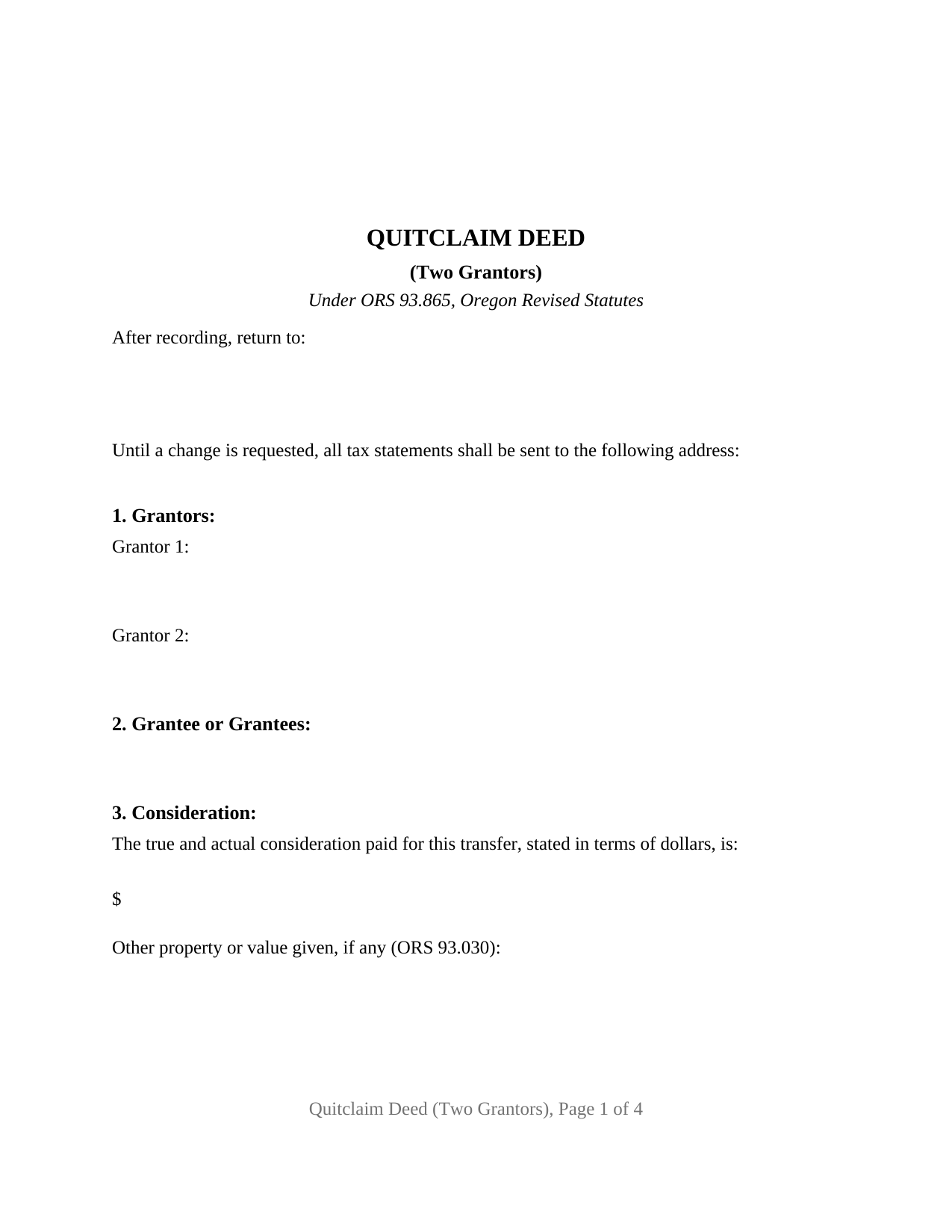
Douglas County Quitclaim Deed (Two Grantors) Form
Fill in the blank Quitclaim Deed (Two Grantors) form formatted to comply with all Oregon recording and content requirements.
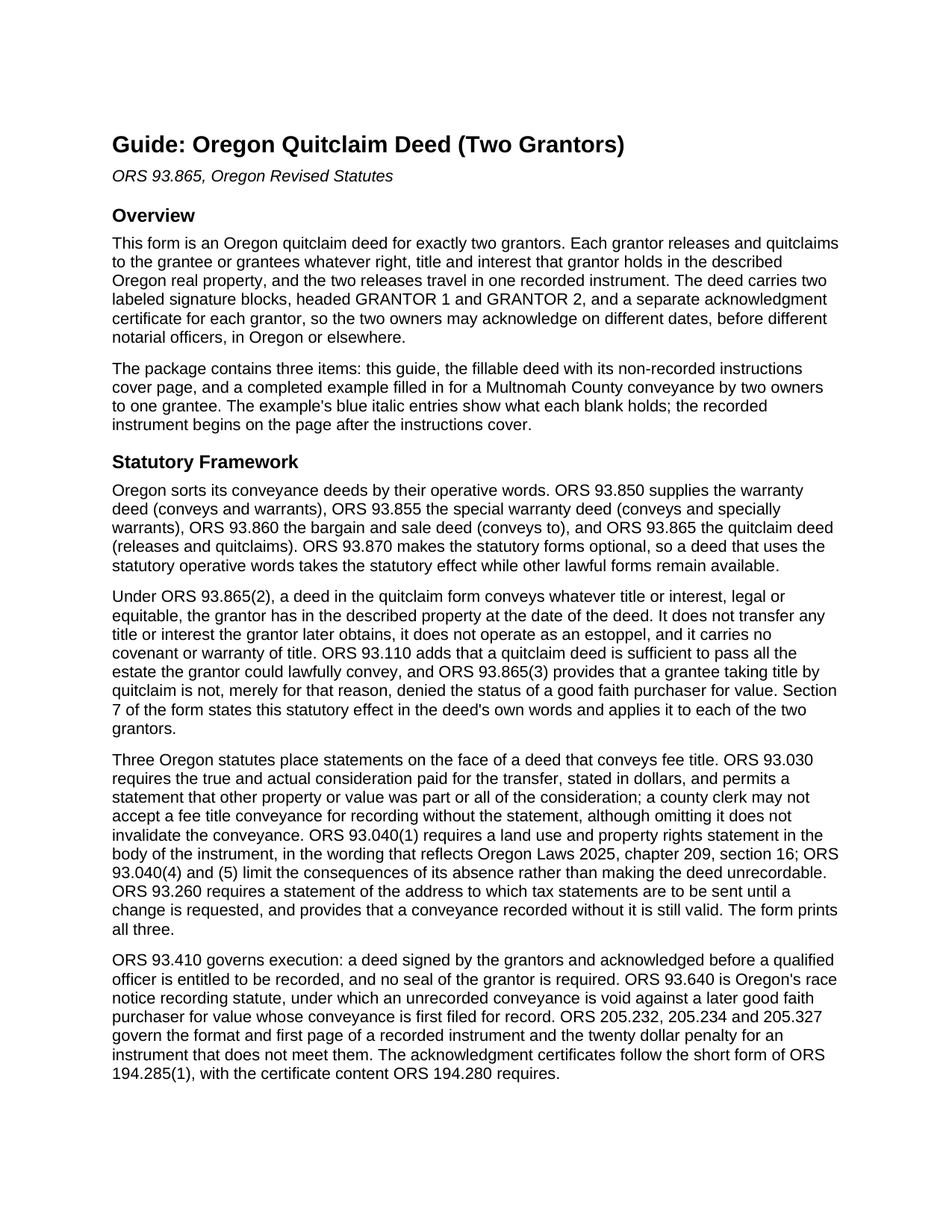
Douglas County Quitclaim Deed (Two Grantors) Guide
Line by line guide explaining every blank on the Quitclaim Deed (Two Grantors) form.
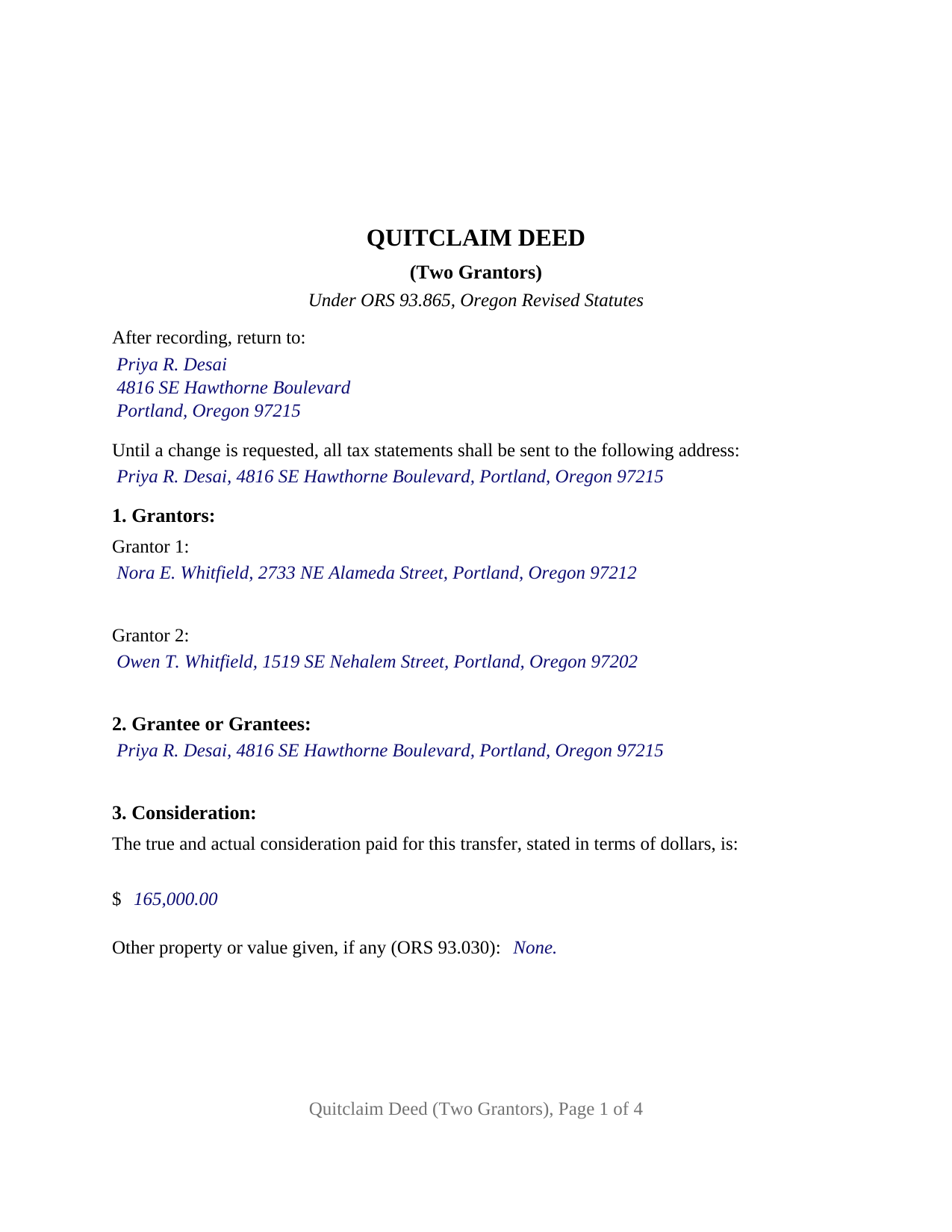
Douglas County Completed Example of the Quitclaim Deed (Two Grantors) Document
Example of a properly completed Oregon Quitclaim Deed (Two Grantors) document for reference.
All 3 documents above included • One-time purchase • No recurring fees
Immediate Download • Secure Checkout
Additional Oregon and Douglas County documents included at no extra charge:
Where to Record Your Documents
County Clerk: Recording Division
Roseburg, Oregon 97470
Hours: 9:00 to noon & 1:00 to 4:00 Monday through Friday
Phone: (541) 440-4320
Recording Tips for Douglas County:
- Bring your driver's license or state-issued photo ID
- Ensure all signatures are in blue or black ink
- Ask for certified copies if you need them for other transactions
- Ask if they accept credit cards - many offices are cash/check only
- Check that your notary's commission hasn't expired
Cities and Jurisdictions in Douglas County
Properties in any of these areas use Douglas County forms:
- Azalea
- Camas Valley
- Canyonville
- Days Creek
- Dillard
- Drain
- Elkton
- Gardiner
- Glendale
- Glide
- Idleyld Park
- Myrtle Creek
- Oakland
- Reedsport
- Riddle
- Roseburg
- Scottsburg
- Sutherlin
- Tenmile
- Tiller
- Umpqua
- Wilbur
- Winchester
- Winston
- Yoncalla
Hours, fees, requirements, and more for Douglas County
How do I get my forms?
Forms are available for immediate download after payment. The Douglas County forms will be in your account ready to download to your computer. An account is created for you during checkout if you don't have one. Forms are NOT emailed.
Are these forms guaranteed to be recordable in Douglas County?
Yes. Our form blanks are guaranteed to meet or exceed the applicable formatting requirements used for recording in Douglas County, including margin requirements, font requirements, and other layout standards. This guarantee applies to formatting, not to the legal sufficiency of information entered by the user or the suitability of a form for a particular transaction.
Can I reuse these forms?
Yes. You can reuse the forms for your personal use. For example, if you have multiple properties in Douglas County you only need to order once.
What do I need to use these forms?
The forms are PDFs that you fill out on your computer. The free Adobe Acrobat Reader is recommended, and most PDF apps also work. You do NOT enter your property information online - you download the blank forms and complete them privately on your own computer.
Are there any recurring fees?
No. This is a one-time purchase. Nothing to cancel, no memberships, no recurring fees.
How much does it cost to record in Douglas County?
Recording fees in Douglas County vary. Contact the recorder's office at (541) 440-4320 for current fees.
Questions answered? Let's get started!
One Oregon quitclaim deed can carry two grantors: each owner releases whatever interest that owner holds in the property, the two releases travel in a single instrument, and the grantee takes both interests in one recording. This form prepares the two-grantor quitclaim deed under ORS 93.865 for Oregon real property, with a fillable PDF, a completed example, and a plain language guide.
Two releases in one instrument
The statutory quitclaim form at ORS 93.865, often typed as a quit claim deed, works through its operative words, releases and quitclaims, and this deed applies them for each of two grantors. What passes is exactly what each grantor holds at the date of the deed, legal or equitable, and nothing more: the quitclaim form comes with no title covenant, no after-acquired-title effect, and no estoppel. ORS 93.110 makes a quitclaim sufficient to pass every estate a grantor could lawfully convey, so where the two grantors together hold the whole title, the whole title moves, and ORS 93.865(3) preserves the grantee's ability to qualify as a good faith purchaser for value.
Two signature lines, two certificates
The form recites exactly two grantors, each signing in a personal capacity. The signature section carries two labeled signature blocks with printed names and dates, followed by two acknowledgment certificates in the ORS 194.285 short form, one for each grantor, so the two owners may sign on different dates, before different notaries, even in different states. Two co-owners passing their combined interests to a single buyer, two relatives releasing inherited fractional shares to one family member, and a pair of title holders moving shared property off the record together present the two-owner pattern this deed recites. The form is not set up for a sole owner's release, for three or more grantors, or for a signer acting as trustee, personal representative, or entity officer; each of those follows a different signature and capacity pattern than this form carries. A spouse who holds no title adds no signature: ORS 112.685 abolished dower and curtesy, and joinder in Oregon tracks the title itself.
The face of an Oregon deed
Oregon writes three requirements onto the deed itself, and the form builds each one in. The ORS 93.030 statement gives the true and actual consideration in dollars, and the county clerk has no authority to accept a fee title deed for recording without it. The ORS 93.040 land use and property rights statement prints in the body of the deed in the wording of the current statute. The ORS 93.260 sentence names the address where property tax statements go until a change is requested. The form also puts every ORS 205.234 first page item, both grantors' names and the consideration among them, on page one beneath a two inch reserve for the county recording label.
Recording with the county clerk
The finished deed records in the Oregon county where the land lies. Under ORS 93.640, Oregon's race notice statute, an unrecorded conveyance is void as against a later good faith purchaser for value whose deed reaches the record first, which is why a delivered deed ordinarily goes to the clerk promptly after signing. Format law caps pages at 8.5 by 14 inches with a 10 point minimum type size; this form is letter size at 12 point. County schedules control the cost, and several counties adjusted recording fees on July 1, 2026 under 2025 legislation, so the current amount appears on the recording county's published schedule. Oregon collects no statewide transfer tax, and local transfer taxes are barred with one grandfathered exception, a Washington County tax of a dollar per thousand of the selling price.
The purchase includes three items and nothing more: the fillable two-grantor deed, a completed example prepared for a Multnomah County transfer by two owners, and a plain language guide covering each numbered section, both acknowledgment certificates, and the recording steps. The materials describe Oregon law in general terms and are not legal advice.
Important: Your property must be located in Douglas County to use these forms. Documents should be recorded at the county recording office listed above.
This Quitclaim Deed (Two Grantors) meets all recording requirements specific to Douglas County.
Our Promise
The documents you receive here are guaranteed to meet or exceed the applicable Douglas County recording format requirements. If there is a rejection caused by our formatting, we will correct the issue or refund your payment. This guarantee applies to document formatting only and does not extend to information entered by the user, the selection of the form, or the legal effect of the completed document.
Save Time and Money
Get your Douglas County Quitclaim Deed (Two Grantors) form done right the first time with Deeds.com Uniform Conveyancing Blanks. At Deeds.com, we understand that your time and money are valuable resources, and we don't want you to face a penalty fee or rejection imposed by a county recorder for submitting nonstandard documents. We constantly review and update our forms to meet rapidly changing state and county recording requirements for roughly 3,500 counties and local jurisdictions.
4.8 out of 5 - ( 4,829 Reviews )
Maura M. 5 out of 5 stars
Easy user friendly website
Thank you!
Grace V. 5 out of 5 stars
Easy to use
Thank you!
Karen S. 5 out of 5 stars
Excellent support! They were patient and knowledgeable.
Thank you!
Scott P. 5 out of 5 stars
The site was easy to use and find what I needed. The purchase and download were very easy.
Thank you!
Alfred D. 5 out of 5 stars
The material was very usable and site was easy to navigate. Well worth the money. If I have similar needs, I'll ber back.
Thank you for your feedback. We really appreciate it. Have a great day!
Christopher G. 2 out of 5 stars
couldn't find what I was looking for.
Thank you for your feedback Christopher, sorry to hear that you couldn't find what you were looking for. Have a wonderful day.
Scott W. 5 out of 5 stars
Quick and simple.
Thank you!
Jack B. 5 out of 5 stars
The service was fast, but I didn't learn about the results until I logged in. I would have liked to get email when the report was finished.
Thank you for your feedback. We really appreciate it. Have a great day!
william w. 5 out of 5 stars
Simple, straight forward, and easy to use.
We appreciate your business and value your feedback. Thank you. Have a wonderful day!
Kenneth R. 5 out of 5 stars
Thank you. After searching for the correct forms and instructions on my county website, and finding nothing, I was very pleased with the Pinal County, AZ, acceptable forms and instructions I was able to download at a very reasonable cost from Deeds.com.
Thank you!
Marina M. 4 out of 5 stars
Very easy to choose template and download. The price seems fair. Not sure the section on the deed for 6 witnesses is necessary....
Thank you for your feedback. We really appreciate it. Have a great day!
Candace K. 5 out of 5 stars
I was able to find the Certificate of Trust after a little searching. Once found, the remainder of the process was easy. My task was done in no time. It's a great site.
Thank you for your feedback. We really appreciate it. Have a great day!
James W. 5 out of 5 stars
It turned out that I was able to search for what I needed on the local county website, which is what your site suggested be tried. I was impressed with your honesty and practical instructions for searches your site gave. I'm pretty sure I'll be back.
Thank you for your feedback James. Glad to hear we were able to steer you in the right direction.
Yvette B. 5 out of 5 stars
Efficient
Thank you!
Michele S. 4 out of 5 stars
This is a great service if you know what youre looking for. Unfortunately it just wasnt right for me and my situation.
Thank you!